Best AI Bank Statement Generators
On this page
Financial documents are an area where strict rules and templates have traditionally reigned. But what if you need to create a realistic bank statement for application testing, an educational project, or an internal report without exposing real data? This is where AI-based tools—AI Bank Statement Generators—come into play.
In this review, we will explain what this technology is, in which cases it proves useful, and compile a ranking of the best services for 2025–2026.

What Is an AI Bank Statement Generator
An AI Bank Statement Generator is a program or web service that uses artificial intelligence (generative neural networks and templates) to create a realistic PDF document mimicking a bank statement. Such a document includes a bank header, account details, a list of transactions with dates, amounts, and operation types (deposits, withdrawals), as well as the closing balance.
How It Works
The process typically takes from a few seconds to a minute and requires no specialized knowledge.
The user enters a description of the desired statement in free form (a prompt) or fills out form fields: bank name, period, starting balance, and list of transactions. Based on the input data and built-in templates, the AI generates a structured document. Additionally, many services allow users to change logos, fonts, add signatures or charts, and export the result to PDF or DOCX.
Important Warning: All reputable developers emphasize that creating fake statements to deceive banks, lenders, or government agencies is illegal. Such actions are easily detected by modern verification systems and carry serious consequences.
What It Is Used For
The main usage scenarios fall into legal and constructive areas:
- Software and Fintech Application Testing. Developers need realistic data to test algorithm performance without the risk of exposing real accounts.
- Teaching Financial Literacy, Accounting, or Interface Design. Students and instructors gain a safe testing ground for practice.
- Business Demos and Presentations. You can show what your product’s reporting might look like without involving real clients.
- Masking Personal Data. Instead of real figures in a case study or article, a generated but visually plausible example is used.
- Preparing Internal Templates for data reconciliation or analytics.
Such tools are useful for developers, accountants, financial advisors, educators, small business owners, and UI/UX designers. However, official financial operations (submission to banks, tax authorities, visa centers) always require genuine documents.
Top 5 AI Bank Statement Generator Services
We have selected five of the most popular and functional tools based on user reviews and the current state of the market in 2025–2026.
1. UPDF – Best Overall Feature Set
Link: https://updf.com/updf-ai/
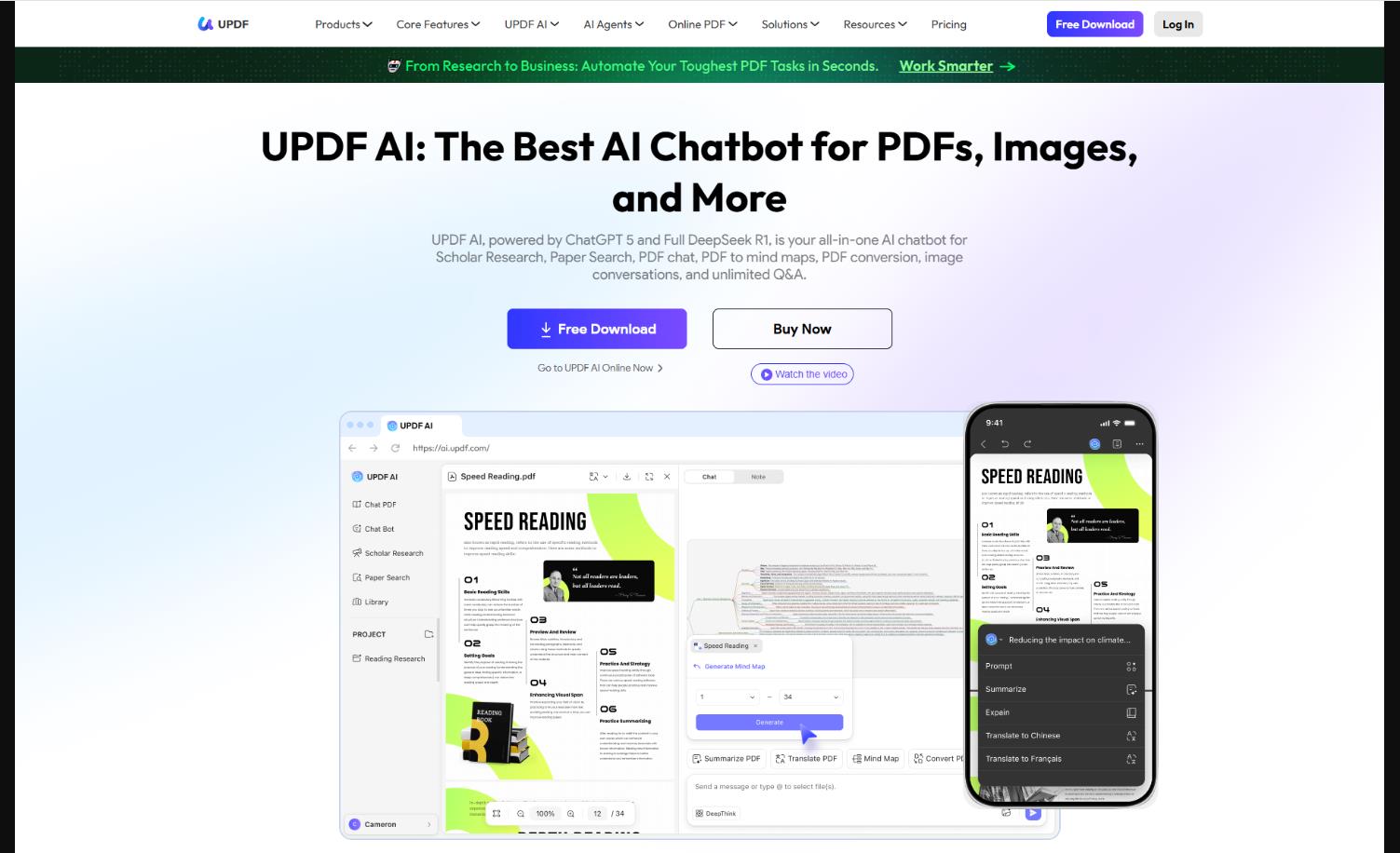
How it works. UPDF is a powerful PDF editor with a built-in AI assistant. You provide a text prompt, the AI generates the structure of the future statement, and then you can manually edit each element: text, tables, images, watermarks. It includes OCR for scanning recognition and batch processing of multiple files.
Features. High accuracy, professional templates, AI agents for adding stamps and watermarks, and the ability to work with documents of any complexity.
User reviews and ratings. On aggregators – 4.6–4.8 / 5. Users appreciate the generation accuracy and deep control over the document. They note that this is a tool “for growth,” not a one-time generator.
- Platforms. Windows, Mac, iOS, Android.
- Pricing. The free plan includes viewing, basic editing, and limited AI generation at no cost. The monthly UPDF Pro plan offers full AI access, OCR, editing, and batch processing for approximately 9 per month. A perpetual license for one platform is available for about $89.
- Versatility (replaces several utilities)
- Excellent output quality
- Cross-platform capability
- Offline functionality in the desktop version
- Full functionality requires installation on a computer or device
- Free version is significantly limited
2. Template.net – Best Free and Fast Option
Link: https://www.template.net/ai-bank-statement-generator
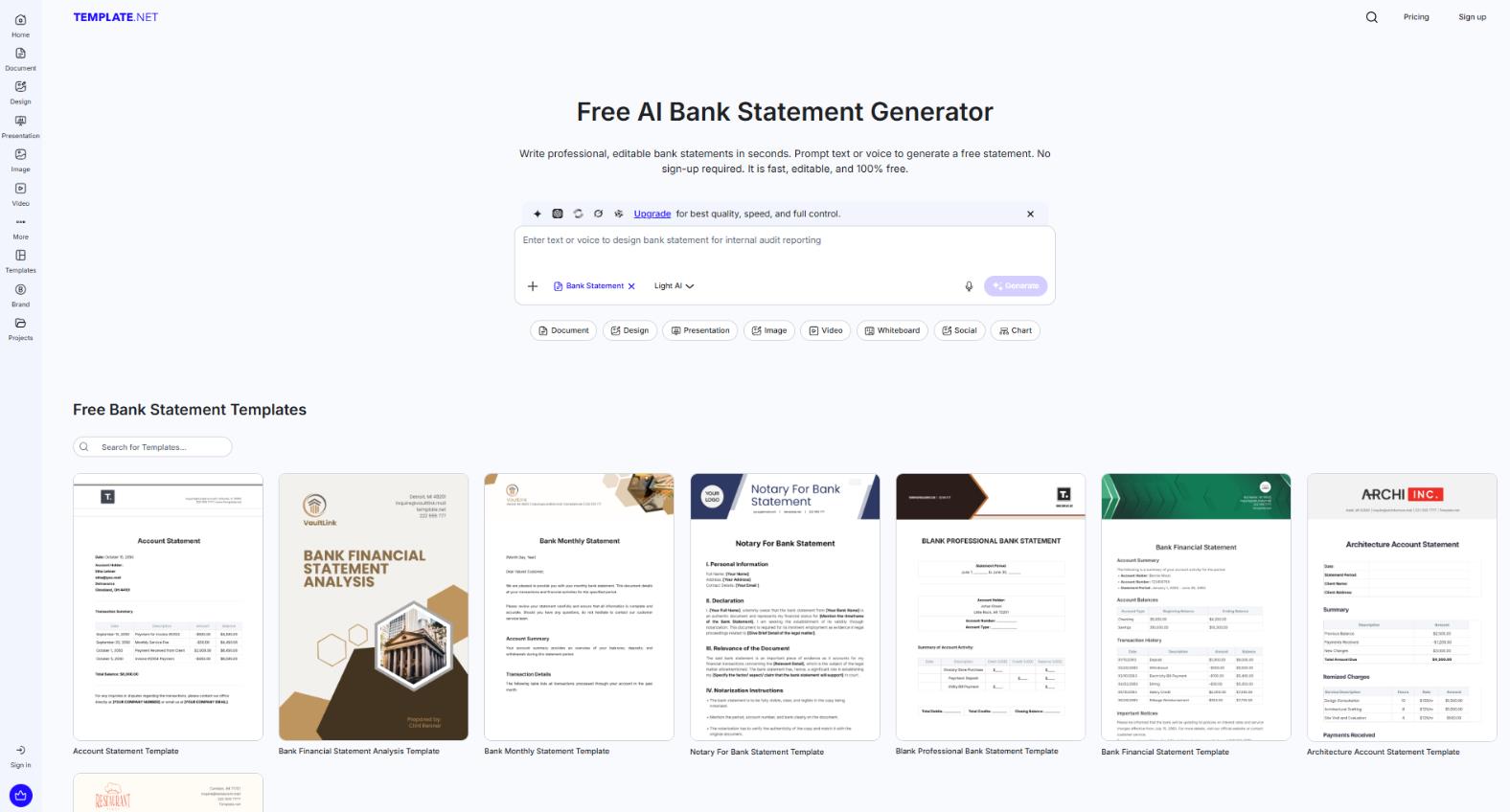
How it works. You go to the website, select the statement type (personal, business, reconciliation), and enter a prompt via text or voice (20+ languages supported). The AI generates a document with a transaction table, charts, and signatures. Branding editing and export to PDF, DOCX, or Google Docs are available. Free documents may appear slightly less realistic upon close inspection; premium quality requires the Pro version.
Features. Completely free basic functionality, smart formatting, grammar checking, and collaboration features (working on a document together).
User reviews and ratings. 4.5 / 5. Users praise the speed, lack of registration requirements, and professional appearance of the result. The downsides relate to limitations of the free version.
- Platforms. Web, any browser. No registration required.
- Pricing. The Free tier includes AI generation, export, and up to three documents per day at no cost. The Pro tier, focused on speed and quality, offers unlimited documents, priority generation, and removal of watermarks for $9.99 per month.
- Instant start
- Voice input
- Excellent customization
- Multilingual support
-
Realism may suffer in the free version
3. WriteCream – For Quick Demos and Educational Tasks
Link: https://www.writecream.com/bank-statement-generator/
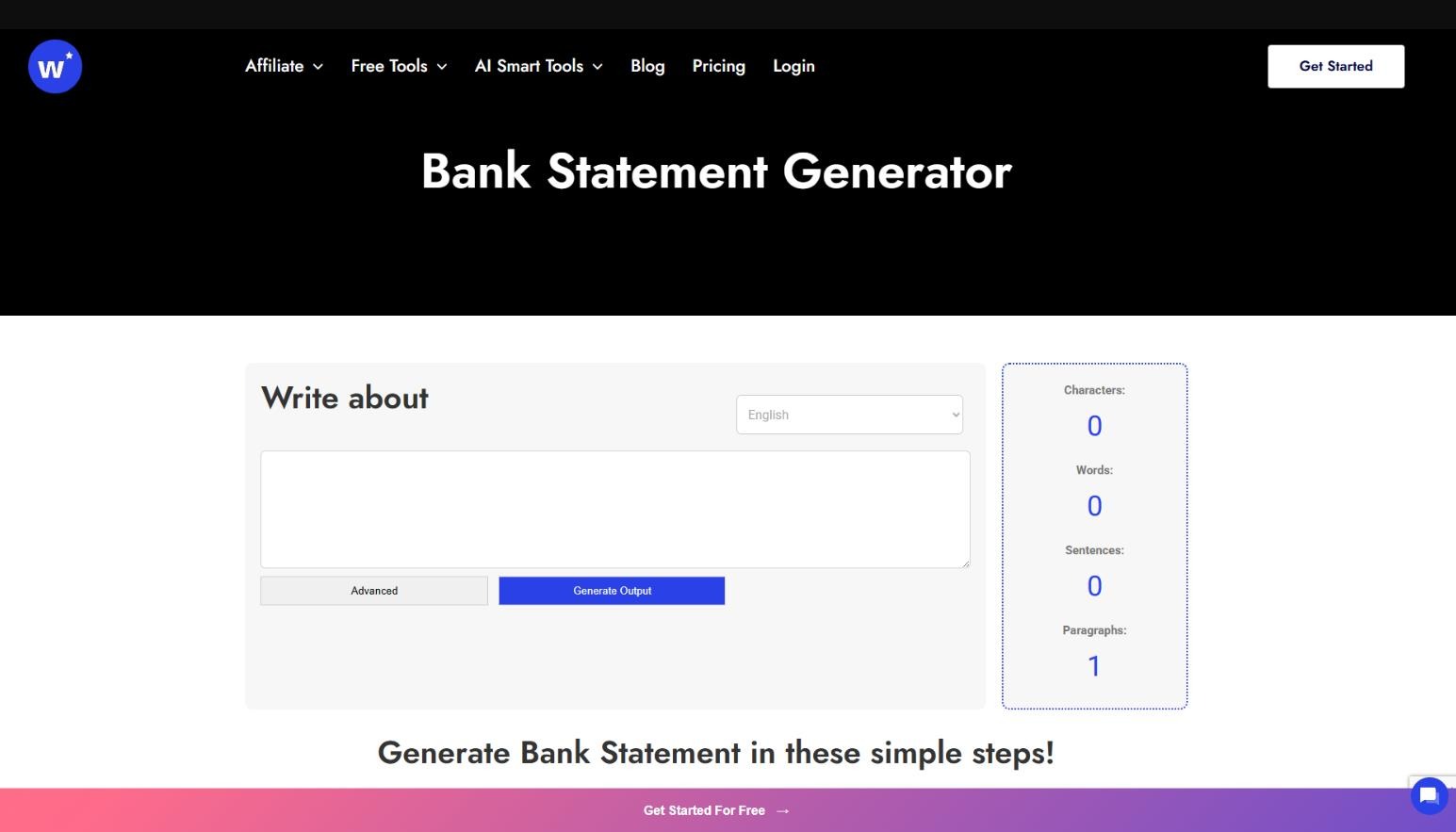
How it works. A very simple interface: you fill out a form—bank name, account details, list of transactions with dates and amounts, and select a currency. You click a button and receive a PDF. No complex prompts or settings.
Features. Focus on educational and demonstration purposes. Ready-made templates for different statement types, support for custom logos.
User reviews and ratings. 4.2 / 5. Users call it ideal for “quick mockups” and student projects. They note the honest approach and the absence of attempts to sell a paid subscription.
- Platforms. Web, does not require login.
- Pricing. 100% free, with no hidden limits or registration requirements.
- Extremely simple
- Instant results
- Suitable for 90% of educational scenarios
- Minimal AI involvement (essentially a nice template engine)
- Limited customization compared to premium services
4. Proofofstatement.com – For Income Verification Scenarios
Link: https://proofofstatement.com/generate-your-bank-statements-with-ai-in-minutes/
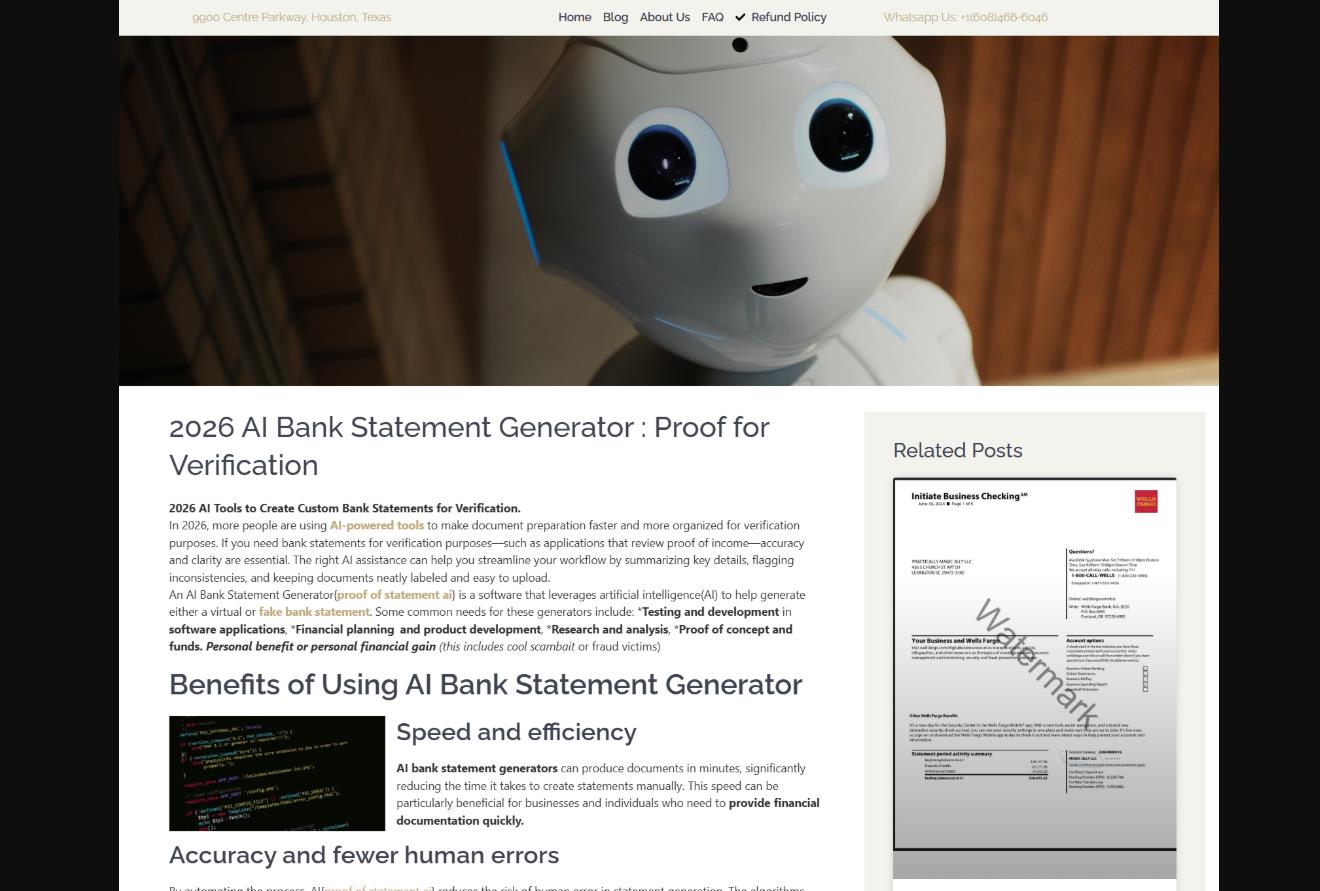
How it works. The service positions itself as an AI generator of statements and pay stubs for use when renting housing or obtaining a small loan. The user selects a bank template, enters transaction data, and the desired balance.
Features. Focus on document-like realism, ability to edit an already generated statement, fast generation.
User reviews and ratings. Mixed – 3.5 / 5. Some praise its speed in real-life situations (e.g., informal checks of payment ability during rental applications). Others warn about legal risks if the document is used for official purposes.
- Platforms. Web.
- Pricing. The service is paid. Pricing starts at $19.99 per document. A refund guarantee is offered, but details are only published on the service’s website after registration.
- Good realism for superficial checks
- Convenient for private situations
- Serious legal concerns
- Virtually no educational focus
- High price per file
5. PDFSimpli – A Simple Online Editor with AI Elements
Link: https://pdfsimpli.com/
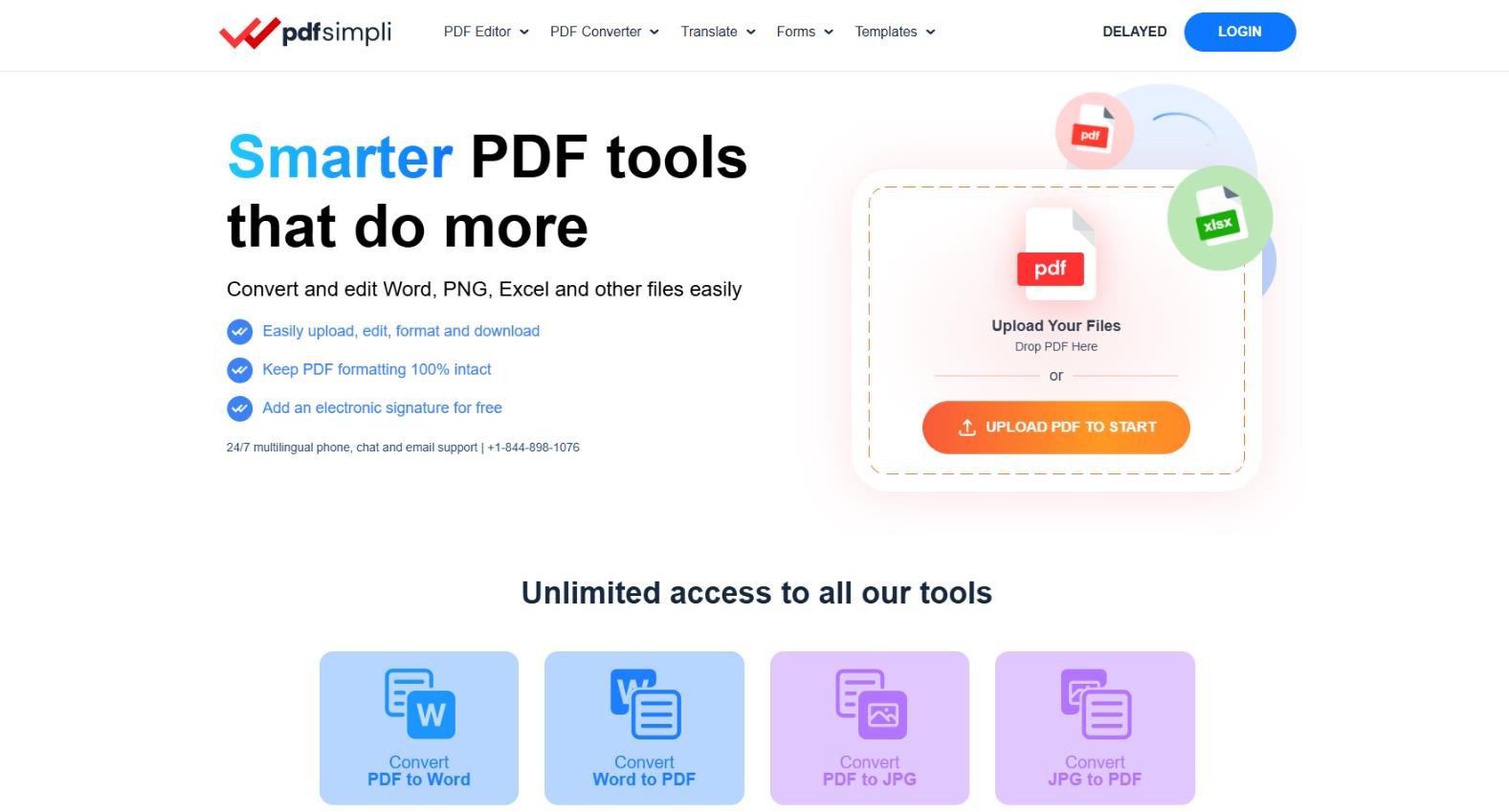
How it works. A basic PDF editor capable of editing existing statement templates: filling fields, adding transactions, placing signatures. AI helps format tables and align data. It does not generate a document from scratch via a prompt.
Features. Suitable for beginners who want to quickly modify a ready-made statement rather than fully creating one with AI.
User reviews and ratings. 4.0 / 5. Users find it convenient for occasional edits, but for regular generation, they recommend other services.
- Platforms. Web, mobile devices.
- Pricing. The Free plan includes a limited number of actions and a watermark at no cost. The Plus plan removes watermarks and provides all editing tools for $9.99 per month.
- Ease of entry
- Online without installation
- Good form integration
- Less “pure” AI generation
- Significant manual work with transactions.
Comparison Table of Services
|
Service |
Generation Type |
Pricing |
Best For |
Realism |
Main Drawback |
|
UPDF |
Powerful AI + manual editing |
Freemium, from $6/month |
Professional work |
High |
Requires installation |
|
Template.net |
AI via prompt or voice |
Free + Pro $9.99/month |
Fast free generation |
High (in Pro) |
Free version limits |
|
WriteCream |
Form + AI template |
Free |
Demos and education |
Medium |
Limited functionality |
|
Proofofstatement.com |
AI + templates |
Paid (from $20/document) |
Unofficial income proof |
High |
Legal risks |
|
PDFSimpli |
Editing with AI |
Freemium, from $9.99/month |
Simple online edits |
Medium |
Requires manual work |
Conclusion
AI Bank Statement Generators are a practical and convenient tool when you need to quickly obtain a plausible financial document for legal purposes: from development and education to interface design and internal analytics. The technology continues to evolve, and by 2026, we can expect even tighter integration with financial analytics and chart generation.
How to choose? If you need maximum control and professional quality, go with UPDF. For fast, free generation, Template.net is ideal. WriteCream works well for students and educational projects. Services like Proofofstatement.com require extra caution due to legal risks.
And most importantly: always use these tools ethically and transparently. Artificial intelligence is a great assistant, but attempting to forge official documents is easily uncovered by modern verification systems and carries legal liability.
❓ Frequently Asked Questions
Answers to relevant questions about this AI tool