Best Prompt Generators for AI Video in 2026
On this page
On April 26, 2026, OpenAI officially discontinued support for the Sora app, and this September, it will shut down the API as well. Yet demand for high-quality AI-generated video is not merely holding steady; it has multiplied. In 2026, the AI video market is firmly held by new leaders: Kling AI 3.0, Google Veo 3.1, Runway Gen-4.5, Luma Ray 3, and others. They offer incredible realism, native audio, and genuine cinematic control.
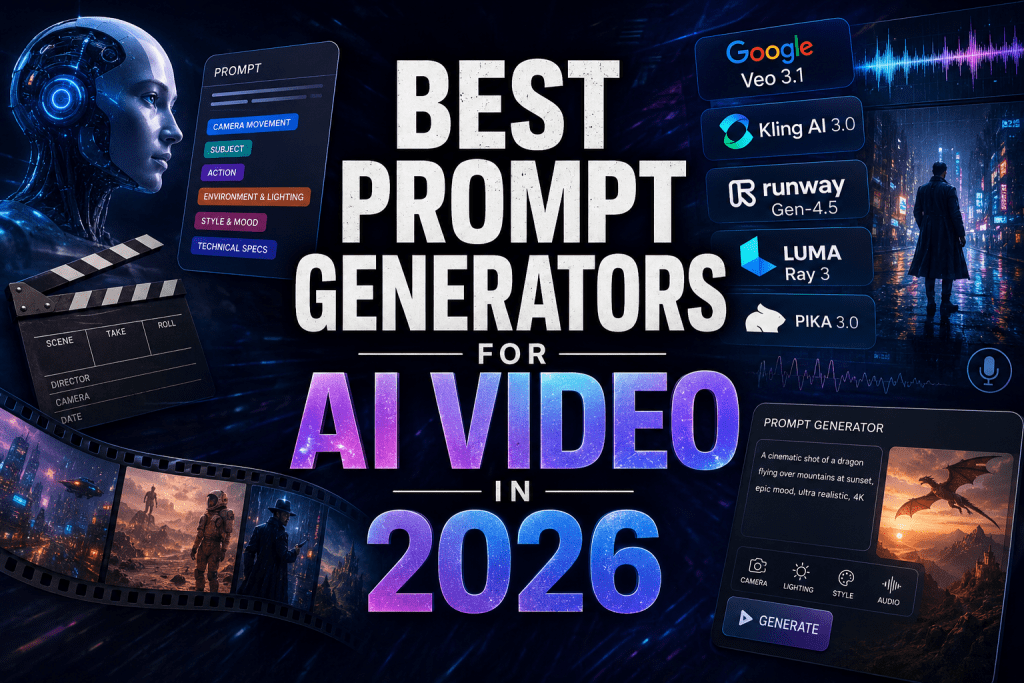
But even the most powerful models are useless without the right prompt. This article is a complete guide to the best prompt generators and techniques for text-to-video and image-to-video. You will learn how to write killer prompts, which tools can help automate this process, and how to squeeze the maximum out of the top models of 2026.
Top AI Video Generators of 2026: A Quick Comparison
Before we dive into the art of prompt engineering, let’s briefly recall the main Sora alternatives that now define the AI video landscape. We’ve covered the best video generators on our site many times — but here’s a quick refresher on the key players in 2026.
|
Strengths |
Best For |
Pricing (approx.) |
Prompt Tips |
|
|---|---|---|---|---|
|
Google Veo 3.1 |
Realism, native audio, prompt adherence |
Cinematic, narrative videos |
Via Gemini / paid subscription |
Use detailed cinematic terminology |
|
Kling AI 3.0 |
Character consistency, motion quality, value |
Storytelling, long clips |
Affordable tiers (free available) |
Use multi-shot scenarios and Elements 3.0 |
|
Runway Gen-4.5 |
Editing tools, camera control |
Filmmakers, ads |
High price segment |
Work with Motion Brush and director mode |
|
Luma Ray 3 |
Environmental realism, image-to-video |
Atmospheric scenes, landscapes |
Mid-range (trial available) |
Add strong dynamic descriptions |
|
Pika 3.0 |
Generation speed, social features |
Short-form content, memes |
Free tier (limitations) |
Simplify prompts, focus on action |
|
Seedance |
Creative transitions, stylization |
Art video, experimental scenes |
Free / Freemium |
Experiment with unconventional metaphors |
|
Hailuo AI |
Render quality on low budget |
Entry level, testing |
Very affordable |
Use ready-made templates |
Why Prompt Quality Matters More Than Ever
Modern AI models understand complex instructions very well. But without clear structure, the result remains unpredictable. A good prompt in 2026 is not just a description of a scene but it is precise control over motion, lighting, character consistency, and sound. A mistake of two words can turn a dramatic dragon flight into chaotic sprite twitching.
The key rule: the more specific the prompt, the higher the adherence (faithfulness to the original intent).
How to Write Effective AI Video Prompts in 2026: Template and Examples
A universal video prompt structure (works for all top models):
[Camera movement] + [Subject] + [Action + Motion] + [Environment & Lighting] + [Style & Mood] + [Technical specs]
Example 1. Basic → Optimized for Kling/Veo
❌ A cat running in the park
✅ A smooth tracking shot follows a fluffy orange tabby cat sprinting dynamically through a sunlit autumn park. Leaves swirl in the wind. Golden hour lighting, cinematic 4K, realistic physics, 8-second duration, high detail fur and motion blur effect.
Example 2. Cinematic prompt for Runway Gen-4.5
Dolly zoom on a mysterious detective in a pouring rain on a neon-lit cyberpunk street. Reflections on wet asphalt. Dramatic side lighting, film grain, 35mm lens. Sync dialogue with character lip movement (audio cues on).
Advanced elements (where supported)
- Weights (cat:1.4) — if the model supports token weighting.
- Negative prompts: “no morphing, no extra limbs, no flicker.”
- Reference image — upload a sketch or photo for precise matching.
- Audio cues: “sync dialogue with lip movement,” “footsteps on gravel.”
Best Prompt Generators for AI Video in 2026
You might be surprised, but decent prompt generators for video are probably already in your possession. They are ordinary chatbots like ChatGPT, Claude, or Grok provided you know how to configure them.
The basic versions of large language models handle the task “write a prompt for Kling AI” perfectly well if you give them a few examples and clear instructions. But the real breakthrough is custom GPTs trained on the official documentation of Kling, Runway, and Veo.
Grok from xAI, unlike its competitors, allows NSFW content generation, making it unique for adult or experimental projects. Claude, for its part, is renowned for its attention to detail and ability to maintain complex context.
Nevertheless, specialized tools based on specially fine-tuned AI accelerate the process by 5–10 times and improve result quality. We have selected the top solutions available in 2026 for you:
1. PromptPerfect
Official site: https://promptperfect.jina.ai/
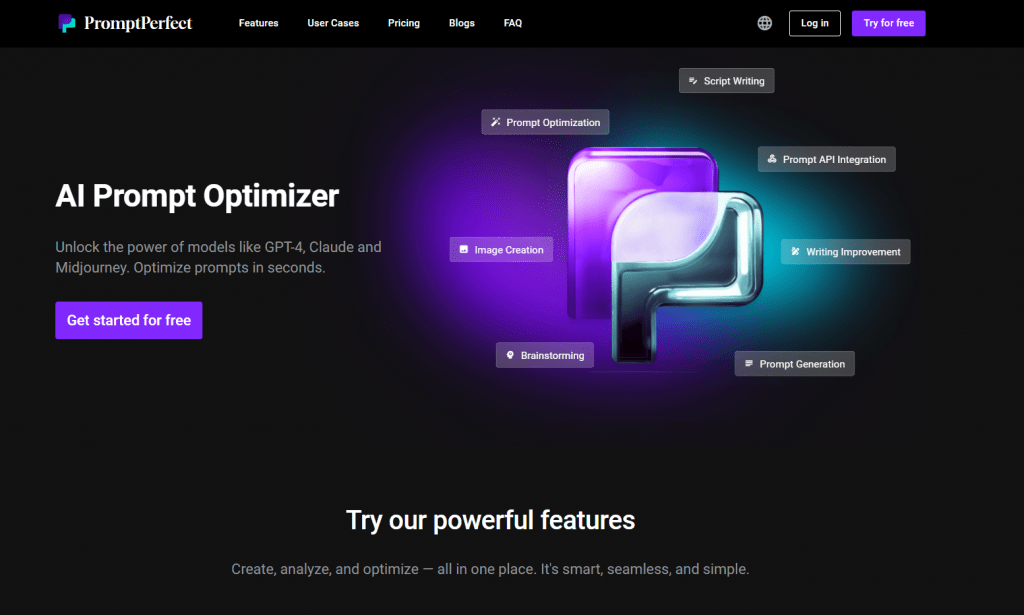
PromptPerfect is a platform that positions itself as a prompt engineer in a box. It generates the text and analyzes your “raw” request and transforms it into a structured instruction optimized for a specific model, whether Kling AI, Runway, or Veo.
PromptPerfect “understands” the peculiarities of different neural networks. The same prompt can work brilliantly in Runway but fail in Kling and vice versa. The service automatically adjusts phrasing, adds necessary parameters (camera movement, physics, temporal instructions), and even suggests weight options for key scene elements.
In practice, PromptPerfect is most useful for those working on a commercial basis: advertising agencies, video production houses, and content creators who need predictable results. The service reduces the number of iterations and saves hours typically spent on manual prompt testing.
Features:
- Automatic prompt optimization for 10+ video models
- API for integration into workflows
- Support for token weighting and negative prompts
- Multilingual interface
Pricing:
- Free tier: 20 optimizations per month
- Pro: $20/month — 500 optimizations
- Pro+: $100/month — 3,000 optimizations + API
- High optimization quality, especially for complex scenarios.
- API allows embedding the tool into existing pipelines.
- Supports most relevant video models of 2026.
- Some users note a lack of integrations.
- May be overkill for simple tasks (Claude handles them for free).
2. PromptHero
Official site: https://prompthero.com/
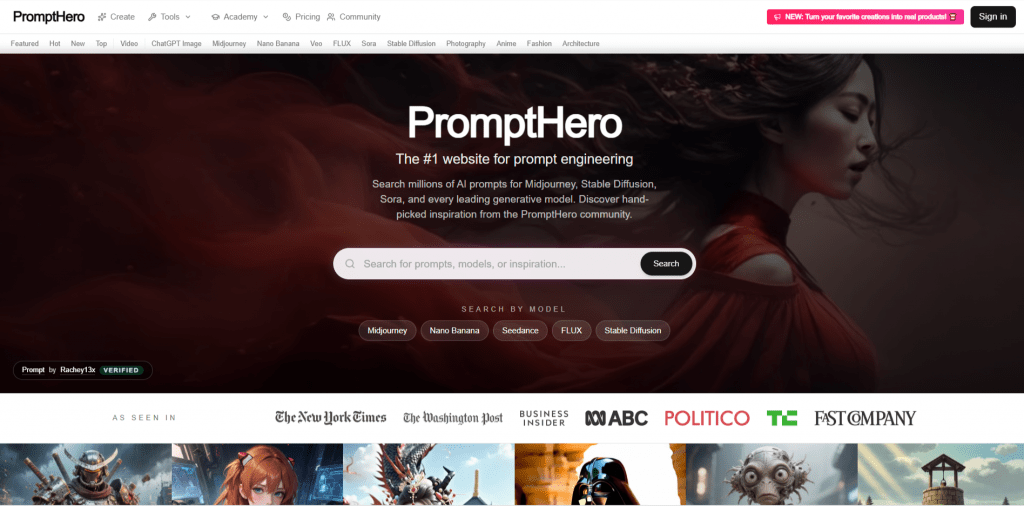
If PromptPerfect is an engineer, then PromptHero is a librarian and collector combined. It is especially valuable for beginners. The service offers a vast gallery of ready-made prompts for video with example results. You do not write from scratch — you choose an image or video you like, copy the prompt, and adapt it to your tasks.
The platform allows filtering prompts by model (Kling, Veo, Runway, Luma), by style, by duration, and even by scene type.
However, PromptHero has limitations. As users note, the built-in generation tools work poorly — the main value remains the library itself. That is, it is more a source of inspiration and learning than a full-fledged prompt constructor.
Features:
- Library of thousands of ready-made prompts with video examples
- Filtering by model, style, scene type
- Ability to save and organize favorite prompts
Pricing:
- Free tier: basic library access
- Pro: $9/month — advanced search and prompt saving
- Business: $29/month — commercial use and priority support
- Huge collection of working prompts with visual examples.
- Ideal start for beginners learning through copying.
- Saves time on testing basic formulations.
- Built-in generation tools work poorly.
- Free tier is heavily restricted in search.
- Prompt quality varies from user to user.
3. Taskade Genesis
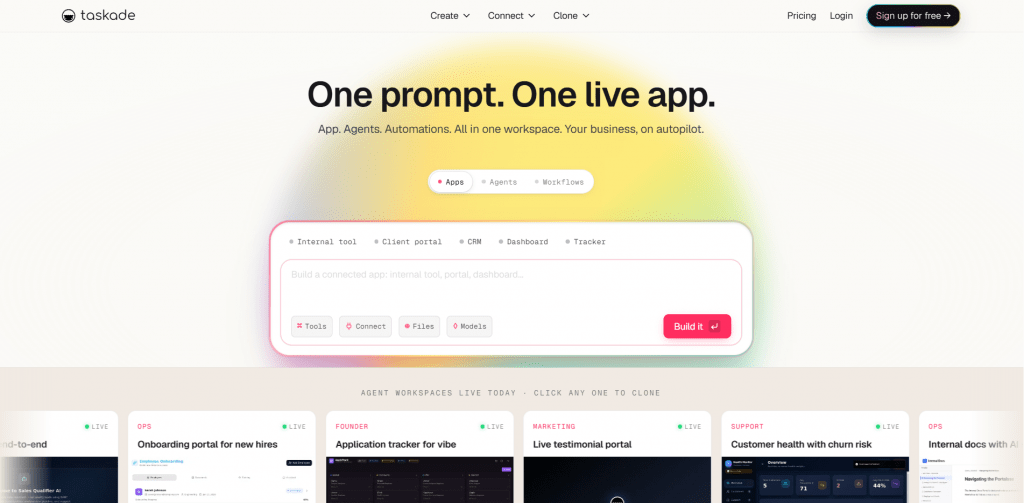
Official site: https://www.taskade.com/
Taskade Genesis is something entirely different. While other tools help write prompts for video, Genesis allows you to create entire applications for managing video workflows with a single prompt.
It sounds complex, but in practice it looks like this: you describe what you need (“create a dashboard for tracking video generation in Kling with prompt history and result comparison”), and within minutes Genesis delivers a working web application.
Your Taskade workspace becomes the backend with databases, AI agents, and automations.
For video enthusiasts, this means the ability to build a personal prompt management system without hiring a developer. You can store a library of prompts, tag them by model, attach generated videos, and even automatically trigger generation chains.
Features:
- Genesis App Builder, an application creation from a single prompt
- 22+ built-in tools for AI agents
- Real-time collaboration
- 150,000+ applications already created on the platform
Pricing:
- Free tier: basic functions
- Pro: $8/month for advanced AI capabilities
- Business: $20/month for teams and priority support
- Unique ability to create custom tools without code.
- Strongest UX according to consolidated user reviews (4.9 out of 5).
- Built-in AI agents with memory and 22+ tools.
- Interface may feel overwhelming to beginners.
- Overkill for simple prompt storage.
- Some users complain about AI inconsistency across different modes.
4-5. Higgsfield AI / Krea
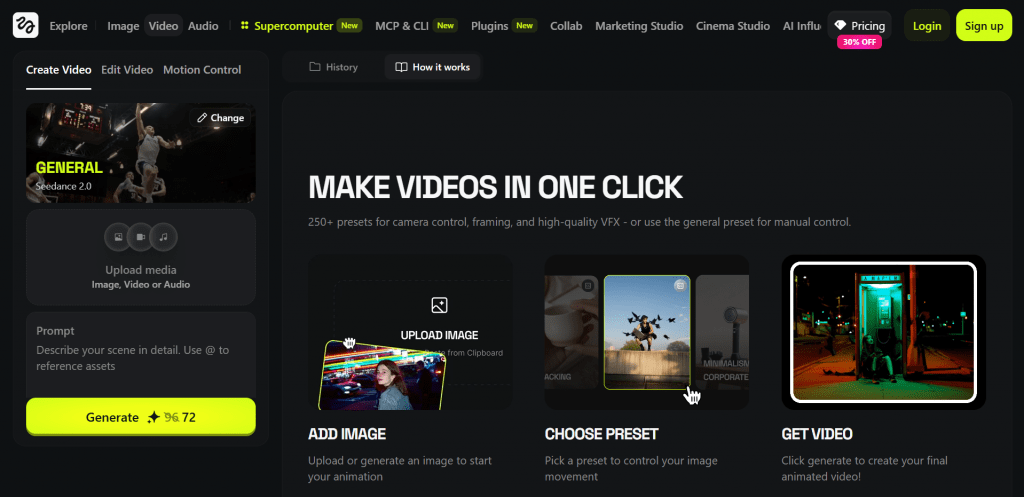
Official sites: https://higgsfield.ai/ | https://www.krea.ai/
Higgsfield AI and Krea are two services that solve the same problem: they allow testing and comparing prompts across different models. Higgsfield specializes in cinematic video with dynamic camera control, while Krea is a universal creative platform for images, video, and 3D.
Why does this matter? Because the same prompt can produce completely different results on Kling, Veo, and Runway. Instead of manually entering each service and spending credits, you can copy a prompt into Higgsfield or Krea and run generation on multiple models simultaneously.
Higgsfield’s Soul ID feature deserves special attention, as it allows you to train a character on several of your photos and then use that identity across different scenes, poses, and lighting conditions. For storytelling and serial content, this is a true breakthrough.

Features:
- Higgsfield: cinematic camera movements (crane, car chase, timelapse).
- Krea: generation and editing of images, video, and 3D assets in one window.
- Krea FLUX.1: an open model with 12 billion parameters.
- Soul ID (Higgsfield): character personalization from your photos.
Pricing:
- Both services operate on a freemium model; specific rates and limits should be checked on their websites.
- Ability to compare results of the same prompt across multiple platforms.
- Higgsfield’s Soul ID, which is unique technology for character consistency.
- Krea FLUX.1 available as an open model.
- Not pure prompt generators but rather generation platforms.
- Require subscriptions to target models (Kling, Runway, etc.).
- Pricing information is not fully transparent.
Final Service Rating
|
Service |
Best For |
Price Range |
Learning Curve |
Unique Feature |
Rating |
|---|---|---|---|---|---|
|
Taskade Genesis |
Building video workflows |
Free—$20/month |
High |
Applications from a single prompt |
★★★★★ |
|
PromptPerfect |
Professional optimization |
$20—100/month |
Medium |
API integration into pipelines |
★★★★½ |
|
PromptHero |
Learning and inspiration |
Free—$29/month |
Low |
Library with video examples |
★★★★☆ |
|
Higgsfield AI |
Cinematic control |
Freemium |
Medium |
Soul ID for personalization |
★★★★☆ |
|
Krea |
Cross-platform testing |
Freemium |
Low |
3D + video + images in one window |
★★★★☆ |
How to Work With Specific Models: From Kling to Luma
Each top model in 2026 has its own “character” and expects different emphasis in prompts. What works brilliantly in Runway may produce mediocre results in Kling. Below I discuss the four main platforms and how to tailor your prompts to their strengths.
Kling AI 3.0: Stability and Storytelling
Kling AI 3.0 is deservedly considered the king of sequential storytelling. If you need a character not to change appearance from frame to frame or for objects to behave predictably, this model delivers the best result on the market.
Key prompt tips for Kling 3.0:
- Emphasize character stability in every frame; basically describe key appearance details.
- Break long scenes into separate blocks with scene 1 and scene 2 labels.
- Actively use Elements 3.0: rain, fog, leaves, dust. Kling handles them better than competitors.
Google Veo 3.1: Physics and Sound
Google’s Veo 3.1 is the choice for those who need maximum realism. The model understands physics at a level that seemed like fantasy just two years ago. It is also the only one on this list that generates high-quality native audio directly from a text description.
Key prompt tips for Veo 3.1:
- Detail physics as much as possible. Veo understands even phrases like “water crashes against rocks with turbulence and secondary splashes.”
- Write sound directly into the prompt. For example, “sound of rain, distant thunder, and footsteps on wet asphalt.”
- Use the full volume. Do not be afraid to write prompts of 800–1000 tokens; the model can handle them.
Runway Gen-4.5: Director-Level Control
Runway Gen-4.5 is a tool for filmmakers, not casual users. Its key features are Motion Brush, which lets you literally paint motion, and director mode for precise camera control.
Key prompt tips for Runway Gen-4.5:
- Prefer short prompts rich in action verbs, Runway “digests” them best.
- Add commands like a seasoned director: “slow pan from left to right, focus on face, blurred background (bokeh).”
- Always use Motion Brush for key objects. A text prompt alone should suffice.
Luma Ray 3: Environment and Complex Camera
Luma Ray 3 is a model for atmospheric, mood-driven scenes. It understands environment, light, and space beautifully. If you need not so much a character as the world around them, Luma may be the best choice.
Key prompt tips for Luma Ray 3:
- Provide rich, detailed descriptions of the environment. Luma “sees” the world and helps it visualize it.
- Specify complex camera trajectories, for example, “crab walk with upward lift and rotation around the object” or “dolly zoom followed by a static point.”
- For best results, start with a high-quality image (image-to-video) rather than raw text.
Advanced Techniques for Professionals
If you have already mastered basic prompt writing, these three techniques will elevate your videos to the next level. They require more time and attention, but the results are worth it.
Prompt Chaining: How to Make Videos Longer Than 10 Seconds
Most models are limited in clip duration, but Kling produces 8 seconds, and Veo up to 30 but often with artifacts. So how do you create a full scene of 30–40 seconds? The answer is prompt chaining.
The technique is simple: you break the script into logical segments, and each subsequent prompt references the previous one. For example:
- The first prompt generates a character running down the street.
- The second prompt says, “Continue the movement of the character from the previous frame; now they turn the corner and disappear into an alleyway.”
Models in 2026 are smart enough to understand such references.
Image-to-Video: Control Through the Perfect Frame
No text prompt gives you as much control as a high-quality source image. The workflow looks like this: you generate the perfect frame in Midjourney, DALL-E 3, or even draw it manually in Photoshop. Then you upload that image to Kling, Runway, or Luma and add a prompt description of how that picture should come to life — “camera slowly zooms in, leaves begin to rustle in the wind.”
This technique is especially good for preserving color grading, composition, and style. You literally lock in everything that can be locked, leaving the model only motion.
Testing One Prompt Across Multiple Models
The most surprising experience you can have in 2026 is running the same prompt on Kling, Veo, and Luma and comparing the results. They will be so different that you will hardly believe the instruction was identical.
Often the best option is not obvious — what fails in Kling may shine brilliantly in Luma, and vice versa. Test, compare, and build your own map of “which model is good at what.”
Common Mistakes and How to Avoid Them
Even experienced users make the same mistakes over and over. Here are four main pitfalls and ways to avoid them.
Mistake 1. Vagueness
- Problem: “A person walks down the street” — too abstract. The model does not know how they are dressed, at what pace they move, or what the weather is like.
- Solution: Instead, write “a man in a dark coat and hat strides energetically against a strong wind on a wet cobblestone street.”
Mistake 2. Overload
- Problem: You try to cram 10 different actions, a location change, interaction between three characters, and dialogue into one prompt. The model will collapse into a mess.
- Solution: Do not be greedy. Break complex scenes into separate shots. One prompt, one main action.
Mistake 3. Ignoring Model Limitations
- Problem: You write a 15-second prompt for Kling, but it can only generate 8 seconds. Or you ask for ultra-fast motion in Luma, where it is weak.
- Solution: Before you start, learn the model’s technical specifications: maximum duration, supported formats, motion speed limitations.
Mistake 4. No Negative Prompts
- Problem: You get a video where the character flickers, grows a third arm, or the background “swims.”
- Solution: Always add negative instructions, especially for Runway and Luma: “no glitches, no warping, no extra limbs, no flickering.” This is not a panacea, but artifacts will become noticeably fewer.
Conclusion: Which Tool Should You Choose?
If you are just starting with AI video, begin with PromptHero or the free version of ChatGPT. Copy ready-made prompts, see how they work, and gradually start editing them.
If you create video on a commercial basis and need predictability, invest in PromptPerfect. It will pay for itself by reducing the number of failed generations.
If you want to build a system, store prompts, tag them, compare results, automate generation chains, and take a closer look at Taskade Genesis. Yes, the entry barrier is higher, but the flexibility you get is unmatched by any other tool.
And remember the main thing: even the best prompt generator cannot replace your taste, your visual literacy, and your understanding of how cinematic language works. These tools are merely amplifiers of your ideas. But in skilled hands, they work wonders.
❓ Frequently Asked Questions
Answers to relevant questions about this AI tool