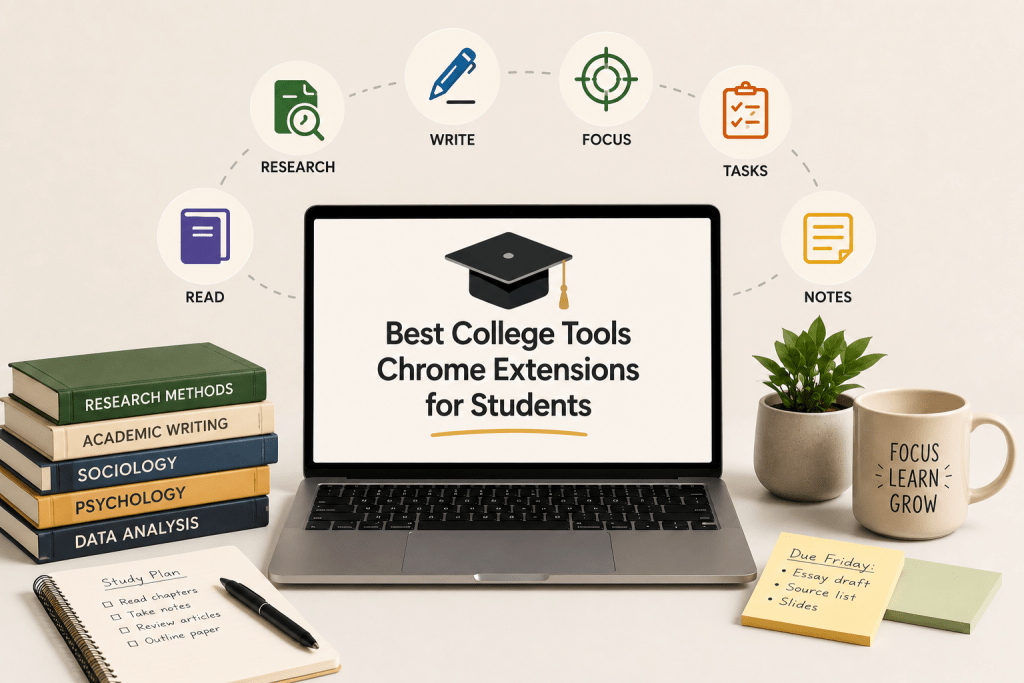
Best College Tools Chrome Extensions for Students
On this page
College runs in the browser now: readings, the LMS, research databases, and half your writing all live in Chrome tabs. The right extensions make that workload lighter, handling citations, grammar, focus, and notes so you spend time learning rather than wrestling with logistics. This guide rounds up the best college tools Chrome extensions for the jobs students actually need, and ends with an honest word on a category to avoid.
What to Look for in a Study Extension
A good student extension does one job well and stays out of the way. When choosing, weigh a few things:
Real time saved, removing a repetitive task like formatting citations rather than adding one.
A useful free tier, since most of the best options are free.
Privacy, since extensions often request broad page access.
Learning, not shortcutting, helping you do the work better rather than skip it.
Research and Citations
Zotero Connector
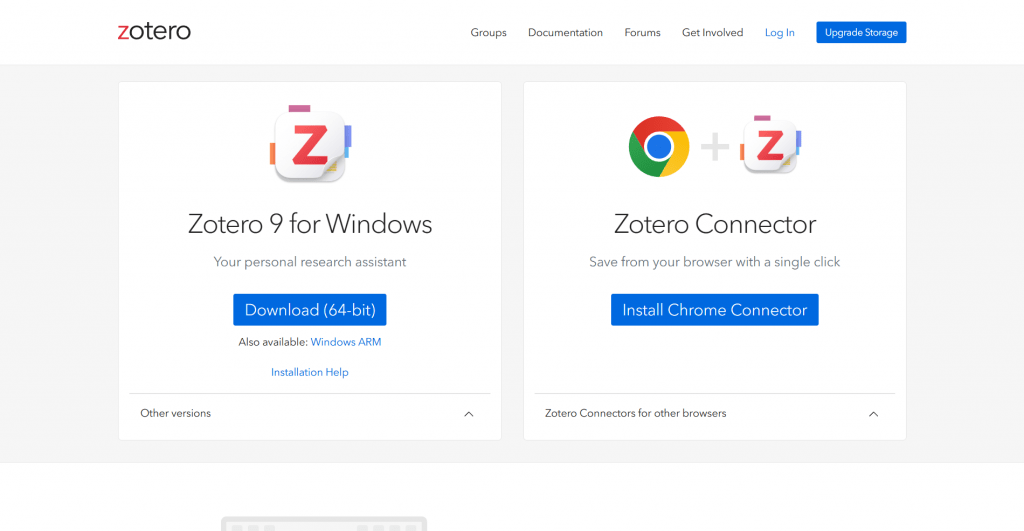
Official website: https://www.zotero.org/download/
What it does: Saves any source, article, book, or web page, into your Zotero library with one click, capturing the citation data.
Why students use it: It builds a searchable research library as you browse and generates bibliographies in APA, MLA, and Chicago. For anyone writing papers with sources, it is the backbone of the workflow.
Price: Free and open source.
MyBib
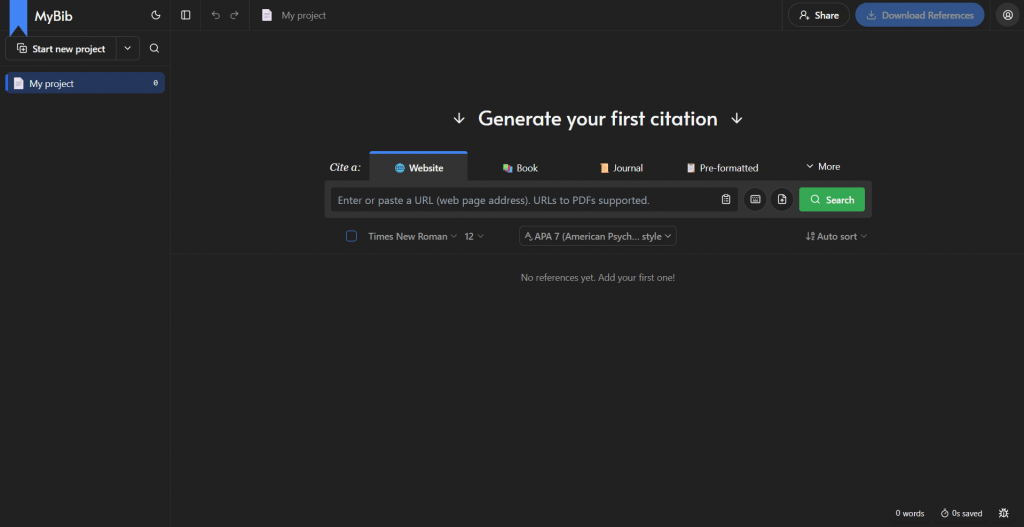
Official website: https://www.mybib.com/
What it does: A free citation generator that builds references and bibliographies from a page or search.
Why students use it: No account, no ads, and thousands of citation styles make it the fastest way to format a reference without paying.
Price: Free.
Scholarcy
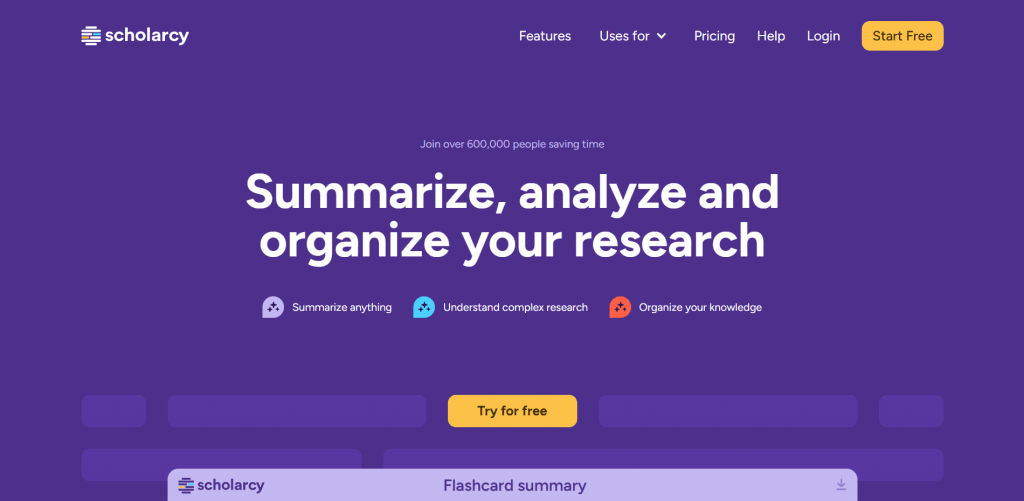
Official website: https://www.scholarcy.com/
What it does: Summarizes research papers into structured “flashcard” summaries with key points and figures.
Why students use it: It cuts the time to grasp a dense paper, surfacing the argument so you decide fast whether to read in full.
Price: Free browser extension, with paid tiers for heavier use.
Writing and Grammar
Grammarly
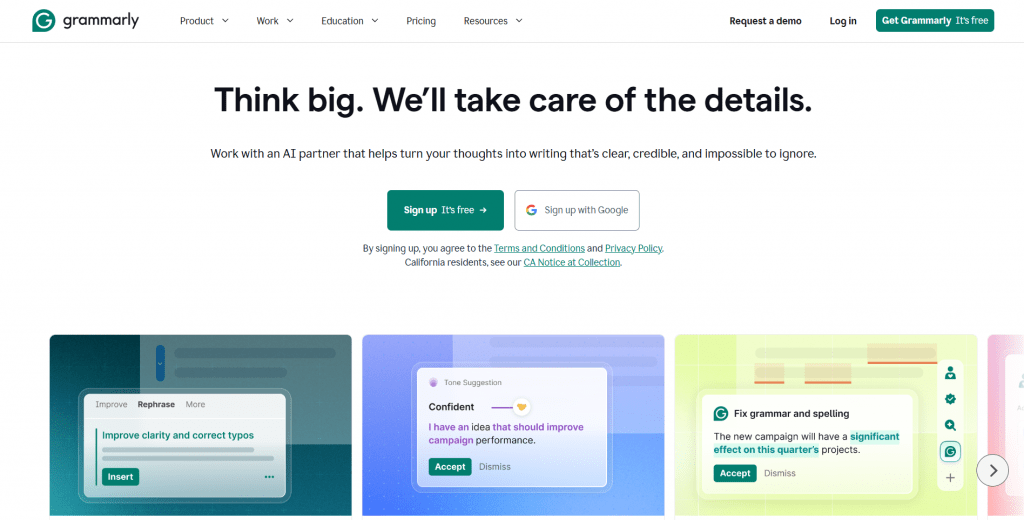
Official website: https://app.grammarly.com/
What it does: Checks grammar, spelling, clarity, and tone as you write across the web.
Why students use it: Real-time corrections catch mistakes before submission, and the clarity suggestions tighten academic writing. Used as an editor rather than a crutch, it improves your writing over time.
Price: Strong free plan; Premium for advanced suggestions.
QuillBot
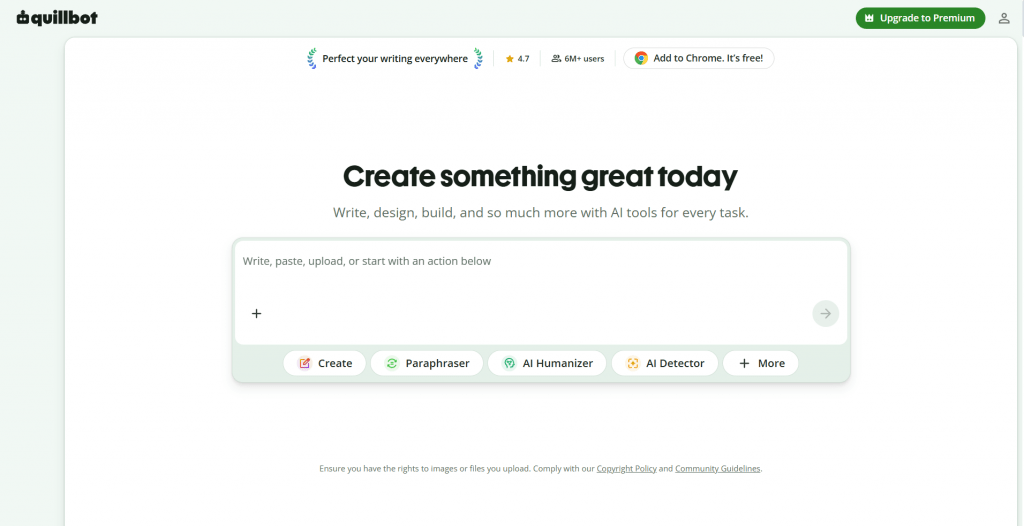
Official website: https://quillbot.com/
What it does: Paraphrases, checks grammar, and summarizes text, with a free citation generator built in.
Why students use it: It helps rework clunky sentences and condense sources, which supports editing. The honest use is polishing your own writing, not disguising someone else’s.
Price: Free tier; Premium from about $10/month.
Focus and Time Management
Forest
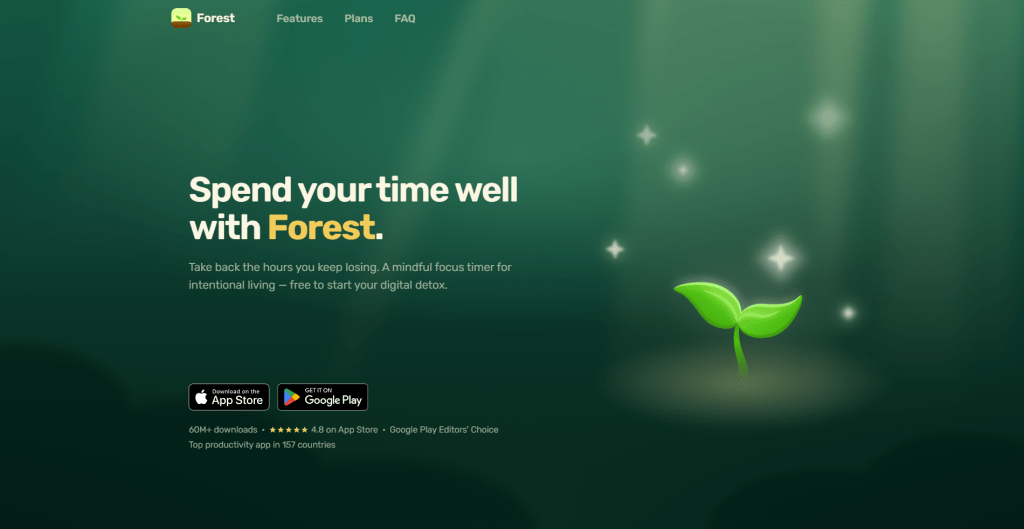
Official website: https://forestapp.cc/
What it does: Plants a virtual tree that grows while you stay off distracting sites and dies if you leave.
Why students use it: The gentle accountability helps during study blocks and pairs well with the Pomodoro method.
Price: Free extension; paired paid mobile app.
Todoist
Official website: https://www.todoist.com/
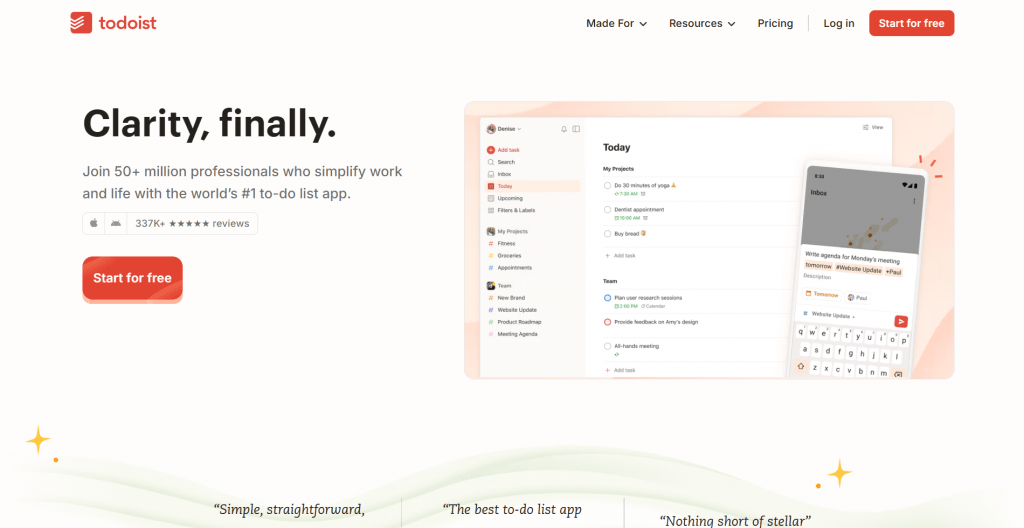
What it does: A task manager for assignments and deadlines, with due dates, reminders, and per-class projects.
Why students use it: It turns a scattered semester into one organized list, and the extension lets you add tasks from any page. Pair it with Toggl Track (free) if you also want to log how long study actually takes.
Price: Free plan covers most student needs; Pro for more.
Reading and Notes
Notion Web Clipper
Official website: https://www.notion.com/web-clipper
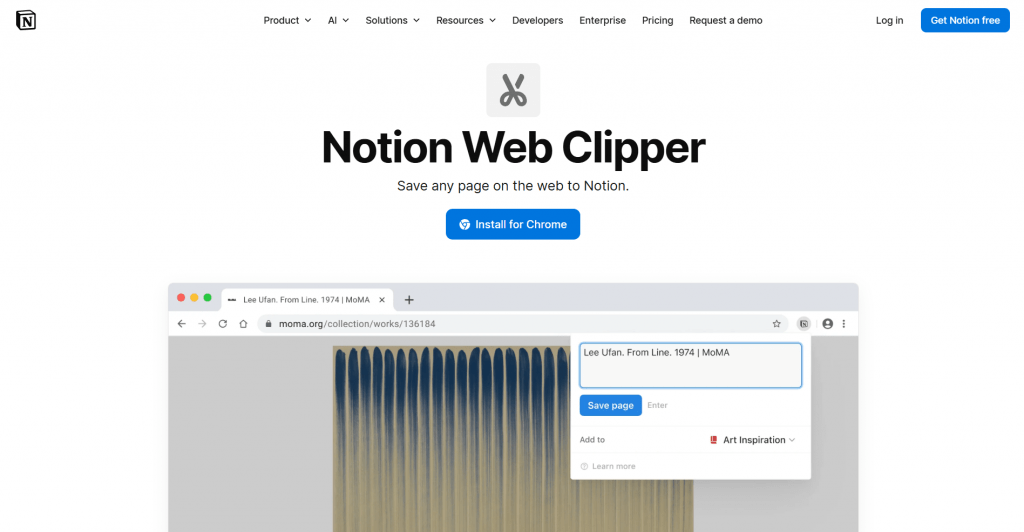
What it does: Saves web pages and sources straight into your Notion workspace with one click.
Why students use it: For anyone who runs their notes in Notion, it centralizes research alongside class notes and task boards. For highlighting and annotating readings, Glasp (free) collects your highlights in one searchable place.
Price: Free.
Comparison Table
Extension | Job | Free | Best for |
Zotero Connector | Citations | Yes | Research papers with sources |
MyBib | Citations | Yes | Quick, free reference formatting |
Scholarcy | Summarizing | Free + paid | Getting through dense papers |
Grammarly | Writing | Free + paid | Catching errors before submission |
QuillBot | Writing | Free + paid | Paraphrasing and clarity |
Forest | Focus | Free | Beating distraction |
Todoist | Tasks | Free + paid | Managing deadlines |
Notion Web Clipper | Notes | Yes | Notion users |
A Word on Quiz-Solver Extensions
Search “college tools Chrome extensions” and you will also find tools built to auto-answer quizzes and exams on Canvas, Moodle, or Blackboard, including one literally named College Tools (collegetools.io). These are different from everything above: rather than helping you study, they aim to complete graded assessments for you, often marketed around evading proctoring.
It is worth being clear-eyed about them. Using them is academic misconduct at virtually every institution, and the consequences, failing grades, disciplinary action, or expulsion, are severe. Schools increasingly detect this behavior. Beyond the ethics, many such extensions request deep access to your accounts, a real security risk. The rest of this guide makes you faster and more organized; a quiz-solver just makes you vulnerable.
Conclusion
The best college tools Chrome extensions share a trait: they remove friction from real work rather than replacing it. Zotero and MyBib handle citations, Grammarly and QuillBot sharpen your writing, Forest and Todoist protect focus and deadlines, and Notion and Glasp keep reading organized. Install two or three that match your biggest pain points, keep them free where you can, and you will feel the difference within a week, without risking your academic record.
❓ Frequently Asked Questions
Answers to relevant questions about this AI tool