Best One Piece Character Creators & Generators
On this page
Few anime worlds invite fan creativity like One Piece, with its sprawling cast of pirates, Marines, and Devil Fruit users across the Grand Line. Whether you want to build your own original pirate, get a random character for a cosplay challenge, or spin for a fan-art prompt, the right tool makes it quick and fun.
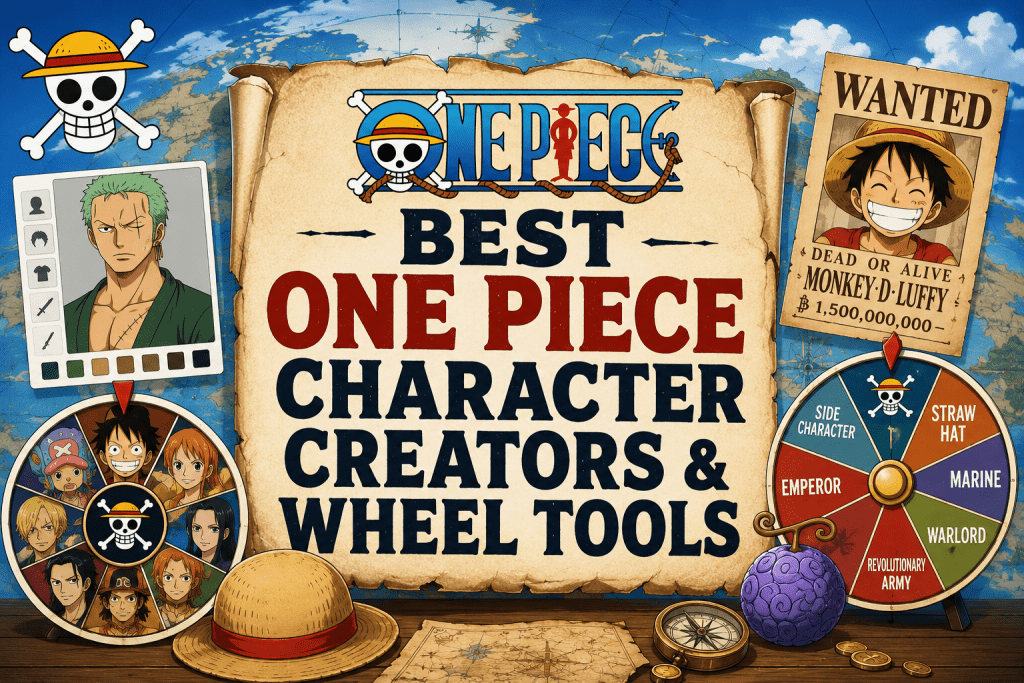
This guide rounds up the best One Piece character creators and generators, split by what they actually do: avatar makers for designing a character and wheels and spinners for landing on a random one. We also cover the fan-art angle honestly, since these are tools for personal, non-commercial fun.
Two Types of Tools, Explained
The keyword “One Piece character creator” covers two different things, so it helps to know which you want:
-
Character makers. Layered avatar and dress-up tools that let you design an original character, choosing hair, outfit, and features in an anime style. Best for creating your own pirate or Marine.
-
Wheels and spinners. Random pickers that land on an existing One Piece character or trait. Best for cosplay decisions, fan-art prompts, stream challenges, or settling debates.
Both are free and browser-based, and neither requires drawing skill.
The Best One Piece Character Makers
1. Picrew (One Piece-style makers)
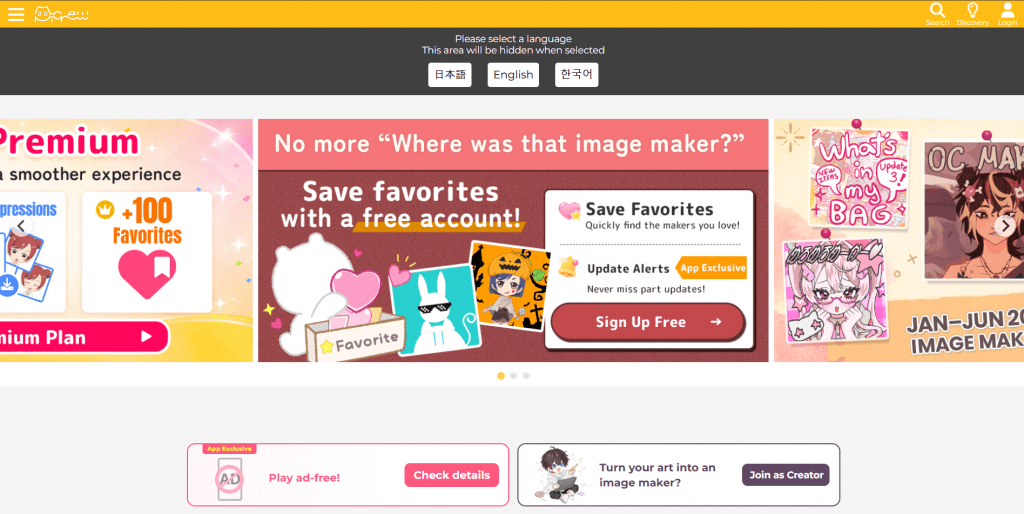
Official website: picrew.me
Platform: Free browser-based layered avatar maker.
Features: Picrew hosts thousands of fan-made “image makers,” including many anime and One Piece-inspired styles. You pick from layered options, hair, eyes, outfit, accessories, to build an original character in a chosen artist’s style, then export a 600×600 image. Individual creators set the usage terms for their maker, and Picrew prohibits redistributing the images as your own, so it is for personal use.
Pricing:
|
Plan |
Price |
Key features |
|
Free |
$0 |
Full avatar creation and export, no account required |
Public feedback: Loved for the huge variety of art styles and its ease of use, with the main limitation being that available options depend on each individual maker.
-
Thousands of free, fan-made art styles to choose from
-
Design an original character with no drawing skill
-
No account needed to create and export
-
Export a clean image for personal use
-
Options are limited to whatever each maker includes
-
Images are for personal use, not commercial redistribution
2. DeviantArt Dress-Up and Character Makers
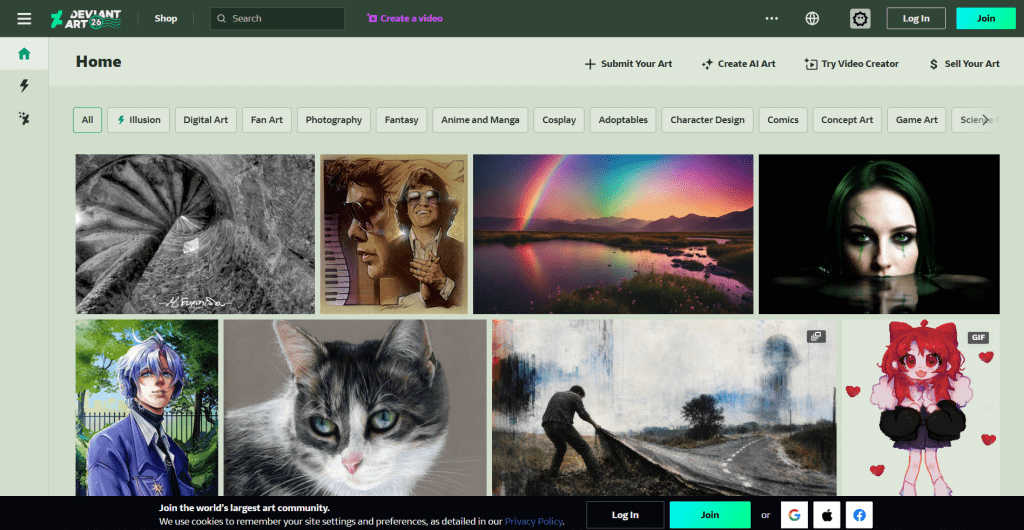
Official website: deviantart.com
Platform: Community-hosted Flash/HTML character creators.
Features: DeviantArt has a long tradition of fan-made “dress-up” and character-creator games, including anime and pirate-themed makers, shared by artists in the community. These let you assemble a character from an artist’s drawn parts. Availability varies as older Flash games are archived or rebuilt, so it is more of a treasure hunt than a single tool.
Pricing:
|
Plan |
Price |
Key features |
|
Free |
$0 |
Community-made creators, free to use |
Public feedback: Valued by fans for unique, artist-drawn styles you will not find elsewhere, though the aging Flash-based games can be hit or miss to access.
-
Unique, artist-drawn character styles
-
Free and community-driven
-
Often more detailed than generic makers
-
Availability varies as old Flash games are retired
-
No central catalog, so tools are scattered
The Best One Piece Wheels and Spinners
3. SpinTheWheel One Piece Character
Official website: spinthewheel.app
Platform: Free browser-based random spinner.
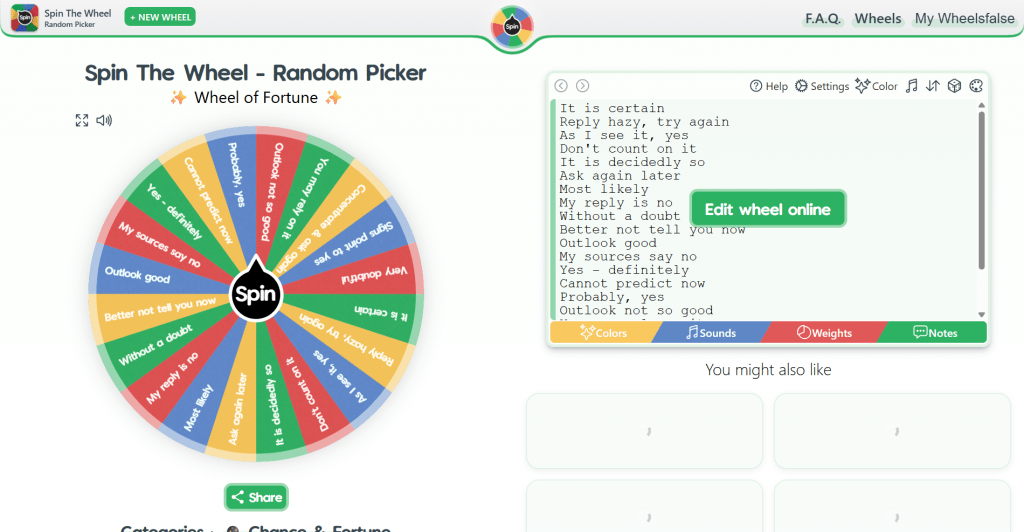
Features: A dedicated One Piece character wheel with a manga-style black-and-white look, loaded with the series’ cast from Straw Hats to Yonko. One click spins for a random character, useful for cosplay decisions, fan-art prompts, or stream challenges. You can edit the entries and share the wheel via a link.
Pricing:
|
Plan |
Price |
Key features |
|
Free |
$0 |
Spin, edit entries, share by link, no signup |
Public feedback: Popular for its large character list and manga aesthetic, with fans mainly wishing for even more obscure characters.
-
Large, ready-made One Piece character list
-
One-click spinning with a manga-style design
-
Editable entries and shareable link
-
Free with no signup
-
A picker, not a design tool, so it selects rather than creates
-
Character list quality depends on the specific wheel
4. GoSpinWheel “What One Piece Character Are You”
Official website: gospinwheel.com
Platform: Free customizable wheel spinner.
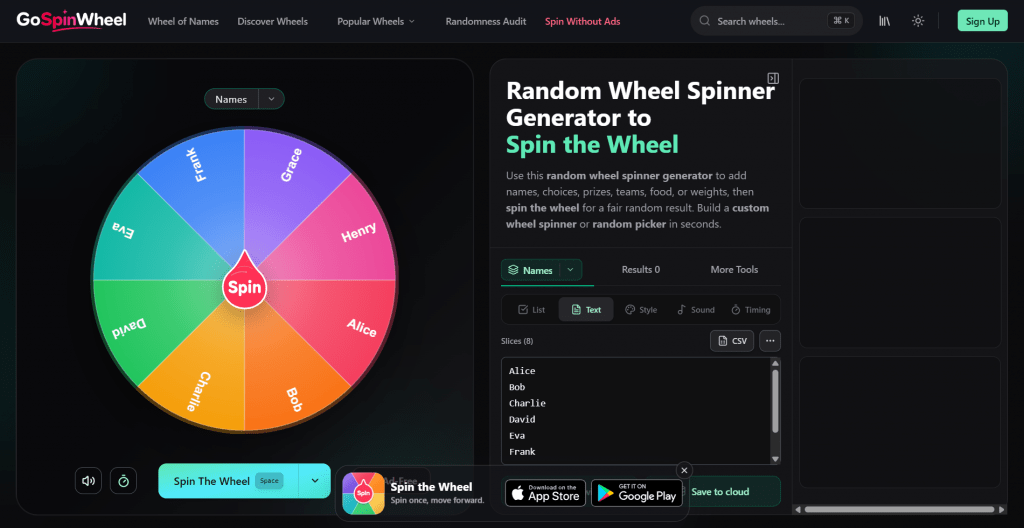
Features: A flexible One Piece wheel that doubles as a “which character are you” generator. It uses browser-native randomness for fair results, auto-saves your custom wheel, supports spinning multiple wheels at once, and lets you export and import configurations. Good for party games, icebreakers, and repeatable challenges.
Pricing:
|
Plan |
Price |
Key features |
|
Free |
$0 |
Custom wheels, fair RNG, save and export, no signup |
Public feedback: Liked for fair, unriggable results and easy customization, with some users finding the general-purpose interface less themed than dedicated One Piece wheels.
-
Provably fair random results
-
Highly customizable and saveable wheels
-
Spin several wheels at once for group games
-
Free with export and import
-
Less One Piece-themed styling than dedicated wheels
-
You often build the character list yourself
5. SpinWheelCreator Random One Piece Character Generator
Official website: spinwheelcreator.com
Platform: Free themed random generator.
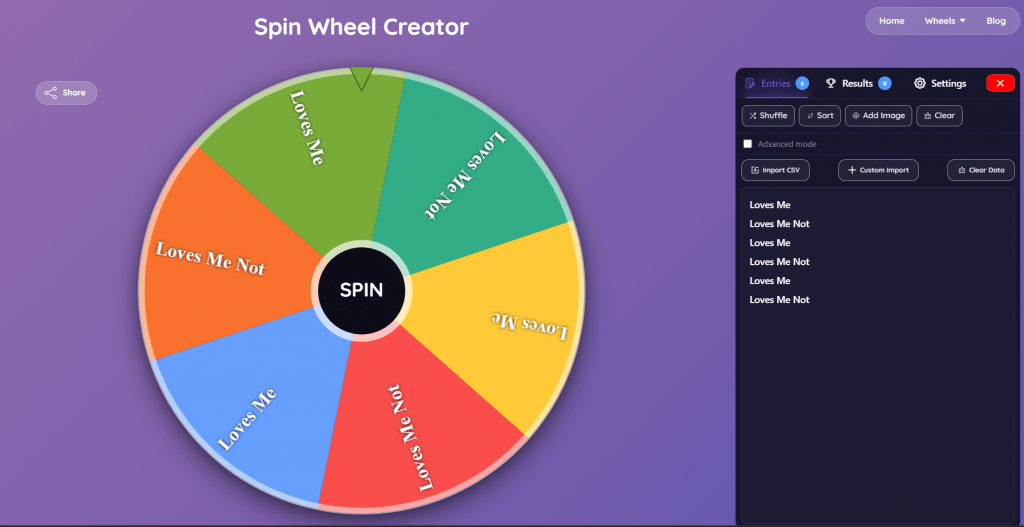
Features: A ready-to-go random One Piece character generator pulling from across the Grand Line: Straw Hats, Marines, Emperors, Warlords, Revolutionary Army, Cipher Pol, and side characters. One click gives an instant result, with options to repeat or exclude previous winners, plus a companion “race” wheel (Sky Person, Fish-Man, Cyborg, and more) handy for building an original character’s traits.
Pricing:
|
Plan |
Price |
Key features |
|
Free |
$0 |
Instant spins, exclude-repeats option, race wheel, no signup |
Public feedback: Appreciated for its deep, ready-made character pool and the bonus race wheel, with the usual caveat that it selects rather than designs.
-
Deep, ready-made cast across every faction
-
Exclude-previous-winners option for fair rounds
-
Bonus race wheel for original-character traits Instant and free, no setup
-
A generator, not a character designer
-
Purely random, with no personalization
Comparison Table
|
Tool |
Type |
Free |
Best for |
|
Picrew |
Avatar maker |
Yes |
Designing an original character |
|
DeviantArt makers |
Avatar maker |
Yes |
Unique artist-drawn styles |
|
SpinTheWheel |
Spinner |
Yes |
Random character, manga look |
|
GoSpinWheel |
Spinner |
Yes |
“Which character are you,” party games |
|
SpinWheelCreator |
Generator |
Yes |
Deep random cast plus race wheel |
How to Pick the Right Tool
-
To design your own pirate or Marine: use a character maker like Picrew or a DeviantArt creator.
-
For a random character to cosplay, draw, or debate: use a wheel like SpinTheWheel or SpinWheelCreator.
-
For a “which One Piece character are you” quiz feel: GoSpinWheel is the natural fit.
-
To build an original character’s traits (race, Devil Fruit type): pair a race wheel with a character maker.
A Note on Fan Creations
One Piece is the copyrighted work of Eiichiro Oda, so these tools are for personal, non-commercial fun: designing an avatar, picking a character to cosplay, or generating a fan-art prompt. Fan art and original characters inspired by the series are a beloved part of the community, but selling images that use the official characters or art can cross into copyright territory. Keep your creations personal or clearly transformative fan work, and you are on the right side of the line.
Conclusion
Designing or discovering a One Piece character has never been easier, and all the best tools are free. For building your own original pirate, Picrew and DeviantArt’s community makers give you real creative control with no drawing skill needed. For landing on a random character to cosplay, draw, or argue about, the wheels, SpinTheWheel, GoSpinWheel, and SpinWheelCreator, deliver an instant result with a single spin. Match the tool to whether you want to create or to be surprised, keep your creations personal fan fun, and set sail for the Grand Line.
❓ Frequently Asked Questions
Answers to relevant questions about this AI tool