

Best AI Skill Generators: Automate Your Workflow
On this page
Since Anthropic launched Agent Skills in late 2025, the way people extend AI agents has shifted. Instead of re-explaining preferences and rules every session, you write them once into a skill the agent picks up when the task matches. Writing a good skill file by hand takes several passes, and that is the gap an AI skill generator fills: describe the workflow, and it produces a structured skill ready to install.
A quick definition first. A skill is a folder built around a SKILL.md file: YAML frontmatter naming the skill and describing when to use it, then Markdown instructions. Agents load only the name and description until a task matches, then pull in the full instructions, keeping context lean. The format is an open standard, so the same skill files work across Claude Code, Cursor, Gemini CLI, and other agents.
Below are the skill generators worth knowing, from the official option to free web tools and libraries.
What an AI Skill Generator Does
Every skill generator solves the same blank-page problem, but they work in different ways:
- Describe the workflow. You explain the task you want captured, in plain language or by pointing at existing documentation.
- Answer the trigger questions. Good tools ask when the skill should activate, what steps it follows, and how it handles edge cases.
- Generate the structure. The tool writes the SKILL.md, frontmatter, and any folders for scripts or reference files.
- Install and test. You drop the skill into your agent’s skills directory and try it on a real task, refining as needed.
The quality of a skill lives in its description. If that text does not clearly signal when to use the skill, the agent will not load it, so the best generators focus effort there.
Top AI Skill Generators
1. Anthropic Skill-Creator
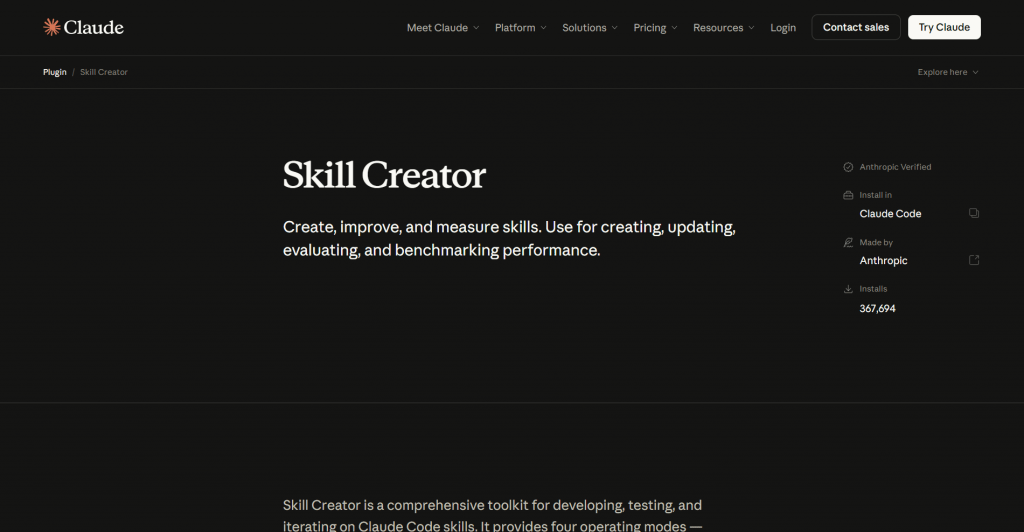
Official website: claude.com/plugins/skill-creator
What it is: The official skill generator from Anthropic, available as a plugin at claude.com and in the anthropics/skills repository.
How it works: Skill-creator is itself a skill. Installed into Claude, it runs an interactive Q&A about the workflow, trigger conditions, and any scripts or reference files needed, then generates the full skill directory. It can also improve existing skills and run evaluations to test how reliably a skill triggers.
Price: Free. It runs inside Claude, so you only need a Claude account with Skills access and code execution enabled.
- Official and maintained by Anthropic, so it follows the format exactly
- Interactive Q&A removes the blank-page problem
- Also edits, optimizes, and tests existing skills with evals
- Runs inside Claude rather than as a standalone site
- The eval workflow has a learning curve
2. Firecrawl Skill Generator
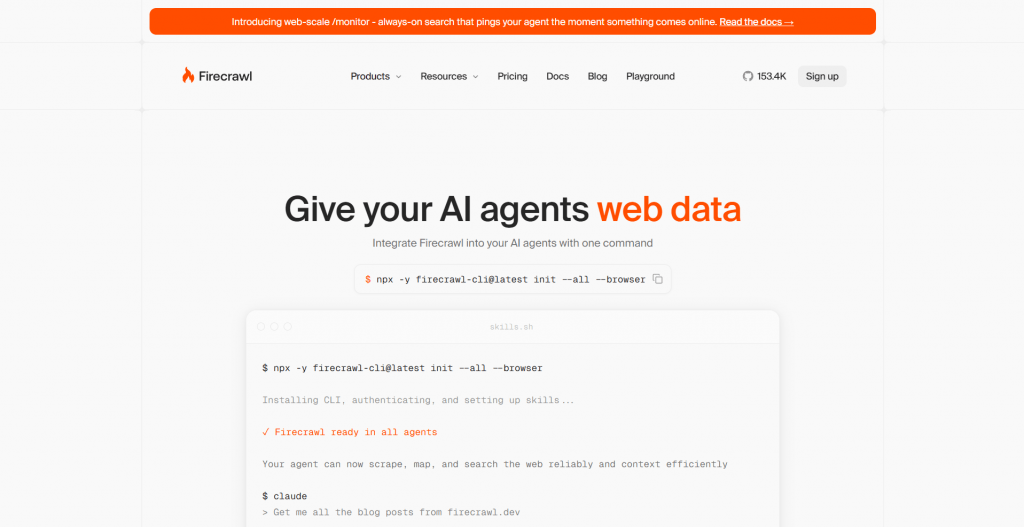
Official website: www.firecrawl.dev/skills
What it is: A generator that builds a complete skill file from any documentation URL, built on Firecrawl’s crawling engine.
How it works: Point it at a documentation page and it reads the content, then writes a SKILL.md that captures how to use that tool or API. This suits skills whose knowledge already lives in docs, such as wrapping a library or service.
Price: Usage-based through Firecrawl credits, with a free allotment to start.
- Turns existing documentation into a skill without manual writing
- Strong fit for API and library wrapper skills
- Output works across Claude Code and other agents
- Best for doc-based skills, less so for workflow or style ones
- Credit-based rather than a flat-free tool
3. SkillForge
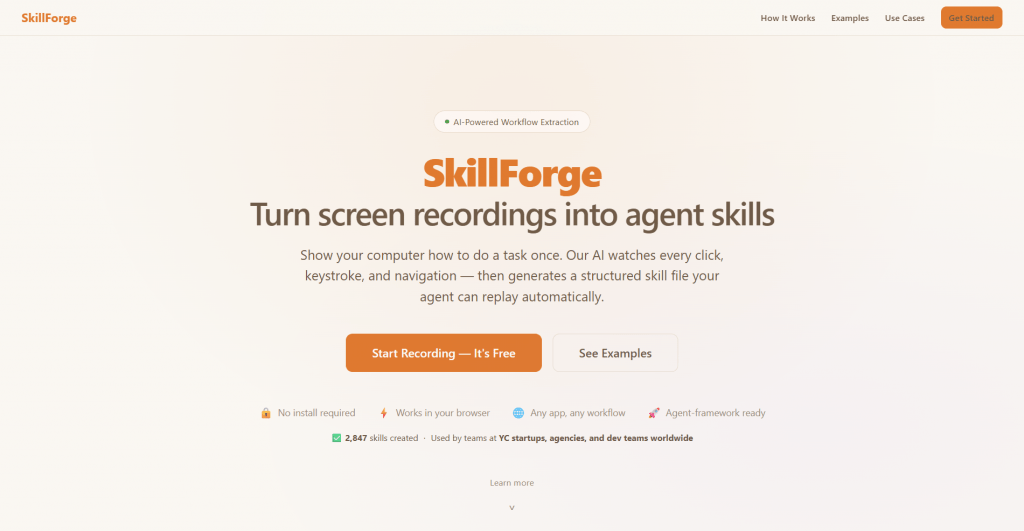
Official website: https://skillforge.expert/
Platform: AI skill generator for Claude Code and compatible agents.
Features: SkillForge is designed to eliminate the blank page when creating reusable AI skills. Instead of writing a SKILL.md manually, you describe the workflow, trigger conditions, and expected behavior. The generator produces a structured skill with YAML frontmatter, activation rules, and organized instructions that can be refined before installation.
Pricing
|
Plan |
Price |
Key features |
|
Free |
$0 |
Generate basic skills |
|
Paid |
Varies |
Additional templates and premium features |
Public feedback: Developers appreciate the speed of creating production-ready skill files without learning the specification first. Most feedback suggests reviewing generated descriptions carefully, since trigger wording determines whether the agent loads the skill correctly.
- Produces structured SKILL.md files
- Beginner-friendly workflow
- Faster than writing skills manually
- Compatible with Claude Code workflows
- Generated output often benefits from manual refinement
Smidge
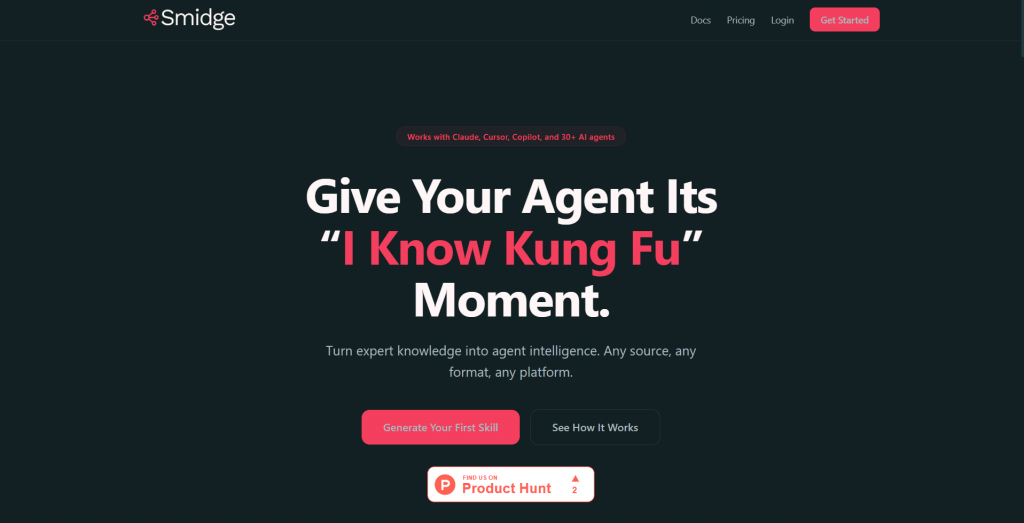
Official website: https://smdg.app/
Platform: AI knowledge-to-skill generator.
Features: Smidge focuses on turning existing content into reusable agent skills. Upload documentation, PDFs, presentations, or other reference material, and the platform generates a structured skill that captures the workflow and supporting knowledge. This makes it particularly useful for teams converting internal documentation into reusable AI instructions.
Pricing
|
Plan |
Price |
Key features |
|
Free |
Limited |
Basic generation |
|
Paid |
Varies |
Larger uploads and advanced processing |
Public feedback: Users value Smidge for reducing the work involved in converting documentation into reusable skills. Larger documentation sets may still require manual cleanup after generation.
- Generates skills from existing documentation
- Supports multiple source formats
- Reduces repetitive documentation work
- Suitable for team knowledge sharing
- Works best with well-structured source material
- Generated instructions should be reviewed before deployment
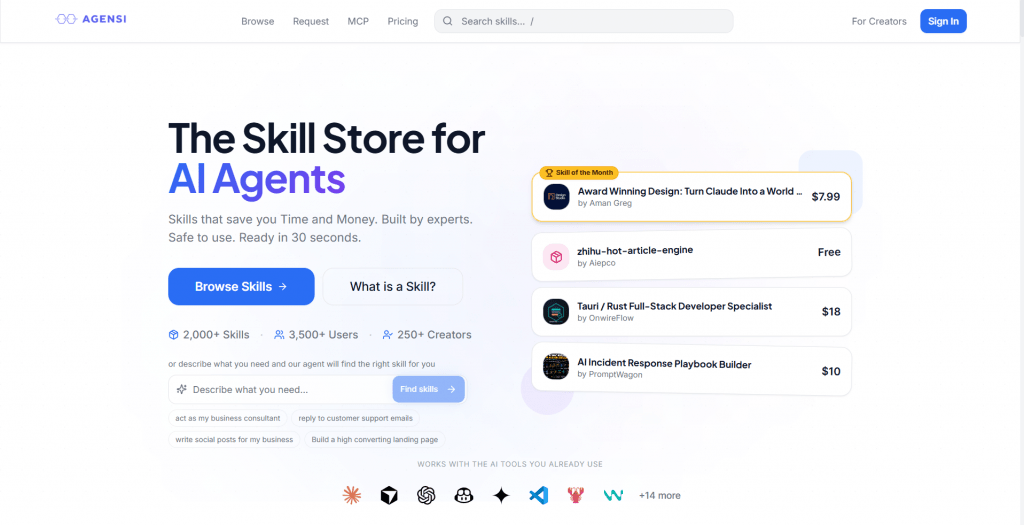
5. Agensi
Official website: https://www.agensi.io/
Platform: Skill marketplace and generator.
Features: Agensi combines skill creation with discovery. In addition to generating new skills, the platform lets developers browse, share, and reuse existing workflows. Rather than starting every project from scratch, users can adapt community-created skills for common development and automation tasks.
Pricing
|
Plan |
Price |
Key features |
|
Free |
$0 |
Browse and basic generation |
|
Premium |
Varies |
Additional marketplace and creator features |
Public feedback: Developers like the marketplace approach because it avoids reinventing common workflows. Since the ecosystem is still growing, the quality of community submissions can vary.
- Combines generation with skill discovery
- Encourages reusable workflows
- Community-driven ecosystem
- Saves time on common tasks
- Quality depends on community contributions
- Smaller ecosystem than established developer platforms
Comparison Table
|
Tool |
Best for |
Input |
Output |
Price |
|
Anthropic Skill Creator |
Official Claude Code skills |
Interactive Q&A |
Complete skill directory (SKILL.md + supporting files) |
Free |
|
Firecrawl Skills Generator |
API and documentation skills |
Documentation URL |
SKILL.md generated from crawled docs |
Usage-based (free tier available) |
|
SkillForge |
Fast custom skill creation |
Workflow description |
Structured SKILL.md with YAML frontmatter |
Free + paid plans |
|
Smidge |
Skills from existing knowledge |
PDFs, docs, presentations, and other files |
AI-generated SKILL.md based on uploaded content |
Free + paid plans |
|
Agensi |
Discovering and sharing reusable skills |
Workflow description or community templates |
Custom skills and downloadable community skills |
Free + premium features |
Who Should Use These
- Developers automating repeatable coding workflows in Claude Code, from migrations to code review.
- Teams encoding shared standards, like commit formats or review checklists, so every agent follows them.
- Non-coders capturing a repeatable task, since a basic skill needs no code, only clear instructions.
- Power users tired of re-explaining the same preferences every session.
Conclusion
For most people, the fastest good result comes from Anthropic’s skill-creator: official, free, and it turns a conversation into a working skill. Reach for Firecrawl when the knowledge already lives in docs, and browse a community library first, since the skill you need may already exist. The manual route stays useful for workflows too specific to generate. Whichever you pick, the real work is the trigger description, so test on a real task and refine until the agent loads it every time it should.
❓ Frequently Asked Questions
Answers to relevant questions about this AI tool



Great overview.
Very useful compilation!