Top AI Code Humanizers for Developers
On this page
AI coding assistants can produce a working function in seconds, but “working” and “maintainable” are not the same thing. Generated code is often verbose, awkwardly structured, inconsistently named, and full of patterns no human developer would choose. An AI code humanizer is a tool that takes that raw machine output and refactors it into clean, readable, natural code: better names, simpler logic, consistent style, and fewer of the tell-tale quirks of generated scripts.
This is about code quality, not disguising anything. The goal is maintainable software your team can read, review, and extend. Below we compare the best tools for refactoring and cleaning up AI-generated code, from free online refactor tools to full review platforms that catch issues before they reach your main branch.

What an AI Code Humanizer Actually Does
“Humanizing” code is really refactoring with an AI assist. A good tool will:
-
Clean up structure. Break long functions apart, remove duplication, and simplify tangled logic.
-
Improve naming and readability. Rename vague variables, add clarity, and apply consistent style.
-
Flag problems. Point out bugs, security risks, and anti-patterns the generated code introduced.
-
Explain the changes. The better tools tell you why a change improves the code, so you learn rather than just accept edits.
The best results still need a human in the loop. Treat these tools as a fast first pass that you review, not an unattended rewrite of code headed for production.
The Best AI Code Humanizer and Refactoring Tools
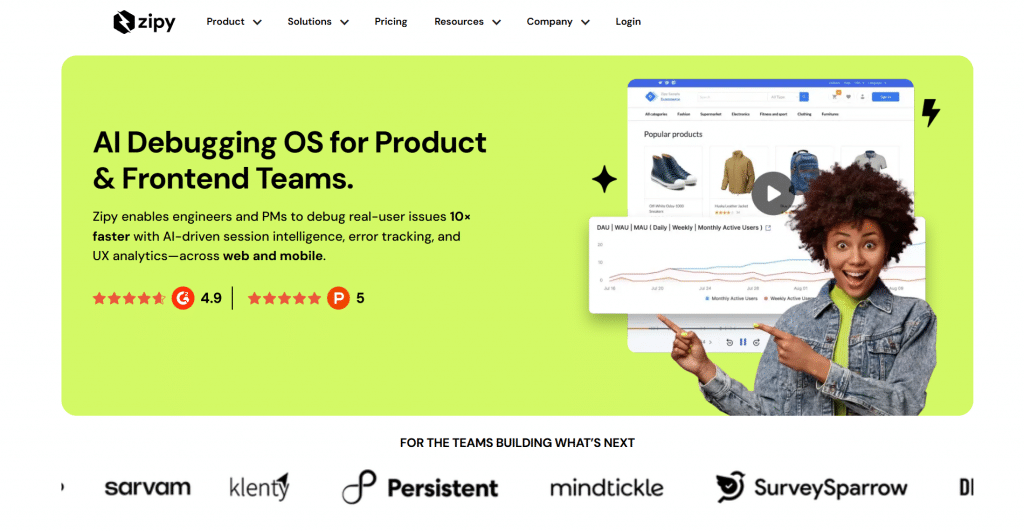
1. Zipy AI Code Refactor
Official website: zipy.ai
Platform: Free online tool, browser-based.
Features: Zipy’s AI Code Refactor is a free, no-signup web tool where you paste code and get a cleaner version back. It restructures logic, improves readability, and supports many languages, making it an easy first stop for tidying up a generated snippet. Zipy also offers companion online tools for AI code review and conversion.
|
Plan |
Price |
Key features |
|
AI Code Refactor tool |
Free |
Paste-and-refactor, multi-language, no signup |
|
Monitoring platform (Free) |
$0/mo |
1,000 sessions/mo, 15-day retention, up to 2 projects |
|
Monitoring platform (Pro) |
From $25/mo |
Error monitoring, heatmaps, API and page performance |
|
Monitoring platform (Enterprise) |
Custom |
Any volume, custom projects and retention, priority support |
Public feedback: Praised as a quick, zero-friction way to clean a snippet; it is best for individual blocks of code rather than whole projects.
-
Completely free with no account required
-
Simple paste-in, paste-out workflow
-
Handles many languages
-
Companion review and converter tools alongside it
-
Built for snippets, not whole codebases
-
No deep project context or IDE integration
-
Quality depends on the size and clarity of the input
-
Not a continuous part of your workflow
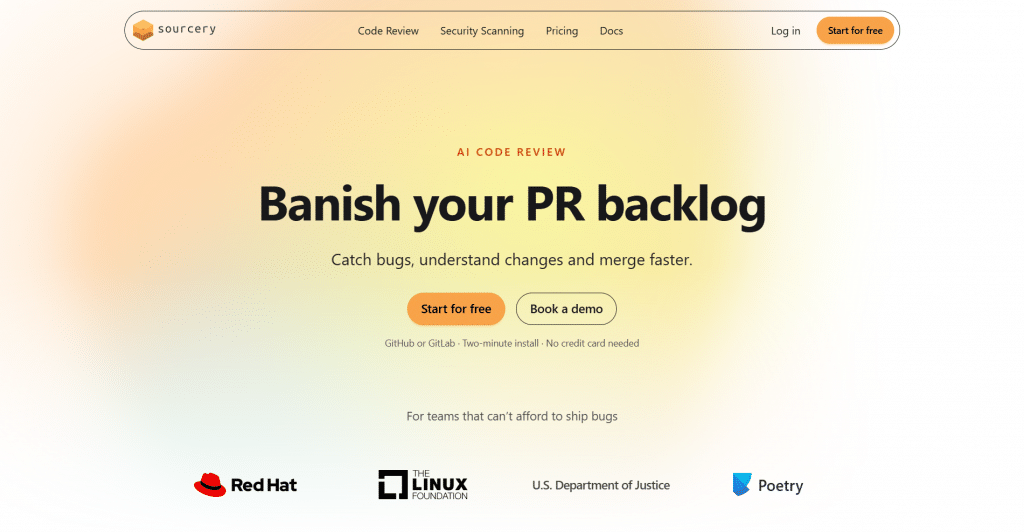
2. Sourcery
Official website: sourcery.ai
Platform: IDE plugin and CLI, strong Python focus, with broader language support.
Features: Sourcery reviews your code as you write and suggests refactorings inline, explaining each one. It is well known in the Python world for catching awkward patterns and proposing cleaner equivalents automatically, which makes it a natural fit for tidying AI-generated code before it ever leaves your editor.
|
Plan |
Price |
Key features |
|
Open Source |
Free forever |
AI reviews on public repos, one-click fixes, custom rules |
|
Pro |
$12/dev/mo (billed annually) |
AI reviews on private repos, higher limits, Jira |
|
Team |
$24/dev/mo (billed annually) |
Codebase security, nightly scans, team analytics |
|
Enterprise |
Custom |
Self-hosting, SSO, bring your own LLM keys |
Public feedback: Loved by Python developers for instant, explained refactorings; some want wider language depth to match its Python strength.
-
Inline, real-time refactoring suggestions in the editor
-
Explains why each change improves the code
-
Usable free tier for individual developers
-
Catches anti-patterns generated code often introduces
-
Strongest on Python, lighter on other languages
-
Full feature set needs the paid plan
-
More of an assistant than a one-click cleaner
-
Requires editor setup rather than a quick paste
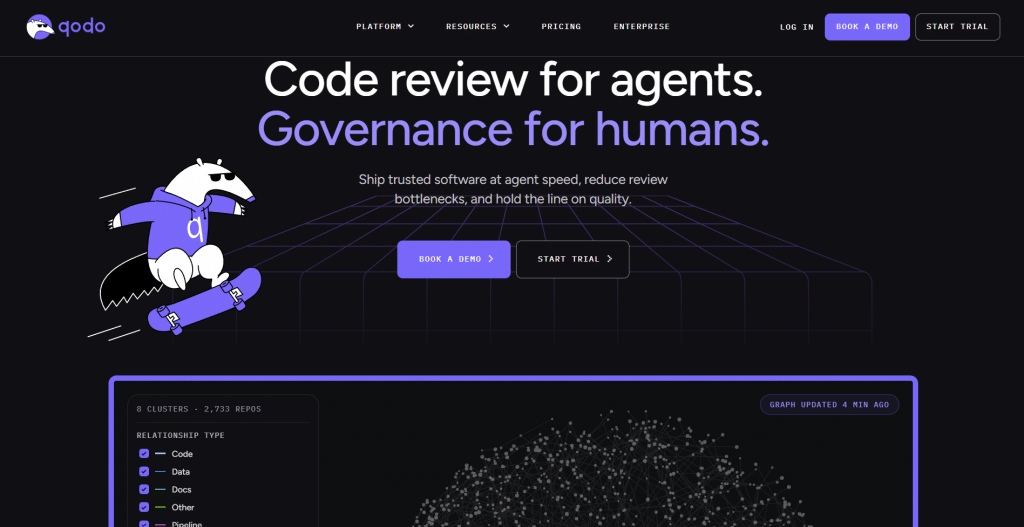
3. Qodo
Official website: qodo.ai
Platform: IDE extension and platform (formerly Codium AI).
Features: Qodo focuses on code integrity: it reviews, refactors, and generates tests for your code, which is especially useful for AI-generated scripts that look right but lack coverage. It analyzes context across your project and suggests improvements, so humanizing the code and verifying it happen together.
|
Plan |
Price |
Key features |
|
Free 14-Day Trial |
$0 |
Unlimited reviews and credits, no credit card |
|
Pro Team (~18 reviews/mo) |
2,500 credits |
$0.012/credit, pooled across the team |
|
Pro Team (~36 reviews/mo) |
5,000 credits |
Switch packs anytime, no rate limits |
|
Pro Team (~144 reviews/mo) |
20,000 credits |
No annual commitment |
Public feedback: Valued for pairing refactoring with automatic test generation; the free tier is generous, while team pricing suits larger groups.
-
Combines refactoring with automatic test generation
-
Analyzes project context, not just one snippet
-
Free Developer tier for individuals
-
Helps verify AI code, not just tidy it
-
Full value only once you adopt its workflow
-
Team features require a paid plan
-
More than you need for a quick one-off cleanup
-
Learning curve versus a simple paste tool
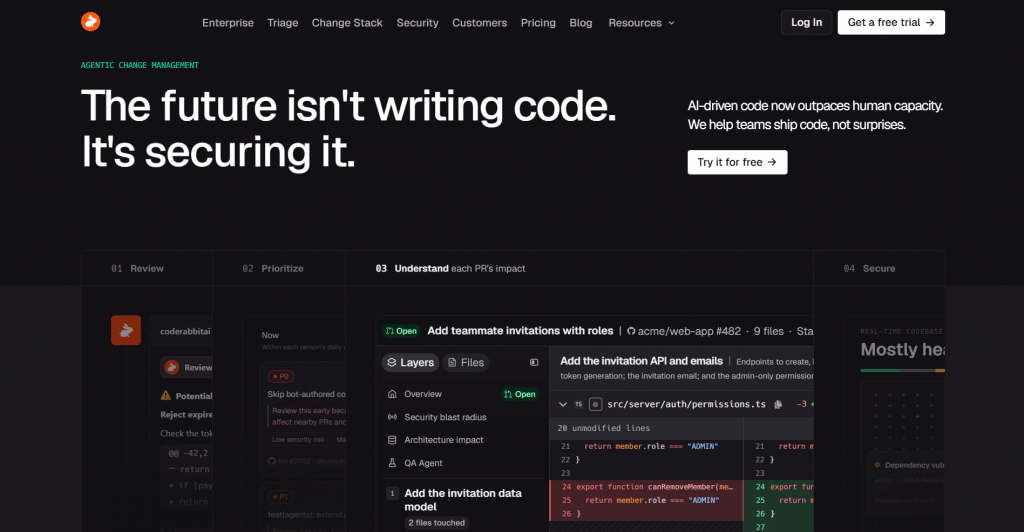
4. CodeRabbit
Official website: coderabbit.ai
Platform: Automated pull-request reviewer (GitHub, GitLab).
Features: CodeRabbit sits on your pull requests and gives detailed, line-by-line reviews with refactoring suggestions, so messy AI-generated code gets cleaned before it merges. It is less a paste tool and more a gatekeeper, summarizing changes and flagging issues on every PR automatically.
|
Plan |
Price |
Key features |
|
Free |
$0 |
Basic PR reviews on public and limited repos |
|
Pro |
From $24/user/mo |
Full reviews, private repos |
|
Pro Plus |
From $48/user/mo |
Higher limits, more controls |
Public feedback: Rated highly for thorough PR reviews that catch real issues; the volume of comments can feel heavy on large PRs.
-
Automatic, detailed reviews on every pull request
-
Catches issues in AI code before it merges
-
Line-by-line refactoring suggestions with context
-
Free tier for trying it on open repos
-
Can generate a lot of comments on big PRs
-
Needs a Git host and PR workflow, not ad hoc use
-
Full features require a paid plan
-
Overkill for a lone script with no repo
5. Sourcegraph Cody
Official website: sourcegraph.com/cody
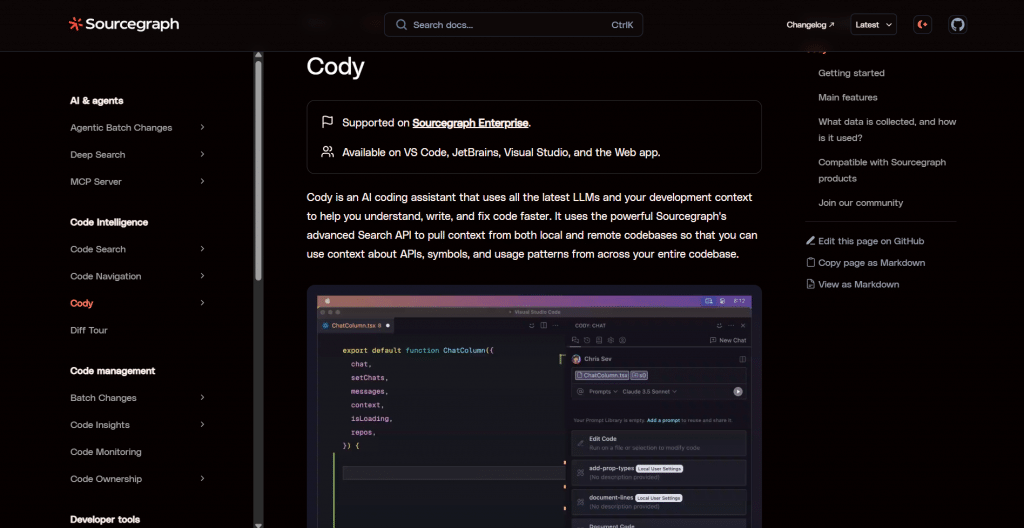
Platform: AI coding assistant across editors, with codebase context.
Features: Cody understands your whole codebase, which lets it refactor AI-generated code to match your existing conventions rather than in isolation. You can ask it to clean up a file, explain code, or apply a consistent pattern, and it draws on the surrounding project to keep the result coherent.
|
Plan |
Price |
Key features |
|
Free |
$0 |
Limited usage for individuals |
|
Pro |
Paid subscription |
Higher limits, more context |
|
Enterprise |
Custom |
Codebase-wide context, controls |
Public feedback: Praised for codebase-aware answers that fit your conventions; heavy use runs into limits on the free tier.
-
Refactors with full codebase context, not in isolation
-
Matches your project’s existing conventions
-
Works across popular editors
-
Explains and documents code alongside refactoring
-
Most valuable on an existing, sizable codebase
-
Free tier has usage limits
-
Broad assistant, not a dedicated cleaner
-
Context setup needed to get the best results
Comparison Table
|
Tool |
Type |
Free tier |
Best for |
|
Zipy |
Online paste tool |
Yes, full |
Quick snippet cleanup |
|
Sourcery |
Editor plugin |
Yes |
Inline Python refactoring |
|
Qodo |
IDE + platform |
Yes |
Refactoring plus tests |
|
CodeRabbit |
PR reviewer |
Yes, limited |
Cleaning code before merge |
|
Sourcegraph Cody |
Codebase assistant |
Yes, limited |
Context-aware refactoring |
How to Choose the Right Tool
For a one-off snippet, a free online tool like Zipy is the fastest route: paste, refactor, done. If you want cleanup built into your daily work, an editor assistant like Sourcery or Cody refactors as you type, with Sourcery strongest on Python and Cody strongest when it can see your whole codebase. If your concern is AI code reaching production, a pull-request reviewer like CodeRabbit catches problems before they merge, and Qodo adds the tests that generated code usually lacks.
A practical approach is to combine them: clean obvious messes with a quick tool, let an assistant refactor as you work, and put a reviewer on your pull requests as a safety net. Whichever you use, read the suggested changes rather than applying them blind, since an AI refactor can still miss intent or introduce a subtle bug.
Conclusion
AI writes a lot of code, and not all of it is code you would want to maintain. An AI code humanizer closes that gap, turning fast but messy output into clean, readable, natural code. For quick jobs, Zipy’s free refactor tool is hard to beat; for everyday work, Sourcery and Cody bring refactoring into your editor; and for team safety, CodeRabbit and Qodo clean and verify code before it ships. Pick the one that matches where your code gets messy, keep a human reviewing the changes, and you get the speed of AI generation with the quality of hand-written code.
❓ Frequently Asked Questions
Answers to relevant questions about this AI tool