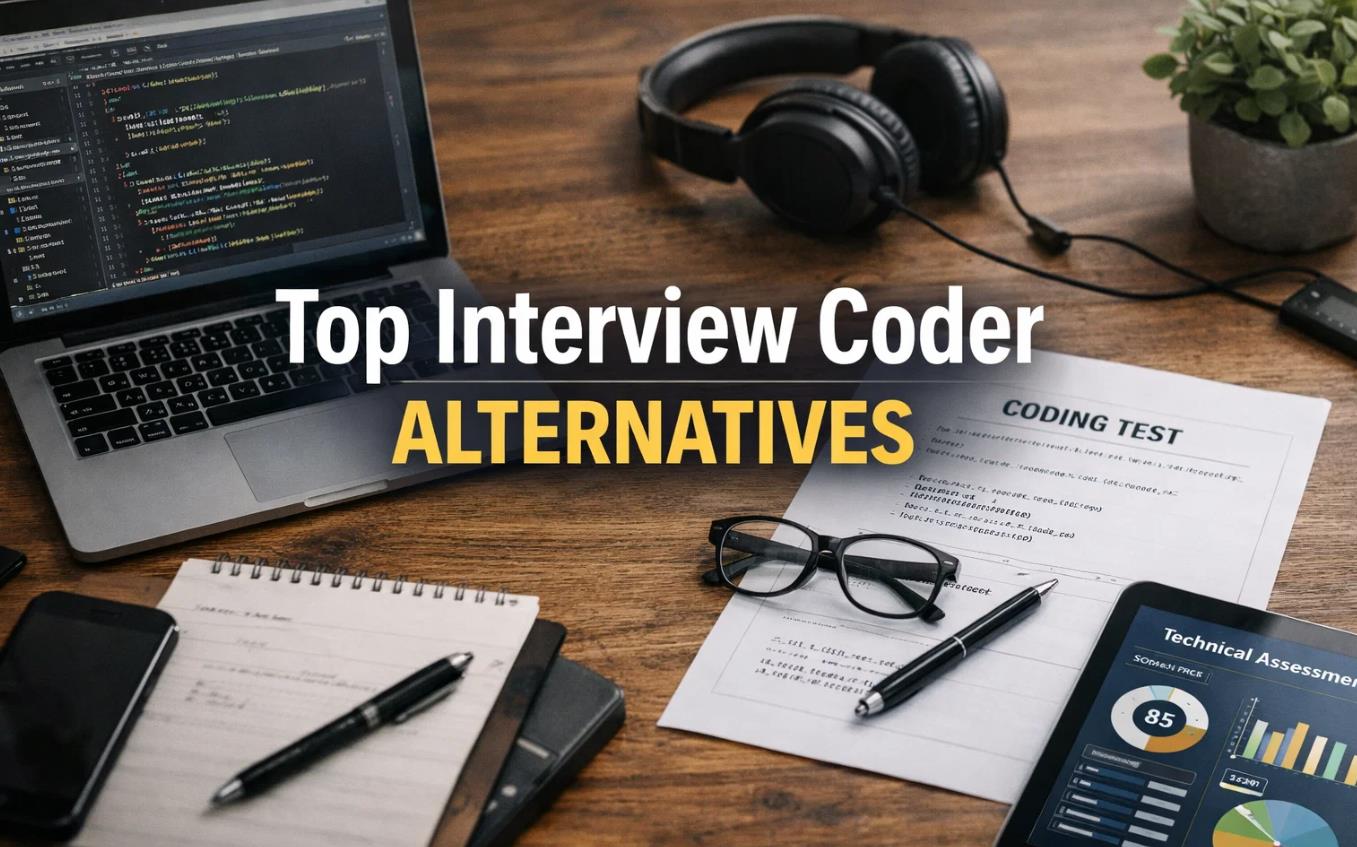
Top Interview Coder Alternatives
On this page
Technical interviews are stressful. You have to reason out loud, recall algorithms on the spot, and write clean code while someone watches, all at once. It is no surprise that a wave of AI tools has grown up around this moment, and that many of them are marketed as live “copilots” that feed you answers during the real interview.
It is worth being clear about those: using any assistant during an actual interview is against the policies of nearly every company, increasingly detectable, and a fast route to disqualification or a rescinded offer. The tools that genuinely pay off are the ones that make you better before you sit down, structured practice, mock interviews, and real study of the topics you are weak on. This guide covers the landscape honestly, separating the high-risk live tools from the practice platforms that actually build skill, so you can prepare in a way that holds up under follow-up questions.
1. AI Tools For Live Interviews
These tools are there to help while you’re actually talking to the interviewer. They try to figure out what’s going on from the audio, video, or text on the screen and then give you hints, like ready-made answers or code snippets.
Important: Using similar sidekicks during an actual recruitment stage is considered unethical and directly violates the policies of most companies. If you get caught, you’ll probably be disqualified.
AI Interview Copilot
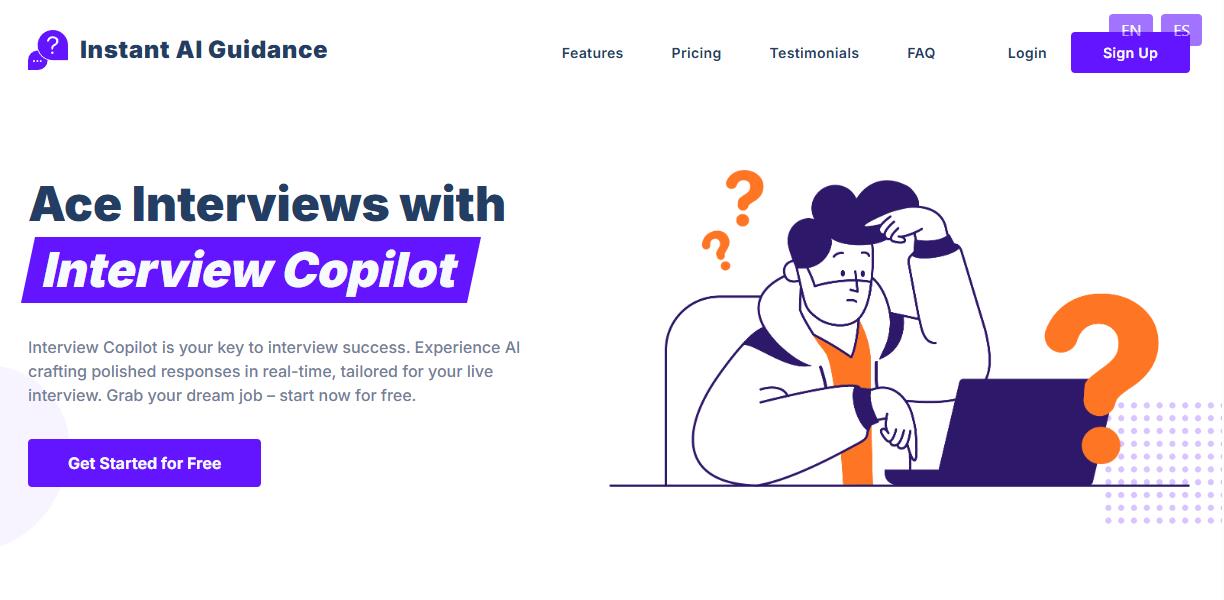
Interview Copilot positions itself as a true co-pilot to help you handle interview stress. It listens to the interviewer’s questions and turns them into text, then comes up with answers or code and shows them in a window that you can supposedly hide.
- Strengths: Help in a moment of panic. Not for learning, but for emergency support when a syntax construct or answer structure is forgotten.
- Best for: A candidate looking for a “safety net” in case of excessive stress or gaps in knowledge.
- Pricing Model: Usually a subscription or one-time fee. Check their website for the latest prices.
TechScreen
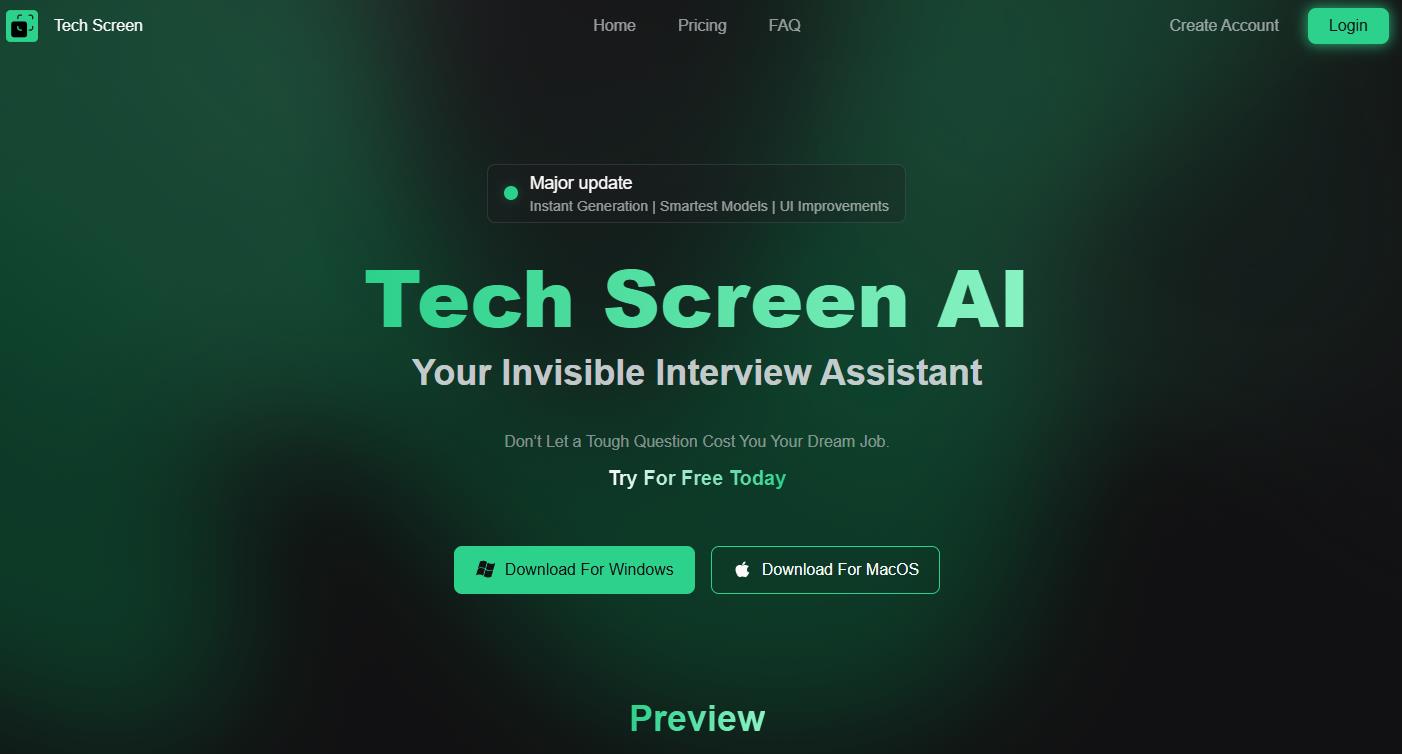
TechScreen focuses on technical assistance during live coding sessions. Operates on top of all windows, continuously analyzing what’s happening on the screen and in the audio stream. Immediately provides hints on algorithms, syntax, and problem-solving, minimizing the need to switch context.
- Strengths: It fits in well and is focused on giving you technical advice while you’re coding.
- Best for: Developers who are getting ready for a live-coding interview and want advice as they work.
- Pricing Model: Freemium with subscription. Plans: Free (3 tokens), Essential ($19/month, 50 tokens), Professional ($29/month, 160 tokens), Expert ($49/month, 500 tokens).
GhostCoder
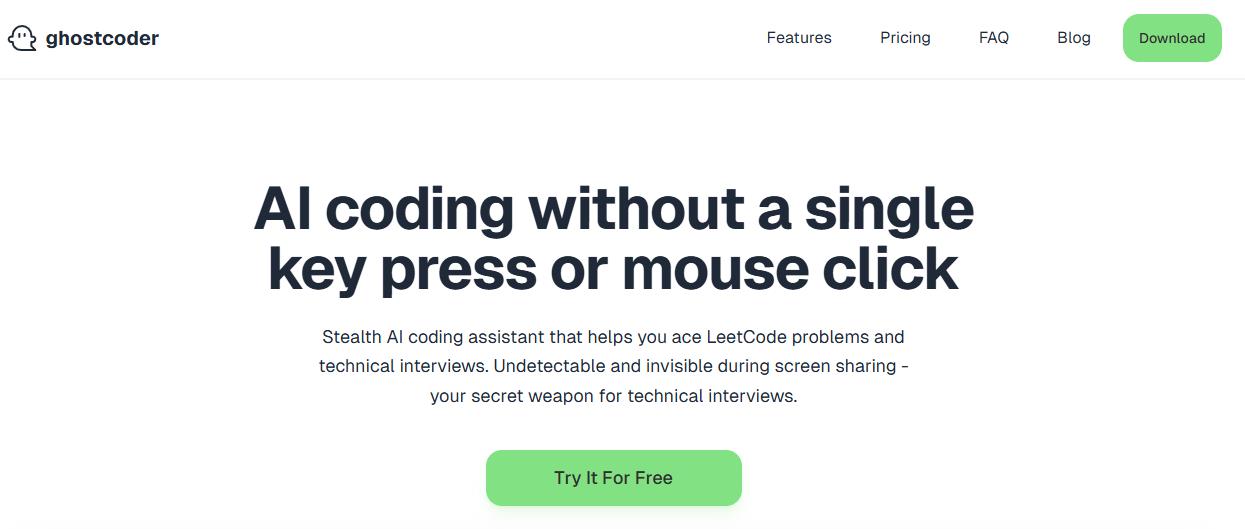
This tool is all about being flexible and always available, and it works right in your coding environment. It’s a desktop app that goes into your IDE or text editor. It looks at the code you’re writing and suggests ways to complete it, make it better, or fix problems. The main difference is the capability to use your own API key from OpenAI, Anthropic (Claude), or Google (Gemini).
- Strengths: Control over the AI model and one-time payment. You aren’t tied to the developers’ built-in model and pay once.
- Best for: Experienced developers who want a tool they can set up how they like to practice and possibly use during interviews.
- Pricing Model: A one-time payment for a lifetime license, around $40–$100. There’s a free trial available.
LockedIn AI
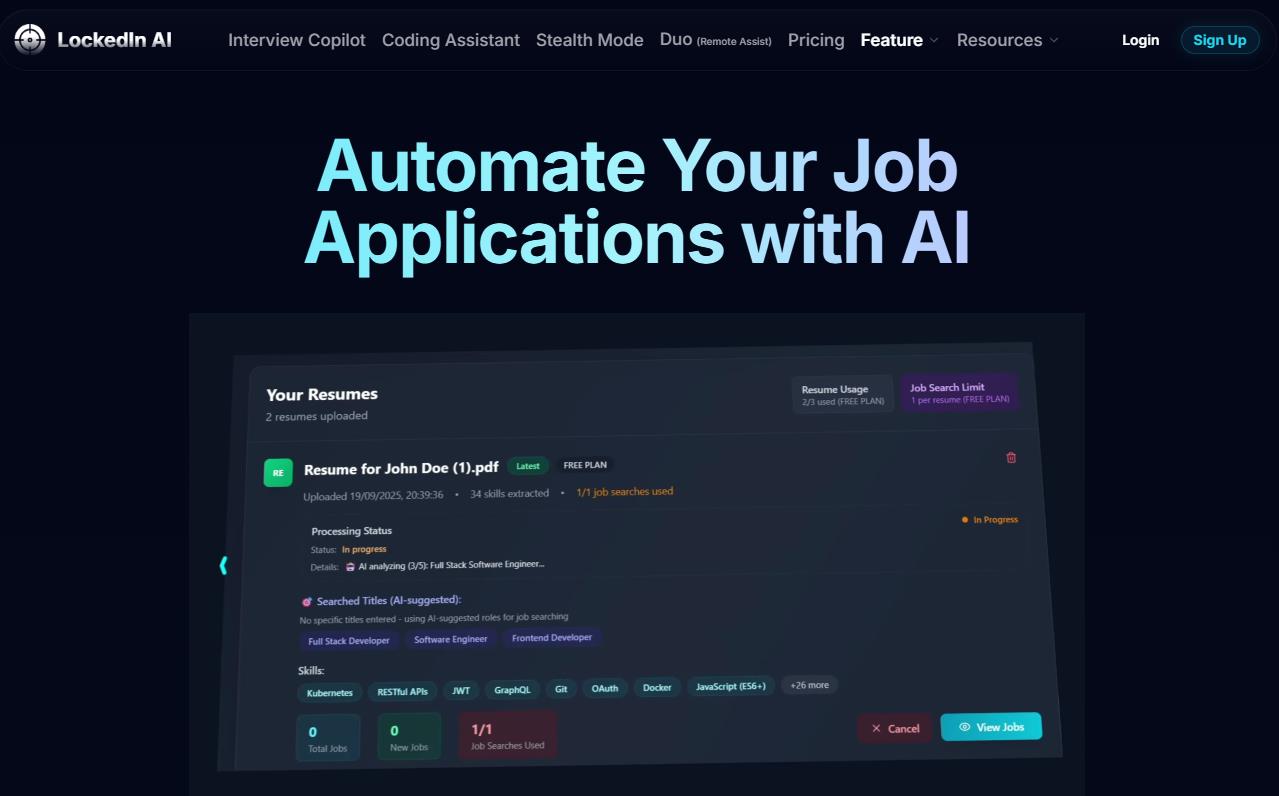
This is a general helper for all kinds of communication situations, an interview & meeting copilot. What it does is pay attention to your conversations on Zoom, Teams, or Google Meet. It can assist you with answering questions, doing presentations, tackling case interviews, and offering advice when you’re unsure. Plus, it can work with various AI setups and different languages, which is pretty cool.
- Strengths: It’s useful in many situations, not just coding, and it has a stealth mode to stay hidden.
- Best for: Job candidates who need to be good at both technical skills and people skills.
- Pricing Model: It has a few options. Free: get a little bit of help each day. Subscription: Unlimited Pro Monthly (~$54.99/month) or Quarterly (~$39.99/month with quarterly billing). Includes Stealth Mode.
Parakeet AI
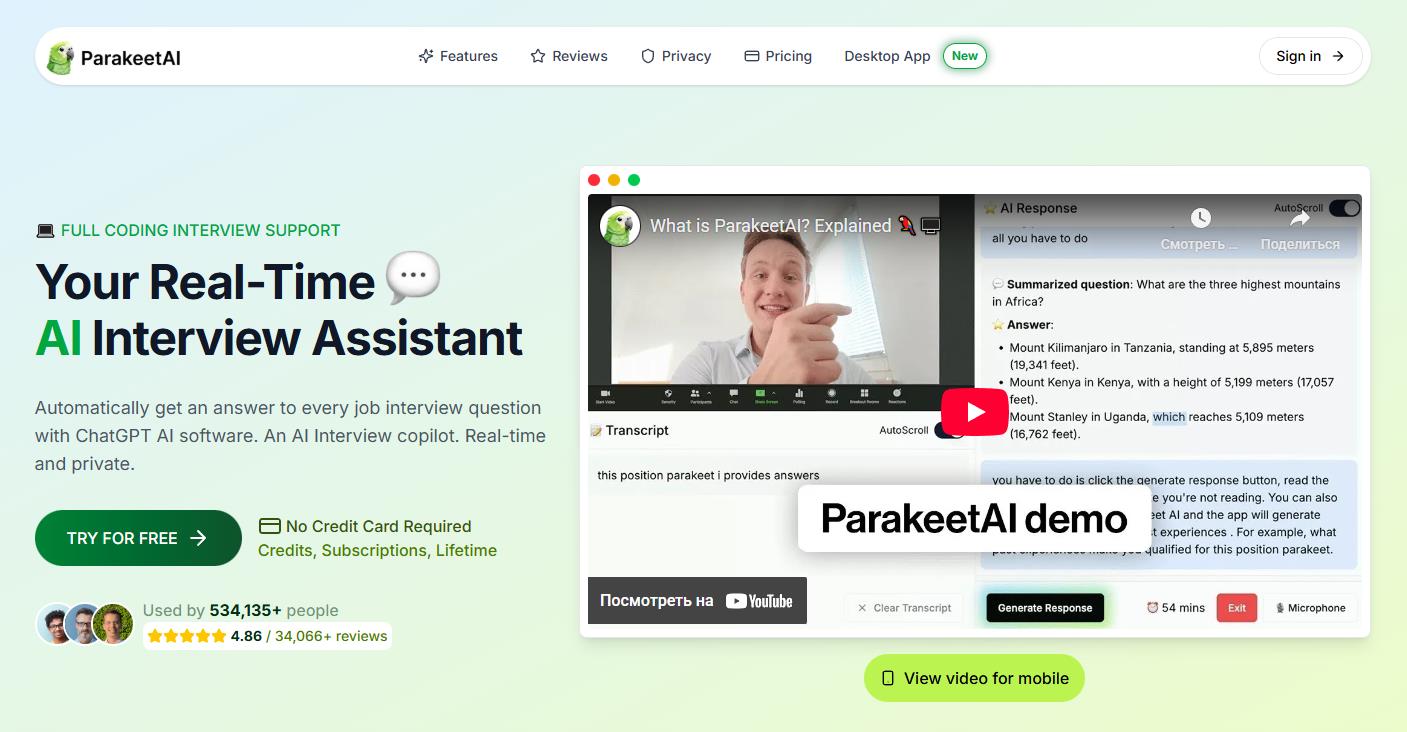
This real-time interview copilot focuses on making your answers sound good and fit your experience. It listens to what the interviewer is saying and comes up with answers that make sense. It can also look at the screen for help with technical questions.
- Strengths: Two in one—you can practice and also use a similar interface for backup.
- Best for: People who want to make their answers sound better, especially when talking about their past experience.
- Pricing Model: You buy credits instead of a subscription. 1 credit ≈ 1 hour session. Starter packages: Basic (~$29.50 for 3 credits), Plus (~$59.00 for 6+2 credits), Pro (~$88.50 for 9+6 credits).
Interviews Chat (Copilot mode)
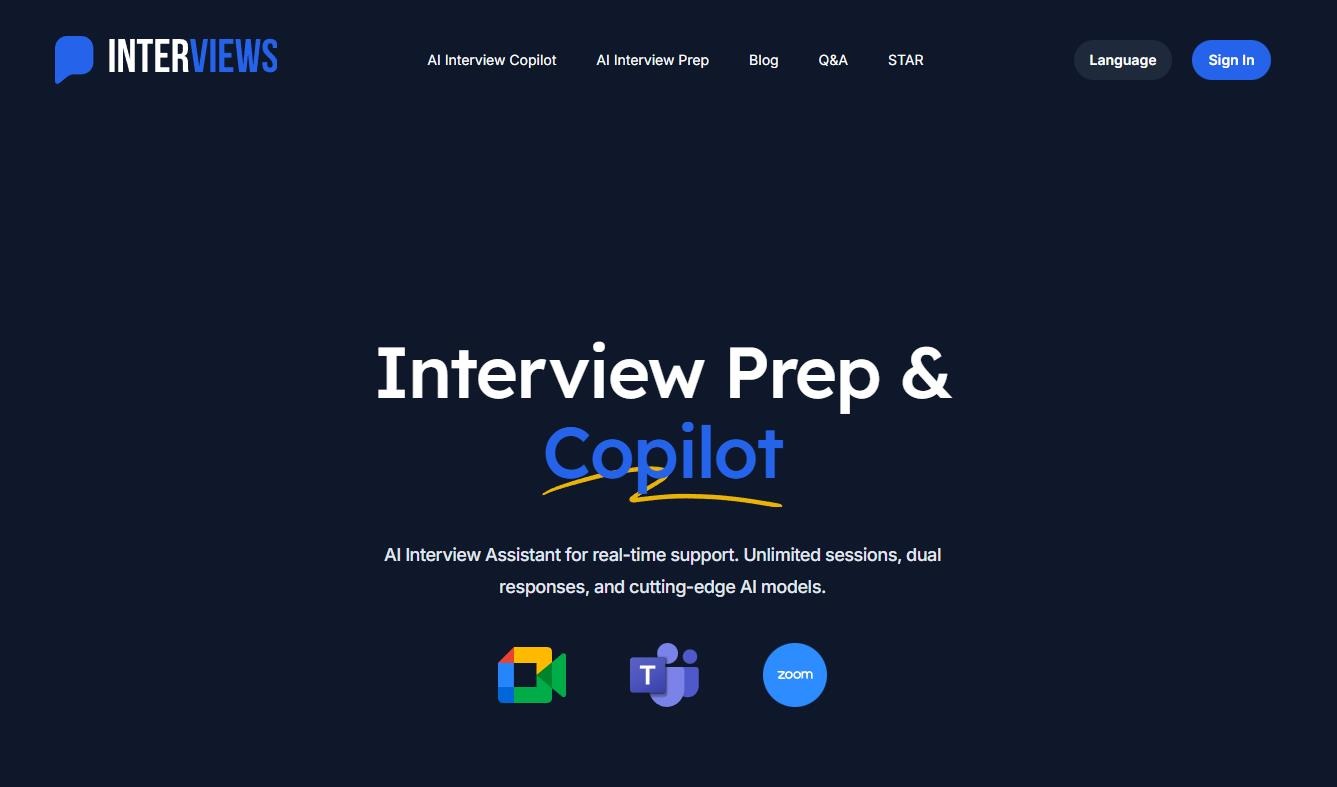
This tool is both a practice simulator and a real-time helper. In Copilot mode, it analyzes the interview and provides contextual hints. The peculiarity is integration with a chat interface for preparation. It also has a chat interface for practicing.
- Strengths: It’s a two-in-one tool, so you can practice and then use a similar interface to get help during the interview.
- Best for: People who want an all-in-one solution and like using chat.
- Pricing Model: A credit-based subscription system. 1 credit ≈ 1 minute of Copilot or 1 hint. Plans: Starter ($19/month, 1000 credits), Booster ($29/month, 1000 credits + unlimited Copilot time), Pro ($69/quarter, 3000 credits + unlimited Copilot time).
2. Practice Platforms And Interview Simulations
There are also platforms where you can prep and simulate interviews. But these aren’t there to just hand you answers during the real deal. Instead, they’re built to help you actually understand your stuff and get genuinely better at interviewing. They’re more focused on getting you ready beforehand, rather than trying to game the system while you’re in the hot seat.
Interviewsby.ai
This platform is great for practicing, especially for the behavioral part of the interview. You upload a job description or resume. AI generates relevant questions, you record a text or voice answer and receive a detailed breakdown with examples of improvements, often in the STAR format.
- Strengths: It’s great for practicing answers to questions about your past experience and skills.
- Best for: People who want to fine-tune their answers to questions about their experience and abilities.
- Pricing Model: Freemium. Basic (free, 3 questions per month), Pro ($9/month — unlimited questions, resume upload, extended answers).
Codemia
A structured learning platform for technical topics, primarily System Design. It has structured courses and task libraries on system design and algorithms. It focuses on showing you how architectures and concepts work and gives you AI feedback on your solutions.
- Strengths: It helps you really understand the material with structured lessons and visuals. It’s more of a learning platform than just a simulator.
- Best for: A candidate for mid-level/senior positions who wants to strengthen architectural knowledge and understanding of scalable systems.
- Pricing Model: Subscription or lifetime access. Annual subscription — about $55–$59/year. Lifetime access — roughly $159 (promotional price).
Interviews Chat (Preparation mode)
This is a trainer that acts like a conversation with an AI interviewer. You talk to an AI to practice answering questions. The service gives you feedback on your answers.
- Strengths: It’s easy to get started, and the chat format makes it convenient to practice regularly.
- Best for: It’s for those who need learning by talking and want a simple way to practice every day.
- Pricing Model: Same as for Copilot mode, credits are spent on preparation sessions.
Will I Get Caught? Proctoring and Bypass
Proctoring is when a system watches you during an online interview, recording your screen and sound, watching what programs are running, and analyzing how you move your mouse and type to see if you’re getting help. These systems (like HireVue and Talview) are getting more advanced.
Important: No tool can promise that you won’t get caught. Using any helper during a real interview is risky. The developers say they’re trying to make it harder to detect these tools, but still.
- LockedIn AI: Has a Stealth Mode that tries to hide the application from screen recording and the list of running programs. But, if the system is watching closely, it might still be able to tell.
- TechScreen: It says it can work behind the scenes on top of other windows. But, it might not be invisible to a system process analyzer.
- GhostCoder: The detection depends on if the proctoring software monitors background processes.
- Parakeet AI: The problem is the audio. Even though you can’t see the hints, the system might be able to tell that something’s up by analyzing the audio.
- Interviews Chat (Copilot) & AI Interview Copilot: The risks are the same: the system might see the window or notice unusual activity.
Don’t want to risk it? Interviewsby.ai and Codemia work well together. If you use them, you’ll feel more confident in your interviews.
Final Comparison and Selection Guide
|
Category |
Main Purpose |
Key Tools |
Target audience |
|
Help During Interview |
Hidden real-time support (high risk) |
TechScreen, GhostCoder, LockedIn AI, Parakeet AI |
For those who know the risks and want a safety net. |
|
Interview Rehearsal |
Practicing answers and skills before the event |
Interviewsby.ai, Interviews Chat (preparation) |
For anyone who wants to get better at communicating and presenting themselves. |
|
Structured Learning |
Deep study of complex topics |
Codemia |
For mid-to-senior level people who want to strengthen their technical skills. |
❓ Frequently Asked Questions
Answers to relevant questions about this AI tool