Best PDF Audio Reader: 5 AI Tools That Read PDFs Aloud
On this page
Think of the longest PDF in your downloads folder right now: a report, a textbook chapter, a contract you keep meaning to get through. Your eyes need a screen, a chair, and your full attention. Your ears are free most of the day. The best PDF audio reader moves that document from the first queue to the second, and modern AI text-to-speech has made the listening part easy on the ears. This guide compares five tools that read PDF aloud well, with prices checked in July 2026.
What a PDF Audio Reader Actually Does
The job sounds simple: PDF to speech, file in, narration out. Three things separate a daily tool from a novelty:
-
Natural-sounding voices. Neural voices now handle pauses, emphasis, and names well enough that a 40-page listen doesn’t grate. The monotone of old text-to-speech software is optional now, which matters most to people who rely on accessibility tools daily.
-
OCR for scans. Suppose your PDF is a scanned book chapter, pictures of text rather than text itself. Tools with built-in OCR recognize the characters first, then read them; tools without it go silent.
-
Playback speed control. Most people follow narration comfortably at 1.5x to 2x, which turns a two-hour read into a one-hour listen.
Top 5 PDF Audio Readers
The picks split the territory: the all-rounder, the voice-quality leader, the technical-paper specialist, the free route on your PC, and the voice studio that lets you keep the files.
1. Speechify
Official Website: speechify.com
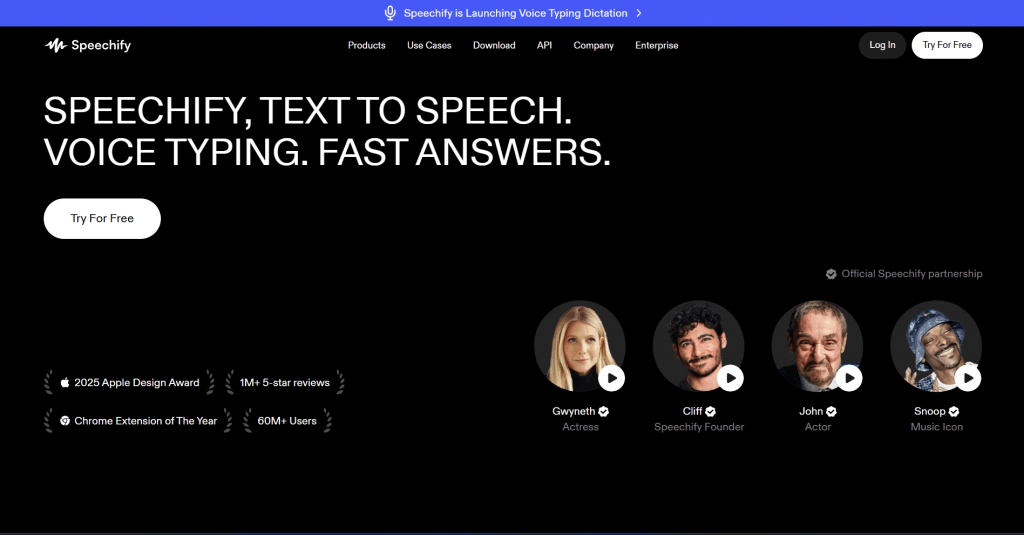
Speechify is the category’s household name, mostly for convenience: apps for web, iOS, Android, and Chrome, all synced. Drop in a PDF or a photo of a page and it reads with word-by-word highlighting. Premium unlocks 1,000+ natural-sounding voices in 60+ languages, playback up to 5x, AI summaries, and Google Drive, Dropbox, and OneDrive imports.
Platform: Web, iOS, Android, Chrome extension, Mac.
Pricing: Free plan with 10 basic voices at up to 1.5x speed; Premium at $139/year (or $29 billed monthly).
-
Scan & Listen OCR reads photographed and scanned pages.
-
Word highlighting keeps your place while you listen.
-
The free tier’s robotic voices are a demo, not a daily driver.
-
The $29 monthly plan is poor value next to $139 for a full year.
2. ElevenReader
Official Website: elevenreader.io
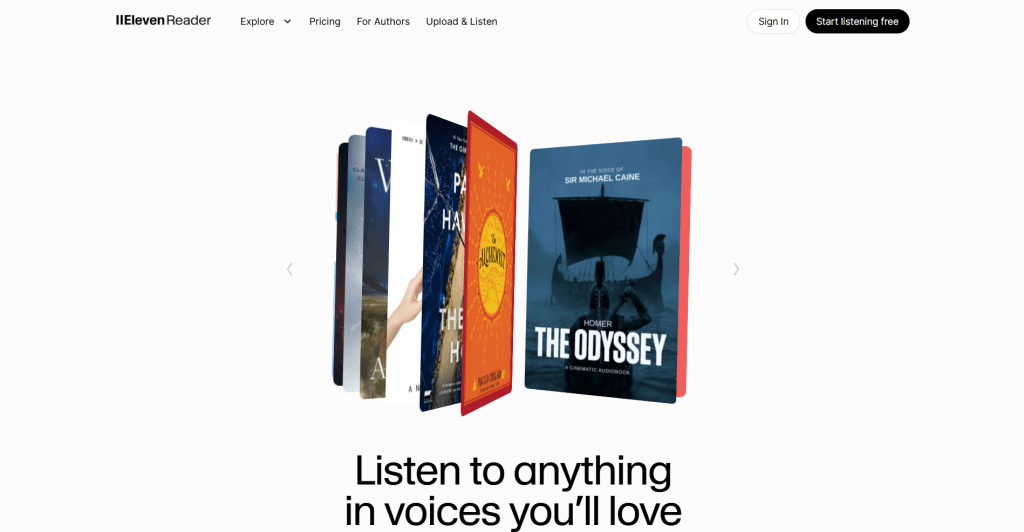
ElevenReader comes from ElevenLabs, whose voices regularly get mistaken for humans, and its free tier is the standout offer: 10 hours of document to audio conversion a month, roughly a 400-page book, free. Upload PDFs and ePubs, paste links, or scan pages, then pick from 1,000+ voices across 32 languages, Russian included. Ultra removes the cap and adds offline downloads and smart imports that skip headers and footers.
Platform: Web, iOS, Android, Chrome extension; syncs between them.
Pricing: Free for 10 hours/month; Ultra at $11/month or $8.25/month billed annually.
-
The most lifelike voice narration in the category, free for 10 hours a month.
-
Playback up to 4x, sleep timer, and bookmarks on the free plan.
-
Reads in 32 languages, covering a mixed-language reading pile.
-
No MP3 export on any plan; audio stays inside the app.
-
Heavy listeners will hit the free cap mid-month.
3. Paper2Audio
Official Website: paper2audio.com
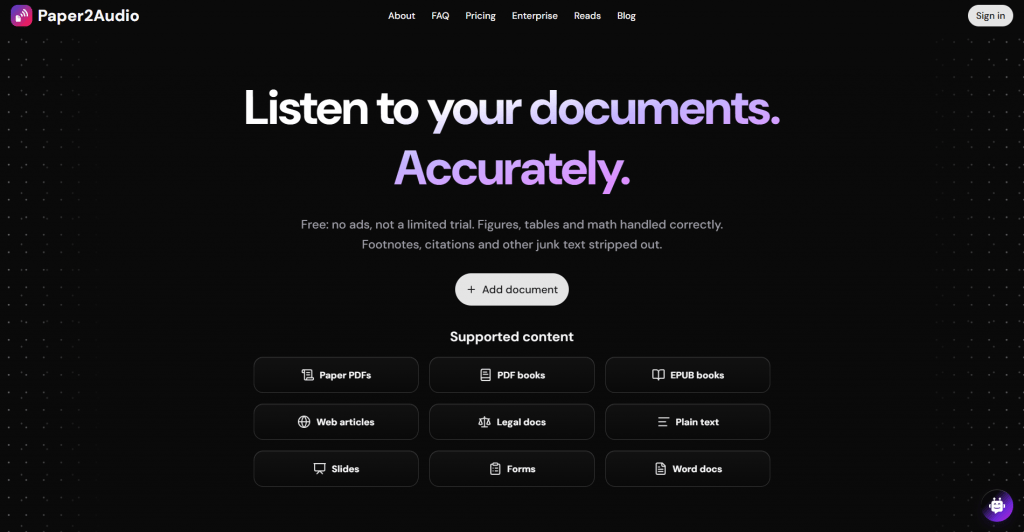
Paper2Audio was built for the ugly PDFs: research papers, textbooks, anything dense with footnotes. Its pipeline strips page numbers, headers, and references before narrating, and summarizes tables, figures, and equations instead of reading them out. The free plan is the most generous here: 56 hours of audio weekly, every voice included, with PDFs up to 250 pages. Plus triples the hours, takes PDFs to 1,000 pages, and adds audio downloads with transcripts.
Platform: Web, iOS, Android, plus Chrome, Edge, and Firefox extensions.
Pricing: Free for personal use; Plus at $16/month billed annually ($192/year) or $20 monthly, with a 14-day money-back guarantee.
-
Skips junk text and summarizes tables, so technical papers finally sound clean.
-
56 free hours a week with no paywalled voices and offline listening in the mobile apps.
-
Downloading the audio as files requires the Plus plan.
-
Documents only, with no audiobook shelf.
4. Microsoft Edge Read Aloud
Official Website: microsoft.com/edge
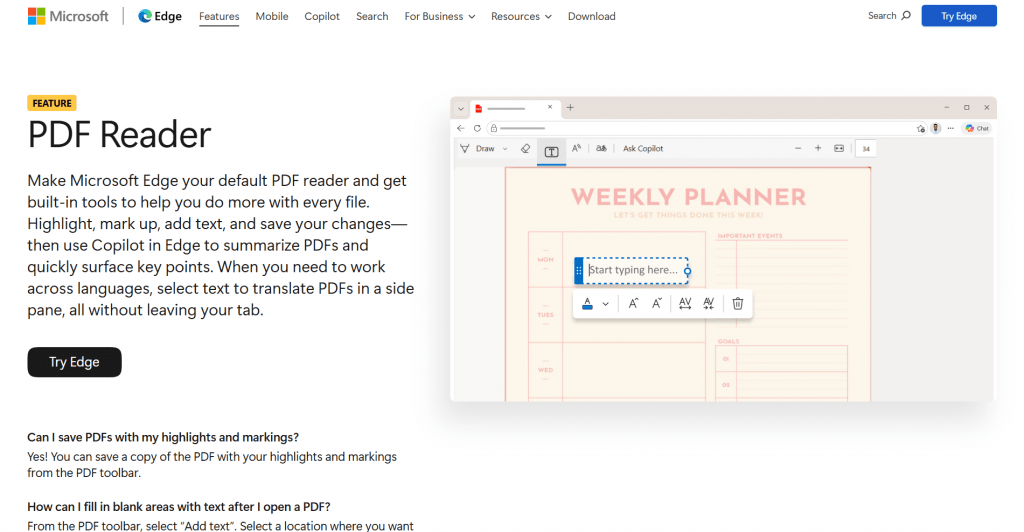
Already on your PC, and free. Open any PDF in the Edge browser, click Read aloud in the toolbar, and neural voices start narrating with sentence highlighting and playback speed control. The voices cover dozens of languages, Russian among them. The file never leaves your machine, a quiet privacy bonus.
Platform: Windows, macOS, iOS, Android (wherever Edge runs).
Pricing: Free.
-
Zero cost, zero setup.
-
Reads any PDF you can open, including files too sensitive to upload.
-
No OCR, so image-only scans stay silent.
-
No library, sync, or MP3 export; it reads what’s open and nothing more.
5. Noiz
Official Website: noiz.ai
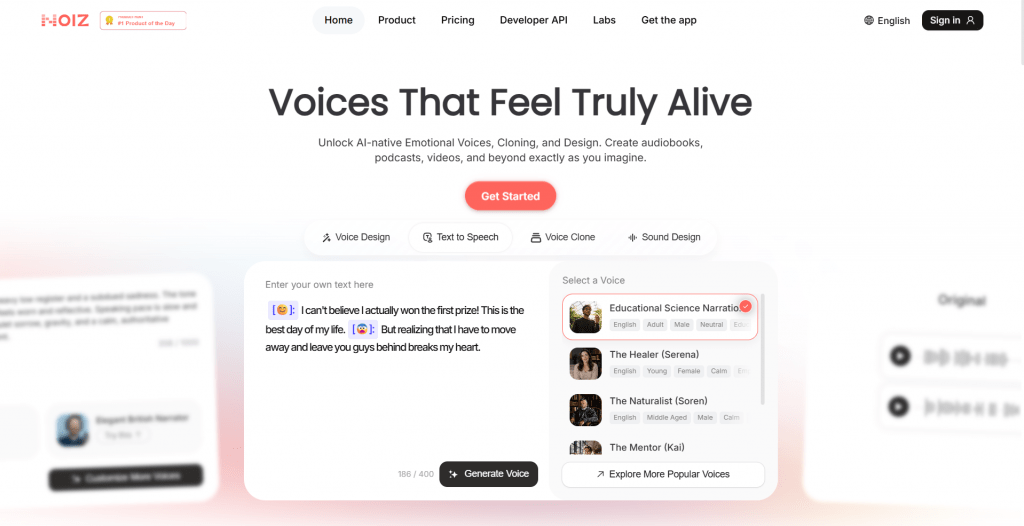
Noiz comes at the job from the creator’s side: a browser-based AI voice studio that turns your document’s text into audio you keep. Paste the text, pick from the voice library or clone your own, then download the file, free to start with no sign-up. Paid plans meter usage in credits, roughly 100 to 1,000 minutes of audio a month, and bundle extras pure readers skip: multilingual dubbing, sound design, and music tools.
Platform: Web.
Pricing: Free to start; Lite at $2.99 for the first month (then $6/month), Pro at $9.50 (then $19/month); annual billing runs 25 to 50 percent less.
-
Free audio downloads from pasted text, the cheapest MP3 route here.
-
Voice narration with cloned voices and dubbing comes along for the price.
-
No PDF upload; long documents mean pasting in chunks, and Lite caps a generation at 1,000 characters.
-
Intro prices renew higher, so read the billing screen before subscribing.
Comparison Table
|
Tool |
Best for |
Price |
Free option |
Audio file download |
|
Speechify |
All-device convenience |
$139/yr |
10 basic voices |
No, in-app only |
|
ElevenReader |
Voice quality on a budget |
$8.25/mo (annual) |
10 hours/month |
No, in-app only |
|
Paper2Audio |
Technical papers, textbooks |
$16/mo (annual) |
56 hours/week |
On Plus plan |
|
Edge Read Aloud |
Instant free listening |
$0 |
Everything |
No |
|
Noiz |
MP3s and voice cloning |
$2.99 first month |
Paste and generate |
Yes, free |
Which One Should Read to You?
Match the tool to your reading pile:
-
Testing the waters: open your next PDF in Edge and press Read aloud. It costs nothing and settles whether you actually like to listen to documents at all.
-
A daily commute habit: ElevenReader, where the free 10 hours cover a casual month and the voices carry long sessions.
-
Research papers and textbooks: Paper2Audio, where 56 free weekly hours and junk-text cleanup were made for dense reading.
-
Everything, everywhere, fast: Speechify, if 5x playback and offline / mobile reading across all your devices justify the annual bill.
-
Audio files you keep: Noiz, which handles quick audio conversion of pasted text into free downloads.
Whichever you pick, start at 1.2x and nudge the speed up weekly. Within a month you’ll clear that downloads folder faster than your eyes ever did.
❓ Frequently Asked Questions
Answers to relevant questions about this AI tool