

Best AI Course Creator Tools of 2026: Comparison Guide
On this page
Creating an online course used to require half a dozen different tools. You needed a document for the outline, presentation software for slides, a video editor for lessons, another platform for quizzes, and finally an LMS to publish everything. AI course creator tools collapse much of that process into a single workflow.
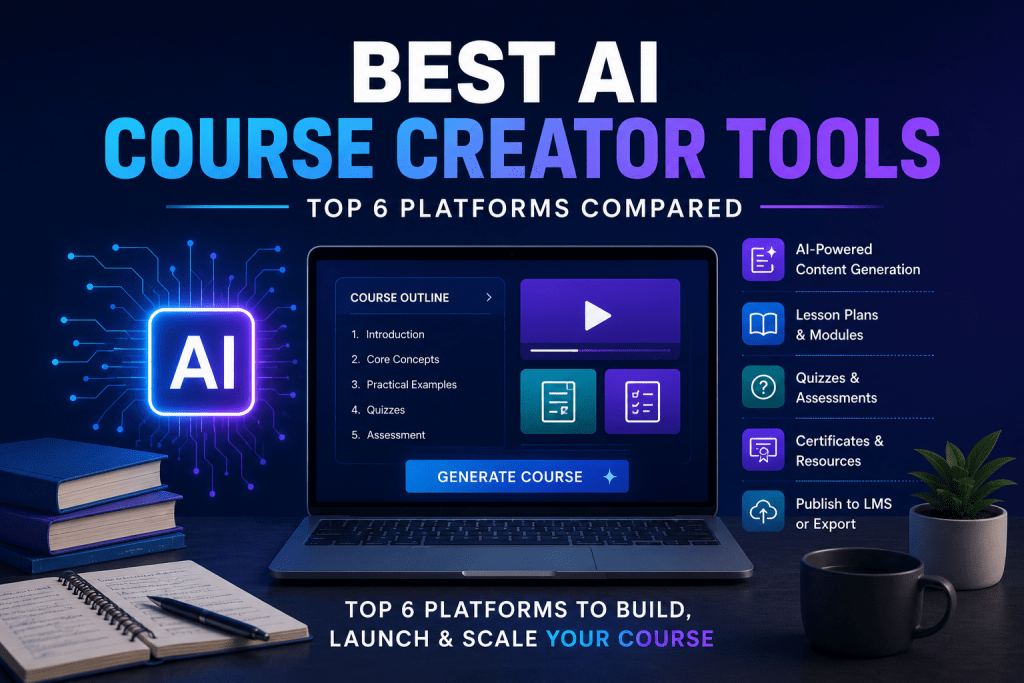
Not every platform approaches the job the same way. Some focus on course content generation, others build complete lesson plans and modules, while a few combine AI with marketing, communities, analytics, and sales. The real differences appear after the first draft. A good AI course creator doesn’t simply generate text; it helps organize an entire learning experience.
What Are AI Course Creator Tools?
An AI course generator uses generative AI to transform an idea, prompt, document, or presentation into a structured online course. Most platforms automatically create lesson outlines, quizzes, assignments, and supporting materials before you begin editing.
The typical workflow looks like this:
- Enter a topic or upload existing material.
- Generate a course outline.
- Build lessons and modules automatically.
- Create quizzes and assessments.
- Add video lessons, images, or downloadable resources.
- Publish through an e-learning platform or export to another LMS.
These platforms are useful for educators, coaches, HR departments, consultants, training companies, and anyone looking to create courses with AI.
Top AI Course Creator Tools
1. Coursebox AI
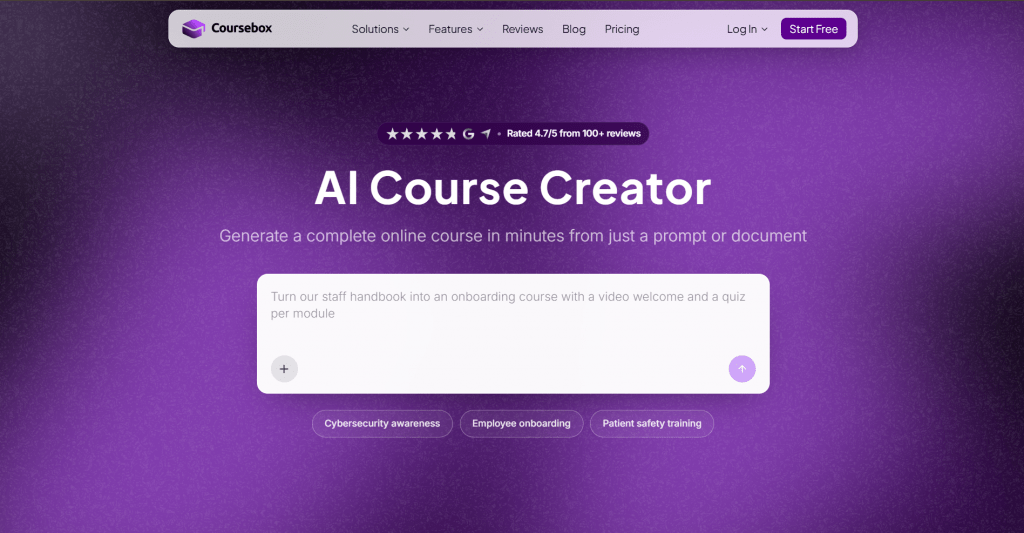
Official website: coursebox.ai
Platform: AI-first course creation software with built-in LMS.
Features: Coursebox feels like one of the few platforms designed around AI instead of adding it later. Upload PDFs, PowerPoint presentations, Word documents, or simply describe your topic, and the platform generates lessons, quizzes, certificates, flashcards, and even AI-powered video lessons. SCORM export also makes it suitable for organizations using existing learning management systems.
Pricing
|
Plan |
Price |
Key features |
|
Free |
$0 |
Limited AI credits and mini courses |
|
Creator |
From $30/mo |
Unlimited courses, AI quizzes, SCORM export |
|
Pro |
Custom |
White label, enterprise tools, analytics |
Public feedback: Users consistently praise how quickly Coursebox transforms existing documents into publishable courses. Most criticism focuses on AI credit limits for larger projects.
- Complete AI course generation
- Imports existing documents
- AI quizzes and certificates
- SCORM export
- Free plan available
- AI credits disappear quickly on free plans
- Advanced branding requires paid tiers
2. Mini Course Generator
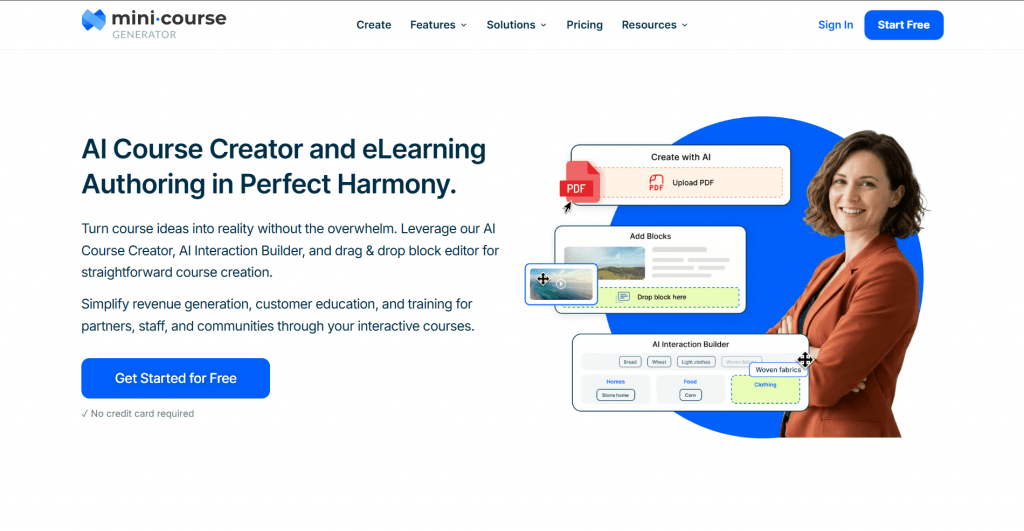
Official website: minicoursegenerator.com
Platform: Browser-based online course builder.
Features: Mini Course Generator takes a different approach. Instead of replacing a complete LMS, it specializes in short educational experiences for lead magnets, onboarding, customer education, and email marketing. The AI creates the initial structure while the drag-and-drop builder keeps editing straightforward.
Pricing
|
Plan |
Price |
Key features |
|
Free |
$0 |
Limited published courses |
|
Premium |
From approximately $19/mo |
Unlimited publishing, branding, analytics |
Public feedback: Creators appreciate how quickly they can publish professional-looking mini courses. Larger education businesses sometimes outgrow the platform’s lighter feature set.
- Extremely beginner-friendly
- Fast course content generation
- Clean drag-and-drop builder
- Excellent for lead generation
- Better for shorter courses
- Limited enterprise functionality
- Fewer LMS features than larger competitors
3. LearnWorlds AI
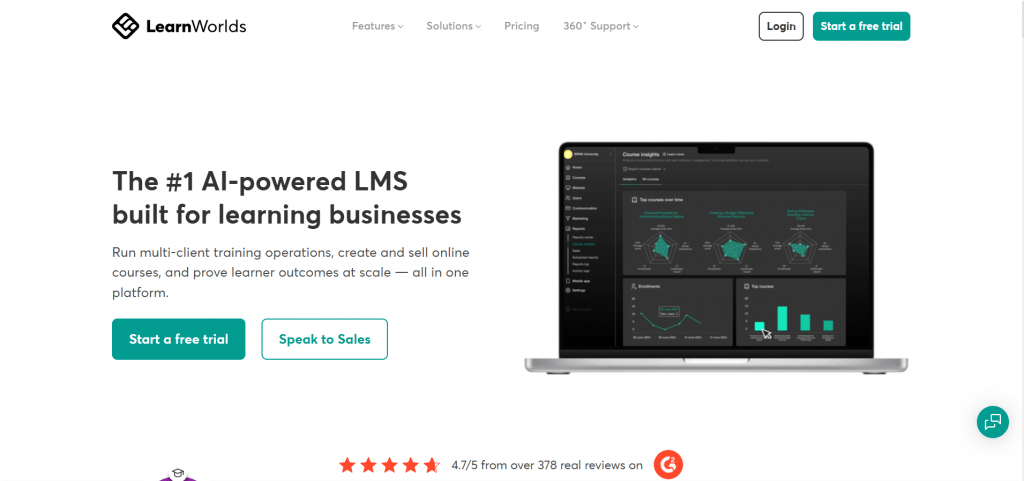
Official website: learnworlds.com
Platform: Professional e-learning platform.
Features: LearnWorlds combines AI assistance with one of the most complete LMS platforms available. AI helps create lesson descriptions, quizzes, course outlines, and translations, while the platform handles certificates, communities, analytics, assessments, and websites. It is built for educators planning to scale.
Pricing
|
Plan |
Price |
Key features |
|
Starter |
From $29/mo |
Unlimited paid courses |
|
Pro Trainer |
From $99/mo |
AI tools, certificates, communities |
|
Learning Center |
Custom |
Enterprise learning features |
Public feedback: Frequently recommended for professional course businesses. New users sometimes mention a steeper learning curve compared with simpler platforms.
- Full-featured LMS
- Strong AI writing tools
- Excellent analytics
- Professional certification support
- More complex interface
- Higher pricing than lightweight builders
4. Kajabi AI
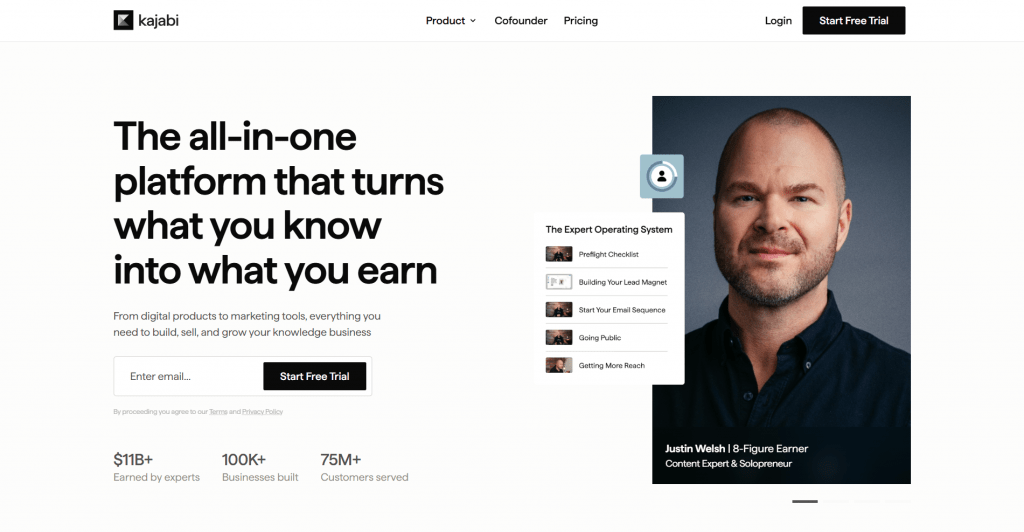
Official website: kajabi.com
Platform: All-in-one creator business platform.
Features: Kajabi has always been more than a course platform. AI now helps generate course outlines, landing pages, marketing emails, product descriptions, and sales copy. If Coursebox focuses on creating the course itself, Kajabi focuses on selling it.
Pricing
|
Plan |
Price |
Key features |
|
Free trial |
Available |
Full platform trial |
|
Kickstarter |
From $89/mo |
Products, website, AI assistant |
|
Growth |
From $199/mo |
Advanced marketing and automation |
Public feedback: Widely praised for combining marketing and education under one roof. Smaller creators often consider it expensive.
- Complete creator business platform
- AI supports both content and marketing
- Strong sales funnels
- Built-in email automation
- Premium pricing
- More features than casual creators may need
5. Thinkific AI
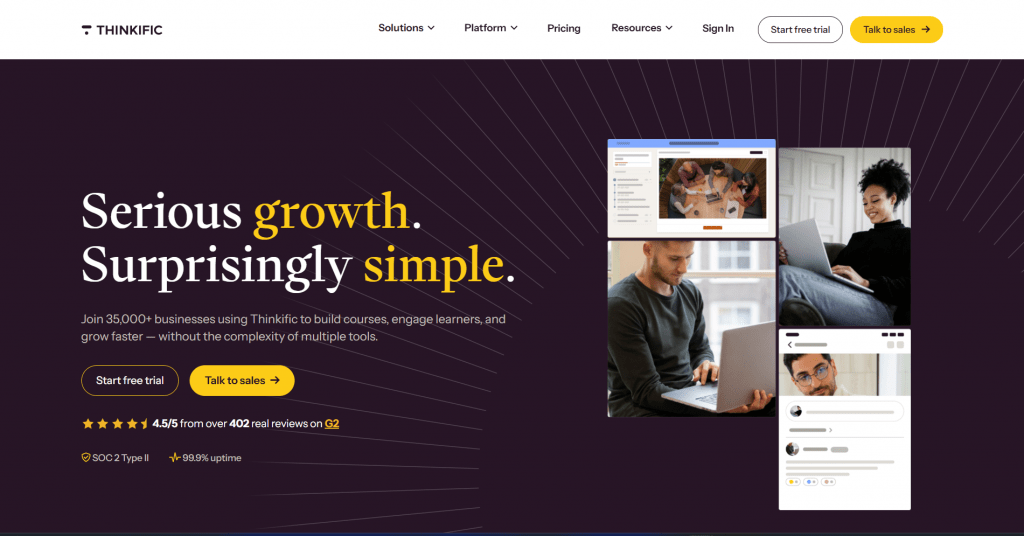
Official website: thinkific.com
Platform: Course platform with AI assistance.
Features: Thinkific recently expanded its AI capabilities to help instructors generate course outlines, landing pages, lesson descriptions, and quizzes. Rather than replacing instructors, it speeds up repetitive work while keeping manual editing simple.
Pricing
|
Plan |
Price |
Key features |
|
Free trial |
Available |
Platform evaluation |
|
Basic |
From $49/mo |
AI tools, unlimited courses |
|
Start |
From $99/mo |
Communities, memberships, analytics |
Public feedback: Users like Thinkific’s reliability and polished student experience. Some wish the AI tools went further than drafting and editing.
- Mature learning platform
- Good student experience
- AI speeds up course planning
- Reliable publishing tools
- AI features are less extensive than AI-first platforms
- Advanced marketing requires higher plans
6. Disco AI
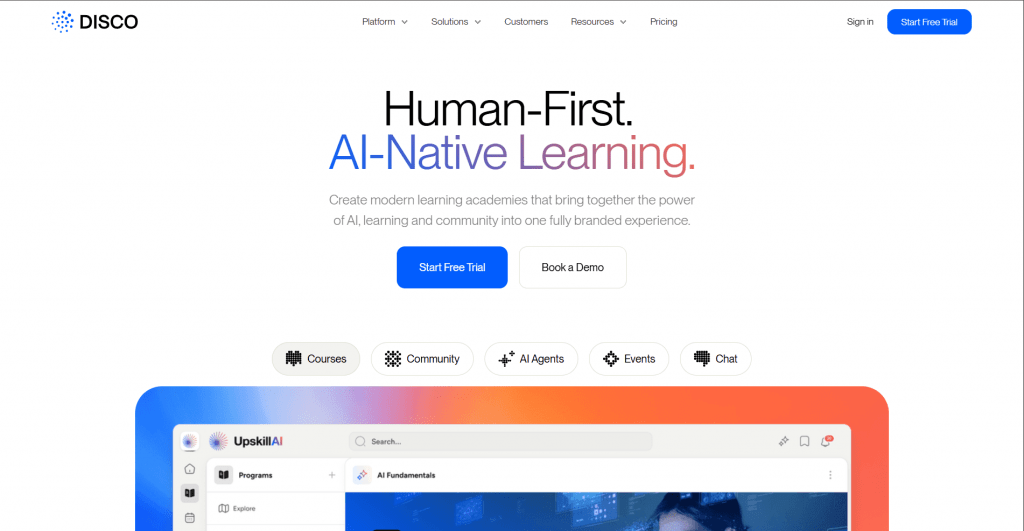
Official website: disco.co
Platform: AI-powered social learning platform.
Features: Disco stands apart by focusing on cohort learning rather than traditional self-paced courses. AI helps generate lesson plans, discussion prompts, assessments, and live session content while communities remain central to the experience.
Pricing
|
Plan |
Price |
Key features |
|
Demo |
Available |
Product walkthrough |
|
Paid plans |
Custom |
AI curriculum, community, analytics |
Public feedback: Frequently recommended for cohort-based education and professional learning communities. Less suitable for creators looking for a low-cost self-service LMS.
- Excellent community features
- AI lesson planning
- Strong collaboration tools
- Designed for cohort learning
- Enterprise-oriented pricing
- Less suited to solo creators
Comparison Table
|
Tool |
Free plan |
AI lessons |
AI quizzes |
Best for |
|
Coursebox AI |
Yes |
Yes |
Yes |
Fast AI-first course creation |
|
Mini Course Generator |
Yes |
Yes |
Yes |
Mini courses and lead magnets |
|
LearnWorlds AI |
Trial |
Yes |
Yes |
Professional academies |
|
Kajabi AI |
Trial |
Yes |
Limited |
Selling online courses |
|
Thinkific AI |
Trial |
Yes |
Limited |
Established educators |
|
Disco AI |
Demo |
Yes |
Yes |
Cohort-based learning |
Conclusion
The best AI course creator tools solve different problems rather than competing for the exact same user.
Coursebox AI is the strongest choice if your priority is generating a complete course from existing material with minimal effort. Mini Course Generator is ideal for creators building short educational products or marketing funnels. LearnWorlds AI offers the most complete professional learning platform, while Kajabi remains the strongest option for creators who want to sell courses as part of a larger online business. Thinkific balances AI with a proven LMS, and Disco stands out for cohort-based learning and collaborative education.
Most platforms offer either a free plan or a trial, making it easy to build the same sample course in two or three different tools before committing. If your next step is creating polished lesson slides, an AI presentation maker pairs naturally with any of these platforms.
❓ Frequently Asked Questions
Answers to relevant questions about this AI tool



The pricing breakdown is not very clear. Good to know which ones have hidden token limits.