Compare Pricing Plans for AI Avatar Tools
On this page
You may not have noticed, but the video content market has been undergoing a quiet revolution for two years now. Producing a high-quality video no longer requires a shooting studio, a voice actor, or a video editor. All you need is text, a few clicks, and a neural network that generates a “talking head” with natural facial expressions and lip synchronization. This is about AI Avatar Tools — a class of services that are rapidly displacing traditional video production in marketing, education, and sales.
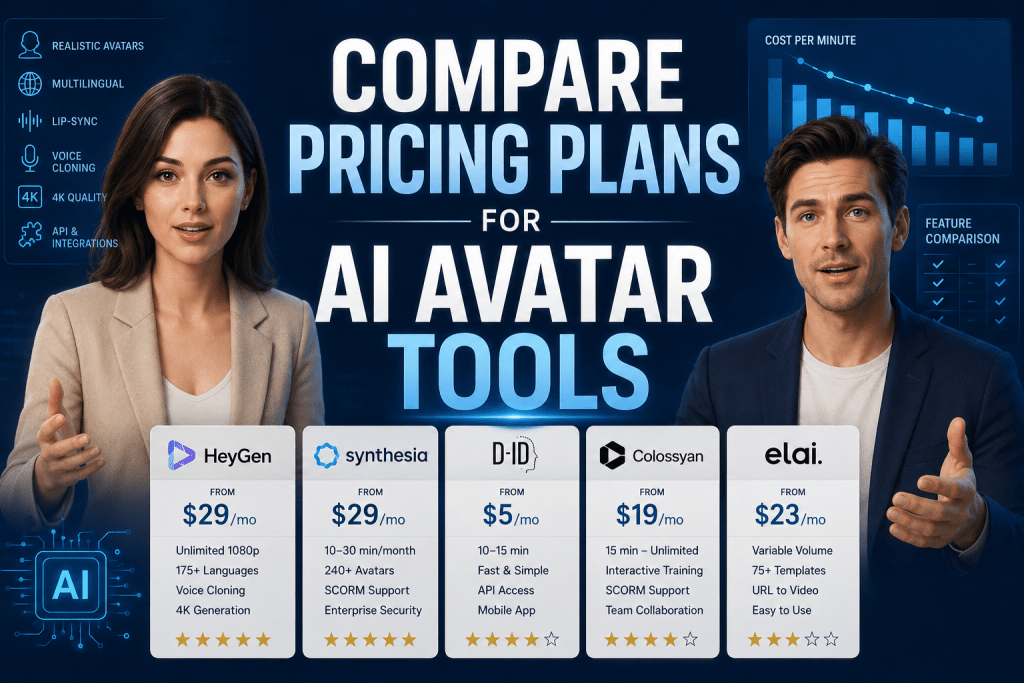
But how do you choose the right tool without overpaying? In this review, we will break down the top five market leaders, compare their real capabilities, prices, and hidden limitations, so you can make an informed decision.
Why Digital Avatars Are Needed at All
Before moving on to comparing pricing plans, it is worth answering a simple question: who actually needs this? We suspect that if you are reading this article, you probably already have some plan for using a digital avatar. This is essentially an evolution of the profile picture idea on social networks, but with infinitely broader capabilities.
In Business
The technology is especially popular among corporations, for obvious reasons. There is no longer any need to hire actors and a film crew. A manager simply writes a script and chooses a character.
- Marketing departments use avatars to generate commercials, explainer videos, and social media posts.
- Employee training and development departments use them for onboarding, compliance courses, and technical instructions: an avatar can explain the same material a hundred times without getting tired or making mistakes.
- Sales departments launch personalized video emails; imagine a potential client receiving a video where a manager’s avatar addresses them by name and talks about solving their specific problem.
- Support teams deploy talking assistants on websites and in applications; a human face is more appealing than faceless text.
In Personal Life
The idea of avatars also finds its place among the general internet population. The technology is gradually becoming as common a tool as a word processor or video editor, just with a much lower barrier to entry.
- Bloggers and YouTubers who do not want to show their faces create digital doubles or completely synthetic characters for their channels.
- Teachers and tutors record educational videos without a camera or a special studio — it is enough to upload a presentation and voice over the text.
- People learning foreign languages practice pronunciation with an avatar that articulates the target sounds perfectly.
- And some users simply have fun: they create talking versions of old family photos or animate characters for friends’ congratulations.
How AI Digital Avatar Generators Work
Digital avatars have been around for years, but it is generative neural networks that have made them photorealistic and accessible. Whereas lip animation used to require hours of manual work, models like diffusion networks paired with lip-sync algorithms now do it in minutes.
These services take as input a photograph, a short video of a person or a ready-made stock character, a text script, or an audio track. The output is an MP4 file where the avatar speaks dozens of languages and gestures and preserves the original facial expressions.
Resource savings reach 80-90% compared to studio shooting, and the speed of content production grows exponentially.
This is where the main practical problem arises. Pricing plans in the AI avatar market are structured in such a way that comparing them directly is almost impossible. One service sells minutes, another sells credits, a third sets a limit on the number of videos, and a fourth does not disclose prices at all until you call the sales department. Without a systematic comparison, it is easy to overpay or, even worse, choose a service that simply does not fit your volume and tasks.
Top AI Avatar Creation Services: Price and Feature Comparison
Below we look at five platforms that, in 2026, demonstrate the best combination of price, quality, and reliability.
1. HeyGen
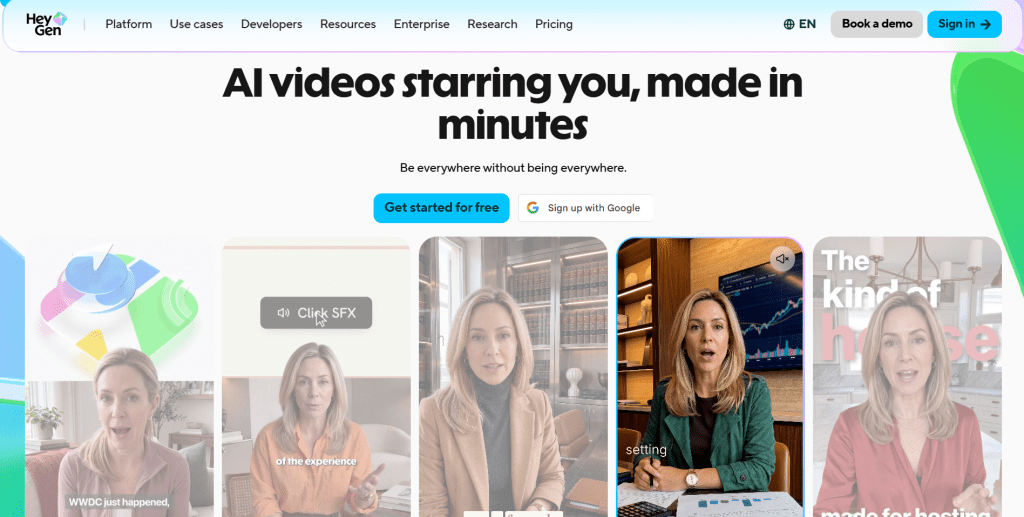
Official website: heygen.com
HeyGen is considered the leader in photorealism thanks to its proprietary Avatar IV engine. The platform supports 175+ languages with precise lip synchronization, offers voice cloning, full-body gesturing, and 4K generation. Particularly noteworthy is the video translation mode that preserves the speaker’s original facial expressions — a unique feature for content localization. The service also provides an API for automation and ready-made templates for marketing videos.
User reviews and ratings: 4.8 on G2. Users praise the generation speed and naturalness of the animation. The main complaints relate to the credit system: premium features quickly burn through your balance, and in long videos, a “digital gaze” is sometimes noticeable.
Pricing (annual billing):
|
Plan |
Price per month |
Main limitations |
|---|---|---|
|
Free |
$0 |
3 videos with watermark |
|
Creator |
$24 |
unlimited 1080p, 200 credits for premium |
|
Pro |
$79 |
increased credits |
|
Business |
from 149+149+20/seat |
custom limits |
- The most lifelike and natural motion among all services, especially in short marketing videos.
- Excellent localization for 175 languages while preserving articulation and facial expressions.
- High generation speed even for complex scenes with gestures.
- Flexible pricing system with unlimited 1080p in the entry-level plan.
- The credit system requires budget planning when using premium features intensively.
- Custom avatars in plans below Pro are created in a queue rather than instantly.
- In longer videos (over 3-4 minutes), the uncanny valley effect sometimes appears.
2. Synthesia
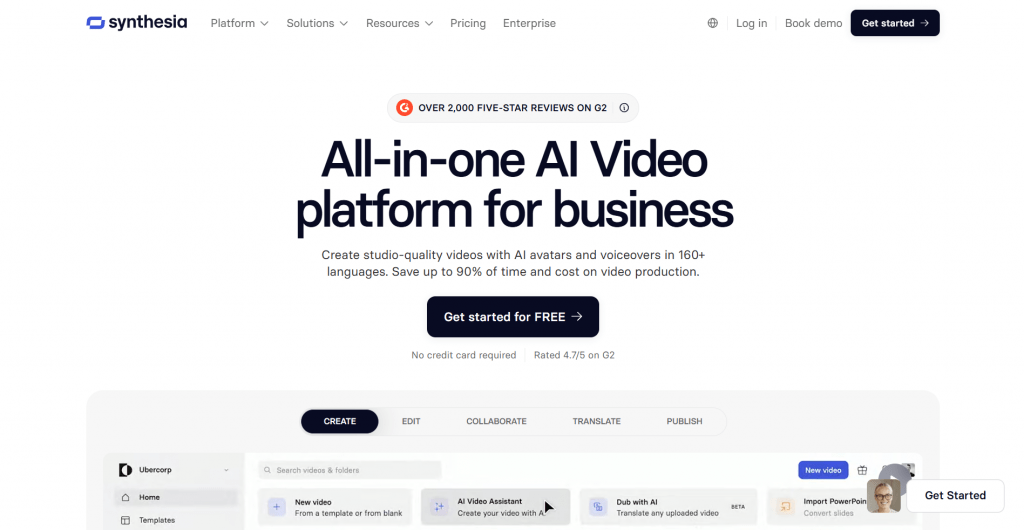
Official website: synthesia.io
Synthesia is the gold standard for the corporate sector. The platform focuses on security, scalability, and integrations with distance learning systems. Users have access to 240 stock avatars, support for 160+ languages, SCORM export, and interactive elements such as quizzes and branching scenarios. For large companies, SSO, SOC 2, and the ability to update finished videos without reshooting the avatar are available — simply change the text and the video regenerates.
User reviews and ratings: 4.7 on G2. Corporate clients value the reliability and ease of use for training. Criticism is directed at the expensive custom avatars (around $1,000 per year) and the more static appearance of characters compared to HeyGen.
Pricing (annual billing):
|
Plan |
Price per month |
Main limitations |
|---|---|---|
|
Free |
$0 |
10 minutes with watermark |
|
Starter |
$18 |
10-120 minutes per year |
|
Creator |
$89 |
30 minutes per month |
|
Enterprise |
Custom |
unlimited |
- Best-in-class enterprise functionality with full compliance with security standards.
- Huge built-in library of avatars for any case and nationality.
- Ideally suited for compliance training and onboarding with interactivity.
- Reliability and predictability for large-scale projects with high loads.
- Unreasonably expensive for small businesses and solo entrepreneurs due to per-minute pricing.
- Rendering is slower than direct competitors.
- Custom avatars are a separate expensive option not available in Starter.
3. D-ID
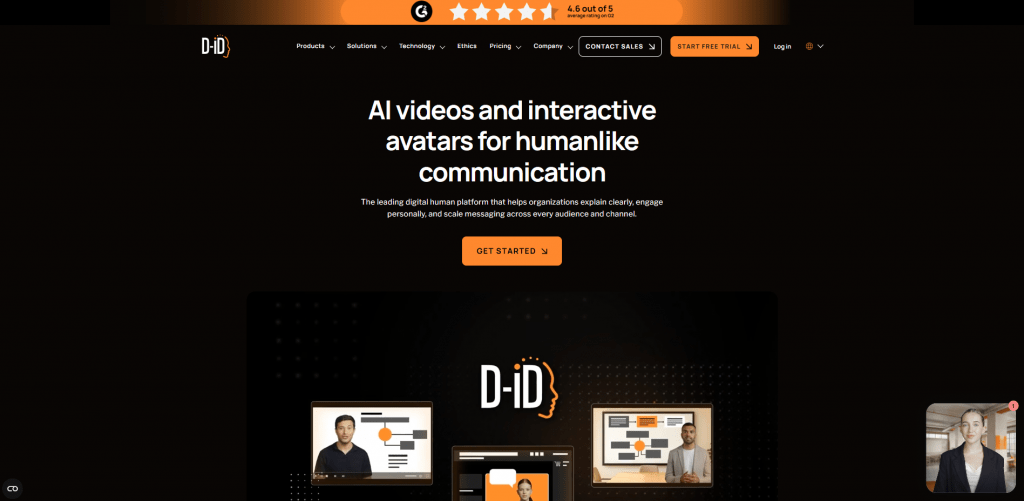
Official website: d-id.com
D-ID is the service that made “living photos” popular. It focuses on speed, simplicity, and developer integrations. You upload a portrait, write text, and within a minute you get a talking head. The platform is particularly strong in API and streaming integrations — developers use it to create face chatbots or real-time personalized mailings. There is also a mobile app with basic functions.
User reviews and ratings: 4.5-4.7 on Product Hunt. Users praise the simplicity and excellent lip-sync for short videos. Complaints include blurriness in longer videos and confusing credit deduction logic.
Pricing (annual billing):
|
Plan |
Price per month |
Main limitations |
|---|---|---|
|
Trial |
$0 |
3 minutes for 14 days |
|
Lite |
$5 |
10 minutes |
|
Pro |
$16 |
15-60 minutes (credits) |
|
Advanced |
from $108 |
custom limits |
- The lowest entry barrier and a quick start for beginners without training.
- Developers will appreciate the powerful, documented API for automation.
- Affordable mobile app for quick on-the-go tasks.
- Good lip-sync for short (up to 30 seconds) personalized videos.
- Animation is limited to head and shoulder movements — no full body or gestures.
- The price skyrockets when scaling to hundreds of videos.
- Video quality on longer clips may be blurry; photorealism is not top-tier.
- The credit deduction system is confusing; it is easy to overspend.
4. Colossyan
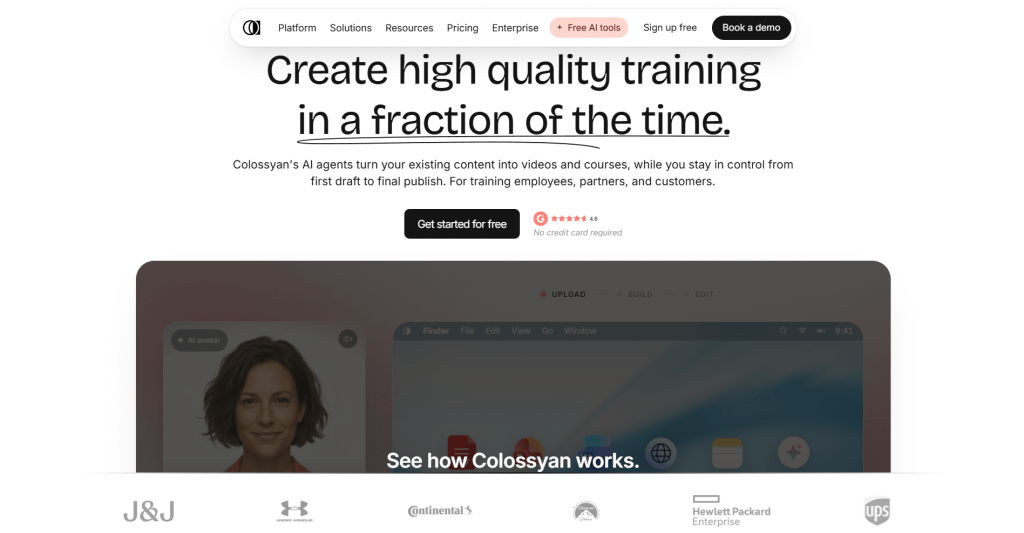
Official website: colossyan.com
Colossyan is built specifically for corporate training. The platform relies not on photorealism but on interactivity: it offers scenario branching, built-in tests and quizzes, and one-click conversion of PDF documents into video lessons. Especially convenient is the collaboration feature with version control — multiple authors can edit a single script. The library includes 300+ avatars, and SCORM support allows you to upload finished courses to any LMS.
User reviews and ratings: 4.6 on G2. Clients save up to 80% of the time spent creating training courses. Downsides include avatars that look less natural than HeyGen’s and custom models that are noticeably more expensive.
Pricing (annual billing):
|
Plan |
Price per month |
Main limitations |
|---|---|---|
|
Free |
$0 |
severely limited |
|
Starter |
$19 |
15 minutes |
|
Pro |
$70 |
unlimited minutes |
|
Enterprise |
Custom |
custom avatars and SLA |
- Ideal interactivity for tests and training with scenario branching.
- Affordable unlimited minutes in the Pro plan for large projects.
- Excellent SCORM support and integration with corporate LMS platforms.
- Convenient team collaboration with versioning and comments.
- Less suitable for social media marketing videos — looks too “educational.”
- Facial expressions are poorer than the review leader’s; an AI style is noticeable.
- Custom avatars are expensive and only available in Enterprise.
5. Elai

Official website: elai.io
Elai is a universal tool that covers most basic scenarios without excess. The platform supports different character types: from selfie avatars based on your photo to mascot characters for corporate videos. Interesting features include converting articles by URL into video on the fly and 75+ ready-made templates for business communications. Elai handles corporate training reasonably well but lags behind leaders in update frequency and community size.
User reviews and ratings: 4.5. On specialized L&D forums, users praise the intuitiveness and variety of avatar types. On the downside: less popularity (and consequently fewer ready-made guides) and weaker photorealism compared to Synthesia.
Pricing (annual billing):
|
Plan |
Price per month |
Main limitations |
|---|---|---|
|
Basic |
$23 |
basic functions |
|
Creator |
$100 |
expanded limits |
|
Enterprise |
Custom |
custom conditions |
- A wide selection of non-standard avatars, including mascots and cartoon characters.
- Convenient integration into existing learning processes via API.
- The URL-to-video conversion feature saves time on script creation.
- An intuitive interface for beginners without a technical background.
- Animation and lip-sync realism lag behind market leaders in 2026.
- Team setup and group pricing are not very transparent, with many custom conditions.
- A smaller user community makes it harder to find ready-made solutions for your tasks.
Final Value-for-Money Rating
|
Service |
Rating |
Starting Price/month |
Approximate Volume |
Best For |
|---|---|---|---|---|
|
HeyGen |
★★★★★ |
$29 |
unlimited (via credits) |
Marketing, UGC content |
|
Synthesia |
★★★★★ |
$29 |
10-30 min/month |
Corporate training |
|
D-ID |
★★★★☆ |
$5 |
10-15 min |
Quick social media videos |
|
Colossyan |
★★★★☆ |
$19 |
15 min — unlimited |
Interactive training |
|
Elai |
★★★☆☆ |
$23 |
variable |
L&D in mid-sized business |
Conclusion
If you strip away marketing promises and look only at the numbers, the picture is as follows. For most commercial tasks — marketing, sales, social media content — HeyGen on the Creator plan offers the best price-to-performance ratio. Synthesia, with a similar starting price, provides far fewer minutes and requires additional payments for custom avatars — this is an option only for those who absolutely need enterprise security and SCORM.
If your budget is extremely tight and your tasks are simple, take a look at D-ID Lite — cheaper simply does not exist.
Colossyan and Elai occupy the middle niche but lag behind the leader either in realism or in cost per minute.
The main advice: do not be dazzled by buzzwords like “unlimited” and “starting from $0.” Always calculate how much your actual monthly video volume will cost with the features you need — voice cloning, 4K, or a custom avatar. Most often, the most economical option is not the cheapest plan, but the one where you neither overpay for what you do not need nor skimp on what is essential.
❓ Frequently Asked Questions
Answers to relevant questions about this AI tool