Turn Your Pet Into a Disney Character: App, Filter, Prompt, or Canvas
On this page
Disney has been giving dogs eyebrows since Pluto in 1930, and that is roughly the job you hand an AI when you turn your pet into a Disney character: keep the animal, add the expression. Four routes get you there, and they differ less in the art than in what you pay and whether the result ends up on a phone screen or a wall.
What the AI Keeps and What It Changes
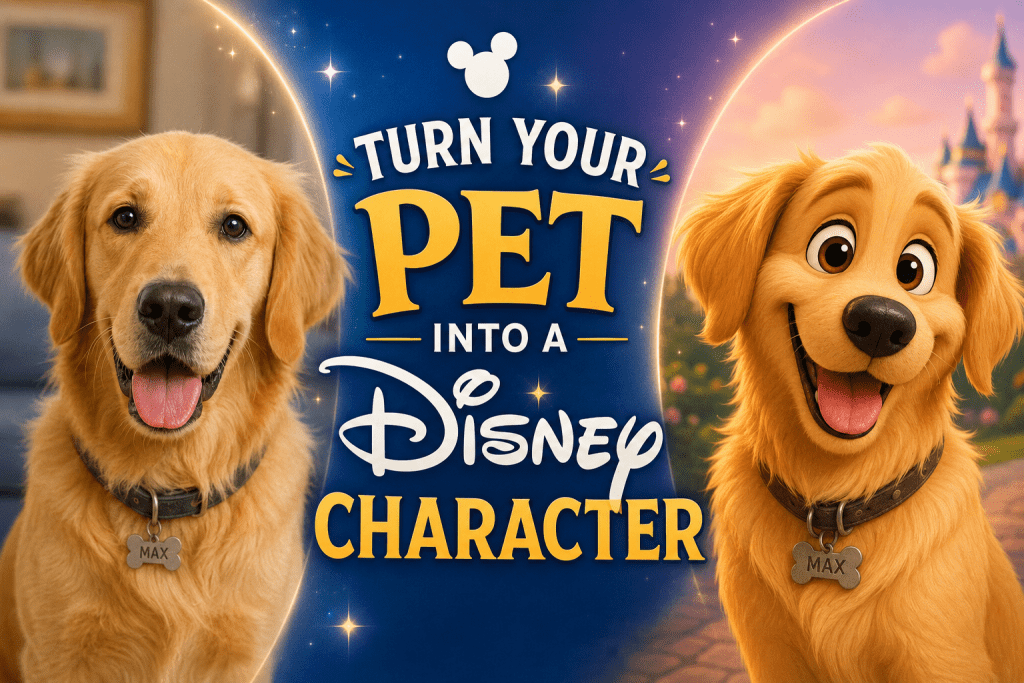
Take a photo of your cat looking straight at the camera. A Disney-style model reads the markings, ear shape, and eye color, then redraws them with the studio’s trademarks: eyes at twice their real size, a rounder head, softer fur, and storyboard lighting. The markings are what make the result recognizably yours.
Your photo does half the work: a sharp, front-facing shot in daylight, one pet in frame, no harness or hand in the way. Blurry side profiles come back as generic cartoons of the breed.
Route 1: The Chat Prompt
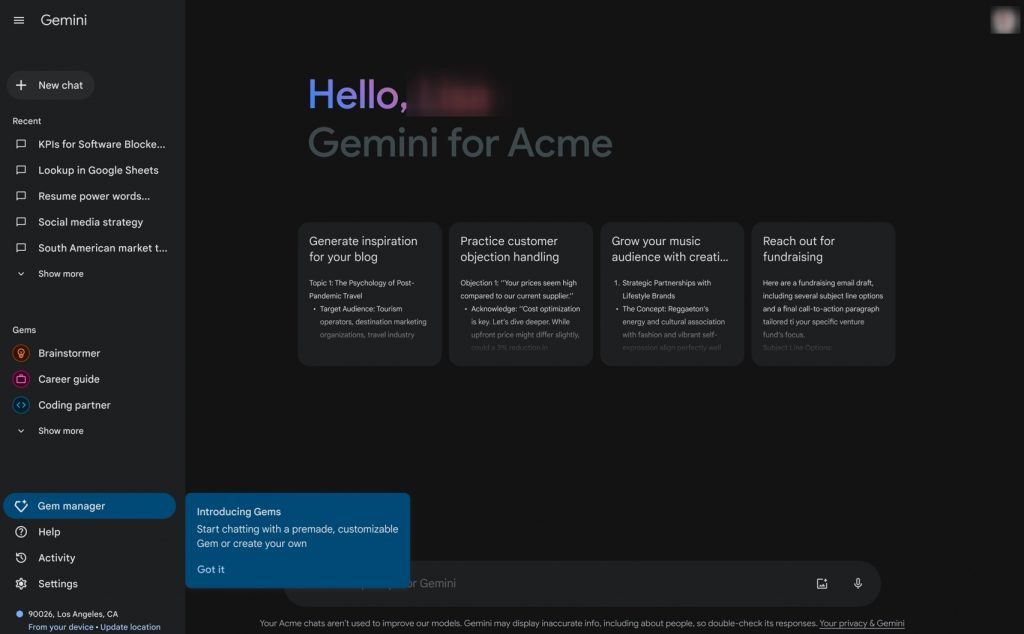
Try it in: chatgpt.com, gemini.google.com, or openart.ai
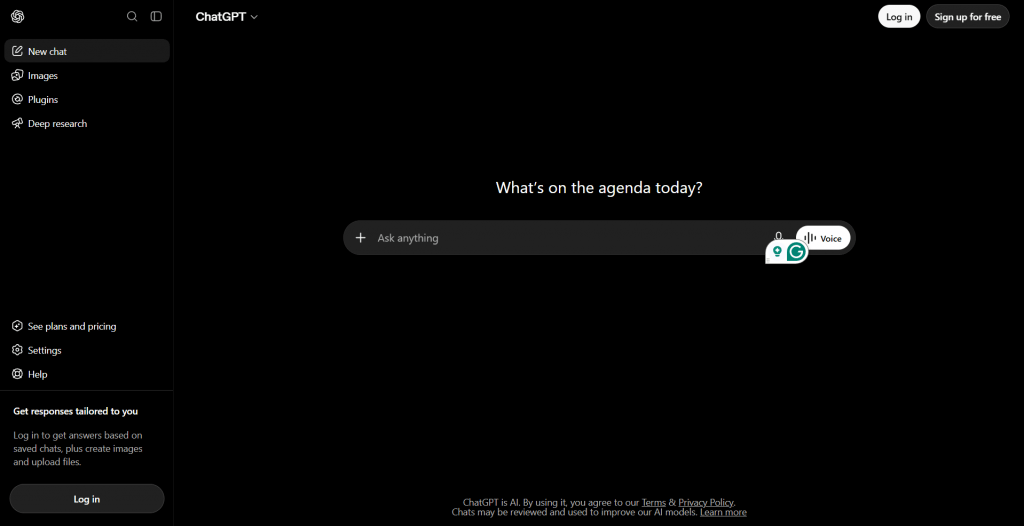
The cheapest place to start is a chatbot you already use. Upload the photo, paste a prompt, and the image model does the rest. Suppose your dog is a beagle called Milo:
Turn this dog into a 3D animated movie character in the style of a Disney Pixar film. Keep his exact fur markings, ear shape, and eye color. Big expressive eyes, soft studio lighting, cheerful expression, simple pastel background.
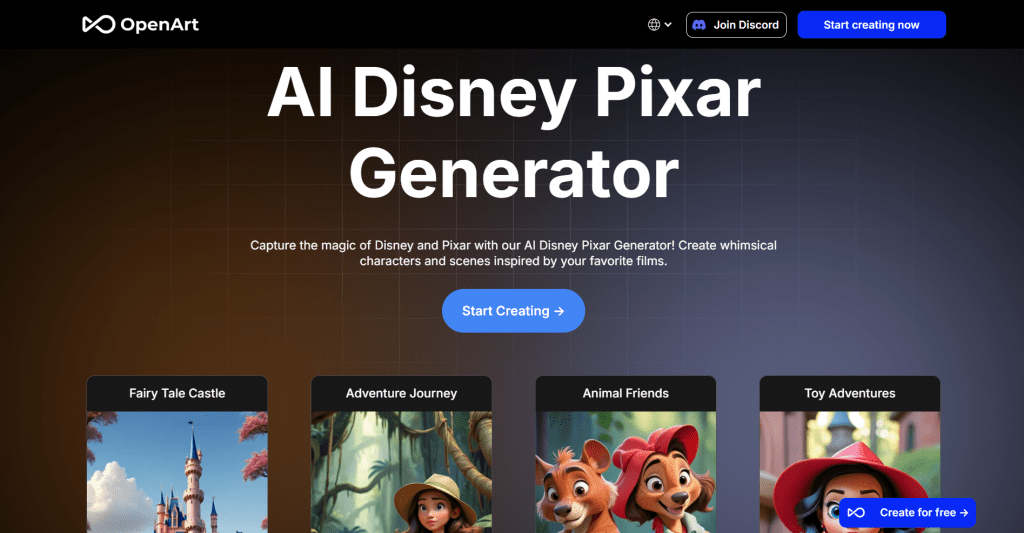
That one paragraph is the whole of how to turn your pet into a Disney character by prompt. If the result drifts, reply with the fix (“make the ears floppier, keep the white chest patch”) and the chat edits by conversation. Gemini’s paid tiers add Nano Banana Pro, Google’s higher-quality image model. OpenArt’s Disney Pixar generator is the third option, with unlimited free images on four basic models plus 50 trial credits; its preset is built around text prompts, so feed your photo through its image-to-image editor rather than describing your pet from memory.
|
Plan |
Price |
Image allowance |
|
ChatGPT Free |
$0 |
A few images a day, limit not published |
|
ChatGPT Go |
$8/mo |
10x the free tier’s images; will show ads |
|
ChatGPT Plus |
$20/mo |
Higher limits, ad-free |
|
Gemini Free |
$0 |
Capped daily images, number adjusted by Google |
|
Google AI Plus |
$4.99/mo |
2x the free limits, 400 GB storage |
|
Google AI Pro |
$19.99/mo |
4x the free limits, Nano Banana Pro, 2 TB storage |
|
OpenArt Starter |
$14/mo |
4,000 credits, about 4,000 images |
Route 2: The App
Try Fotor: fotor.com/features/disney-filter
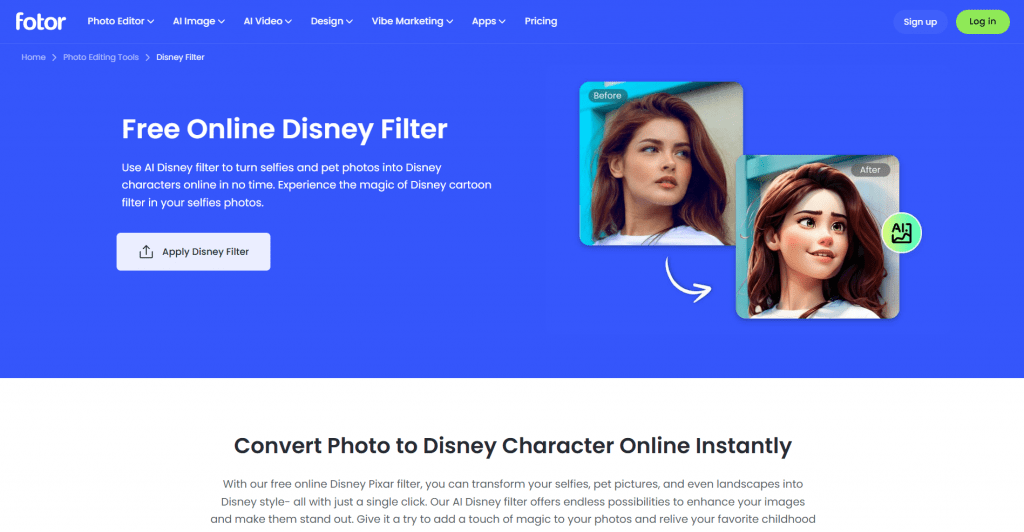
If you searched for a turn your pet into a Disney character app, Fotor is the one that answers the phrase literally. Its Disney filter is a one-click effect: upload, wait a few seconds, download. It works for pets, and one subscription covers the web, iOS, Android, Windows, and Mac.
|
Plan |
Price |
What you get |
|
Basic |
$0 |
Limited free credits, watermarked exports |
|
Pro |
$8.99/mo ($7.19 with the current 20% off) |
100 credits/month, HD and watermark-free exports |
|
Pro+ |
$19.99/mo ($13.99 with 30% off) |
300 credits/month, batch editing |
It is a real turn your pet into a Disney character app free to try, but every free export carries a watermark, so budget the Pro plan if the picture is going anywhere public. For a phone-only alternative, Luks AI on iOS and Android turns a dog or cat photo into 40+ styles, Disney Pixar among them: free pictures on first use, then packs of five sold in-app. Dogs and cats only, and photos stay on its servers for 90 days.
Route 3: The Filter
The filter’s official website: lightxeditor.com/photo-editing/ai-disney-filter
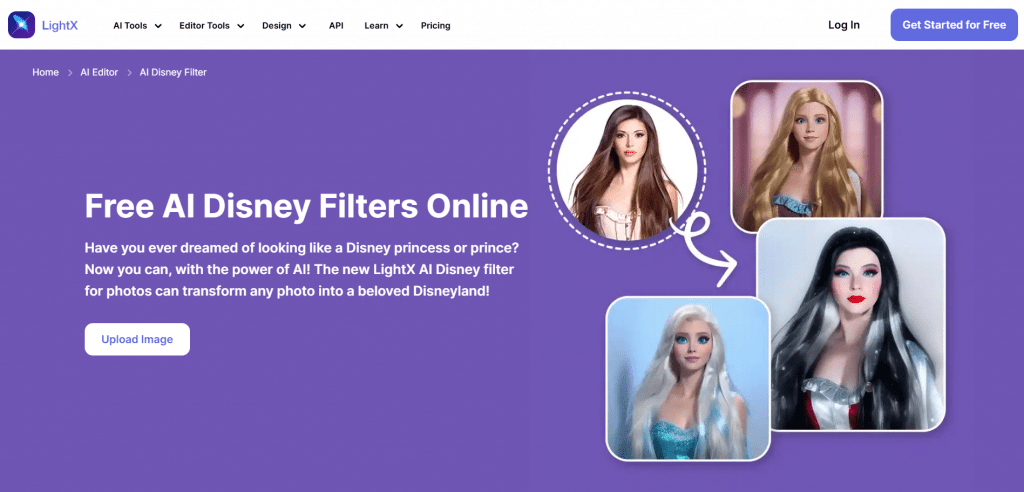
The turn your pet into a Disney character filter people ask about on TikTok is usually one of two things: an in-app effect that comes and goes, or a standalone editor with a Disney preset. LightX is the standalone kind, and its Pixar Cartoon and Disney Cartoon Eyes filters are built for pets. A custom prompt works instead of a preset too. For the in-app kind, CapCut and TikTok cycle through Disney and Pixar effects under changing names; search “Pixar” in the effects tab and use whichever is live.
|
Plan |
Price |
What you get |
|
Starter |
$0 |
5 free AI credits a day, up to 5 images daily, low-resolution JPG exports |
|
Pro |
$9.99/mo, or $4.99/mo billed yearly ($59.99) |
1,000 credits/month, high-resolution PNG, no watermark, 7-day trial |
|
AI Credits pack |
$9.99 one-time |
1,000 credits with lifetime validity, no watermark |
Five free credits a day covers a picture or two. Buy the one-time pack rather than the subscription if you only want one clean export.
Route 4: The Canvas
Official Website: canva.com/canvas-prints
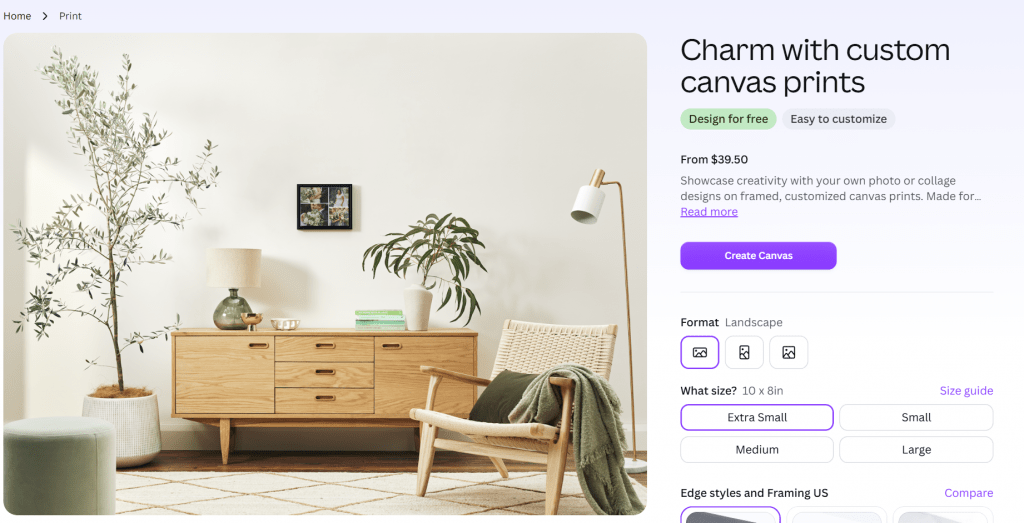
A turn your pet into a Disney character canvas is where the other three routes end up once someone likes the result. Take the image from any tool above, drop it into a Canva design, and order a canvas from Canva Print in sizes from 8 × 8 inches up to 30 × 24. Prices start at $39.50 for an 8 × 8 inch canvas with a stretched or mirrored edge, and climb with size and with the black or white frame options. Canva Free includes up to 200 standard AI uses, so its own generator can draw the picture too. A 1024-pixel image looks crisp at 8 × 8 and soft at 30 × 24, so match the size to your file.
For comparison, a hand-drawn cartoon pet portrait from petportraits.com starts at $89.95 as a poster or $129.95 on canvas, with art in two to three days, unlimited revisions, and free worldwide shipping. The AI route costs less and finishes tonight; the artist route gets you someone who notices your dog’s crooked ear.
Pros and Cons of Going the AI Route
-
The whole project fits in one evening: photo, prompt or filter, download.
-
Every route has a free tier, and OpenArt’s basic models have no daily cap at all.
-
Edits by conversation in ChatGPT or Gemini fix the markings without starting over.
-
Fotor, LightX, and OpenArt run in a browser, phones included.
-
Printing is a separate step, so you pay for the canvas only once you like the picture.
-
Likeness slips: models sometimes return a generic breed, especially from side-on or dim photos.
-
Fotor’s free exports are watermarked, LightX’s are low resolution, and ChatGPT’s free tier allows only a few images a day.
-
ChatGPT and Gemini are not officially offered in Russia, so Fotor, LightX, and OpenArt are the practical picks there.
-
“Disney” is a trademark, so the result is for your wall and your feed, not for sale.
Which Route Should You Take?
|
Route |
Tool |
Free allowance |
Paid from |
Best for |
|
Prompt |
ChatGPT, Gemini, OpenArt |
Few daily images; unlimited on OpenArt basics |
$4.99/mo |
Control over details |
|
App |
Fotor, Luks AI |
Watermarked; first Luks pictures free |
$8.99/mo |
One-click results |
|
Filter |
LightX |
5 credits/day |
$4.99/mo (yearly) |
Cheapest clean export |
|
Canvas |
Canva Print |
Design is free |
$39.50 per print |
Getting it on the wall |
Start with LightX or OpenArt if you want a free picture by dinner. Go to ChatGPT or Gemini when the first result gets the breed right and the pet wrong, since only a conversation fixes that. Pay Fotor when you want the effect without thinking about prompts. Once a version makes you smile at your own screen, print that one.
❓ Frequently Asked Questions
Answers to relevant questions about this AI tool