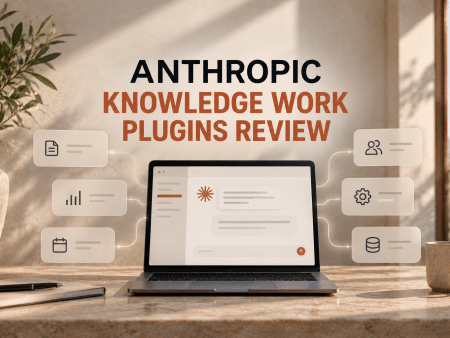
Best AI SRT Translators for Subtitle Files
On this page
Subtitles have become an essential part of modern video content, as they help attract viewers worldwide. YouTube videos, educational courses, films, and marketing videos with subtitles are watched 40% more often than those without them. However, traditional manual translation of subtitles involves dozens of hours of work, high costs, and the risk of errors. AI SRT translators solve this problem.
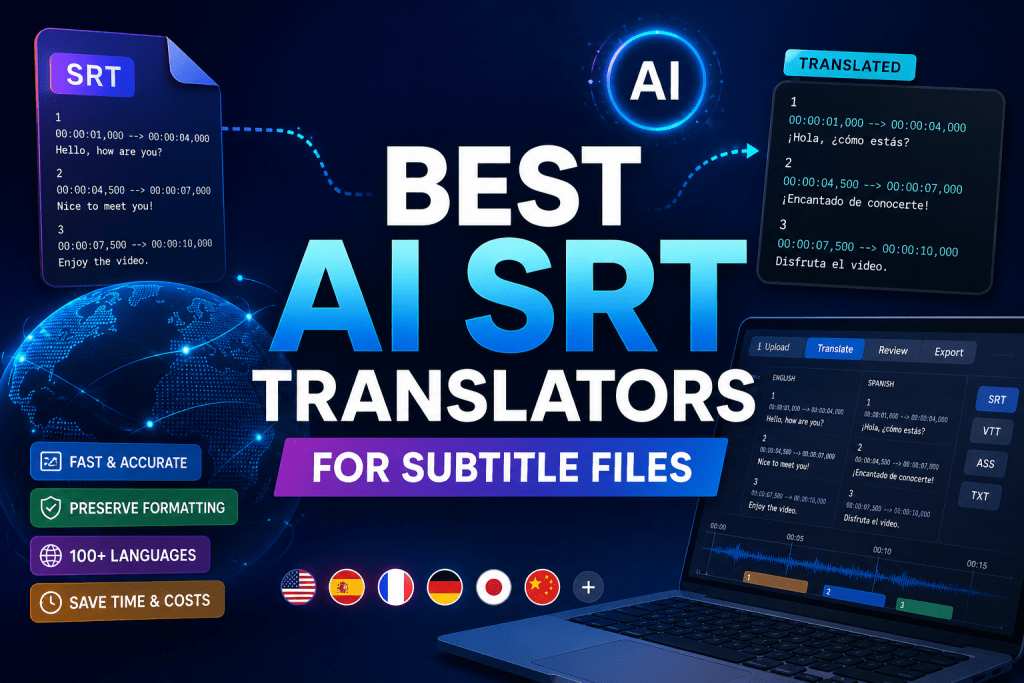
These are specialized online services based on artificial intelligence that automatically translate subtitle text in SRT (SubRip Subtitle) format and other formats (VTT, ASS) from one language to another. They preserve the file structure: speech numbers, timestamps, line breaks, and formatting, translating only the text content. The process takes seconds or minutes, unlike manual translation, which can take days.
What Are AI SRT Translators and How Do They Work?
AI SRT Translators are tools that use generative neural networks such as DeepL, OpenAI, and Whisper to translate subtitles. The user uploads an SRT file, selects source and target languages often with 100+ options available. The AI analyzes context, idioms, terminology, and cultural nuances, generating an accurate translation. The result can be edited in the built-in editor (timing, style) and exported in the desired format.
Why is this needed:
- Localizing video for a global audience (YouTube, TikTok, courses, marketing).
- Increasing content accessibility for the hearing impaired or non-native speakers.
- Boosting views and reach on international platforms.
- Saving time and budget compared to human translation.
Who is this for:
- Content creators and YouTube bloggers.
- Marketers and SMM specialists.
- Educational platforms and online schools.
- Film studios and production companies.
- Businesses for international promotion.
Top 5 Services for SRT File Translation
We selected the most interesting solutions on the market, considering translation quality, format preservation, convenience, and pricing policy.
1. OpenL Doc Translator
Official Website: doc.openl.io
Platform: Web application. Works in the browser, no installation required.
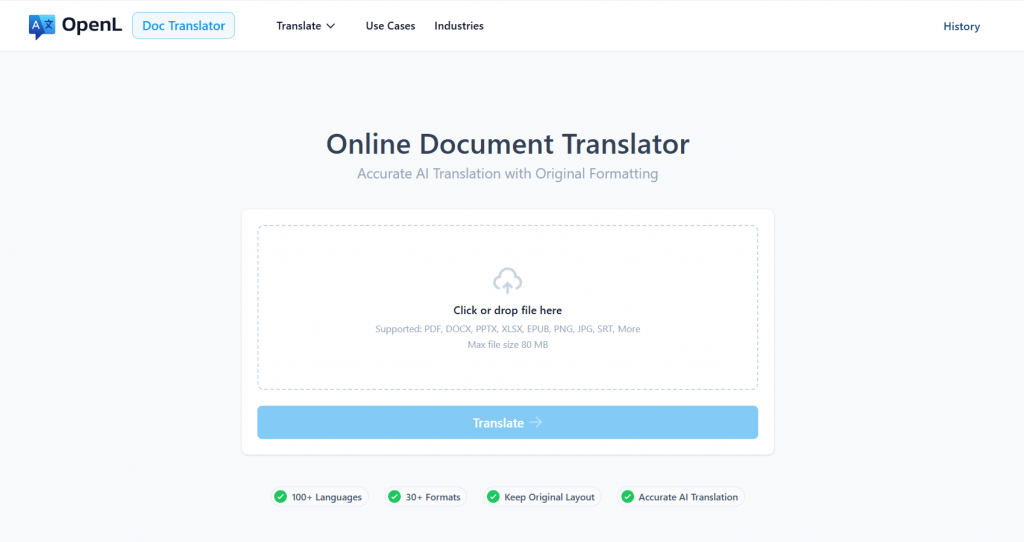
Features and Capabilities: OpenL specializes in translating SRT files and documents, preserving 99% of subtitle structure (timestamps, speech numbers, line breaks, UTF-8). Supports 186+ languages, including right-to-left scripts. Simple workflow: upload file → select language → download result. Has an API for automation and a bilingual version for translation verification. No built-in subtitle editor — this is a pure translator.
Pricing: Pay-per-use (no mandatory subscription). Limited free preview. Transparent pricing, discounts for students and non-profit organizations. OpenL is one of the few services where you pay only for what you translate.
Public Feedback: Stands out as the best subtitle translator of 2026 for accuracy and format preservation. Users praise simplicity, speed, and the absence of “extra” features.
- Excellent format preservation (99%) and support for rare languages.
- Transparent pay-per-use model without mandatory subscription.
- Fast translation and API for automation without requiring registration.
- No built-in subtitle editor for translation corrections.
- File size limit (~30 MB) and limited batch processing in UI.
2. Maestra
Official Website: maestra.ai
Platform: Web service with mobile support.
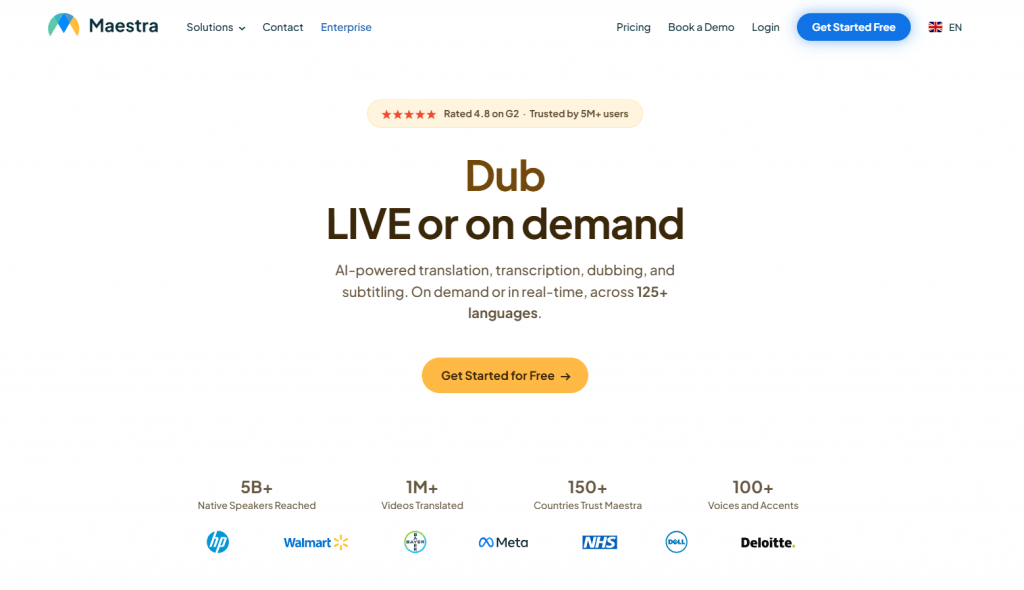
Features and Capabilities: Maestra translates SRT and other formats into 125+ languages. Key feature — the ability to choose the translation engine: Standard, DeepL, OpenAI. Built-in subtitle editor allows adjusting timing, positioning, and style. AI rewriting, quality checking, customization (font, color, background), and export to MP4, SRT, VTT are available. Additional features: live subtitles, voice dubbing, integrations with YouTube, Zoom, OBS, and collaboration with access rights.
Pricing: Free trial period. Paid plans from several dollars per minute or file (pay-as-you-go or subscription). As of 2026 data: pay-as-you-go from $12/mo (60 min), Lite $23/mo (180 min), Basic $39/mo (360 min), Premium $79/mo (900 min).
Public Feedback: High rating of 4.8/5 on G2. Users praise speed, multilingual support, team convenience, and time savings. They call it an “all-in-one solution” for media work.
- Ability to switch between three translation engines (Standard, DeepL, GPT).
- Full editor and additional features (dubbing, live subtitles).
- Excellent solution for professionals and teams.
- Premium engines are more expensive, and costs add up quickly for heavy users.
- Learning curve for advanced features and limits in the trial version.
3. Happy Scribe
Official Website: happyscribe.com
Platform: Web application.
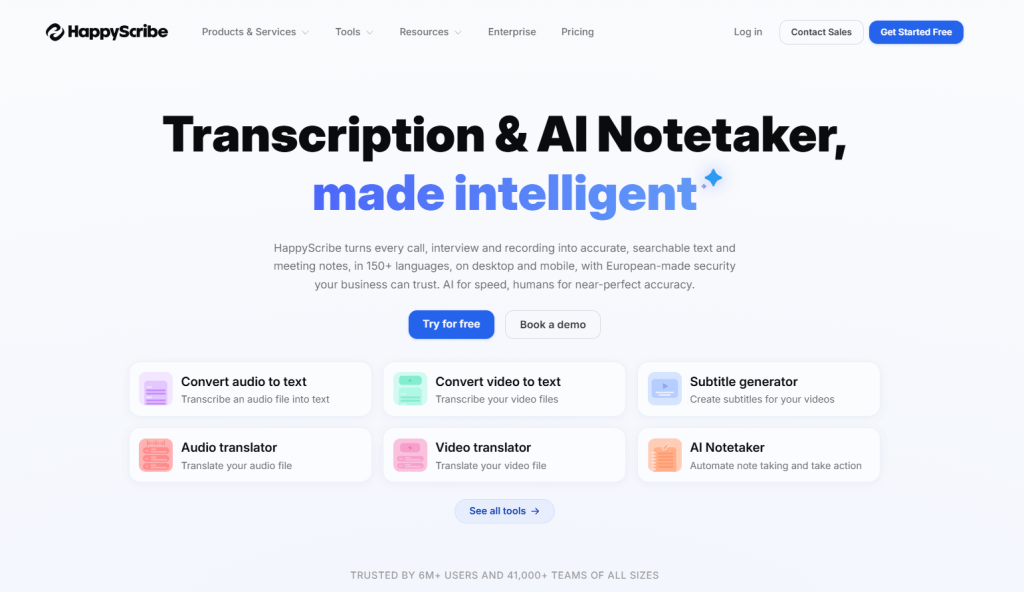
Features and Capabilities: Happy Scribe is a hybrid tool that combines AI translation (120+ languages) with the option to order professional human review. Built-in editor with timeline, styling, glossaries, and CPS (characters per second) control. Export to multiple formats: SRT, VTT, STL, FCPXML, EDL. Collaboration, versioning, media integrations. You can start with fast AI translation and order human review for critical content.
Pricing: Free trial (10 minutes of video). Basic from $8.50/mo (annual subscription), Pro from $19—29/mo. Human translation is more expensive: $2.00/minute. Pay-as-you-go.
Public Feedback: 4.7/5 on G2 and Trustpilot. Users praise accuracy, collaboration, and time savings. They call it “transformative for workflows.”
- Ability to order professional human translation review.
- Strong team collaboration features.
- Professional tools (glossaries, styling, multiple formats).
- Speed depends on file size, and AI accuracy depends on source quality.
- Human option is expensive, and the free plan is only a 10-minute trial.
4. Kapwing
Official Website: kapwing.com
Platform: Browser-based video editor with subtitle translation features.
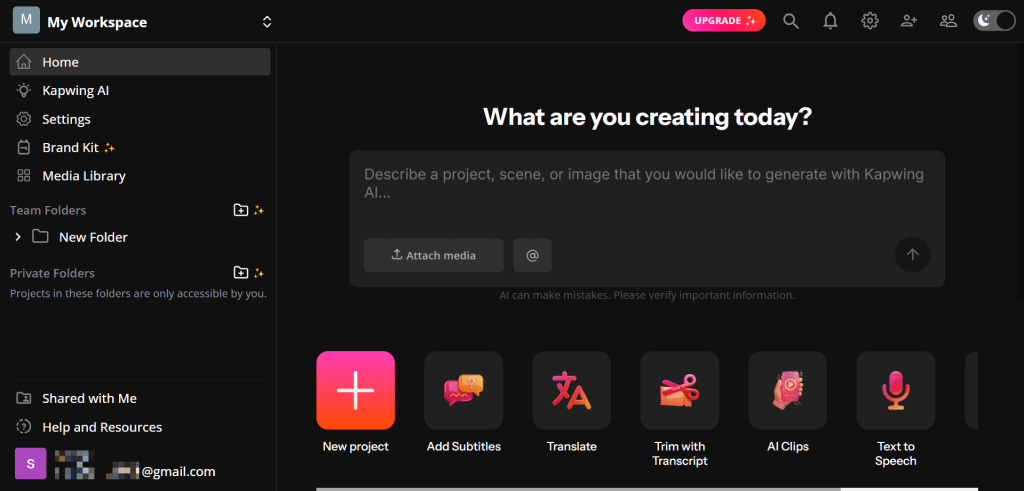
Features and Capabilities: Kapwing is more than just a subtitle translator. It’s a full-fledged video editor that allows translating subtitles in 100+ languages directly on the timeline. You can edit subtitles, style them to match your brand (fonts, colors, animations), add templates, and work in teams with shared projects. AI dubbing and voice cloning are also available (in Business plan), along with translation rules and glossaries for consistent terminology.
Pricing: Free with limits (4 minutes of export, watermark). Pro from $16/mo (no watermark, more minutes, team collaboration). Business — custom.
Public Feedback: Positive for team collaboration and marketing convenience. Praised as an all-in-one solution for creators.
- Full video editor with subtitles in one interface.
- Suitable for teams and marketing, with templates and brand kit.
- Glossaries for consistent terminology and collaboration.
- If you only need SRT translation, the functionality may be excessive.
- Watermark in free version, and speed is slower than specialized services.
5. VEED.io
Official Website: veed.io
Platform: Web video editor.
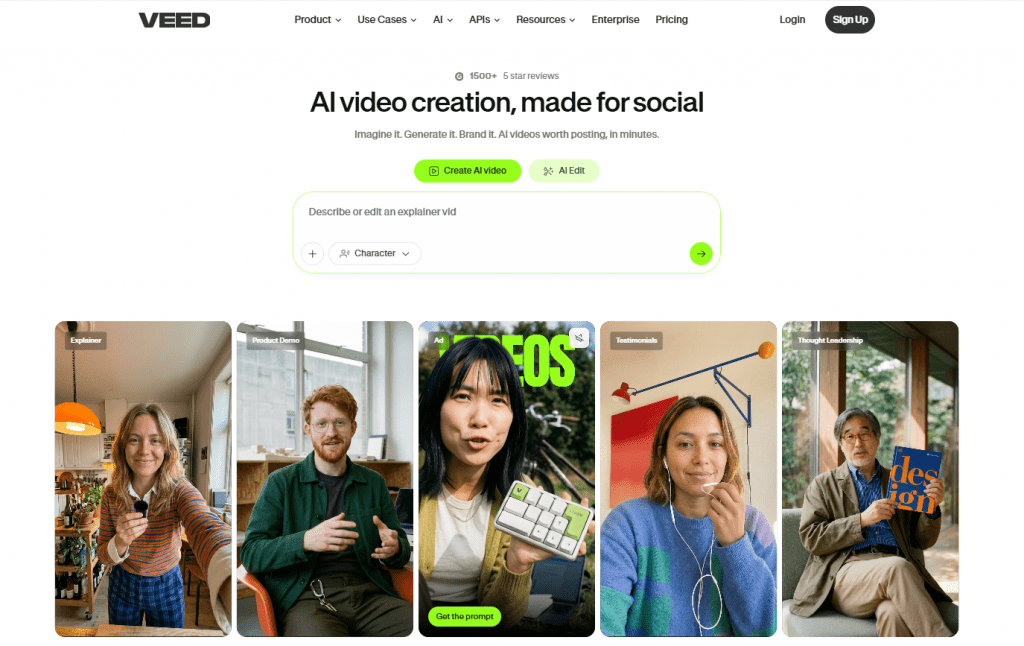
Features and Capabilities: VEED is a tool for creating and editing video with a focus on subtitles. It allows automatic subtitle generation from video and translation into 125+ languages. Key feature — emphasis on styling: you can customize fonts, colors, animations, and subtitle positioning. Has a timeline editor, supports export to SRT or video with burned-in subtitles. Additional AI tools: avatars, voice cloning.
Pricing: Free with limits and watermark. Creator/Lite ~$12-19/mo, Pro ~$22-49/mo (more minutes, 4K, translations). Annual discount available.
Public Feedback: Positive for convenience and speed for creators. Some complaints about bugs and free tier limits. High rating for all-in-one.
- All-in-one: video editing, subtitles, and styling.
- Fast for short content and easy live preview.
- Wide language selection and subtitle support on video.
- Translation quality is slightly lower than specialized tools.
- Free version limits and better suited for editing rather than bulk translation.
Comparison Table
|
Service |
Languages |
Format Preservation |
Editor |
Starting Price |
Best For |
|---|---|---|---|---|---|
|
OpenL |
186+ |
99% |
Basic (no editor) |
Pay-per-use |
Fast clean translation |
|
Maestra |
125+ |
98% |
Full |
$12/mo (pay-as-you-go) |
Professionals, all-in-one |
|
Happy Scribe |
120+ |
97% |
Professional |
$8.50/mo |
Media, collaboration + human |
|
Kapwing |
100+ |
96% |
Video editor |
$16/mo |
Teams, marketing |
|
VEED.io |
125+ |
95% |
Styling |
$12/mo |
Creators, social media |
Conclusion
AI SRT translators radically simplify video content localization. The best choice depends on your needs:
- OpenL — for fast and accurate SRT file translation without extra features. Ideal if you need clean translation with format preservation.
- Maestra — for professionals and teams who need engine flexibility, an editor, and additional features like dubbing.
- Happy Scribe — for media teams and those who value the option to order human translation review.
- Kapwing — for teams and marketers working with video and subtitles in one interface.
- VEED.io — for creators making social media content with a focus on subtitle styling.
Always do a final review of the translation, especially for terminology and cultural nuances. 2026 technologies deliver high quality with minimal effort, but even the best AI translation sometimes requires editing. Start with free trial versions — this will help you choose the optimal service for your needs.
❓ Frequently Asked Questions
Answers to relevant questions about this AI tool