Claude Design: Full Review and User Guide
On this page
For most of its history, visual design has meant hands-on work in a graphics editor: dragging boxes, nudging pixels, and building every screen by hand. Claude Design, Anthropic’s AI design workspace, takes a different route. You describe what you want in plain language, and it generates interactive mockups, landing pages, and presentations on a canvas you can refine. The goal is to shorten the path from an idea to a finished visual, or even to working code, without opening a traditional editor.
It is built into the Claude app rather than sold as a separate product, and it is aimed at people who need to visualize ideas quickly: product teams, marketers, analysts, and developers. This review covers what Claude Design does, how it works, how it stacks up against Figma, and how to get a good result from it, including where its current preview stage still has rough edges.
What Is Claude Design?
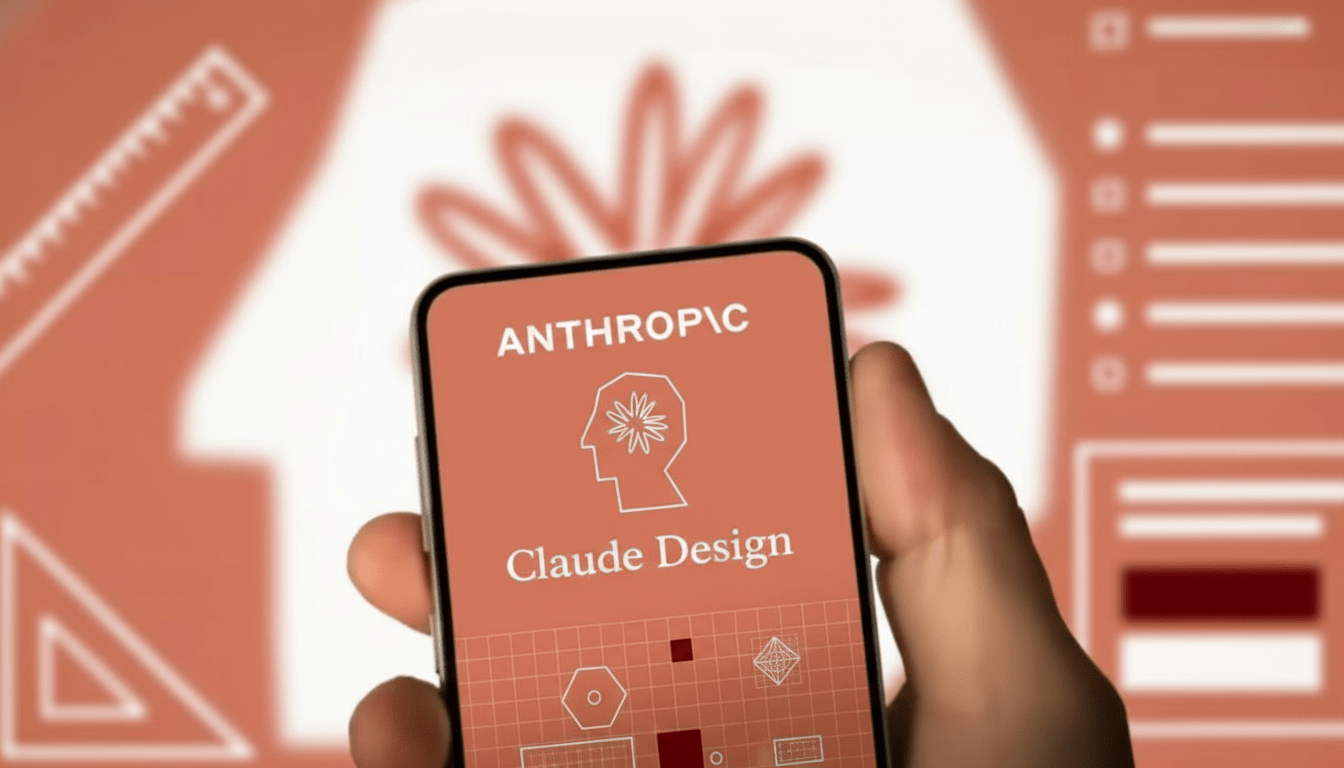
Claude Design is an AI-powered workspace for creating visual designs through conversation. Instead of building each element manually, you tell Claude what you want, an analytics dashboard, a landing page, a pitch deck, and it produces an interactive mockup you can then edit by talking to it or by adjusting elements directly on the canvas.
The interface splits into two zones: a chat for describing and refining, and an interactive canvas where the design takes shape. Because it is part of Claude, it draws on the same language understanding that powers the assistant, which is what lets it follow detailed layout instructions and keep a consistent style across many edits.
Key Features
Design systems from your brand. Claude Design can build a design system from material you provide, a brand book, a PDF, a presentation, or an existing website, then generate everything in that style. It pulls together a palette, typography, and components so later designs stay on-brand.
Capture styles from a live site. You can point it at a live website and have it read the visual styles there, so a new section you generate looks like a native part of an existing product.
Fine-grained, on-canvas editing. Edits happen through inline comments on the canvas or by clicking text to change it directly. For numeric values like padding or grid size, it can generate sliders so you adjust in real time instead of retyping prompts.
Handoff to Claude Code. An approved mockup can be passed to Claude Code, which turns it into production-ready HTML, CSS, and JavaScript or framework code, closing the gap between design and development.
Export and integration. You can export to standalone HTML, PDF, and PPTX, and send a design to Canva as an editable project for final polishing.
How Claude Design Works
The workflow is built around iterating by conversation rather than drawing by hand:
-
Set up a design system. Upload a brand book or point it at a website so generations match your style.
-
Describe the structure. Ask for a layout in words, naming the sections, panels, and components you want.
-
Refine on the canvas. Use inline comments or direct clicks to adjust, or ask for a few alternative versions of a section.
-
Export or hand off. Send the result to PDF, PPTX, or Canva, or hand it to Claude Code to generate working code.
The best results come from working in steps rather than trying to describe an entire interface in one prompt, and from phrasing edits precisely, for example “increase the card padding to 24px” rather than “make it roomier.”
Who Claude Design Is For
-
Product teams and founders prototyping an MVP or testing a product idea without a dedicated UI designer.
-
Marketers building landing pages and campaign visuals from an existing brand book.
-
Analysts and PMs turning reports and tables into structured presentations with charts.
-
Developers who want a mockup they can hand straight to code generation.
Who should weigh it carefully: teams doing complex vector illustration or managing large, multi-state component libraries, where a dedicated design tool still fits better, and anyone on the free plan, since Claude Design requires a paid subscription.
-
Generates interactive mockups from plain-language prompts, no editor needed
-
Builds an on-brand design system from your own materials or a live site
-
Hands designs directly to Claude Code for production code
-
Exports to HTML, PDF, and PPTX, with Canva integration
-
Usable by non-designers, since it works in natural language
-
Keeps branding and style consistent across many edits
-
Not available on the free plan, only paid Claude tiers
-
In Research Preview, so some features are still rough
-
Inline canvas comments can occasionally reset before processing
-
Less suited to complex vector work or large component systems than Figma
-
Best results need precise, iterative prompting rather than one big request
Claude Design Pricing
Claude Design is in Research Preview and is included with paid Claude plans rather than sold separately. There is no extra charge on top of the subscription.
|
Plan |
Claude Design access |
Notes |
|
Free |
Not available |
Requires a paid plan |
|
Pro / Max |
Included |
Available by default |
|
Team |
Included |
Adds collaboration on designs |
|
Enterprise |
Included |
May be off by default; an admin enables it |
On Team and Enterprise, collaboration is supported, with access rights you can configure so a design is hidden, view-only, or open for co-editing. On Enterprise, an administrator may need to turn the feature on for security reasons. As always with preview features, check Claude’s current plans, since availability can change.
Claude Design vs Figma
Claude Design is not a wholesale replacement for Figma; the two suit different jobs.
|
Scenario |
Better fit |
Why |
|
Quick hypotheses and standard screens |
Claude Design |
Generates mockups from words and outputs code fast |
|
Presentations from data |
Claude Design |
Turns text and tables into structured slides |
|
Complex vector graphics |
Figma |
Needs precise manual control over curves |
|
Large multi-state UI systems |
Figma |
Built for managing hundreds of component states |
In short, Claude Design shines at speed, drafts, standard layouts, and data-to-slides, while Figma remains the choice for intricate, large-scale design work.
Final Verdict
Claude Design is a genuinely useful shortcut for turning ideas into visuals, and its tightest advantage is that a non-designer can describe a dashboard, landing page, or deck and get an editable, on-brand result in minutes, then hand it straight to Claude Code for working code. For fast prototypes, marketing pages, and data-driven presentations, that is a real time saver. The honest caveats are that it is still a Research Preview with occasional rough edges, it sits behind a paid plan, and it does not replace a dedicated tool for complex vector art or large design systems. Paired with something like Canva for final polish, it is best seen as a powerful draft generator that gets you most of the way, not an all-in-one replacement for a professional design workflow.
❓ Frequently Asked Questions
Answers to relevant questions about this AI tool