Best AI for Fitness and Nutrition: Top 5 Apps for Workouts and Diet
On this page
Somewhere on your phone sits a fitness app you paid for in January and last opened in February. It kept prescribing the same workouts and the same 1,800 calories no matter what you did, and following a plan that ignores you gets old fast. The best AI for fitness and nutrition works from the opposite premise: the app watches what you actually eat, lift, and weigh, then rewrites next week’s plan around the evidence.
 This guide covers five apps that do that well, what they cost in July 2026, and how to pair them.
What Can AI Do for Fitness and Nutrition?
Strip away the marketing and AI fitness apps and AI nutrition apps perform three jobs:
- Personalized workout plans. The app builds each session around your equipment, training history, and which muscles are still recovering, instead of handing everyone the same PDF.
- Calorie tracking without the typing. Photo recognition, barcode scans, and voice input turn food logging from a five-minute chore into a ten-second habit.
- Diet recommendations that update. Adaptive algorithms compare your logged intake against your real weight trend, then adjust calorie and macro targets weekly.
The third job is where the technology earns its keep. Suppose your target is 2,200 calories and the scale has not moved in two weeks. A static app keeps repeating 2,200. An adaptive one reads the same data and quietly moves the target to 2,050. The app treats your own numbers as the correction.
Top 5 AI Apps for Fitness and Nutrition
The selection filter was simple: the app has to change its recommendations when your data changes. Static workout libraries and plain calorie databases didn’t qualify.
1. Fitbod
Official Website: fitbod.me
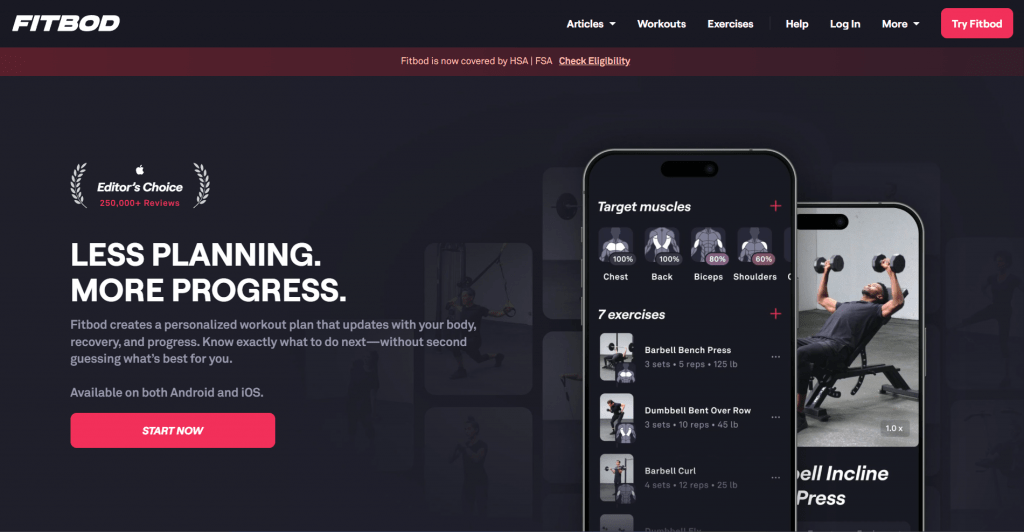
Fitbod is the AI workout planner for anyone with gym access. Tell it what equipment you have, and it generates a session that rotates exercises based on which muscle groups it calculates are fresh. Log your sets and the next workout adjusts the weights and volume, with progress tracking charts per lift.
Platform: iOS, Android, Apple Watch; subscription only.
Pricing: $15.99/month or $95.99/year after a 7-day trial. The price recently climbed from $12.99, so the annual plan, near $8 a month, is the sensible entry.
- Workouts rebuild around your equipment and recovery state, so no two gym days repeat blindly.
- Clear strength charts per lift make progress visible.
- 7-day trial before any charge.
- No meaningful nutrition side; you’ll need a second app for the diet.
- The 2026 price increase made the monthly plan poor value.
2. Freeletics
Official Website: freeletics.com
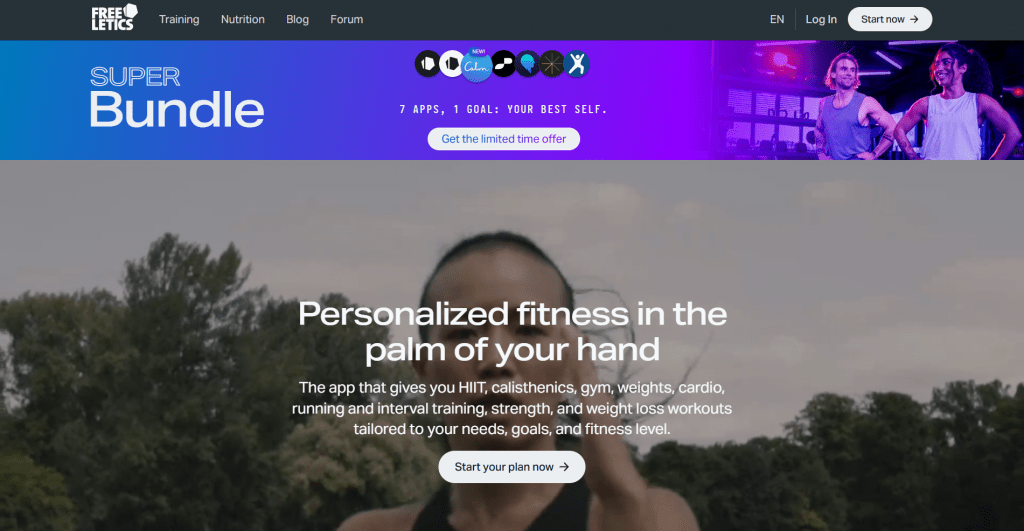
Freeletics takes the AI fitness coach role for training without equipment. Give the coach feedback after each session, and it reshapes your bodyweight and HIIT plan accordingly. A nutrition add-on makes it the closest thing here to an all-in-one.
Platform: iOS, Android; interface in ten languages, Russian included.
Pricing: Training Coach from $34.99 per quarter; training and nutrition bundles run up to $89.99 per year.
- Adapts to your session feedback and fitness level.
- No equipment needed, and every exercise comes with a video walkthrough.
- Russian interface, one of only two on this list.
- Nutrition coaching costs extra through a bundle and a separate app.
- Billed per quarter at minimum, with a 14-day money-back guarantee
3. MyFitnessPal
Official Website: myfitnesspal.com
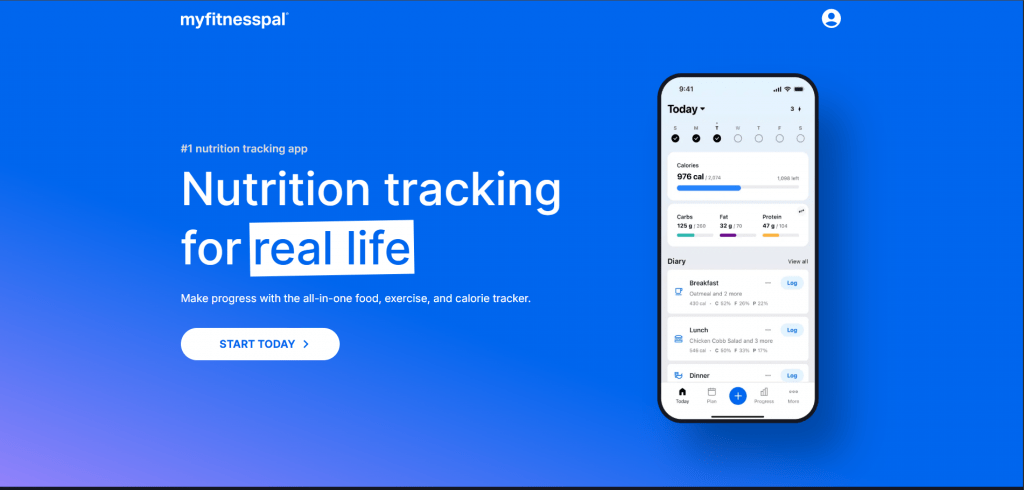
MyFitnessPal remains the reference point for calorie tracking, mostly on the strength of a food database rivals can’t match. The free tier logs meals by search indefinitely. Premium unlocks the barcode scanner and Meal Scan, an AI calorie tracker that estimates a plate through your camera. Premium+ layers on meal planning with automatic grocery lists.
Platform: Web, iOS, Android; about twenty languages, Russian among them.
Pricing: Free tier with no time limit; Premium at $19.99/month or $79.99/year; Premium+ at $24.99/month or $99.99/year.
- Permanent free tier, no card required.
- The largest food database in the category.
- About twenty interface languages, Russian included, plus full web access.
- Barcode scanning and the AI features, Meal Scan among them, sit behind Premium.
- Ads and upsells crowd the free tier.
4. MacroFactor
Official Website: macrofactor.com
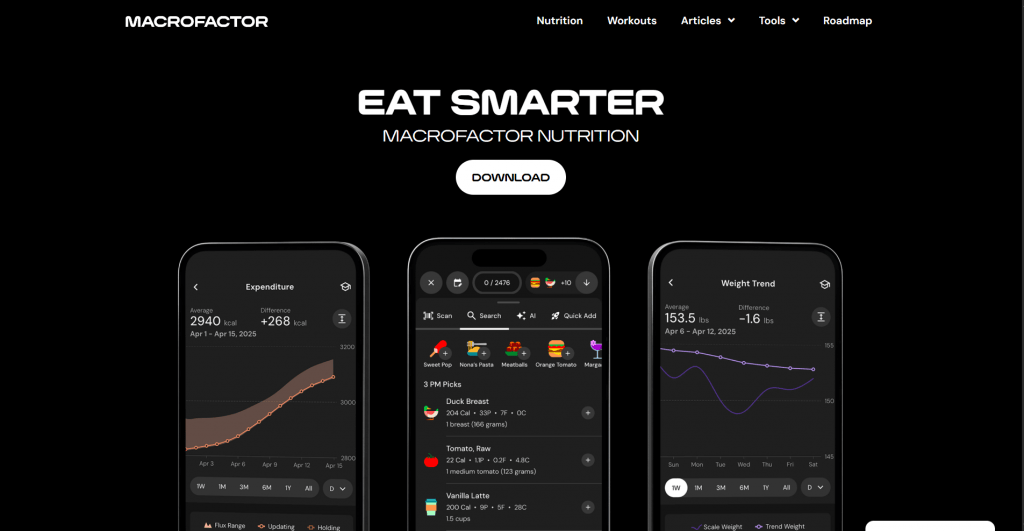
MacroFactor is the pick for people serious about macro tracking. Its algorithm estimates your energy expenditure from your own logs and adjusts targets weekly, so a stalled diet corrects itself instead of stalling for a month.
Platform: iOS, Android; no Russian localization.
Pricing: $11.99/month, or $71.99/year, which works out to $5.99 a month. A 7-day trial, no free tier, and by the developer’s own statement, there never will be one.
- Weekly adaptive calorie and macro targets built from your own data.
- Cheapest annual price among the paid picks at $5.99/month.
- Ad-free, fast logging designed to take seconds.
- No free version, ever, per the developer.
- No desktop version yet.
5. Cal AI
Official Website: calai.app
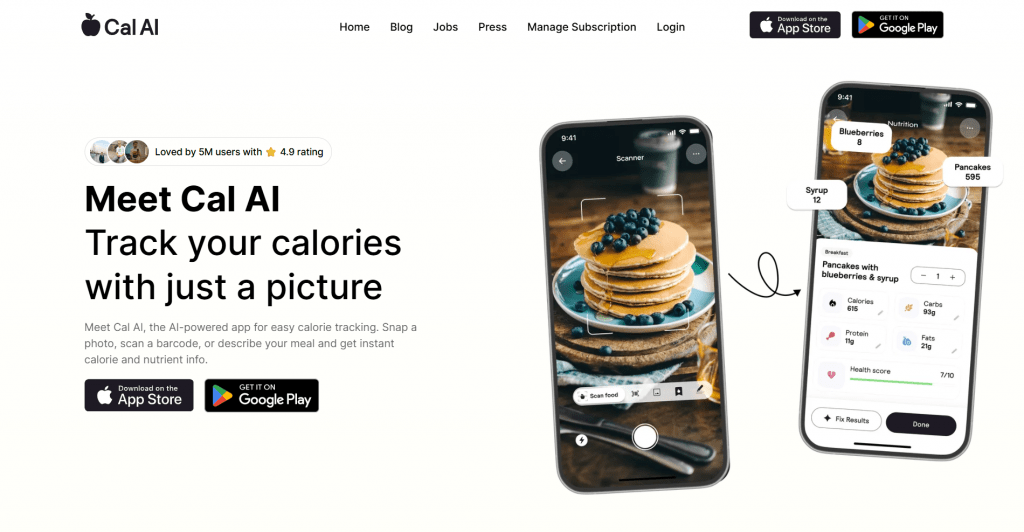
Cal AI does one thing: point your camera at food and get calories and macros in seconds. The recognition is quick and usually reasonable, which makes it the lowest-effort food logging option on this list.
Platform: iOS, Android; English-first.
Pricing: Around $29.99/year, though the exact figure appears only after an onboarding quiz.
- The fastest food logging on this list: photo in, macros out.
- Affordable on the annual plan, around $2.50 a month.
- Pricing is hidden until after onboarding, and the 3-day trial takes a card upfront and auto-renews.
- Photo estimates can miss by 20 to 30 percent on mixed dishes, so review entries before saving.
Comparison Table
|
App |
Best for |
Starting price |
Free option |
Russian UI |
|
Fitbod |
Gym strength training |
$8/mo (annual) |
7-day trial |
No |
|
Freeletics |
Bodyweight and HIIT |
~$11.70/mo (quarterly) |
Limited free workouts |
Yes |
|
MyFitnessPal |
Food database and logging |
$6.67/mo (Premium annual) |
Permanent free tier |
Yes |
|
MacroFactor |
Adaptive macro coaching |
$5.99/mo (annual) |
7-day trial |
No |
|
Cal AI |
Photocalorie counting |
~$2.50/mo (annual) |
3-day trial |
No |
The Best AI for Fitness and Nutrition for Every Goal
For most people, the answer is a pair, one app that plans the work and one that watches the plate, for roughly the cost of a streaming service:
- Gym lifters chasing numbers: Fitbod for the training, MacroFactor for the diet. About $14 a month on annual plans.
- Beginners with no equipment: the Freeletics training and nutrition bundle covers both fitness goals in one subscription.
- Budget of zero: MyFitnessPal’s free tier plus any structured free program still beats guessing.
- Fastest possible logging: Cal AI, with one eye on the billing screen.
Whichever pair you land on, give the algorithm three honest weeks of data. The plan will finally keep up with you. Whether you keep up with the plan is the one variable in health and wellness no algorithm has cracked.
❓ Frequently Asked Questions
Answers to relevant questions about this AI tool