Live Chat Simulator Tools: Realistic Fakes, Made Simple
On this page
Half the dramatic text conversations you have scrolled past on TikTok never happened. Breakup reveals, wrong-number millionaires, and group chat meltdowns: typed by one person, staged in a live chat simulator, and exported before lunch. The same tools also lead a quieter second life, letting streamers rehearse a busy Twitch chat before a single viewer shows up and letting designers mock up messaging screens without writing code. This guide covers four tools that do the job well, checked in July 2026.
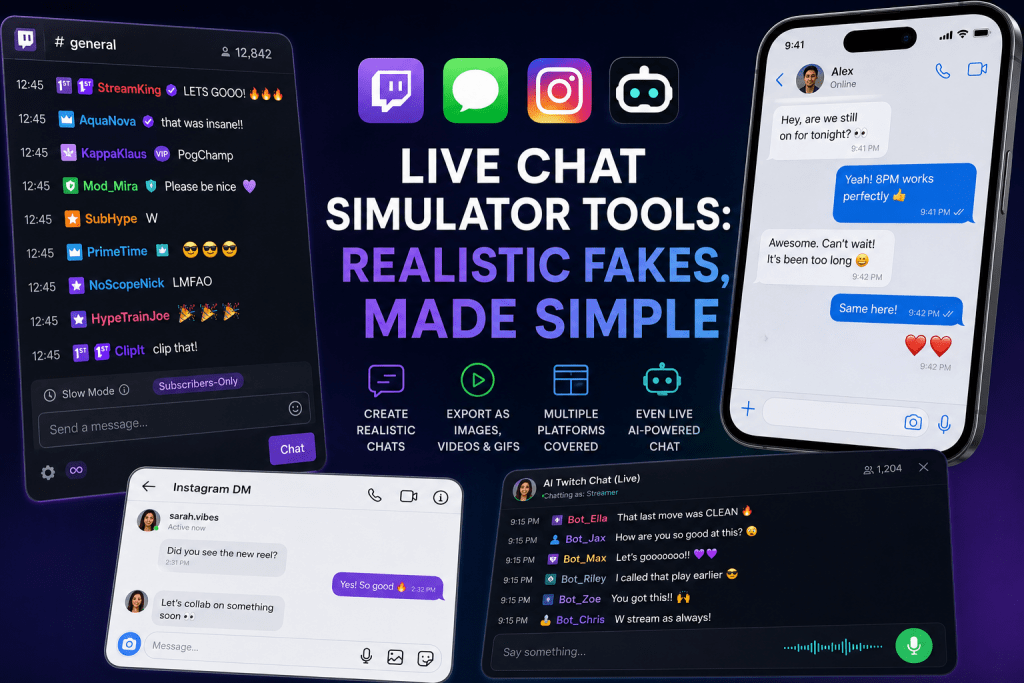
What a Chat Simulator Actually Is
A chat simulator is a tool for building fake conversations that look real. You write both sides of the exchange yourself, the tool renders it in the fonts, bubbles, and badges of the platform you picked, and you export the result as an image, video, or GIF. Realism comes from the small details a viewer checks without thinking: timestamps, viewer counts, and the right shade of purple on a moderator badge. Which tool you want depends on the platform you are imitating and whether the output should sit still or scroll.
Top 4 Live Chat Simulator Tools
The four picks split the territory cleanly: one for Twitch screenshots, one for text-story videos, one for every other messenger, and one for chat that actually talks back.
1. TryMyPost Twitch Chat Simulator
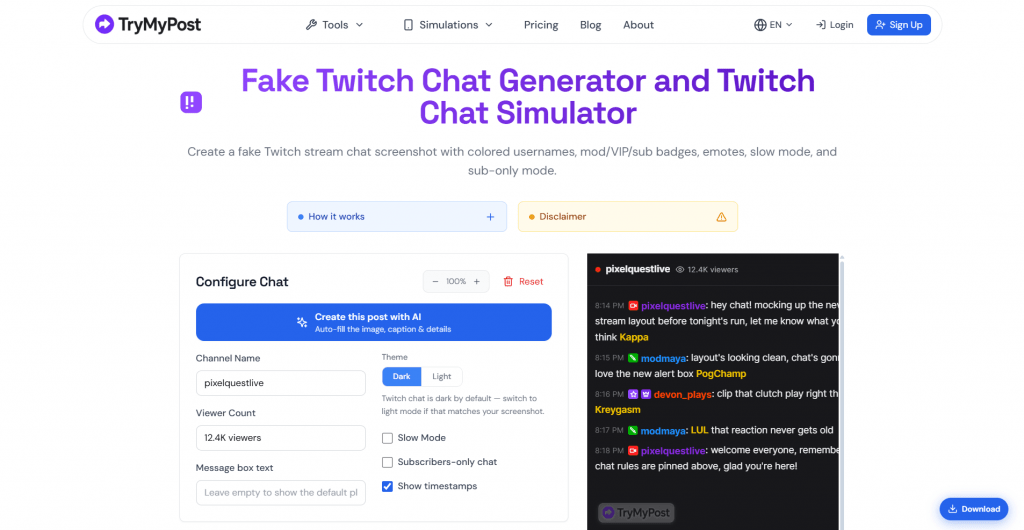
Official Website: trymypost.com/twitch/chat
A twitch live chat simulator that runs in the browser. You set a channel name and viewer count, add chatters, pick username colors from Twitch’s palette, hand out badges (Broadcaster, Moderator, VIP, Subscriber, Prime, Verified), and drop in classic emotes like Kappa and PogChamp. Toggles cover the details real viewers notice: timestamps, Slow Mode and Subscribers-Only pills, dark or light themes, and an AI option can auto-fill the whole scene. The Twitch tool is one room in a larger house: TryMyPost also simulates Instagram, WhatsApp, Facebook, TikTok, X, and more, with 13 messaging tools alone.
Platform: Any browser; language menu defaults to English; prices in USD or EUR.
Pricing: Building chats is free, but free downloads are standard quality and may carry a watermark. Clean HD exports cost $3.99 one-off for a pack of 10 that never expire, or $4.99 a month for unlimited exports plus saved presets. The AI content plans ($5.99 to $23.99 a month) are a separate line the simulator does not require.
-
Channel name, viewer count, badges, and emotes mirror the real Twitch chat closely enough for thumbnails.
-
One account opens a whole suite of social simulators beyond Twitch.
-
Watermark-free exports are paid; even the AI plans’ free trial does not unlock them.
-
The output is a still image; nothing scrolls.
2. TextingStory
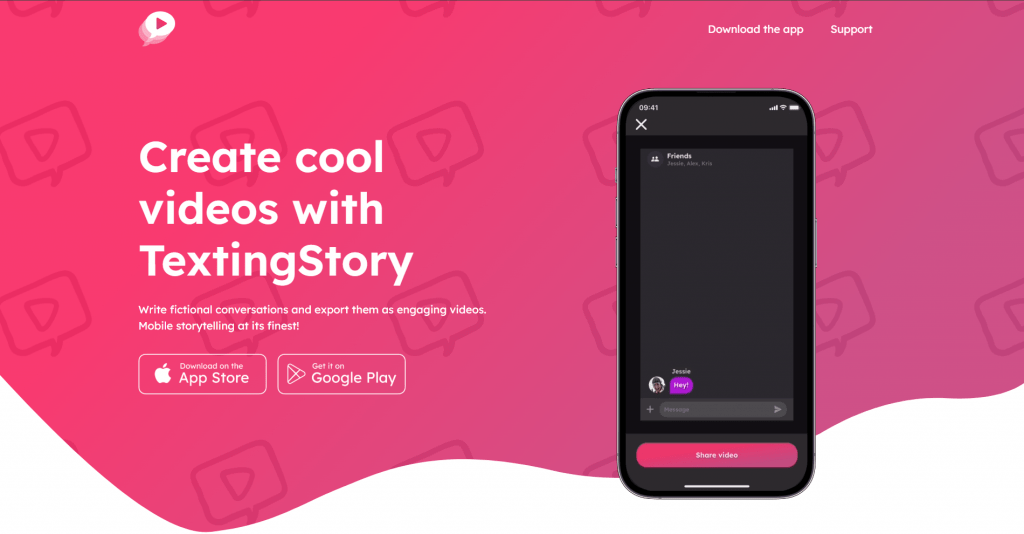
Official Website: textingstory.com
The tool behind a large share of text-story videos. You write a conversation like in any messaging app, swiping left or right to switch speakers, and the app replays the exchange as a video with bubbles appearing in real time, typing animation included. Made by Yvz Digital Lab, it counts more than 20 million downloads and a 4.6-star average across roughly 210,000 ratings. Extras include chapter cards, an avatar builder, and adjustable playback speed.
Platform: iOS and Android; interface in English plus 11 more languages; exports video, GIF, PDF, or a shareable .story file, in square or vertical format.
Pricing: Free with unlimited videos; premium customization sold as an in-app purchase, priced by store and region.
-
The replay effect turns typed dialogue into finished video with zero editing.
-
Unlimited creation on the free tier, and the interface speaks 12 languages.
-
Mobile only, with no web or desktop version.
-
Premium pricing varies by store and only appears in-app.
3. Dizwa Simulators
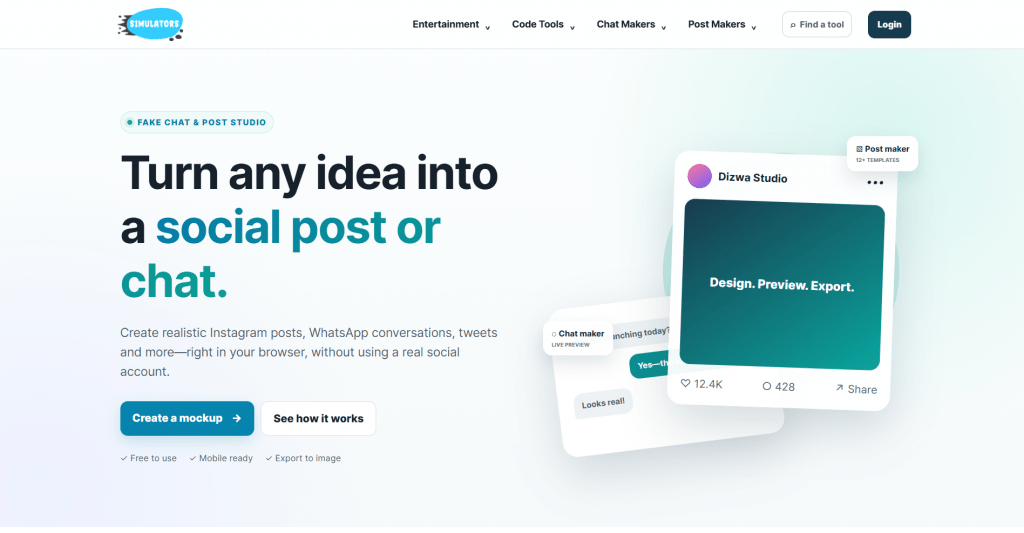
Official Website: dizwa.com/simulators
The site long known as Zeoob now answers to Dizwa Simulators, and it remains the fake live chat simulator for everything beyond Twitch: WhatsApp, Instagram DMs, Facebook Messenger, iPhone chats, and Snapchat, plus post generators for Instagram, Facebook, TikTok, and X, and even a ChatGPT conversation mockup. The workflow is three steps: pick a generator, edit names, messages, reactions, and dates beside a live preview, then export an image. The site says plainly that its mockups are fictional, made for education and creative practice.
Platform: Any browser, mobile included; free to use.
Pricing: Free across the generators; no premium tier advertised.
-
One site covers chats and posts for the major platforms, with a live preview while you edit.
-
Free, browser-based, and open about its educational purpose.
-
Static screenshots only, no video or animation.
-
Interface details can lag behind the real apps’ redesigns, which sharp-eyed viewers can date.
4. AI-Twitch-Chat
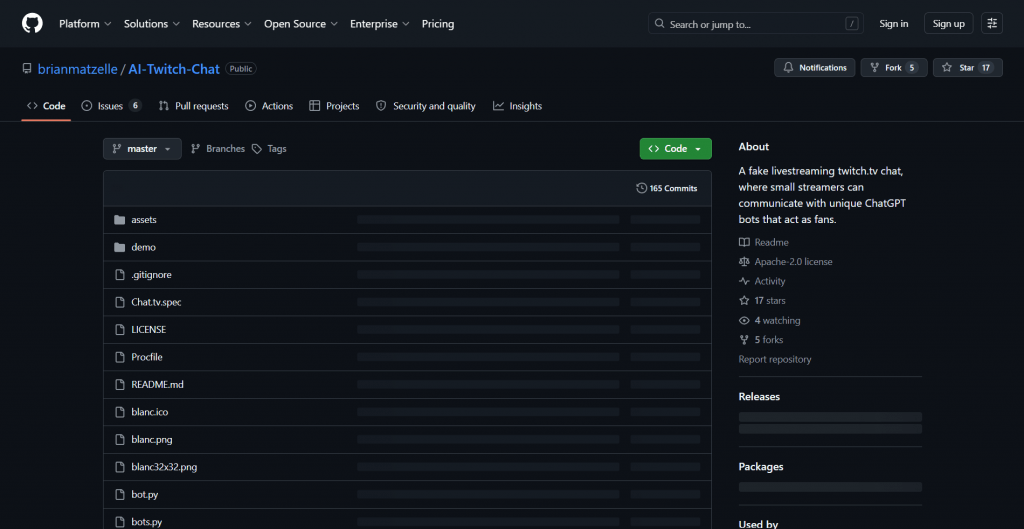
Official Website: github.com/brianmatzelle/AI-Twitch-Chat
The tinkerer’s option, and the only one here that is actually live. This open-source project (Apache-2.0 license) fills a fake Twitch chat window with ChatGPT-powered bots that act like fans, and it listens through your microphone, so the bots respond to what you say out loud. Windows gets a packaged download; Mac and Linux run it with Python and a couple of terminal commands.
Platform: Windows download or Python on Mac/Linux; free, open source.
Pricing: Free. The code is open, and you run it on your own machine.
-
Chat that scrolls, reacts, and answers your spoken words, which no screenshot tool offers.
-
Open code under a permissive license, so the behavior can be customized.
-
Alpha-stage software whose last update landed about three years ago.
-
No polished interface or support; it is a project, not a product.
Comparison Table
|
Tool |
Best for |
Free option |
Output |
Moving chat |
|
TryMyPost |
Twitch screenshots |
Standard quality, may carry watermark |
PNG |
No |
|
TextingStory |
Text-story videos |
Unlimited videos |
Video, GIF, PDF |
Yes, replayed |
|
Dizwa Simulators |
WhatsApp, iMessage, DMs |
Everything |
Image |
No |
|
AI-Twitch-Chat |
Streamer practice |
All of it |
Live window |
Yes, responsive |
Picking One, and the Line Worth Respecting
Match the tool to the shape of the job:
-
A Twitch meme or thumbnail by tonight: TryMyPost, minutes to build, $3.99 if the watermark has to go.
-
Story content for TikTok or YouTube: TextingStory, where typing is the whole edit.
-
A WhatsApp or iMessage mockup: Dizwa Simulators, pick the platform and fill in the bubbles.
-
Rehearsing a real stream: AI-Twitch-Chat, plus an evening of setup.
Whichever you pick, the conversations speak any language you type, Russian included; the interfaces run mostly in English, with TextingStory localized into 11 more languages. One boundary keeps the category harmless, and the tools themselves flag it with disclaimers: a fabricated chat is fiction, and fiction needs a label. Invented words in a real, named person’s mouth become defamation risk, and platforms remove convincing fakes presented as truth. Keep fake names on fake people. Anyone can generate a chat window in minutes. Making strangers believe it, for exactly as long as the joke needs, is still writing.
❓ Frequently Asked Questions
Answers to relevant questions about this AI tool