Best AI Tools to Convert PDF to Pickle
On this page
If you are building an ML dataset from documents, the goal is a pickle file: a fast, reusable Python object you parse once and reload instantly. But no tool outputs a .pkl directly, and that is fine, because the hard part is not pickling (that is two lines of Python) but getting clean, structured data out of a messy PDF in the first place. That is where AI extraction tools earn their place: they turn tables, forms, and multi-column layouts into structured Python-ready data, which you then serialize to pickle. This guide compares the best AI PDF-to-data tools of 2026 and shows the simple final step.
The Real Workflow: Extract, Then Pickle
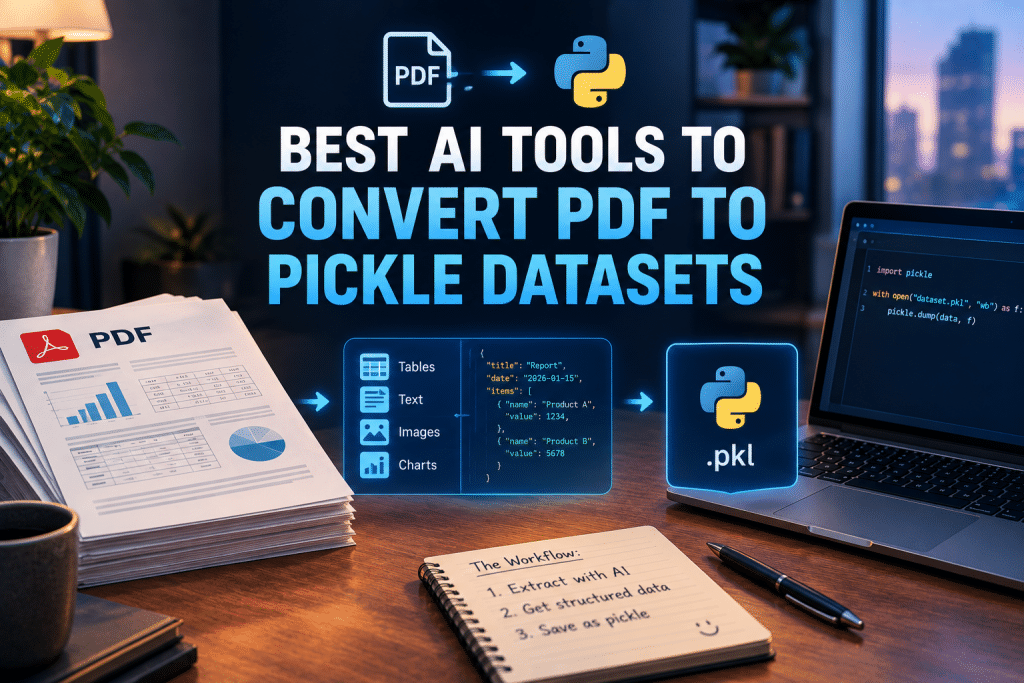
It helps to be clear about what actually happens, since “PDF to pickle” is really two stages:
-
Extraction (the hard part). An AI tool reads the PDF and returns structured data, usually JSON, Markdown, or a Python object, preserving tables and layout.
-
Serialization (the easy part). You load that structured data into Python and save it with pickle or pandas in two lines.
Because the second step never changes, the tool you pick is entirely about extraction quality. Here is that final step, so it is out of the way:
|
python import pickle with open(“dataset.pkl”, “wb”) as f: pickle.dump(extracted_data, f) |
The Best AI PDF Extraction Tools
1. LlamaParse
Official website: llamaindex.ai
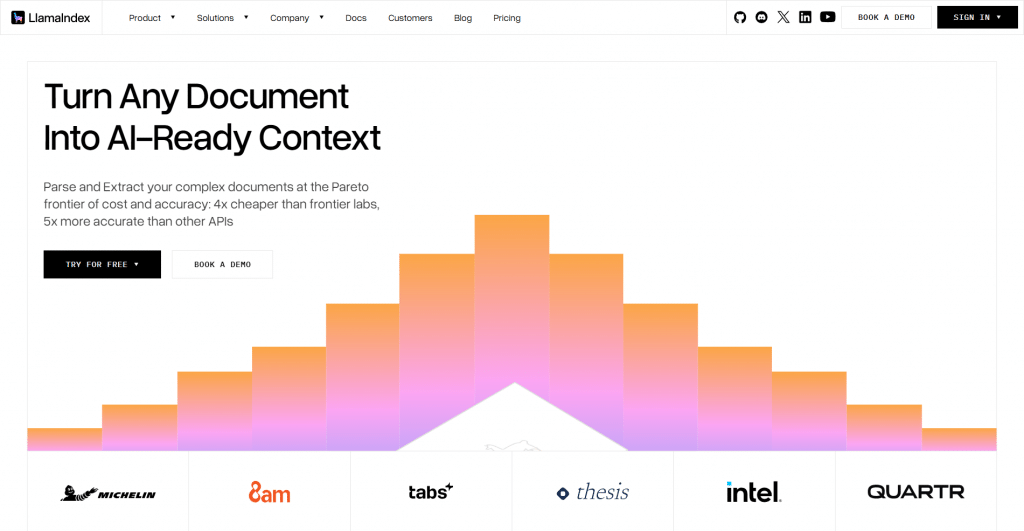
Platform: API-first parser with Python and TypeScript SDKs.
Features: LlamaParse is the most production-ready pick for developers building a dataset pipeline. It preserves complex table structure more reliably than OCR-first tools, outputs LLM-friendly Markdown and structured data, and handles multimodal documents mixing tables, charts, and text. Its Python SDK and native fit with LlamaIndex and LangChain make it straightforward to drop into a workflow, and LlamaExtract adds field-level confidence scores for human-in-the-loop review.
Pricing:
|
Plan |
Price |
Key features |
|
Free |
$0 |
Free daily page credits to test |
|
Paid |
Usage-based |
Higher volume, advanced parsing modes |
-
Best-in-class table and layout preservation
-
Python and TypeScript SDKs, LangChain/LlamaIndex fit
-
Outputs clean structured data ready to pickle
-
Field-level confidence scores for review
-
Usage-based cost scales with volume
-
Most valuable inside the LlamaIndex ecosystem
2. Google Document AI
Official website: cloud.google.com/document-ai
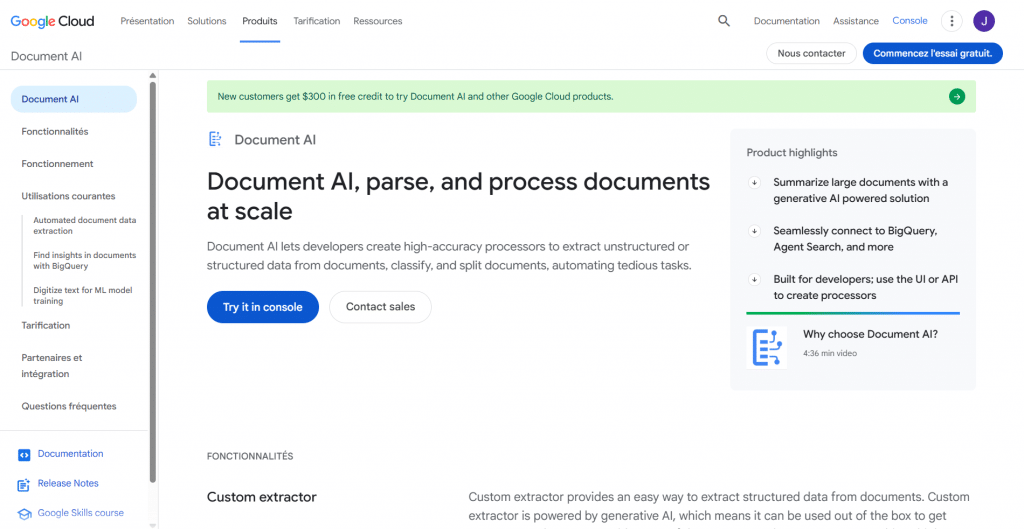
Platform: Cloud document-processing service with SDKs.
Features: Google Document AI excels at structured richness. Its Document Object Model returns extracted data with bounding boxes, confidence scores, and semantic structure, not just raw text, and it offers Form Parser, Layout, OCR, and Custom Extractor processors. Paired with Vertex AI, it supports end-to-end pipelines from ingestion through model training, and it has Python, JavaScript, and Java SDKs.
Pricing:
|
Plan |
Price |
Key features |
|
Free tier |
Monthly free pages |
Test processors at no cost |
|
Paid |
Per 1,000 pages |
Scales by processor and volume |
-
Rich structured output with confidence and layout data
-
Multiple processors for different document types
-
Deep Google Cloud and Vertex AI integration
-
Strong multi-language SDK support
-
Best value inside the Google Cloud ecosystem
- Per-page pricing adds up at high volume
3. Amazon Textract
Official website: aws.amazon.com/textract
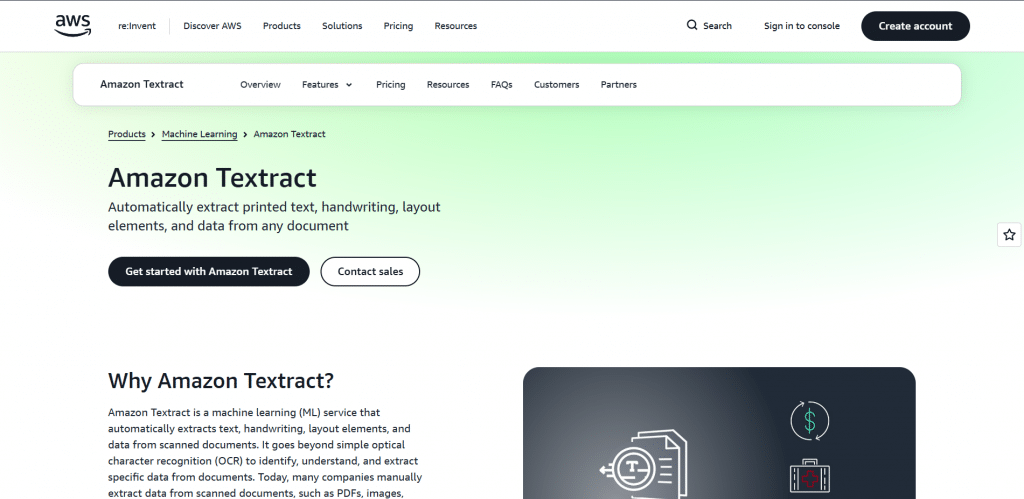
Platform: AWS machine learning extraction service.
Features: Amazon Textract is the natural pick for AWS-based pipelines. It goes beyond OCR to detect tables, forms, and key-value pairs, returning structured table data and label-value relationships (like “Invoice Date: March 15”) ready to load into Python. It integrates seamlessly with the rest of AWS, making it strong for document processing at scale.
Pricing:
|
Plan |
Price |
Key features |
|
Free tier |
Free pages for 3 months |
Test detection and tables |
|
Paid |
Per 1,000 pages |
Text, tables, forms, and queries |
-
Accurate table, form, and key-value extraction
-
Seamless AWS-native integration
-
Scales well for large document pipelines
-
Structured output ready for Python
-
Most valuable for teams already on AWS
-
Per-page pricing across features can add up
4. Adobe PDF Extract API
Official website: developer.adobe.com
Platform: AI extraction API from Adobe.
Features: Adobe’s PDF Extract API uses Adobe Sensei AI to pull text, tables, and figures with high fidelity and is frequently praised for parsing complex tables and aligning figures with context. It works on native and scanned PDFs and outputs structured JSON (plus CSV and XLSX), making it a clean source for a Python dataset you then pickle.
Pricing:
|
Plan |
Price |
Key features |
|
Free |
Free document transactions/month |
Test extraction |
|
Paid |
Per document transaction |
Higher volume |
-
High-fidelity table and figure extraction
-
Handles native and scanned PDFs
-
Outputs JSON, CSV, and XLSX
-
Strong reputation for complex layouts
-
Transaction-based pricing for heavy use
-
Less ecosystem tie-in than cloud rivals
5. Open-Source: pdfplumber, PyMuPDF, and Camelot
Official website: github.com (pdfplumber, PyMuPDF, Camelot)
Platform: Free Python libraries.
Features: For full control and zero cost, open-source libraries remain the developer’s choice. pdfplumber is excellent for text and tables, PyMuPDF (fitz) is very fast for low-level extraction, and Camelot is the go-to for scriptable table extraction. They return native Python objects directly, so you pickle the result with no extra conversion, ideal when your PDFs are clean and text-based.
Pricing:
|
Plan |
Price |
Key features |
|
Open source |
Free |
Full local control, no API limits |
-
Completely free and open source
-
Return native Python objects, so no JSON-to-Python conversion step
-
Run locally, so data never leaves your machine
-
Full control for developers comfortable in Python
-
Struggle with scanned, messy, or complex layouts
-
Require Python skill and edge-case handling
Comparison Table
|
Tool |
Best for |
Free option |
Output |
|
LlamaParse |
Dataset pipelines, tables |
Yes |
Markdown, structured |
|
Google Document AI |
Rich structured extraction |
Free tier |
JSON, DOM |
|
Amazon Textract |
AWS pipelines |
3-month tier |
Structured tables/forms |
|
Adobe PDF Extract |
Complex tables and figures |
Free tier |
JSON, CSV, XLSX |
|
Open-source libs |
Free local control |
Free |
Native Python objects |
From Extracted Data to Pickle
Whichever tool you use, the final step is the same. Load the structured output into Python, optionally clean it into a list of dictionaries or a pandas DataFrame, and serialize:
|
python import pandas as pd df = pd.DataFrame(extracted_data) df.to_pickle(“dataset.pkl”) # save df = pd.read_pickle(“dataset.pkl”) # load instantly |
One important safety note: pickle is not secure. Never load a .pkl file from an untrusted source, since unpickling can execute arbitrary code, a risk documented in Python’s own docs. Only unpickle files you created, and use JSON or CSV to share data across systems.
Conclusion
“Converting PDF to pickle” is really about extraction, and that is where AI tools shine. LlamaParse leads for developer pipelines, Google Document AI and Amazon Textract for cloud-scale structured extraction, Adobe PDF Extract for complex tables, and open-source libraries for free local control. All of them get you the clean, structured Python data that pickling needs, after which saving your dataset is two lines. Pick the tool that fits your stack and document complexity, extract once, and pickle the result for a fast, reusable ML dataset, just remember to only unpickle data you trust.
❓ Frequently Asked Questions
Answers to relevant questions about this AI tool