Free AI Resume Builders: Create ATS-Friendly CV
On this page
Getting a job usually starts with your resume. It’s your first impression — make it stand out, and you’ll land the interview. In the past, people stared at a blank page for hours trying to figure out the perfect wording. Now there’s a better way: AI. No need to struggle over every line — the tool analyzes your information and turns it into a clean, professional document.
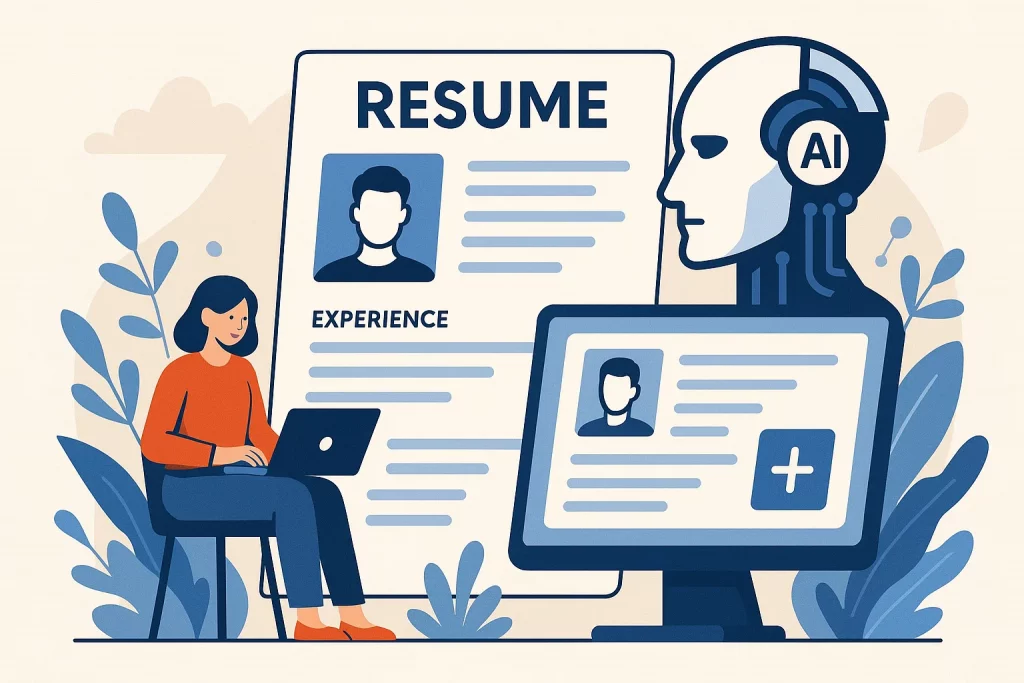
Here’s why it matters. AI doesn’t just rephrase facts; it makes your experience sound polished and tailors it to the job you want. You save time and can focus on preparing for conversations with hiring managers instead of getting lost in details.
That said, for a truly strong resume, always review the result yourself and add the personal touches that matter most to you. That’s the only way it becomes authentically yours — not just a pretty template.
How to Write a Great Resume
Building a resume isn’t just listing past jobs. It’s about telling a short, compelling story that shows a hiring manager why you’re the perfect fit. Every detail counts, and small things can make or break your chances.
AI tools help you skip the hours of staring at a blank screen. They organize your experience and give you a solid foundation that actually saves time.
Start with the basics — make your contact info impossible to miss. List experience in reverse chronological order (most recent first). Education comes toward the bottom — from college degrees to short courses and certifications.
For skills, focus on what the job actually needs. When you have achievements, use numbers, dates, and percentages. Keep it lively — not like a dry form.
Here’s the key: no matter how good the template is, you still need to customize it for each application. Recruiters spot generic resumes instantly.
With AI, tweaking emphasis for a new company or role is fast and easy. Your energy goes into advancing your career instead of endless edits.
One final note: even with AI help, your final review makes all the difference. Check everything and add your personal voice. That’s when a resume truly becomes yours.
What Makes a Resume Successful
- Well-structured — everything easy to find at a glance.
- Specific — not “participated,” but “led a team that launched a new product.”
- Tailored — matches the exact requirements of the job posting.
- Concise — ideally one page, two at most.
- Error-free — because mistakes scream carelessness.
Hiring managers spend just seconds scanning a resume. In that time they need to see clear value.
Best AI Tools for Building Resumes
CareerLab
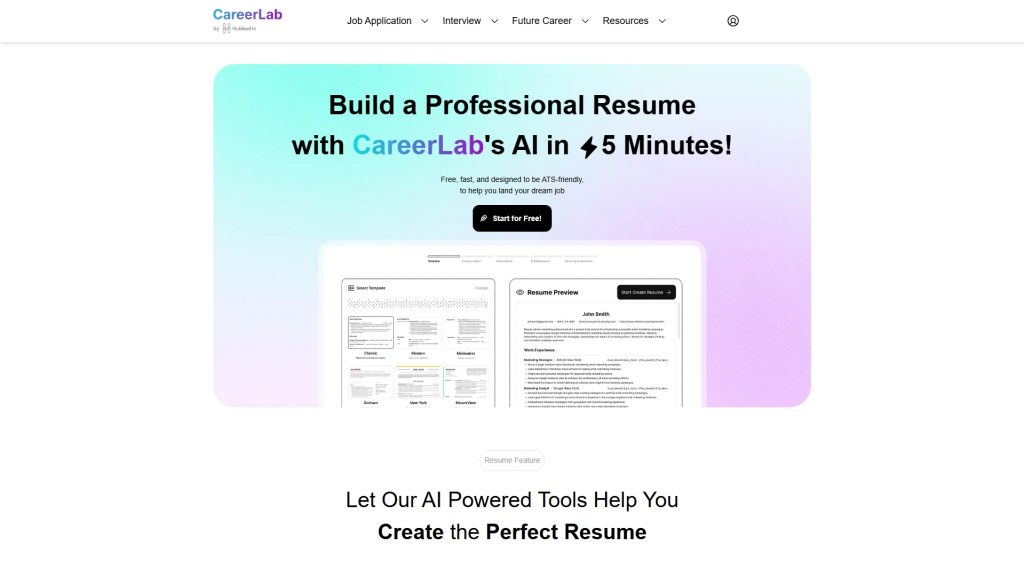
CareerLab uses AI to generate professional resumes fast. It takes your experience and skills and turns them into something recruiters actually want to read.
What it can do:
- Build a complete resume in about 10–15 minutes.
- Paste a job description and get suggestions on what to change to match it perfectly.
- Format everything to pass Applicant Tracking Systems (ATS) used by most large companies.
- Offer phrasing, structure, and content tips.
- Provide templates — from classic to modern — for every industry.
- Score how well your resume matches a specific job and tell you what to fix.
CareerLab also has a Telegram bot called GarmonyCV where you can create and edit resumes right in chat and get the final file instantly.
Pros:
- Saves huge amounts of time.
- Pulls all your information together cleanly.
- Increases the odds your resume gets noticed.
- Makes updating profiles on job sites quick and painless.
Things to keep in mind:
- You’ll still want to review and personalize the final version.
- Creative or highly specialized roles may need extra customization beyond the templates.
- Formatting options are limited to what the platform offers.
Link: CareerLab
ChatGPT
When you’re stuck staring at your experience section and don’t know how to phrase things, ChatGPT can be a lifesaver. It’s not a dedicated resume builder — it’s a flexible assistant that adapts to whatever you need.
It’s incredibly versatile — great for rewriting bullet points, crafting descriptions, or brainstorming ideas. The results depend entirely on how well you guide it.
What you can do:
- Reword basic duties into powerful, professional statements.
- Paste a job description and have it highlight the skills and experiences you should emphasize.
- Draft a solid cover letter you can refine later.
Pros:
- Works for countless tasks beyond resumes.
- Helps overcome writer’s block and generates fresh phrasing ideas.
- Excellent for creating quick first drafts that save time.
Limitations:
- Needs clear, detailed prompts to deliver what you really want.
- Doesn’t know your industry as well as you do — without guidance it can sound generic or inaccurate.
- You’re responsible for fact-checking; AI can invent or exaggerate details.
Claude for Resume Help

Claude is a powerful language model that excels at writing and editing text, including resumes. It’s a general-purpose tool rather than a career-specific platform.
Key abilities:
- Writes clear, logical, professional copy.
- Handles large amounts of input — perfect when you have a lot of experience to organize.
- Analyzes job postings and helps you pull out the most relevant parts of your background.
Pros: Produces readable, thoughtful content. Great when you have complex or lengthy experience to condense.
Cons:
- Not optimized for ATS-friendly formatting like dedicated resume builders.
- Requires precise prompting to get the best results.
Resume.io
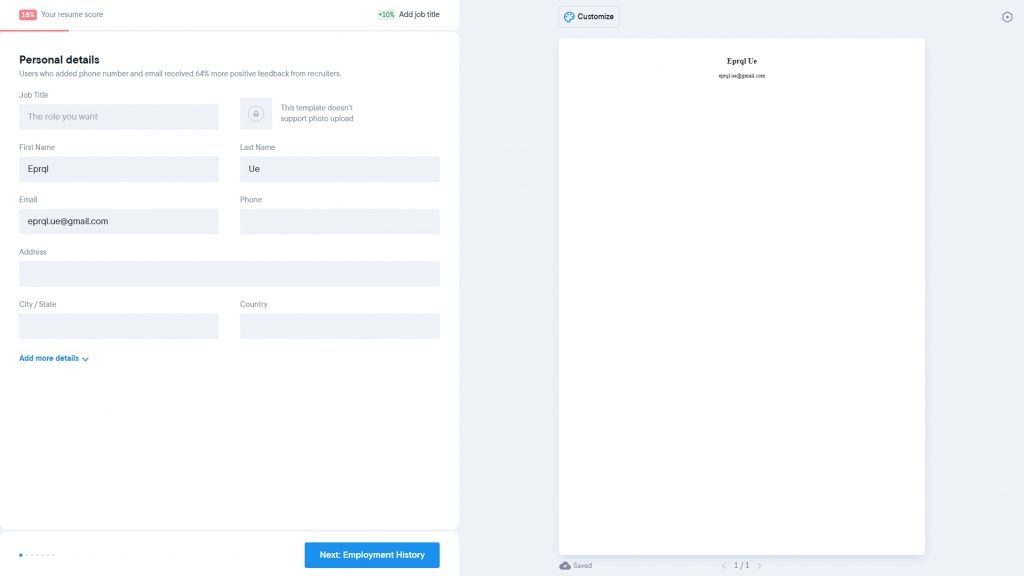
Resume.io is an online resume builder with some AI-powered features.
What you can do:
- Choose from a large library of attractive templates.
- Get AI suggestions for phrasing your experience and responsibilities.
- Use a simple, beginner-friendly interface.
Pros:
- Fast and easy, especially for first-time users.
- Tons of professional-looking designs.
- No need to worry about layout or design yourself.
Cons:
- AI assistance is fairly basic — good suggestions, but not deep customization.
- Full features and downloads require a paid subscription (free version is limited).
Link: Resume.io
Kickresume
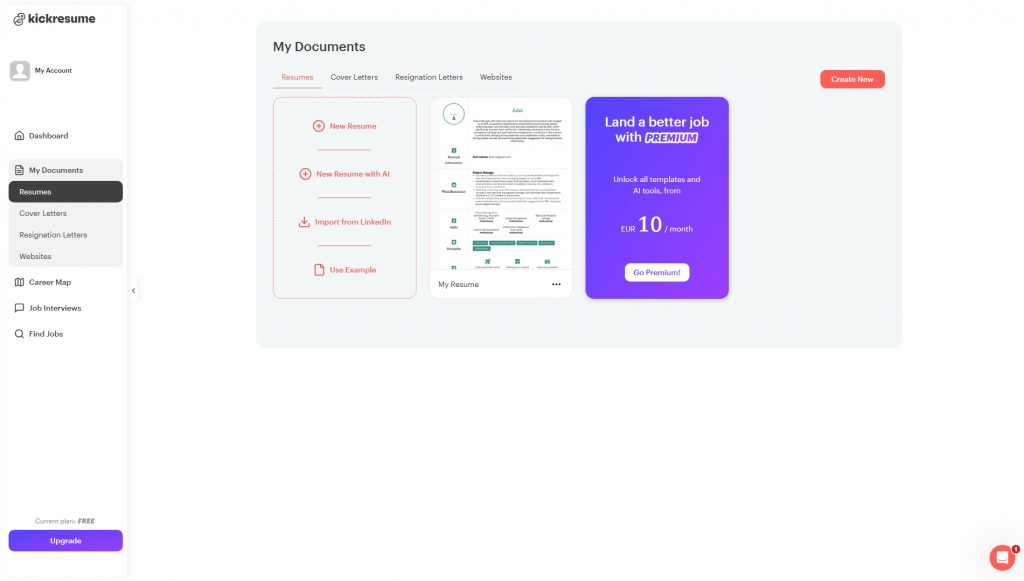
Kickresume combines traditional resume building with AI writing help.
Features:
- AI writer that auto-fills job descriptions and bullet points.
- Hundreds of beautiful templates for every field.
- Matching cover letter builder.
Pros:
- Everything in one place — content and design.
- Saves time on wording and formatting.
- Produces visually polished documents fast.
Cons:
- AI suggestions can feel generic.
- Best features are behind a premium paywall.
Link: Kickresume
Rezi
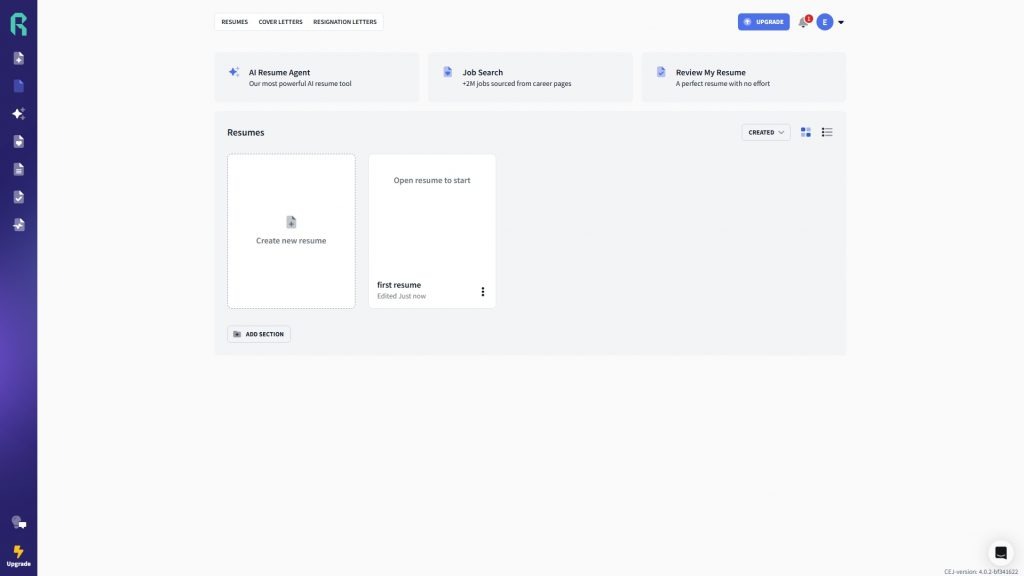
Rezi focuses on getting your resume past Applicant Tracking Systems (ATS) used by most Fortune 500 companies. It analyzes job descriptions, suggests keywords, and formats everything to avoid common technical rejections.
Pros: Dramatically improves your chances of reaching a human recruiter. Clean, no-frills design that prioritizes substance.
The AI is simpler than some competitors, but it excels at its core mission — ATS compatibility.
Link: Rezi
Ready-to-Use Prompt for Any AI
You are an expert career coach specializing in professional resumes. Your task is to help the user create a tailored, ATS-friendly resume based on their answers. The process has exactly two stages and must be followed in order.
**Stage 1: Gather Information**
– First ask the user for: target job title (or industry/level), current experience level (entry-level, mid-level, senior, executive), location preferences (for regional formatting standards), and any special requests (e.g., emphasize achievements, technical skills, or leadership).
– Then create a numbered list of 10–15 clear questions covering every resume section:
1. Contact info (name, phone, email, LinkedIn, city).
2. Work experience (for each role: title, company, dates, 3–5 key responsibilities and quantified achievements).
3. Education (school, degree, dates, GPA if strong).
4. Certifications and courses.
5. Skills (technical, soft skills, languages with proficiency).
6. Additional sections (projects, publications, volunteer work, awards — only if relevant).
– Present the questions as a numbered list. Do not move to Stage 2 or generate a resume until the user provides complete numbered answers.
**Stage 2: Generate the Resume**
– Only after receiving full numbered responses, create a 1–2 page ATS-friendly resume (no tables or graphics, standard headings, bullet points):
1. Contact Information
2. Professional Summary (3–5 targeted lines)
3. Work Experience (reverse chronological, with metrics)
4. Education
5. Skills
6. Additional Sections (as relevant)
– Use professional, concise language. End with 2–3 specific recommendations for further improvement or tailoring.
Start strictly with Stage 1.

This prompt turns any large language model into a structured career consultant that first collects all necessary details and only then produces a polished, job-specific resume.
Conclusion
Job hunting is much easier when you use modern AI resume tools. They deliver clean, well-organized documents that today’s hiring managers and applicant tracking systems love.
You no longer have to stress about formatting or perfect phrases — AI handles that. Your job is to provide honest, detailed information about your skills, experience, and accomplishments.
The more specific and thorough you are, the stronger your resume will be.