Remove Watermarks With AI: Best Photo and Video Platforms
On this page
Watermarks, logos, and digital stamps have long been standard tools for protecting visual copyright online. However, there are many legitimate scenarios—such as restoring a damaged family photo, cleaning up a presentation template, or recovering an original video file after losing the raw master copy—where removing these overlays becomes necessary. In the past, deleting an embedded graphic required hours of meticulous manual cloning in advanced editing software. Today, artificial intelligence has streamlined this task into a quick, automated workflow. This guide explains how modern background restoration engines operate and reviews the best web-based platforms and desktop applications available to help you clean your media efficiently while maintaining original file quality.
From Blur Filters to Generative Object Inpainting
Earlier automated editing tools cleared watermarks by simply blurring the selected area or copying identical pixels from immediate neighboring zones, which often left behind messy visual smudges. Modern artificial intelligence approaches this problem through generative background reconstruction. When you select a logo, the neural network analyzes the entire image structure, identifying colors, lighting angles, patterns, and depth. Instead of just patching the hole, the AI actually cross-references its extensive training data to intelligently generate completely new pixels that logically belong under the watermark. This ensures that complex patterns, like a brick wall, ocean waves, or fabric textures, are rebuilt seamlessly without leaving any signs of digital manipulation.
Top AI Tools for Watermark and Logo Removal
HitPaw Watermark Remover is a highly effective, desktop-first application built specifically for handling stubborn graphic overlays across both photos and video files. It offers users multiple dedicated AI processing modes designed for different types of backgrounds, including smooth color fills, matte textures, and complex dynamic scenes. For video editing, the software utilizes motion tracking algorithms to follow a moving watermark across frames, erasing the object continuously throughout the entire timeline automatically. While the desktop software delivers fast processing and high consistency, exporting your final uncompressed files without a company watermark requires a commercial license purchase.

Visit the official HitPaw website
Cleanup.pictures represents the absolute easiest browser-based solution for instantly removing unwanted objects, text text overlays, and signatures from static photographs. Operating on highly optimized texture generation models, the platform features an intuitive brush interface where you simply highlight the watermark and watch the system rebuild the underlying background in real time. Because it runs entirely in the cloud, you do not need a high-end computer or graphic editing experience to see great results. The service provides free access for standard resolution web images, making it a perfect quick tool for fixing social media posts, though high-definition 4K exports are locked behind a paid subscription tier.

Visit the official Cleanup.pictures website
Adobe Photoshop stands as the undisputed industry standard for creative professionals due to its integrated Generative Fill technology. Powered by the Adobe Firefly engine, this feature allows users to select a copyright label and type explicit text prompts or let the AI automatically evaluate the canvas context to substitute the logo with believable imagery. Because it operates within a traditional multi-layer editor, you maintain absolute control over the restoration process, enabling you to combine automated AI passes with manual stamp tools for flawless precision. The system requires significant hardware resources and a paid monthly subscription, making it best suited for corporate workflows.

Visit the official Adobe Photoshop website
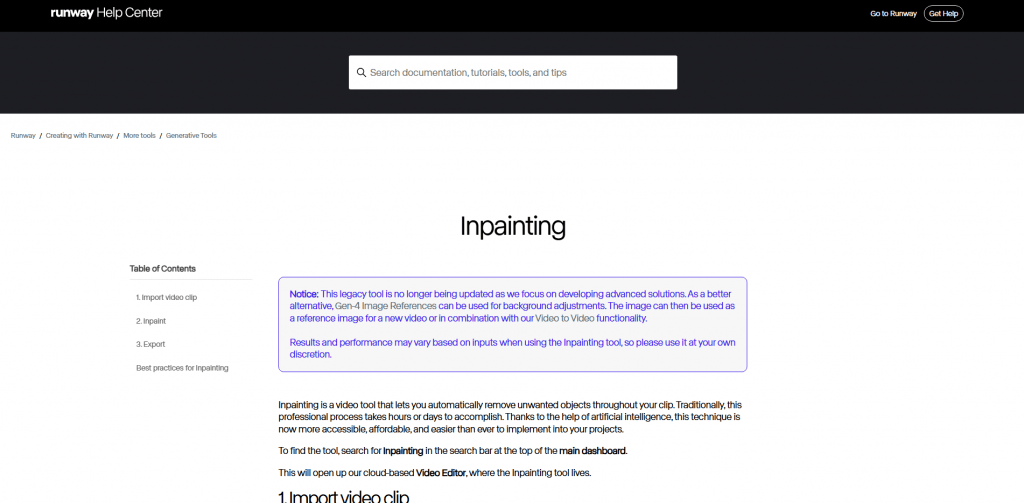
Runway offers a professional-grade cloud editing environment optimized for removing complex, moving watermarks from high-end video content. Through its specialized video inpainting brush, editors can highlight a watermark on a single frame, and the neural network will track, mask, and remove that object across the entire duration of the clip. The platform is highly regarded for its ability to preserve complex lighting variations and background motion vectors behind the removed item, avoiding the choppy artifacts typical of standard video converters. The web interface is built primarily for production studios, meaning the advanced feature depth carries a premium price model.
Visit the official Runway website
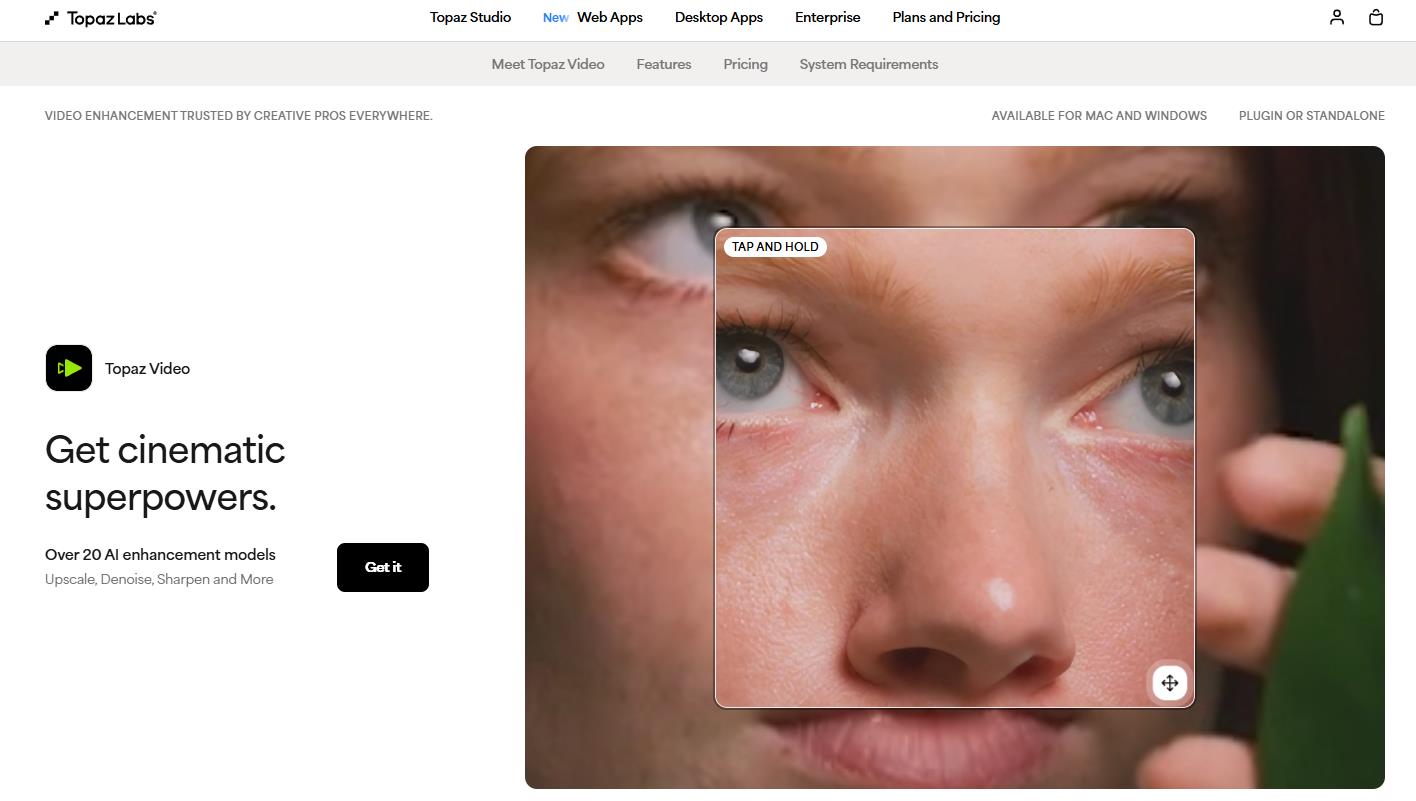
Topaz Video AI serves as an elite desktop software package built specifically for professional video restoration, upscaling, and advanced artifact removal. Rather than relying on simple cloud filters, Topaz runs heavy machine learning models locally on your hardware to rebuild missing frame data caused by aggressive broadcast logos or timestamp overlays. It excels at maintaining sharpness, eliminating compression noise, and preserving fine background details over prolonged, high-motion cinematic sequences. The platform is available as a single-purchase perpetual license, representing a major financial commitment intended for professional archivists and independent video production agencies.
Visit the official Topaz Labs website
Technical Comparison Matrix of Removal Software
To plan your media restoration pipeline effectively, it is helpful to compare how different platforms handle core processing mechanics, file formats, and export restrictions. Choosing the right tool depends entirely on whether you are adjusting a quick web image or clean a full-length commercial video file.
| Platform Name | Processing Location | Supported Media | Batch Processing | Best Suited For |
|---|---|---|---|---|
| HitPaw Remover | Desktop Software | Photos & Videos | Yes (Paid Tier) | Automated tracking of moving video watermarks |
| Cleanup.pictures | Web Browser Cloud | Photos Only | No | Instant, zero-installation removal of web text and logos |
| Adobe Photoshop | Local App / Cloud Assist | Photos Only | Via Script Actions | Professional non-destructive multi-layer image editing |
| Runway Studio | Web Browser Cloud | Videos & Photos | Yes | Cinematic video clip inpainting and background tracking |
| Topaz Video AI | Local Hardware | Videos Only | Supported Natively | High-end broadcast logo extraction and resolution upscaling |
Legal Boundaries and Quality Optimization Checklists
Before implementing automated cleaning tools into your creative pipeline, it is crucial to address the legal and ethical variables surrounding copyright management. Stripping a signature or trademark label from someone else’s intellectual property without explicit permission is a serious violation of terms of service and international law. These tools should be deployed strictly for content you own, public domain archives, or internal staging mockups. When processing files with intricate background patterns, the AI can occasionally introduce minor geometric distortions or color anomalies. To minimize these generation errors, select the watermark tightly using small brush strokes, allowing the algorithm to analyze the surrounding pixels with maximum structural accuracy.
Your hardware availability and file volumes will ultimately dictate your platform choices. For basic, occasional adjustments on compressed social media graphics, web interfaces like Cleanup.pictures save you valuable system storage and configuration time. However, if your agency is processing professional film archives or handling uncompressed museum collections, investing in local desktop software like Topaz Video AI or Photoshop is necessary to support uncompressed RAW file formats and prevent compression artifacts. Combining advanced automated neural passes with a final manual verification step ensures that your restored visual assets maintain absolute clarity, visual authority, and professional presentation across your digital media distribution pipelines.
Successful media restoration relies on input precision; a tight selection boundary prevents generative algorithms from altering adjacent image structures.
Conclusion
The continuous development of generative neural networks has turned object removal into an efficient, accessible creative utility. By automating texture tracking and background synthesis, modern platforms allow designers and archivists to salvage compromised visual assets in seconds. Because every piece of software features individual performance boundaries and export constraints, your project’s success relies on matching the right model architecture to the specific damage profile of your media. Combining smart software choices with proper quality control ensures your final files remain clean, sharp, and production-ready.