Fobizz AI: Assistant for Educators
On this page
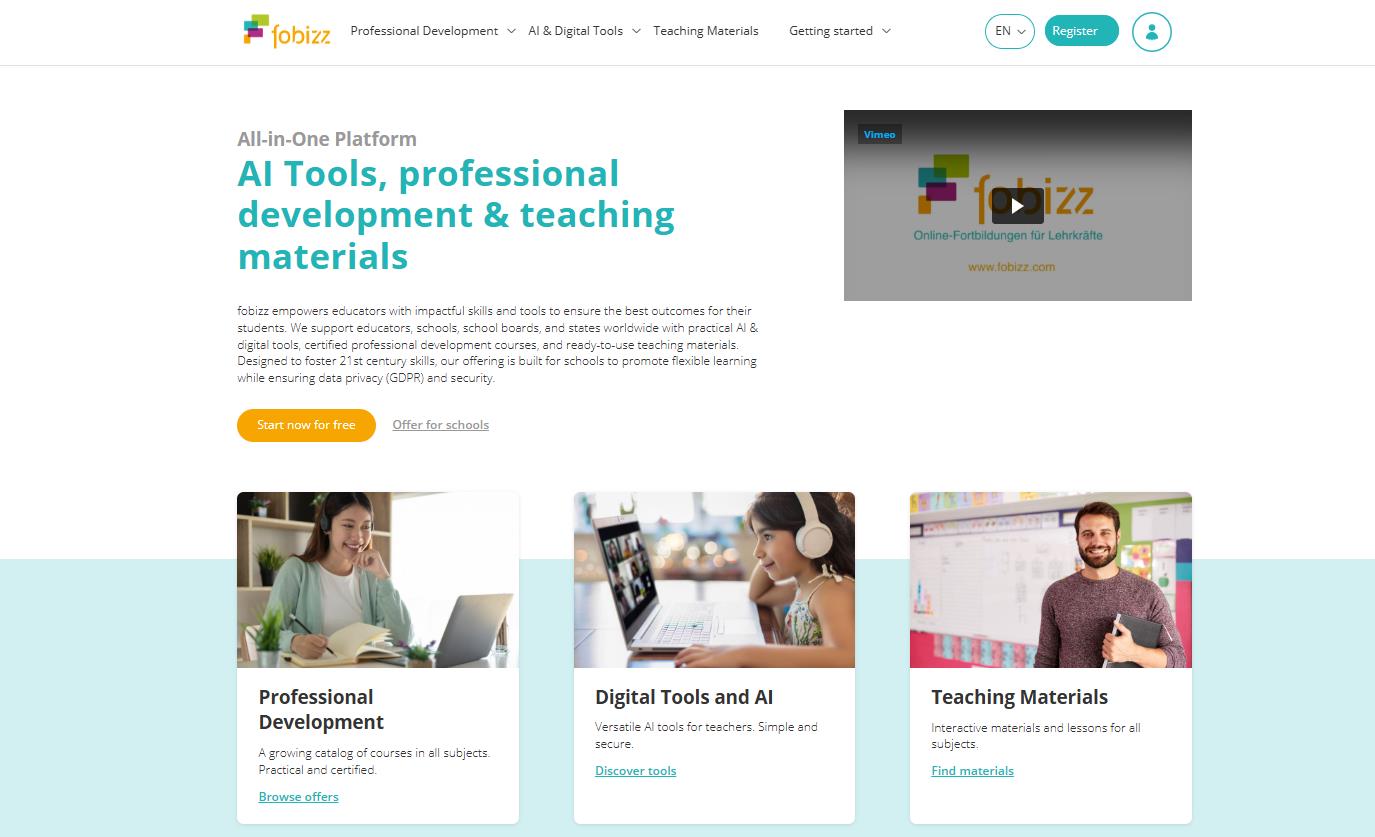
Fobizz AI is an all-in-one AI platform built specifically for teachers and schools. Developed in Germany, it bundles more than 30 education-focused AI tools with ready-made teaching materials and certified professional-development courses, all under strict European data-protection rules. The goal is practical: cut the time teachers spend on routine work, from writing worksheets to grading, while keeping student data safe. That privacy-first design, GDPR compliance baked in rather than bolted on, is what sets it apart from using a general chatbot in the classroom.
What is Fobizz AI for and how does It work?
The platform is designed to tackle the everyday challenges faced by teachers and school administrators. Unlike general-purpose AI models, every function within Fobizz is tailored specifically for an educational context.
Technically speaking, it’s a web-based service that requires no software installation. An educator registers on the platform, selects the desired tool (like the “Worksheet Assistant” or “Chat with PDF”), and inputs their request.
The AI processes the information and, within seconds, delivers a finished product: a lesson plan, a text, an image, or even a podcast.
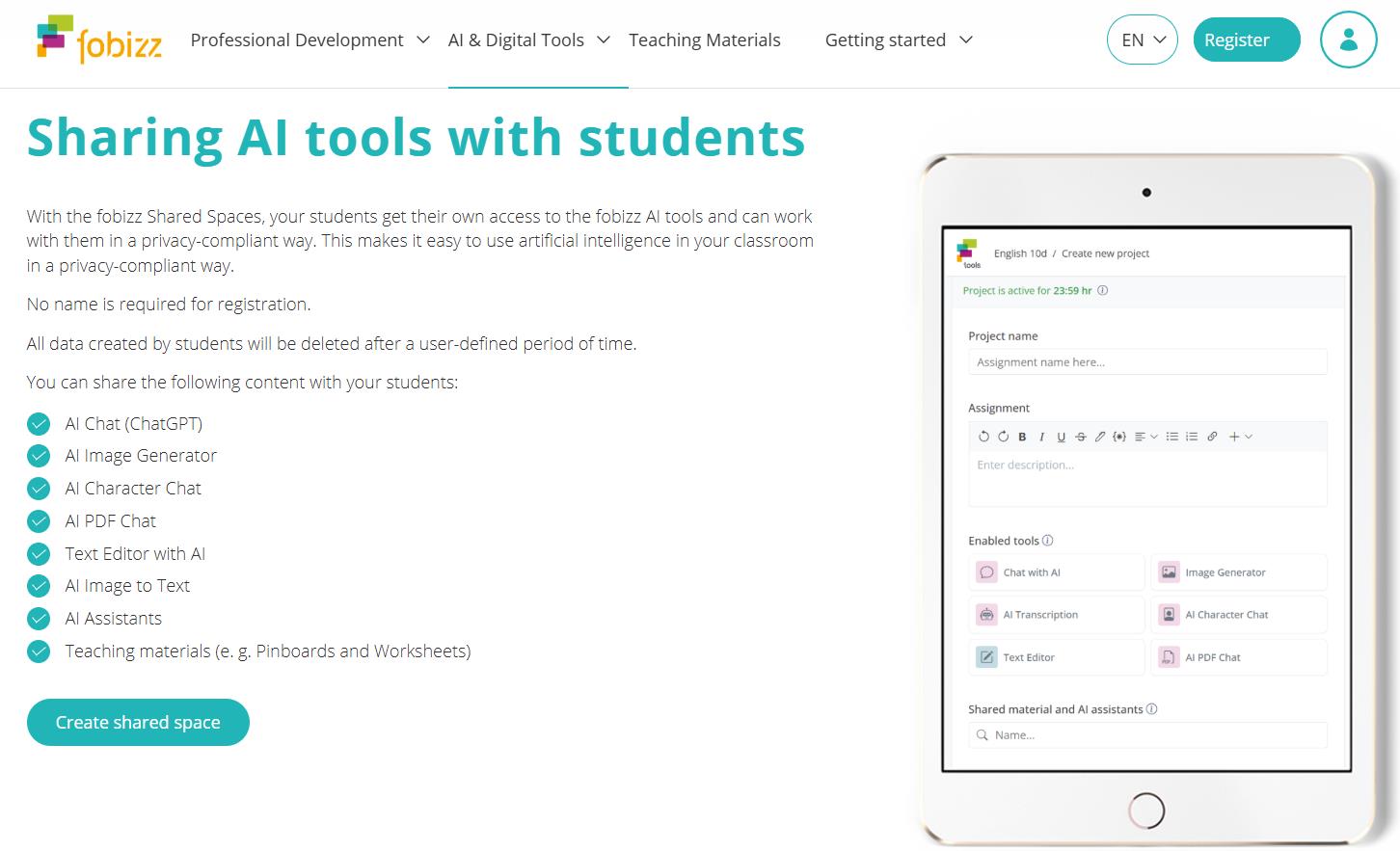
A key feature is how it facilitates work with students through Shared Spaces. The teacher generates a link or QR code, and students can join using these credentials without any registration or sharing of personal data. All student information is automatically deleted after a set period, guaranteeing complete anonymity and safety.
Inside the Fobizz AI toolbox
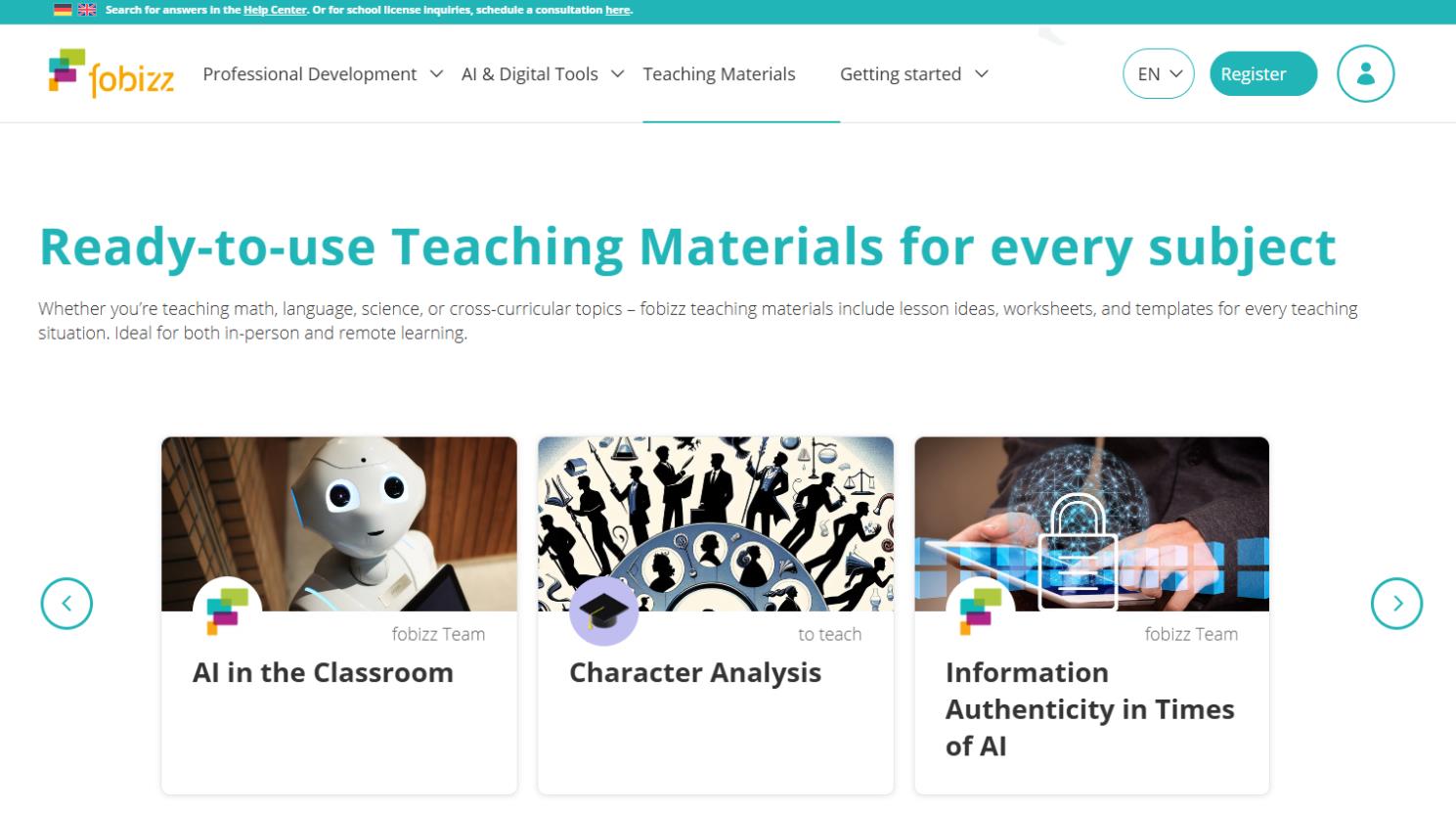
The Fobizz AI service includes more than 20 tools, neatly organized into categories. All these functions share a common philosophy centered on security (GDPR compliance), accessibility (browser-based, student access via QR code without registration), and the automatic deletion of data.
1. AI chat and assistants
This category focuses on communication, idea generation, and working with documents.
- Chat with AI: The foundational AI chat for daily tasks, from brainstorming teaching strategies to drafting communications with parents.
- AI Character Chat: This feature simulates conversations with historical figures or literary characters, turning a standard lesson into an interactive experience.
- AI PDF Chat: Upload any educational PDF and “chat” with it. The AI can generate questions, quizzes, or summaries based on the document’s content.
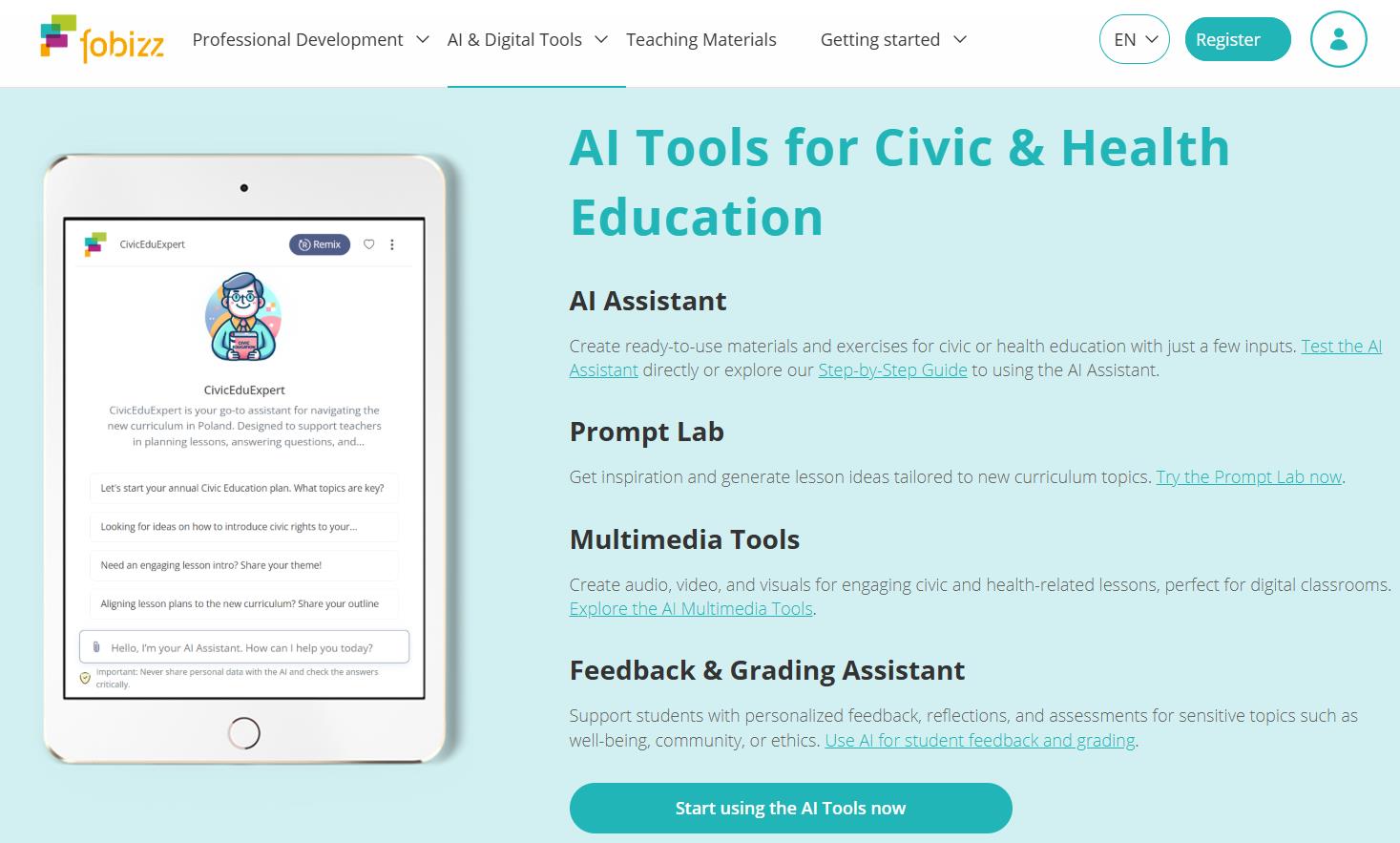
- AI Assistants Catalog: A ready-made library of chatbots designed for common school situations, saving teachers from having to create prompts from scratch.
- Customized AI Assistants: A builder for creating your own assistants. An educator can upload a curriculum and set precise instructions, and the AI will strictly adhere to them, acting as a personalized helper for their specific subject.
- AI Prompt Lab: A collection of tested prompts that help newcomers avoid common mistakes in phrasing their requests and quickly achieve high-quality results.
2. AI feedback and grading
These tools are designed to cut down the time spent on grading while improving the quality of feedback.
- AI Grading Assistant: Provides automated grading and feedback suggestions for student assignments. A standout feature is its ability to recognize handwritten text, allowing for the digitization and checking of physical worksheets.
- AI for Feedback: This tool offers students personalized advice on how to improve their writing. It reduces the teacher’s workload while still providing individual guidance.
3. AI for media creation
A set of tools for creating audio and visual content that makes lessons more dynamic and engaging.
- Create a Podcast: Transforms any topic into a finished podcast, complete with a script and audio track. It’s a great way to create modern project-based assignments or audio lessons.
- Image Generator: Creates images from text descriptions. It allows teachers to visualize abstract concepts, historical events, or literary scenes in seconds.
- AI Image to Text: Extracts text from photos, PDFs, or handwritten notes, converting it into editable digital format. Perfect for digitizing old teaching materials or resources.
- Create a Keynote Speech: Generates the structure and text for a speech, complete with audio accompaniment. Useful for preparing a lecture, a conference presentation, or a talk for parents’ evening.
- Text to Audio: Converts any written text into spoken audio. This is a critical tool for supporting students with dyslexia or visual impairments, as well as for language learners.
- AI Transcription: Automatically transcribes audio and video files into text, saving time on creating lecture notes or meeting protocols.
4. Create material
Digital tools for developing interactive teaching materials and organizing collaborative work.
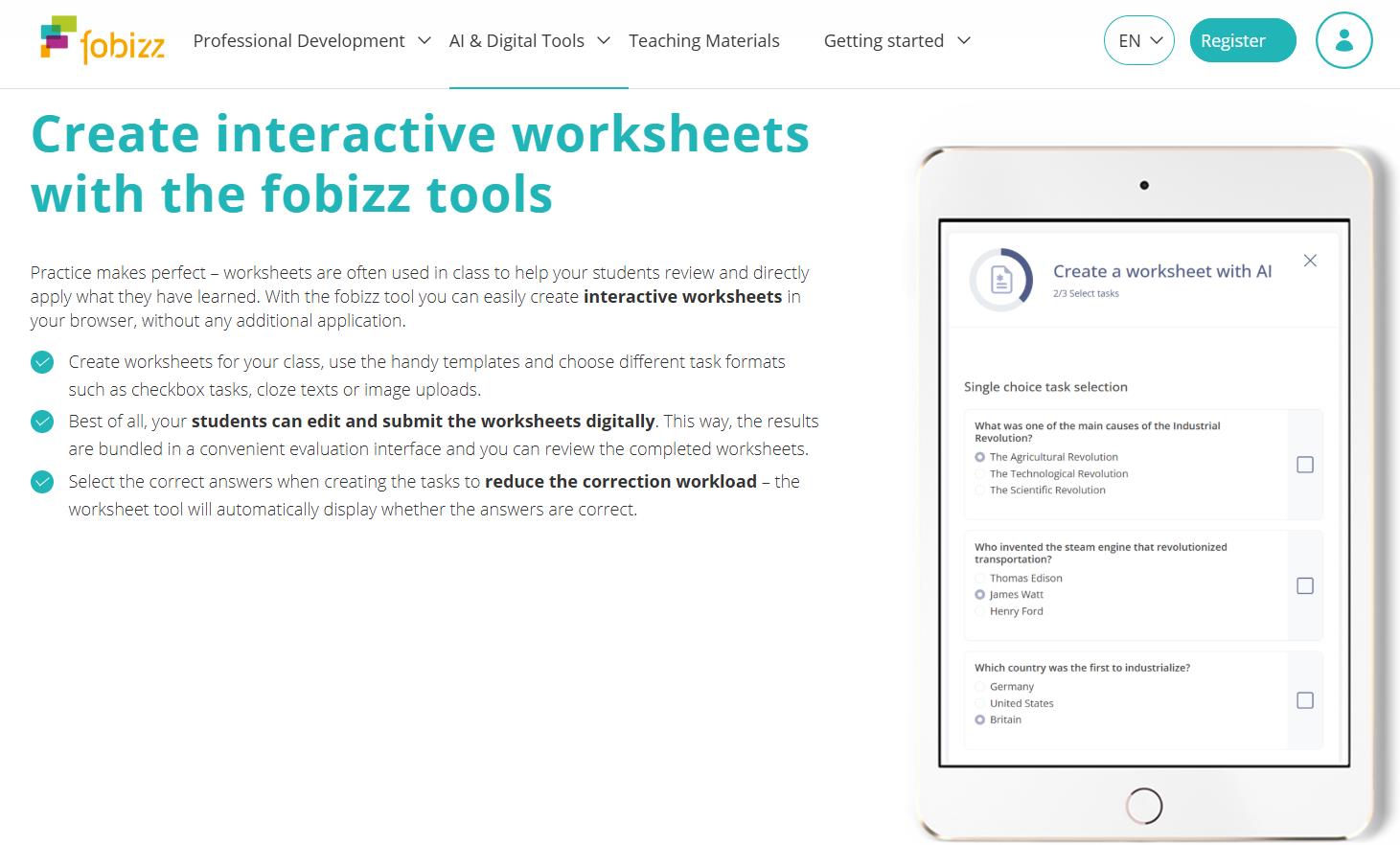
- AI Worksheet Assistant: An “intelligent” assistant for creating personalized worksheets that include automated checking and feedback for students.
- Worksheet: A builder for worksheets with various question types. Once students complete the work, it’s graded automatically, and the teacher can see the statistics.
- Teaching Board: A multimedia board for organizing an entire lesson’s content—from videos to quizzes—in one place.
- Pinboard: A shared board for collecting ideas, tasks, and materials where both teachers and students can work simultaneously.
- Survey: A tool for creating polls and quickly gathering feedback from the class, complete with result analysis.
- Text Editor: A real-time collaborative document editor (similar to Google Docs, but within a secure environment).
- Website: A no-code website builder. A teacher or students can create a project page or a mini class site in just a few minutes.
- Word Cloud: A word cloud generator for visualizing brainstorming sessions and the key ideas from a lesson.
5. Share content securely
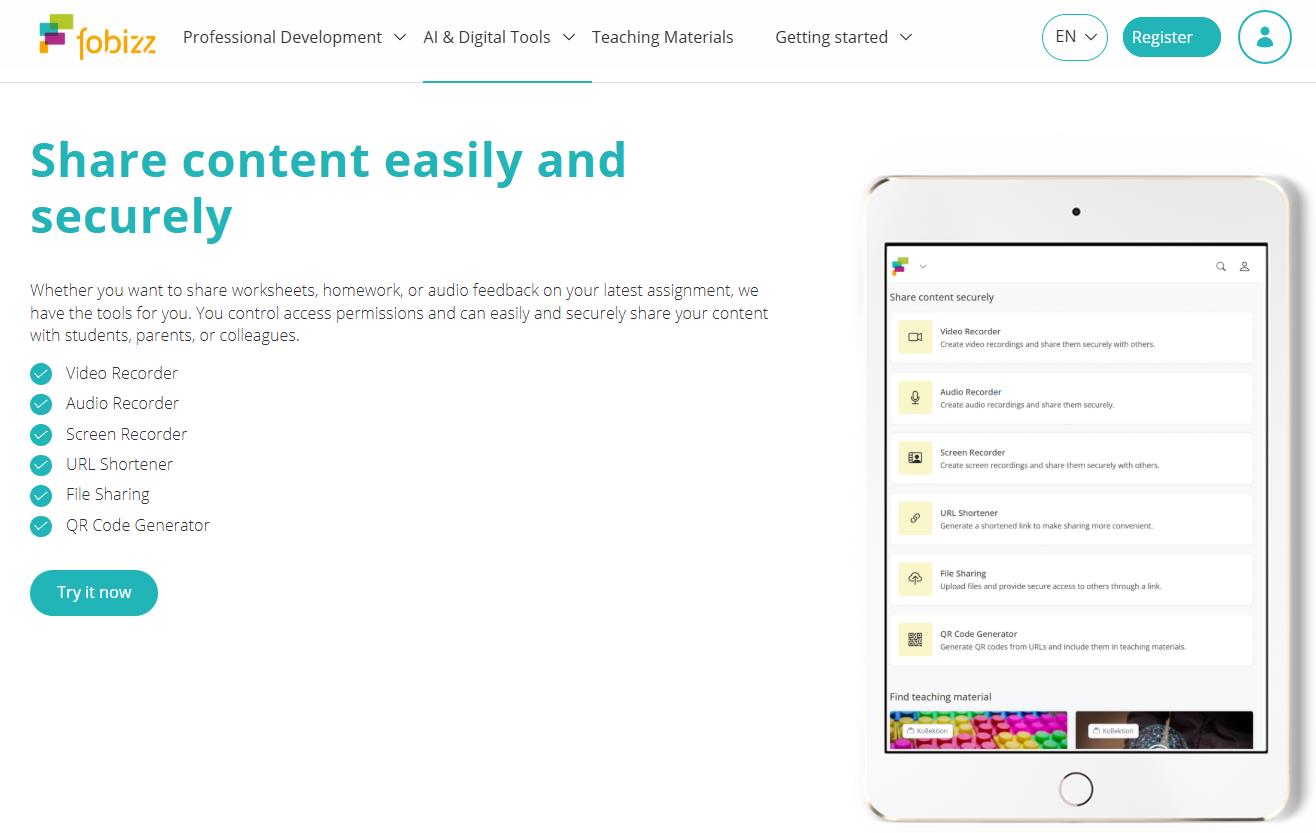
Tools for creating and sharing content with full control over access and a focus on privacy.
- Video Recorder: For recording videos and sharing them securely, without publishing them publicly.
- Audio Recorder: For recording audio—like explanations for homework—and providing secure access via a link.
- Screen Recorder: For capturing screen activity, ideal for creating tutorials or explaining material.
- File Sharing: For uploading any type of file and granting access to other users via a link.
- QR Code Generator: Creates QR codes for quick access to any educational materials or platform tools.
This comprehensive approach transforms Fobizz from a simple collection of AI models into a fully-fledged operating system for the digital school, where data security is not an afterthought, but a foundational principle.
Feedback and reviews
In EdTech communities and professional groups on platforms like Facebook, Fobizz is often praised for its user-friendliness and strong commitment to security. It’s frequently compared to tools like MagicSchool, but its European focus on privacy is seen as a major differentiator. The platform effectively tackles a core challenge for modern educators: the burden of routine tasks, helping to streamline the entire teaching process. A 2025 study by the University of Cologne even found that its AI Literacy Training course boosts teachers’ confidence and practical skills.
However, there has been some critical feedback. Tests conducted by researcher Rainer Mühlhoff in 2024 suggested that the AI Grading Assistant could occasionally produce inconsistent or superficial evaluations for complex assignments. It’s possible that the developers have since refined its analytical capabilities.
Another common point of frustration is the lack of transparent pricing. The cost for full school licenses is calculated individually and not published openly, making budget planning difficult without first entering into negotiations.
Who is it for? Use cases
The platform’s target audience is clearly defined, but the ways it can be used are quite varied.
- Subject Teachers: For rapidly creating worksheets, tests, and lesson plans. For instance, by uploading a PDF of a textbook chapter, a teacher can instantly get a list of questions for class discussion.
- Homeroom Teachers: To automate routine communication. The AI helps draft letters to parents, adapt announcements for different reading levels, or translate them for multilingual families.
- School Psychologists and Speech Therapists: For creating visual aids (image generation) or converting text to audio for students with special needs.
- School and District Leadership: For organizing a secure digital environment that meets legal standards and for providing professional development courses for staff directly on the platform.
- GDPR Compliance and Privacy: Developed in Europe, its server policies align with strict German data protection laws and standards.
- Time Savings on Preparation: Teachers significantly reduce the time spent creating materials and grading work, including the ability to process handwritten text.
- An All-in-One Ecosystem: Fobizz replaces a dozen separate services: AI assistants, a website builder, collaborative boards, professional courses, a podcast generator, and more.
- Student Safety: No personal emails or social media accounts are needed for classroom work. Students join via temporary links, preventing data leaks and aligning with child digital safety guidelines.
- Low Barrier to Entry: The platform runs entirely in a browser. The free license allows for a no-cost trial of its functionality.
-
- Potential Inaccuracies in Automated Grading: The grading assistant can make mistakes with complex assignments, so human review is still necessary.
- Opaque School Pricing: It’s impossible to estimate costs upfront, as pricing for schools is individually negotiated.
- Language Limitations of the Interface: The user interface and training materials are primarily available in German and English.
- Limited Free Version: The basic plan is mainly for exploration. Full-featured use, like creating entire courses or frequent AI interaction, requires a paid license.
Conclusion
Fobizz AI represents a thoughtful, professional solution for educational institutions looking to balance innovation with legal and data security requirements. It offers a unique ecosystem for the European market, where technology doesn’t clash with privacy laws but instead serves as a practical instrument for teachers and a secure environment for students.
❓ Frequently Asked Questions
Answers to relevant questions about this AI tool
Sources
-
AI Tools for Teachers, PD courses & Materials — fobizz.com
-
AI Feedback & Grading Tools for Teachers — fobizz.com
-
AI Multimedia Tools for Educators — fobizz.com