
Xmind: Popular mind mapping software. The AI assistant “Copilot” helps generate ideas and organize thoughts
Xmind: AI Mind Mapping & Brainstorming Tool
On this page
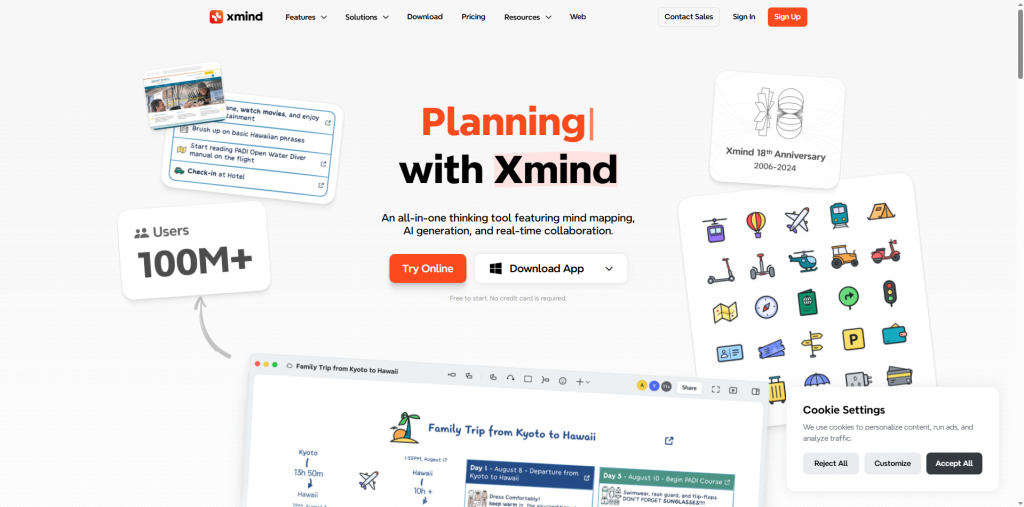
Planning a complex project, preparing a business plan, or just want to organize your thoughts? Create mind maps with AI assistance.
How Xmind with AI Can Help:
- Turn Text into Structure: Upload your notes – and get a ready mind map from the text. Automatic map building saves hours.
- Kickstart Creative Thinking: Use AI to generate ideas and new connections. Simply specify a topic – Copilot for mind maps will expand branches.
- Plan Visually: Build clear plans, from educational (AI mind mapping for students) to business strategies (business plans with Xmind). Online visual planning makes goals clearer.
- Organize Chaos: Use Xmind as an AI thought planner. Turn streams of ideas into structured AI idea maps.
- Start for Free: Xmind – a powerful yet free mind mapping tool. Create, structure, and plan without limits.
Xmind – more than just a map builder. It’s your Copilot for mind maps, helping you think, plan, and create with AI support. Just enter a key idea — and AI will build the foundation of a mind map on your topic, even starting from scratch. Stuck in thought? Our AI brainstorming tool will instantly suggest fresh ideas and unexpected links, helping overcome blocks. Jotted down a stream of thoughts, but they seem chaotic? The AI mind map generator will neatly organize them, turning into a structured framework. And when clarity is needed — build a detailed plan or roadmap with AI, visualizing your ideas into a clear strategy. Work solo or together — your mind maps are always online, ready for editing anywhere. Xmind.ai — your free online assistant (Xmind Copilot). It takes scattered thoughts and turns them into clear, structured AI mind maps.
Key Features
- AI Copilot: Idea generation, branch expansion, thesis formulation from keywords.
- 100+ Templates: For strategic planning, lecture note-taking, SWOT analysis.
- Multi-Format Support: Create fishbone diagrams, matrices, timelines.
- Offline Mode: Work without internet with sync upon connection.
- Collaboration: Real-time editing and comments (requires subscription).
How It Works
Xmind uses a hybrid approach:
- Local software installs on your device for data security.
- AI Copilot (powered by GPT-4) connects to the cloud when activated. To use:
- Select a mind map branch;
- Enter a text prompt (e.g., “expand list of marketing tools”);
- Choose from generated options.
The system analyzes the map context and adds relevant items. For non-English prompts, response quality may vary.
Practical Applications
For Education with XMind:
Students: Lecture Note-Taking
- How: Create a new map. Central topic = lecture/subject name. Main level-1 branches = key lecture sections (e.g., “Definitions”, “Theorems”, “Examples”, “History”). Level-2 and further branches = details: key ideas, formulas, names, dates, examples.
- Benefit: Lecture structured visually, connections visible immediately. Easy to add later.
Students: Exam Preparation
- How: Combine multiple lecture notes into one large overview map by topic or module. Use branches for main concepts, sub-branches for definitions, properties, interconnections.
- Benefit: Holistic knowledge view, gap identification, effective review through visualization and presentation.
Teachers: Lesson/Course Planning
- How: Central topic = course/lesson name. Main branches:
- Learning Objectives
- Materials/Resources (links, files)
- Lesson Plan/Stages (Introduction, Theory, Practice, Discussion, Homework)
- Time Frames (note in titles or notes)
- Assessment Methods
- Benefit: Clear structure, logical flow visibility, easy block rearrangement (drag&drop), all resources in one place.
For Business with XMind:
Startups: Product Brainstorming
- How: Center = Product Idea/Problem. Main branches: Target Audience, Pain Points, Possible Solutions, Unique Selling Points (USP), Risks, Technologies. Add ideas as sub-branches or floating topics during generation.
- Benefit: All ideas visible, stimulates associative thinking, easy to structure chaos, brainstorming result – ready structured map.
Startups: Building Sales Funnels
- How: Use Logic Chart structure or create a vertical map. Branches top to bottom: Awareness (TOFU) -> Interest (MOFU) -> Consideration/Decision (BOFU) -> Purchase -> Loyalty. Detail channels, content, metrics, responsibles at each level.
- Benefit: Visual customer flow, clear growth points and issues, team-wide process understanding.
- AI Copilot assistant for idea generation and branch expansion.
- Cross-platform: Windows, macOS, Linux, iOS, Android.
- Free core features with export to PNG/PDF.
- Flexible templates for business, education, planning.
- Local data storage (optional).
- Advanced AI features – only in paid version (from $4.58/month).
- Limited Copilot performance with non-English languages.
- No web version; requires software installation.
Pricing and Payment
- Free: Core functionality + export to PNG/PDF.
- Pro ($39.99/year): Advanced templates, presentation mode.
- Ultimate ($55/year): AI Copilot, offline collaboration, export to Word/Excel.
Note: 7-day trial available.
Xmind — a top-tier, robust tool for visual thinkers who want to structure chaos. Its strengths lie in reliability (offline, cross-platform), depth (various structures, fine-tuning), and powerful AI accelerator (Copilot) integrated into the workflow. This isn’t a toy; it’s a professional environment.
NOTE: If you need strong AI Copilot support in non-English languages inside maps — this may currently be limited. For those relying on advanced AI, consider the paid version or free tier without it.
Worth trying if: You value depth, flexibility, and offline work, are comfortable with Copilot in English or can do without it for now, and the free version meets your needs. For students, innovators, and anyone needing to “organize” complex projects and ideas — it’s one of the best choices on the market.
❓ Frequently Asked Questions
Answers to relevant questions about this AI tool
Sources
-
Official Pricing — xmind.com
-
Official Team Plans — xmind.com
-
Official Help Center - Plan Differences — xmind.com
-
Official Privacy Policy — xmind.com
-
G2 Reviews - Xmind — g2.com