Revid AI: Professional Music Video Generator
On this page
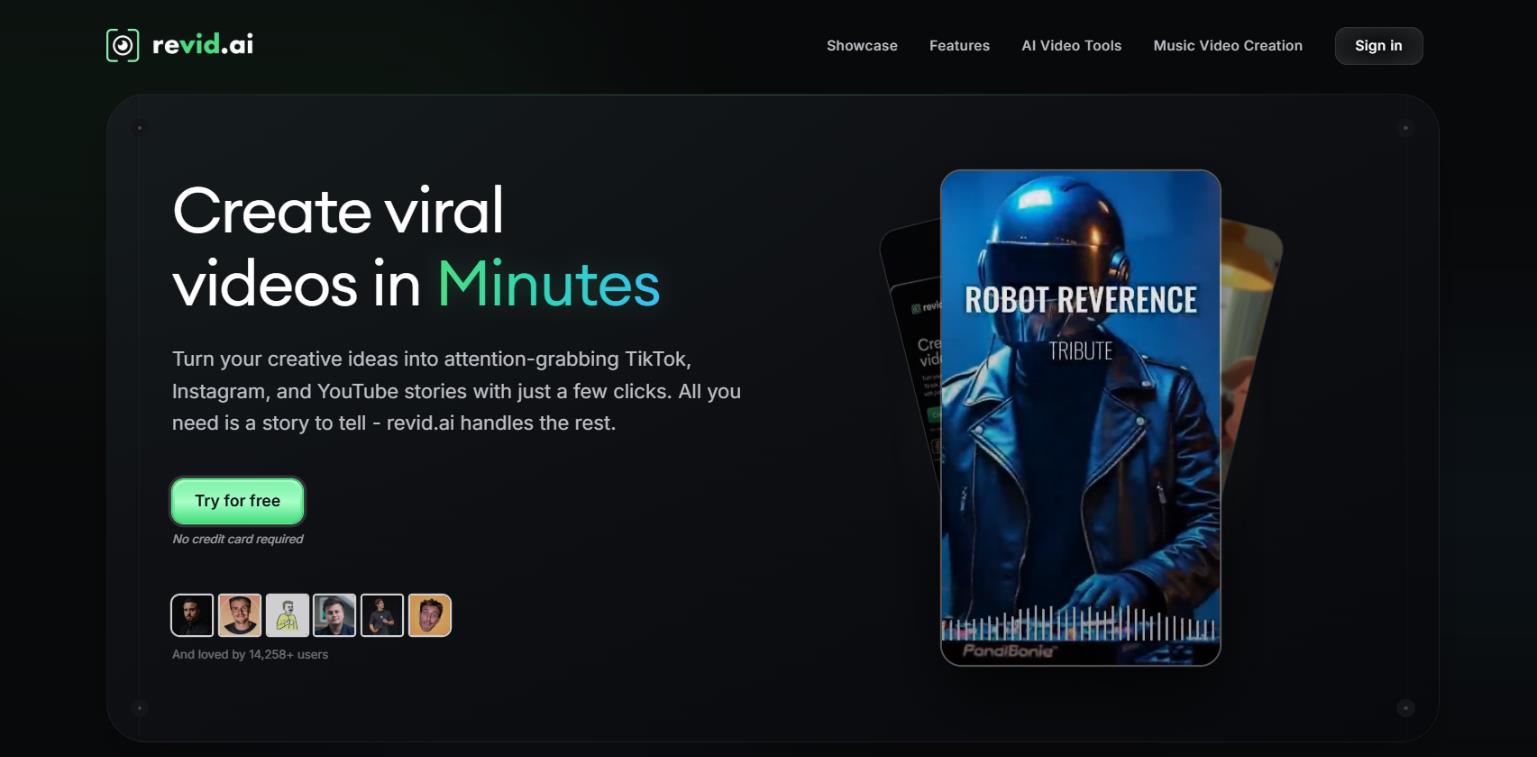
Creating quality short videos for TikTok, Reels, and YouTube Shorts usually takes hours: you need to come up with a script, record voiceover, edit visuals, add captions, and pick music. And if you need to publish several videos a day, the task becomes nearly impossible for one person or a small team. This is exactly the pain that Revid.ai aims to solve — a service that promises to turn any idea, text, or link into a ready-made “viral” video in minutes, with no editing skills required.
In this review, we’ll break down how the service works, who it’s really for, what its strengths and weaknesses are, and what real users are saying.
What Is Revid AI?
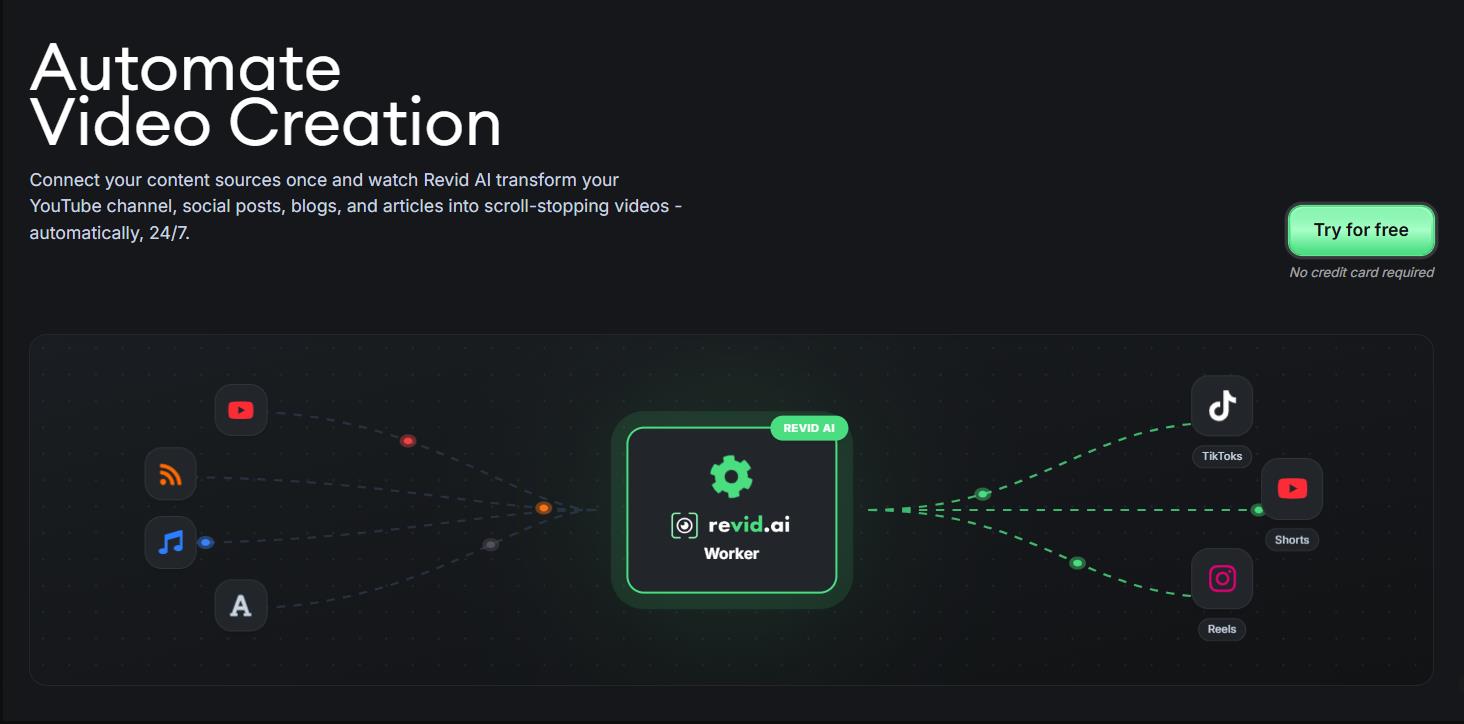
Revid AI is a cloud platform for creating short vertical videos using artificial intelligence. The service positions itself as a tool for quickly generating content for TikTok, Instagram Reels, and YouTube Shorts.
According to the official website, the platform has been trained on millions of viral clips. In 15 months, the project gathered over 14,258 users who created more than 240,909 videos, and reached an annual revenue of $1 million — a metric that indirectly confirms the service’s demand.
Unlike universal video generators, Revid AI is specifically tailored for the viral format. The user doesn’t need to understand editing, choose music, or adjust captions — AI handles the entire production cycle.
What Is It Used For?
The main purpose of Revid AI is to quickly scale content on social media. The platform solves several typical tasks:
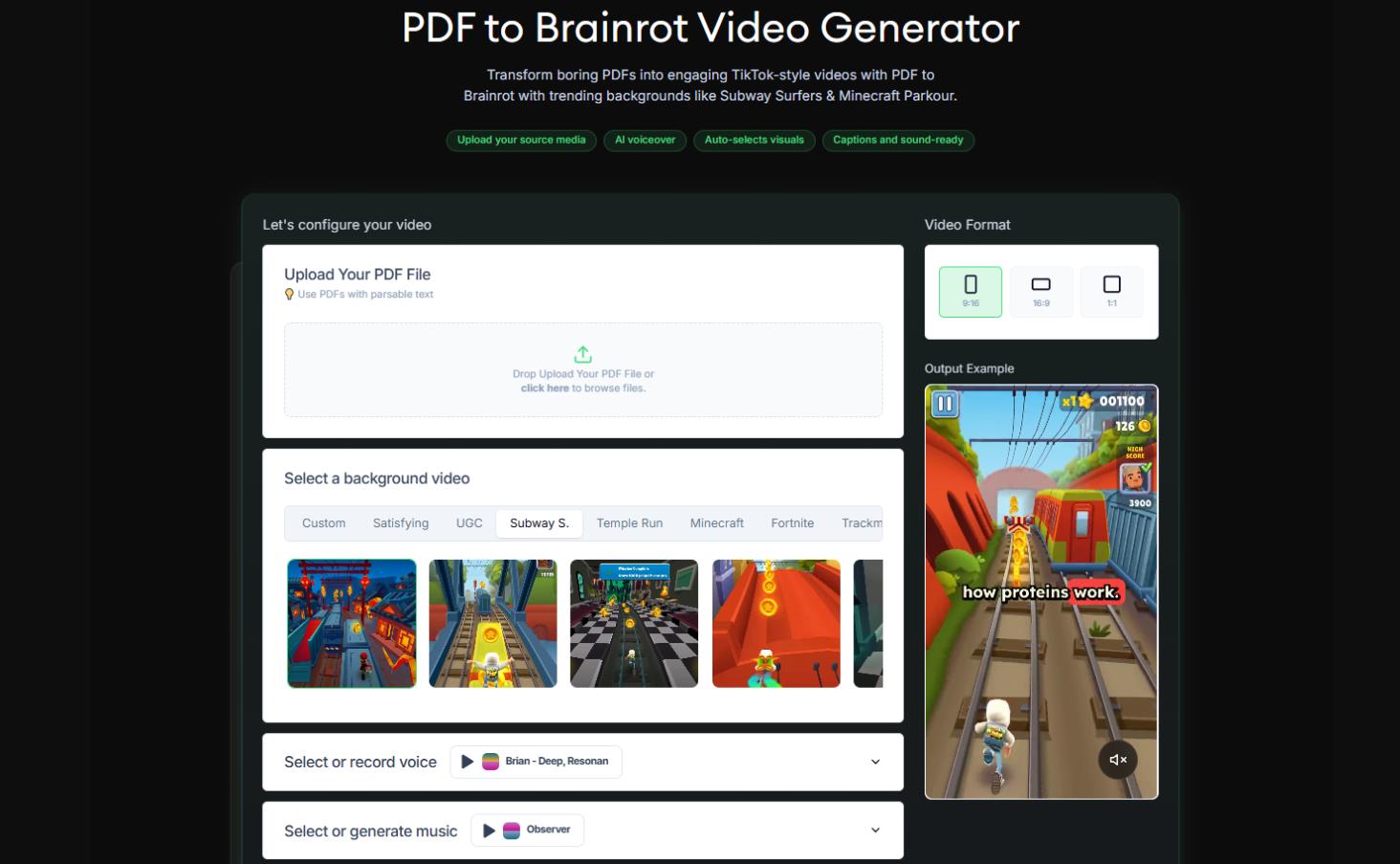
- Content repurposing. Turning articles, PDFs, YouTube or Reddit links, audio files, and even tweets into short videos.
- Creating videos “from scratch”. The user describes an idea or topic — AI generates a script, selects visuals, voiceover, and music.
- Niche formats. The service offers over 100 specialized tools: from generating music videos from an audio track to parody videos in the style of Marvel, Star Wars, anime, or LEGO.
- Automation. The ability to set up automatic “workers” that will publish videos on a schedule without human intervention.
Technically, the platform uses several models, including Google Veo3 and OpenAI Sora 2, as well as proprietary models trained on viral content. Everything works in the browser, no installation required.
One of Revid AI’s strong points is its vast set of templates for specific niches: from ASMR and street interviews to trailer generation and video quizzes. This is convenient when you need to quickly create something standard.
Voice cloning is only available in expensive plans (Elite/Ultra). Lower-tier plans only include standard voices.
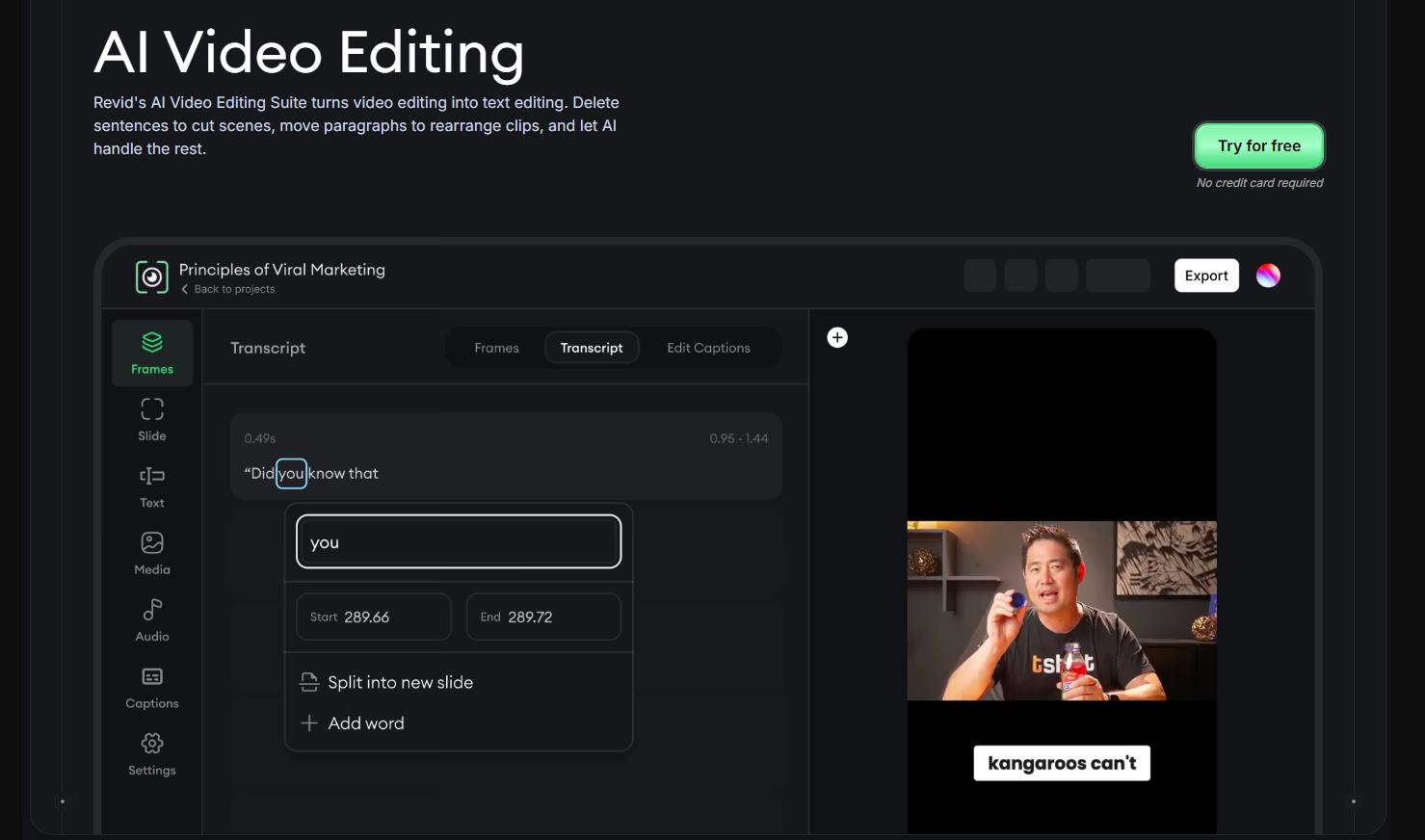
How It Works
The video creation process is built on four stages:
- Finding an idea. AI analyzes current trends and suggests topics that have the potential to go viral. You can also import ready-made content from external sources.
- Writing a script. The user enters text, a link, or just a topic. AI generates a structured script with “hooks” — techniques that grab attention in the first seconds. Formatting is supported: line breaks for scene changes and <break time=”1.0s” /> tags for pauses.
- Video generation. The system creates a complete video: voiceover (70+ languages, dozens of realistic voices), visuals (stock footage, AI generation, or user-uploaded media), captions, animations, and background music.
- Publishing. Export to MP4 or GIF with one-click publishing directly to TikTok, Instagram, and YouTube.
All created videos belong to the user, commercial use is allowed, and there are no watermarks.
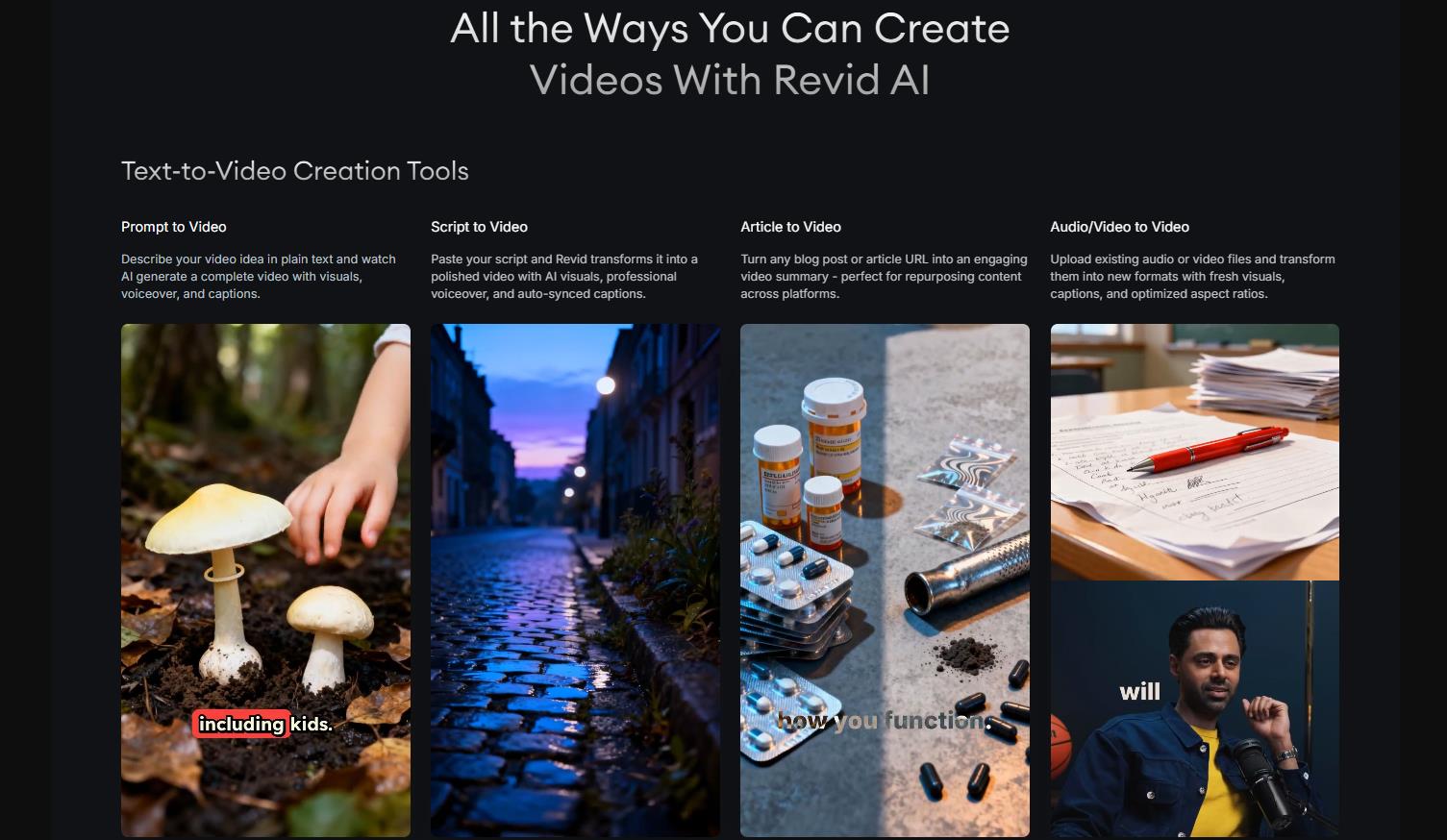
What Platforms Is It Available On?
Revid AI is a web service. It works through a browser on any device with internet access. No separate mobile apps for iOS or Android were announced at the time of this review.
Finished videos are exported in MP4 format with a vertical 9:16 aspect ratio and resolution up to 1080p (4K is in beta access for higher-tier plans).
Pricing
Revid operates on a credit model — you pay a subscription and receive a fixed number of credits each month. Credits are spent on generating content (video, images, voice, music, avatars, etc.). The more powerful the model (Base → Pro → Ultra → Veo3/Sora), the more expensive in credits, but the higher the quality.
Credit Cost Table
One full short video typically consumes between 50 and 150+ credits depending on length, models, and the number of AI elements. Credits do not roll over to the next month. Purchasing additional credits is possible (pay-as-you-go), but exact prices are not listed on the site.
| Voice Generation |
10 credits per 500 characters |
|
Image Generation |
Base: 1 credit / image Pro: 4 credits / image Ultra: 16 credits / image |
|
Video Generation |
Base: 15 credits for 5-sec clip Pro: 60 credits for 5-sec clip Ultra: 200 credits for 5-sec clip |
|
Lip Sync Avatar |
40 credits per 500 characters + 20 credits per 500 characters (if background removal needed) |
|
Music Generation |
20 credits per 500 characters |
|
Sound Effect |
1 credit per effect |
|
Character / Preset Training |
200 credits |
Subscription Plans
Annual payment is beneficial across all plans: pay for 10 months, get 12 (≈16.7% savings).
| Plan |
Price per month |
Credits per month |
Auto-Mode Workers |
Key Features |
Best for |
|
Hobby |
$39 |
Not specified (limited) |
Not specified |
Creation from text/links/recordings, 3M+ viral videos for remix, short editing, basic tools |
Beginners, testing, very small volumes |
|
Growth (Best Value, most popular) |
$39 (annual billing) / $99 (monthly) |
2,000 |
3 |
Everything + 100+ AI tools, publishing to TikTok/Instagram/YouTube, 70+ voice languages, AI avatars, face swap, podcasts, full API |
Most users, SMM, content creators, small business |
|
Ultra |
$199 |
12,000 |
10 |
Everything from Growth + voice cloning, scaling for brands/niches/clients |
Agencies, large brands, high-volume production |
Use Cases
Revid AI is a solid tool for those who need a stream of short videos without diving into editing. It won’t replace a professional studio or deliver cinematic quality, but it performs its task — quickly creating content with high viral potential — confidently.
The service is particularly good for repurposing existing materials: an article, PDF, podcast, or even a tweet turns into a video in minutes. The music generator is a separate plus that almost all users praise.
For Personal Use
- Music videos. An independent musician uploads their track — AI generates a clip synced to the beat. Users in reviews call this one of the best features of the service.
- Personal blog. A person with no editing experience turns a post or notes into a ready-made video for Stories or Reels in minutes.
- Greetings and memes. Quickly creating funny videos using ready-made styles — anime, LEGO, “brainrot” in the spirit of Subway Surfers.
For Business
- Content marketing. An SMM team turns blog articles into dozens of short videos for different social networks. Auto-Mode allows you to schedule automatic publishing.
- Education and explainers. Generating short educational videos with an avatar speaker without filming a real person.
- Video testimonials and cases. Users mention creating testimonials and student reviews as a popular scenario.
- Sales. Using the UGC Ad Generator and tools for Amazon/Shopify, you can quickly create advertising creatives for products.
Who Is It For?
The service will be useful primarily for those who:
- Run blogs on TikTok, Instagram, or YouTube and need a regular flow of content.
- Are involved in content marketing and want to repurpose existing materials (articles, PDFs, podcasts) into video format.
- Have no editing experience but want to look professional.
- Manage multiple accounts and need automation.
- Are independent musicians or producers.
The flip side: Revid is not suitable for those who need cinematic control over every frame or a unique visual style that can’t be achieved through templates.
User Reviews
On Trustpilot, Revid AI’s rating is 3.7 out of 5 based on nearly 200 reviews. Meanwhile, on Software Advice, one user gave a rating of 1, calling the service “a waste of $40” due to the lack of lip-sync in music videos.
What They Praise:
- Simplicity and speed. Users with zero editing skills note that creating videos has become “incomparably easier.”
- Quality of visuals and styles. Images are “spectacular quality.”
- Music generator. One of the most highly rated features.
- Interface. Many call it intuitive and well-designed.
What They Complain About:
- Support. One of the main drawbacks. Users report waiting hours or even days for a response.
- Credit burn. AI may generate unnecessary content or make mistakes, wasting credits. One user lost 400 credits on three attempts to make AI remove characters from a frame.
- Cancellation issues. Several reviews claim that it’s impossible to cancel the payment, and the cancel button is missing. Although the service’s official policy allows cancellation at any time.
- AI hallucinations. Six-fingered hands, unexpected characters, image instability — typical generation problems.
- TikTok flags. With mass usage, the platform may mark videos as “unoriginal content.”
AI has become much better than at the start, but sometimes it’s still very frustrating to achieve consistent characters and backgrounds. And credits run out quickly.
- Speed of work and ease of learning.
- High “out-of-the-box” quality for viral shorts.
- Over 100 specialized tools from music video generation to Star Wars parodies.
- Full automation + convenient editor.
- Full rights to content without watermarks.
- Credits are spent unpredictably.
- Support is slow to respond.
- TikTok may flag videos as unoriginal, reducing reach.
- Voice cloning, 4K, and some styles are not available in lower-tier plans.
Conclusion
Revid AI is a tool for volume production, not for piecemeal work. If you need 10-20 videos a day and you’re willing to accept that some of them will require manual tweaking — the service will justify its cost. But if you’re looking for perfect control over every frame, it’s better to look at Kling, Runway, or Hailuo.
Before purchasing an annual subscription, it makes sense to test the free version and carefully study the cancellation terms to avoid surprises with renewal later.
❓ Frequently Asked Questions
Answers to relevant questions about this AI tool
Sources
-
Revid AI — revid.ai
-
Revid AI Pricing — revid.ai
-
Revid AI FAQ — revid.ai
-
Revid AI llms.txt — revid.ai
-
Revid AI Trustpilot Reviews — trustpilot.com
-
Revid AI Product Hunt Reviews — producthunt.com