A gloriously unhinged AI tool that converts academic PDFs into short, dopamine-heavy TikTok-style videos. Great for last-minute studying or edutainment content. Free tier available. Not a replacement for actual learning — but surprisingly effective as a hook.
PDF to Brainrot: Convert Boring PDFs to AI Videos
On this page
There’s no point in fighting TikTok. You can either ban short-form video or weaponize its mechanics to cram game theory or a biochemistry lecture into a student’s head. PDF to Brainrot is very much the second approach.
This isn’t another “revolutionary” LLM. It’s a weird, almost unhinged, but surprisingly timely tool that turns boring handouts into viral clips. Let’s break down how this freakishly clever piece of engineering works, and whether you should be embarrassed to use it.
What It Is and Why You’d Use It
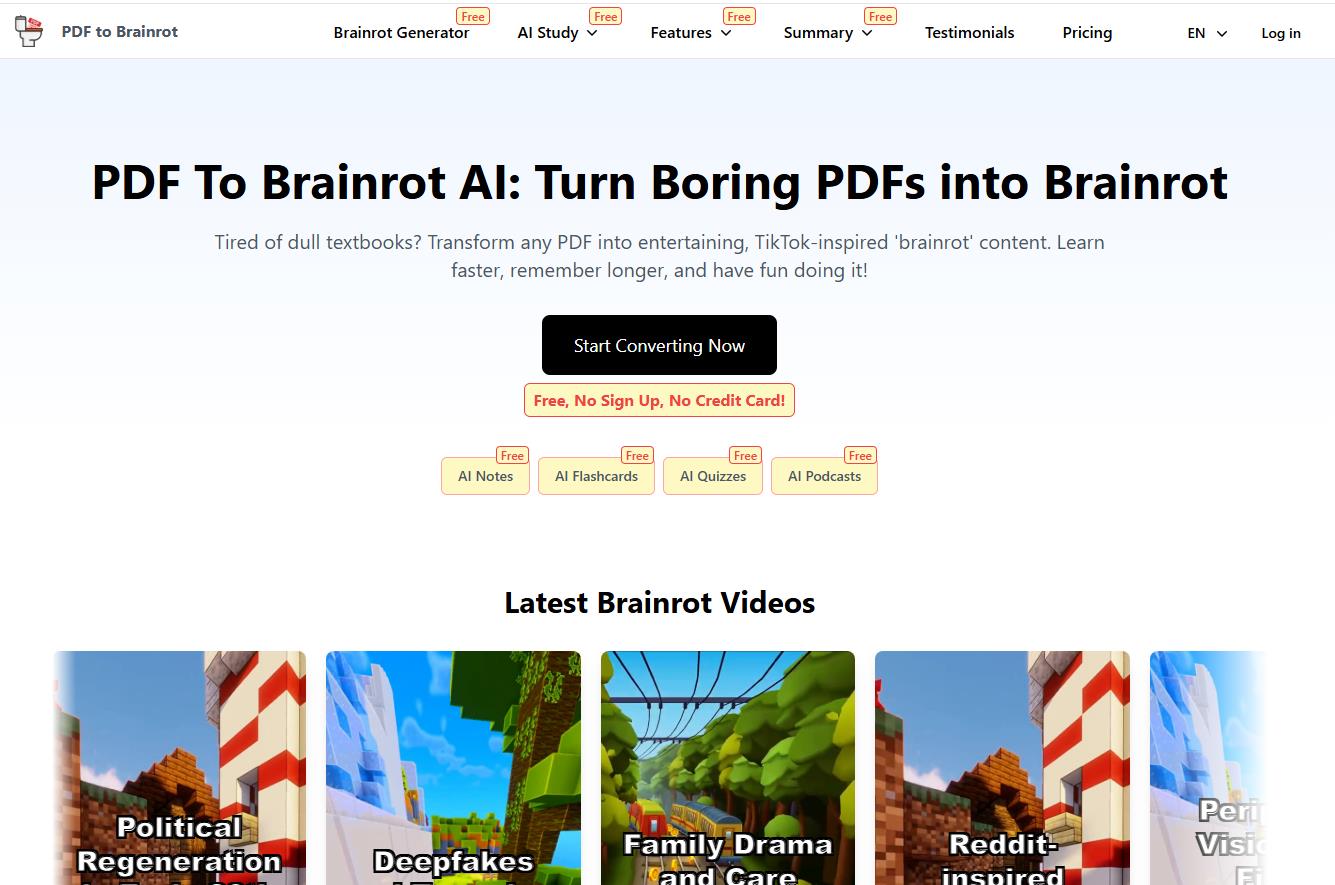
PDF to Brainrot is an AI-powered web service that converts academic PDFs or plain text into short vertical videos in the style of TikTok Reels or YouTube Shorts.
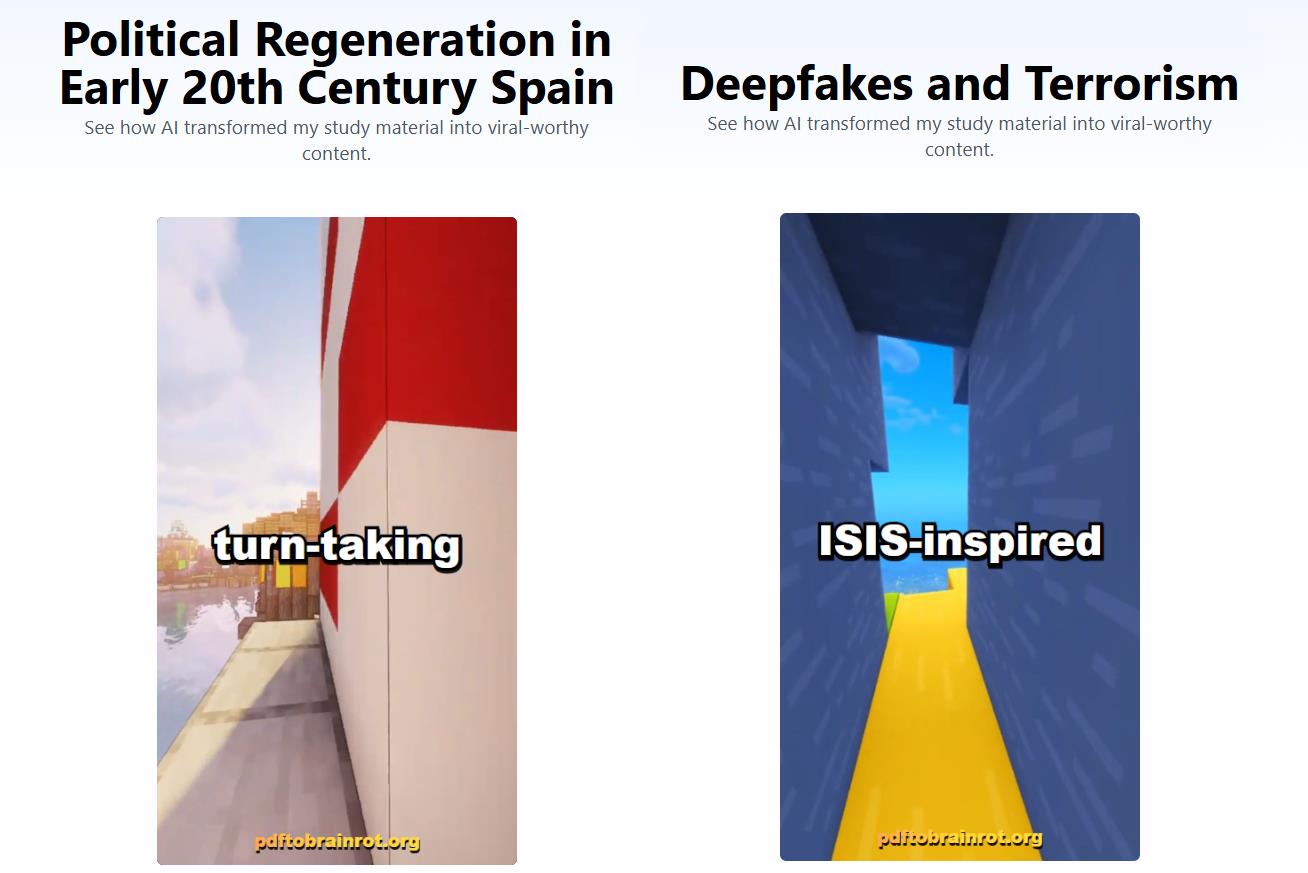
The term “brainrot” (literally, the decay of your attention span) was Oxford Dictionary’s 2024 Word of the Year. Originally, it was an ironic label for the compulsive urge to scroll through weird content: neon colors, Subway Surfers or Minecraft gameplay clips, and sped-up synthetic voiceovers. Then some sufficiently unhinged developers decided to redirect that bad habit toward something useful. Enter PDF to Brainrot. You wanted your procrastination to actually pay off? Here you go.
How It Works
There’s just enough engineering magic here to keep users from bouncing while still delivering something that actually feels “vibey.”
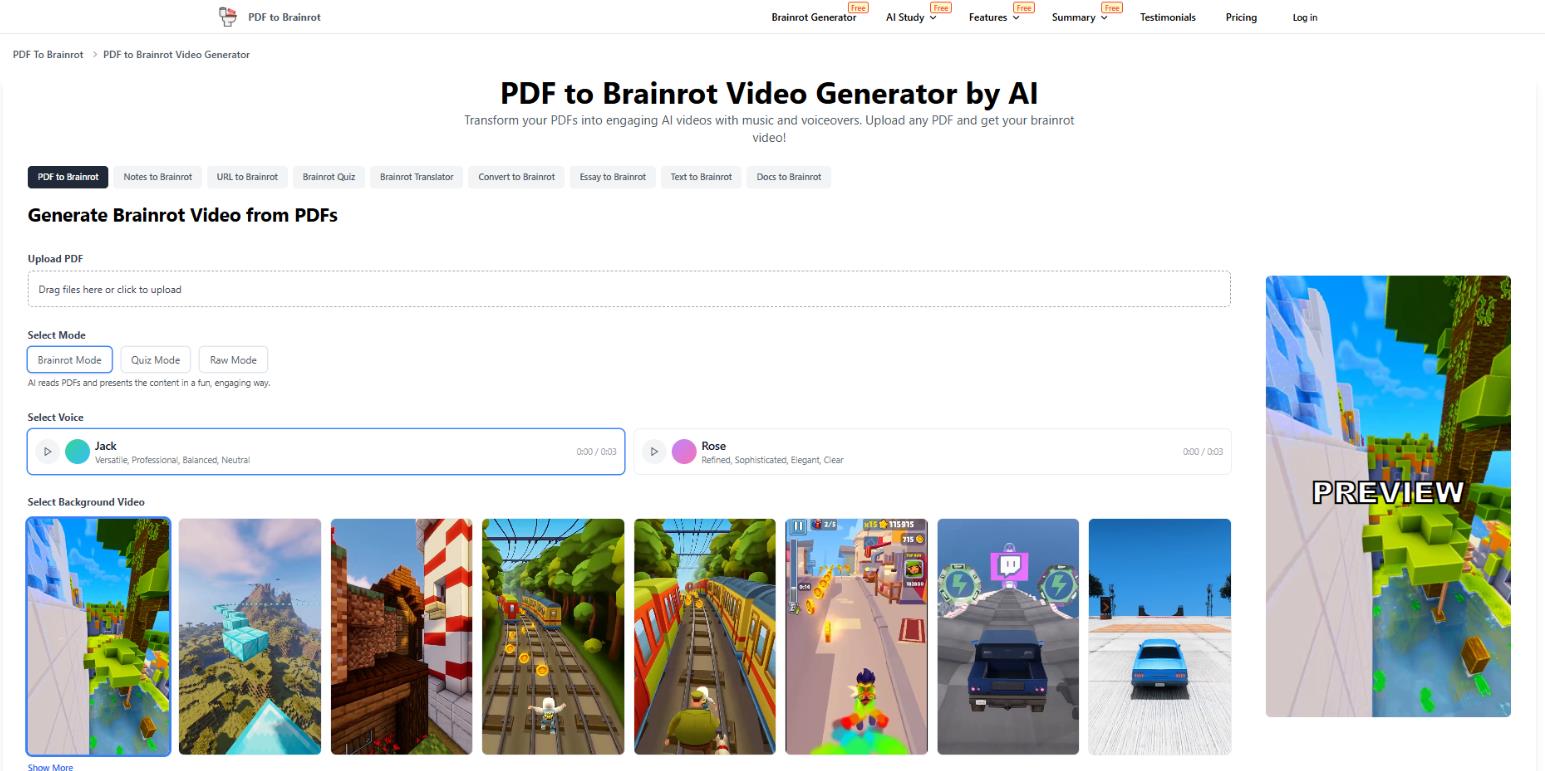
- Upload a PDF or paste text from an article or your notes.
- Pick a mode:
- Brainrot Mode — the most meme-dense and high-energy.
- Quiz Mode — interactive, with questions baked into the video.
- Raw Mode — a drier, no-frills summary.
- Tweak the voice (accent, gender), add your own background clip, or stick with the default chaos.
- The AI processes the material in 5–30 seconds and spits out a finished video.
The service is cross-platform and runs in a browser on your phone, tablet, or computer. No app installation required.
Who This Is For: From Personal Use to Business
The audience here is broader than you’d expect. This isn’t just a toy for kids. Here are a few categories of users who might find PDF to Brainrot genuinely useful, not just entertaining.
- Students. Turn a chapter on photosynthesis or 100 slides of macroeconomics into a series of short clips. Watching five 60-second videos on the subway is a lot easier than cracking open a 200-page PDF.
- Teachers and Tutors. A quick-and-dirty generator of engaging content for online courses. Instead of saying “read paragraph 5,” you send a one-minute brainrot video with the key takeaways the night before a webinar.
- Content Creators. Edutainment influencers use the service to turn research papers, business case studies, or long Reddit threads into Shorts without losing the plot.
- Corporate Training. Repackage lengthy policy docs or quarterly reports into a format that Gen Z and Alpha will actually finish. This isn’t a replacement for serious training, but it’s a great teaser or reminder tool.
User Feedback and Reviews
The official website features the usual parade of testimonials (“raised my grades,” “saved my semester”). But on Reddit and Product Hunt, the picture gets more interesting.
- Students widely call the service a “session hack” and share screenshots of generated videos.
- Educators and academics are split. Some call it “a new frontier in didactics.” Others call it “the final nail in the coffin of deep thinking.”
The general consensus: the tool is weird and slightly cringey, but for a particular audience, it genuinely works. Trust scores from various scanners are low (standard for new AI projects), but that doesn’t affect functionality.
Pricing
The service uses a “credits never expire” one-time payment model, which is rare these days. No monthly subscription. One credit usually equals one video generation (two for more complex modes). The free tier is available without registration or a credit card.
| Plan |
Price (One-Time) |
Credits |
What’s Included |
Limitations |
|
Free |
Free, no card |
3 generations/day |
Trial access, all modes |
No video download, no priority, has ads |
|
Basic |
$9.90 |
100 credits |
Video downloads, no ads, priority queue |
Still limited — credits get used up |
|
Pro |
$29 |
500 credits |
Everything in Basic + lower cost per credit |
Credits are still consumable |
|
Max |
$49 |
1000 credits |
Best value for regular use |
— |
Important: Credits don’t expire and don’t require a monthly renewal. One video generation usually costs one credit. The free plan is fine for testing or occasional use; the paid plans are for more systematic work.
- Extremely simple and fast — from PDF upload to finished video in seconds.
- Free tier requires no registration, no credit card, no nonsense.
- Holds attention where plain text fails — the dopamine mechanics of short video actually work.
- Multiple output formats (Brainrot, Quiz, Raw) for different use cases.
- Fully cross-platform — works equally well on phone and desktop.
- Serious oversimplification — for complex academic topics, the format kills nuance and logic.
- Free version limits (no downloads, few generations) will start to irritate quickly.
- Repetitive aesthetic — trendy background loops (Subway Surfers, Minecraft) get old by the 5th video.
- Not a replacement for actual studying. While you’re watching brainrot, someone else is actually learning the material.
Final Verdict
PDF to Brainrot is a blunt but honest example of the “Addiction vs. Resistance” approach. It’s not a replacement for learning, nor a “miracle pill for stupidity.” It’s a very tactical tools: short video beats nothing at all.
Tools like this don’t just make life easier — they make it more fun. For students the day before an exam, it’s a must-have. For teachers, it’s a reason to rethink how they present material. Academic snobs may experience a tribalist freakout. But make no mistake — AI is steadily moving in this direction: adapting to the user instead of trying to reform them.
Do we recommend it? Yes, but with a note: don’t make it a habit. Replacing deep analysis with brainrot is a bad idea. Using it as an attention trigger or a fun way to review material? Excellent.
❓ Frequently Asked Questions
Answers to relevant questions about this AI tool
Sources
-
PDF to Brainrot AI — pdftobrainrot.org
-
PDF to Brainrot Pricing — pdftobrainrot.org
-
PDF to Brainrot Video Generator — pdftobrainrot.org
-
User Testimonials: PDF to Brainrot Video Generator — pdftobrainrot.org
-
PDF To Brainrot Review 2026 — aitoolscoop.com