With over 55 million users and celebrity endorsements, Speechify has become a major name in text-to-speech. But does its Premium plan justify the hefty price tag, or is the free version good enough? We break it all down.
Speechify: Pricing, Features & Text-to-Speech Guide
On this page
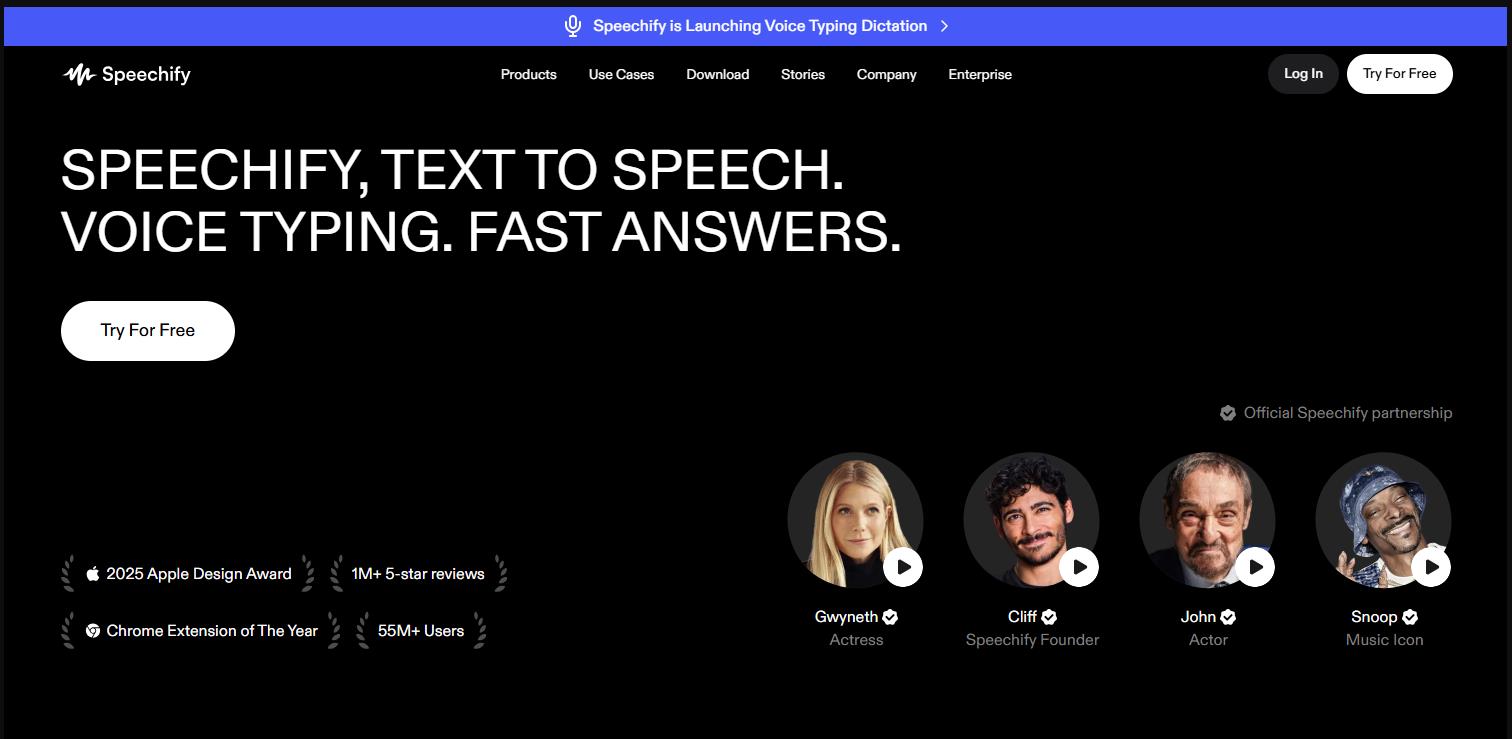
The market for AI-powered text-to-speech tools is booming right now. But only a handful of services can boast more than just a collection of voices — they offer a real philosophy behind the product. Speechify is exactly that case. Built by someone with dyslexia, this service has grown from a simple "read-aloud" tool into a full-fledged voice assistant used by over 55 million people around the world.
Let’s break down what Speechify can do as of April 2026, who it’s actually for, who should probably skip it, and why there’s so much debate around its pricing and billing practices.
What It Is and What It’s For
Speechify is a text-to-speech platform with generative AI elements, which its creators call a Voice AI Productivity Assistant. In plain English, it lets you listen to any digital text instead of having to read it: web pages, PDFs, scanned books, emails, Google Docs, and even photos of documents.
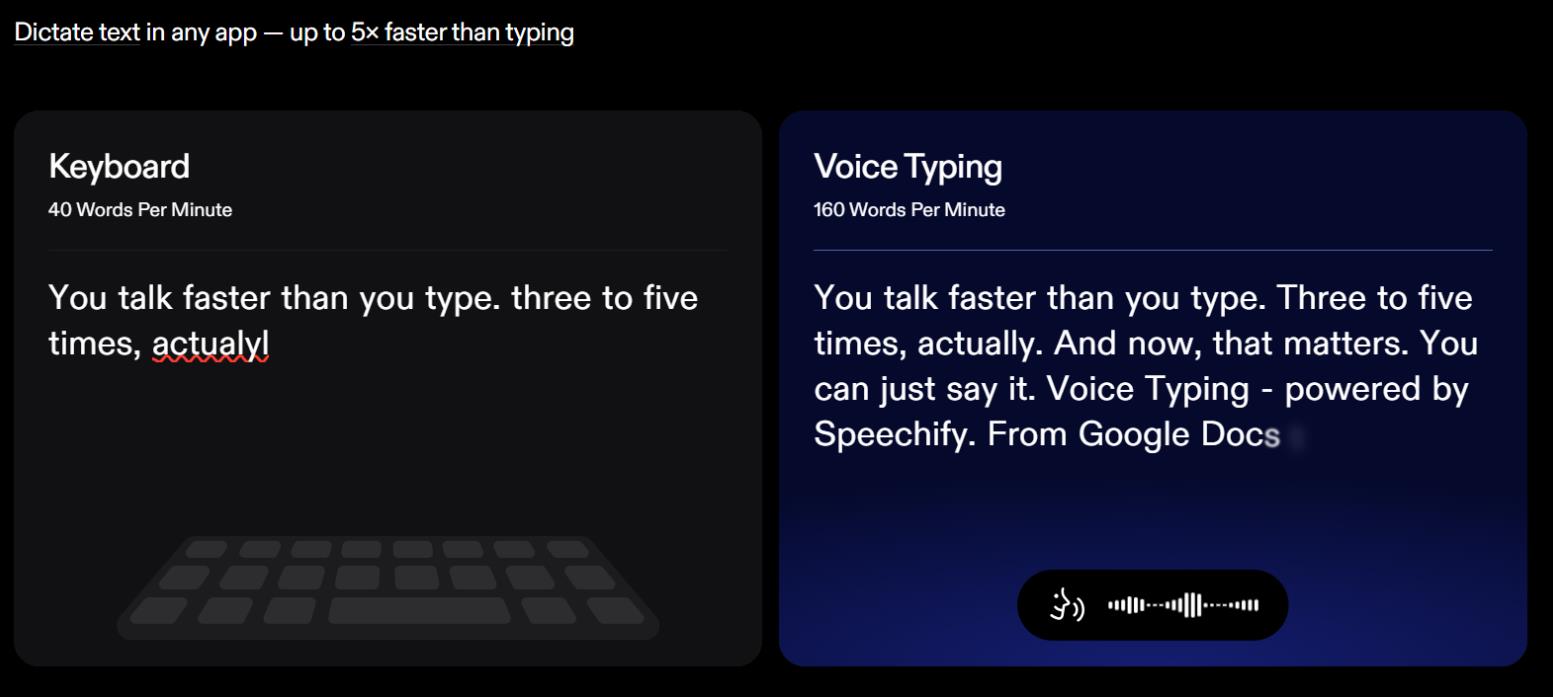
But the functionality doesn’t stop there. The service can transcribe your voice while filtering out filler words, generate summaries of what you’ve listened to, turn text into short podcasts, and even clone celebrity voices. That said, the voice cloning feature isn’t particularly polished — you might want to look elsewhere for a more robust solution.
Speechify is widely used by students prepping for exams, professionals who need to quickly "read" reports on their commute, people with dyslexia and ADHD who struggle with text, and content creators looking for rough voiceover drafts.
How It Works
Technically, Speechify works as a "voice layer" across all your devices and apps. You load up the source material — through the web interface, browser extension, or mobile app — and then several AI mechanisms kick in:
- OCR (Optical Character Recognition) to extract text from photos of books or documents.
- A speech synthesizer with over 1,000 voices across 60+ languages, including Russian and English with regional accents.
- A contextual voice assistant that can answer questions like "explain this term" or "quiz me on this material" while you’re listening to a document.
The process is straightforward: pick your source, hit Play, and the text highlights in sync with the narration. Playback speed is adjustable — the service claims up to 4–5 times faster than normal reading.
Available Platforms
Speechify is one of the most cross-platform tools in its class. It’s available as:
- Browser extensions for Chrome and Edge
- Mobile apps for iOS and Android
- Desktop apps for Mac and Windows
- A web version
- Integrations with Gmail, Slack, and Google Docs
All your devices stay synced. You can start listening to an article on your phone during your commute and pick up right where you left off on your laptop at the office.
Pricing
Speechify offers a straightforward pricing structure designed to push users from the free tier to a Premium subscription. The Premium plan is the most popular among users who want natural-sounding voices, high-speed playback, and advanced AI features.
Here’s the current pricing breakdown:
| Plan | Monthly Price |
Key Features |
Free |
$0 |
10 standard (robotic) voices, playback speed up to 1.5x, basic TTS |
Speechify Studio |
Starting at $19 |
Designed specifically for voiceover work. Includes credits for audio generation, commercial rights, video dubbing |
Premium |
$29 |
200–1,000+ natural voices, 60+ languages, speed up to 5x, OCR (document scanning), AI summaries & chat, voice typing (5x faster), AI podcasts, voice AI assistant, offline mode, Google Drive/Dropbox integrations |
Student |
— |
Same features as Premium with a verified student discount |
API / Enterprise |
Pay-as-you-go |
Integrate voices into your own apps, team plans, education pricing, unlimited options |
An annual subscription offers the best value. A free trial is available for a limited time, after which an annual subscription activates automatically.
The free tier’s voices sound noticeably worse, and the functionality is heavily limited. Many users note that the real experience only starts with Premium.
Important Caveats
There are a few important things to know before you get started.
- The free version is extremely limited: just 10 standard voices and a low maximum playback speed of 1.5x.
- Recognition quality depends heavily on the source document. Complex PDFs with multi-column layouts or old scans can produce errors and skip entire paragraphs.
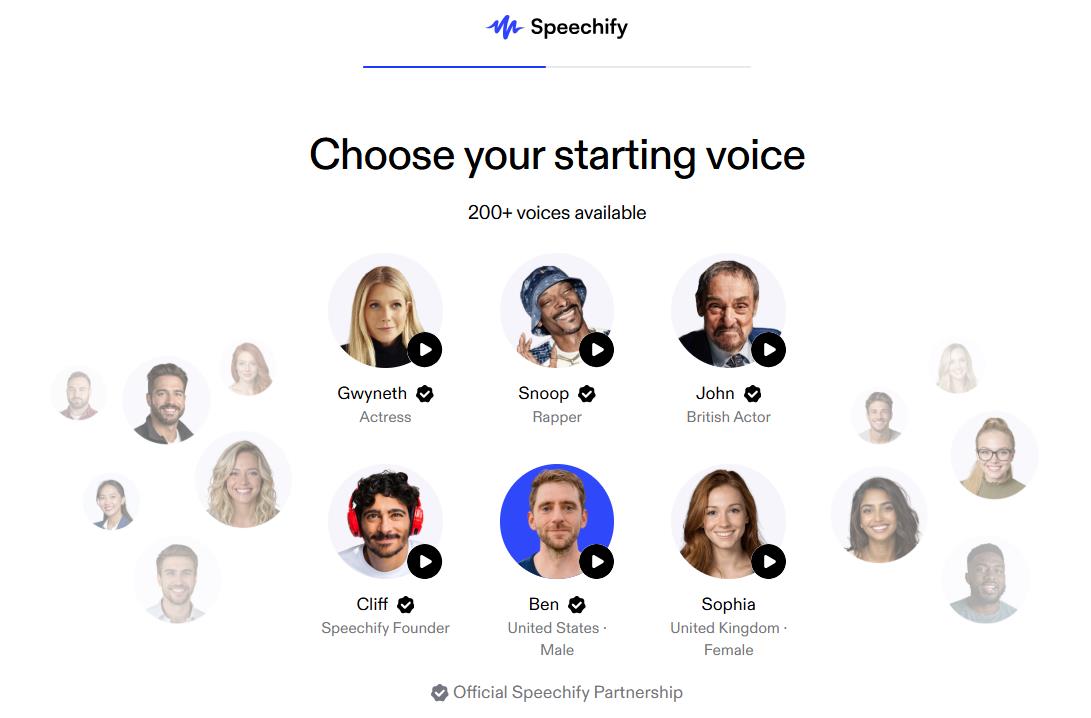
- "Celebrity voices" like Snoop Dogg are more of a marketing gimmick than a real feature. They’re not always suitable for long listening sessions with serious material.
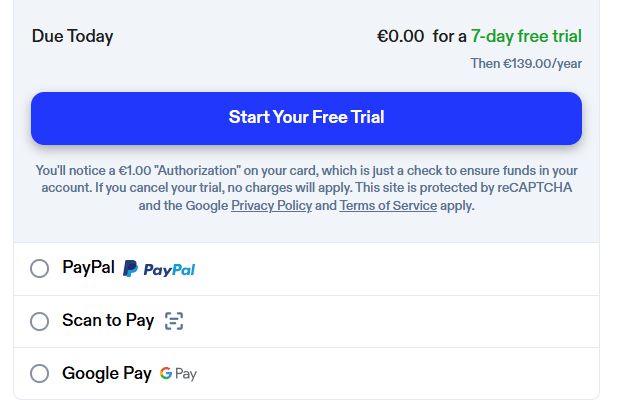
Finally, the biggest catch is the billing policy. Many users complain that after the trial period ends, the annual subscription fee is charged automatically, and refunds are difficult to get.
Moreover, even for a subscription to the free trial period, you will be charged $ 1, which, of course, no one will refund.
Who Will Benefit Most + Use Cases
The service is most useful for three main groups. First, people with neurodivergent conditions like dyslexia, ADHD, or low vision. Second, students and researchers who need to process huge volumes of text. Third, multitasking professionals who want to make use of every spare minute — drivers, athletes, busy managers.
Here are a few typical scenarios.
Personal Use:
- A student listens to a marketing textbook while making breakfast.
- Someone with dyslexia "reads" their work emails by uploading screenshots via OCR.
- A traveler uses Voice Typing to dictate a message in Russian without touching the keyboard.
- A user creates a short AI podcast from three news articles to listen to as a single audio file on the go.
For Business:
- A lawyer listens to a 50-page contract while on a treadmill and leaves voice notes.
- A manager gets a summary of a 90-minute meeting generated by AI Notes.
- An indie podcaster uses voice cloning to quickly prototype episodes.
- A development team integrates the Speechify API into their software for voice notifications.
User Reviews and Ratings
On Trustpilot, Speechify holds a rating of around 4.7 stars based on nearly 6,000 reviews. Users particularly praise the natural quality of the voices, the ease of the mobile app, and the genuine help it provides for dyslexia. The service has received public endorsements from Richard Branson and Gwyneth Paltrow.
On Reddit and in specialized communities, the tone is more critical. The main complaints are the high cost of the Premium subscription, aggressive billing practices, and technical glitches that cause the app to skip text in complex documents. Many note that for casual use, the free version or a cheaper alternative is often enough.
- Exceptionally natural-sounding voices that are hard to distinguish from real humans.
- Deep cross-platform support and seamless syncing across all devices.
- Goes far beyond basic TTS with a contextual assistant, podcast generator, and summaries.
- Genuinely helpful for people with dyslexia and ADHD, backed by millions of users.
- Solid OCR recognition from photos and excellent browser integrations.
- High cost of the Premium subscription — $139 per year is a significant amount for a reading tool.
- Severe limitations on the free tier: few voices, low speed, and no key AI features.
- Billing and refund issues after automatic subscription renewals.
- Technical glitches when working with complex PDFs, long documents, and uncommon terms.
The Bottom Line
Speechify has evolved from a simple TTS app into a genuinely smart voice assistant. The service solves real problems around productivity, accessibility, and multitasking. For students, people with dyslexia, and professionals who have to get through mountains of reading while on the move, it can be an indispensable tool.
Still, the decision to pay for Premium should be a careful one. The high price and aggressive billing model are real downsides. The free version is often enough to get a feel for the basic mechanics. And if what you really need is professional-grade voiceover work for videos or audiobooks, you’re better off looking at specialized competitors like ElevenLabs. Speechify is first and foremost about personal information consumption on the go — and in that niche, it remains one of the leaders.
❓ Frequently Asked Questions
Answers to relevant questions about this AI tool
Sources
-
Speechify Pricing for the Free & Premium TTS Plans — speechify.com
-
Speechify Studio Pricing — speechify.com
-
How much does Speechify cost? — speechify.com
-
Read Aloud text to speech pricing - Speechify — speechify.com