ChatBI: Top Conversational Business Intelligence Tools
On this page
Imagine being able to simply ask your business intelligence system, “Why did sales drop last quarter?” — and receiving not just a chart, but a detailed analysis with root causes and recommendations. That is exactly how Conversational Business Intelligence, or ChatBI, works. It is an approach where users interact with data through natural language rather than complex SQL queries or convoluted dashboards.
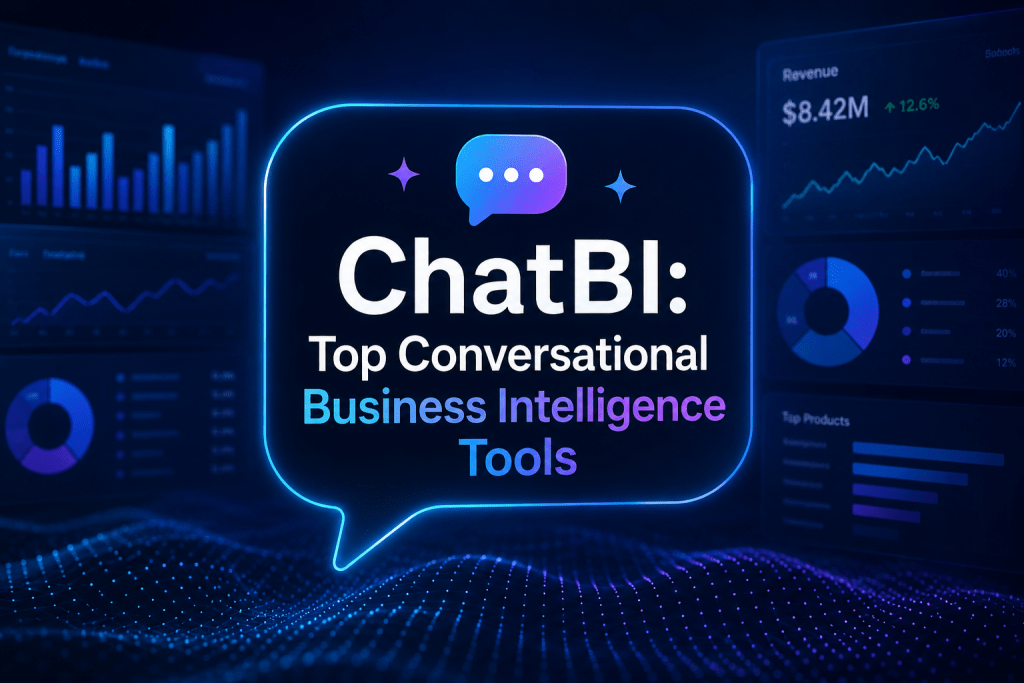
By 2026, ChatBI has ceased to be an exotic novelty and has become a fully-fledged decision-making tool. The technology allows business users to explore data independently, without distracting analysts for every ad-hoc request. Let’s break down how it works and which tools deserve attention.
What Is ChatBI and How Does It Work?
At the core of ChatBI are large language models such as GPT or Gemini. The user asks a question in natural language, and the system executes a complex chain of actions.
The AI interprets the query, taking into account business terminology and conversational context. It then automatically generates an SQL or Python query, executes it against the data warehouse, and returns the result in the form of tables, charts, or textual explanations. The key component here is the semantic layer, which defines business metrics and their calculation rules. This is what ensures that the AI correctly understands what “revenue” or “active user” means and does not produce hallucinations.
Modern ChatBI platforms are capable not only of answering questions but also of remembering the conversation context, conducting multi-step analysis, and even suggesting specific actions. According to Gartner forecasts, by 2027 more than 60% of companies will demand that their BI systems be capable of moving from answers to actions.
Why Is This Needed and Who Will Benefit?
The primary goal of ChatBI is data democratization. This means that any employee, from a sales manager to a CFO, can independently find answers to their questions in minutes rather than days or weeks of waiting for an analyst to build a report.
This is especially relevant in companies with large data volumes where traditional BI creates bottlenecks. ChatBI does not completely replace professional analysts but frees them from routine work, allowing them to focus on complex research tasks.
Who needs this:
- Business users from sales, marketing, finance, and operations departments.
- Executives who need quick answers to strategic questions.
- Small and medium businesses that want to implement analytics without hiring a large staff of specialists.
- Large corporations seeking to accelerate decision-making and reduce the burden on data teams.
Top 5 Conversational BI Services
We have selected five of the most interesting solutions on the market, representing different approaches: from powerful enterprise platforms to flexible open-source tools.
1. ThoughtSpot (Spotter)
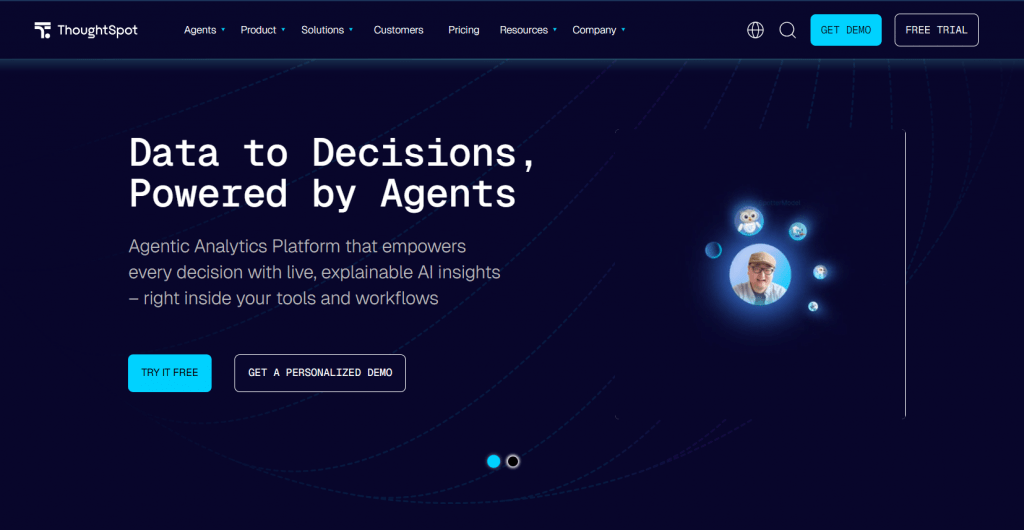
Official website: thoughtspot.com
ThoughtSpot is one of the pioneers in search-driven analytics, and with the arrival of the Spotter AI agent, the company has reached a new level. Spotter enables full-fledged dialogue with data, allowing users to ask follow-up questions and receive recommendations.
The platform integrates well with various data sources and ensures strict governance through semantic models. Users on G2 highly rate the platform, noting that Spotter saves a tremendous amount of time, especially for non-technical users.
- Pricing: ThoughtSpot offers several pricing plans. Essentials for small teams starts at $25 per user per month. The Pro version with the Spotter AI agent costs approximately $50 per user per month. Enterprise plans are available with custom terms. Recently, the company launched a special program for startups with a fixed annual price of $12,999, including unlimited data volume and up to 50 internal and external users, which has become an excellent offer for growing companies.
- Platform: Cloud and on-premise versions.
- Powerful AI agent with deep analytical capabilities.
- High accuracy and quality of insights.
- Scalability for enterprise level.
- Expensive for small businesses.
- Requires a learning curve for maximum return.
2. Microsoft Power BI with Copilot
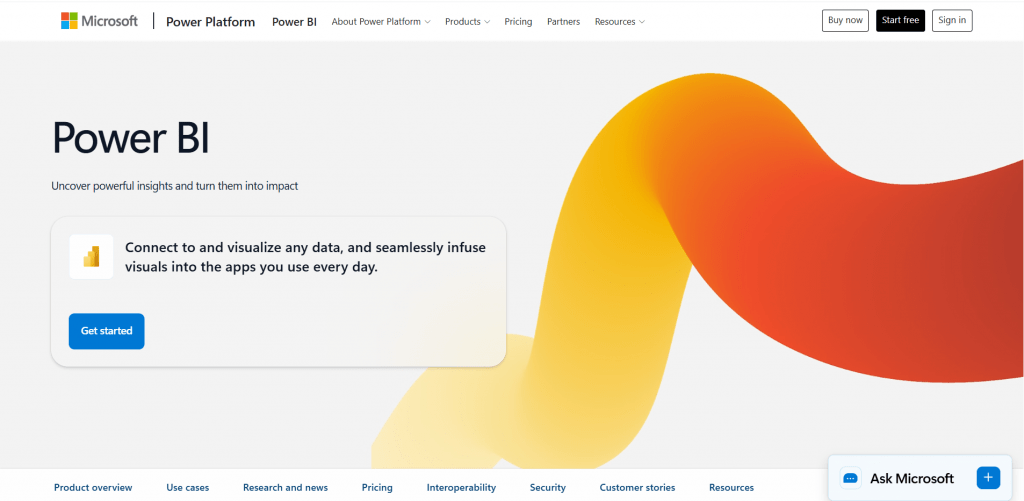
Official website: powerbi.microsoft.com
For companies already using the Microsoft ecosystem, Power BI with Copilot is the most obvious and easiest path to implementing ChatBI. Integration with Teams, Excel, and Azure makes data analysis available directly within the workflow. Copilot helps generate DAX formulas, create reports and visualizations, and perform basic anomaly detection.
However, this solution has limitations. Copilot requires premium Fabric capacity (F64 and above), which can be costly. Users also note that Copilot does not always handle complex, multi-step queries and is better suited for basic tasks.
- Pricing: Power BI Pro costs approximately $14 per user per month. Premium Per User is $24. Copilot requires dedicated capacity, which can cost thousands of dollars per month.
- Platform: Microsoft Fabric, Windows, web, mobile devices.
- Seamless integration with Microsoft products.
- Rich visualization capabilities.
- Familiar environment for millions of users.
- High capacity requirements for AI operation.
- Limited accuracy in complex scenarios.
- Tight coupling to the Microsoft ecosystem.
3. Dot
Official website: getdot.ai
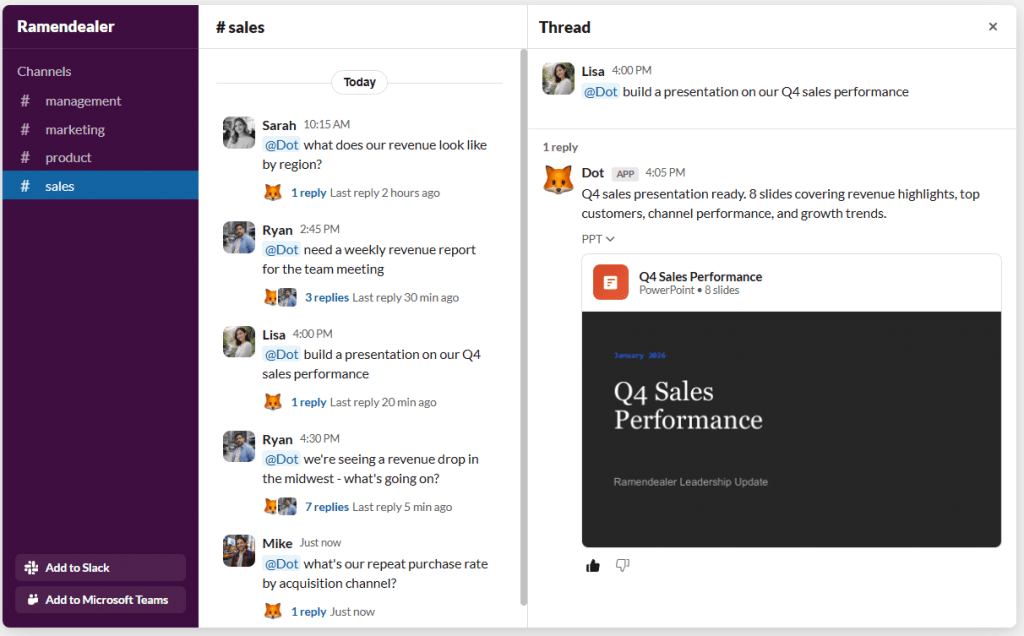
Dot is a warehouse-native AI analyst that many call the best conversational analytics tool of 2026. Instead of a simple answer to a single query, Dot conducts a genuine investigation. It analyzes data, finds correlations, identifies causes of changes, and returns results in the form of coherent text resembling an analyst’s memo. This is a fundamental difference from SQL query generators.
Dot’s distinctive feature is working where the team already communicates. It integrates with Slack, Teams, and email, delivering insights directly into work chats. The Context Agent function allows training the AI on business definitions once, and it will always use them, ensuring consistent data interpretation across the entire company.
- Pricing: A free tier with 300 credits is available for testing. The Pro version costs $180 per month and includes 150 credits. The Team tier at $720 per month adds SSO, access control, and other enterprise features. Enterprise pricing is available upon request. The pricing model is tied to usage rather than the number of users, which is convenient for scaling.
- Platform: Data warehouse integration, Slack, Teams.
- Deep multi-step analysis, not just text-to-SQL conversion.
- Delivery of insights into work communication tools.
- Consistent business definitions through Context Agent.
- Flexible pricing model.
- Requires a connected data warehouse.
- Not a full-fledged dashboard tool for monitoring.
4. Tellius
Official website: tellius.com
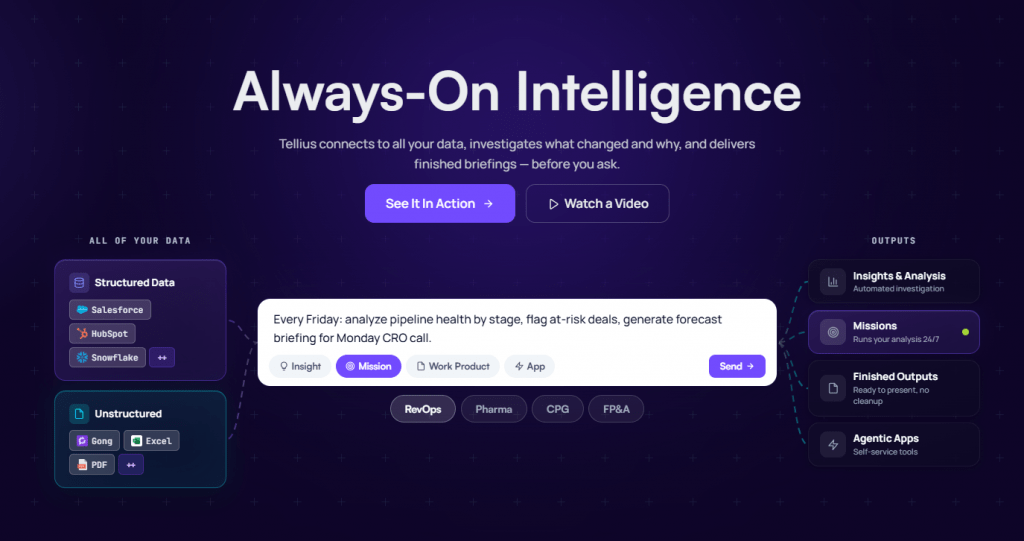
Tellius is an advanced analytics platform with the Kaiya AI agent. Its main strength lies in automatically finding root causes and drivers of change. The system does not just show what happened but answers “why?” and “what if?” questions. Kaiya can perform comparisons, analyze trends, and execute complex multidimensional queries while maintaining conversation context.
Tellius is particularly popular in industries with deep data, such as pharmaceuticals, consumer goods, and finance. The product is aimed at mid-market and enterprise businesses.
- Pricing: Customized tiers (Pro and Enterprise) — pricing depends on data volume and feature set.
- Platform: Cloud-based, with integrations to major data warehouses.
- Deep automated root cause analysis.
- Agentic workflows for automating complex tasks.
- Strong governance and control.
- Custom pricing, less transparency.
- Primarily focused on mid-market and enterprise.
5. Wren AI
Official website: getwren.ai
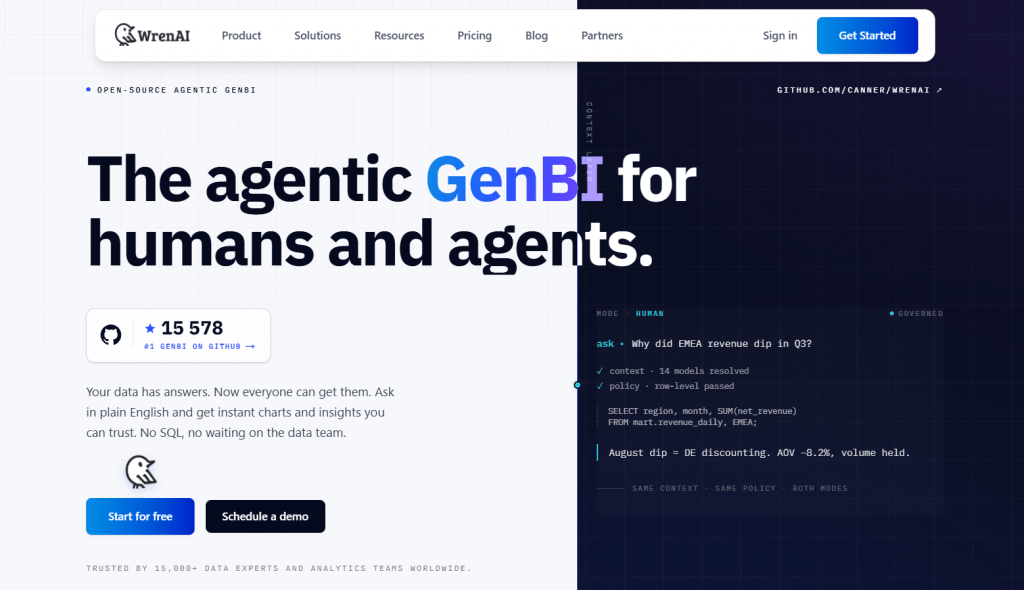
Wren AI is an open-source agentic platform that has quickly gained popularity in the developer community. It allows users to interact with data in natural language, generate SQL queries, and create charts and reports. Like other advanced tools, Wren AI uses a semantic layer for accurate understanding of business context.
Wren AI’s main advantage is complete freedom from vendor lock-in. You can deploy the system on your own servers, use any LLM, and customize everything to your needs. This is an excellent choice for teams that value control and customization over ready-made boxed solutions.
- Pricing: The platform core is completely free and open-source. Custom pricing is available for the cloud version and commercial support.
- Platform: Docker/self-hosted, cloud, supports 20+ data sources.
- Complete openness and customization.
- No vendor lock-in.
- Suitable for developers and companies with specific requirements.
- May require more technical skills for setup.
- Fewer ready-made enterprise features compared to proprietary products.
Comparison Table
|
Service |
Key Focus |
Starting Price |
Best For |
Governance / Semantic |
Agentic AI |
|---|---|---|---|---|---|
|
ThoughtSpot |
Spotter AI agent |
~$25—50/user/mo |
Enterprise, search-driven analytics |
High |
Yes |
|
Power BI Copilot |
Microsoft integration |
Premium ~$24 + capacity |
Microsoft users |
Medium-High |
Partial |
|
Dot |
Narrative answers in chat |
$180/mo (Pro) |
Team collaboration |
High |
Yes |
|
Tellius |
Deep insights and root cause |
Custom |
Industry analytics (finance, etc.) |
High |
Yes |
|
Wren AI |
Open-source |
Free (core) |
Customization and developers |
High |
Yes |
What Didn’t Make Our Top List
Beyond the market leaders, there are several tools worth mentioning in the context of Conversational BI. Some are suitable for specific use cases, while others are of interest to developers or small teams.
Powerdrill ChatBI
Official website: powerdrill.com
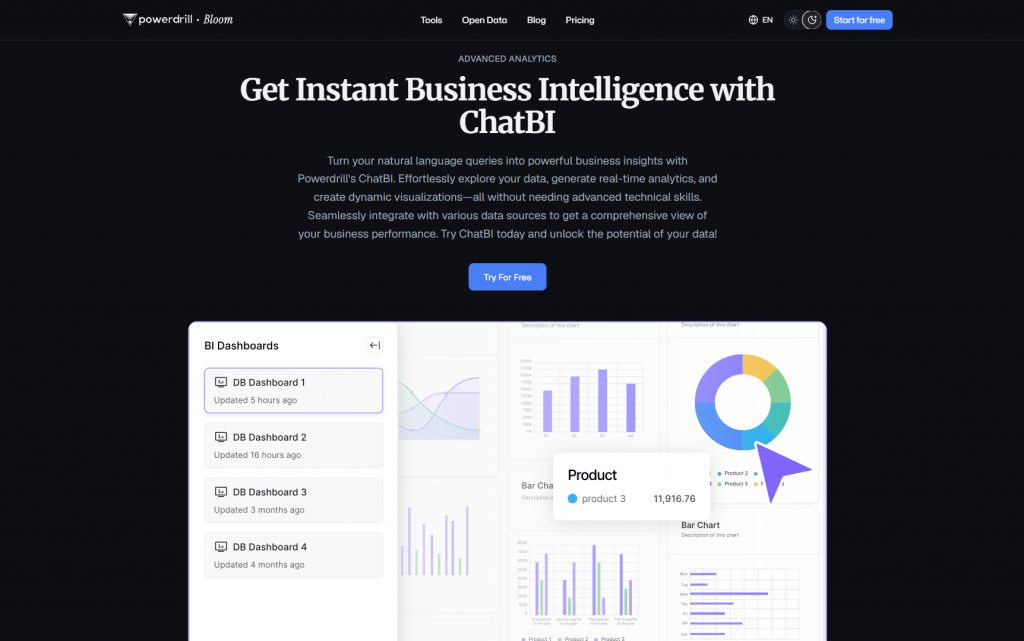
Powerdrill ChatBI positions itself as an AI assistant for data work, aimed at individual users and small businesses. The platform supports file uploads (CSV, Excel, PDF) and SQL database connections, allowing users to ask questions in natural language and receive visualizations.
- Key features: Ease of use, support for multiple data formats, fast chart and report generation. According to the developers, the service has already attracted over 150,000 active users and 15,000 companies, including researchers from Harvard and Stanford.
- For whom: Individual users, marketers, and small teams who need quick analysis of uploaded files without connecting to corporate data warehouses.
- Why not in the top: The tool is more focused on file-based work rather than full integration with enterprise data warehouses. It lacks the depth of governance and semantic layer characteristic of enterprise solutions. This is more of a personal AI analyst than a platform for collaborative work with business data.
InsightFlow AI
Official website: powerdrill.ai/features/chatbi
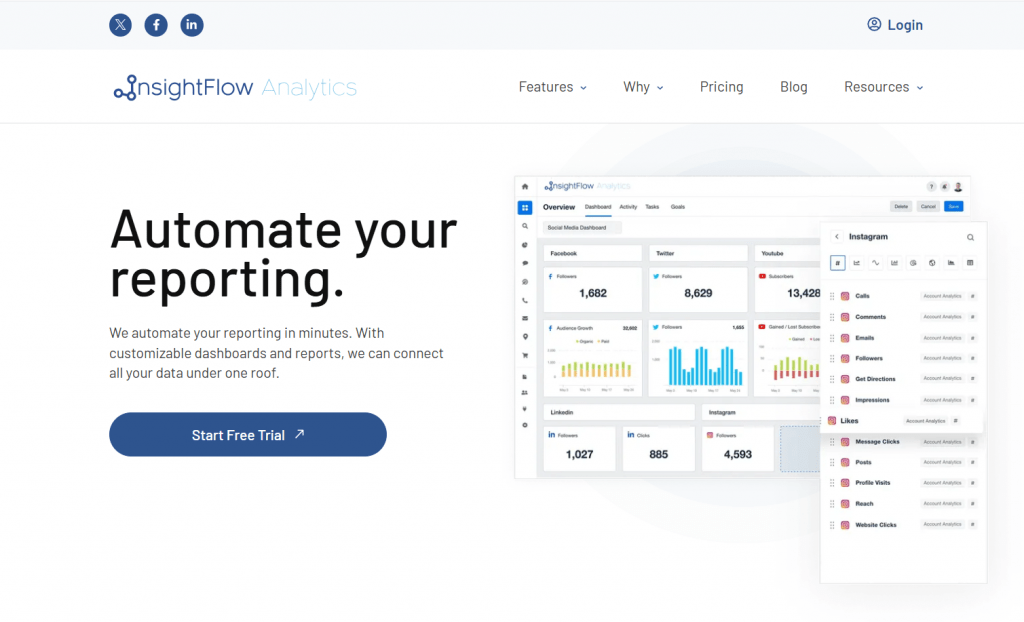
InsightFlow is an open-source analytics platform with AI service integration through the Model Context Protocol. The project allows connecting Claude AI for data interpretation and works with real-time data streams.
- Key features: MCP support, Claude AI integration, RESTful and WebSocket APIs, flexible data processing through Pandas and NumPy.
- For whom: Developers and technical teams who want to embed AI analytics into their applications.
- Why not in the top: This is more of a framework for creating analytics solutions than a ready-made product for business users. It requires technical skills for setup and does not offer an out-of-the-box interface for data work.
IBM Cognos Analytics
Official website: ibm.com/products/cognos-analytics
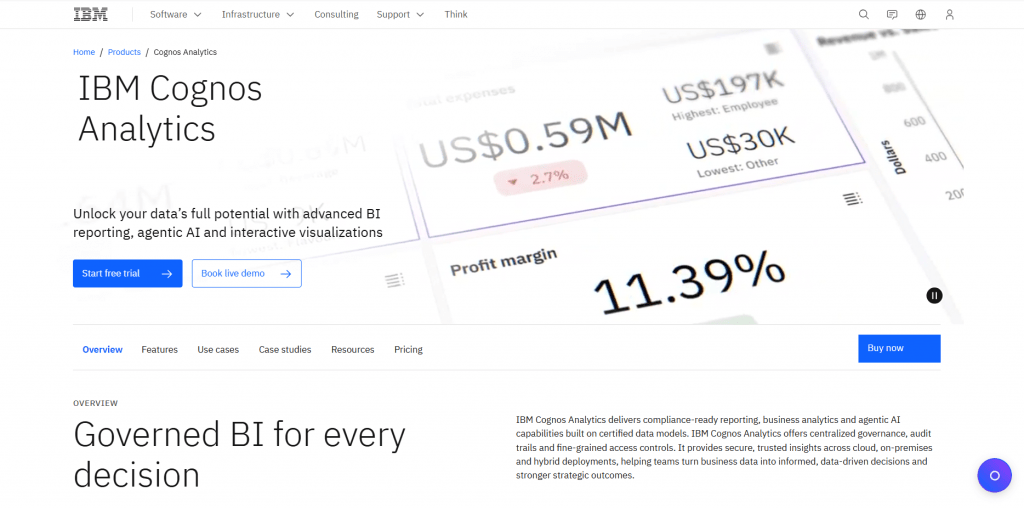
A classic enterprise BI tool that has received an AI Assistant for natural language interaction in recent versions. Cognos allows users to ask questions in plain language and receive visualizations, and it also automates report preparation.
- Key features: Powerful enterprise BI with AI assistant, reporting automation, integration with existing systems, drag-and-drop dashboards.
- For whom: Companies already using the IBM ecosystem, and mid-market businesses that need reliable BI with conversational AI elements.
- Why not in the top: Conversational capabilities here are an addition to a powerful BI platform, not its core. The product is more traditional and focused on reporting and monitoring rather than exploratory conversational scenarios. Additionally, Cognos implementation often requires serious infrastructure preparation.
Quantum Insights
Official website: quantuminsights.us
Quantum Insights is a company applying quantum transformations to interpret complex data. Its Dynamic Quantum Clustering technology is used in biotech research to find hidden relationships in biomedical data.
- Key features: Application of quantum algorithms for data analysis, specialization in biotech and medical research, discovery of hidden patterns without prior hypotheses.
- For whom: Scientific researchers, biotech companies, and highly specialized analytical tasks.
- Why not in the top: This is a niche scientific tool, not a business analytics platform. It has no relation to conversational BI in the classical sense and does not offer an interface for working with business data through natural language.
Conclusion
ChatBI is not just a buzzword but a real way to make data accessible to every employee. By 2026, these tools have reached maturity, allowing business users to independently explore data and get answers to complex questions in minutes.
Platform choice depends on your current technology stack and specific needs. If you are already deeply embedded in the Microsoft ecosystem, Power BI Copilot will be the most seamless option. For companies seeking maximum flexibility and control, Wren AI offers a powerful open-source alternative.
Tools like Dot and ThoughtSpot stand out for their depth of analysis and interaction quality, while Tellius excels in root cause automation. We recommend starting with a pilot project on real data, paying special attention to semantic layer configuration. The future belongs to agentic systems that not only answer questions but also suggest specific actions based on analysis. The technology is already mature enough to deliver value, but its success in your company still depends on data quality and decision-making culture.
❓ Frequently Asked Questions
Answers to relevant questions about this AI tool