Best AI Voice Generators for a Mordecai-Style Voice
On this page
The laid-back, faintly sarcastic delivery people associate with that Regular Show energy comes from flat pitch, even pacing, and dry emphasis, and the right tool lets you build it from an original or community voice rather than copying a specific actor. That distinction matters: the voice platforms below prohibit cloning a real performer’s voice without permission, so the practical path is an original voice tuned to the same deadpan tone.
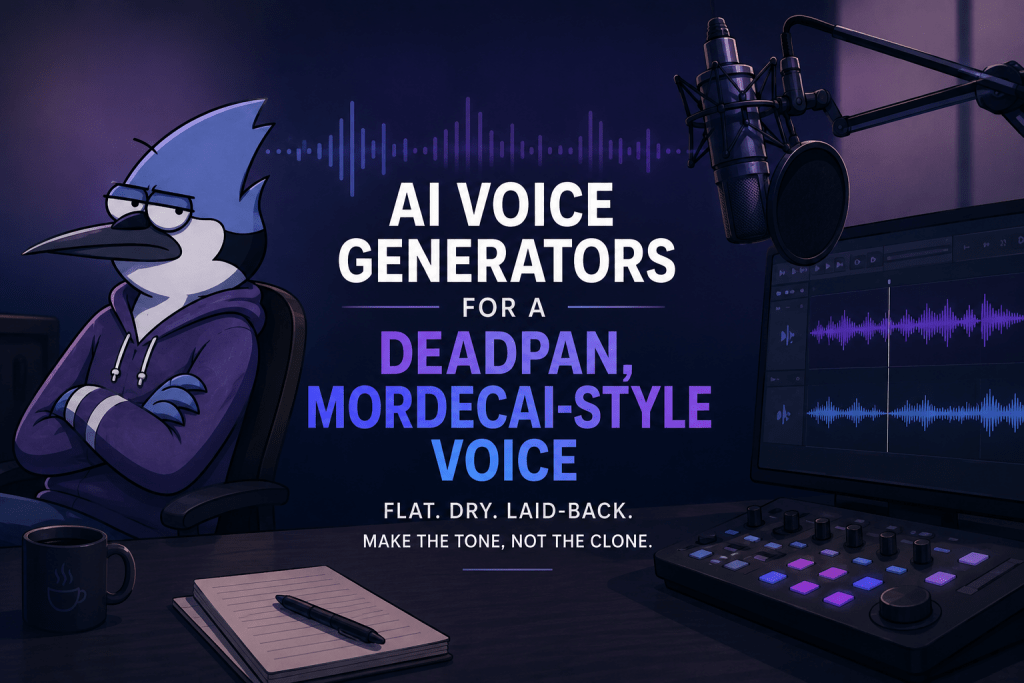
Below are the tools that get closest, from text-to-speech to the voice conversion used for singing, plus the settings that actually shape the tone.
What Makes a Deadpan Character Voice
Before the tools, the craft, because it drives which settings you touch:
-
Flat pitch. Little rise and fall. In most tools this means high stability and low expressiveness.
-
Even pacing. Deadpan lives in steady, unhurried timing, not dramatic pauses.
-
Dry emphasis. Stress lands on slightly the wrong words, understated rather than punchy.
-
A fitting voice base. A young-adult, casual male timbre gets you most of the way before any tuning.
A preset labeled “sarcastic” rarely nails this on its own. The tone comes from the pitch and pacing controls, which is why the tools with real delivery settings win.
Top AI Voice Generators for This Tone
1. ElevenLabs
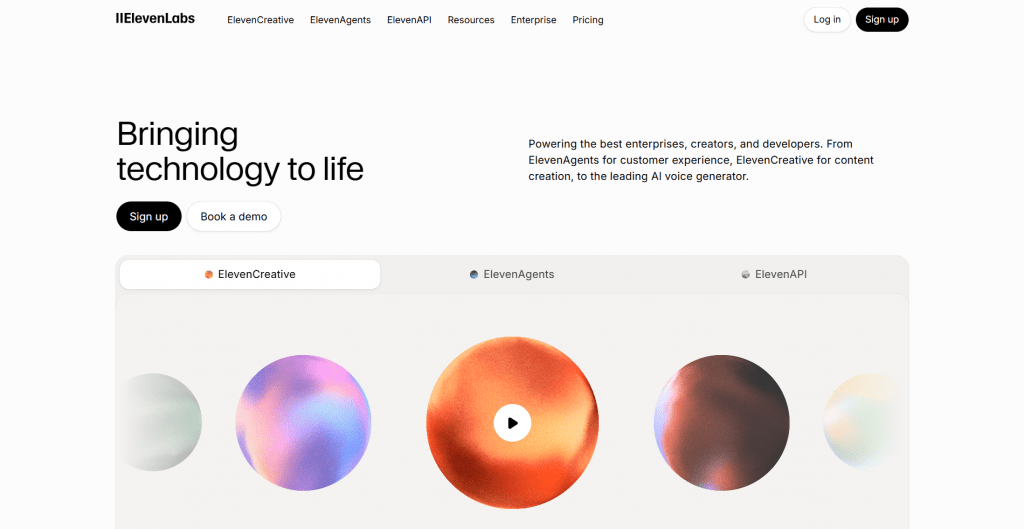
Official website: https://elevenlabs.io/
What it is: The strongest tool for controlling delivery rather than picking a preset.
How it works: Voice Design generates an original voice from a text description, such as “young adult male, dry, monotone, laid-back,” so you build the deadpan base directly. Stability and style sliders then flatten the pitch and strip expressiveness, which is exactly where a deadpan tone lives. It reads scripts in that voice with per-passage control.
Price: Free tier; paid from about $5/month.
-
Deepest control over pitch, pacing, and emphasis
-
Voice Design builds an original deadpan voice from a description
-
High, natural audio quality
-
The control takes some learning to master
-
Prohibits cloning real people’s voices, by design
2. FlexClip

Official website: https://www.flexclip.com/
What it is: An all-in-one online video editor with AI text-to-speech and voice-cloning tools.
How it works: FlexClip lets you generate voiceovers using preset AI voices or create an original voice through voice cloning. For a Mordecai-style delivery, choose a casual young-adult male voice and adjust the speed and pitch toward a relaxed, understated tone. Depending on the selected voice, you may also have access to style controls that help shape the delivery. You can then add the generated voiceover directly to a video project alongside captions, music, and other edits.
FlexClip is particularly useful if you want to create a complete video rather than generate audio separately. Its AI tools can also help with scripts, subtitles, translation, and turning text or URLs into video drafts.
Price: Free plan; Plus $11.99/mo and Business $19.99/mo (billed annually).
-
Combines AI voice generation with a complete video editor
-
Offers voice cloning and adjustable pitch and speed
-
Useful for creating videos, captions, and voiceovers in one place
-
Beginner-friendly browser-based workflow
-
Voice selection and style controls vary by voice
-
Free exports include restrictions such as watermarks and limited resolution
3. FakeYou
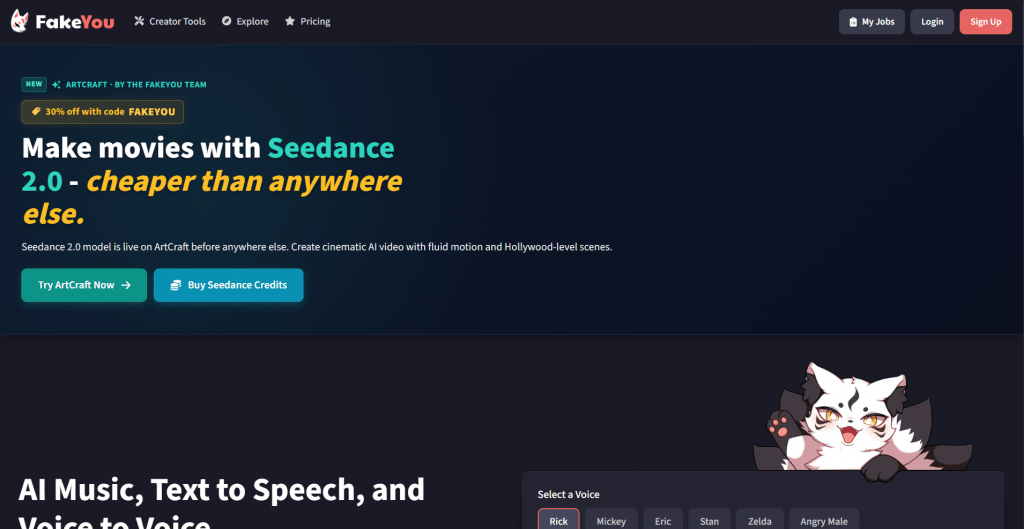
Official website: https://fakeyou.com/
What it is: A community text-to-speech platform with the largest library of character-style voices.
How it works: Type your text, pick a community voice with the right flat, cartoonish register, and generate. The breadth of voices means you can find a dry, laid-back delivery close to the tone without building one from scratch.
Price: Free with queue waits; paid from about $7/month to skip the queue.
-
Huge library of character-style voices
-
Free tier to test before paying
-
Fastest route to a cartoonish deadpan register
-
Free generations wait in a queue
-
Voice quality varies across community uploads
4. Murf AI
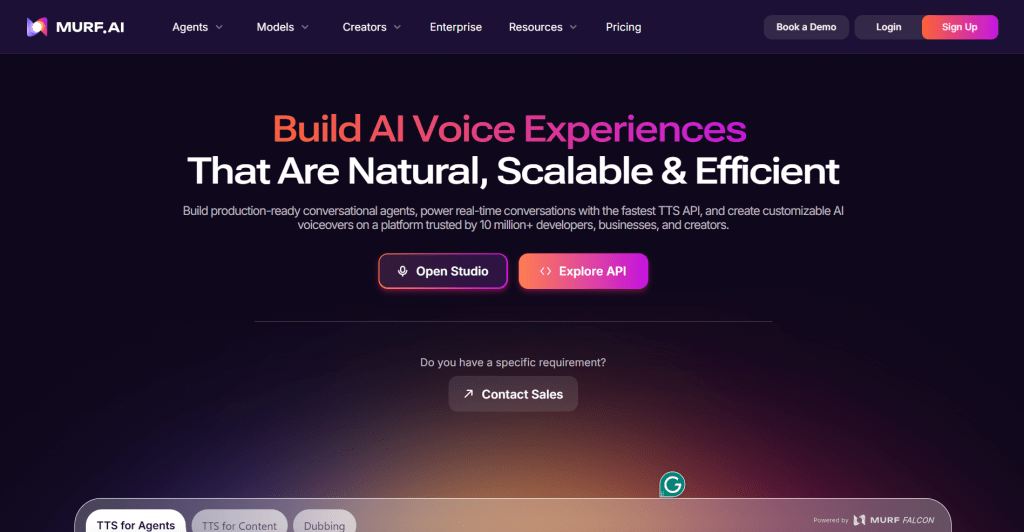
Official website: https://murf.ai/
What it is: A cleaner, script-focused generator for voiceover work.
How it works: Choose a casual voice, then use delivery styles plus per-line pitch, emphasis, and pause controls to dial in an unbothered, even read. Its strength is scripted narration where you want the tone consistent line to line.
Price: Free trial; paid from about $19/month.
-
Per-line control over pitch, emphasis, and pauses
-
Clean, professional output for voiceover
-
Consistent delivery across a long script
-
Fewer overtly cartoonish voices than FakeYou
-
Higher entry price than some rivals
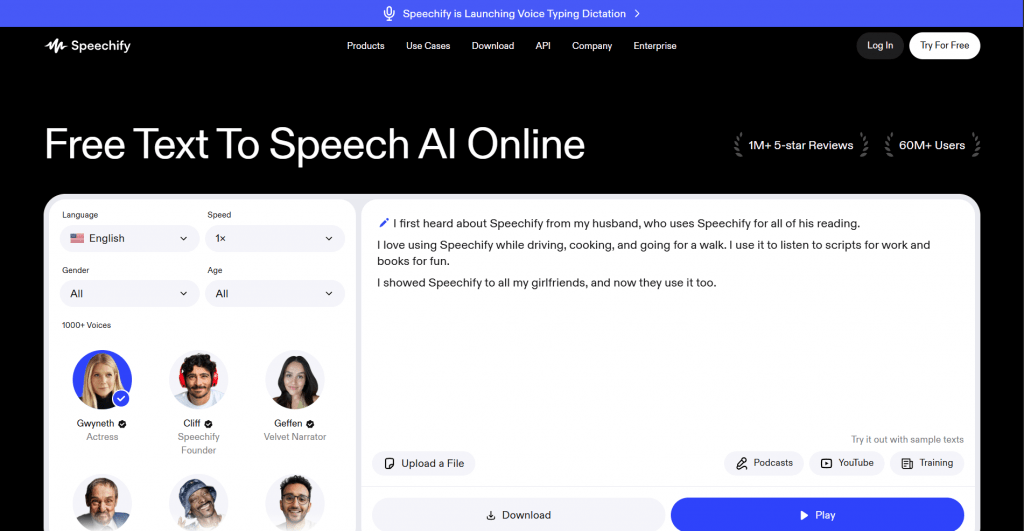
5. Speechify
Official website: https://speechify.com/
What it is: A large library of realistic voices with adjustable tone and pacing.
How it works: Pick a natural conversational voice and adjust pacing and tone toward a understated, flat read. Better for a believable deadpan than a broadly cartoonish one.
Price: Free tier; Premium around $139/year.
-
Many realistic, natural-sounding voices
-
Simple tone and speed adjustment
-
Works across web and mobile
-
Leans realistic rather than cartoon character
-
Best features are on the annual plan
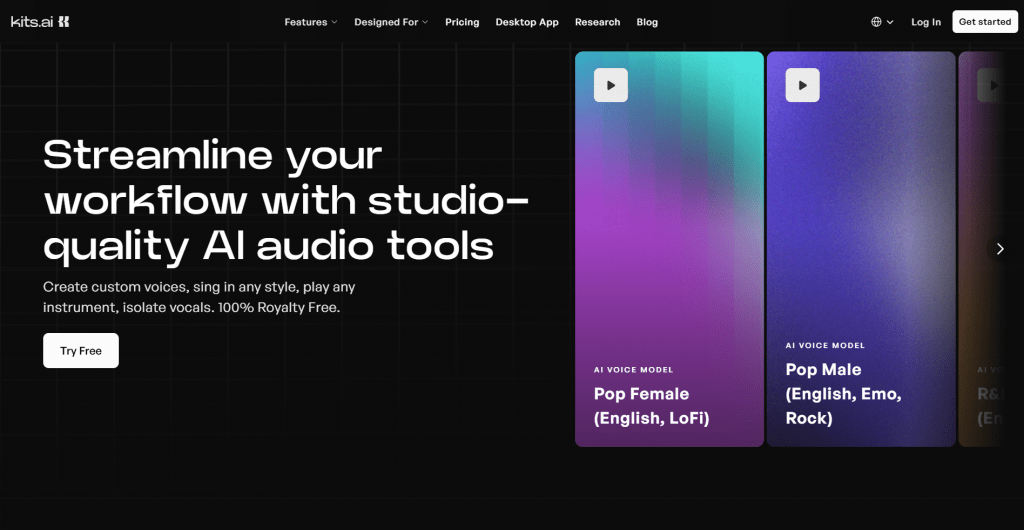
6. Kits.AI
Official website: https://www.kits.ai/
What it is: Voice-to-voice conversion tools, the route behind AI singing covers.
How it works: For a Mordecai AI voice singing effect, you sing or feed audio and the tool re-times it onto a chosen voice model, keeping your melody and phrasing. Both let you use or train original voice models rather than only preset ones.
Price: Free tiers; paid varies by tool.
-
The realistic path to AI singing, not just speech
-
Keeps your own phrasing and timing
-
Original voice models are supported
-
Singing conversion needs a recorded vocal to start
-
Quality depends heavily on the input audio
Who Should Use These
-
Content creators making skits, animations, or narration in a laid-back character voice.
-
Musicians and hobbyists building AI singing covers from their own vocals.
-
Video editors needing consistent deadpan narration across a project.
-
Game and animation makers voicing original characters with a dry, understated tone.
Conclusion
The closest Mordecai AI voice comes from building an original deadpan voice and tuning it, not from copying one actor. ElevenLabs gives the most control over the flat pitch and dry pacing that define the tone, FakeYou is the fastest for a ready character voice, and Kits.AI handle the singing side. Whichever you pick, spend your time on the delivery settings rather than hunting a magic preset, and keep to original or licensed voices so your clips stay yours to share.
❓ Frequently Asked Questions
Answers to relevant questions about this AI tool