Top AI GIF Tools: Creation and Animation Guide
On this page
Animated graphic creation has shifted from basic manual frame sequencing to automated neural synthesis. For a long time, developing eye-catching loop animations for social media marketing or user interfaces required digital design teams to spend hours managing timeline keyframes, adjusting frame rates, and manually optimization palettes. Modern artificial intelligence platforms streamline this workflow, allowing creators to turn simple text descriptions or static image files into smooth, high-fidelity micro-animations within seconds. This technical overview examines the leading AI tools currently driving the animation sector, evaluating their formatting options, processing speeds, and structural constraints to help you choose the ideal pipeline for your digital content campaigns.
Production Workflows: How Neural Animation Engines Function
Current generation animation tools rely on advanced video diffusion models that generate movement paths directly between individual image layers. When the algorithm ingests a prompt or reference image, it identifies structural boundaries, foreground subjects, and lighting matrices. Instead of applying basic geometric movement filters over existing pixels, the neural network calculates a continuous timeline of motion, generating entirely new frames that preserve the subject’s identity while introducing physics-based displacement. For professional distribution across digital platforms, these systems incorporate automated background removal and frame-rate interpolation, ensuring that the final file scales correctly without introducing computational artifacts or unexpected distortions during the rendering process.
Reviewed List of Leading AI Animation and GIF Platforms
Runway serves as a highly advanced web-based environment for generating premium short-form animations and cinematic loops from text instructions or static images. Operating on its latest Gen-3 Alpha model architecture, the platform allows digital artists to define precise motion brush paths, instructing the AI to animate specific localized regions of a canvas while keeping other elements completely static. This level of control makes it exceptionally useful for creating professional web UI mockups and cinematic reactions. The native interface supports instant video trimming and automated conversion to standard file types, though accessing maximum resolution exports without watermarks requires a paid premium subscription.

Visit the official Runway website
Kaiber AI targets the digital entertainment and music production sectors, specializing in generating heavily stylized, continuous audiovisual animations from image files or audio tracks. The platform utilizes generative neural layers that synchronize movement vectors with the underlying rhythm or frequency of an uploaded audio file, making it highly effective for producing rhythmic promotional content or abstract social media loops. Its template ecosystem allows creators to quickly swap entire artistic themes, converting a standard photograph into an oil painting or a retro cyberpunk sequence. The system functions on a recurring credit model, meaning high-volume background rendering sequences necessitate active paid packages.

Visit the official Kaiber AI website
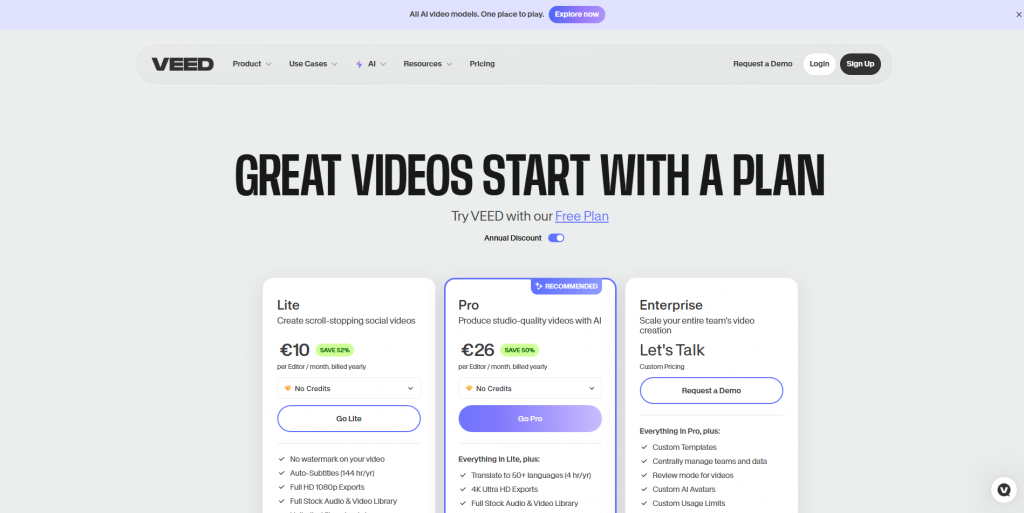
GIFMaker AI by VEED.io provides a highly efficient, browser-based video editing canvas tailored specifically for quick social media content conversion and meme generation. The platform allows users to upload extensive video files, deploy an automated AI scene-cutting tool to extract highlighted moments, and apply localized text overlays or stickers within a single workspace. Because the engine is optimized for rapid cloud rendering, processing times are minimal, making it an excellent utility for breaking news updates or immediate brand reactions. While its ease of use is unmatched for standard video crops, it lacks advanced generative text-to-image capabilities, restricting your output strictly to existing video assets.
Visit the official VEED.io website
D-ID Creative Reality functions as a specialized facial animation engine engineered to turn static portraits into interactive talking avatars. By entering a text script or an audio recording, the underlying speech-to-motion network automatically calculates lip synchronization, realistic eye blinking, and natural head tilts, rendering a fully animated sequence from a single image. This unique capability makes it highly advantageous for developing digital presentation overlays, automated educational reactions, or interactive chat icons for corporate websites. The platform features swift conversion tools, though its structural focus is strictly limited to human facial geometry, making it unsuitable for animating landscapes or products.

Visit the official D-ID website
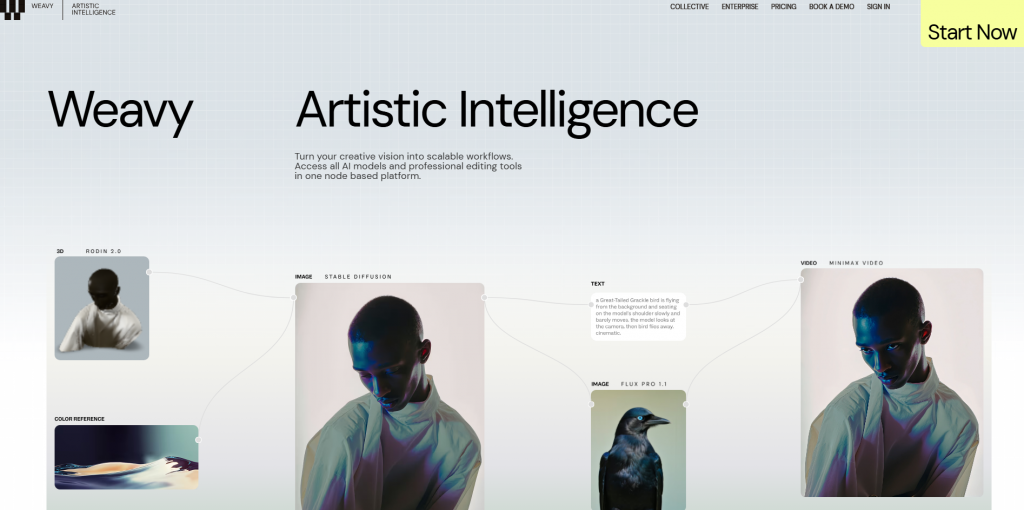
Stable Video Diffusion via ComfyUI represents the definitive choice for technical operators and advanced digital artists who require complete control over generation parameters. Running this open-source architecture locally allows users to configure detailed workflow nodes, adjust conditioning weights, and implement ControlNet boundaries to guide motion paths with pixel-level precision. This setup provides unmatched creative flexibility, enabling you to transform hand-drawn artwork into perfectly fluid, uncompressed loops without paying remote subscription fees. However, the system requires a high-end local graphics card and significant software configuration expertise, making it less accessible for standard marketing teams.
Visit the official ComfyUI GitHub repository
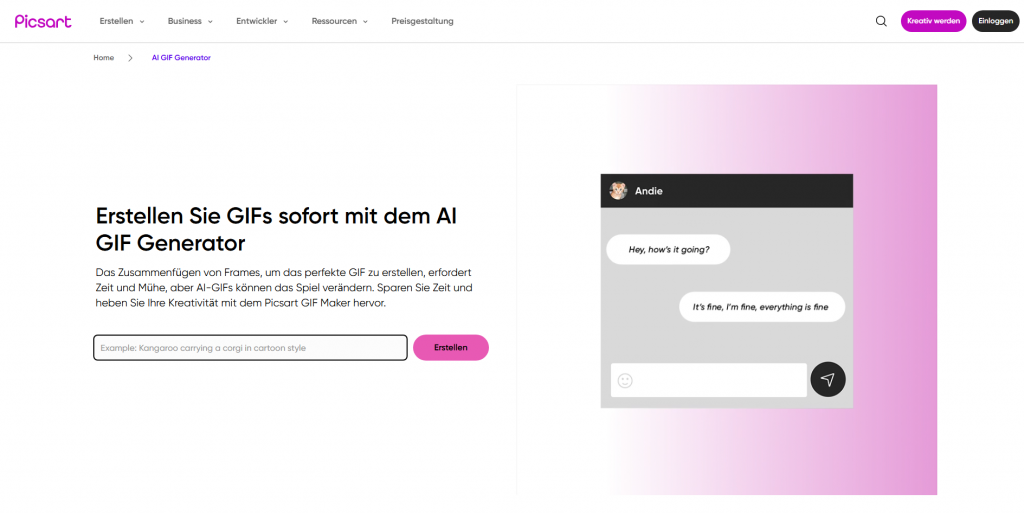
Picsart AI GIF Generator offers a highly accessible, consumer-oriented graphic environment optimized for rapid social media integration and digital sticker creation. The system features a straightforward text-to-animation box where users can type visual descriptions and instantly generate brief, stylized cartoon cycles or typographic animations. Because the interface is natively connected to a massive catalog of design templates and editing filters, users can easily touch up their outputs, overlay corporate logos, and export directly to modern social networks. The tool is perfect for quick community updates, though it offers fewer parameters for micro-managing specific rendering physics or canvas resolution limits.
Visit the official Picsart website
Technical Comparison Matrix for AI GIF Software
To optimize loading times on web servers and guarantee message platform compatibility, technical managers must monitor the balance between frame rates, compression levels, and alpha channel transparency. Choosing the wrong export parameters can lead to massive file sizes that degrade page performance.
| Platform Name | Processing Deployment | Alpha Channel Support | Max Export Resolution | Core Strengths |
|---|---|---|---|---|
| Runway Studio | Web Cloud Dashboard | Supported via AI Green Screen | Up to 4K Ultra HD Conversion | Precision motion brush paths, high structural stability |
| Kaiber AI | Web Cloud Interface | No Native Support | 1080p High Definition | Audiovisual rhythmic mapping, abstract art styles |
| VEED.io Editor | Web Browser Workspace | No Native Support | 720p Optimized Web Scale | Rapid automated video cutting and text overlay tools |
| D-ID Avatar Hub | Web Cloud Dashboard | Available in Enterprise Tier | 1080p High Definition | Automated lip-synced facial animation from audio files |
| ComfyUI Interface | Local Hardware Execution | Full Node Customization | Uncapped Hardware Limits | Complete local workflow configuration and cost-free execution |
| Picsart Generator | Web Cloud / Mobile App | Supported for Sticker Tiers | Standard Web Resolution | Quick text-to-animation conversion, social app presets |
Conclusion
The maturation of generative neural networks has successfully transformed short-form animation from a tedious technical chore into an agile, scalable production asset. By leveraging automated motion calculation and cloud-based video synthesis, these platforms allow design teams to build extensive animated asset libraries without expanding overhead costs. Every application features distinct hardware and formatting boundaries, requiring managers to select platforms that align with their exact channel requirements. Combining smart automated generation passes with careful quality oversight guarantees your animated assets retain high visual fidelity, seamless motion profiles, and clear operational utility.