Gemini Spark AI Agent: Your 24/7 Personal Automation
On this page
For years, an AI assistant meant something that answered questions while you waited. At Google I/O 2026, that shifted. What if the assistant did the work itself, in the background, while you got on with your day? Announced on May 19, 2026, Gemini Spark is a 24/7 personal AI agent that runs on Google’s cloud and takes multi-step actions on your behalf, even when your phone is locked or your laptop is off.
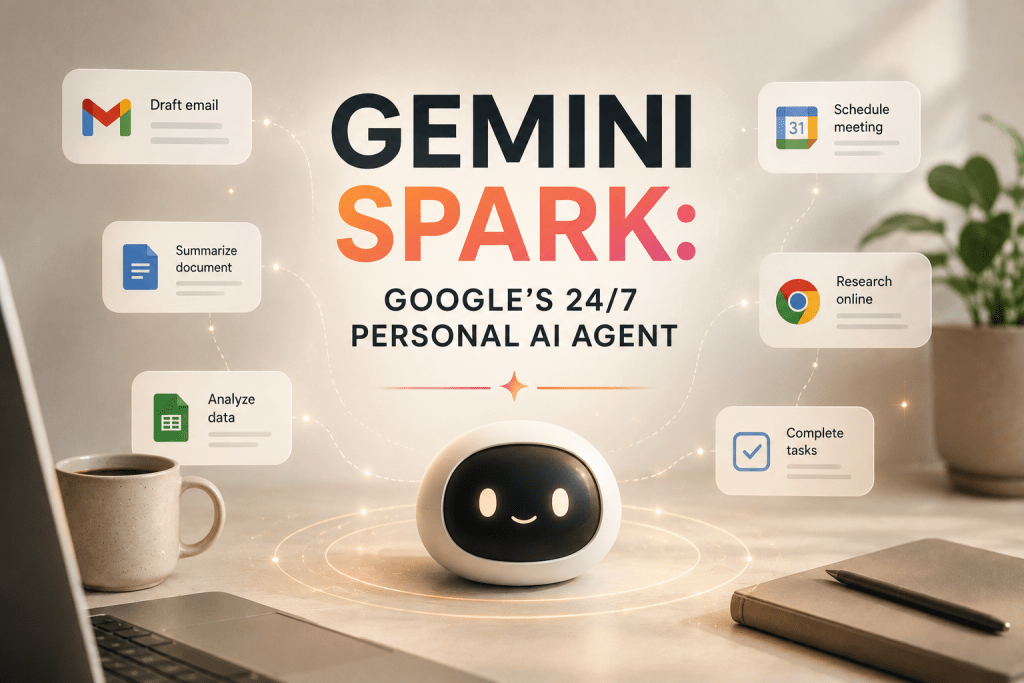
Alphabet CEO Sundar Pichai framed it as the next evolution of the digital assistant, taking on long-horizon tasks with minimal oversight. This guide covers what Gemini Spark is, how it works, its standout Gmail integration, who it is for, and how to get it.
What Is Gemini Spark?
Gemini Spark is an autonomous personal agent built on Gemini 3.5 and Google’s Antigravity harness. The difference from a normal chatbot is where it runs. Instead of responding only while the app is open, Spark operates on dedicated virtual machines on Google Cloud, carrying out long-running, multi-step tasks in the background without tying up your device.
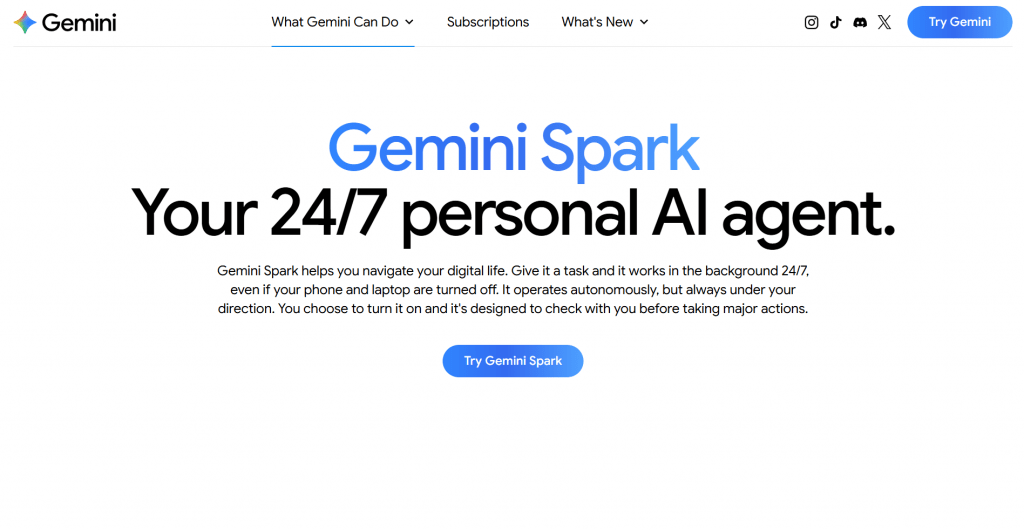
In practice, you can hand Spark a task, close your laptop, and come back to find it done. Google positions it as a persistent, proactive agent that acts under your direction rather than waiting for each prompt.
How Gemini Spark Works
The workflow is built around delegation, not conversation:
-
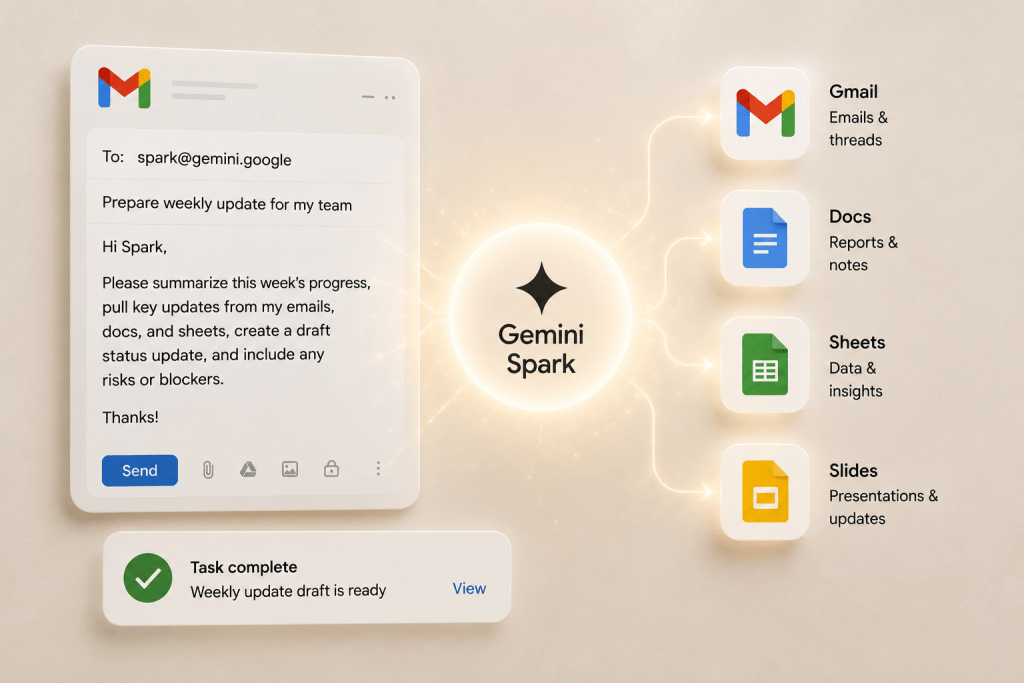
Give Spark a task. Assign work through the Gemini app or, distinctively, by emailing Spark at its own dedicated Gmail address, much like messaging a colleague.
-
It gathers context. Spark pulls the facts it needs from your Gmail, Docs, Sheets, and Slides automatically, with your permission.
-
It works in the background. Running on Google Cloud VMs, it executes multi-step tasks over time, browsing the web via Chrome when needed.
-
It reports back. Spark returns the finished draft, summary, or completed action for your review.
For example, ask Spark to send your boss a status update, and it pulls the facts from your emails, docs, sheets, and slides, then writes the draft.
The Gmail Advantage
Spark’s most distinctive feature is that you can email it directly. It has its own Gmail address, so delegating a task is as simple as sending a message, and it pulls context from your Google account without setup. This connectivity to Gmail and Workspace is a structural edge over rivals that rely on third-party integrations to reach the same data. Beyond Google’s own apps, Spark connects to other services through MCP, with more planned.
Who It’s For
-
Busy professionals who want routine multi-step work, drafting updates, triaging email, prepping documents, handled in the background.
-
Small business owners who can have Spark watch an inbox so a customer question is never missed.
-
Heavy Google ecosystem users in Gmail, Docs, and Workspace, where Spark’s native context is most valuable.
-
Teams on Gemini Enterprise wanting agents that run workflows autonomously.
Who should weigh it carefully: anyone outside the Google ecosystem, since much of Spark’s advantage is native Gmail and Workspace access, and privacy-conscious users, since an always-on agent needs standing access to your data.
Gemini Spark Access and Pricing
Gemini Spark is not a standalone purchase but a feature of Google’s AI Ultra plan, which Google cut in price at I/O 2026.
|
Plan |
Price |
Includes Spark? |
|
Google AI Pro |
$19.99/mo |
No |
|
Google AI Ultra (5x limits) |
$99.99/mo |
Yes |
|
Google AI Ultra (20x limits) |
$199.99/mo |
Yes (down from $250) |
|
Gemini Enterprise / Workspace |
Varies |
Yes, as a Workspace agent |
Both AI Ultra tiers include Gemini Spark, so $99.99/month is the entry point for individuals. One key limitation: Spark is U.S.-only at launch, so access depends on region as well as plan. Check Google’s current pricing, since these tiers change.
-
Runs 24/7 in the background on Google Cloud, no device left open
-
Native Gmail and Workspace context with no manual integration
-
Delegate tasks by simply emailing the agent’s own address
-
Handles genuine multi-step, long-horizon work, not just single answers
-
Extends to other services through MCP connectors
-
Limited to premium AI Ultra ($99.99+/mo) and Enterprise tiers, and U.S.-only at launch
-
Most valuable only if you live in the Google ecosystem
-
An always-on agent with standing data access raises privacy questions
-
Early reviews question whether the benefits justify the cost for everyone
Languages and Access
Gemini Spark is delivered through the Gemini app and Google’s cloud, so there is nothing to install beyond the apps you already use, and it can integrate with the Gemini macOS app to run on a local machine. It is English-first at launch, with wider availability expected over time. Access is gated by subscription rather than region: you need an eligible Google AI Ultra, Enterprise, or Workspace plan, after which Spark works wherever those services do.
Final Thoughts
Gemini Spark is Google’s clearest statement yet that the assistant era is giving way to the agent era. By running 24/7 on the cloud and plugging straight into Gmail and Workspace, it turns “answer my question” into “handle this for me,” and the email-your-agent design is a clever on-ramp. The reservations are real: it lives behind premium tiers, its advantage is concentrated in Google’s ecosystem, and handing an always-on agent standing access to your inbox is a trade-off worth thinking through. For a Google-centric professional who wants real work done in the background, Gemini Spark is one of the most capable personal agents available; for everyone else, it is a preview of where consumer AI is heading.
❓ Frequently Asked Questions
Answers to relevant questions about this AI tool