Best AI Bass Tab Generators for Bassists
On this page
Learning a bassline used to mean rewinding the same four bars until your ear gave out. AI bass tab generators change that: feed them an audio file or a link, and they isolate the bass, detect the notes, and produce editable tablature you can practice from in minutes. The results are not always perfect; complex lines and dense mixes still need a human pass, but as a starting point they save hours. This guide compares the best AI bass tab generators of 2026, from purpose-built transcription tools to all-in-one practice apps, and is honest about where their accuracy holds and where it slips.

What These Tools Do and Their Limits
A bass tab generator analyzes audio, isolates the bass frequencies, detects pitch and timing, and maps the result onto a fretboard as tablature. Most let you then edit notes, tempo, and bar structure and export to PDF, MIDI, MusicXML, or Guitar Pro.
Two honest points up front. First, accuracy depends heavily on the source: a clean, bass-forward recording transcribes well, while noisy live audio, heavy compression, or a bass buried under a kick drum and synths will need cleanup. Second, only upload audio you own or have permission to use; transcribing a copyrighted track for personal practice is one thing, but respect the rights on anything you share or sell.
The Best AI Bass Tab Generators
1. BassConvert (La Touche Musicale)
Official website: latouchemusicale.com
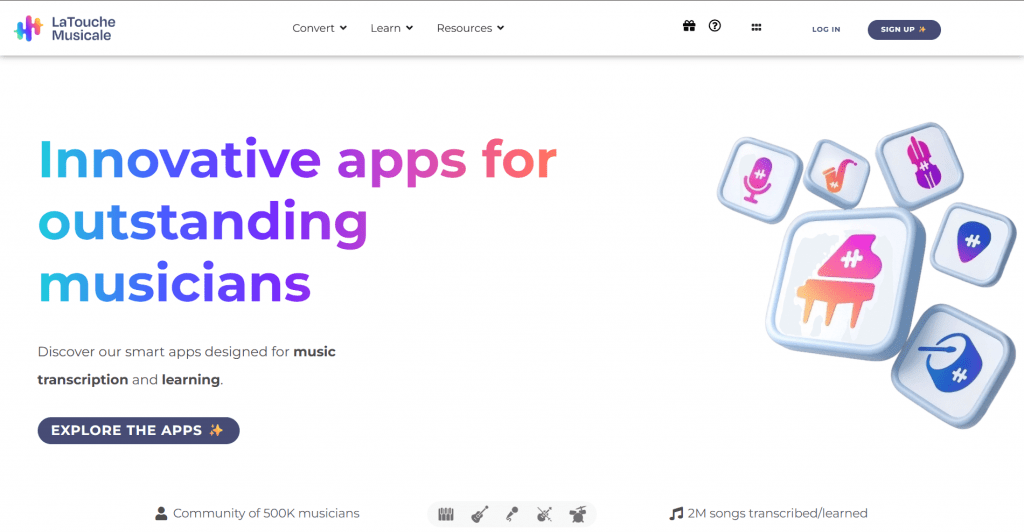
Platform: Purpose-built web bass transcription tool.
Features: BassConvert is built specifically for bass, and it shows reliable tempo and bar detection, accurate note tracking even when the bass sits back in a mix, and up to 92% transcription accuracy. Upload a file or paste a YouTube URL (45+ formats), pick Transcription mode for an exact capture or Arrangement mode for a cleaner, more playable tab, then edit notes, tempo, and bars in the built-in editor. Exports to PDF, MIDI, and MusicXML.
Pricing:
|
Plan |
Price |
Key features |
|
Free |
$0 |
30-second preview to check quality |
|
Paid |
Subscription (from about €0.05 to €1 per score) |
Full conversion, all export formats |
Public feedback: Praised by bassists as a go-to for capturing grooves and ideas, with the purpose-built accuracy and cheap per-score cost standing out.
-
Purpose-built for bass with up to 92% accuracy
-
Transcription and arrangement modes for different goals
-
Reliable tempo and bar detection
-
Very cheap per-score cost, PDF/MIDI/MusicXML export
-
Accuracy drops on noisy or heavily compressed audio
-
Free tier is a 30-second preview only
2. Guitar2Tabs (klang.io)
Official website: klang.io
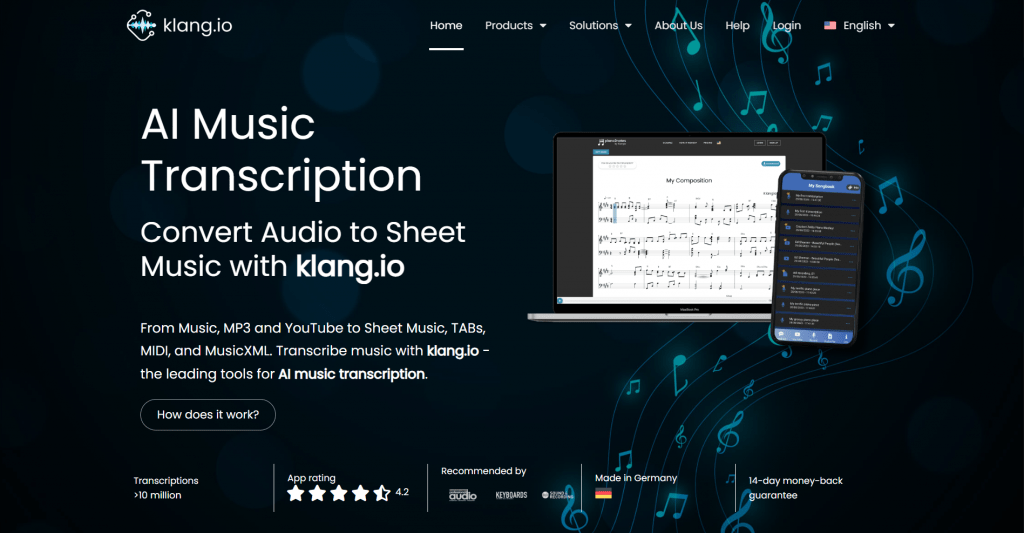
Platform: AI tab generator for guitar and bass.
Features: From klang.io, a respected name in AI music transcription, Guitar2Tabs converts audio, MP3s, or YouTube links into editable bass or guitar tabs. It handles both fingerstyle and picking, and exports in an unusually wide range: PDF, quantized or unquantized MIDI, MusicXML, and Guitar Pro, so the result drops straight into your notation software.
Pricing:
|
Plan |
Price |
Key features |
|
Free demo |
$0 |
First 20 seconds, no signup |
|
Paid |
Subscription |
Full transcription and all export formats |
Public feedback: Well regarded for transcription quality and the broad export options, especially the Guitar Pro output that many rivals lack.
-
Backed by klang.io’s transcription technology
-
Exports to Guitar Pro, MIDI, MusicXML, and PDF
-
Handles fingerstyle and picking
-
Free 20-second demo, no signup
-
Full use requires a subscription
-
Not bass-only, so less specialized than BassConvert
3. Tabtify
Official website: tabtify.com
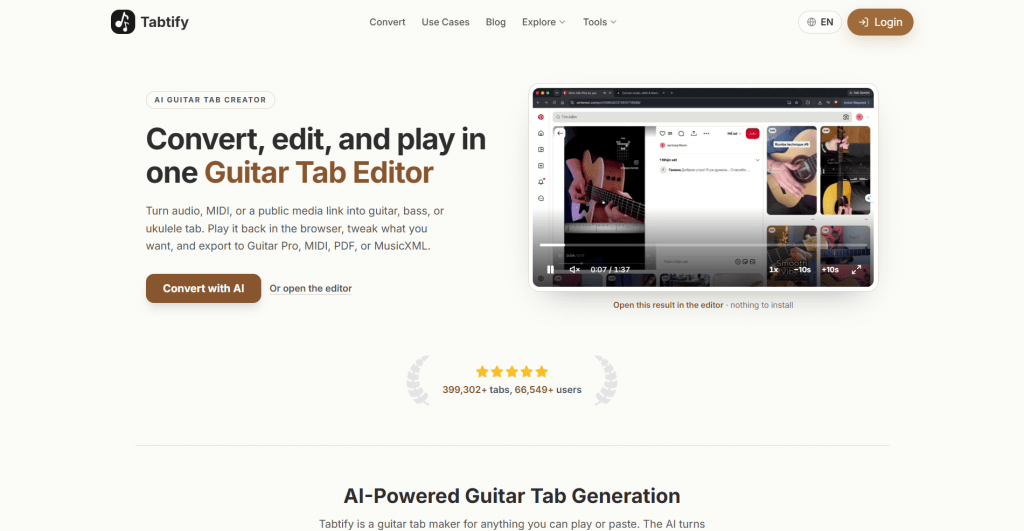
Platform: Browser-based tab generator with editor.
Features: Tabtify’s edge is extended-range support: you choose a 4-string, 5-string, or 6-string setup before conversion, so low and extended notes map naturally. Paste a link (YouTube, TikTok, Instagram) or upload a file, get an editable draft in minutes, then loop hard bars, edit notes, and export to GP5, MIDI, PDF, or MusicXML, all in the browser.
Pricing:
|
Plan |
Price |
Key features |
|
Free |
$0 |
Editable draft and browser preview |
|
Paid |
Subscription |
Full export formats and features |
Public feedback: Liked for the bass-setup selection and in-browser looping and editing, which suit players transcribing extended-range parts.
-
4-, 5-, or 6-string setup for accurate mapping
-
In-browser editing and practice looping Accepts links from several platforms
-
Exports GP5, MIDI, PDF, MusicXML
-
Dense mixes still need cleanup
-
Full features behind a paid plan
4. Basstab Pro
Official website: basstab.pro
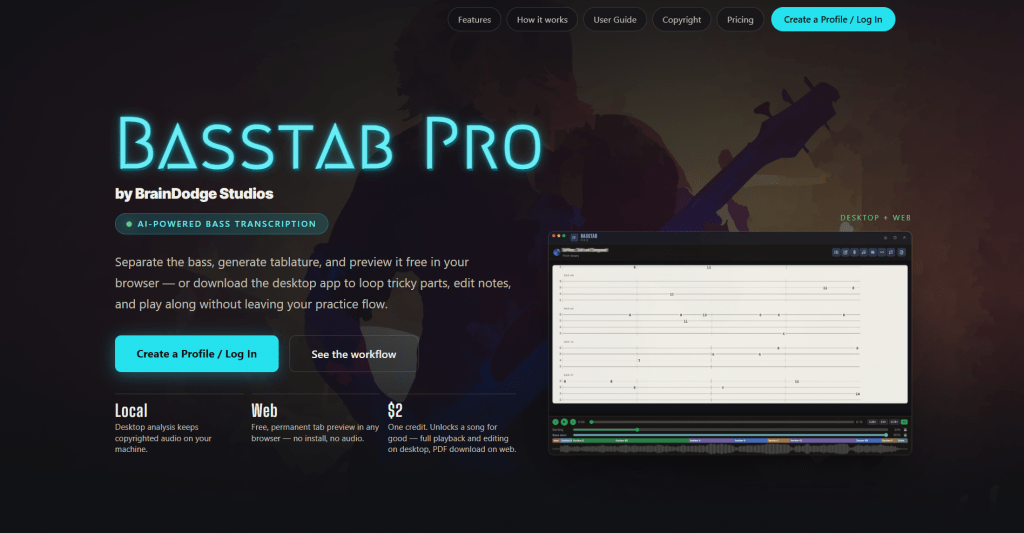
Platform: Web preview plus local desktop app.
Features: Basstab Pro is the choice for serious practice and privacy. It isolates the bass with studio-grade stem separation, tracks every plucked note (including ghost notes and fast runs) at millisecond resolution, and adds a fretboard visualizer with scale suggestions. Its desktop app runs analysis locally, so copyrighted audio stays on your machine, and it includes practice loops and play-along.
Pricing:
|
Plan |
Price |
Key features |
|
Free (web) |
$0 |
Permanent tab preview in the browser, no install |
|
Per song |
$2 per credit |
Unlocks a song for good: full playback, editing, PDF |
Public feedback: Valued for accurate stem separation, note-level detail, and the local, private desktop analysis, aimed at bassists who practice seriously.
-
Studio-grade bass isolation and ghost-note detection
-
Local desktop analysis keeps audio private
-
Fretboard visualizer and practice loops
-
Pay-per-song, no forced subscription
-
Full playback and editing need the desktop app
-
Per-song credits add up for large libraries
5. Elite Bass Tabs
Official website: elitebasstabs.com
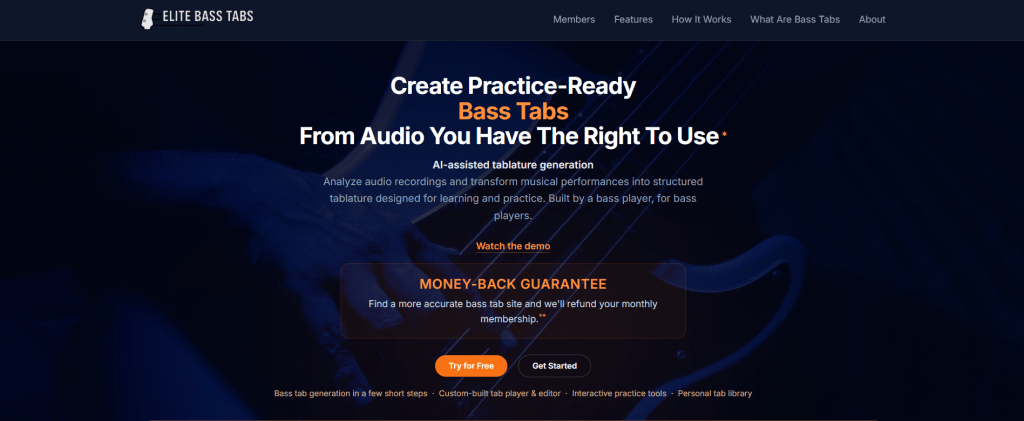
Platform: AI bass tab generator with interactive playback.
Features: Elite Bass Tabs focuses squarely on turning your own audio files into clean, accurate bass tablature, with interactive playback so you can hear the transcription against the original. It is straightforward and practice-oriented, and it is explicit that you should upload only audio you own or have permission to use.
Pricing:
|
Plan |
Price |
Key features |
|
Free |
Trial |
Test transcription and playback |
|
Paid |
Subscription |
Full transcription and export |
Public feedback: Appreciated for a clean, no-frills workflow and interactive playback that helps verify the tab against the recording.
-
Simple, practice-focused audio-to-tab workflow
-
Interactive playback to check accuracy
-
Clear guidance on using rights-cleared audio
-
Beginner-friendly interface
-
Fewer advanced features than the specialist tools
-
Full access requires a paid plan
6. Vondy AI Bass Tab Generator
Official website: vondy.com
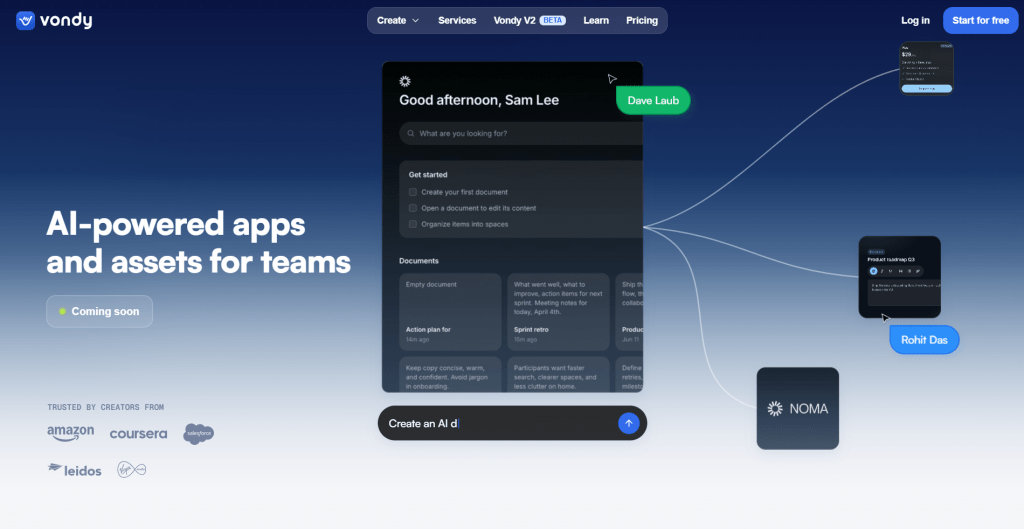
Platform: Text-prompt-based tab generator.
Features: Vondy takes a different route: instead of transcribing an audio file, it generates a bass tab from a text prompt. You supply a song title, artist, and any specific sections, or pick a style (funk groove, classic rock, jazz standard), and it produces a playable tab. Useful for ideas, practice, and starting points rather than an exact transcription of a specific recording.
Pricing:
|
Plan |
Price |
Key features |
|
Free |
$0 |
Basic tab generation |
|
Premium |
Subscription |
Advanced features and higher limits |
Public feedback: Liked as a quick, free idea generator for basslines by style, with the understanding that it creates rather than transcribes, so results are approximate.
-
Generates tabs from a prompt; no audio needed
-
Style presets for quick inspiration
-
Free basic tier
-
Adjustable tuning, difficulty, and format
-
Generates rather than transcribes a specific recording
-
Complex lines may need manual adjustment
Comparison Table
|
Tool |
Approach |
Free option |
Standout |
|
BassConvert |
Audio transcription |
30-sec preview |
Bass-specific, 92% accuracy |
|
Guitar2Tabs |
Audio transcription |
20-sec demo |
Guitar Pro export |
|
Tabtify |
Audio transcription |
Editable draft |
4/5/6-string setup |
|
Basstab Pro |
Audio, local option |
Web preview |
Private local analysis |
|
Elite Bass Tabs |
Audio transcription |
Trial |
Simple, playback-verified |
|
Vondy |
Text prompt |
Yes |
Generates by style |
How to Get the Best Results
The tool matters less than the input. To get a clean tab:
-
Use bass-forward audio. A clear, prominent bass transcribes far better than one buried in a full mix.
-
Avoid noisy or over-compressed sources. Live recordings and heavily compressed files confuse note detection.
-
Pick the right string setup. On tools like Tabtify, select 4, 5, or 6 strings before converting so notes map correctly.
-
Always edit the draft. Treat the output as a strong first pass, then fix ghost notes, timing, and any misread frets in the editor.
-
Isolate the bass first if you can. Tools with stem separation, like Basstab Pro, handle dense mixes better.
Conclusion
AI bass tab generators have gone from novelty to genuinely useful practice tools. For pure transcription accuracy, BassConvert and Guitar2Tabs lead, Tabtify wins for extended-range basses, and Basstab Pro is the pick for private, serious practice with stem separation. Elite Bass Tabs keeps it simple, and Vondy is the odd one out, generating tabs from a prompt rather than audio, handy for ideas. Whichever you choose, remember two things: feed it the cleanest bass-forward audio you can, and always edit the result, since no tool nails a complex line every time. Used that way, they turn hours of ear training into minutes.
❓ Frequently Asked Questions
Answers to relevant questions about this AI tool