Enterprise Document Automation AI Tools
On this page
For any organization processing tens of thousands of documents a month, manual data entry is a bottleneck that costs money and invites errors. Enterprise document automation, often called intelligent document processing or IDP, solves it: AI reads invoices, contracts, claims, and forms, extracts the data, validates it, and routes it straight into the systems your teams already use. The global IDP market is projected to reach around $3.9 billion in 2026 and grow rapidly from there, and the platforms below are the ones enterprises trust at scale. This guide compares the best of them on features, integrations, and pricing.
What Enterprise Document Automation Does
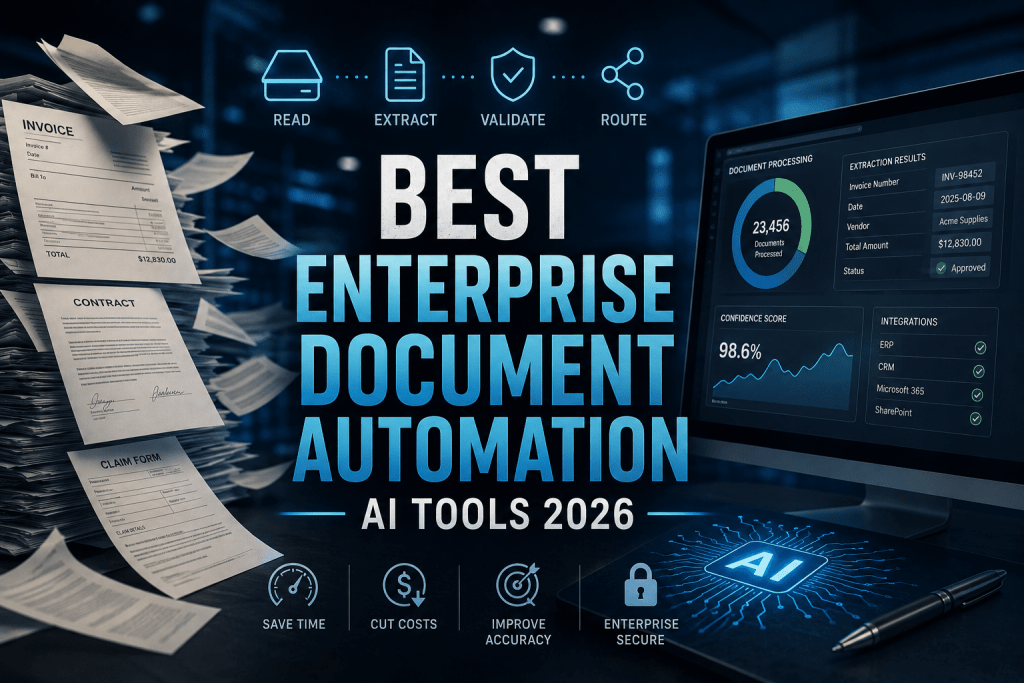
Unlike basic OCR, which just turns an image into text, enterprise IDP handles the full workflow:
-
Classify. Automatically identifies document types, invoice, contract, ID, claim, across mixed batches.
-
Extract. Pulls specific fields from structured, semi-structured, and unstructured documents, including handwriting.
-
Validate. Checks the data against rules and confidence thresholds, routing low-confidence items to a human reviewer.
-
Integrate. Pushes clean data into ERP, CRM, and content systems like SAP, Salesforce, and Microsoft 365.
The result is touchless processing for the bulk of documents, with humans reviewing only the exceptions, which is where the real time and cost savings come from.
The Best Enterprise Document Automation Platforms
1. ABBYY Vantage
Official website: abbyy.com
Platform: Cloud and on-premise IDP platform.
Features: ABBYY is a long-standing leader named in the Gartner Magic Quadrant, and Vantage is its AI-powered IDP platform. Its strength is a large library of pre-trained “skills” for common document types, so teams can process invoices, receipts, and IDs out of the box, with strong RPA connectors to feed data into automation workflows. It handles structured and unstructured documents and is built for enterprise scale.
Pricing:
|
Plan |
Price |
Notes |
|
Quote-based |
Contact sales |
Enterprise licensing, usage and volume tiers |
Public feedback: Widely respected for accuracy and its pre-trained skills library, though reviewers note the platform’s depth and pricing suit large organizations more than small teams.
-
Analyst-recognized leader with proven enterprise track record
-
Large library of pre-trained document skills
-
Strong RPA and workflow connectors
-
Handles structured and unstructured documents well
-
Premium, quote-based pricing aimed at enterprises
-
Full platform depth is overkill for small teams
2. Hyperscience
Official website: hyperscience.com
Platform: Enterprise IDP with human-in-the-loop workflow.
Features: Hyperscience focuses on high-accuracy extraction for industries where errors are expensive, insurance claims, healthcare records, financial services, and government. It pairs machine-learning extraction with a structured human-in-the-loop step: documents or fields below a confidence threshold route automatically to reviewers, whose interface shows the original alongside extracted fields for fast verification. It handles semi-structured and unstructured documents, including handwritten forms.
Pricing:
|
Plan |
Price |
Notes |
|
Quote-based |
Contact sales |
Enterprise pricing, implementation project required |
Public feedback: Praised for accuracy in high-stakes use cases and its efficient review workflow, with the main caveat being enterprise pricing and setup time.
-
Very high extraction accuracy for critical documents
-
Structured human-in-the-loop review built in
-
Handles handwriting and messy, unstructured forms
-
Strong fit for regulated industries
-
Enterprise pricing with a real implementation timeline
-
Accuracy-first design means less full automation out of the box
3. UiPath Document Understanding
Official website: uipath.com
Platform: IDP module within the UiPath RPA ecosystem.
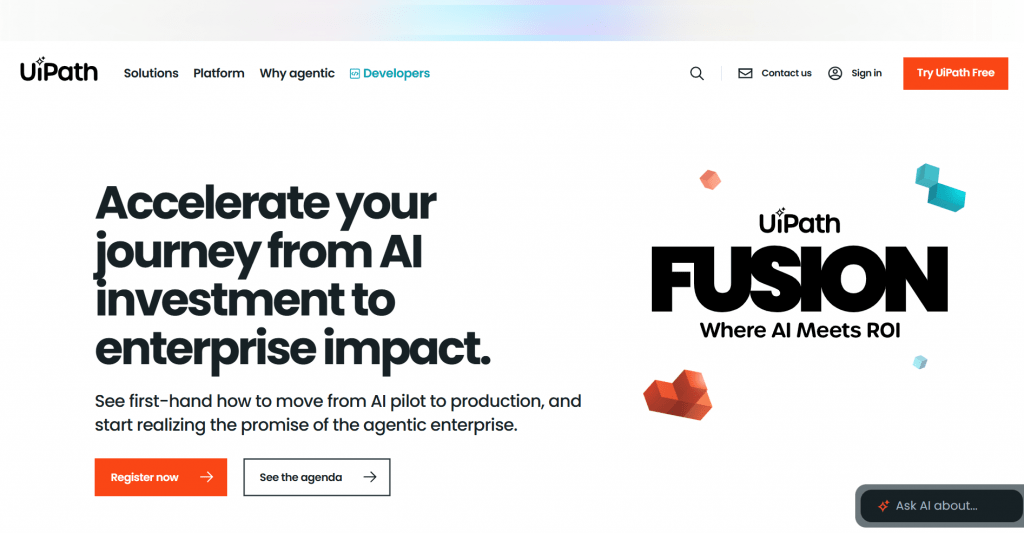
Features: UiPath integrates document processing into its broader robotic process automation suite. For organizations already standardized on UiPath, Document Understanding slots extraction directly into existing RPA workflows, so documents feed straight into bots that carry out downstream tasks. It is powerful, but it is a module of a larger platform rather than a standalone tool.
Pricing:
|
Plan |
Price |
Notes |
|
Quote-based |
Contact sales |
Priced within the UiPath platform, RPA licensing |
Public feedback: Valued by teams already on UiPath for seamless integration, though reviewers note it makes less sense for those not already invested in the RPA platform.
-
Seamless for organizations already running UiPath RPA
-
Documents feed directly into automated bot workflows
-
Backed by a major, analyst-recognized automation vendor
-
Scales across complex multi-step processes
-
A module, not a standalone product, so it needs the RPA platform
-
Significant infrastructure and technical expertise to run
4. Rossum
Official website: rossum.ai
Platform: Cloud-native IDP for transactional documents.
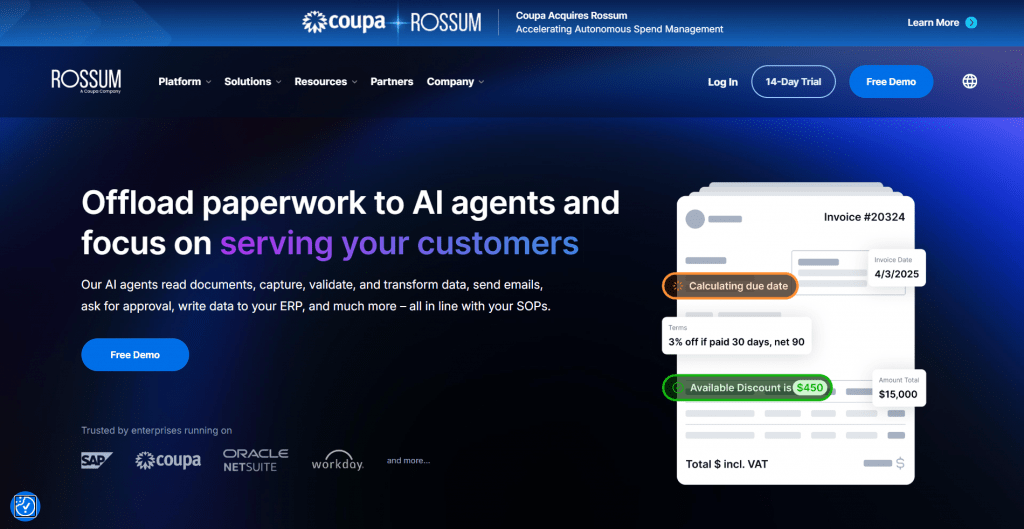
Features: Rossum is built around accounts payable and transactional documents like invoices and purchase orders. Its Aurora AI engine takes a template-free approach, so it can process invoices from new vendors without configuring a template first, a real advantage for AP teams receiving documents from hundreds of suppliers. It handles format variation well and is positioned as an AP automation solution above all.
Pricing:
|
Plan |
Price |
Notes |
|
Quote-based |
Contact sales |
Volume-based; ERP connectors are paid add-ons |
Public feedback: Strong reputation for invoice and logistics extraction and template-free onboarding, with the caveat that it is focused on financial documents rather than general-purpose IDP.
-
Template-free extraction handles new vendors automatically
-
Excellent for accounts payable and invoice processing
-
Cloud-native with a modern interface
-
Handles format variation across many suppliers
-
Focused on transactional documents, less so on other types
-
ERP connectors come as paid add-ons
5. Tungsten Automation (TotalAgility)
Official website: tungstenautomation.com
Platform: IDP plus full workflow orchestration (formerly Kofax).
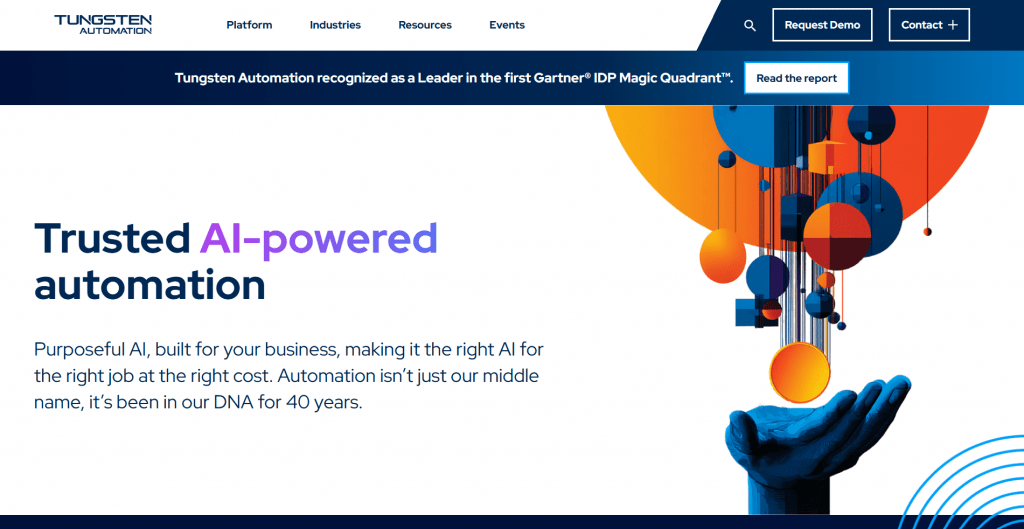
Features: Formerly Kofax, Tungsten is one of the oldest and largest capture vendors, serving 25,000+ enterprises including 8 of the top 10 global banks. TotalAgility pairs document capture with end-to-end workflow orchestration and 140+ pre-built connectors, and its generative-AI copilots speed up model creation. Its strength is breadth: it runs complex, multi-department document workflows end to end rather than stopping at extraction, and it reached FedRAMP High authorization in 2026.
Pricing:
|
Plan |
Price |
Notes |
|
Quote-based |
Contact sales |
Standard, Advanced, Enterprise tiers; multi-year contracts |
Public feedback: Respected for breadth and regulatory credentials in banking, insurance, and government, with longer deployment cycles noted as the trade-off.
-
End-to-end workflow orchestration, not just extraction
-
140+ connectors and deep enterprise integration
-
FedRAMP High authorized, strong for regulated sectors
-
AI copilots reduce configuration time
-
Quote-based pricing and longer deployment cycles
-
Breadth is more than lean teams need
6. Nanonets
Official website: nanonets.com
Platform: AI-first IDP with an API and pre-built models.
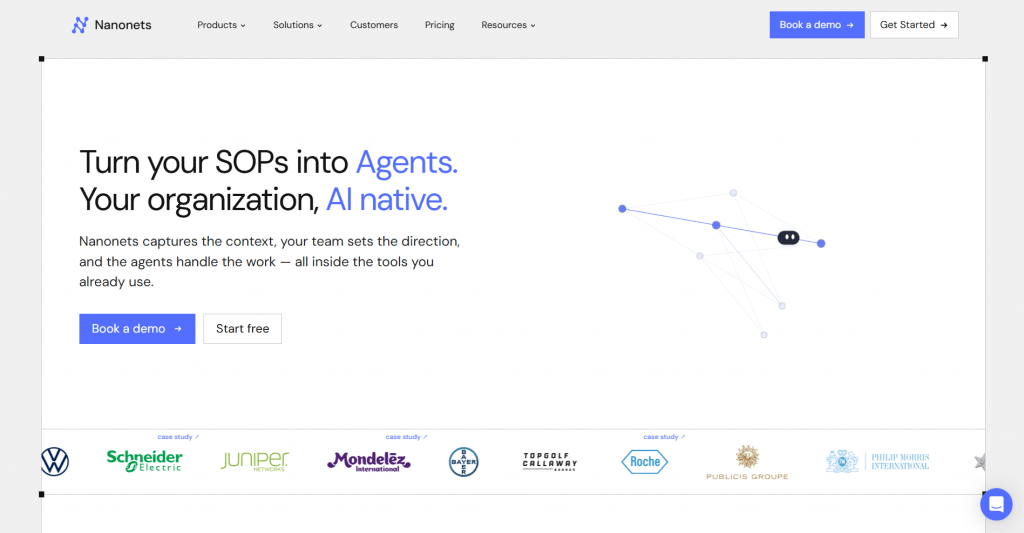
Features: Nanonets is the more accessible option on this list, an AI-first platform with an API, pre-built models, and a friendlier path to getting started than the heavyweight suites. It extracts data from invoices, receipts, and forms, supports custom model training, and integrates with common business tools, making it a fit for teams that want strong IDP without a months-long enterprise rollout.
Pricing:
|
Plan |
Price |
Notes |
|
Free trial |
$0 |
Test with limited volume |
|
Paid |
From a published per-model / per-page rate |
Scales with volume; enterprise plans quote-based |
Public feedback: Liked for faster setup and a developer-friendly API, with the trade-off that very large, complex enterprise workflows may still favor the established suites.
-
Faster, more accessible setup than heavyweight suites
-
API-first with pre-built and custom-trainable models
-
More transparent, published entry pricing
-
Good fit for mid-market teams and developers
-
Very large, complex workflows may still favor bigger suites
-
Advanced enterprise needs move to quote-based plans
Comparison Table
|
Platform |
Best for |
Pricing |
Standout |
|
ABBYY Vantage |
General enterprise IDP |
Quote-based |
Pre-trained skills library |
|
Hyperscience |
High-accuracy, regulated work |
Quote-based |
Human-in-the-loop accuracy |
|
UiPath Doc Understanding |
UiPath RPA users |
Quote-based |
RPA integration |
|
Rossum |
Accounts payable |
Quote-based |
Template-free invoices |
|
Tungsten TotalAgility |
End-to-end orchestration |
Quote-based |
Breadth and compliance |
|
Nanonets |
Faster, accessible IDP |
Free trial + paid |
API-first setup |
How to Choose the Right Platform
Matching the tool to your situation matters more than chasing AI branding:
-
Map your document types. Mostly invoices? Rossum or Nanonets. Diverse and messy? ABBYY or Hyperscience.
-
Check your existing stack. Already on UiPath RPA? Document Understanding is the natural fit.
-
Weigh accuracy versus automation. High-stakes documents favor Hyperscience’s human-in-the-loop; high volume favors touchless extraction.
-
Budget for implementation. Enterprise suites often need three to twelve months to configure, so the license is only part of the cost.
-
Confirm compliance. Regulated sectors should prioritize certifications like FedRAMP and SOC 2.
Conclusion
The best enterprise document automation platform is the one that fits your documents, your stack, and your compliance needs, not the one with the loudest AI marketing. ABBYY and Hyperscience lead on accuracy and analyst recognition, Rossum owns accounts payable, UiPath is the natural choice for RPA shops, Tungsten delivers end-to-end orchestration for regulated giants, and Nanonets offers a faster, more accessible on-ramp. Most are quote-based, so scope your document volume and integration needs first, then take the shortlist to demos. The right platform pays for itself in the manual hours it eliminates.
❓ Frequently Asked Questions
Answers to relevant questions about this AI tool