Best Tools for a Tome AI Export to PowerPoint
On this page
Exporting from specialized AI presentation generators to PPTX is rarely perfect. Yes, tools like Tome AI have firmly established their niche in the market; they are convenient and popular. But here is the problem: the final format for most business communications remains the old reliable Microsoft PowerPoint. How do you convert from one to the other without tedious layout shifts, font replacements, and restoring missing images? In this review, we will examine the best tools for a Tome AI export to PowerPoint — solutions that either solve the export problem or work natively within the Microsoft ecosystem, delivering a clean, editable file as the output.
How AI Helps Create Presentations and Where the Export Catch Lies
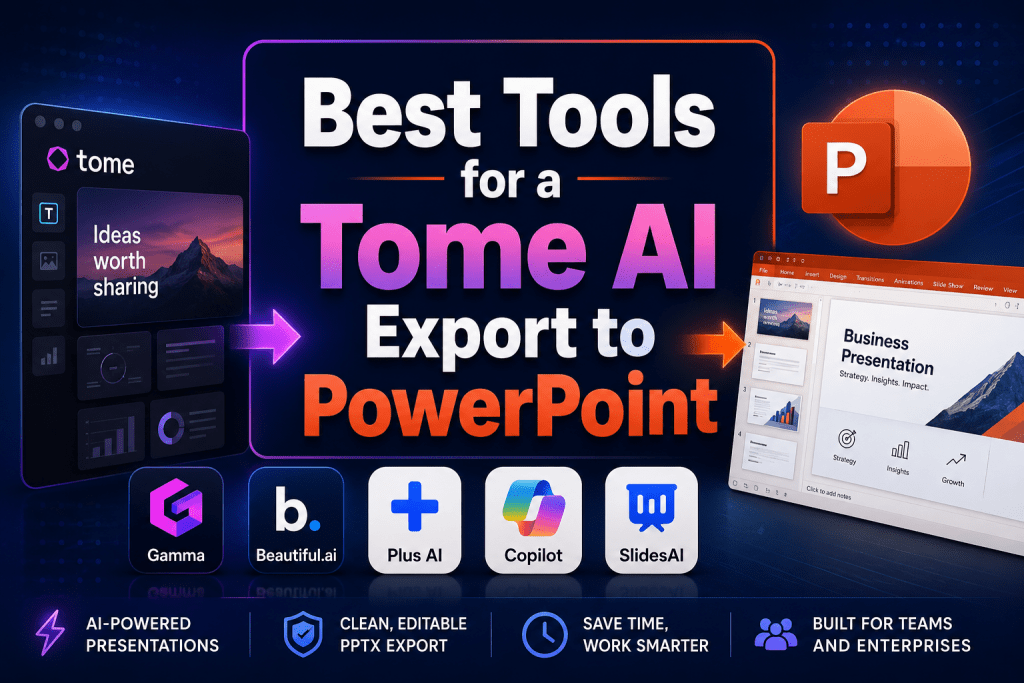
Tome AI has earned a solid reputation thanks to its approach to storytelling. The user enters a prompt or a link, and the neural network generates a visual web-based narrative using cards and scrolling. This is excellent for inspiration and public speaking. But for corporate reporting or a strict pitch deck, you need PPTX.
The problem is that most web-based tools export slides as PDFs or raster images embedded in PowerPoint. The result can be frustrating: loss of editable text, elements that “float” out of place, and incompatibility with corporate templates.
This is precisely where services with smart export capabilities or native add-ins come onto the stage, and we will discuss them next.
Top 5 Services for Exporting and Creating PowerPoint Presentations
In this selection, we have gathered five main tools, plus two honorable mentions for specific tasks. For each, we provide real features, prices, and honest pros and cons.
1. Gamma.app
Official website: gamma.app
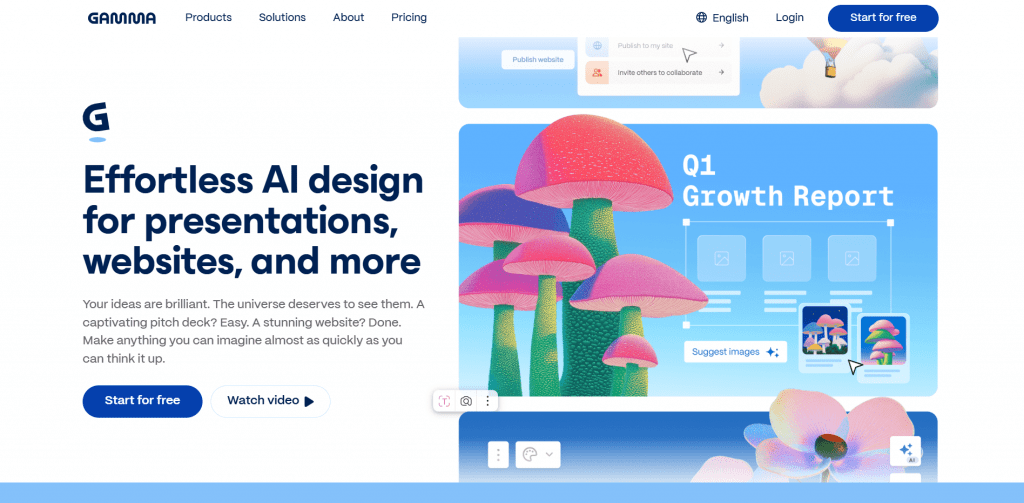
How it works: Generates a presentation, document, or web page from a text prompt, uploaded file, or URL. The AI builds the narrative and applies a modern design.
Features: Strong focus on readability and structure, collaboration capabilities, built-in AI editing. Exports to PPTX, PDF, PNG, and Google Slides. Users praise the speed and visuals for asynchronous sharing but often complain about the inevitable manual cleanup after exporting to PPT.
Pricing: Free (approximately 400 credits, enough for about 10 presentations), Plus — $8—10/month with annual billing, Pro — $18—20/month.
- Extremely fast generation of appealing slides.
- A very generous free tier for testing.
- Supports multiple export formats, including Google Slides.
- Export to PowerPoint almost always requires 15–45 minutes of rework.
- Original fonts and layouts may not align with corporate standards.
2. Beautiful.ai
Official website: beautiful.ai
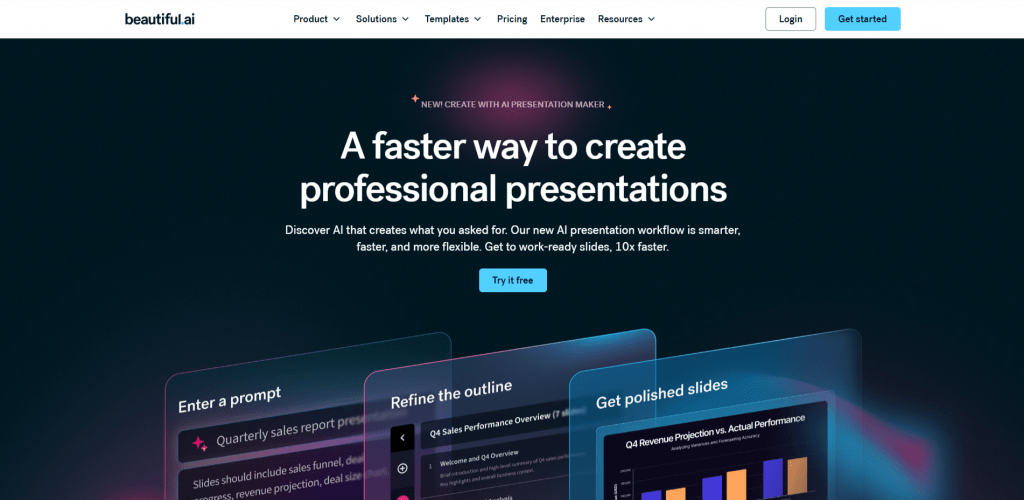
How it works: Uses “smart templates” where the AI automatically adjusts element placement to maintain a professional look. You simply fill the slides with content.
Features: Powerful brand kit functionality, export to editable PPTX and PDF. Includes a desktop player for offline work. Design and ease of use receive top marks from marketers, though the interface is sometimes called “buggy” and customization is viewed as limited.
Pricing: Pro from $12/user/month, higher for teams. A free trial is available.
- Guaranteed attractive slides without design skills.
- Export to PowerPoint retains editable elements.
- Easy brand consistency through themes.
- Design freedom is constrained by the logic of “smart templates.”
- Animations and some decorative elements may be lost when exporting to PPT.
3. Plus AI for PowerPoint
Official website: plusdocs.com
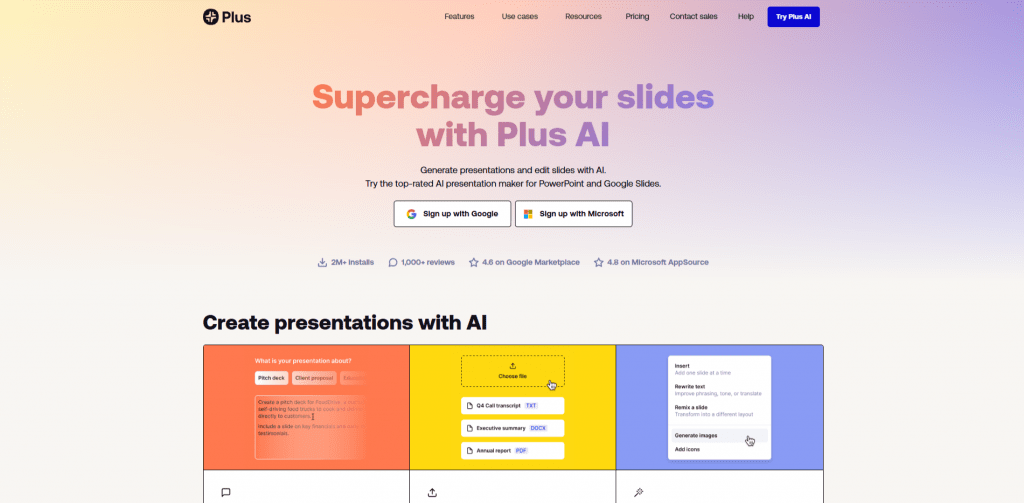
How it works: A native add-in for PowerPoint (and Google Slides). Generates slides from a prompt, reworks existing presentations, and turns documents into slides directly inside the application.
Features: Fully editable result without layout shifts, support for custom themes and corporate templates. Minimal cleanup after export. Consultants and enterprise users especially value the seamless integration and time saved on corrections.
Pricing: Basic $10/month (annual subscription), Pro $20/month, Team available upon request. 7-day free trial.
- Complete PowerPoint compatibility with no formatting loss.
- Excellent handling of branded templates and compliance.
- Saves hours of manual cleanup after each export.
- Built-in AI design can sometimes feel basic, requiring manual refinement.
- Strong dependence on the Microsoft ecosystem.
4. Microsoft Copilot for PowerPoint
Official website: microsoft.com (as part of Microsoft 365)
How it works: Native AI built directly into PowerPoint. Generates slides from a prompt, analyzes uploaded documents, creates notes and images.
Features: Full native integration, respect for corporate templates, security at the Microsoft 365 level. There is no export problem per se — you work directly in PPT. Popular in enterprise environments for its reliability and security. Users note the need for high-quality prompts and sometimes a “generic” output, but praise the seamless workflow.
Pricing: Included in the Microsoft 365 Copilot subscription from approximately $30/user/month (depends on the plan).
- No export needed — content is born directly in PowerPoint.
- Absolute security and compatibility with any template.
- A familiar interface with no need to learn a new tool.
- High cost for individual users and small businesses.
- Results may be less creative than those from specialized AI tools.
5. SlidesAI.io

Official website: slidesai.io
How it works: An add-in for Google Slides (with versions for PowerPoint). Converts text into slides with a choice of presentation type.
Features: A basic but functional generation mechanism. Suitable for quick drafts or simple educational materials. On Reddit and in discussions, users appreciate it for its low cost but generally agree that the result requires significant manual rework.
Pricing: From $10/month, with a limited free tier.
- Low price and the availability of a free tier.
- Simple integration through familiar Google Slides.
- Basic design that falls short of the review leaders.
- A large amount of manual editing required after generation.
Comparison Table of Services
|
Service |
Platform |
PPT Export |
Price (from, /mo) |
Best for |
Overall Rating |
|---|---|---|---|---|---|
|
Web |
PPTX (with issues) |
$8–10 |
Storytelling, async presentations |
★★★★☆ |
|
|
Beautiful.ai |
Web + add-in |
Editable PPTX |
$12 |
Marketing, strict branding |
★★★★☆ |
|
Plus AI |
PowerPoint add-in |
Native PPTX |
$10 |
Corporate users, consultants |
★★★★★ |
|
Microsoft Copilot |
Native PPT |
Native PPTX |
~$30 |
Enterprise, security |
★★★★☆ |
|
SlidesAI |
Google Slides |
Editable PPTX |
$10 |
Budget, simple tasks |
★★★☆☆ |
Other Honorable Mentions
Beyond the Top 5, a couple of additional tools deserve attention. They excel in specific scenarios — one prioritizes pristine PowerPoint fidelity, the other unmatched visual flexibility — though each comes with its own trade-off.
PPT.ai
Official website: ppt.ai
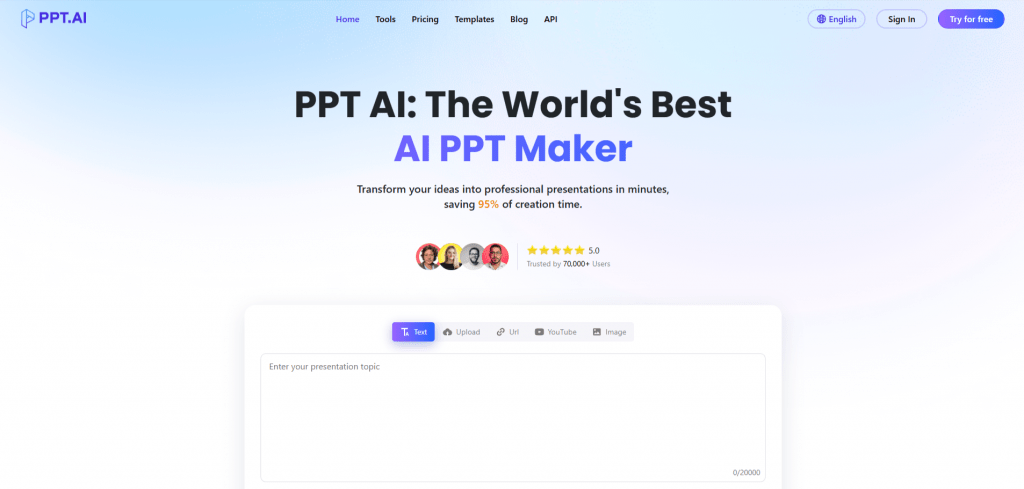
Who it is for: Those who prioritize a perfect PowerPoint export above all else. This service claims 100% design preservation and positions itself as an “AI Presentation Maker” focused on clean PPTX. Users note excellent export quality and a simple interface.
Pricing: Approximately $12/month (Pro).
Why not in the Top: Less well known, and the design can sometimes feel less premium than Beautiful.ai or Gamma.
Canva Magic Design
Official website: canva.com
Who it is for: Marketers and designers who need maximum visual polish and the Canva ecosystem. The most flexible and beautiful design among all tools. Generates presentations from prompts and has a vast template library.
Pricing: Canva Pro from $15/month.
Why not in the Top: PowerPoint export is the most problematic on this list, almost always requiring a full rebuild.
Conclusion
If your goal is to transfer ideas from Tome AI to corporate PowerPoint without headaches, the best path is to abandon intermediate conversions. Tools with native support, such as Plus AI or Microsoft Copilot, provide seamless integration and zero cleanup. For creative tasks where the presentation will live primarily on the web, Gamma and Beautiful.ai remain excellent choices, but be prepared for light adjustments after export.
In 2026, the market is clearly shifting toward minimizing manual work. Start with free trials, test on your typical slide, and choose the tool that does not create new work but solves your specific problem.
❓ Frequently Asked Questions
Answers to relevant questions about this AI tool