Best Bonzi Buddy Voice Generators: Nostalgic Memes
On this page
Few sounds trigger early-internet nostalgia like the voice of Bonzi Buddy, the purple gorilla desktop assistant that talked, joked, and sang its way across turn-of-the-millennium PCs. The software is long gone, but its distinctive robotic voice lives on in memes, retro videos, and animations. A Bonzi Buddy voice generator lets you recreate that sound from any text you type. This guide rounds up the best tools, from the ones that produce the authentic voice to modern AI versions, and the settings that make them sound right.
The Secret Behind the Bonzi Buddy Voice
Here is the detail most guides miss: the classic Bonzi Buddy voice was not custom-made. It was Microsoft’s SAPI 4 text-to-speech engine using the “Adult Male #2” voice (also called TruVoice), the same 1998-era technology behind the Microsoft Sam era of computer speech. That is why the most authentic recreations come from SAPI4-based tools rather than modern AI, and why nailing the sound is really about the right pitch and speed settings.
The commonly cited settings to recreate it: pitch around 115 and speed around 185 on a SAM-style generator gives the brighter, faster, more theatrical Bonzi delivery, distinct from a plain, slower Microsoft Sam read. Modern AI tools take a different route, offering a cleaner “inspired by” version rather than the exact retro artifact.
The Best Bonzi Buddy Voice Generators
1. TETYYS SAPI4 Generator
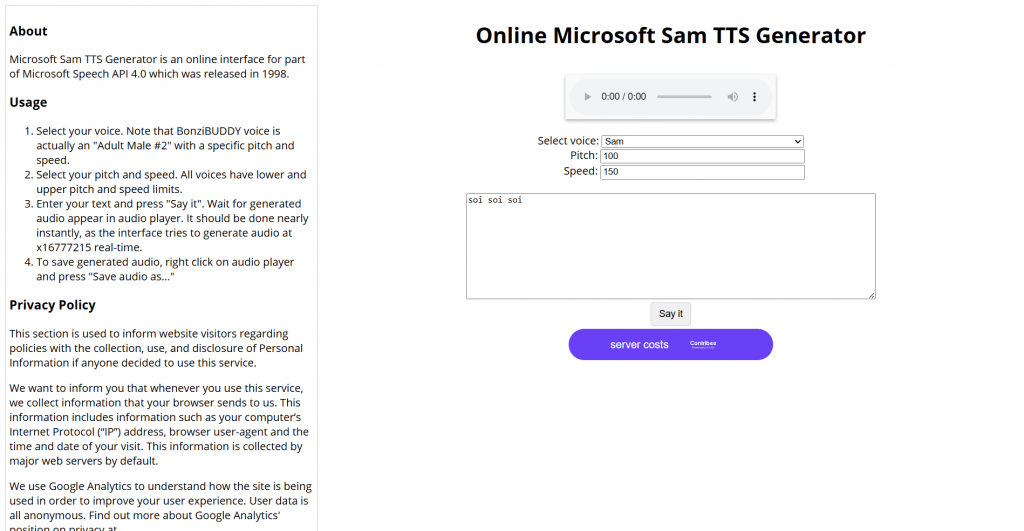
Official website: tetyys.com/SAPI4
Platform: Free browser-based SAPI4 generator.
Features: This is the tool enthusiasts consider the most authentic, an online interface for Microsoft Speech API 4.0, the actual engine behind the original. You select the “Adult Male #2” voice, set pitch and speed, type your text, and it generates near-instantly. Because it uses the genuine SAPI4 voice rather than an imitation, the output is as close to real Bonzi as you can get online.
Pricing:
|
Plan |
Price |
Key features |
|
Free |
$0 |
Full SAPI4 voices, pitch and speed control, no signup |
Public feedback: Widely regarded by retro-TTS fans as the definitive source for the real voice, though the interface is bare-bones and utilitarian.
- Uses the genuine SAPI4 engine for authentic output
- Completely free with no signup
- Full pitch and speed control to dial in the sound
- Generates almost instantly
- Bare-bones, dated interface
- No modern features like timelines or editing
2. SamTTS.com Bonzi Buddy Voice
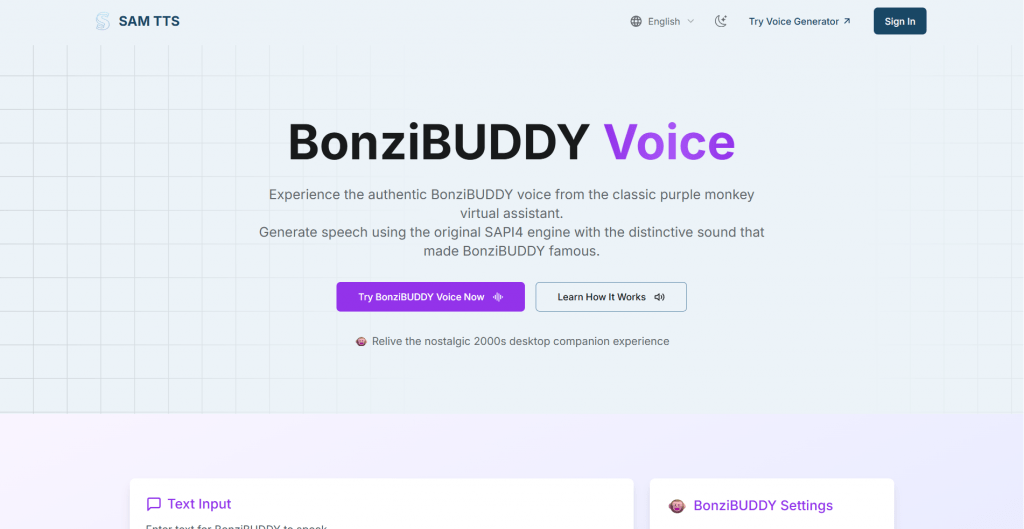
Official website: samtts.com/bonzi-buddy-voice
Platform: Free web-based SAPI4-style generator.
Features: A cleaner, purpose-built page for the Bonzi voice, built on the same SAPI4 foundation. It ships with the classic settings preset (the site cites defaults around pitch 50 and speed 150, adjustable), lets you preview instantly, and downloads a WAV file ready for a video editor. It is the friendly, modern wrapper around the authentic engine.
Pricing:
|
Plan |
Price |
Key features |
|
Free |
$0 |
Preset Bonzi voice, pitch and speed sliders, WAV download |
Public feedback: Praised for pairing authentic SAPI4 sound with an easy interface and one-click WAV export, ideal for meme creators.
- Authentic SAPI4 sound in a modern, simple interface
- Clean WAV download for editing
- Adjustable pitch and speed with a starting preset
- Free with no install
- Focused only on the retro voice, no AI options
- Commercial use requires checking Microsoft licensing
3. FakeYou
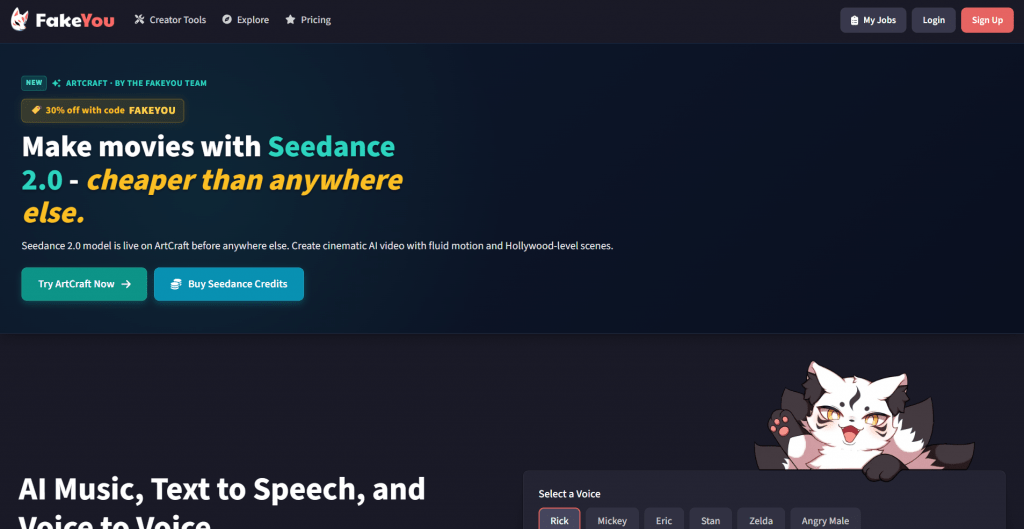
Official website: fakeyou.com
Platform: Community-driven meme voice platform.
Features: FakeYou is the go-to for meme and character voices, with a community library that includes several Bonzi-inspired models, from more robotic takes to smoother AI-enhanced ones. You type text, pick a Bonzi model, preview, and download. The variety is the draw: you can find different flavors of the voice depending on the effect you want.
Pricing:
|
Plan |
Price |
Key features |
|
Free |
$0 |
Community voices, queue-based generation |
|
Paid |
From about $7/mo |
Faster generation, skip the queue |
Public feedback: Loved for its huge library and variety, with the main complaint being wait times on the free tier during busy periods.
- Multiple Bonzi-inspired voice variations to choose from
- Free to use with a large community library
- Simple type-preview-download workflow
- Regularly updated with new models
- Free generations wait in a queue
- Community model quality varies
4. TopMediai Text to Speech

Official website: topmediai.com
Platform: Web-based AI TTS with 3,200+ voices.
Features: A modern AI TTS platform that produces a cleaner, “inspired by” Bonzi sound via pitch, speed, and tone adjustment rather than the raw SAPI4 artifact. With a large voice library and multi-language support, it suits creators who want the nostalgic vibe in higher audio quality for longer videos or narration.
Pricing:
|
Plan |
Price |
Key features |
|
Free |
$0 |
Limited free generation |
|
Paid |
Subscription |
Full library, higher limits, downloads |
Public feedback: Valued for clean, natural audio and an easy interface, though purists note it is a modernized take rather than the exact original voice.
- Cleaner, higher-quality modern audio
- Adjustable pitch, speed, and tone
- Large voice library and language support
- Simple web interface, no install
- An “inspired by” version, not the authentic SAPI4 voice
- Full features and downloads need a subscription
5. Vidnoz AI

Official website: vidnoz.com
Platform: Free online AI voice and video tool.
Features: Vidnoz pairs a free AI voice generator with video tools, so you can create a Bonzi-style TTS clip and drop it straight into a meme video. It offers many free voice models and no install, making it convenient for creators who want voice and video in one place rather than exporting between tools.
Pricing:
|
Plan |
Price |
Key features |
|
Free |
$0 |
Free voice models, basic video tools |
|
Paid |
Subscription |
More voices, longer exports, extra features |
Public feedback: Appreciated for combining voice and video in one free workflow, with the caveat that its Bonzi sound is a modern approximation.
- Voice and video creation in one tool
- Free models with no installation
- Convenient for making full meme videos
- Beginner-friendly interface
- Approximates rather than replicates the original voice
- Longer exports and extras are paywalled
Comparison Table
|
Tool |
Type |
Free |
Authentic SAPI4 |
Best for |
|
TETYYS SAPI4 |
Retro engine |
Yes |
Yes |
The most authentic voice |
|
SamTTS.com |
Retro engine |
Yes |
Yes |
Authentic sound, easy export |
|
FakeYou |
Community AI |
Yes |
No |
Variations and meme voices |
|
TopMediai |
Modern AI |
Free + paid |
No |
Cleaner, higher-quality audio |
|
Vidnoz AI |
AI + video |
Free + paid |
No |
Full meme videos |
How to Nail the Bonzi Sound
Getting the classic effect is mostly about settings:
- Start with a SAPI4 tool if you want the authentic voice, using the “Adult Male #2” voice.
- Raise the pitch and speed. The Bonzi delivery is higher and faster than default Microsoft Sam; try pitch around 115 and speed around 185, then adjust in small steps.
- Keep sentences short and helper-style. The voice shines on quirky, assistant-like one-liners, just as the original did.
- Export a WAV and drop it into your video editor for memes or retro-style content.
Conclusion
The Bonzi Buddy software may be a relic, but its voice is easier to recreate now than ever. For the authentic article, a SAPI4 tool like TETYYS or SamTTS.com gives you the genuine “Adult Male #2” voice with full control over pitch and speed. For a cleaner, modernized take, AI platforms like TopMediai and Vidnoz produce a smoother “inspired by” version, and FakeYou sits in between with community variations. All are free to start, so pick based on whether you want pure nostalgia or polished audio, dial in the pitch and speed, and bring the purple gorilla back to life.
Sources
-
Online Microsoft Sam TTS Generator (TETYYS) — tetyys.com
-
Bonzi Buddy Voice — SAM TTS — samtts.com
-
BonziBUDDY AI TTS Models — FakeYou — fakeyou.com
-
Bonzi Buddy Voice: From TTS Classic to AI Memes — TopMediai — topmediai.com
❓ Frequently Asked Questions
Answers to relevant questions about this AI tool