

The Best Text to CAD AI Tools of 2026
On this page
Imagine describing in words “a bracket with two mounting holes and a stiffening rib,” and within a minute receiving a ready-made 3D model in STEP format. Not long ago this seemed like science fiction; today it is reality. The market for text-to-CAD technology AI tools has reached maturity in 2026, dividing into several distinct camps. Some services excel at rapid prototyping for 3D printing, others integrate into serious engineering workflows, and still others help not to create a part from scratch but to find an existing one among thousands.
In this review, we will break down what hides behind impressive demonstrations, where real business value lies, and what remains merely a toy, and we will compile a ranking of the best text-to-CAD AI solutions of 2026.
What Is Text-to-CAD and How AI Is Changing Design
Text-to-CAD is a technology that uses large language models and specialized neural networks to generate 3D geometry from natural language text descriptions. The user enters a prompt like “cylinder 20 mm in diameter, 50 mm long, with a hexagonal flange,” and algorithms analyze the request to create a B-Rep (Boundary Representation) solid model or a polygonal mesh.
The key distinction to understand in 2026 is the approach to generation.
- Some tools (such as Zoo) generate a polygonal mesh. This is fast and visually appealing, but such a file cannot be edited with traditional CAD tools — you cannot change a hole diameter or a fillet radius.
- Others (AdamCAD, Spectral Labs) attempt to generate parametric code (scripts) or native B-Rep solid models, which can then be loaded into SolidWorks or Fusion 360 for refinement.
- A third group, represented by Leo AI, has taken a different path: they focus not on creation “from scratch” but on assisting the engineer at every stage — from searching for analogs in PDM systems to checking drawings for compliance with standards.
Who Needs This and Why
The technology does not replace the engineer but can eliminate unproductive time expenditure. The primary purpose of such services is rapid concept modeling. Instead of spending hours drafting in CAD, the designer receives a “blank” in a matter of minutes.
- Mechanical engineers — for generating simple parts (flanges, covers, housings) and testing concepts.
- Product designers and startups — for rapid iteration of ideas and client demonstrations.
- 3D printer users and makers — for creating models from descriptions without advanced CAD skills.
- Engineering students — for learning design fundamentals through text-based assignments.
AI performs best on simple mechanical parts. Complex assemblies, draft angles, and refined ergonomics should still be addressed to professional CAD systems.
Top Text-to-CAD AI Services of 2026
We have selected four tools that we believe represent the best choices in the current market: from affordable cloud services to heavy enterprise software.
1. Zoo Text-to-CAD
Official website: zoo.dev
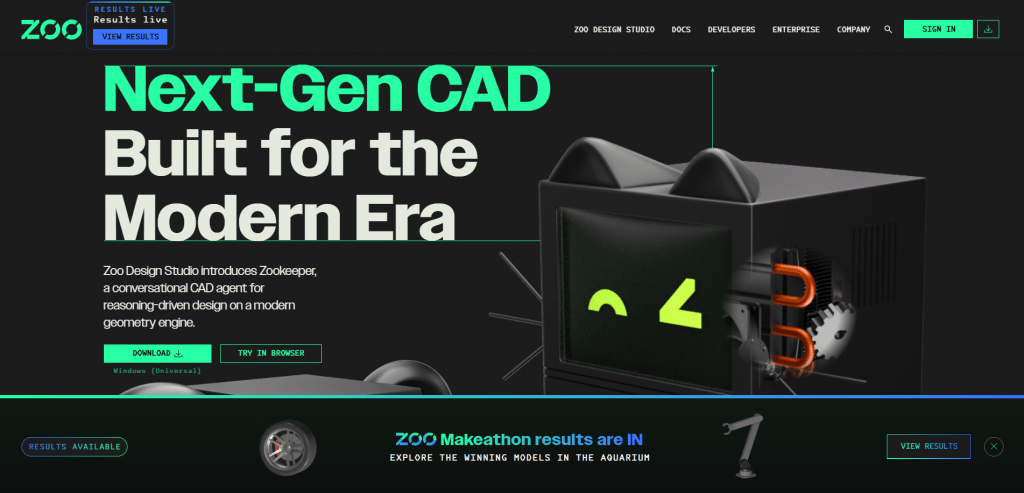
Zoo is one of the most prominent players in the field, evolving from the open-source KittyCAD ecosystem. Its approach involves training models directly on mechanical geometry. The service is well suited for generating simple mechanical parts: brackets, flanges, gears.
You enter a precise prompt with dimensions (for example, “Make a 10cm diameter helical gear with 20 teeth, 5mm thick”), and Zoo generates a model. A key feature is support for STEP export, allowing you to transfer the model to any professional CAD for further refinement. Zoo also offers parametric sliders for adjusting dimensions after generation and Zookeeper mode — a conversational AI interface for refining the model.
Pricing: Free tier includes 40 minutes per month. Thereafter, per-minute billing: $0.50 per minute.
User reviews and ratings: Users on platforms such as Software Advice praise Zoo for export accuracy and speed on simple tasks. Engineers criticize its weakness on complex multi-body assemblies. Engineering rating ~3/5.
- Accurate STEP export compatible with professional CAD software.
- Parametric sliders for quick dimension adjustments.
- Fast generation of simple mechanical parts and prototypes.
- Poor performance on complex and organic geometry.
- Output model is often a mesh rather than a native solid body.
- Requires precise, detailed prompts for quality results.
2. AdamCAD

Official website: adam.ai
AdamCAD positions itself as a tool with two modes: Parametric (for technical parts) and Creative (for stylized concepts). Unlike Zoo, Adam frequently uses a script generation approach (CadQuery/OpenSCAD), which makes the model inherently parametric. Users note it as the best price-to-performance balance in 2026.
The service generates code, which is then interpreted into a 3D model. This means you can not only download an STL but also obtain an SCAD file for OpenSCAD or edit the parameters directly in code. AdamCAD is also known for its user-friendly web interface and collaboration features.
Pricing: Standard: $9.99/month (100 generations per week). Pro: $29.99/month (unlimited). Free trial available.
User reviews and ratings: On Reddit and in Designrush reviews, users highly rate AdamCAD for speed and intuitiveness. It receives particular praise from 3D printing enthusiasts and students. A drawback is that for complex production, the model still requires finishing in professional CAD. Rating ~4.5/5.
- Very affordable price with good functionality.
- Flexible modes for technical and creative design.
- Parametric output (SCAD) for deep editing.
- Creative mode is not always print-ready without refinement.
- Requires basic CAD knowledge to optimize results.
- Does not replace SolidWorks for complex projects.
3. Leo AI

Official website: getleo.ai
Leo AI is not merely a “generator from text” but a full-fledged AI copilot for engineers (Engineering Copilot). It is built on a proprietary Large Mechanical Model (LMM) that understands B-rep geometry and engineering standards. While Zoo and Adam are good for getting started, Leo helps solve professional tasks without reinventing the wheel.
How does it work? Leo integrates with your PDM/PLM systems (SolidWorks PDM, Autodesk Vault, Teamcenter) and allows you to search for parts using text descriptions (“find a flange with 8 mm mounting holes”). If the part does not exist, Leo can generate a concept or perform calculations (topology optimization, strength analysis). The service also checks your models for compliance with DFMA standards and identifies errors.
Pricing: Professional: from $49/month (or $15/month for the basic Q&A plan). Enterprise: upon request. 7-day trial available.
User reviews and ratings: R&D engineers at large companies highly value Leo for time savings on assemblies and part searches. For small startups, it may be overkill and expensive. Production environment rating ~4.5/5.
- Deep engineering capabilities (calculations, standards).
- Integration with existing PDM/PLM and CAD systems.
- Patented technology for geometry search by text and by example.
- Significantly more expensive for individual use.
- Less focus on pure creative generation “from scratch.”
- Requires integration time into corporate workflow.
4. CADGPT by YesChat
Official website: dev.yeschat-ai.pages.dev
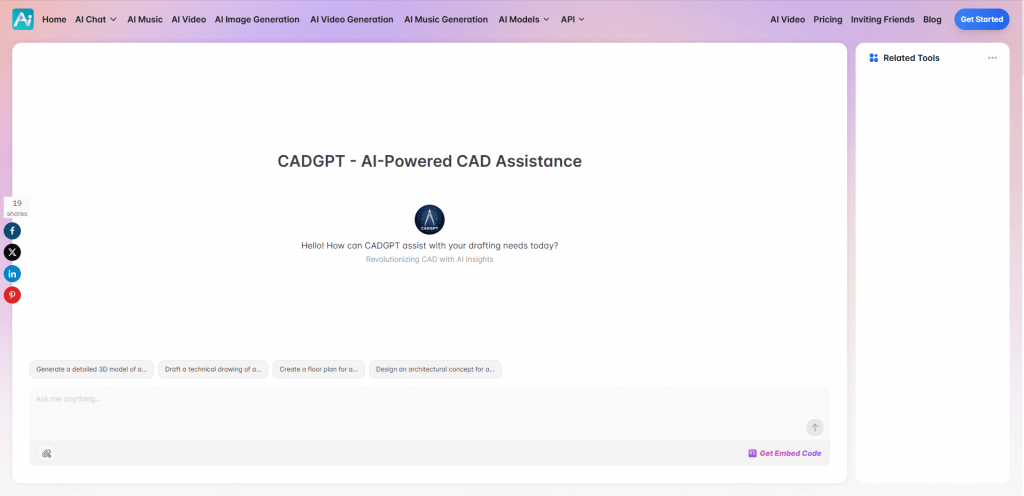
CADGPT is a lightweight and inexpensive tool for those who prefer working with code. Instead of a visual 3D editor, it generates scripts (AutoLISP, Python for CAD, DXF code) based on a text description.
You describe what needs to be drawn, and you receive code. This code can then be executed in AutoCAD, BricsCAD, or another scriptable CAD environment to view the drawing. This is an ideal solution for automating routine drafting tasks and for those accustomed to text-based geometry description.
Pricing: Pro: from %8/month. Ultra: $16/month. Unlimited: ~$40/month. Free tier with limitations available.
User reviews and ratings: Users on forums note excellent logic and geometry understanding but criticize the lack of direct visual preview and unreliable file export. Rating for scripters ~3.5/5.
- Very low entry barrier and price.
- Generation of clean, logical script code.
- Ideal for automating drawings and routine tasks.
- No built-in 3D viewer (requires separate CAD for viewing).
- Manual import and code execution complicate the workflow.
- Testing revealed issues with direct file downloads.
Comparative Table of Text-to-CAD AI Tools 2026
|
Tool |
Best for |
Export |
Parametric |
Rating |
Platform |
|---|---|---|---|---|---|
|
AdamCAD |
Price/performance balance |
STL, SCAD, DXF |
Yes (via code) |
★★★★★ |
Web |
|
Leo AI |
Complex assemblies, part search |
CAD formats, integration |
High |
★★★★☆ |
Web / Integrations |
|
Zoo |
Simple mechanical prototyping |
STEP, STL, FBX |
Yes (sliders) |
★★★☆☆ |
Web + Desktop |
|
CADGPT |
Script generation and automation |
DXF, AutoLISP, Python |
Via code |
★★★☆☆ |
Browser |
Conclusion
Text-to-CAD tools in 2026 are a fully functional “universal wrench” for accelerating early-stage design. If you seek the best price-to-performance ratio for most tasks, AdamCAD appears the preferable choice. If native STEP export for professional environments is critical, Zoo is best. If your work involves serious mechanical engineering, assemblies, and standards, consider Leo AI despite its higher cost.
None of these tools will replace SolidWorks or Fusion 360, but they can reduce iteration time by 50-90% for simple tasks. Start with free tiers and test the services on your own problems. In our view, the ideal result comes from a hybrid workflow: AI for idea generation and drafts, followed by a human with traditional CAD for final tuning.
❓ Frequently Asked Questions
Answers to relevant questions about this AI tool



That’s a really interesting overview. It seems like the key will be knowing when to lean on the AI and when to bring in a CAD specialist’s knowledge – a good balance is definitely needed.