Top AI Tools to Turn Normal English into Fancy Prose
On this page
In the world of self-publishing and content marketing, an unwritten rule has long taken hold: text must not merely inform—it must captivate. Dry, bland language loses the audience’s attention. Simple “plain English” is giving way to fancy prose—a style rich in vocabulary, metaphors, and rhythm.
The market has responded with highly specialized AI tools. These do not fix spelling; they rethink sentence structure, add imagery and emotional depth, while preserving the original meaning. This is not magic, but the work of large language models (LLMs) fine-tuned on corpora of literary fiction and high-end non-fiction.
Such tools are especially sought after by novelists (to overcome writer’s block), premium brand marketers, and non-native authors who want to sound sophisticated without decades of language practice. Below are the six best services of 2025–2026.
1. Sudowrite — The Leader for Literary Fiction
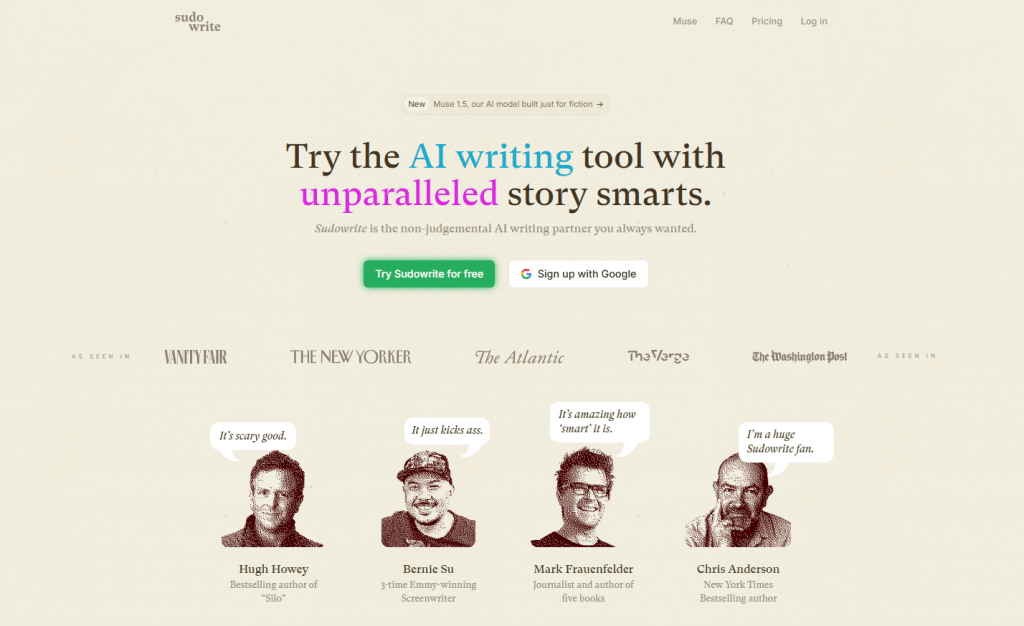
Official website: sudowrite.com
An instrument built specifically for fiction writing. At its core lies the proprietary Muse model, trained on published novels. Sudowrite does not just paraphrase — it understands scenes, dialogue, and dramaturgy.
How it works. You paste a rough draft of a scene and choose a mode: Rewrite (polishing), Describe (adding sensory details), or Expand (expanding an idea). The AI generates three to four versions of refined prose that you can mix and match. The built-in Story Bible stores data about characters and world-building.
Features. Deep narrative understanding. The Guided Write function helps you write a chapter step by step. Canvas for visualizing plot structure.
User reviews and ratings. On Kindlepreneur forums, novelists give it 9/10 for the “human-like” quality of its literary style. They praise its contextual awareness but criticize the credit system — generations quickly eat through the budget. Trustpilot rating: 4.6.
- Platforms. Web application, integrations with Google Docs and Scrivener (via plugins).
- Pricing. Hobby/Student — $10—19/month (225k credits), Professional — $22—29/month (1M credits), Max — $44—59/month (2M credits + rollover). Five-day free trial.
- Best-on-market model for literary prose with subtle stylistic taste.
- Specialized tools for sensory description and scene expansion.
- Credit system drains the budget during intensive novel writing.
- Fiction-only focus; overkill for business correspondence.
2. Claude AI — The Gold Standard of Natural Elegance
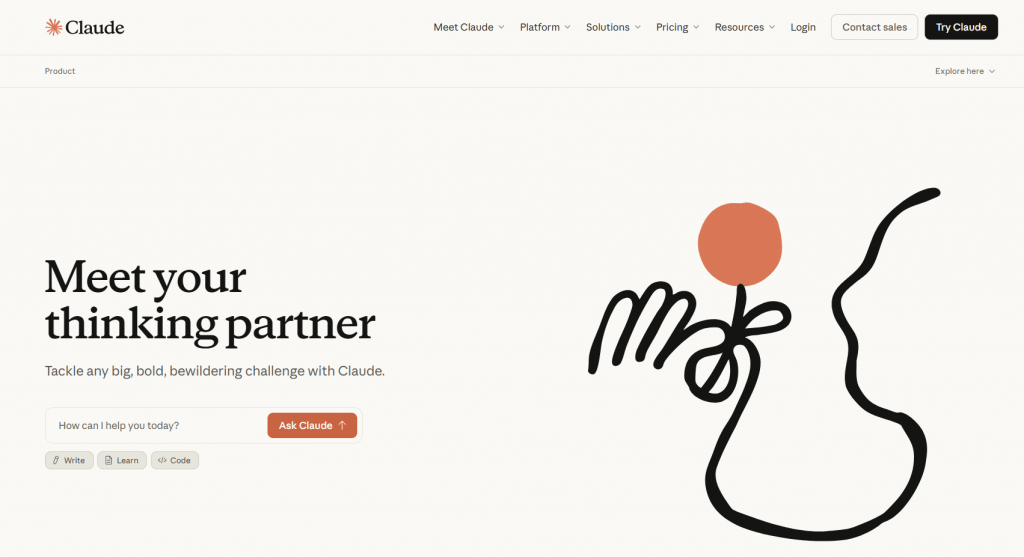
Official website: claude.ai
Many Western authors call Claude the best for creative writing. It produces prose with emotional depth and graceful turns of phrase that do not smell of “AI aroma.” It is especially strong at rendering internal monologue.
How it works. Unlike Sudowrite, Claude has no dedicated “make it beautiful” button. You write a prompt: “Rewrite this in a literary, evocative style like Donna Tartt.” The model analyzes the full context (up to 200k tokens — an entire novel) and outputs a polished version.
Features. Artifacts for highlighting key passages. Ethical data-use policy. Excellent reasoning for selecting the desired tone.
User reviews. On Reddit (r/writing), users praise Claude for its “living rhythm” and lack of formulaic output. Writers note that its prose requires less manual editing than GPT-4’s. Rating among writers: 9.3.
- Platforms. Web, API, mobile app (iOS/Android). Projects feature for organizing texts.
- Pricing. Free plan with strict limits. Pro — $20/month ($17/month billed annually). Max — $100+ for teams.
- Very high quality of literary English with a natural flow.
- Massive 200k-token context for working with long forms.
- No specialized fiction tools (character sheets, etc.).
- Even on paid Pro, limits are often reached with active use.
3. Grammarly (with AI Features) — The Everyday Polisher
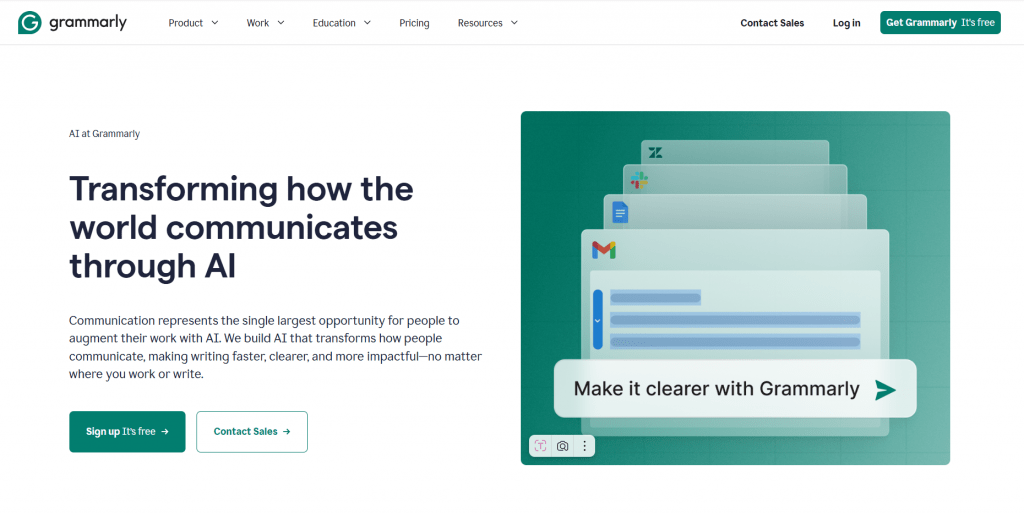
Official website: grammarly.com
This is not a creative writer, but a strict and knowledgeable editor. Grammarly turns dry technical text into clear + sophisticated prose. It is ideal for business correspondence and blogs where clarity and a light veil of elegance matter.
How it works. You write in any field (browser, Word, Google Docs). The AI underlines in gray the spots where style can be improved. You click — you get two to three rewriting options, each flagged by tone (confident, elegant, formal).
Features. Generative AI via prompts (2,000 requests per month on Pro). Plagiarism check. Engagement and clarity scores.
User reviews. Marketers value its reliability. On Capterra, rating 4.7. Yet writers complain that Grammarly’s suggestions make prose “correct but bland” — lacking poetic daring.
- Platforms. Browser extension, desktop app, MS Office and Google Docs integrations. Mobile keyboard.
- Pricing. Free (basic). Pro — $12/month (billed annually) or $30 monthly (2,000 AI prompts). Enterprise — custom.
- Accessibility and integration into any program where you write.
- All-in-one approach: grammar + style + tone.
- Less creative with literary flourishes than Claude or Sudowrite.
- Geared toward clarity and professionalism, not artistic expressiveness.
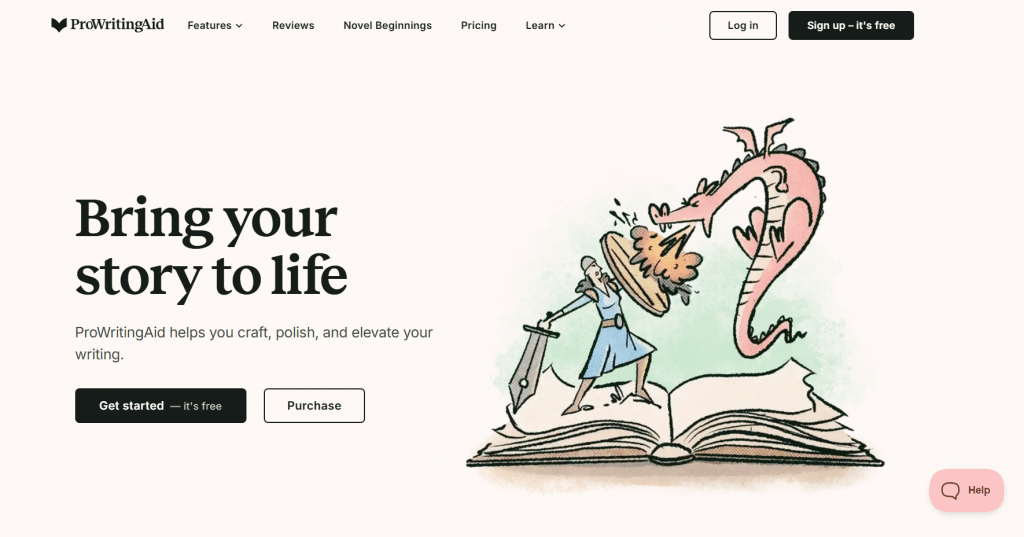
4. ProWritingAid — The Stylistics Professor
Official website: prowritingaid.com
If Sudowrite is an artist and Grammarly a proofreader, then ProWritingAid is a philology professor. It does not just fix — it explains in detail why a phrase is weak. Well suited for non-fiction and serious prose.
How it works. Upload your text (up to 10,000 characters on the free plan). Choose from 20+ reports: Style (filler words), Pacing (reading speed), Dialogue (naturalness of speech). The AI Sparks function rewrites a passage, adding analogies or sensory details.
Features. Focus on teaching the writer. A “Report on Consistency” checks whether a character’s eye color changed by the middle of the novel.
User reviews. On the Goodreads Authors group, users praise ProWritingAid for not altering the unique voice but merely trimming rough edges. Rating 4.5. The downside — the interface is crowded; beginners get lost in the reports.
- Platforms. Web editor, desktop app (Windows/Mac), plugins for Google Docs, Word, Scrivener.
- Pricing. Free (limited). Premium — $30/month or $399 lifetime (includes plagiarism check).
- Deep analysis of structure and pacing, useful for learning.
- Excellent preservation of author voice when rewriting.
- More oriented toward analysis and editing than generation from scratch.
- Steep learning curve due to the abundance of tools and reports.
5. Wordtune — The Stylistic Swiss Army Knife for Content

Official website: wordtune.com
Wordtune was originally built for marketers and copywriters who need to quickly change the tone and style of finished texts. It does not claim to be a literary genius, but in tasks of “make this phrase more elegant,” it has no equal in speed.
How it works. Paste a sentence or paragraph, highlight it, click the rewrite button. The AI offers five to ten options. Choose a mode: Casual (for blogs), Formal (for reports), Creative (adds metaphors and unexpected turns), Shorten/Expand (compress or flesh out text). There is also the Spices feature — automatically inserts an example, joke, or statistic into the text based on context.
Features. Understands author intent well: you can rewrite a sentence in a more confident tone or, conversely, soften it. Does not confuse “fancy” with “grandiose” — the result remains natural. Supports 15+ languages, including English with its regional variants (US/UK).
User reviews and ratings. On G2, rating 4.4 out of 5 (1,800+ reviews). Marketers praise the time savings when adapting one text for different channels (email, LinkedIn, landing page). A drawback — on longer passages (more than three to four sentences), it begins to lose logic and generates incoherent options.
- Platforms. Web application, browser extension (Chrome, Edge), Google Docs integration. Mobile app for iOS and Android.
- Pricing. Free — 10 rewrites per day, 3 Spices requests. Premium — $13.99/month (monthly), up to 300 generations per day.Business—from $24/user monthly.
- Exceptional speed in generating options for targeted phrase improvement.
- Spices mode adds vivid examples and facts, making text more engaging.
- Useless for working on entire chapters or long articles.
- “Creative” mode often produces overdramatic, theatrical turns of phrase.
6. QuillBot — The Predictable Rephraser with Style Modes

Official website: quillbot.com
QuillBot is older and more popular than Wordtune, but its approach is more conservative. It is primarily a technical tool for students and academic writers who need to elegantly paraphrase a quotation or meet text uniqueness requirements.
How it works. Paste your text (up to 10,000 characters on premium). Choose one of eight modes: Standard (neutral), Fluency (fixes awkward phrasing), Formal, Creative, Expand, Shorten, Smooth (maximally fluid), Simple. Adjust the “synonymy” slider — the higher the setting, the more replacements are made. The AI generates one target version, not a batch.
Features. There is a Compare Modes feature. Supports French, German, Spanish — though quality on those is noticeably lower. Does not require registration for basic use. History of all rewrites is saved in your account.
User reviews and ratings. On Trustpilot, rating 4.5 (25,000+ reviews). Students like it for its predictability and academic style. Writers, however, criticize: Creative mode swaps words like a thesaurus (“walked” → “strode”) without regard for rhythm or context. The result often sounds like text passed through a synonym dictionary.
- Platforms. Web application, browser extension, desktop app (Windows/Mac), API. Built-in citation generator (APA/MLA) and summarizer.
- Pricing. Free — 125 words at a time, two modes (Standard, Fluency). Premium — 8.33/monthbilledannually,8.33/monthbilledannually,19.95 monthly. Teams — $4.17/user/month billed annually.
- Predictable result with precise control via the synonymy slider.
- Very low price compared to competitors, with solid basic capabilities.
- Creative mode changes vocabulary mechanically, adding neither imagery nor rhythm.
- Free version is severely limited in text length (125 words).
Comparison Table
|
Service |
Best For |
Pro Price |
Key Strengths |
Main Drawback |
|
Sudowrite |
Fiction, drafting |
$19–59/mo |
Muse model, literary flair, story bible |
Credit system, fast budget drain |
|
Claude AI |
Nuanced literary polish |
$20/mo |
Natural flow, human-like quality, 200k context |
Strict usage limits even on Pro |
|
ProWritingAid |
Editing & analysis |
~$30/mo |
20+ reports, teaches style, lifetime license |
Overwhelming interface for beginners |
|
Grammarly |
Everyday polishing |
$12/mo |
Ubiquitous integrations, tone & clarity |
Low creativity for literary prose |
|
Wordtune |
Marketing, short-form, spices |
$10–14/mo |
Speed, spices mode with facts |
Loses logic on longer passages |
|
QuillBot |
Academic paraphrasing |
$8–20/mo |
Predictability, synonymy slider, low price |
Mechanical word swaps without rhythmic sense |
Note: The prose rating evaluates the ability to create sophisticated literary prose, not the overall quality of the tool. For academic tasks, QuillBot may be more useful than Sudowrite.
Conclusion
For fiction writers in 2026, the golden combination remains the same: Sudowrite for generation and Claude for elegant refinement. For marketers and content creators, a solid pairing is Wordtune (fast rewriting for different channels) and Grammarly (final control). ProWritingAid suits those who want not just to improve their text but to understand their own weak spots as writers.
QuillBot sits on the periphery of this list specifically for fancy prose tasks. It is reliable and cheap, but its “creativity” is word substitution, not genuine literary treatment. For a student essay or a mid-tier SEO article — perfectly fine. For a novel or a premium newsletter — no.
Technology allows you to sound sophisticated even without a philology degree. But remember: the best results come from a hybrid approach, where AI handles speed and erudition, and the human handles meaning and emotional intelligence. Test the free versions, write good prompts, and don’t be afraid to delete what seems beautiful but empty.
Sources
-
Sudowrite Muse — AI Model for Fiction — sudowrite.com
-
Sudowrite Plans & Pricing — docs.sudowrite.com
-
Claude Plans & Pricing — anthropic.com
-
Grammarly — AI Writing Assistance — grammarly.com
-
ProWritingAid Pricing — prowritingaid.com
-
Wordtune Rewrite — wordtune.com
-
QuillBot Paraphrasing Tool — quillbot.com
❓ Frequently Asked Questions
Answers to relevant questions about this AI tool