Top AI Aggregators: Discover All AI Tools in One Place
On this page
Imagine needing to work simultaneously with ChatGPT, Claude, Gemini, and a dozen other neural networks for image generation. The usual path is to open a dozen tabs, remember who has which subscription, and come to terms with monthly charges totaling $60–80.
AI Aggregators shift this problem to an entirely different plane. These platforms gather numerous models and services into a single entry point with a unified interface and subscription plan.
Intrigued? Close your thousand Chrome tabs — we are about to take a tour of services where all neural networks work in one window.
How AI Aggregators Work
The operating principle of aggregators is quite transparent. Instead of running language models themselves, they connect to the APIs of providers like OpenAI, Anthropic, or Google and deliver their capabilities through their own interface.
There are three main approaches to organizing such services.
- Chat aggregators like Poe or TypingMind provide a graphical interface where you can select a model, conduct a dialogue, and manage your history.
- API aggregators like OpenRouter operate at the software interface level — they are suitable for developers integrating models into their applications.
- Tool directories like Futurepedia act as searchable databases: you search for a tool by task rather than by model name.
Most aggregators operate on a subscription model with limits on the number of messages or tokens. Some offer a BYOK model — Bring Your Own Key — where you connect your own API keys and pay only the providers, while the service takes a small commission for the convenience.
Who Needs AI Aggregators and Why
The main value of aggregators is savings and convenience. Instead of paying for ChatGPT Plus, Claude Pro, and Gemini Advanced separately, you get access to all models through a single subscription that is often cheaper.
Here is who benefits most from such services.
- Developers who test different models for their applications and want to switch between them without rewriting code.
- Content creators who compare how different neural networks write texts or generate images for the same prompt.
- Researchers and analysts who need quick access to multiple LLMs for fact verification.
- Freelancers and small businesses who want to use the best tools but are not ready to pay for a dozen separate subscriptions.
- Students for whom every dollar counts but regular access to different models is essential.
Top 5 AI Aggregator Services
Our top list does not pretend to be an absolute “best in the world” ranking. Still, it reflects the most representative and sought-after options that communities most often recommend as the best aggregators.
1. Poe.com
Official website: poe.com
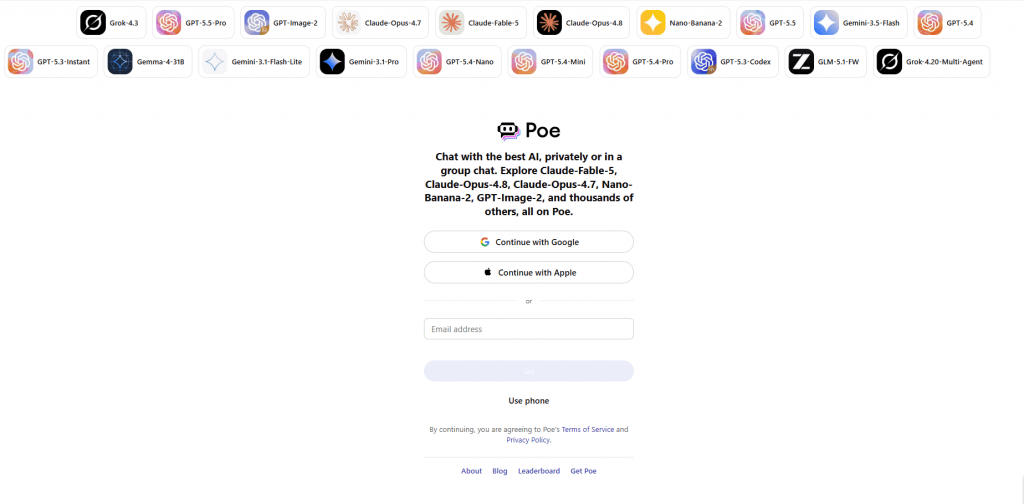
Poe is a project of Quora, one of the most popular aggregator platforms on the market. It supports not only text models but also image, video, and audio generation. A function is available for creating custom bots with your own prompts and settings, which can be published for other users and even monetized.
Features. The widest selection of models among all chat aggregators. There is an option to monetize bots — if your bot becomes popular, you receive a share of the platform’s revenue. Group chats are supported, where multiple bots converse with each other or with the user. Built-in web search is available for current queries.
Platforms: Web version, mobile apps for iOS and Android, and an API for developers.
Pricing:
- Free tier provides about 3000 points per day, which is enough for a limited number of messages.
- Premium tier costs about $20 per month or $200 per year.
- There is also a lighter version, Poe Lite, for $10 per month with higher but still non-unlimited limits.
Points are consumed differently: text messages are inexpensive, image generation is significantly more expensive.
- Huge selection of models and user bots in one interface.
- Simple start without needing to understand APIs and keys.
- Creative tools like group chats and bot monetization.
- Strict daily limits even on paid tiers.
- Potentially expensive for intensive use due to point consumption.
- Less control over model settings compared to BYOK solutions.
2. TypingMind
Official website: typingmind.com
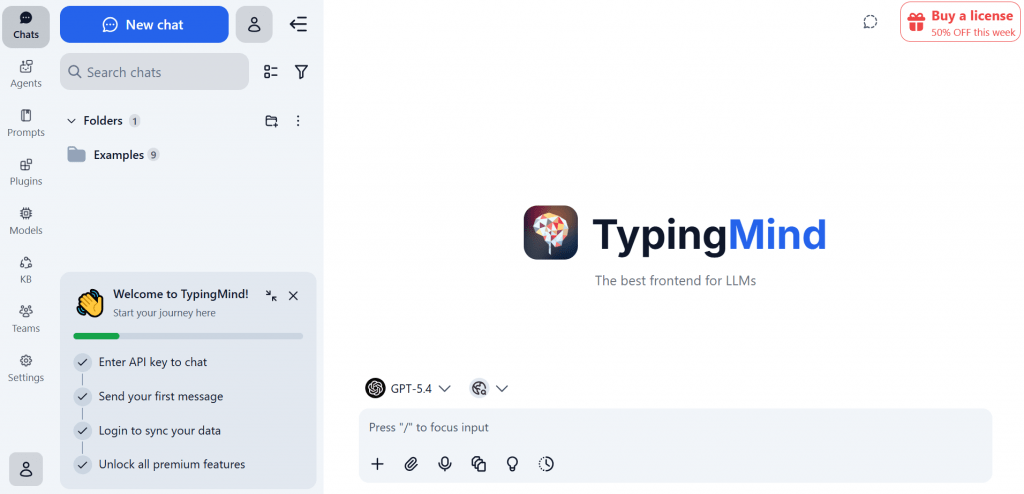
TypingMind is not so much an aggregator itself as an advanced user interface for working with language models from OpenAI, Anthropic, OpenRouter, or other providers via API.
You purchase a license, launch the application or open the web version, enter your API keys — and you get a fully customizable environment for AI chats. TypingMind hides nothing and imposes no limits other than your API budget. You decide which models to use and how much to pay for them. Built-in tools allow you to organize chats into folders and projects, maintain a prompt library, create agents with system instructions, and enable web search and speech synthesis.
Features. Full control over data: when used locally, nothing is sent to TypingMind’s servers. A single payment for life — no subscriptions. Cloud synchronization of chats between devices is optionally available. Support for multi-chats, where multiple models answer a single query simultaneously for comparison.
Platforms: Web version for desktop browsers, experimental extensions, and the option for local deployment for maximum privacy.
Pricing: One-time purchase.
- Standard version costs about $39,
- Extended version about $79,
- Premium with full feature set about $99.
Added to this are API costs, which you pay directly to providers.
- Perpetual license with no monthly payments.
- Powerful chat organization with folders, projects, and agents.
- Maximum privacy with local use and complete flexibility.
- Requires self-management of API keys and cost control.
- Potentially steep learning curve for beginners.
- No built-in models out of the box.
3. OpenRouter
Official website: openrouter.ai
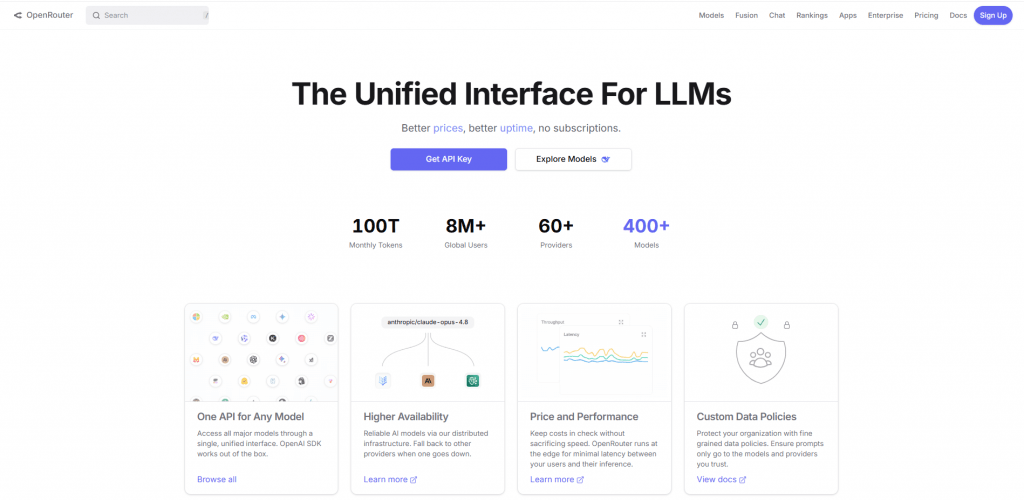
OpenRouter is an aggregator for developers. It provides a unified API interface to hundreds of models from dozens of providers, eliminating the need to connect to each service individually.
You register on OpenRouter, top up your balance or connect your own API keys, and then access a single endpoint compatible with the OpenAI format. OpenRouter routes your request to the appropriate model, can automatically switch to a backup if the primary is unavailable, and optimizes costs by selecting the cheapest providers for the same quality.
Features. BYOK is supported — you can use your own keys from OpenAI, Anthropic, and others, and OpenRouter then charges only a small platform fee. Data policy settings are available: you can choose whether your requests are logged or used for model training. Automatic fallback: if one model is unavailable, the request goes to another with similar characteristics.
Platforms: API-first — primary use is through code. There is also a web interface for testing and simple chats, but this is not the main function.
Pricing: Free tier with a limited set of models. The main model is pay-as-you-go: you pay for tokens plus a platform fee of about 5.5 percent. You can also use BYOK without a monthly fee but with a commission per request. For enterprise clients — custom terms.
- Maximum flexibility and cost savings for production projects.
- Automatic routing with fallback and price optimization.
- Huge selection of models without lock-in to a single provider.
- Requires technical knowledge for integration.
- Not the most user-friendly interface for ordinary users.
- Platform fee increases costs at high volumes.
4. Aymo AI
Official website: aymo.ai
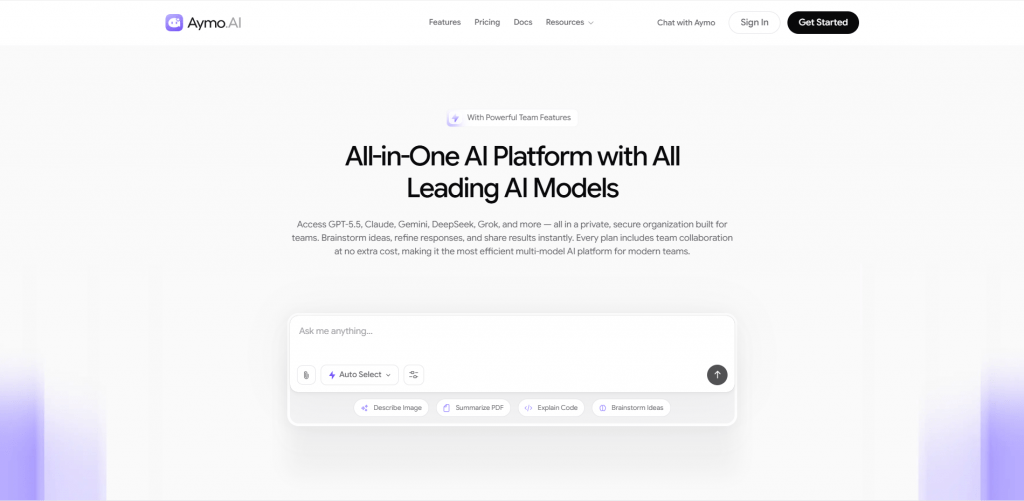
Aymo AI, formerly known as Geeky.chat, is an aggregator focused on team collaboration. It combines access to dozens of models with tools for sharing chats and workspaces.
You create a workspace, invite colleagues, select models from the available list, and start dialogues. All chats are visible to workspace members; you can comment, leave revisions, and collaborate on prompts. Aymo supports file uploads (PDF, code, spreadsheets) for analysis, as well as built-in web search.
Features. The focus on collaboration is the main difference from personal aggregators. Shared workspaces allow teams to use a common budget and models. BYOK is available only in business tiers. About 40 models are supported, including all major and many niche ones.
Platforms: Web version; mobile apps are under development.
Pricing:
- Free tier with very limited limits.
- Starter tier costs about $4 per month,
- Premium about $12 per month,
- Business about $25 per month.
BYOK and extended collaboration are available starting with the Business tier.
- Affordable pricing for team use.
- Built-in collaboration with shared workspaces.
- Good balance between number of models and price.
- Message limits even on paid tiers.
- BYOK not available in lower-tier plans.
- Smaller model selection than Poe or OpenRouter.
5. Futurepedia.io
Official website: futurepedia.io
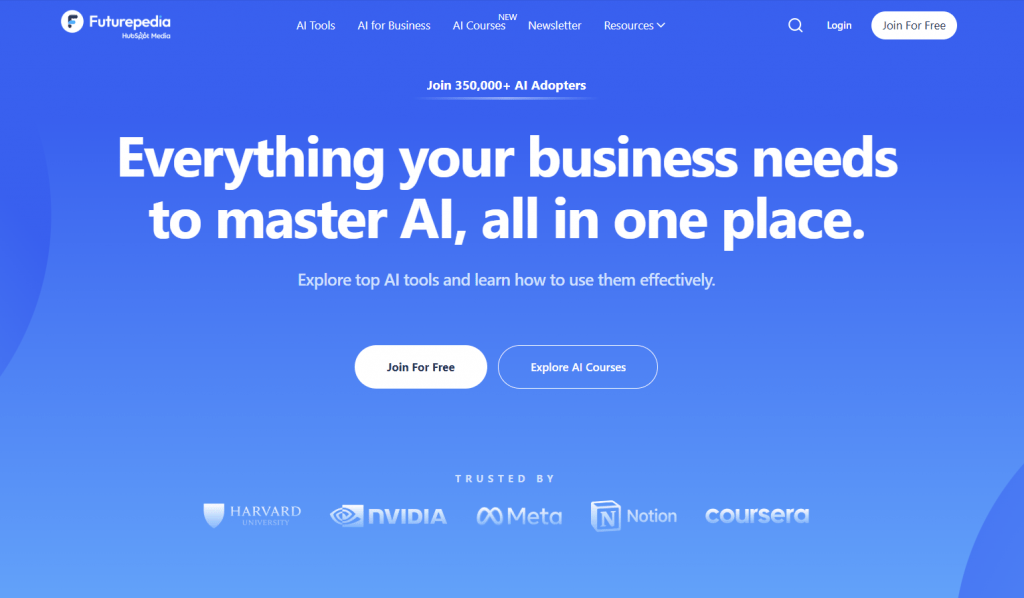
Futurepedia is not a chat aggregator but the largest directory of AI tools. It helps you navigate the world of thousands of neural networks when you do not know which tool is suitable for a specific task. Futurepedia is called the best starting point for getting acquainted with the world of AI. If you do not know “which neural network can remove a background from a video,” Futurepedia will answer faster than ChatGPT.
You visit the site, enter into the search what you want to do: “create a logo,” “mix voice with music,” “write an SEO article.” Futurepedia shows a list of tools that solve this task, with brief descriptions, prices, platforms, and links. You can filter by category, free availability, API support, and other parameters.
Features. More than 5,000 tools in the database, regularly updated. There is an educational section with AI courses. For tool developers — an option for paid promotion of their products. The interface resembles a marketplace: each tool has its own page with detailed description, screenshots, and links to reviews.
Platforms: Web version only.
Pricing: Completely free for regular users.
- Colossal scale of the AI tool database.
- Convenient task-based search with filtering.
- Free access with educational content.
- This is a directory, not a chat with models.
- Not all tools are described in equal detail.
- The abundance of information can be overwhelming for beginners.
Comparison Table of AI Aggregators
|
Service |
Type |
Key Models & Features |
Pricing |
Best For |
Overall Rating |
|---|---|---|---|---|---|
|
Poe.com |
Chat aggregator |
Thousands of models, custom bots, monetization |
Free / ~$20/mo |
Experiments and casual use |
High for diversity |
|
TypingMind |
UI Frontend |
BYOK, folders, projects, agents, local privacy |
One-time $39–99 |
Power users and privacy |
High for long-term value |
|
OpenRouter |
API aggregator |
400+ models, routing, fallback, BYOK |
Pay-as-you-go + fee |
Developers and production projects |
High for technical users |
|
Aymo AI |
Team workspace |
40+ models, shared spaces, collaboration |
$4—25/mo |
Teams and price/performance balance |
Good business value |
|
Futurepedia |
Directory |
Catalog of 5000+ tools, task-based search |
Free |
Discovery and market research |
Best for overview |
Conclusion
AI Aggregators truly solve the market fragmentation problem in 2026. Instead of drowning in dozens of subscriptions and tabs, you get a single point of access to the world of language models and tools.
If you want to start quickly, experiment, and compare models with minimal effort, start with Poe. If you are technically savvy, value privacy, and dislike monthly payments, take a closer look at TypingMind. If you are a developer and need a universal API for integrating models into your applications, OpenRouter will become your best tool. For teams that want to work with AI collaboratively, Aymo is the optimal choice. And when you are looking for a highly specialized tool for a specific task, open Futurepedia and explore the catalog.
The aggregator market is dynamic, models change, prices adjust. Our advice: start with free tiers and BYOK, minimizing initial costs, and then add what you truly lack. In the world of AI, the main thing is not to chase everything at once, but to choose tools for your real needs.
❓ Frequently Asked Questions
Answers to relevant questions about this AI tool