Top 20 Best Search Engines in 2026: Google Alternatives
On this page
When was the last time you searched for something without using Google? Chances are, it’s been a while. The search engine from the California giant has become so familiar that we have almost forgotten: we have alternatives. However, in 2026, the search engine landscape is changing faster than ever. Artificial intelligence, privacy demands, and antitrust lawsuits have created ideal conditions for competitors to flourish.
In this review, we will examine 20 search engines capable of replacing Google in various scenarios: from maximum anonymity to in-depth research using AI.
Current Search Engine Market Conditions
According to StatCounter data for 2026, Google still holds the lion’s share of the market, about 89–91%. In second place is Bing with 4–5%, followed by Yahoo, Yandex, DuckDuckGo, and regional players (Baidu, Naver). At the same time, the global search engine market continues to grow at an average annual rate of 10–11% and is estimated to be worth hundreds of billions of dollars.
Key Trends of 2026:
- AI Integration. In the past, a search engine simply returned a list of links. Now, leaders have introduced AI agents that can read those pages, summarize information, and answer a user’s question with ready-made text.
- Privacy. After data breach scandals, users have become much more sensitive to the question, “Who knows what I’m searching for?” A sustainable demand has emerged for search engines that do not build a user profile, do not sell data to advertisers, and do not store search history.
- Independent Indexes. For a long time, nearly all Google alternatives simply took results from Bing or Google and “wrapped” them in their own interface. But this created dependency. Now Brave, Mojeek, and Kagi are building their own crawlers and page databases.
- New Monetization Models. Tracking-based advertising, Google’s classic model, is causing increasing rejection. Alternatives are emerging: no ads, but you pay with money, or ads are shown based on query context rather than user history.
- Regionalization. Local leaders have emerged in China, Russia, Korea, and Europe, offering more relevant search in their respective language segments of the Web.
Why Google Dominates and Its Strengths and Weaknesses
Let’s be honest: Google didn’t end up on top by accident. Its success is the result of systematic work, technological superiority, and smart business decisions.
Reasons for Google’s Success:
- Massive Index. Google has indexed billions of pages, from breaking news to archived PDF files from 15 years ago. This is arguably the largest data set in the world.
- Advanced Algorithms (PageRank, RankBrain, BERT/MUM). These are complex neural networks that understand the meaning of a query. Google knows that when you search for “apple,” you might mean the fruit, the company, or the song, and it returns results according to context. But sometimes AI Overviews make mistakes and produce dangerous or absurd nonsense. Imagine a search engine advising you to eat rocks for your health. Yes, that has happened.
- Presence in Default Settings of Various OSes. Google has long-standing contracts with Apple (~$20 billion per year), Android, and browsers. Most users never change their default search engine in settings; they’re simply too lazy. And Google profits from this.
- Ecosystem: YouTube, Maps, Gmail, Drive, etc. All these services are interconnected and create a “funnel” for users from which it is difficult to escape.
- Huge Investments in AI and infrastructure.
- User Habit and Perceived Quality. People are accustomed to “searching = Googling.” Even when alternatives produce objectively better results, users tend to trust what they know.
Pros and Cons of Google
Google is praised for its convenience but is increasingly criticized for “enshittification,” which is the degradation of quality due to aggressive monetization. It is no accident that antitrust lawsuits against Google are underway in both the US and the EU. There is more and more advertising and fewer useful organic results.
- Best relevance (in most cases)
- Very high speed
- Enormous reach, nearly everything on the internet is here
- Continuous innovation (multimodal search, AI agents)
- Intensive tracking — Google knows far too much about you
- Overabundance of advertising — up to 4-5 ads at the top of results
- Filter bubble — personalization shows you what you “like” rather than what is objectively true
- Censorship and bias — on sensitive topics (politics, medicine), Google may favor certain viewpoints
- AI Overviews errors
Why You Might Need to Look for a Google Alternative
As good as Google is, its downsides are also objective. Many users are increasingly seeking a replacement for the “king of search” for various reasons:
- Privacy. Google collects a huge amount of data on queries, clicks, location, and history. This is used to personalize advertising and can be shared with third parties or used in legal proceedings. Alternatives do not track users or build profiles.
- Advertising and Search Quality. Many are tired of clutter from advertising, sponsored content, and AI Overviews that are sometimes inaccurate. Users are looking for services with more organic results.
- Filter Bubble and Bias. Google’s algorithms can show biased results on political, social, or commercial topics. Independent search engines offer more control and diversity.
- Freedom of Information. One company controls 90% of search traffic. This is enormous power, which frightens those who remember the freedom of the early internet. Using alternatives is a way to “diversify risk.”
- Specific Needs. There are tasks that Google handles poorly. For example, Perplexity AI is more effective for in-depth research, and Mojeek is better for searching the “old internet.”
Complete abandonment of Google is rare, but sensible diversification improves privacy and search quality.
Categories of Search Engines
Before moving on to the list, it is important to understand the types of search engines that exist:
- Classic/Traditional (Google, Bing, Yahoo) — huge indexes, advertising, universality.
- Privacy-Focused (DuckDuckGo, Brave, Startpage, Mojeek) — no tracking or personalization.
- AI/Conversational (Perplexity, ChatGPT Search, You.com) — answer synthesis, chats, source citations.
- Metasearch Engines (Dogpile, MetaGer) — aggregate results from multiple sources.
- Niche/Regional (Yandex, Baidu, Naver, Seznam, Qwant) — strong in specific countries.
- Paid/Premium (Kagi) — no ads, high customization.
- Socially Oriented (Ecosia) — for example, directing profits to charity.
- Independent (Brave, Mojeek) — they have their own search bots that build an index. If Google and Bing disappear tomorrow, Brave and Mojeek will keep working.
Top 20 Search Engines — Google Alternatives
1. Bing
Official website: bing.com
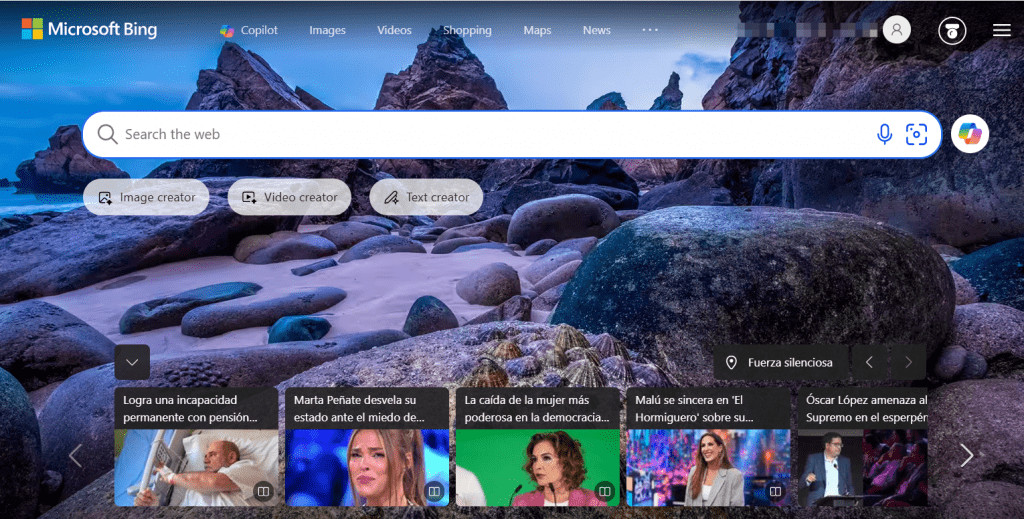
Bing is the world’s second-largest search engine, a direct competitor to Google created by Microsoft. For a long time, it was considered “what people use by accident when they messed up their Edge settings.” But in 2026, integration with the Copilot artificial intelligence has turned Bing into a powerful research tool.
How It Works: Bing uses its own search robot to index pages and its own ranking algorithms. Visual search on Bing is arguably the best on the market. Integration with Microsoft Copilot allows you to ask questions in natural language, receive detailed answers with citations, and ask the neural network to write code, emails, or travel plans. The rewards system gives you points for every search, which can be exchanged for Amazon, Starbucks, or donation gift cards. It may sound trivial, but millions of users stick with Bing precisely for this reason.
- Pricing: Completely free (ad-supported model)
- Less advertising than Google (though it still exists)
- Excellent image and video search — better than Google
- Copilot — a powerful AI assistant right in search
- Rewards — a nice bonus
- Deep integration with Windows and Edge
- Smaller reach in non-English regions
- Results are sometimes less relevant than Google
- Tied to the Microsoft ecosystem
2. Yahoo Search
Official website: search.yahoo.com
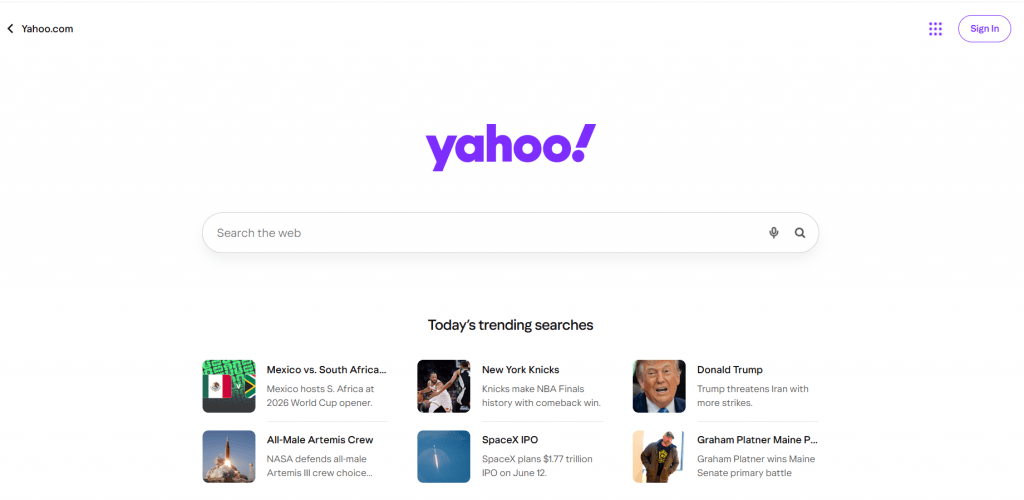
A legend of the internet from the 90s and early 2000s. Today, it is no longer a search engine per se, but a “portal” that uses the Bing index. Why would you use it? If you are one of those people who likes having news, email, finance, and search all in one place with a recognizable purple interface.
How It Works: The query is sent to Bing; no proprietary algorithms. Yahoo’s main value lies in integration with other services: Yahoo News (an aggressive news feed), Yahoo Finance (one of the best financial portals in the world), Yahoo Mail (still used by tens of millions).
- Pricing: Free
- Familiar “portal” interface — everything in one place
- Familiar to many older users
- News feed on the homepage
- No proprietary index — complete dependency on Bing
- Virtually no innovation
- Outdated brand with no technology of its own
3. DuckDuckGo
Official website: duckduckgo.com
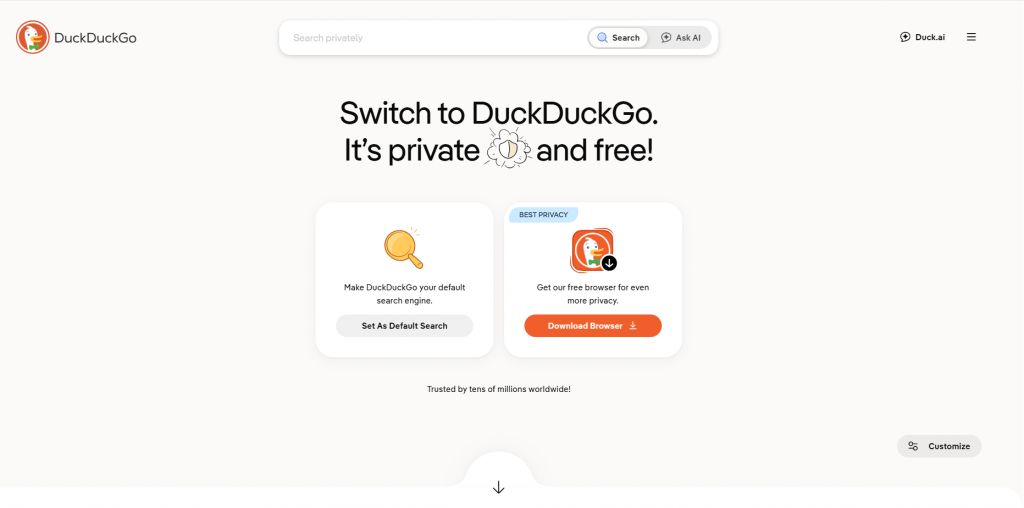
If you have ever heard a conversation about privacy-focused search engines, it was most likely about DuckDuckGo. This is the main “fighter for your data” on the market. The duck (their logo) has become a symbol of protest against mass surveillance.
How It Works: DuckDuckGo does not collect or store your IP address, user agent, or search history. No trackers. Every query is processed as if you were visiting the internet for the first time. Results are mostly taken from Bing, but DuckDuckGo uses its own robots for sites that Bing ignores and adds its own “Instant Answers” — direct answers to questions (for example, “how many grams in an ounce” will be answered right in search).
DuckDuckGo’s special feature is !bang commands. Type !w cat — you go to Wikipedia. !yt funny cats — to YouTube. !a toaster — to Amazon. There are several thousand such commands. This is incredibly convenient for those who frequently switch between sites.
- Pricing: Free
- Maximum privacy — you really are not tracked
- !bang commands save a lot of time
- Simple, minimalist interface
- Has a mobile app with tracker blocking
- Results slightly worse than Google due to dependency on Bing
- No personalization — sometimes annoying that the search engine “does not remember” context
- In rare cases, the results seem as if the search engine did not understand the query
4. Brave Search
Official website: search.brave.com
One of the most ambitious projects on the market. It was created by the company Brave, which also made the eponymous browser known for blocking ads. In 2021, they launched their own search engine, and by 2026 it has fully transitioned to an independent index. Brave Search does not take results from Google or Bing — it has its own robots that crawl the internet.
How It Works: A robot called the Brave Search Crawler indexes the web, processes pages, and ranks them according to its own algorithms. But the main feature is Goggles. These are filters that the user community can customize. For example, someone created a “Goggle against Pinterest” — and now results from Pinterest are pushed lower in the results. Someone created a “Tech Goggle” — when searching for technical articles, priority is given to sites like Ars Technica and Hacker News. This offers incredible flexibility.
- Pricing: Free (with an optional paid version without ads)
- Fully independent index — does not depend on Google or Bing
- Goggles — a unique feature with custom filters
- No tracking
- Excellent result quality, close to Google
- Coverage of the “deep web” (old forums, archived pages) is still smaller
- For some niche queries, there are fewer results than Google
5. Ecosia
Official website: ecosia.org
A search engine for those who want to do good deeds without leaving their couch. Every search query you make generates money for tree planting. Literally.
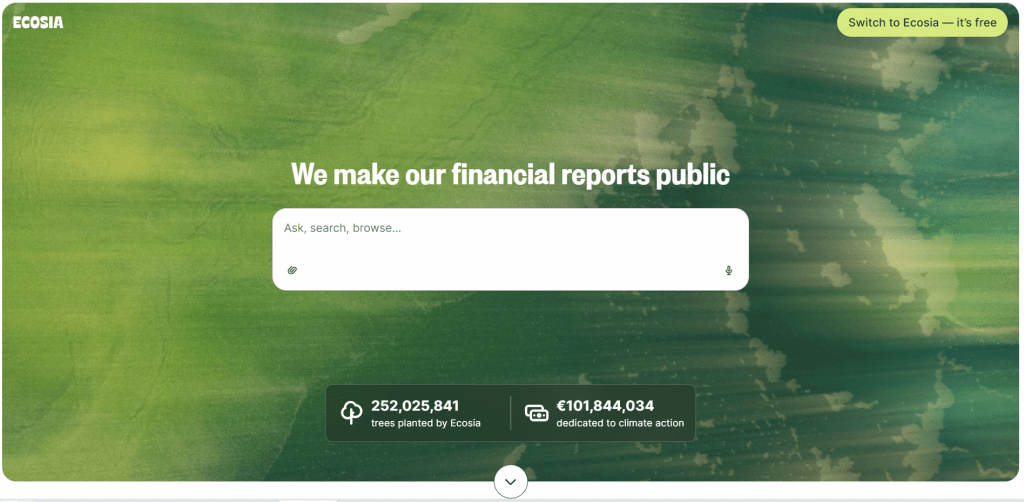
How It Works: Technically, Ecosia is based on Bing and partially Google. Queries are anonymized, data is not sold. The user sees ads, as in a regular search engine. But advertising revenue (after operating expenses) goes to a fund that plants trees around the world — in Brazil, Indonesia, Kenya, Madagascar. As of 2026, over 230 million trees have been planted. Ecosia publishes monthly financial reports — you can see how much was earned and how much was spent on planting.
- Pricing: Free
- Real environmental contribution — not just “green PR”
- Transparent reporting
- Above-average privacy
- Result quality depends entirely on Bing
- No proprietary algorithms or innovations
6. Startpage
Official website: startpage.com
Startpage is a way to get Google results without being tracked by Google. Sounds like magic? Actually, it is technically simple and very clever.
How It Works: When you enter a query, Startpage sends it to Google’s servers, but does so on its own behalf. The response comes back — Startpage shows it to you. Your IP address, browser, history — all of this remains hidden from Google. Google sees the query but does not know who actually asked it.
Additionally, Startpage offers an “Anonymous View” feature: you click on a link — and Startpage loads the page through its proxy server, hiding your visit from the site owner.
- Pricing: Free
- High-quality results (because it is Google)
- Complete anonymity from Google
- Anonymous View for stealthy site browsing
- Technical dependency on Google
- Sometimes Google shows a CAPTCHA — and Startpage “breaks”
- Slower than direct Google due to proxying
7. Perplexity AI
Official website: perplexity.ai
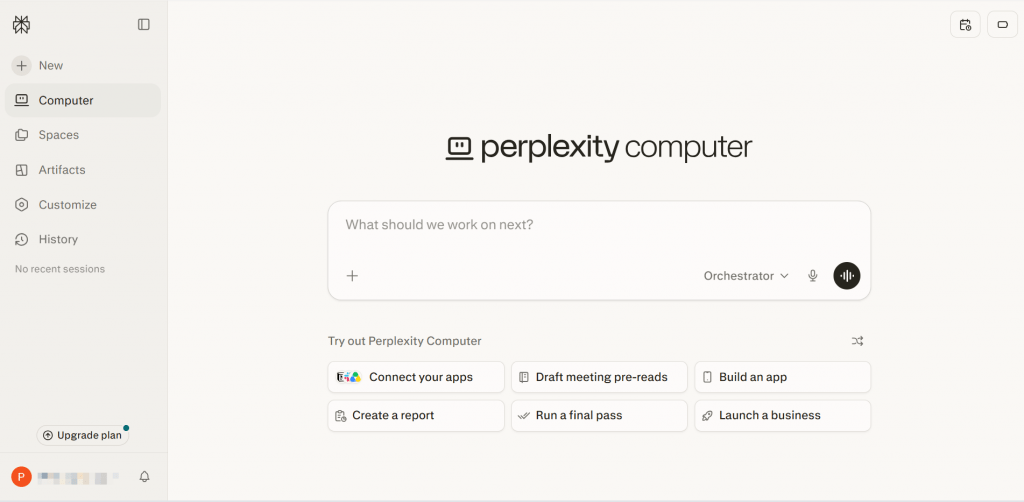
This is not quite a search engine in the traditional sense. It is an AI engine that searches for information on your behalf, reads the found pages, synthesizes an answer, and provides it together with links to sources.
How It Works: You ask a question in natural language — “explain quantum entanglement like I am 5 years old” or “compare taxes in Spain and Portugal for freelancers.” Perplexity runs a real-time search (using its own database and other search engines), selects several dozen of the most relevant sources, reads them, and generates an answer. Each sentence is accompanied by a source link. You can ask follow-up questions, and Perplexity continues the research. The Pro version provides access to more powerful models, file uploads, and a higher query limit.
- Pricing: Freemium (free with limitations, Pro ~$20/month)
- Saves hours of work — no need to open 20 tabs and read each one
- Mandatory citations — you can verify where facts come from
- Ability to ask follow-up questions
- “Focus” mode — you can search only academic articles, only Reddit, etc.
- Free version has query limitations
- Hallucinations are possible (though less frequent than ChatGPT)
- For simple queries, it feels overqualified
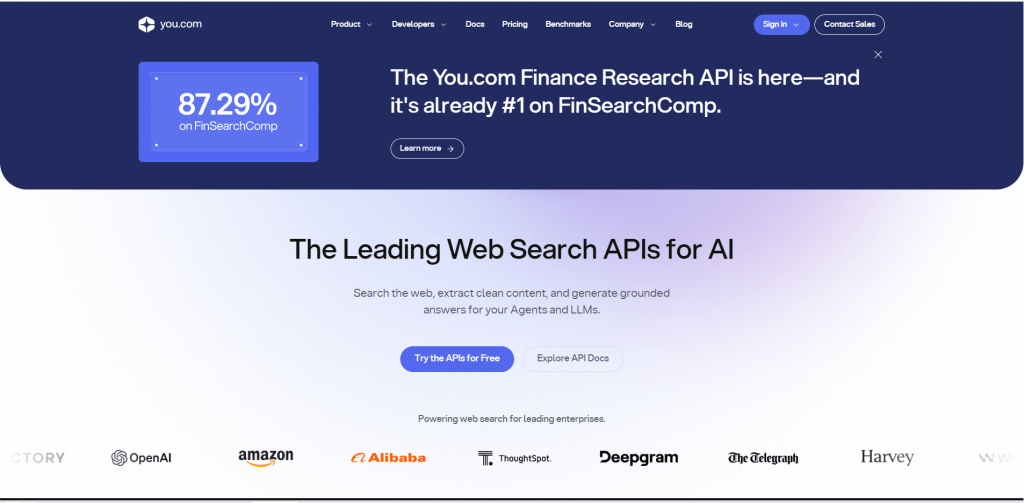
8. You.com
Official website: you.com
Positions itself as a “new kind of search” — one that combines classic links, AI chat, and productivity apps in a single interface.
How It Works: On the homepage — a search bar and a toggle: do you want traditional results or AI chat? In AI mode, you can choose between different models (GPT-4, Claude, You’s own model). For creative tasks, there are special modes — “Genius” for finding ideas, “Create” for text generation. You.com also integrates with apps — you can write to Slack, post to Twitter, or create a note in Notion directly from search.
- Pricing: Free, with paid Pro features.
- Flexibility — you can switch between modes
- App integration
- Better privacy than Google
- Young project — fewer users, fewer reviews
- Some features are still rough
9. Yandex
Official website: yandex.com
Yandex is the “Google for Russia and the CIS.” In the Russian-language internet, it often works better than global Google because it understands the nuances of the language, regional content, and local services.
How It Works: Technically, it is a very powerful product with its own ecosystem (maps, music, taxi, delivery, cloud). Completely independent, it has its own crawlers for indexing, its own ranking algorithms, and a voice assistant called “Alice” that is close in quality to Amazon’s Alexa.
But for the English-speaking user, the main problem is the language and cultural barrier. The interface can be switched to English, but the algorithms still “think” in Russian and are optimized for Russian-language content.
- Pricing: Free
- Free, no subscription
- Technologically advanced search engine with its own algorithms
- Unique access to Russian-language resources not indexed by Google
- Powerful local services (maps, navigation, marketplace) for travel to the region
- Weak English-language search
- Serious privacy concerns
- State censorship on sensitive topics
- Ecosystem works well only in Russia/CIS
- User interface is unintuitive for Western audiences
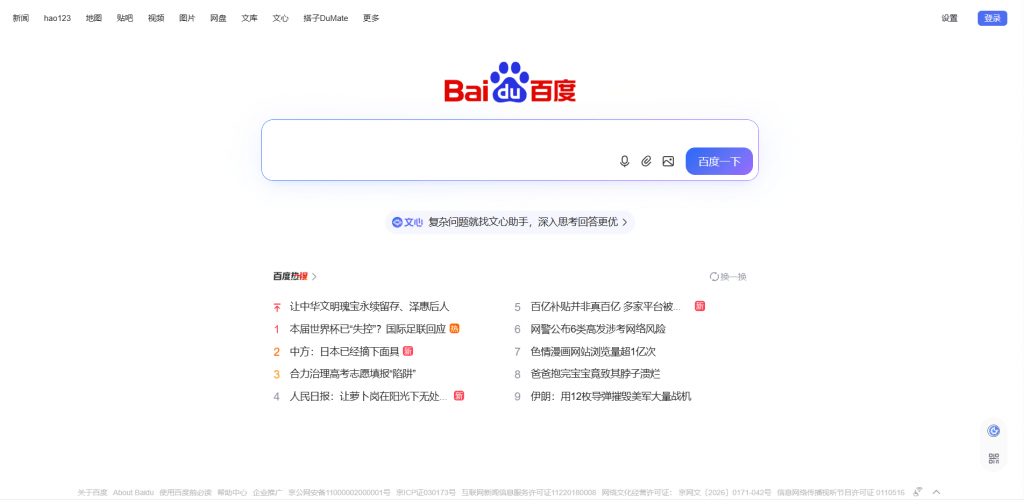
10. Baidu
Official website: baidu.com
Baidu is the absolute search monopoly in China. If you live in China or work with a Chinese audience, you will use Baidu. There is no alternative.
How It Works: Technologically as sophisticated as Yandex, and similarly locally constrained. It has its own index covering the Chinese internet segment, including sites blocked outside the PRC. Baidu includes its own services — Baidu Baike (a Wikipedia analog, but censored), Baidu Images, Baidu News, Baidu Music, Baidu Video. Search works well if you are searching in Chinese. Baidu understands English poorly.
- Pricing: Free
- Excellent coverage of Chinese content
- Integration with local services
- Strict censorship as required by the Chinese government
- Impossible to use without knowledge of Chinese
- Weak English search
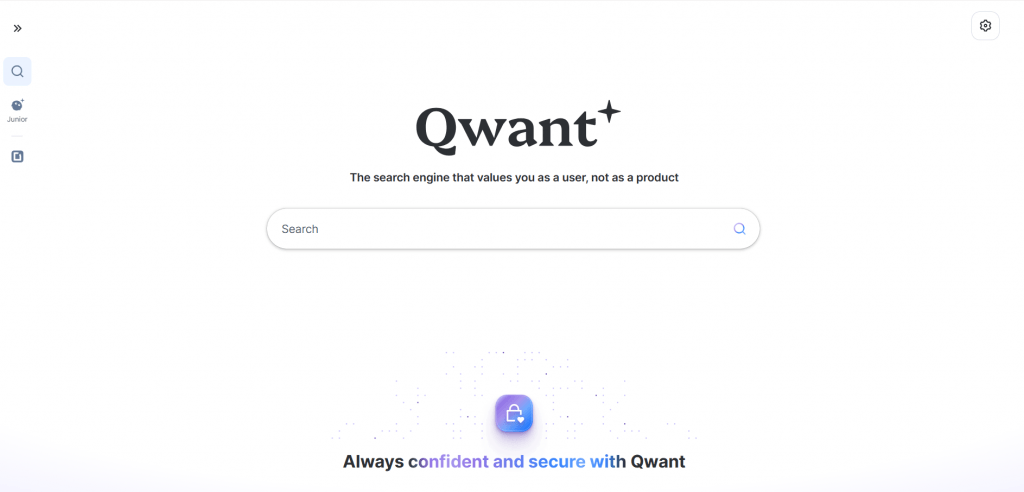
11. Qwant
Official website: qwant.com
Qwant is the European answer to Google. A French search engine focused on privacy and compliance with European data laws.
How It Works: A hybrid model — partly its own index, partly results from Bing. Qwant does not track users, build profiles, or personalize results. Separate tabs for “Music” and “Social Networks” — Qwant does a decent job of finding content on Twitter, Instagram, and Facebook. The interface is minimalist, reminiscent of DuckDuckGo, but with a European design.
- Pricing: Free
- Guaranteed GDPR compliance
- Independence from American Big Tech
- Social and music search
- Coverage worse than Google and Bing
- The project periodically experiences financial difficulties
12. Swisscows
Official website: swisscows.com
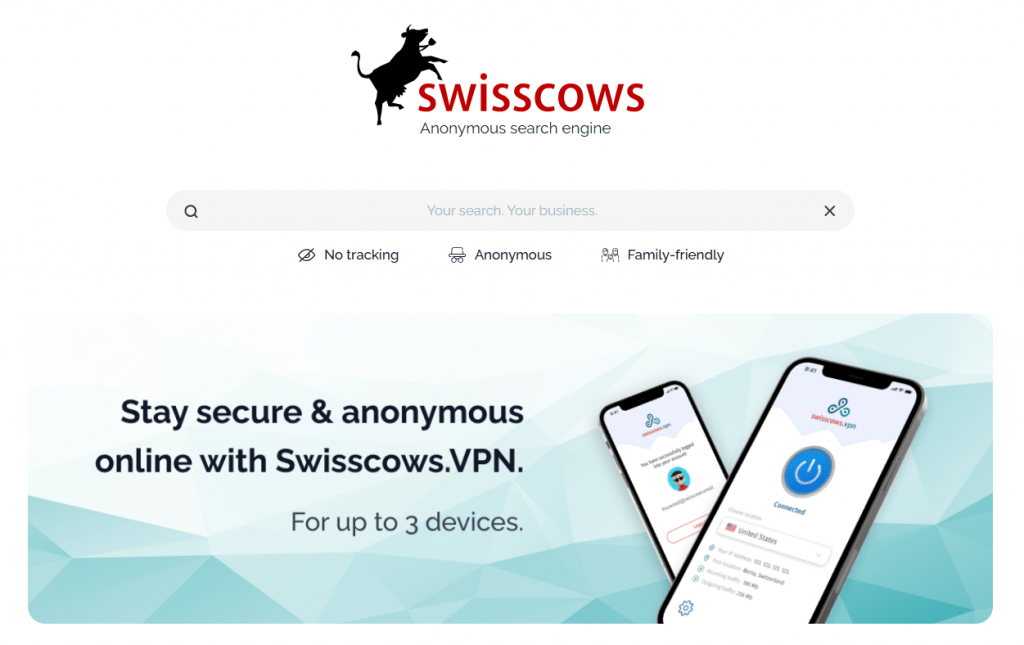
Swisscows is a search engine from Switzerland that focuses on a “family-friendly” environment and strict privacy.
How It Works: Results are taken from Bing-like sources, but with aggressive filtering of adult content, violence, and profanity. Swisscows does not store IP addresses, does not use trackers, and its data centers are located in Switzerland — a country with some of the strictest privacy laws in the world. The interface is unusual — a search bar in the shape of a tree (the logic: tree = growth, life, ecology).
- Pricing: Free
- Maximum safety for children and families
- Swiss privacy laws
- Eco-friendly image
- Filtering sometimes blocks useful content
- Small index
13. Mojeek
Official website: mojeek.com
A rare beast: a search engine with a completely independent crawler and index that does not take results from Google or Bing. Proud, principled, with an ethical approach.
How It Works: Its own robot, MojeekBot, crawls the internet and builds its own index. Ranking algorithms have been developed from scratch. Mojeek does not track users, does not personalize results, and does not show targeted advertising. The project’s philosophy is to restore an open, neutral, non-commercial internet. In terms of search quality, Mojeek still lags behind the giants, but for niche queries and searching “old” content, it sometimes finds what Google has already buried.
- Pricing: Free
- Complete independence from Big Tech
- Ethical search without tracking
- Unique index — sometimes finds things others miss
- Smaller coverage — not all sites are indexed
- Some queries return too few results
14. Kagi
Official website: kagi.com
A search engine for those willing to pay for quality. No advertising, no tracking, no SEO spam. Just excellent search. But for money.
How It Works: Kagi combines multiple sources — its own crawler, Google, Bing, Brave Search — and merges them into a single result. But the main feature is customization. You can tell Kagi: “boost sites from Reddit and Stack Overflow, demote Pinterest and Quora.” You can completely block certain domains. You can create a “Lens” — a preset with settings for different tasks (e.g., “Technical Search,” “News,” “Shopping”). The results are visually clean — no ad blocks, no “people also ask,” no clutter.
- Pricing: From $10/month (cheaper plans with query limits are available)
- Complete absence of advertising
- Extensive customization options (boost/block)
- High-quality results (best from all sources)
- Privacy by default
- Not everyone is willing to pay for what Google gives away for free
15. ChatGPT Search
Official website: chatgpt.com
Built-in search within ChatGPT. In 2026, OpenAI added the ability to get real-time, up-to-date information from the internet.
How It Works: You ask a question in the chat — if ChatGPT understands that fresh data is needed, it runs an internet search, finds several sources, reads them, and generates an answer. The distinguishing feature is the conversational format. You can ask for clarification: “what else is there on this issue?”, “which source is most reliable?”, “tell me more about point 3.” ChatGPT remembers the context of the conversation and responds coherently.
Unlike Perplexity, the emphasis is on conversation rather than research.
- Pricing: Free (with limitations), Plus ~$20/month
- Natural conversational interface
- Remembers the entire conversation context
- Can not only search but also analyze, summarize, translate
- Neural network can hallucinate even with search
- Free version has limits
- Not always clear whether data is fresh
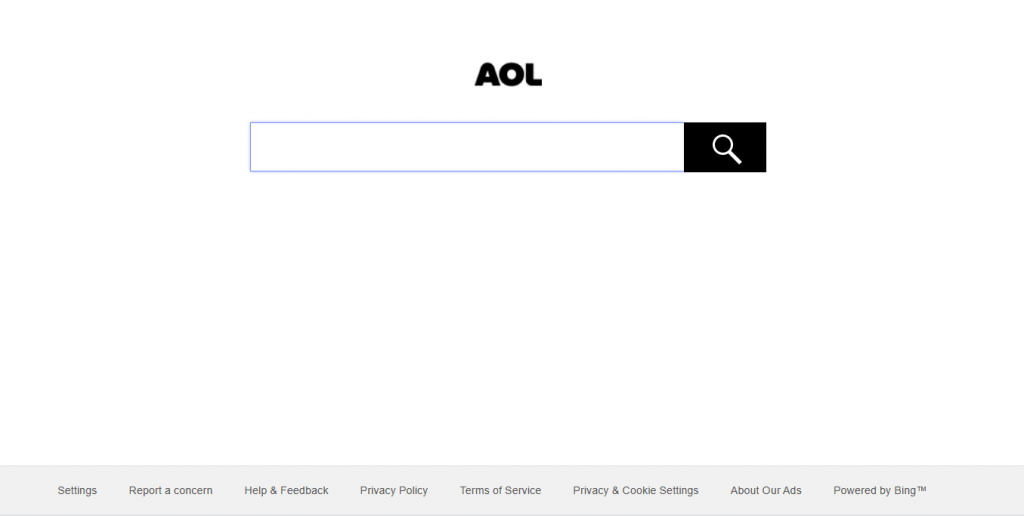
16. AOL Search
Official website: search.aol.com
AOL is a relic of the past. If you used the internet in the 90s, you remember the iconic “You’ve got mail!” Today, AOL Search is a portal for older Americans who want news, email, and search all in one place.
How It Works: Fully based on Bing. No proprietary algorithms, no innovations. But AOL still has a loyal audience that is used to the interface and does not want to change.
- Pricing: Free
- Simplicity
- Nostalgia (if that matters to you)
- Outdated brand
- No reason to choose it over Bing directly
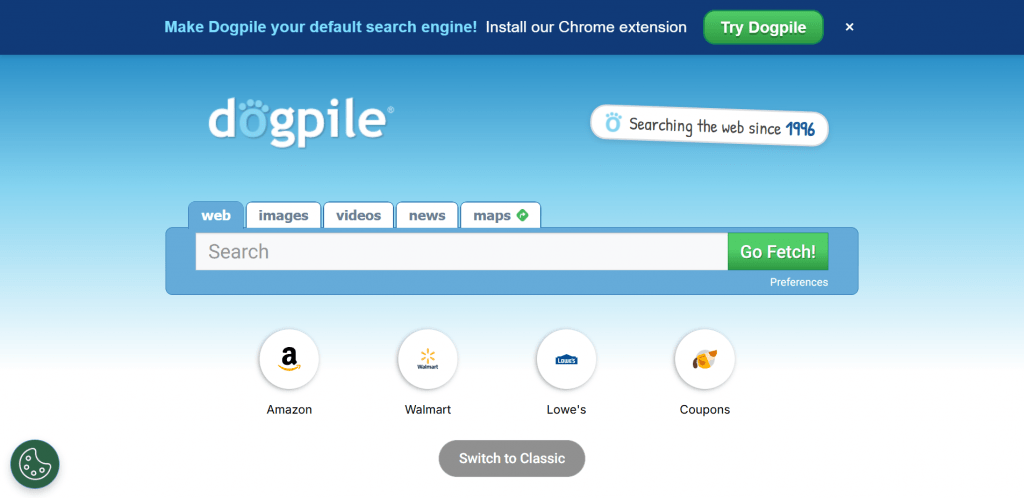
17. Dogpile
Official website: dogpile.com
Dogpile is a classic metasearch engine. Instead of having its own index, it queries several search engines simultaneously.
How It Works: You enter a query — Dogpile sends it to Google, Bing, Yahoo, and a few other smaller engines, collects the results, removes duplicates, sorts by relevance, and displays them. Theoretically, you get “the best of all worlds.” In practice, it is slower than direct search and sometimes produces odd ranking.
- Pricing: Free
- Wide reach — all search engines at once
- Can find what one of them missed
- Depends on other indexes
- Slower
- Contains ads
18. Naver
Official website: naver.com
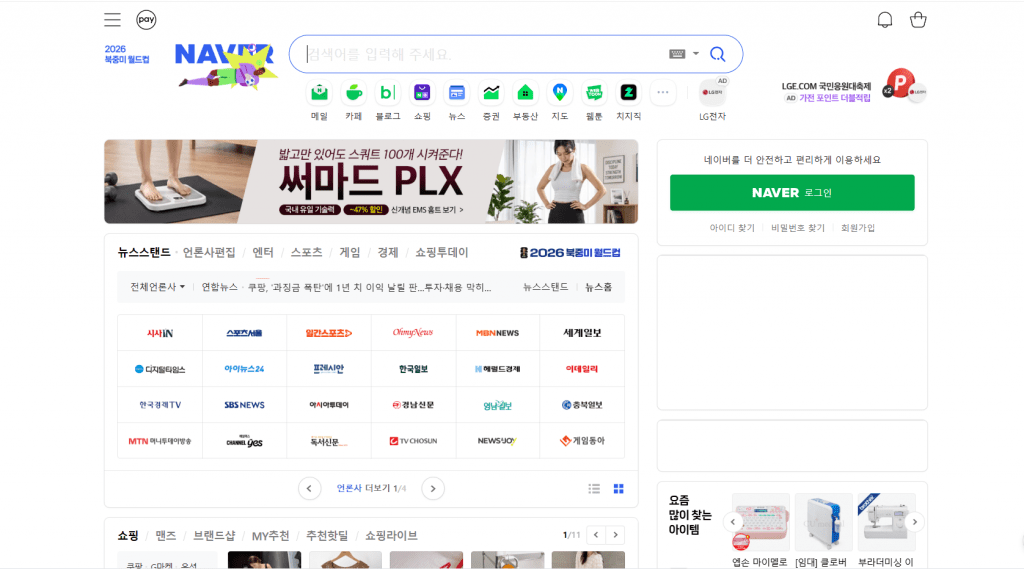
Naver is the “Korean Google.” In South Korea, it dominates absolutely, having pushed out even the local version of Google.
How It Works: Its own index focused on Korean content. Naver includes unique services — Naver Cafe (something like forums, incredibly popular in Korea), Knowledge-iN (a Q&A platform where users answer questions), Naver Blog (the Korean equivalent of LiveJournal/Medium). Search across these resources is Naver’s main strength. If you need to find something about Korea or in Korean, Naver will outperform any other search engine.
- Pricing: Free
- Best search for Korean content
- Powerful local services (Cafe, Knowledge-iN)
- Useless without knowledge of Korean
- Anything not related to Korea is poorly searched
19. Seznam
Official website: seznam.cz
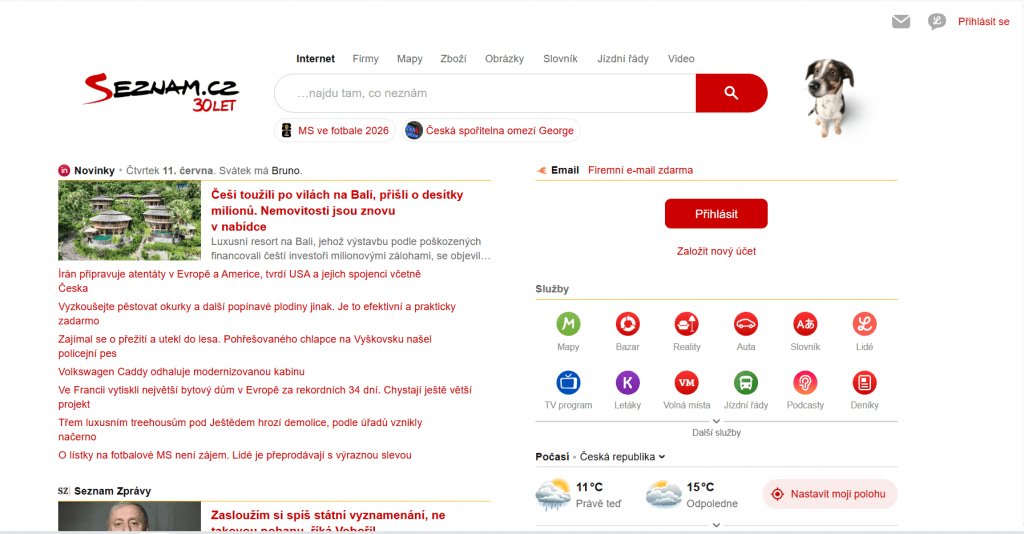
Seznam is a Czech search engine that still holds a significant share of the market in the Czech Republic (about 15-20%).
How It Works: Its own index, adapted for the Czech language and Czech realities. Seznam includes maps, news, email, weather — everything like the big players, but only for Czechia. The interface is cozy, old-fashioned. For Czechs, Seznam is “home” search.
- Pricing: Free
- Excellent understanding of the Czech language
- Local services
- Regional — only for Czechia
- Weak international search
20. MetaGer
Official website: metager.org
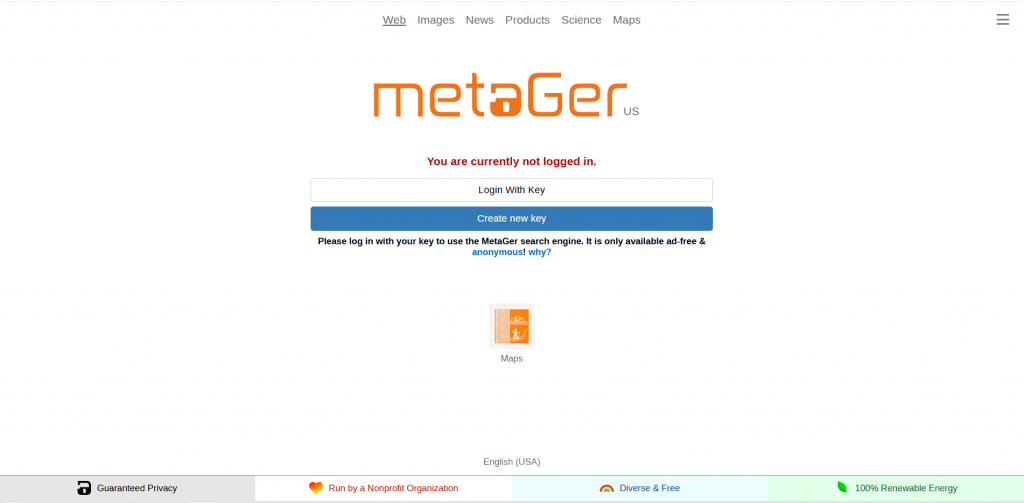
MetaGer is a German metasearch engine with a strong emphasis on privacy and open source code. It runs on green energy.
How It Works: Aggregates results from several search engines (including metasearch), anonymizes queries through its own proxy, does not store logs. A special feature is open source code: anyone can check how the system works. MetaGer also offers “anonymous viewing” — links open through a proxy, hiding your IP. The system is located in Germany and complies with German data protection laws.
- Pricing: Free (donations)
- Open source — maximum transparency
- Anonymizing proxy
- Eco-friendly (green energy)
- Lower global awareness
- Spartan interface
Combinations for Different Usage Scenarios
You do not have to choose just one search engine forever. Depending on your interests and the nature of your work, you can combine groups of services. Here are several interesting combinations:
|
Scenario |
Recommended Combination |
|---|---|
|
Maximum Privacy |
Brave Search + DuckDuckGo + Startpage + Tor/SearxNG |
|
Research and Deep Analysis |
Perplexity AI (main) + Kagi (for cleanliness) + ChatGPT Search |
|
Everyday + Microsoft Ecosystem |
Bing + Copilot + DuckDuckGo as backup |
|
Ecology + Casual |
Ecosia + Brave |
|
Premium Ad-Free |
Kagi (main) + Perplexity Pro |
|
Regional (Runet) |
Yandex + Google for complex queries |
|
Universal Balance |
Brave (default) + Perplexity (research) + Kagi (premium queries) |
Conclusion
Google remains the king of search, in terms of reach, speed, and technology. But its dominance is no longer absolute. In 2026, users have a real choice.
Do not abandon Google entirely if it works for you. But use alternatives for sensitive queries, research, or simply to “air out” your information bubble.
The future of search lies in a combination of approaches: independent indexes, AI agents, and user control. The choice is yours.
❓ Frequently Asked Questions
Answers to relevant questions about this AI tool