


Tuner Ninja: Free AI Instrument Tuner for Musicians
On this page
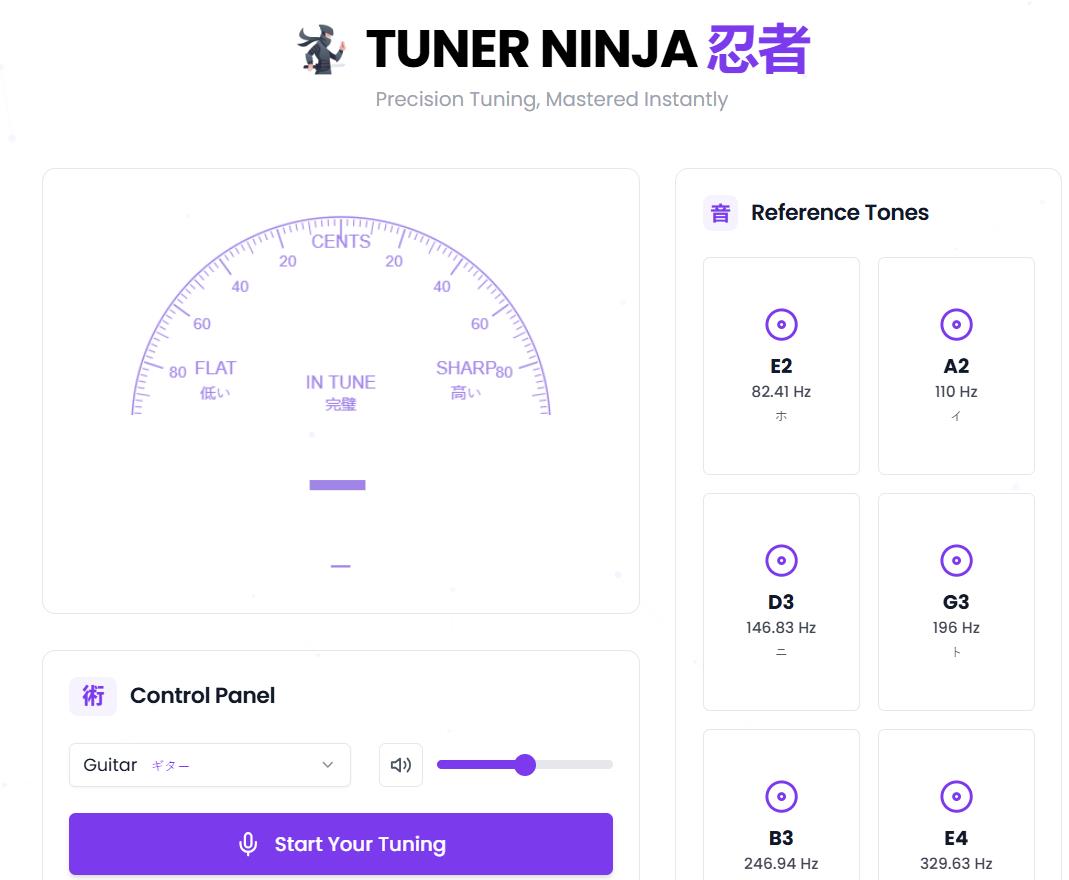
Tuner Ninja is an entirely free online application that will allow you to make precise chromatic adjustments to musical instruments by analyzing your sound using the microphone of your computer or mobile device. Once Tuner Ninja has analyzed your sound, it will display how far off your sound is from the reference pitch as the sound plays live.
This online tool was created for anyone who plays an instrument, whether they are just starting or have been playing for years, or even a teacher who wants to help students learn to play their instruments accurately.
Technical Information & Platforms
The tool doesn’t need to be downloaded onto your computer, and there is no registration required. You can use this tool from any device with a web browser. In addition, the platform features a fun, competitive element called “gamification” to encourage users to practice regularly through a ranking system that rewards consistent use.
Tuner Ninja is a simple, lightweight, web-based tool. It does not require a lot of CPU (computational power), so it should work fine on all modern browsers (Chrome, Safari, and Firefox) on Windows, Mac OS X, iOS, and Android platforms.
Important: Since Tuner Ninja does not perform any server-side sound processing, your sound is completely private and safe. Your audio stream will not leave your device.
Main Features & How It Works
Our tool provides a traditional method of tuning, but with the added benefit of visual feedback.
- Mode Choice: The user chooses one of the three pre-set modes for guitar, bass guitar, or ukulele. There is also a Universal Chromatic Mode, for those that want to tune any instrument. This chromatic online tuner is versatile for many stringed instruments, as well as some wind and percussion instruments that require precise pitch reference.
- Sound Analysis: After the user clicks the “Start” button and gives permission to use their microphone, the algorithm analyzes the sound the user plays. The accuracy of the pitch detection is ±0.1 cents, which meets professional standards.
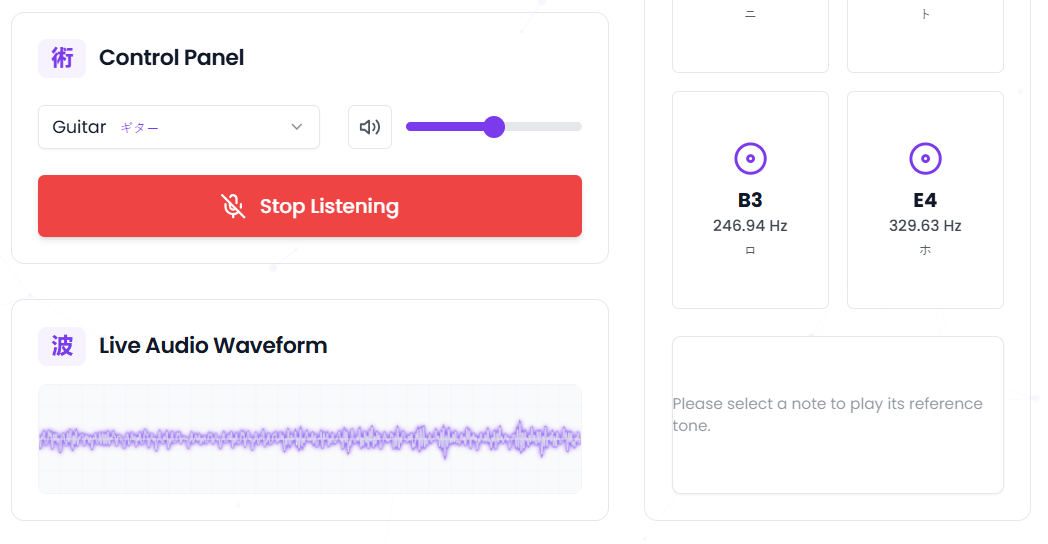
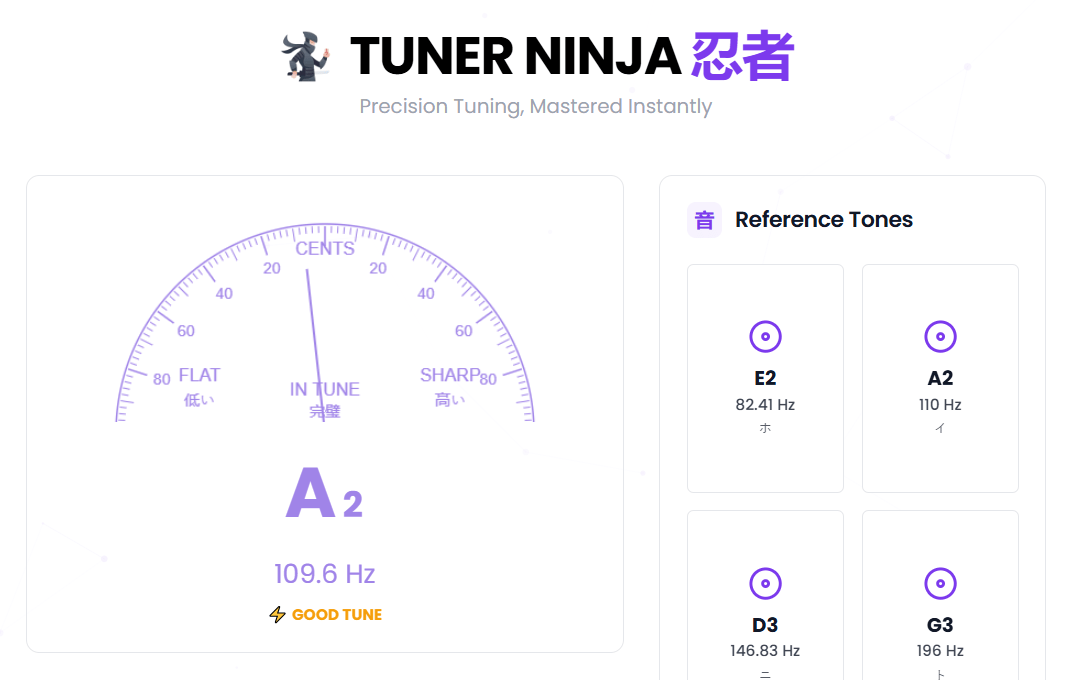
- Visual Feedback with Waveform Display: On the screen, the user sees a real-time waveform diagram that visually represents the sound being played. This visual representation helps musicians see the stability of their tone. Below the waveform, a pointer indicator shows pitch deviation. When the pointer moves to the left (“Flat”) the string needs to be tightened; when the pointer moves to the right (“Sharp”), the string needs to be loosened. When the pointer reaches the Green Zone, the string is perfectly tuned.
- Reference Tones for Ear Training: The built-in “Reference Tones” feature allows users to play pre-recorded perfect pitch notes (typically E, A, D, G, B, E for guitar standard tuning). This serves two important purposes: first, it provides an audible target for tuning by ear rather than relying solely on the visual display; second, it is an excellent tool for beginners to develop their musical ear by repeatedly hearing what correctly tuned notes sound like. Regular use of reference tones helps musicians internalize correct pitch and eventually tune their instruments by ear alone.
We identified below the advantages and disadvantages of this service based on our functional analysis.
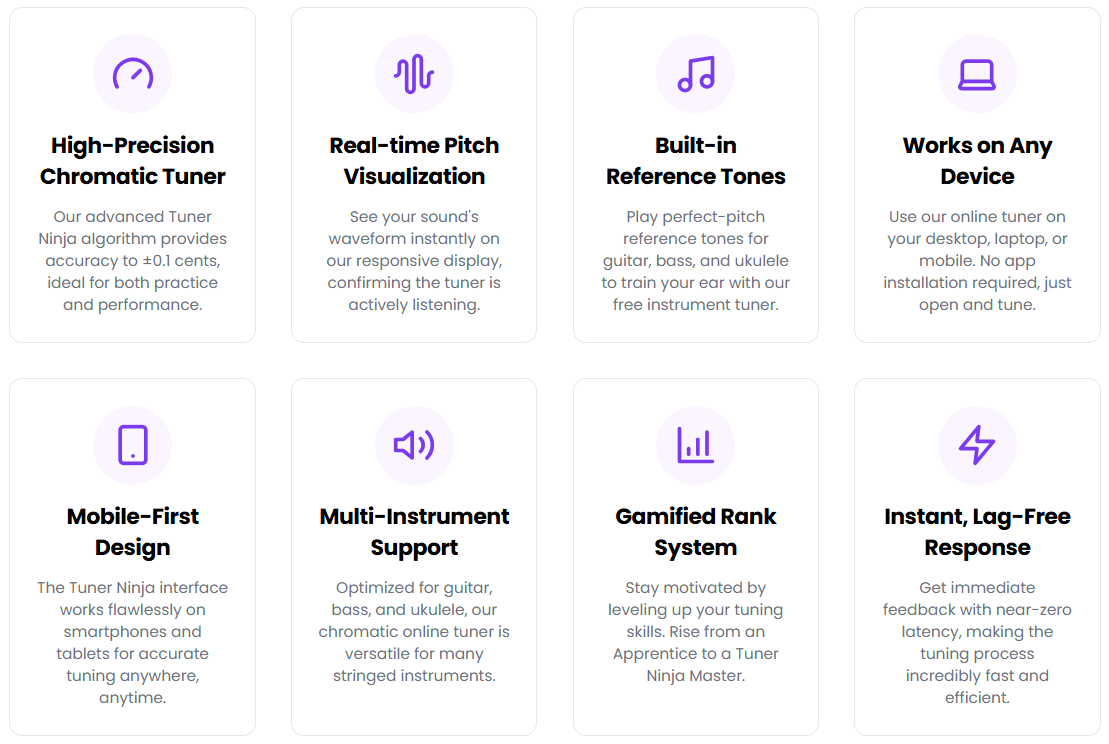
- Very high precision of measurements (±0.1 cents), which makes it possible to use it professionally.
- A completely free tool with no restrictions or advertising.
- Multi-platform compatibility: works on PCs, laptops, and mobile phones via a web browser.
- Processing local audio data ensures the safety and confidentiality of the user.
- Reference tones for ear training that help develop pitch recognition skills.
- Real-time waveform display for visual confirmation of tone stability.
- Ranking system (from “Apprentice” to “Tuner Ninja Master”) for gamification of regular practice.
- The precision of the tool is greatly influenced by the quality of the internal microphone or external microphone used.
- For optimal performance, it’s best to use the tool in a quiet area without any ambient noise.
- The interface is mainly in English.
- Minimal analytics on lower tiers: Starting from the BUSINESS plan, you will have full access to the analytics tools (e.g. searching in analytics).
- It is highly optimized for tuning string instruments like guitar, bass, and ukulele.
- There is no dedicated mobile app or offline mode.
Use Cases
The tool responds to specific practical problems for musicians and therefore does not require additional software downloads or hardware tuners.
- Quick Tune Before Rehearsals: A musician opens the browser on his/her phone, and in a few seconds he/she can tune his/her instrument using either the visual waveform display or the reference tones.
- Teaching Students: An instructor uses the visual indicator and waveform diagram to illustrate the basic principles of correct tuning and the concept of pitch deviation to a beginning guitarist.
- Ear Training Practice: A music student uses the built-in reference tones daily to develop his/her own pitch recognition abilities at home, gradually learning to identify when notes are flat or sharp without visual assistance.
- Recording Preparation: Before entering the recording studio, a bass player does a final precision check using the ±0.1 cent accuracy to ensure their instrument will be perfectly in tune with other instruments during the session.
Quick Pitch Reference: A songwriter working on new material uses the reference tones to find the right key or check if a melody they are humming matches standard pitch.
❓ Frequently Asked Questions
Answers to relevant questions about this AI tool
Sources
-
TunerNinja.org - Online Instrument Tuner — tunerninja.org
-
About TunerNinja.org — tunerninja.org
-
TunerNinja: The Ultimate Free Online Instrument Tuning Guide — tunerninja.org
-
Contact TunerNinja.org — tunerninja.org
-
Tuner Ninja — producthunt.com
-
Tuner Ninja - Online Instrument Tuner — tuner.ninja







No registration and no hidden fees makes this a high-value tool. It gets straight to the point and works in any browser, which is exactly the kind of efficiency I look for. Good for keeping costs down without sacrificing precision.
It is refreshing to see a web project that performs local audio processing rather than offloading everything to a server. The claim of ±0.1 cent accuracy is quite bold for a browser-based tool, but if the algorithm is as lightweight as they say, it should be a solid alternative to paid hardware. Minimal CPU usage is a plus for those of us not running high-end rigs.
Perfect for quick tuning