CapCut vs DaVinci Resolve 2026: Which Is Better?
On this page
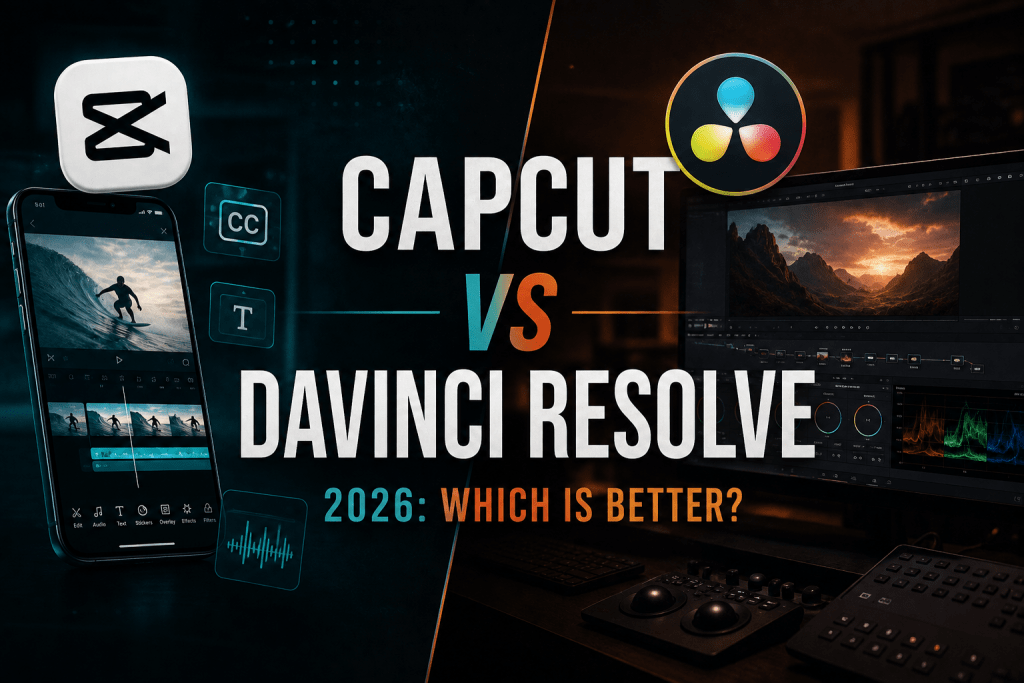
Choosing between CapCut and DaVinci Resolve is really a choice between two philosophies. CapCut is built for speed: a mobile-first, AI-powered editor that gets social content out fast. DaVinci Resolve is built for control: a professional desktop suite bundling editing, color, VFX, and audio used on Hollywood films. Both have genuinely free versions, so the question is not which is cheaper but which fits your work. This CapCut vs DaVinci Resolve comparison covers features, ease of use, pricing, and AI tools to help you decide.
The Short Answer
If your output is short-form social video, TikTok, Reels, Shorts, and you want to finish quickly, CapCut is the better fit. If you produce longer-form or professional work where color, audio, and precision matter, DaVinci Resolve wins. The decision usually maps to what you are making.
CapCut: Fast, AI-Driven, Social-First
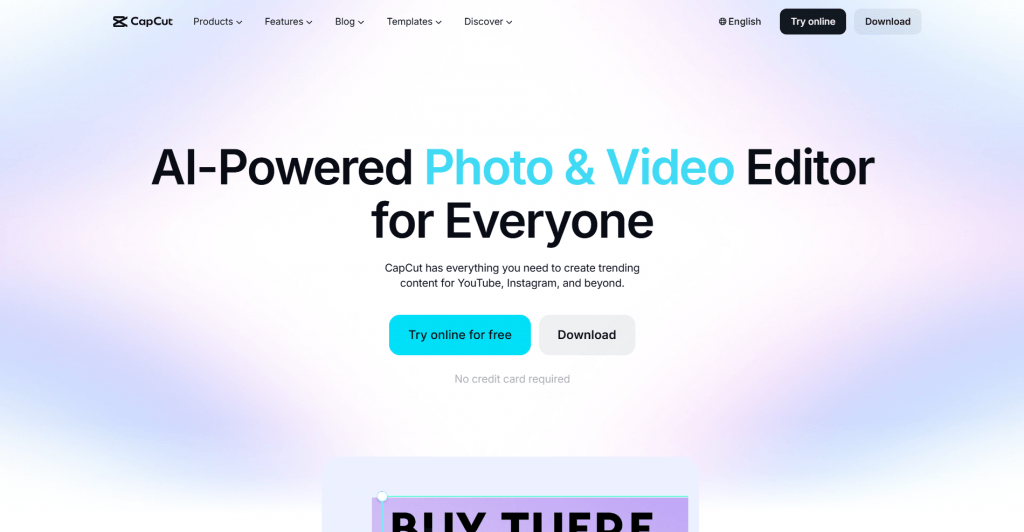
CapCut, made by ByteDance (TikTok’s parent), is designed to get you editing immediately with no learning curve. Its strength is speed and automation: drag-and-drop editing, a huge library of templates and music, and AI tools that handle the tedious work.
Standout AI features include auto-captions, one-tap background removal, text-to-speech, and trend-based templates. It runs on mobile and desktop, syncing across them, so you can start on a phone and finish on a laptop.
The trade-off is ceiling. CapCut is superb within its lane but not built for granular color grading, complex multi-camera edits, or professional audio post. It is the fastest way to a polished social clip, not the deepest tool for cinematic work.
CapCut Pros and Cons
- No learning curve, so you can edit within minutes
- Strong social AI: auto-captions, background removal, text-to-speech
- Huge library of templates, effects, and licensed music
- True mobile-first editing that syncs to desktop
- Genuinely usable, watermark-free free tier
- Limited depth for color grading, VFX, and audio post
- Pro is an ongoing subscription that adds up over time
- ByteDance ownership raised US availability and data questions
- Not suited to long-form or professional production
DaVinci Resolve: Professional Control in One Suite
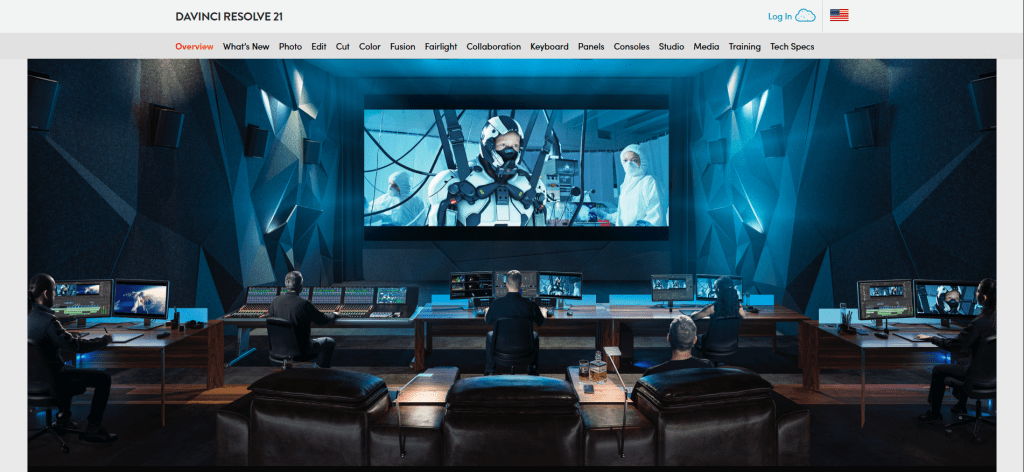
DaVinci Resolve, from Blackmagic Design (which makes pro cinema cameras), is an industry-standard editor bundling four tools in one app: the edit page, DaVinci’s renowned color grading, Fusion for VFX, and Fairlight for audio post. It is used on real film and broadcast productions.
Its defining trait is that the free version is not a trial. It is a genuinely full editor, enough for perhaps 90% of YouTubers, with no watermark. The paid Studio version adds the deepest AI tools, removes the resolution ceiling above 4K, and unlocks more effects.
The trade-off is the learning curve. Resolve is powerful but complex, and its depth can feel like too much for someone who just wants a quick social edit. It rewards the time you invest in learning it.
DaVinci Resolve Pros and Cons
-
Industry-standard color grading, the best available
-
Full editing, color, VFX, and audio in one suite
-
The free version is a complete editor, not a trial
-
Studio is a one-time purchase with free lifetime updates
-
Handles 4K and 8K footage smoothly on capable hardware
-
Steep learning curve for newcomers
-
Overkill for quick short-form social clips
-
Desktop-first, with only a limited mobile app
-
Demands more powerful hardware to run well
Head-to-Head: Features
Both are capable, but they lead in different areas:
- Ease of use and mobile: CapCut wins, beginner-friendly and mobile-first.
- Social AI, templates, effects: CapCut wins for auto-captions and trend-based content.
- Color grading and audio: DaVinci Resolve wins, the industry standard with Fairlight audio.
- VFX and high-resolution: DaVinci Resolve wins with Fusion and better 4K/8K handling.
CapCut vs DaVinci Resolve: Pricing
Both start free, but the paid models are completely different, and that difference matters.
|
Editor |
Free tier |
Paid option |
Model |
|
CapCut |
Full-featured free tier, watermark-free |
Pro from around $7.99 to $9.99/month |
Subscription, ongoing |
|
DaVinci Resolve |
Full free editor, no watermark |
Studio $295 |
One-time purchase, lifetime updates |
The distinction is subscription versus ownership. CapCut Pro is a monthly subscription that adds up over the years, while DaVinci Resolve Studio is a single payment with free lifetime updates, an increasingly rare model worth respecting. For long-term value, Resolve’s one-time cost is hard to beat; for low upfront commitment and mobile convenience, CapCut wins.
Which Should You Choose?
- Choose CapCut if you make short-form social content, want AI tools like auto-captions, edit on mobile, or value speed over depth.
- Choose DaVinci Resolve if you produce longer-form or professional video and need serious color, VFX, or audio post.
- Start with CapCut and graduate if unsure, moving to Resolve when you hit a wall, usually color, audio, or precise keyframing.
One honest note on CapCut: in early 2025 it briefly disappeared from US app stores alongside TikTok over ByteDance ownership concerns. It returned soon after, but the ownership question is worth being aware of, especially for business use.
Conclusion
CapCut and DaVinci Resolve are both excellent, so the comparison comes down to fit rather than quality. CapCut is the fastest path from footage to a finished social clip, with AI doing the heavy lifting and no learning curve. DaVinci Resolve is a professional suite giving complete control over color, audio, and VFX, free for most of what creators need and a one-time purchase for the rest. Match the tool to your output: speed and social for CapCut, depth and craft for DaVinci Resolve. Since both are free to start, the surest way to decide is to try each on one real project.
Sources
-
CapCut Official — AI Video Editor — capcut.com
-
CapCut Standard vs Pro — Official Comparison — capcut.com
-
DaVinci Resolve — Blackmagic Design — blackmagicdesign.com
-
DaVinci Resolve Fusion — Blackmagic Design — blackmagicdesign.com
-
Reuters — TikTok and CapCut removed from U.S. app stores — reuters.com
❓ Frequently Asked Questions
Answers to relevant questions about this AI tool