Top 5 Best Projected Panorama AI Generators
On this page
Just a few years ago, creating a high-quality 360‑degree environment meant either owning an expensive camera and stitching frames by hand or patiently waiting for a 3D artist to finish a custom skybox. Today, neural networks do the same job in seconds. But as often happens with AI, the apparent simplicity hides a dozen subtle trade-offs. Which tool actually delivers seamless panoramas? Where can you get real HDRI lighting for Blender? And what should a real estate agent use when they need a convincing virtual tour rather than a fantasy space battle?
We tested five market leaders on real-world tasks. This review gives you only facts, concrete examples, and an honest answer to one question: who actually benefits from each tool?
What AI Panorama Generators Actually Do
The core idea is simple: AI automatically corrects perspective, estimates depth, and stitches the edges into a seamless equirectangular image; the standard is a 2:1 format used by VR headsets and game engines. Some services generate panoramas “from scratch” using text descriptions, while others convert ordinary photos or renders into 3D/360 formats.
The market has clearly split into two camps:
- Text‑first generators (create from prompts)
- Content‑first converters (transform existing images or renders)
A few tools occupy a middle ground. For example, generation from architectural renders with an emphasis on spatial accuracy, plus optional text‑based refinement.
Top 5 AI Panorama Generators
1. Skybox AI (Blockade Labs)
Official site: skybox.blockadelabs.com
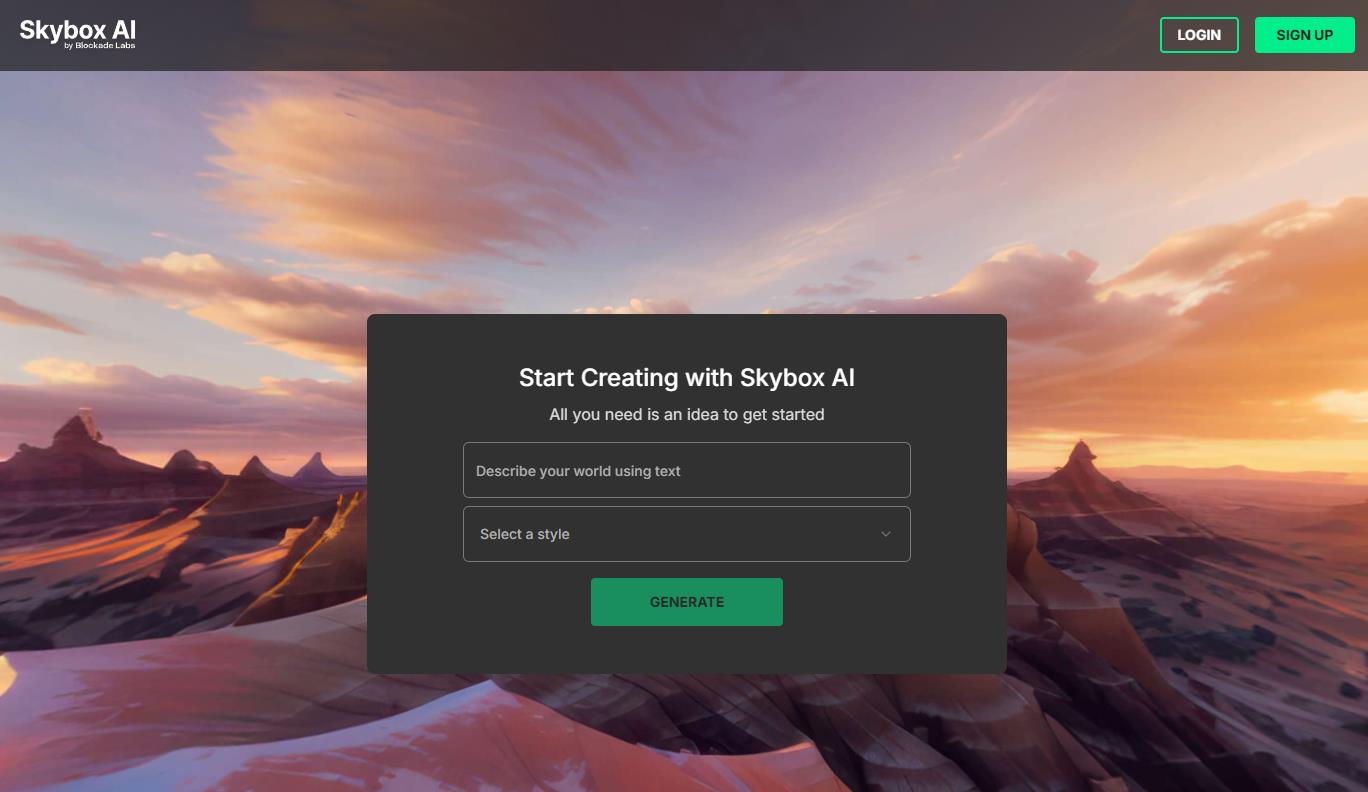
Imagine typing “abandoned temple in jungle, scattered light, photorealistic,” and 30 seconds later you have a ready‑to‑use 360 skybox you can drop straight into Unity or Unreal Engine. That is Skybox AI. The service from Blockade Labs became the go‑to choice for game development for a good reason: it runs on a custom version of Stable Diffusion, fine‑tuned specifically on equirectangular images.
What It Does
- Generates 360 panoramas from text prompts (up to 8K, 16K on business plan).
- Converts flat skyboxes into 3D meshes with depth extrusion; objects are pushed forward.
- Supports HDRI lighting and exports in 48+ artistic styles (anime, photorealism, cyberpunk, etc.).
- Offers Sketch Mode: draw rough shapes, and the AI completes them.
- Provides a Unity plugin, an SDK for .NET and Unity, and a public API.
Who It’s For: Game developers, VR/AR creators, and 3D artists who need a fast environment for prototyping or final scenes. Perfect for the “just show me the atmosphere” stage.
Pricing
| Plan |
Price |
What You Get |
|
Free |
$0 |
~5 generations/month, preview only (no download) |
|
Essential |
$20/month |
100 credits, 8K export, generation history, limited API |
|
Standard |
$48/month |
300 credits, HDRI lighting, 3D meshes, priority queue |
|
Business |
$112/month |
500 credits, 16K export, full API, IP protection, dedicated support |
- 30 seconds instead of hours of manual work.
- Simple interface and beginner-friendly.
- Commercial license on all paid plans.
- The seam where the panorama edges meet (and the poles—nadir and zenith) is sometimes visible.
- No way to locally fix part of the panorama—you must regenerate everything.
- Free plan is nearly useless (no downloads).
Our Verdict: The best choice for game development and rapid prototyping. If perfect floors matter less than atmosphere, take the Standard plan at $48/month—it unlocks HDRI and 3D mesh export.
2. PanoPulse
Official site: panopulse.com
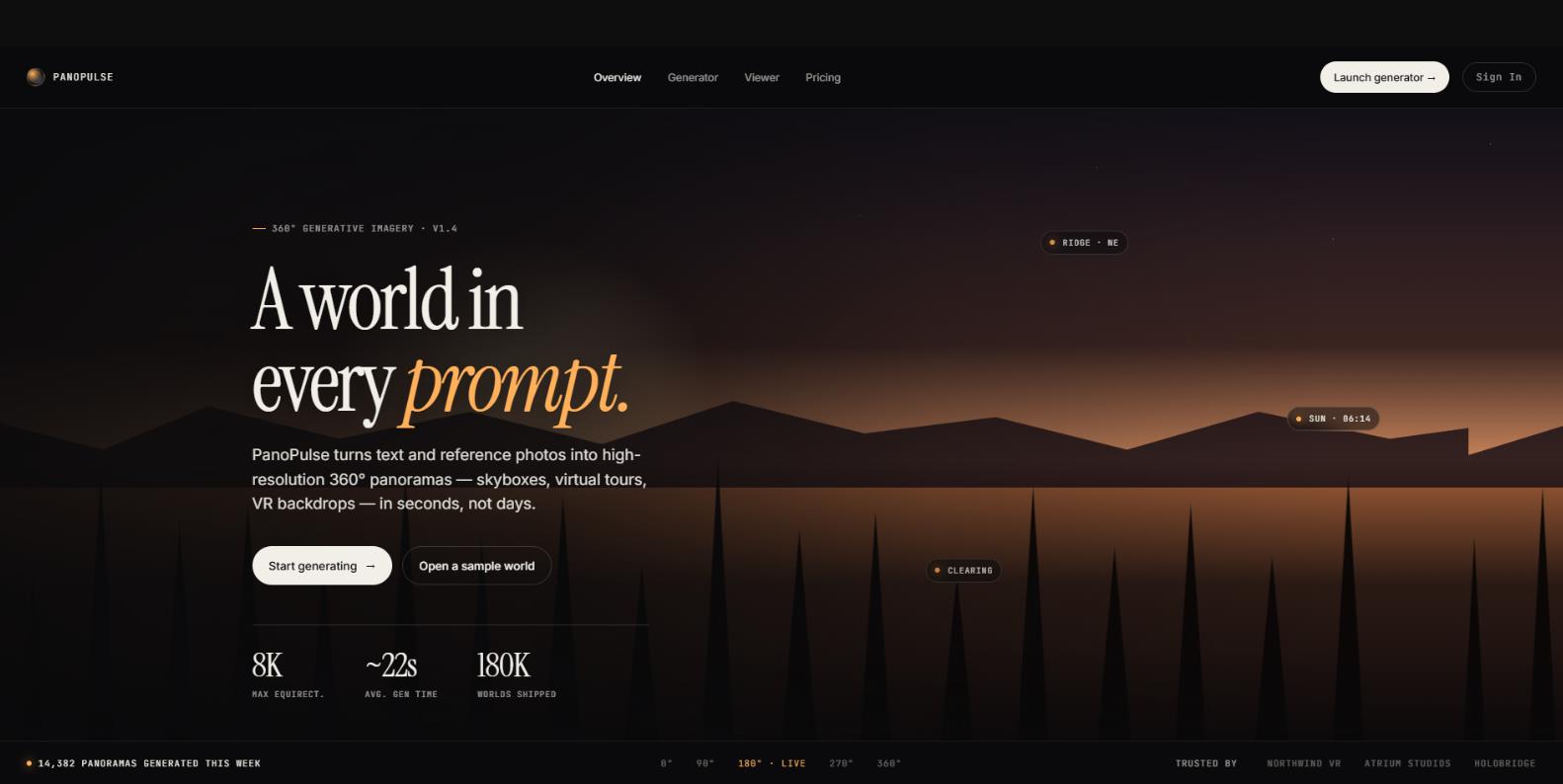
PanoPulse is relatively new, and it attracts attention not with revolutionary technology but with its attitude toward user data. While most competitors train their models on your prompts and uploads, PanoPulse states clearly, “Your results belong to you. We do not train on your prompts, references, or results unless you explicitly opt in.” That kind of transparency is rare.
Feature-wise, it is a solid mid‑range tool. You provide text or 1–4 reference images, and the service generates a panorama while trying to keep the sphere continuous, meaning no horizon distortion or pole compression.
What It Does
- Generates 360 panoramas from text or reference images (extracts palette, lighting, and compositional cues).
- Output formats: rectangular 2:1 (default), cubemap (6 faces), and stereographic fisheye.
- Direct export to Unity, Unreal, and Three.js.
- Built‑in 360 viewer with shareable links.
- HDR EXR available on Studio plans (prices not publicly listed).
Who It’s For: Independent creators, indie developers, and small studios that need a balance of low price and honest privacy policies.
Pricing
| Plan |
Price |
What You Get |
|
Free |
$0 |
25 free generations on sign‑up |
|
Basic |
$9.9/month |
500 credits (100 4K generations), basic priority support |
|
Pro |
$19.9/month |
2500 credits (500 4K generations), high‑priority support |
|
Studio |
Contact sales |
HDR EXR, custom rate limits |
- Very low entry price.
- Clear data ownership policy.
- One‑click 360‑viewer link without exporting to an engine.
- Young service: users report timeouts and authentication issues (“can’t log in, can’t generate images”).
- Few public reviews .
- Studio plans with HDR EXR have no published prices.
Our Verdict: An attractive alternative if you are willing to accept some instability in exchange for privacy and a low price. But test thoroughly before using it in production.
3. ArchiVinci
Official site: archivinci
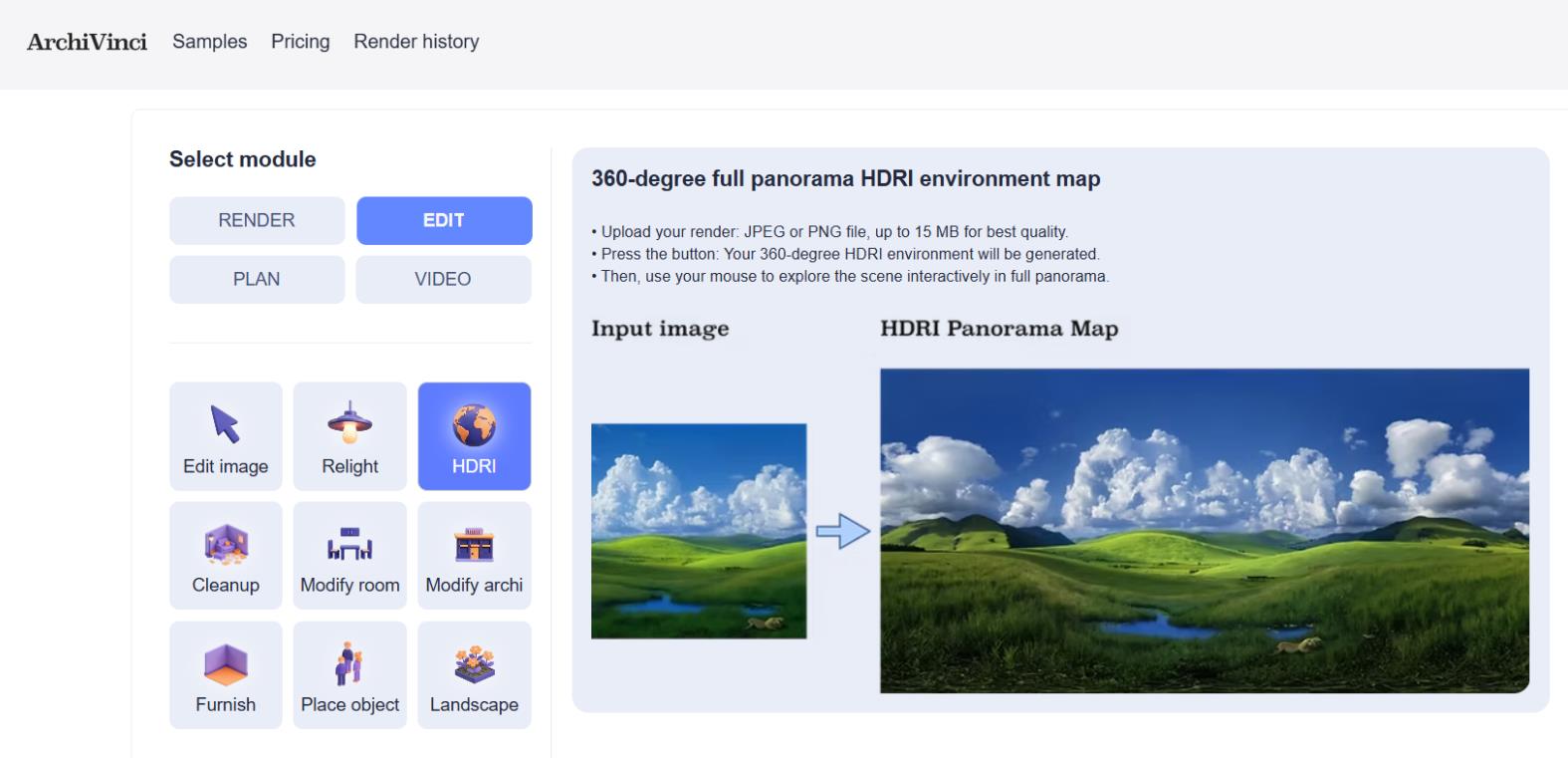
ArchiVinci is not a “magic text‑to‑skybox” tool. It is an AI layer built on top of professional architectural rendering. More than 620,000 architects and designers worldwide use the platform. It does not create panoramas from nothing – it turns your existing renders or sketches into photorealistic 360 environments while preserving material accuracy, lighting, and perspective.
What It Does
- Converts architectural renders into 360° HDRI panoramas.
- Integrates Stable Diffusion + ControlNet to maintain structural integrity.
- Works inside a larger ecosystem: besides panoramas, there are modules for interior/exterior rendering, virtual furniture staging, style transfer, and more.
- Runs entirely in the browser; no software installation.
Who It’s For: Architects, interior designers, and architectural visualizers who need accurate 360 representations of real projects for client presentations, not fantasy skyboxes.
Pricing
| Plan |
Price |
What You Get |
|
Trial access |
$0 |
Time‑limited trial (check site for current terms) |
|
One‑time packs |
from $? |
3 days, 1 month, 3 months, 6 months, 1 year – unlimited module usage during validity |
|
Coin system |
variable |
For advanced options like ArchiGPT and Image‑to‑Video |
Exact prices are updated on archivinci.com/pricing. Check before you buy.
- Architectural accuracy: the model understands form, materials, and lighting.
- Fair payment structure: one‑time payments, no recurring subscriptions.
- All‑in‑one platform: no need to assemble a pipeline of five separate services.
- The 360 module is just one feature among many. If you only need panoramas, you pay for tools you will never use.
- Renders are stored for only 7 days; best to download immediately.
- The service may publicly display some of your content (in a gallery or marketing materials), so we recommend reading the terms carefully.
Our Verdict: An excellent choice for architects who are already inside the ArchiVinci ecosystem. But as a standalone panorama tool for game development, it is the wrong fit.
4. Collov AI
Official site: collov.ai
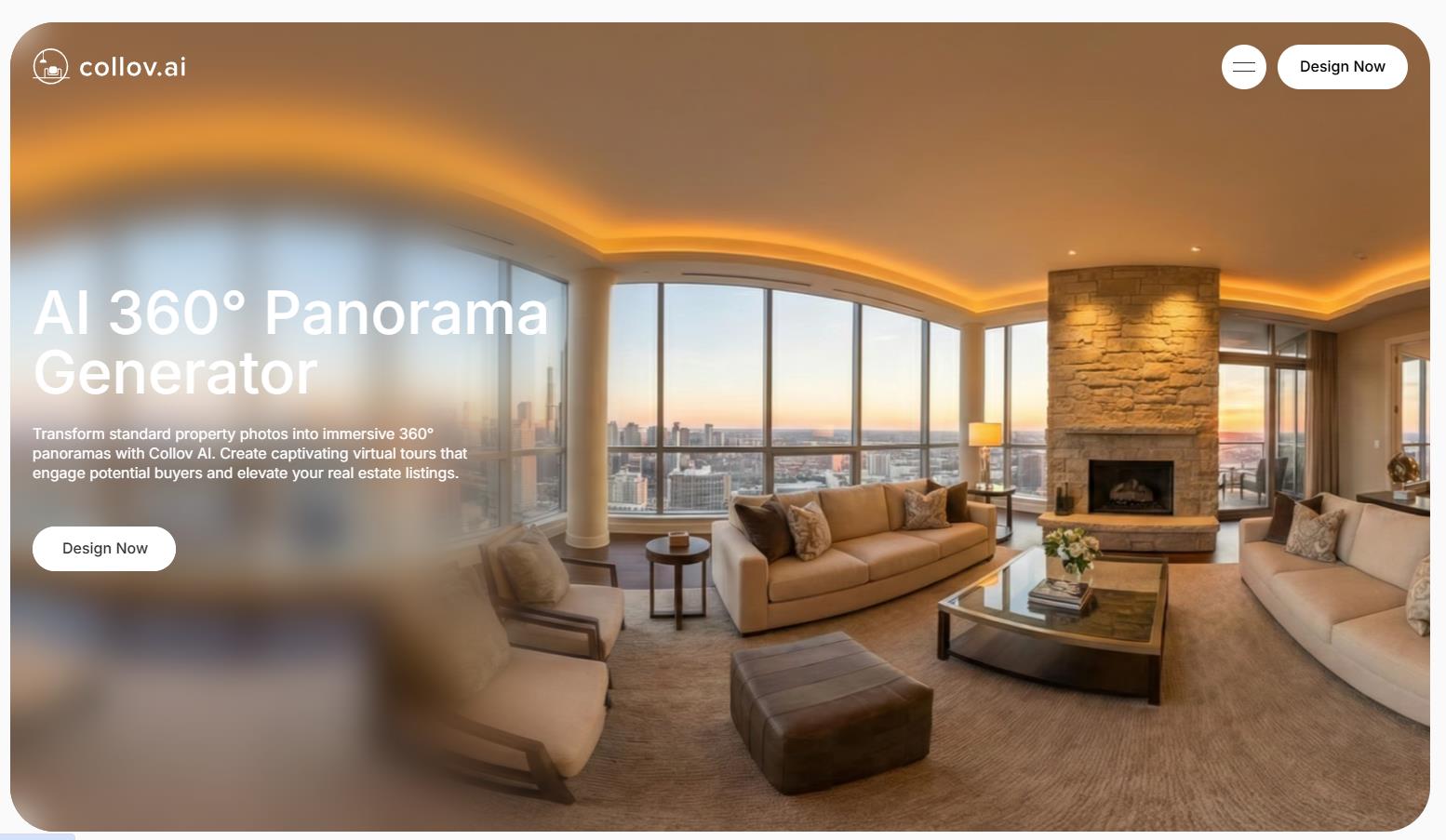
Collov AI solves a very specific pain point for US realtors and developers. A traditional 3D home tour costs $300–1000. Collov does roughly the same job from ordinary photos for about $7 per room. The service does not generate panoramas from scratch – it stitches 2–4 standard photos into an interactive 360 tour. On top of that, it adds virtual staging (removing or adding furniture, changing finishes).
What It Does
- Stitches 2–4 ordinary photos into a seamless 360 panorama.
- Offers AI Virtual Tour and Human‑Assisted Multi‑Angle Staging.
- Photo editing tools: material replacement (floors, walls), day‑to‑dusk conversion, seasonal changes, pool water and lawn replacement.
- Sub‑30‑second generation in most tests.
Who It’s For: Realtors, developers, and real estate marketing professionals. Especially relevant for the US market (the company is integrated with large brokerages like Side and Keller Williams).
Pricing
| Plan |
Price |
What You Get |
|
Free‑forever |
$0 |
Basic version (limited functionality) |
|
Premium |
from $16/month |
360 tours, virtual staging, AI Virtual Tour |
|
Standard |
$0.32 per image |
For volume projects |
|
Enterprise |
$0.24 per image |
API access, custom terms |
- 10–100x cheaper than traditional 3D tours.
- Very fast.
- Commercial license, no watermarks.
- “AI footprints”: furniture and layouts look suspiciously similar across different results.
- Unused credits expire at the end of the month.
- Customer service is reportedly terrible: “When I tried to cancel, they forced a video call, then the call ‘dropped.’ When I found out the cancellation hadn’t gone through, the company said, “So refund not possible, thanks.”
- Occasionally unrealistic renders for complex or luxury spaces.
Our Verdict: A functional tool for the mass real estate market, but you risk running into subscription cancellation problems. We recommend paying month‑to‑month and checking recent user reviews on SourceForge before committing.
5. Immersity AI (formerly LeiaPix)
Official site: immersity.ai
Immersity AI stands apart. It is not a panorama generator in the classical sense. It is a converter that turns 2D images and video into 3D/360 with a parallax effect. You upload an ordinary photo; the AI infers a depth map (grayscale: white = close to camera, black = far away), and creates the illusion of volume when the camera moves. The technology is called the Neural Depth Engine.
What It Does
- Analyzes 2D photos or video and generates a depth map.
- Renders 11 different animation styles (horizontal, vertical, circle, zoom, dolly, and more).
- Supports video input up to 4K (MP4, MOV).
- Version 4.0 introduced Neural Depth Rendering: intelligent layer separation that even fills in details that were originally hidden.
Who It’s For: Photographers, marketers, SMM specialists, and content creators who want to add a “wow effect” on social media without learning 3D software. Ideal for Instagram and TikTok.
Pricing
| Plan |
Price |
What You Get |
|
Free |
$0 |
Watermarked exports |
|
Premium |
from $4.99/month |
No watermarks, commercial use rights |
- Lowest entry price.
- Generous free version for testing.
- Video support (unique among competitors in this niche).
- Does not generate 360 panoramas from scratch but only converts content you already own.
- Not suitable for interactive 360 tours (only for “living” photos with camera movement).
- Narrow niche: parallax and light‑field effects, not a full environment for games or VR.
Our Verdict: The best choice if your goal is to quickly and cheaply turn ordinary photos or videos into “living” 3D clips for social media. But for games or architectural work, look elsewhere.
Comparison Table
|
Tool |
Free Tier |
Starting Price |
Max Resolution |
Output Formats |
Best For |
|
Skybox AI |
~5 gens/month (no download) |
$20/month |
up to 16K |
Equirect, HDRI, 3D mesh |
Game dev, VR/AR |
|
PanoPulse |
25 generations on sign‑up |
$9.9/month |
up to 8K |
Equirect, Cubemap, EXR |
Indie dev, virtual tours |
|
ArchiVinci |
Time‑limited trial |
One‑time packs |
HDRI |
Equirect, HDRI |
Architects, interior designers |
|
Collov AI |
Free‑forever (basic) |
$16/month |
HD |
Equirect |
Realtors, real estate marketing |
|
Immersity AI |
Free (watermarked) |
$4.99/month |
up to 4K |
MP4, Light field |
SMM, photographers, marketers |
Final Verdict: What to Pick
The right AI panorama generator comes down to what you’re actually building, since these five tools barely compete with each other. Here’s the short version:
Game developers and VR artists should go with Skybox AI. The seams and poles aren’t always perfect, but the speed and atmospheric quality more than make up for it. If you need HDRI lighting and 3D mesh export, the Standard plan at $48/month is the sweet spot.
Freelancers and small studios who value privacy and a low price should try PanoPulse, which stands out for not training on your prompts or uploads. Just test its stability in your region first, since users report occasional timeouts and login issues.
Architects and interior designers are best served by ArchiVinci, but only as part of its full rendering toolkit. Buying it for the 360 module alone means paying for features you won’t touch.
US realtors and property marketers get real value from Collov AI, which does for about $7 a room what a traditional 3D tour charges hundreds for. Go month-to-month and check recent reviews first, since cancellation has been a genuine pain point for some users.
SMM specialists and photographers who just want to bring photos to life for Instagram or TikTok should pick Immersity AI. At $4.99/month with video support, nothing here beats it for quick parallax effects.
❓ Frequently Asked Questions
Answers to relevant questions about this AI tool