Top Free AI Body & Physique Analyzers to Track Progress
On this page
An AI physique analyzer looks at a full-body photo and estimates your body composition: rough body fat percentage, muscle development, and proportions. The appeal is obvious, replacing expensive DEXA scans or calipers with a phone camera and a few seconds. The catch matters just as much: these are visual estimates, not clinical measurements, and the best tools admit it.
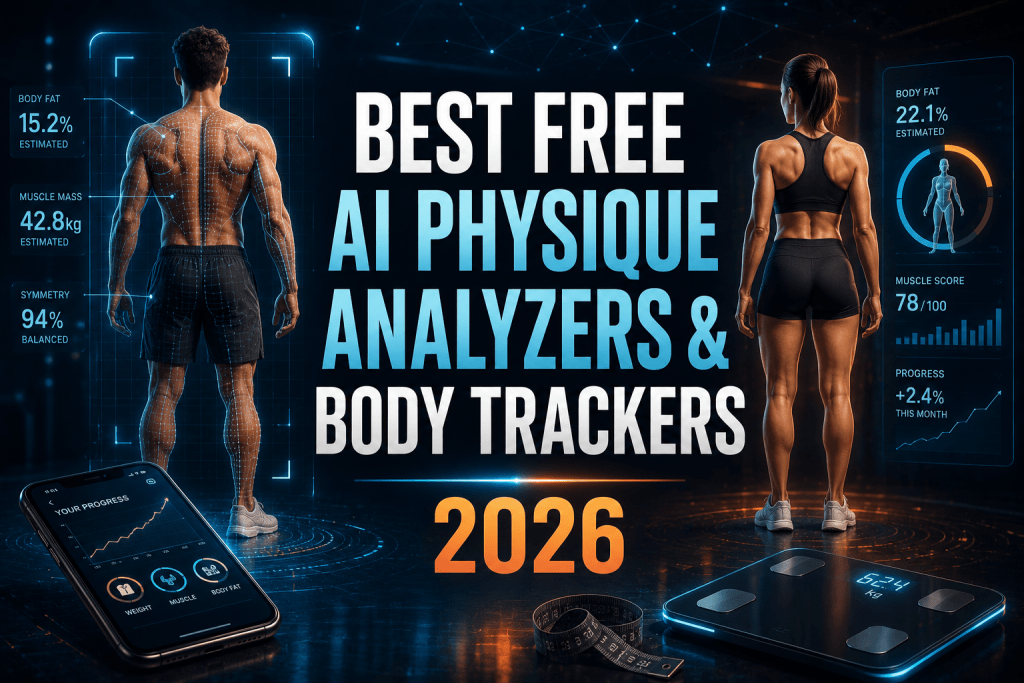
Used sensibly, a free AI body analyzer is a useful way to track direction over time. Used as a daily verdict on how your body looks, it can do more harm than good. It works best as one piece of a wider routine, alongside a fitness app that plans your training. This guide compares the tools worth using, keeps the accuracy claims honest, and focuses on progress rather than judgment.
How an AI Physique Analyzer Works
Every photo-based analyzer follows the same broad process:
-
Upload a full-body photo. Front, side, or both, ideally in fitted clothing with even lighting.
-
The AI reads visual cues. It assesses muscle definition, fat distribution, and proportions, often combining them with your height, weight, age, and sex.
-
You get an estimate. A body fat percentage range, muscle-group scores, and sometimes a symmetry read or training suggestions.
-
You track over time. The real value is comparing consistent check-ins, same pose, lighting, and time of day, to see the trend.
A key point on accuracy: visual estimation typically carries a margin of error around 3 to 5 percent versus a DEXA scan, and harsh lighting, baggy clothing, or flexing can skew it further. Treat the number as a ballpark and the trend as the signal.
The Best Free AI Physique Analyzers
1. BiteKit AI Body Fat Estimator
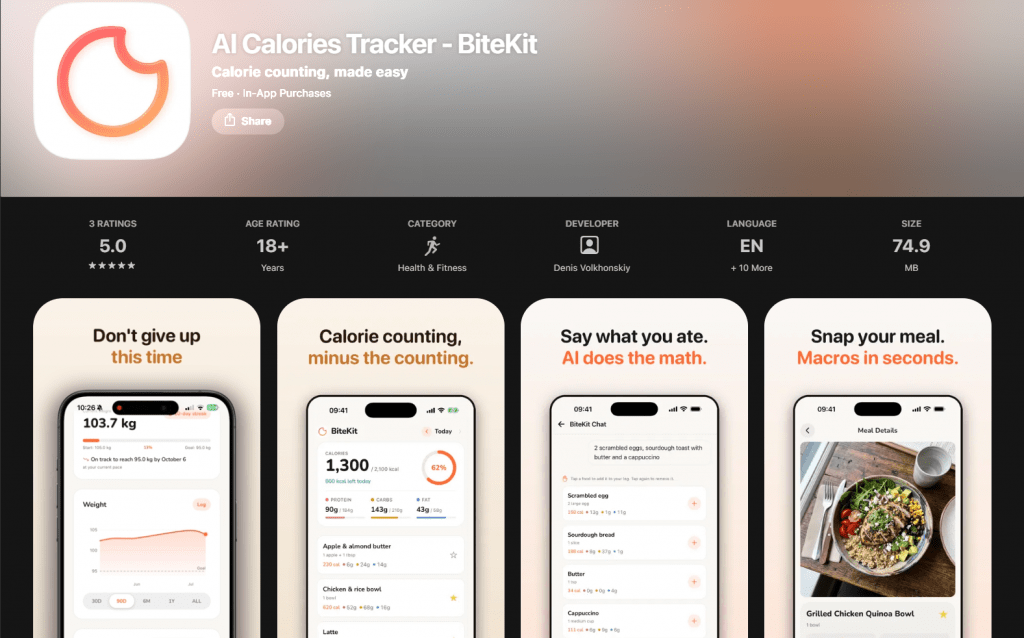
Official Website: Only available on the App Store
What it is: A free browser-based AI body analyzer that estimates body fat from a single photo, no app or signup.
How it works: Upload a front or side photo and the AI returns a body fat estimate with a muscle-group assessment. BiteKit is unusually upfront about limits, stating a 3 to 5 percent margin and calling the result an educational estimate, not a medical device. It also guides posing and lighting for a cleaner read.
Price: Free, no login.
-
Instant, with no download or account needed
-
Honest about accuracy, stating its margin openly
-
Photos are processed for analysis and not stored on its servers
-
Single-photo tool, so it does not track history
-
Accuracy swings with lighting, clothing, and pose
2. PhysiqueAI
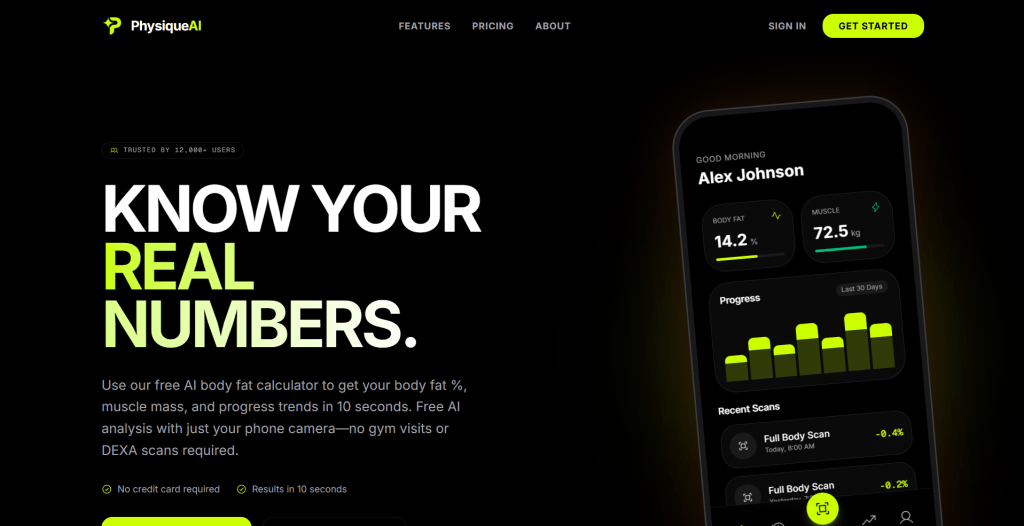
Official website: https://www.usephysiqueai.com/
What it is: An iOS app built around AI body-composition tracking over time.
How it works: Take a photo and it estimates body fat percentage, lean mass, fat mass, and muscle distribution, then builds a visual timeline so you can compare scans across weeks.
Price: Free with in-app purchases.
-
Progress timelines, not just a one-off number
-
No equipment beyond a phone camera
-
Photos processed securely, not shared
-
iOS only
-
Deeper tracking sits behind in-app purchases
3. GainFrame
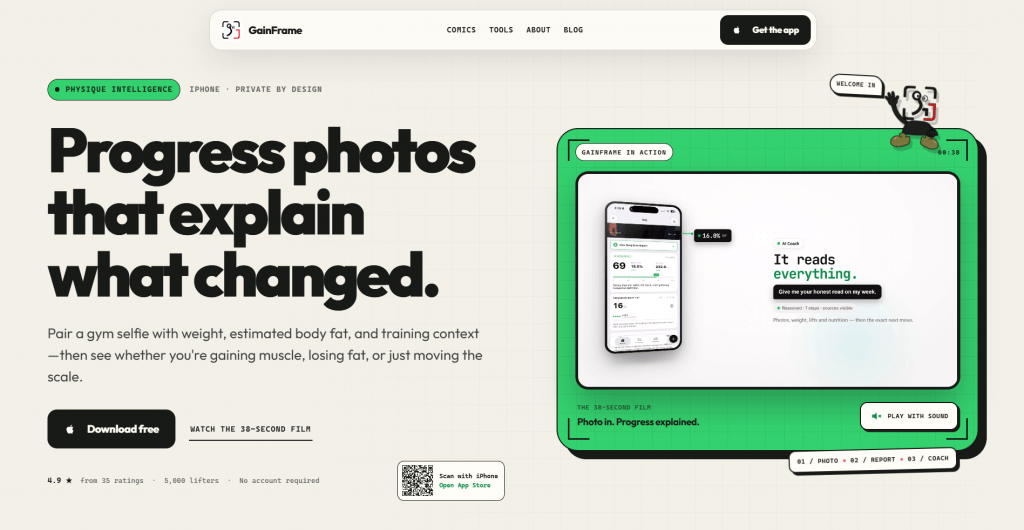
Official website: https://gainframe.app/
What it is: A progress-photo app with the most detailed estimation on this list.
How it works: Each photo gets a “Deep Dive” with estimated body fat, BMI, FFMI, a composite score, and ratings for 12 muscle groups, then tracks trends across check-ins and quantifies what changed between two photos.
Price: Free with a Pro subscription.
-
Longitudinal tracking with side-by-side deltas
-
Detailed metrics and training context
-
Reported to land within roughly half a percent of a DEXA reading in one test
-
iOS only
-
Full features need the Pro plan
4. Formfy
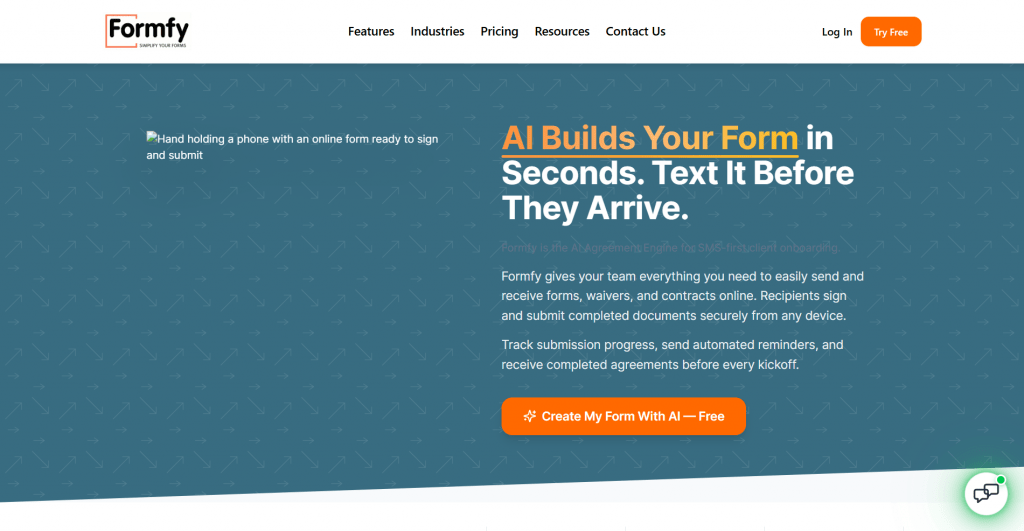
Official website: https://formfy.ai/
What it is: A speed-focused iOS analyzer with a bonus meal scanner.
How it works: Snap a full-body photo for a body fat estimate in seconds, with an added meal-photo scanner for rough calorie counting, making it a dual-purpose tool.
Price: Free with subscription.
-
Very fast, clean interface
-
Doubles as a calorie estimator
-
Pushes an app rating before you can judge accuracy
-
Some features gated behind days of use
5. FitIndex Smart Body Analyzer
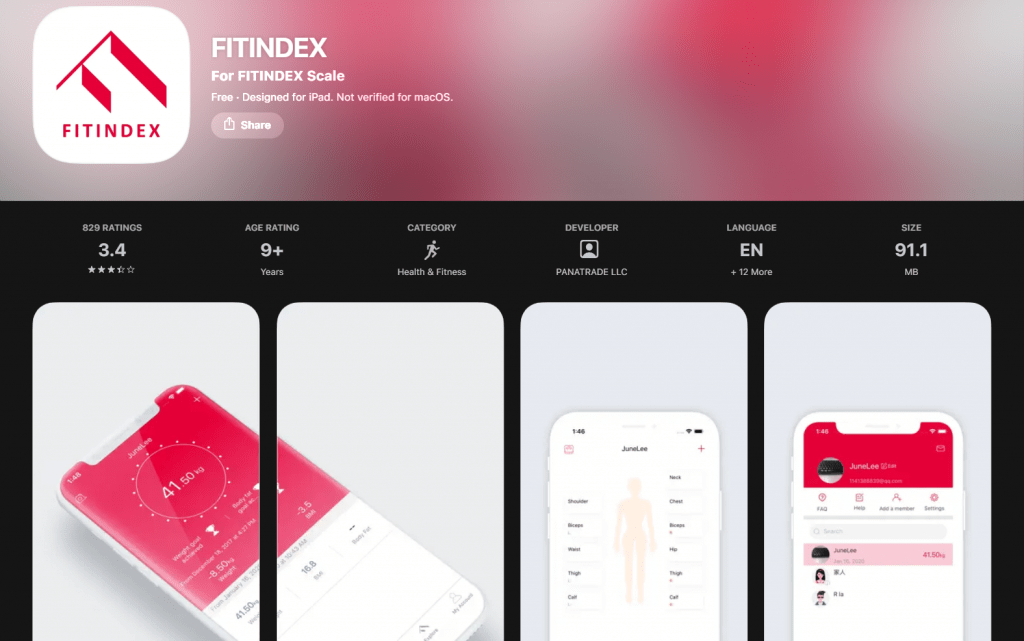
Official website: Only available on the App Store
What it is: Not a photo tool but a smart scale with an app, the answer to the “smart body analyzer” search.
How it works: The FitIndex smart body analyzer uses bioelectrical impedance through a scale to estimate body fat, muscle mass, water, and more, syncing readings to its app for tracking. It measures rather than looks, so it complements photo tools.
Price: The app is free; the scale is a one-time hardware purchase.
-
Consistent daily readings without posing or lighting issues
-
Tracks many metrics beyond body fat
-
Free app with the scale
-
Requires buying the scale
-
Impedance scales have their own accuracy limits versus DEXA
Comparison Table
|
Tool |
Type |
Free |
Tracks over time |
Platform |
|
BiteKit |
Photo |
Yes |
No |
Web |
|
PhysiqueAI |
Photo app |
Free + IAP |
Yes |
iOS |
|
GainFrame |
Photo app |
Free + Pro |
Yes, detailed |
iOS |
|
Formfy |
Photo app |
Free + sub |
Yes |
iOS |
|
FitIndex |
Smart scale |
App free |
Yes |
iOS/Android |
Who These Are For
-
People tracking a fitness journey who want a rough trend without a DEXA appointment.
-
Home exercisers without access to a gym’s body-composition tools.
-
Anyone recomping who wants to see whether muscle is up and fat is down over months.
A caution worth stating: if checking your body composition tends to fuel anxiety or unhealthy eating or exercise habits, these tools can make that worse. Use them occasionally to confirm a trend, not daily to grade yourself, and for any health decision, a professional assessment beats a photo estimate.
Conclusion
A free AI physique analyzer is a handy way to track body-composition trends without a clinic, and the best options, GainFrame for detail, PhysiqueAI for simple timelines, a browser tool for a quick look, are honest about being estimates. The FitIndex smart body analyzer covers the same goal by measuring rather than looking. Whichever you choose, keep pose, lighting, and timing consistent, watch the trend rather than any single number, and remember that a rough estimate is a nudge, not a verdict.
❓ Frequently Asked Questions
Answers to relevant questions about this AI tool