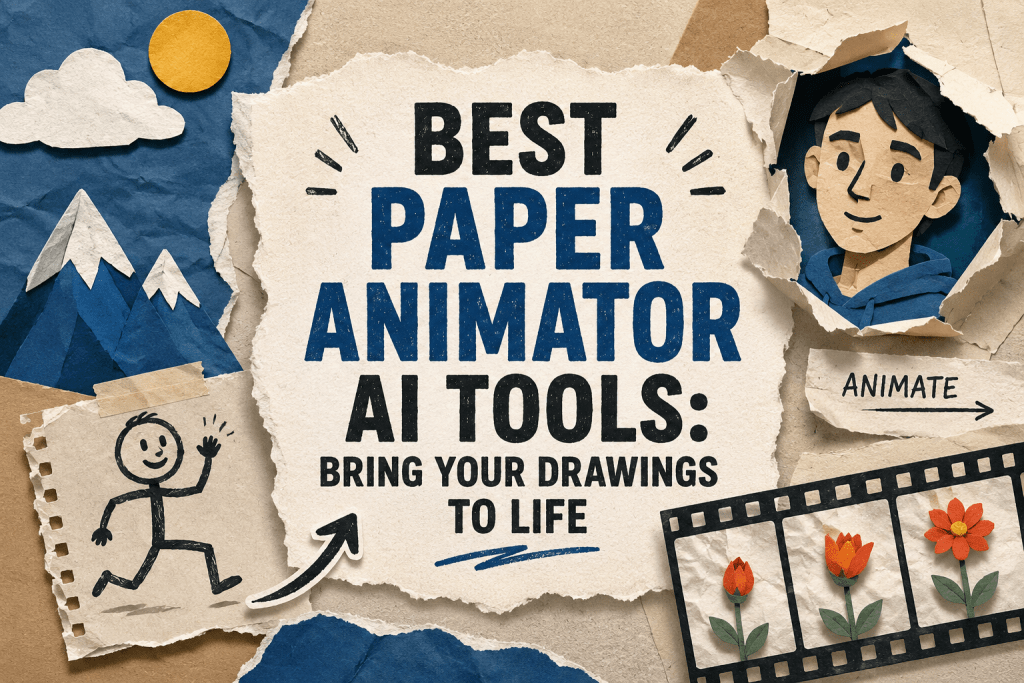
Best Paper Animator AI Tools: Bring Your Drawings to Life
On this page
The Paper Animator AI trend, paper animation powered by artificial intelligence, transforms ordinary photos, portraits, or text into dynamic animations in the style of paper cut-outs, fold-outs, ripped edges, crumpled paper, or magazine letters. A face or figure smoothly unfolds, folds, or moves with a slightly ragged motion. The effect evokes handcrafted stop-motion or artisanal animation. But this is the work of a neural network.
Why the Paper Animation Trend Took Off
In a world where AI increasingly generates hyper-realistic or cinematic video, the paper style stands out for its tactility, vintage feel, and hand-crafted aesthetic. It gives viewers a sense of warmth and human craftsmanship as a counterweight to the overly perfect digital image.
The trend continues the aesthetic of South Park, old music videos, and craft-based videos, but AI has made it mainstream. In 2026, paper animation is evolving: paper physics, crumpled effects, combinations with real footage, and 4K support are being added. This style remains part of a larger movement toward craft aesthetics and human touch in AI content, as a counterbalance to overly perfect generative video.
What Are Paper Animator AI Tools
Paper Animator AI Tools are specialized tools that turn static images, photos, or text into dynamic animations in the paper cut-out style. They mimic the aesthetic of stop-motion, hand-crafted paper animation, or origami, which is popular on social media, in marketing, and in educational content.
The accessibility of the technology plays a key role. Previously, creating such an effect required hours of work in After Effects and animator skills. Now one click and a few seconds of waiting.
This format is ideally suited for short videos. Ragged transitions, text reveals, and unfolding animations grab attention within the first 1–3 seconds of viewing. Videos in this style often go viral; they are used as scene transitions, product reveals, storytelling elements, or memes.
How It Works
The process is straightforward to the point of being simple.
- You upload a photo or image, or you write a text prompt.
- The AI automatically removes the background, detects the object’s contours, and applies effects of torn paper, shadows, folds, and texture.
- Then it adds animation such as movement, unfolding, tearing, or physics-based wobble.
- The finished video is exported, often with the option to save it on a green screen or with a transparent background for further editing.
The process takes seconds or minutes and requires no editing skills or knowledge of After Effects. Most tools use AI for background removal, edge detection, and procedural animation.
Who Needs This and For What Purpose
Paper animation tools are used by different categories of users:
- Content creators use them to create viral transitions, text reveals, and eye-catching visuals on TikTok, Instagram, and YouTube.
- Marketers and SMM specialists make advertising videos, product reveals, and explainer videos more lively and memorable.
- Teachers bring student drawings to life and visualize lesson materials.
- Designers and brands create stylized content with a handmade and papercraft feel, which increases audience trust and loyalty.
The main advantages are speed of creation, a low barrier to entry, and a professional look without spending hours in video editing.
Top 7 Paper Animator AI Services in 2026
1. PaperAnimator.com
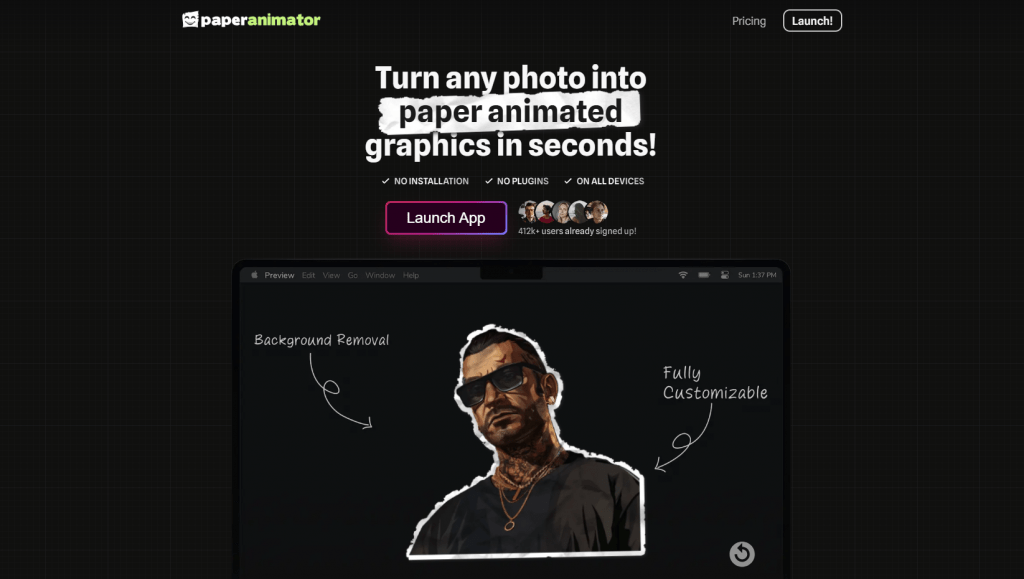
Official website: PaperAnimator.com
A pioneer and the most recognized specialized tool for paper animation, with more than 400,000 users. The service is entirely focused on paper effects and offers classic paper cut-outs with torn edges, fold-out animation, magazine letters, and text match cut transitions.
Automatic background removal is available with detailed customization: you can adjust edge thickness, shadows, and movement intensity. A simple drag-and-drop interface allows real-time preview, and export is possible on a green screen or as a transparent PNG.
User reviews and ratings: Users highly praise the service for its speed and quality, often noting the phrase “seconds instead of hours in After Effects.” The tool is popular among TikTok creators. The main complaints concern the limits of the free version and the credit system.
- Platforms: Web browser, no desktop version required.
- Pricing: A free tier exists but with a watermark and 720p limitation. The Pro tier starts at approximately $3.49 per month — this includes credits, 1080p resolution, and no watermark. Pay-as-you-go credit payment is also available.
- Maximum specialization in paper effects delivers excellent texture quality
- Built-in green screen and transparent export simplify further editing
- Real-time preview before generation saves time and credits
- Credit system and strict limits on the free tier
- Not well-suited for complex multi-layered scenes with multiple objects
2. Zlabz
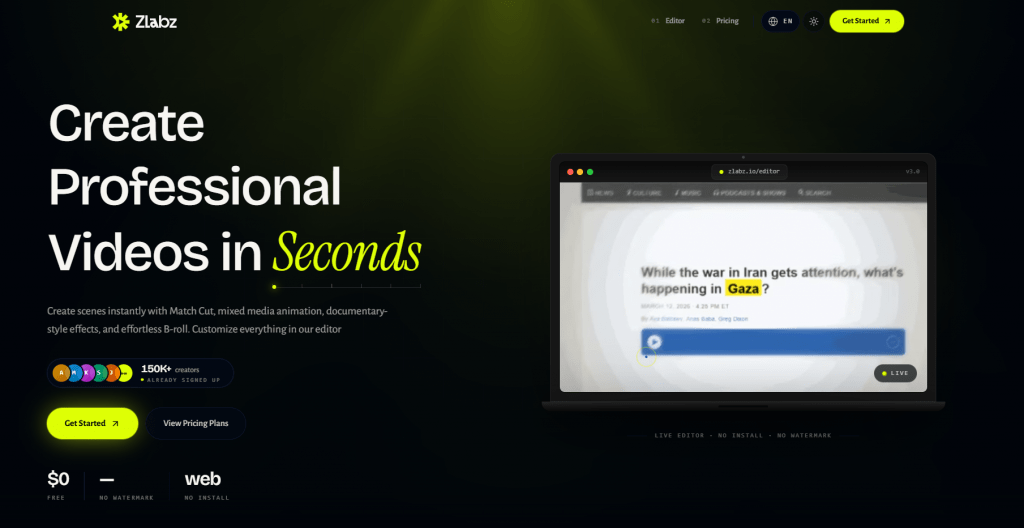
Official website: zlabz.io
A modern browser-based alternative, often called the best free option. Everything is processed directly in the browser without installing additional software.
The service supports paper cut-out, effects of torn, crumpled, and unfolding paper, text match cuts, and magazine letters. A powerful physics engine provides realistic movement, and real-time preview allows you to see the result before generation. AI content generation, custom fonts, and export up to 4K are available.
User reviews and ratings: Users switch to Zlabz precisely because of the absence of watermarks, high quality, and processing speed. The service is especially praised for text-heavy content that requires a lot of text animation.
- Platforms: Web browser.
- Pricing: A very generous free tier with 4K support, no watermark, and often no registration required for testing. The Pro tier is intended for unlimited use.
- Excellent free tier with no watermark and 4K support
- Advanced paper physics makes animation realistic
- Fast processing even for complex effects
- Slightly inferior to the original PaperAnimator for some niche paper effects
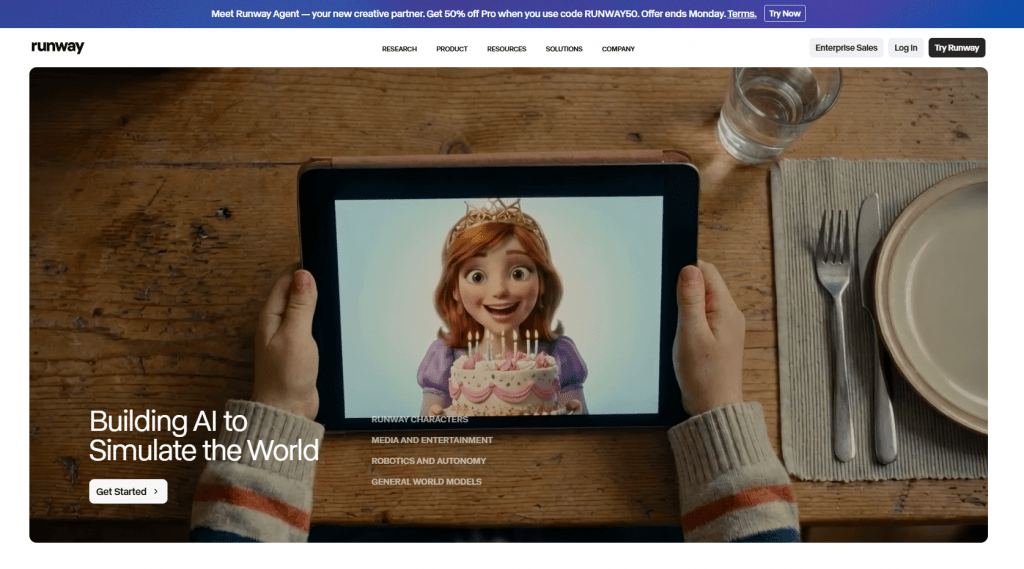
3. Runway
Official website: Runwayml.com
A powerful professional generative video platform used to create paper-style through detailed prompts. This is a tool for those who need cinematic quality.
The Gen-4 and Gen-4.5 models deliver excellent image-to-video with motion brush, camera control, and temporal consistency. With properly composed prompts such as “paper cutout animation, torn edges, physics-based paper movement,” you can achieve realistic paper cut-out, stop-motion, or origami effects. Reference images and advanced editing tools are supported.
User reviews and ratings: Professionals praise Runway for its cinematic quality and precise motion control. However, achieving a good paper style requires prompt engineering skills, as the service is not specialized specifically for paper animation.
- Platforms: Web browser, API for developers.
- Pricing: Free credits are provided at the start. The Standard plan starts at $15 per month, and Pro—$35—95+ per month depending on the volume of generations.
- Highest quality of generation and smooth movement
- Precise animation control via motion brush and camera parameters
- Professional editing tools
- Not specialized for paper effects so good prompts are required
- More expensive for simple tasks compared to specialized services
- Limits on clip length in basic tiers
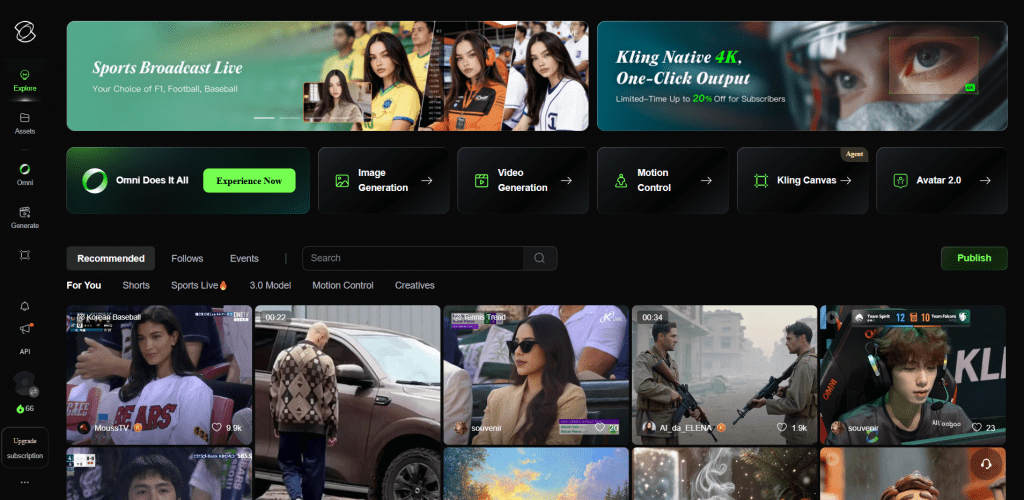
4. Kling AI
Official website: Kling.ai
One of the leaders in AI video for 2026, particularly strong in motion smoothness and character consistency. The service is well-suited for volume production of stylized content.
It delivers high-quality image-to-video and text-to-video. It works excellently with paper style when given the right prompts—cut-out, folding, and torn paper physics. Good character consistency and natural movement help create convincing paper animations where characters or objects maintain their shape from frame to frame.
User reviews and ratings: Users praise Kling for its balance of quality and cost, especially for volume production. The service handles stylized content well, including paper animation.
- Platforms: Web browser, mobile application.
- Pricing: Free generations are provided every day plus paid plans, which are often more cost-effective per second of video compared to Runway.
- Excellent motion and character consistency between frames
- Competitive price per second of video for volume usage
- Strong motion physics, important for paper effects
- Not specialized for paper so the result heavily depends on prompt quality
5. Pika Labs
Official website: Video Gen of Pika Labs
A creative tool popular for fast and impactful animations on social media. It is especially convenient for experimenting with the paper style.
The main features are Pikaffects for transformations and Pikaframes for first-frame and last-frame control. This is ideal for creating transitions and a stop-motion look. Through prompts and built-in effects, you can easily create paper cut-out, crushing, folding, and other paper animations. The service is fast and intuitive.
User reviews and ratings: Users love Pika Labs for its creativity and generation speed. The service is well-suited for experiments with the paper style and rapid prototyping of ideas.
- Platforms: Web browser, Discord bot.
- Pricing: A free tier with limitations, several generations per day. Paid plans start from $10 to $35+ per month depending on the volume needed.
- Fun and creative effects, convenient for short content
- First-frame and last-frame control via Pikaframes
- Fast generation for experiments
- Less professional control than Runway
- Sometimes less stable results from generation to generation
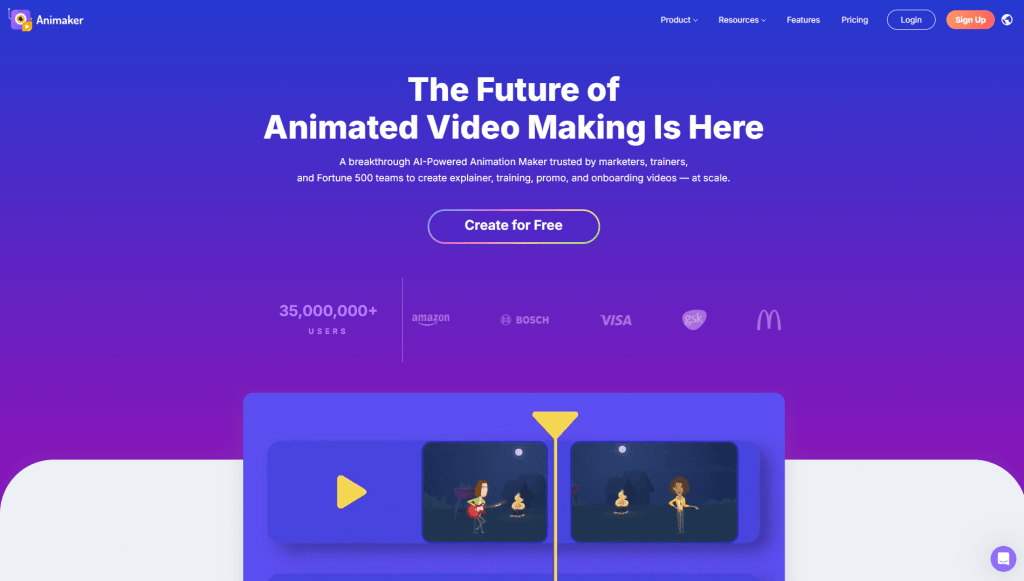
6. Animaker
Official website: Animaker.com
A full-fledged platform for creating animated videos with AI functions and a rich library of templates. Suitable for marketers and businesses that need to quickly create explainer videos.
It works on a drag-and-drop basis and includes an AI script generator, character builder, and text animations. There are ready-made templates in sketch and whiteboard styles that are visually close to the paper aesthetic. Image-to-video capabilities are available, allowing you to combine paper-like effects with other animation styles in one project.
User reviews and ratings: Users praise Animaker for its ease of use for beginners and marketers, as well as its abundance of ready-made templates. It is a reliable tool for business tasks when a predictable result is needed.
- Platforms: Web browser.
- Pricing: A free tier exists with limitations. Paid plans start from $20 to $49 per month depending on the chosen level (Basic, Starter, or Pro).
- Full-featured video editor plus AI functions in one interface
- Easily create complete videos by combining paper animation with other styles
- Large number of ready-made templates for a quick start
- Less authentic “paper” look compared to specialized tools
7. Filmora
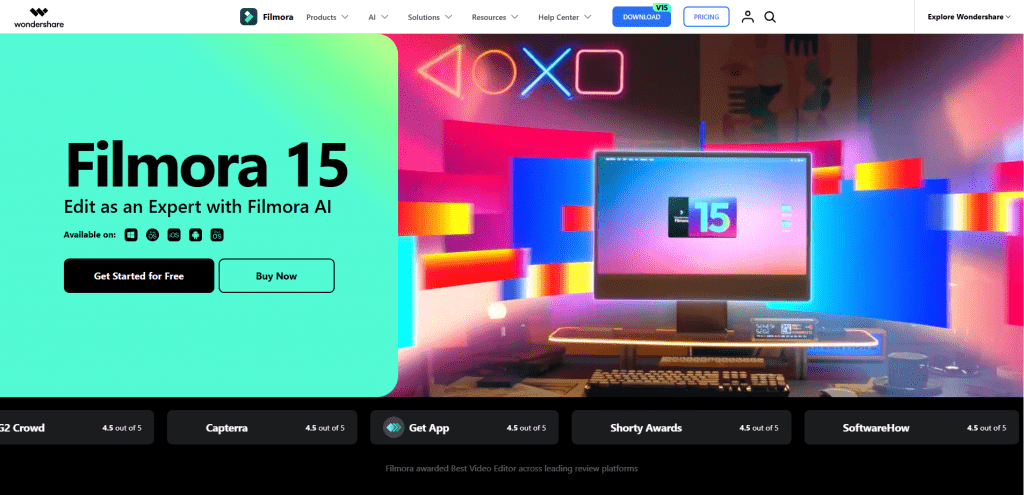
Official website: Filmora.wondershare.com
A popular video editor from Wondershare that has added AI functions, including the ability to generate paper-like animations. Suitable for those who want an “all-in-one” editor and occasionally experiment with the paper style.
It includes AI image-to-video, ready-made effects, and templates, including in sketch and paper-like styles. An intuitive interface makes editing accessible to beginners, and a rich asset library eliminates the need to search for additional material. The service is suitable for combining paper animations with regular editing within a single project.
User reviews and ratings: Users note that Filmora is an excellent choice for those who want an all-in-one editor without having to master professional packages like Premiere Pro.
- Platforms: Desktop applications for Windows and macOS.
- Pricing: A free version exists with limitations. A subscription or one-time purchase is available, typically in the range of $50–80+ depending on the chosen plan.
- Comfortable traditional video editing with a clear timeline
- Built-in AI tools for generation and effects
- Reliability and stability from a well-known developer
- Paper effects are not the main specialization but rather an addition to editing
Comparison Table of Paper Animator AI Services
|
Service |
Specialization |
Free Tier |
Pro Price |
Best For |
Customization |
Export |
|---|---|---|---|---|---|---|
|
PaperAnimator |
Paper cut-out, fold-out |
Limited (720p, watermark) |
from ~$3.49/mo |
Quick social media effects |
High |
1080p, green screen |
|
Zlabz |
Text match cut + paper |
Generous (4K, no watermark) |
from ~$6/mo |
Free text content |
High |
4K, transparent background |
|
Runway ML |
Advanced AI video |
Credits at start |
from $15/mo |
Cinematic quality |
Very high |
High resolution |
|
Kling AI |
AI video with strong motion |
Daily free generations |
Competitive price/sec |
Volume production |
High |
High resolution |
|
Pika Labs |
Fast creative animations |
Several generations/day |
from $10/mo |
Experiments and transitions |
Medium |
Video |
|
Animaker |
Animation platform |
Limited |
from $20/mo |
Marketing and education |
Medium |
Full video |
|
Filmora |
Video editor + AI |
Limited version |
$50–80+ |
All-in-one editing |
Medium |
Full editing |
Conclusion
Paper Animator AI Tools radically simplify the creation of stylish, viral content in the paper aesthetic. The technology has democratized animation: now anyone can create content at the level of studio motion design without years of experience or expensive software.
For most creators and marketers, the optimal choice will be a combination of one or two services. PaperAnimator remains the industry standard for quick social media effects with professional settings. Zlabz is an ideal free start with no watermark and 4K support, especially for text content.
For more complex projects, it is worth looking toward universal generative models. Runway ML delivers cinematic quality and precise control but requires prompt engineering skills and is noticeably more expensive. Kling AI offers the best price-to-quality balance for volume production thanks to its competitive cost per second of video and strong character consistency. Pika Labs is suitable for quick experiments and creative transitions.
If paper animation is only a small part of a larger project, it makes sense to use full-fledged editors. Animaker is good for marketing and educational videos with ready-made templates, and Filmora is good for traditional editing with occasional AI effects.
The best advice: start with the free versions of Zlabz or the limited trials of paid services. Often the result impresses from the first generation, and experiments with different tools will help find the one that is ideal for your tasks.
Frequently Asked Questions
❓ Frequently Asked Questions
Answers to relevant questions about this AI tool