AI Celebrity Selfies: Create Photos With Stars
On this page
How to Create a Photo with a Celebrity Using AI
The process of creating a photo with a celebrity using AI involves three key steps: choosing the right service, preparing your source images, and crafting a text prompt.- Choosing an AI Tool. The main criterion is the ability to upload your own images. This allows you to “place” your face onto a template or merge it with a celebrity’s photo. For creating celebrity photos with AI, services like Nano Banana are ideal, as they specialize in face-swapping and crafting realistic scenes.
- Crafting a Text Prompt. To ensure the AI generates a high-quality celebrity photo, you need to provide clear instructions. Describe:
- Scene and Action: What’s happening in the photo? (e.g., “two people hugging and looking directly at the camera”).
- Style and Mood: What’s the vibe of the shot? (e.g., “a spontaneous, lively atmosphere, like a candid moment caught by chance”).
- Technical Details: How should the photo look? (e.g., “a realistic Polaroid-style photo with soft flash lighting and slight motion blur”).
- Key Requirements: What must be included? (e.g., “faces must remain undistorted and match the uploaded photos”).
- Ready-to-Use Prompt for AI. You can use this template to quickly create a celebrity photo with AI. Simply upload your photo and the celebrity’s image, then input this prompt:
Make the characters in these images look like they’re in a real Polaroid photo. The atmosphere should feel spontaneous and lively, as if the moment was captured candidly without posing or props. Add slight motion blur and soft flash lighting, evenly diffused in a dark space. Do not distort the faces—they should look exactly like the uploaded photos. Replace the background with a simple white curtain to create a cozy, homey vibe. Two people are hugging and looking directly at the camera, with the moment feeling natural and unposed.

Top AI Tools for Creating Celebrity Photos
Not all services are equally effective at merging two faces into one image. Here’s a curated list of AI tools that excel at creating highly realistic celebrity photos.Nano Banana
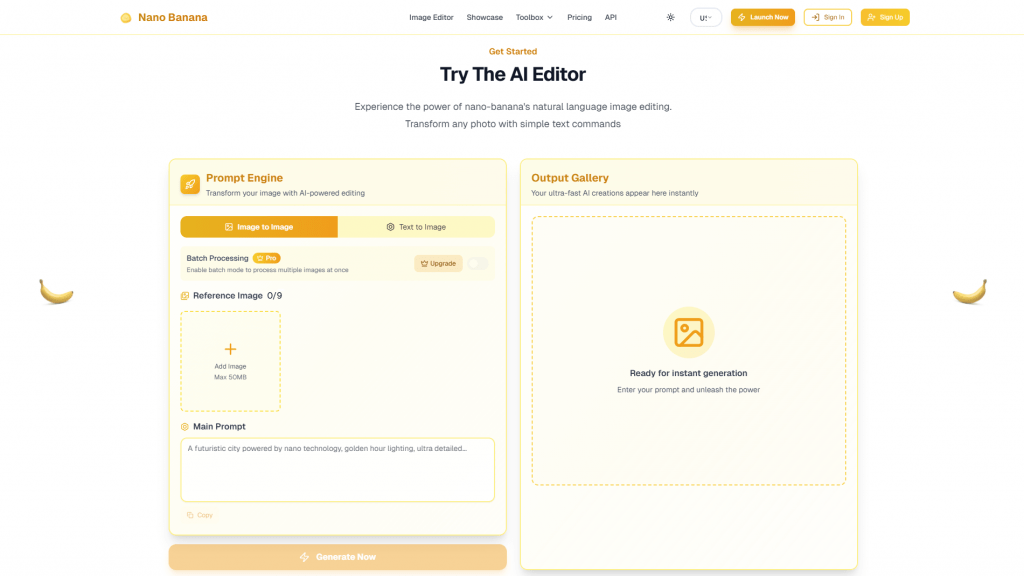 Link: Nano Banana.
This versatile photo editor is perfect for creating scenes with celebrities. Upload your selfie and a celebrity’s photo, describe the scene, and the AI generates a realistic image.
Pricing Model: Details are being clarified. Some features may require a paid subscription via Google Gemini.
Availability: Widely available across most countries and languages.
Strengths: Produces highly realistic and lively shots. Allows detailed customization of poses, settings, and emotions. Accurately preserves facial features from source images.
Weaknesses: The setup process may feel complex for beginners.
Link: Nano Banana.
This versatile photo editor is perfect for creating scenes with celebrities. Upload your selfie and a celebrity’s photo, describe the scene, and the AI generates a realistic image.
Pricing Model: Details are being clarified. Some features may require a paid subscription via Google Gemini.
Availability: Widely available across most countries and languages.
Strengths: Produces highly realistic and lively shots. Allows detailed customization of poses, settings, and emotions. Accurately preserves facial features from source images.
Weaknesses: The setup process may feel complex for beginners.
Stable Diffusion
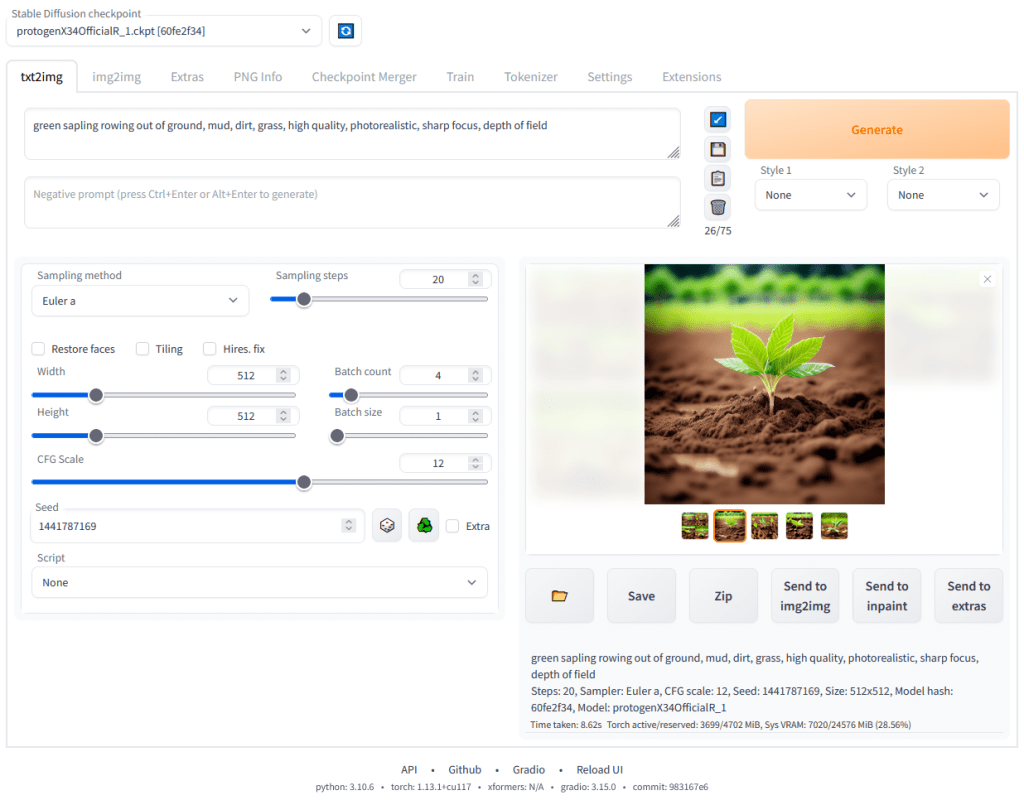 A powerful open-source AI tool, one of the most popular globally for image generation.
Link: Stable Diffusion
Pricing Model: DreamStudio offers about 25 free credits upon registration. Local installation is free but requires a powerful PC.
Availability: Online platforms are accessible but may require authorization via Google or Discord.
Strengths: High level of customization and control, especially with local installation. Large community and a wide range of pre-built models and styles.
Weaknesses: Requires technical know-how for setup. Online versions have limits. Performs best with English-language prompts.
A powerful open-source AI tool, one of the most popular globally for image generation.
Link: Stable Diffusion
Pricing Model: DreamStudio offers about 25 free credits upon registration. Local installation is free but requires a powerful PC.
Availability: Online platforms are accessible but may require authorization via Google or Discord.
Strengths: High level of customization and control, especially with local installation. Large community and a wide range of pre-built models and styles.
Weaknesses: Requires technical know-how for setup. Online versions have limits. Performs best with English-language prompts.