Wava AI turns a script into a finished faceless video, voiceover, captions, and background footage included, in about 30 seconds. No editor, no install. We cover what it does well, where it stumbles, and whether a paid plan earns its place.
Wava AI: A Video Editor for Creating Viral Shorts and Reels Without Showing Your Face
On this page
Wava AI is a browser-based tool powered by artificial intelligence, designed for the rapid creation of short-form vertical videos (TikTok, Instagram Reels, YouTube Shorts). The platform focuses on producing so-called “faceless content”—videos where the creator does not need to appear on camera.
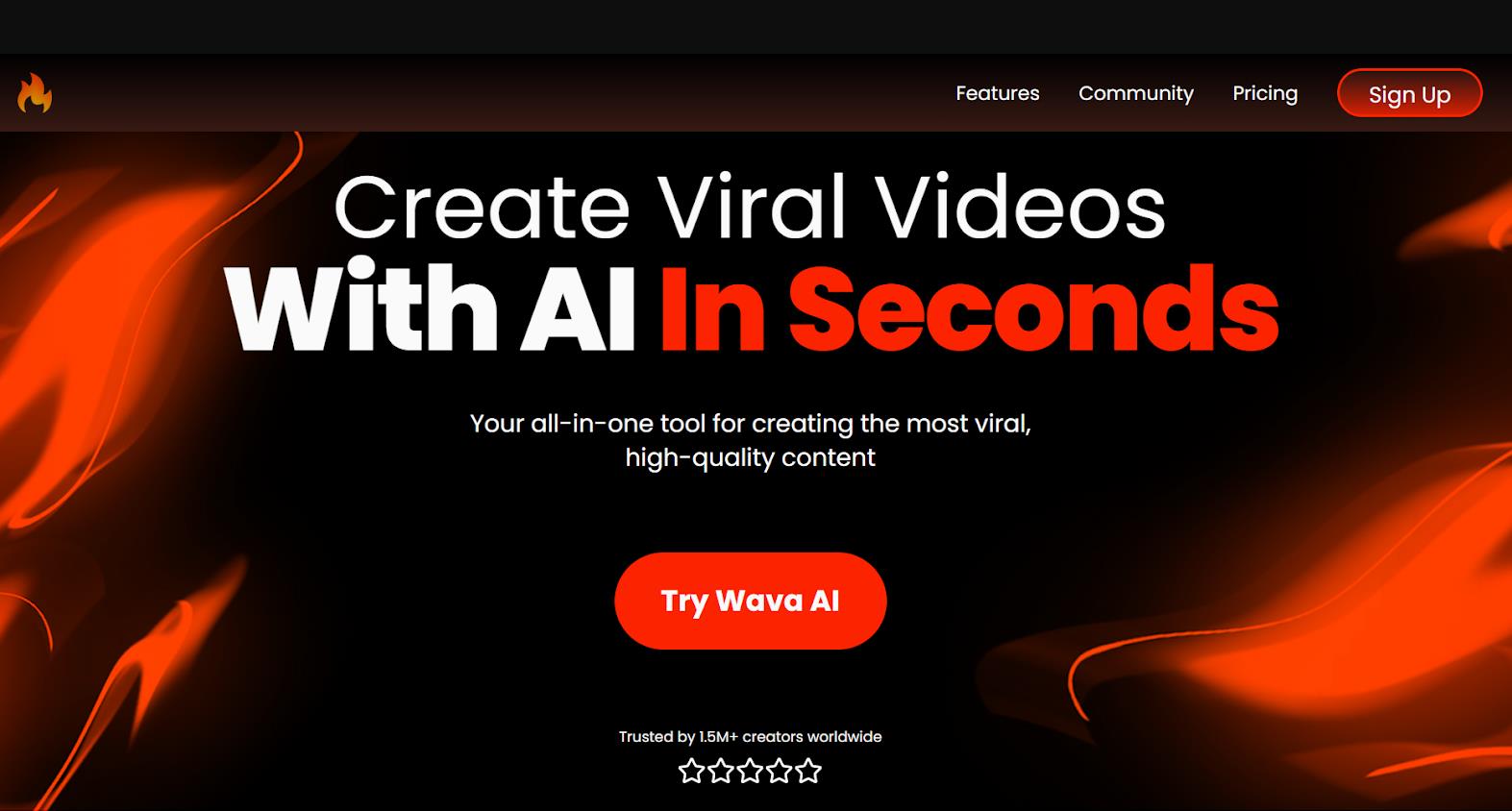
The developer positions the product as a solution for content creators, social media managers, and small business owners who need to publish videos regularly but lack the time for traditional editing or the resources for filming. We tested Wava AI, and here’s our take on it.
What is Wava AI, and what can it do?
Wava AI offers a set of features that cover the main needs of short-form content creators. Key capabilities include:
- Automated generation: The system handles selecting visuals, voiceovers, and syncing text.
- Text story and split screen modes: Specialized formats that are currently very popular on TikTok and Reels.
- Custom voiceovers: Integration with ElevenLabs allows you to choose voices or upload samples for cloning.
- Customizable subtitles: Automatic speech recognition and the application of animated subtitles.
- Auto clipper: A feature for repurposing long videos (like podcasts or streams) into short, viral-worthy clips.
- Image generator: A built-in tool for creating unique thumbnails or visual elements.
- Freemium model: A free tier is available for testing.
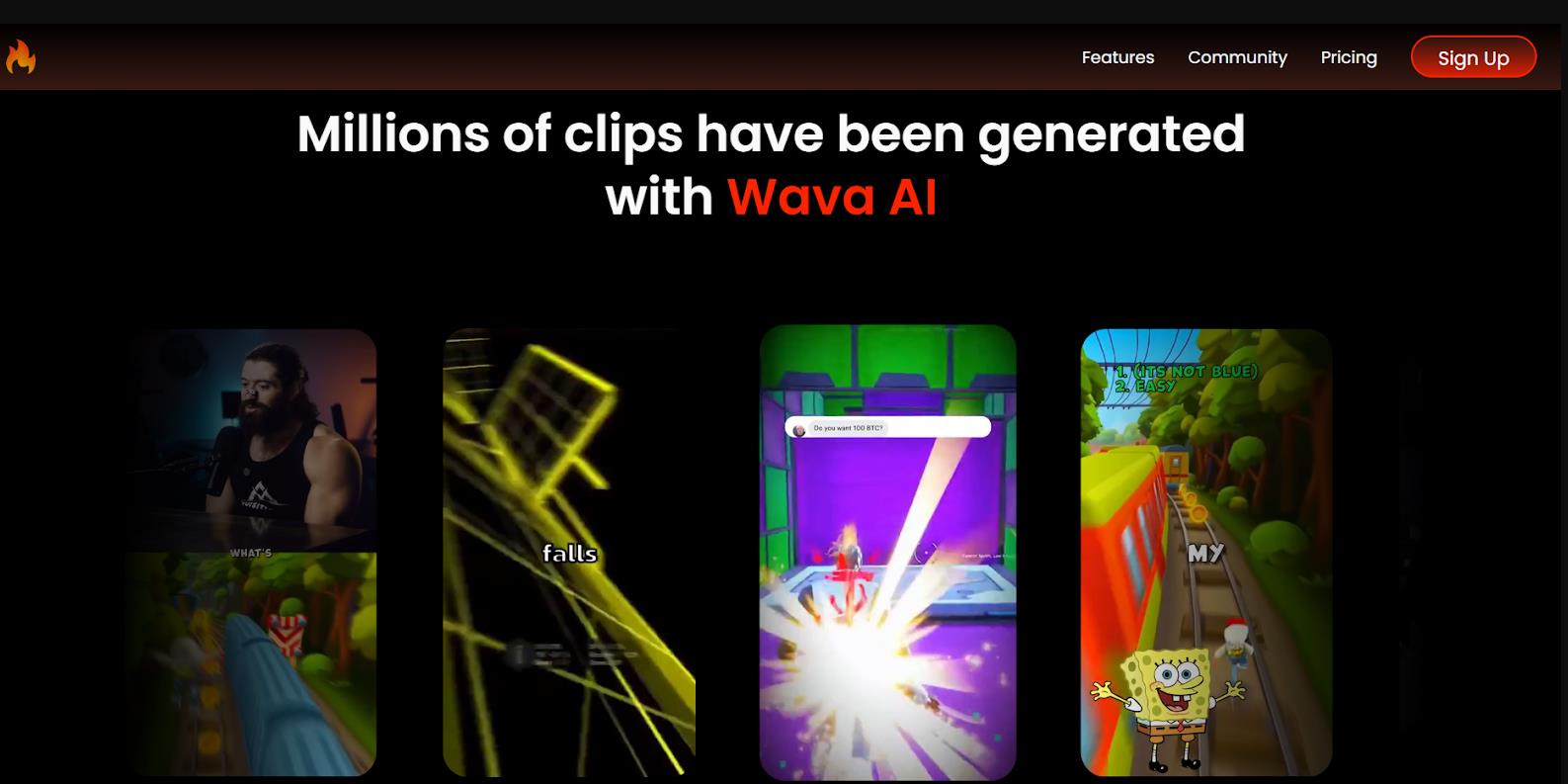
How does Wava AI work?
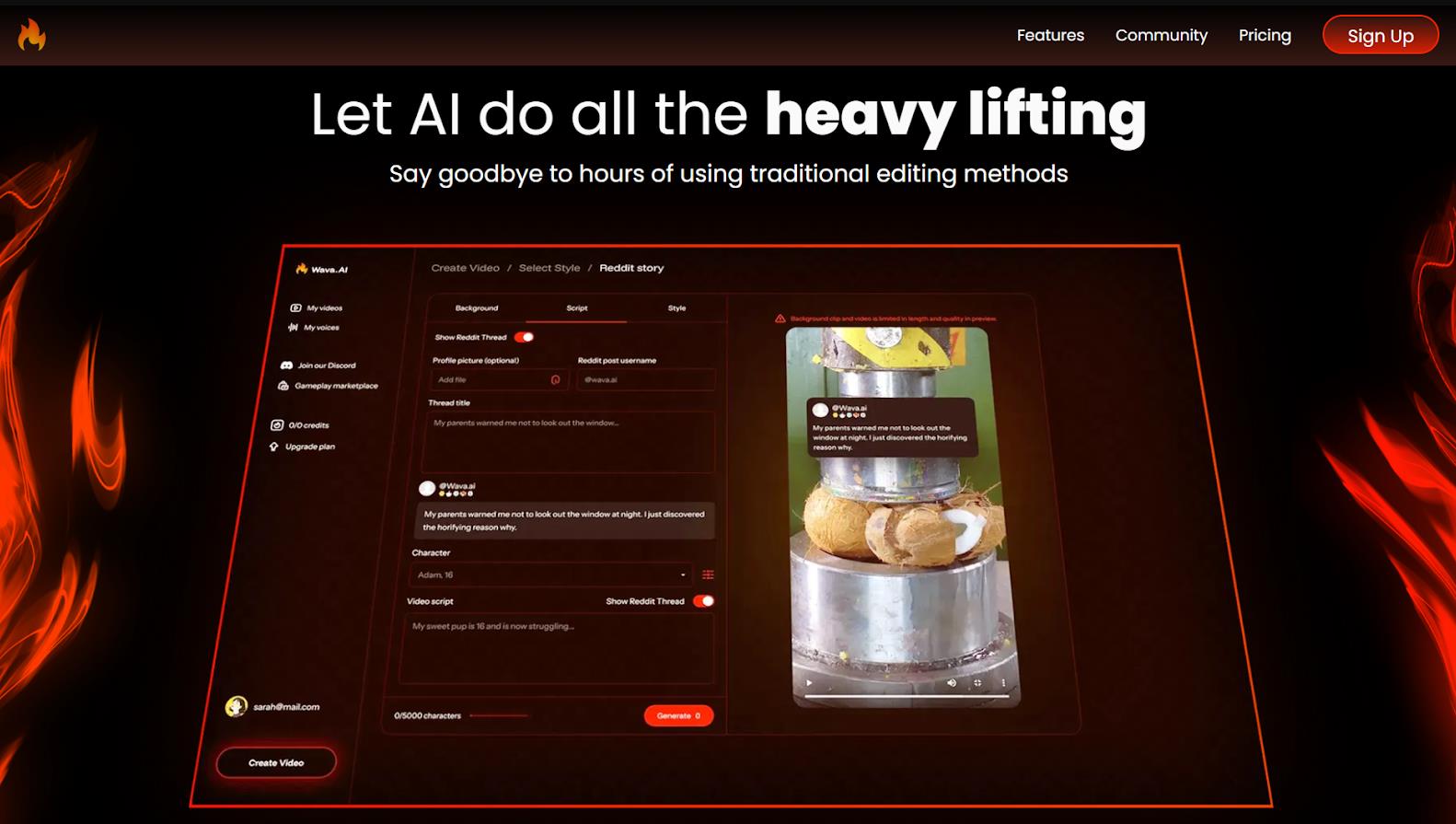
Wava AI automates the video creation process from concept to final export. Users don’t need to install professional software—all functionality is accessible through a web interface.
Here is the step-by-step workflow:
- The user registers for the service (a free tier is available).
- They enter a topic for the future video or a ready-made script. If needed, a built-in AI text generator can be used.
- They select one of the creation modes:
- Text Story Videos: Text-based stories with prominent subtitles (a popular format for Reddit-style narrations).
- Split Screen Clips: A split-screen format where text appears alongside video footage.
- Story Video: A classic narrative format.
- The artificial intelligence automatically selects background stock videos, generates a voiceover using ElevenLabs technology, and adds dynamic subtitles.
- The user can edit the result on a built-in timeline and then export the finished video.
In our tests, videos came out anywhere from a few seconds to a couple of minutes, making the service attractive for high-volume content production.
Applications: Business Scenarios and Personal Use
The tool is aimed at solving specific practical tasks where speed and volume are priorities.
- Launching and managing faceless channels. This is the most popular scenario. Users copy texts from Reddit, news sites, or books, paste them into Wava AI, and get a finished video with voiceover and subtitles. This allows them to publish 3 to 10 videos per day, which is critical for growth in the early stages.
- Social media management and content marketing. For small companies and SMM specialists, the tool is useful for quickly testing hypotheses. For example, you can create 10 different promo videos in an hour and run them as ads to select the most clickable options without involving a designer or video editor.
- Content repurposing. Podcasters or YouTube channel owners use the Auto Clipper feature to turn long-form episodes into dozens of short “Shorts.” This helps attract new audiences to their main channel.
Who is Wava AI for?
For those willing to do some manual fine-tuning and looking to scale production without hiring a team of editors, Wava AI can be a useful and cost-effective solution.
- Beginners on TikTok/Reels: For those who want to try creating content but don’t know how to edit.
- Owners of niche channels: For authors of pages focused on stories, facts, motivation, or quotes.
- Marketers and entrepreneurs: For quick A/B testing of creatives and saving on video production budgets.
Pricing
|
Plan |
Monthly |
Yearly |
Per video (yearly) |
Video generation |
AI credits |
|
Basic |
$19/mo |
$132/yr |
$0.37 |
30 mins |
30 |
|
Pro |
$29/mo |
$228/yr |
$0.32 |
60 mins |
60 |
|
Elite |
$69/mo |
$468/yr |
$0.26 |
150 mins |
150 |
- High production speed: Videos are created in minutes, reducing editing time from hours to just a few minutes.
- Low barrier to entry: The interface is intuitive, even for users with no experience in video editors.
- Automation of key processes: The AI independently selects stock footage, generates voices, and adds subtitles, handling 70-80% of the routine work.
- High-quality voices: Thanks to the integration with ElevenLabs, the voiceovers sound natural, which sets the service apart from many competitors with robotic-sounding voices.
- Free to start: The availability of a free tier allows you to test the tool without financial commitment and assess the quality of the output.
- Repetitive footage: The stock video library is not infinite. With frequent use, the same clips start to reappear across different videos, reducing content uniqueness.
- Voiceover errors: The neural network can mispronounce specific terms, proper names, or niche slang.
- Requires final edits: The resulting video often needs some final “polishing” by a human. The AI creates a good first draft, but not always a masterpiece ready for immediate publication.
- Support and billing issues: User reviews (on Trustpilot, Reddit) frequently mention difficulties with canceling subscriptions and unresponsive customer support. This is a key operational risk when choosing a paid plan.
Conclusion
Wava AI is a specialized tool for the mass production of short videos in formats that currently dominate social media. It honestly fulfills its main function: saving time on routine operations. It’s an ideal assistant for generating drafts and quickly testing ideas.
However, you shouldn’t expect the service to completely replace a human and deliver 100% unique, high-quality content without oversight. The main risks are not tied to the technical video generation part, but to organizational issues—namely, support policies and payment transparency. Before purchasing a subscription, it’s strongly recommended to test the free version and carefully research user feedback regarding billing.
❓ Frequently Asked Questions
Answers to relevant questions about this AI tool
Sources
-
Wava AI — wava.ai
-
Pricing — wava.ai
-
Free Trial — wava.ai
-
Sign In — wava.ai
-
Register — wava.ai
-
Exclusive Course — wava.ai