
Jan.ai is a free, open-source desktop app that lets you run large language models like Llama and Mistral entirely on your computer. It offers a ChatGPT-like interface, hybrid cloud support, and an OpenAI-compatible API, making it a top choice for privacy-focused users and professionals.
Jan.ai: Run AI Models Locally on Your Desktop
On this page
Artificial intelligence has become an integral part of daily work for some industries. However, privacy and data control are increasingly coming to the forefront. Cloud services like ChatGPT are convenient, but they require sending information to external servers, which is not always acceptable. It is time to look at Jan.ai—a desktop application with open-source code that lets you run powerful language models directly on your computer.
What Is Jan.ai?
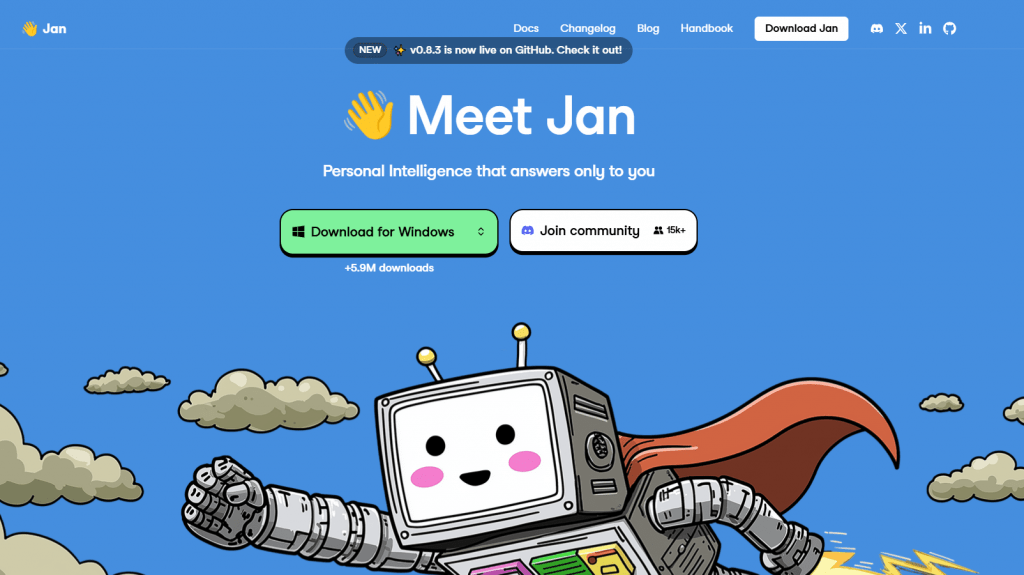
A desktop application with open-source code that enables you to run large language models (LLMs) directly on your computer. Simply put, it is a free and private alternative to ChatGPT, Claude, and other cloud services that does not require sending your data over the internet. The project boasts over 4 million downloads and 40 thousand stars on GitHub, indicating its high popularity among privacy-conscious users.
The application positions itself as a “privacy-first” solution, where all data, such as your chats, settings, and downloaded models, remains exclusively on your device. Its key philosophy is “local by default,” meaning you don’t just use an AI tool; you fully control its operation and the data you entrust to it.
How It Works
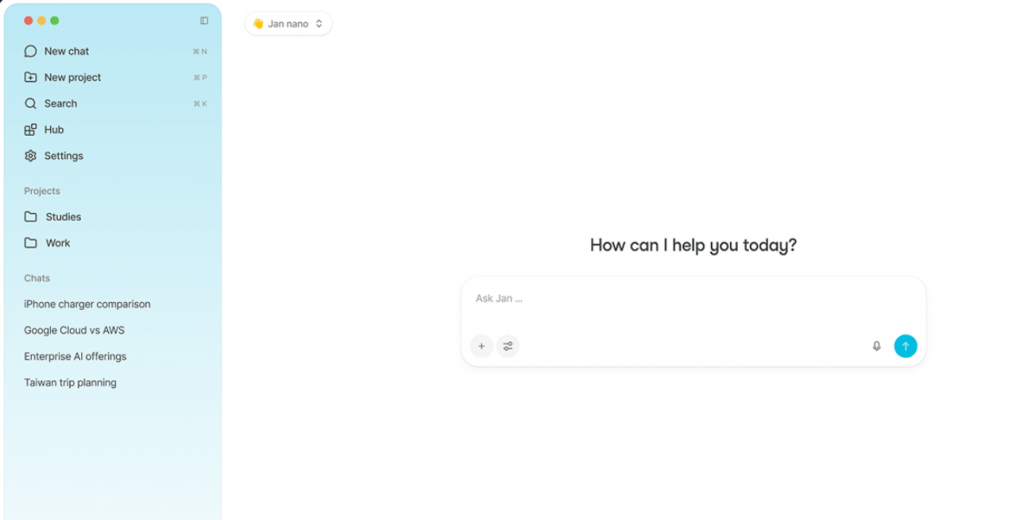
Under the hood, Jan.ai uses efficient inference engines such as llama.cpp and MLX (for Apple Silicon), which optimize model performance across various hardware. Users do not need to understand technical details: the program offers a simple and intuitive ChatGPT-style interface.
Key Technical Aspects:
- Model Loading: You can select and download models (in GGUF format) directly from the application through an integrated hub connected to Hugging Face. To get started, simply choose a model from the list, and Jan.ai will automatically download it to your computer.
- Local Inference: Once a model is downloaded, all computations are performed on your CPU or GPU. The application supports NVIDIA, AMD, Intel Arc, and Apple Silicon.
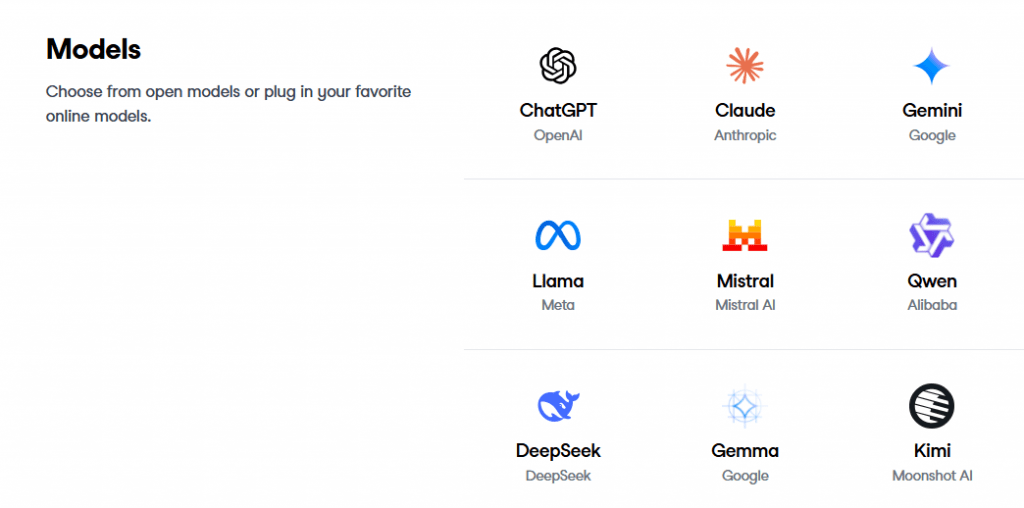
- Hybrid Mode: Jan.ai is not limited to local models. You can connect cloud services (OpenAI, Anthropic, Google Gemini, and others) via API keys, using a single interface for all models.
- API Server: The application includes a built-in local API server compatible with the OpenAI format (accessible at localhost:1337). This allows you to connect other tools to Jan.ai, such as code editors or custom scripts.
Platforms and System Requirements
Jan.ai is available on all major desktop platforms:
- Windows (10 and newer)
- macOS (13.6+ for Intel and Apple Silicon)
- Linux (.deb and AppImage)
System requirements depend heavily on the model you plan to run.
- For small models (3–7 billion parameters), 8 GB of RAM and a modern processor are sufficient.
- For comfortable work with larger and “smarter” models (70B+ parameters), 16–32 GB of RAM and a discrete graphics card with sufficient VRAM are recommended. Users note that on a MacBook Air M2 with 8 GB of RAM, the base model ran “quite fast.”
Pricing
The program is completely free. Jan.ai is distributed under the open-source Apache 2.0 license, meaning there are no subscriptions, hidden fees, or limits on using local models. The only potential costs are API keys for cloud services if you choose to connect them.
Real-World Use Cases
Jan.ai finds application in both personal and professional contexts, offering a solution where privacy and data control are paramount.
For Personal Use
- Private AI Assistant: Replace cloud-based chatbots for everyday tasks, from writing texts to generating ideas. Your personal questions and data never leave your computer.
- Offline Access: Use AI while traveling or in areas with unstable internet connections.
- Creative Projects: Generate content, write scripts, and create personalized assistants with unique system prompts.
For Business and Professional Activities
- Handling Confidential Data: A key advantage for lawyers, doctors, financiers, and government employees working with information subject to regulations like HIPAA and GDPR. No data is sent to the cloud. For example, teachers can use Jan to review assignments and draft lesson plans without fear of student data leaks.
- Development and Testing: Engineers and developers can use the built-in OpenAI-compatible API to test their code and prototypes with various local models without spending money on cloud APIs.
- Research and RAG: Create local Retrieval-Augmented Generation (RAG) systems for working with internal company documentation without the risk of leaking trade secrets.
User Reviews
Users highly rate Jan.ai, especially in comparison to competitors. The main themes in reviews include:
- Design and Ease of Use: Many note that Jan is “the simplest, cutest, and most beautiful” client. It is significantly more friendly to non-technical users than Ollama and serves as an excellent free and open-source alternative to LM Studio.
- Performance: Speed is good, especially on Apple Silicon with MLX support. Users have conducted comparisons where MLX achieved up to 90 tokens per second, outperforming llama.cpp.
- Privacy: This aspect receives the most praise. The ability to run AI completely locally without creating an account or collecting telemetry is the main argument for choosing Jan.ai.
- Drawbacks: Among the disadvantages are instability in some versions (freezes, model loading errors) and a simpler interface for fine-tuning inference parameters, such as GPU layers, compared to LM Studio.
Comparison with Competitors
|
Feature |
Jan.ai |
LM Studio |
Ollama |
|---|---|---|---|
|
Open Source |
Yes (Apache 2.0) |
No (proprietary) |
Yes |
|
Interface |
Intuitive, ChatGPT-like |
Polished, detailed |
CLI only (third-party GUIs exist) |
|
Key Advantage |
Privacy, hybrid local+cloud |
Model simplicity, fine-grained settings |
CLI simplicity, speed, popularity |
|
MCP/Agent Support |
Yes (built-in) |
Limited, requires manual setup |
Requires third-party solutions |
Jan.ai occupies a unique niche: it combines the usability of LM Studio with the openness and “local by default” philosophy of Ollama. While LM Studio is a mature and stable product, its closed-source code raises concerns for some community members. Jan.ai offers a middle path, especially attractive to those who value transparency and control and want to use modern features like MCP. It is less performant for high-load server scenarios than vLLM, but as a desktop tool for personal and professional use, it is one of the best options.
- Completely free and open-source, ensuring transparency and no hidden fees.
- Guarantees absolute privacy, as all data and computations remain on your computer.
- Offers an intuitive and visually pleasing interface accessible even to beginners.
- Supports a hybrid mode, allowing you to use both local and cloud models within a single application.
- Provides a built-in OpenAI-compatible API and advanced tools like MCP for agentic tasks.
- Performance and the range of models you can use directly depend on your computer’s hardware.
- The interface for fine-tuning inference parameters is less detailed than LM Studio’s.
- New versions may contain bugs and instability, which is typical for an actively developed open-source project.
- Lags behind specialized server solutions in performance for high-load scenarios.
Conclusion
Jan.ai is a mature and actively developing project that offers the best of the local AI world. It is an excellent choice for anyone seeking a free, private, and user-friendly alternative to cloud-based chatbots. Its strengths are ease of use, flexibility, and complete data control.
Despite some technical rough edges typical of young open-source projects, Jan.ai is justifiably gaining popularity. It is ideally suited for both ordinary users taking their first steps into the world of local AI and professionals who need secure handling of confidential information and modern development tools. If you value your privacy and want to get the most out of open-source models, Jan.ai is one of the best candidates for your primary AI assistant.
❓ Frequently Asked Questions
Answers to relevant questions about this AI tool
Sources
-
Jan.ai — jan.ai
-
Blog - Jan.ai — jan.ai
-
Documentation — docs.jan.ai
-
Jan Docs — jan.ai
-
GitHub - jan-ai — github.com
-
Jan (@jandotai) / X — x.com
-
Product Hunt - Jan Reviews (2025) — producthunt.com