Gradio vs Streamlit: ML Framework Comparison
On this page
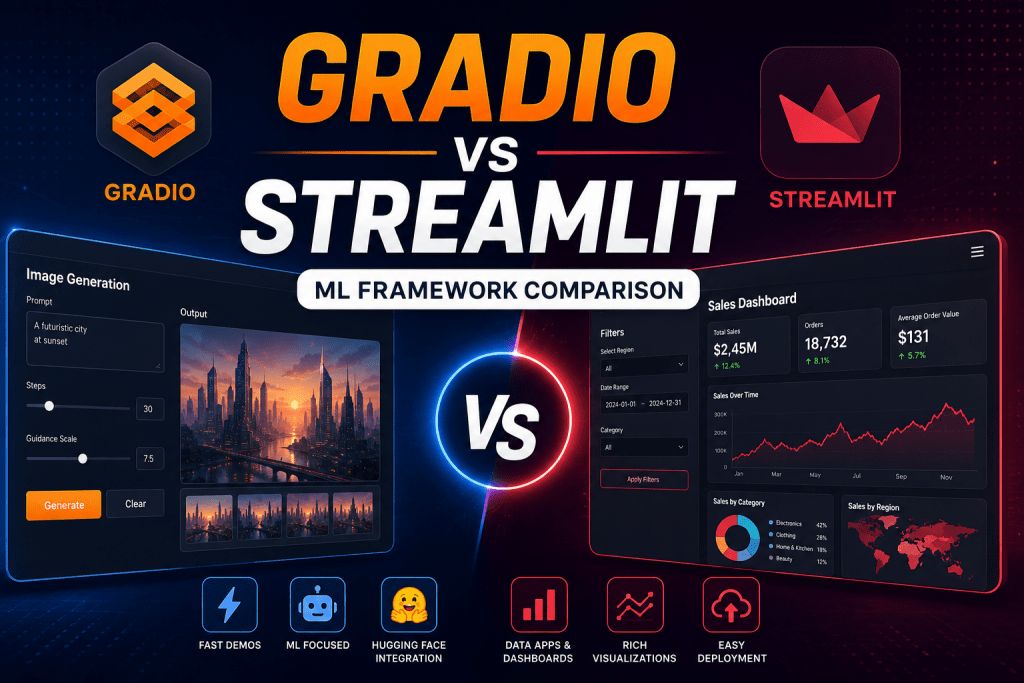
In the world of data science and machine learning, the question of model presentation often becomes just as critical as model development itself. Building a powerful classifier or an LLM agent is only half the battle — you still need to demonstrate its capabilities to colleagues, clients, or the public. This is precisely where Gradio and Streamlit enter the scene — the two most popular Python frameworks for transforming code into interactive web applications.
Both tools allow users to bypass frontend knowledge entirely. However, their philosophies, core strengths, and target audiences differ substantially. In this material, we conduct a detailed comparison to help you make the right choice for your specific project.
What Are Gradio and Streamlit?
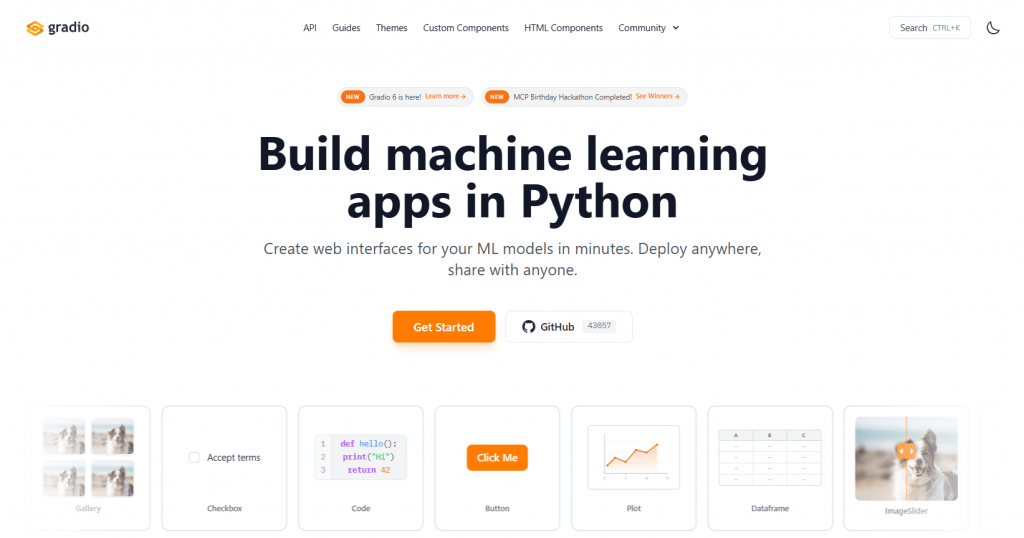
Gradio is an open-source Python library developed by Hugging Face. It is designed for rapidly creating interactive web interfaces for ML models, APIs, or any Python function with minimal code. Gradio enables users to turn a model into a functioning demo within minutes, making it an ideal tool for rapid prototyping and sharing.
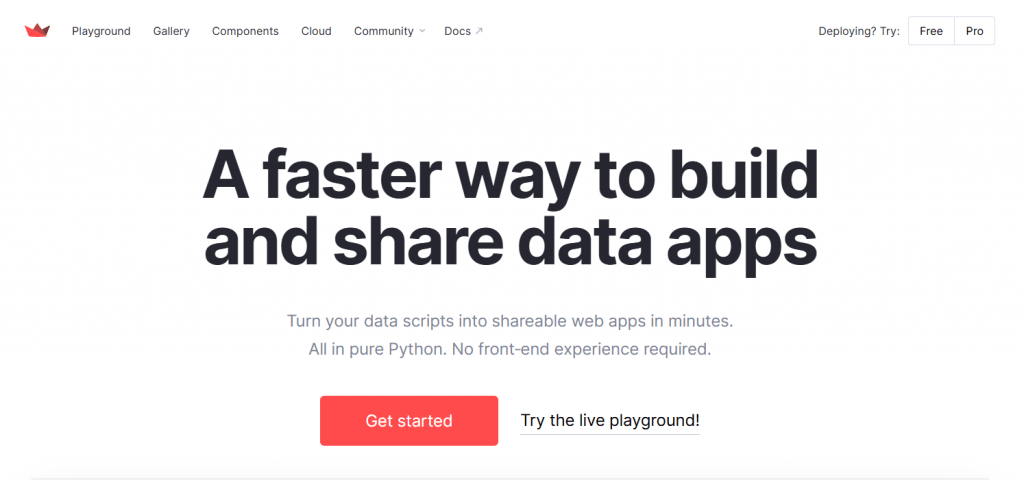
Streamlit is an open-source Python framework that enables the creation of interactive data applications and dashboards. It transforms Python scripts into fully functional web applications, emphasizing data visualization, analytics, and the creation of internal business tools. According to official figures, Streamlit is used by more than 90 percent of Fortune 50 companies.
How Gradio and Streamlit Work
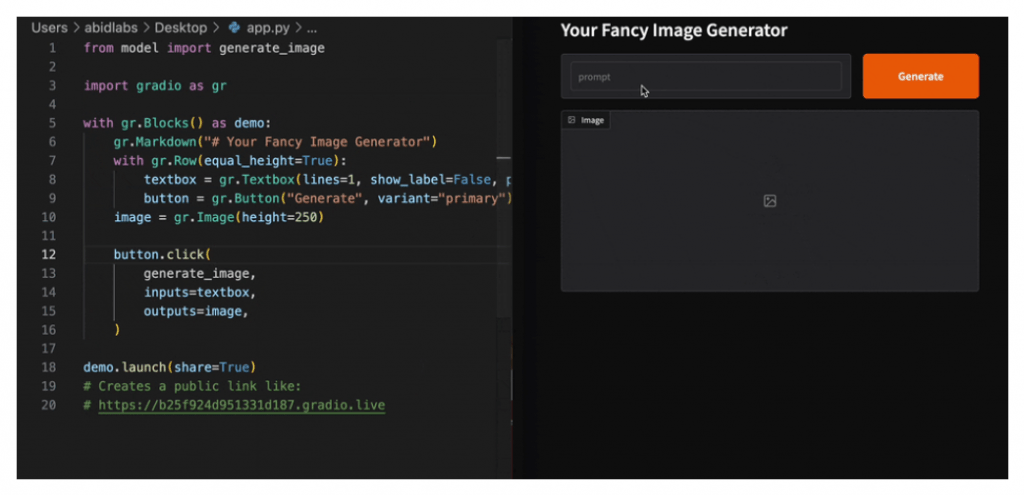
Gradio operates on the principle of wrapping a function within a UI. You define a Python function, select input and output components (such as gr.Image(), gr.Chatbot(), or gr.Slider()), and Gradio automatically generates a web interface. For more complex layouts, the Blocks API provides greater control over element arrangement and data flows. The application is launched via the demo.launch() method, which spins up a local web server.
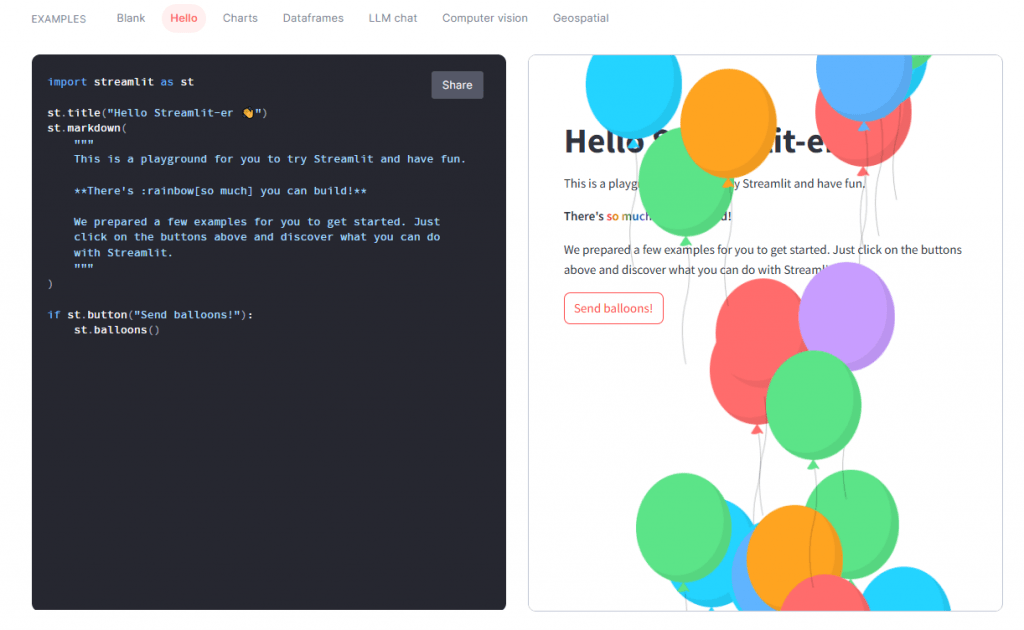
Streamlit employs a reactive execution model. When a user interacts with a widget (such as moving a slider), the entire script reruns from top to bottom. This approach keeps application logic linear and intuitive. To preserve state between reruns, st.session_state is used, while the @st.cache_data decorator handles caching of heavy computations.
Purpose and Target Audience
Gradio is the ideal choice for:
- Rapidly creating ML model demos for presentation to clients or colleagues.
- Developing interfaces for LLM applications, chatbots, and image, audio, and video processing systems.
- Publishing models on Hugging Face Spaces for broad public access.
- Researchers, ML engineers, and data scientists who need to showcase their results quickly.
Streamlit is suited for:
- Building dashboards and business performance monitoring panels.
- Developing data exploration and visualization tools.
- Constructing internal analytical applications for teams.
- Data scientists, analysts, and engineers working with pandas, Plotly, and other visualization libraries.
Platform and Deployment
Both frameworks are open-source and free to use.
Gradio offers several deployment options:
- Local execution on localhost.
- Generating a public shareable link using the share=True parameter.
- Free hosting on Hugging Face Spaces, which is the most popular and straightforward way to deploy Gradio applications.
- Custom deployment via Docker or on any servers.
Streamlit also provides flexible deployment capabilities:
- Local execution for development purposes.
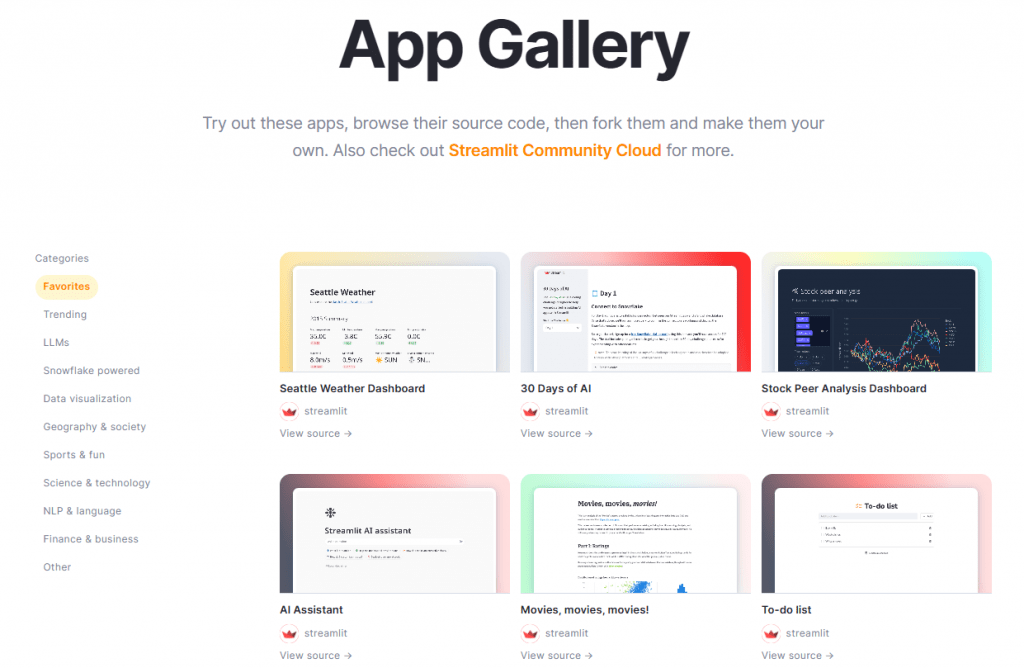
- Free hosting on Streamlit Community Cloud (unlimited public applications and one private app).
- Enterprise solutions via Snowflake.
- Self-hosting on AWS, GCP, Heroku, and other platforms.
Features and Capabilities
Key Features of Gradio:
- More than 40 built-in components oriented toward ML: Image, Audio, Video, Chatbot, 3D Model, Gallery, Plot, and others.
- Support for streaming data, queuing, and concurrency controls for production environments.
- Deep integration with the Hugging Face ecosystem.
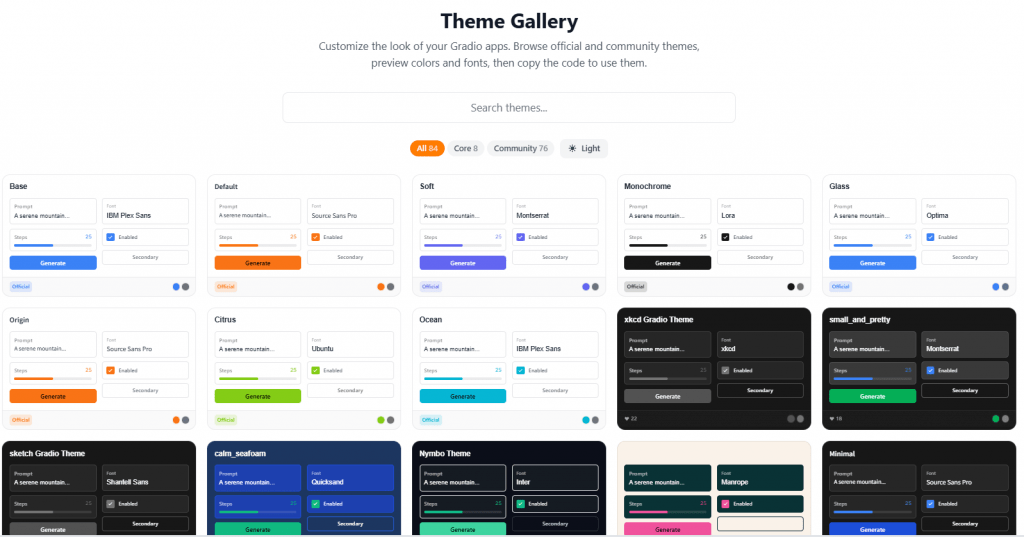
- Simplified interface creation via gr.Interface() for basic tasks and gr.Blocks() for complex layouts.
- Support for custom components.
Key Features of Streamlit:
- A rich set of data-oriented widgets: dataframes (st.dataframe), charts (st.line_chart), metrics, maps.
- Flexible layout construction using columns, tabs, expanders, and sidebars.
- Session state management (st.session_state) and caching mechanisms.
- Built-in support for multi-page applications.
- Custom component creation via React.
- More flexible theming and UI customization capabilities compared to Gradio.
Pricing
Both frameworks are open-source and completely free to use.
Gradio: Free hosting on Hugging Face Spaces with resource limitations on CPU and GPU. For professional use, self-deployment is possible, with costs determined by the underlying infrastructure.
Streamlit: Free Community Cloud for public applications and one private app. For enterprise needs, the Snowflake platform is available. Self-hosting costs also depend on the infrastructure model used.
Community Feedback
Gradio receives high praise for development speed and ease of demo creation. Users describe it as a “game changer” for LLM applications, commending its integration with Hugging Face and instant sharing capabilities. Criticisms frequently mention limited design customization options and less flexibility for complex user interfaces.
Streamlit is called a “blessing for data scientists” due to the rapid transition from idea to application. It is valued for its excellent documentation, extensive visualization capabilities, and strong enterprise adoption. Criticism primarily targets the rerun model, which can introduce latency with complex logic, as well as limited scalability for high-traffic production systems.
Pros and Cons
Gradio
- Instant startup and minimal code for demo creation.
- ML-oriented components ideally suited for multimodal data processing.
- Excellent sharing capabilities (Hugging Face Spaces, public links).
- Native support for chatbots and streaming.
- Less flexibility in layout and UI customization.
- Not optimal for complex dashboards and data-oriented applications.
- Basic default design that is difficult to modify without additional effort.
Streamlit
- Simplicity combined with power for data applications and dashboards.
- High UI customization and flexible layout management.
- Excellent integration with the Python data ecosystem (pandas, matplotlib, Plotly).
- Strong community and widespread enterprise adoption.
- The rerun model can cause delays with complex computations.
- Limited scalability for high traffic without additional optimization.
- Fewer ready-made solutions “out of the box” for pure ML tasks (chat, media processing).
Comparison Table
|
Aspect |
Gradio |
Streamlit |
|---|---|---|
|
Primary Focus |
ML demos, LLM applications, models |
Data dashboards, analytics, business tools |
|
Ease of Use |
Very simple (few lines of code) |
Simple, but requires more code for complex apps |
|
Components |
40+ ML-oriented (chat, media, 3D) |
Data widgets, charts, layouts |
|
UI Customization |
Basic |
High (themes, components, layouts) |
|
Deployment |
HF Spaces (free), shareable link, self-hosting |
Community Cloud (free), Snowflake, self-hosting |
|
State Management |
Via components and gr.State |
st.session_state |
|
Best For |
Researchers, quick demos, prototypes |
Data teams, internal tools, dashboards |
|
Community |
Growing (Hugging Face ecosystem) |
Massive, strong enterprise adoption |
Final Verdict
The choice between Gradio and Streamlit essentially comes down to a decision between model demonstration and analytical application development.
Choose Gradio if your goal is to rapidly showcase an ML model or LLM interface. It is the ideal tool for researchers and developers who want to present their work to colleagues or publish it on Hugging Face Spaces with minimal effort.
Choose Streamlit if your objective is to build a full-fledged data application, dashboard, or internal tool with an emphasis on visualization and analytics. It is an excellent choice for data teams working with large volumes of data and requiring flexible interface customization.
In 2026, both frameworks are essential tools in any data scientist’s arsenal. Many professionals use them in combination — starting with Gradio for rapid model prototyping and transitioning to Streamlit for building production-ready dashboards.
❓ Frequently Asked Questions
Answers to relevant questions about this AI tool