


CopyCopter AI is a studio for building videos from your own images and clips, with AI-assisted scripts, voiceovers, and visuals. No production team, no complex software. We cover how it works, the pay-per-credit pricing, and where it fits.
Copycopter AI: Text-to-Video
On this page
CopyCopter AI is an online video creation tool that makes it easy for users to create and edit videos with smart, AI-assisted features. The tool is designed for content creators, marketers, social media managers, educators, and business users, providing a studio where you can build and refine videos without requiring traditional video production tools.
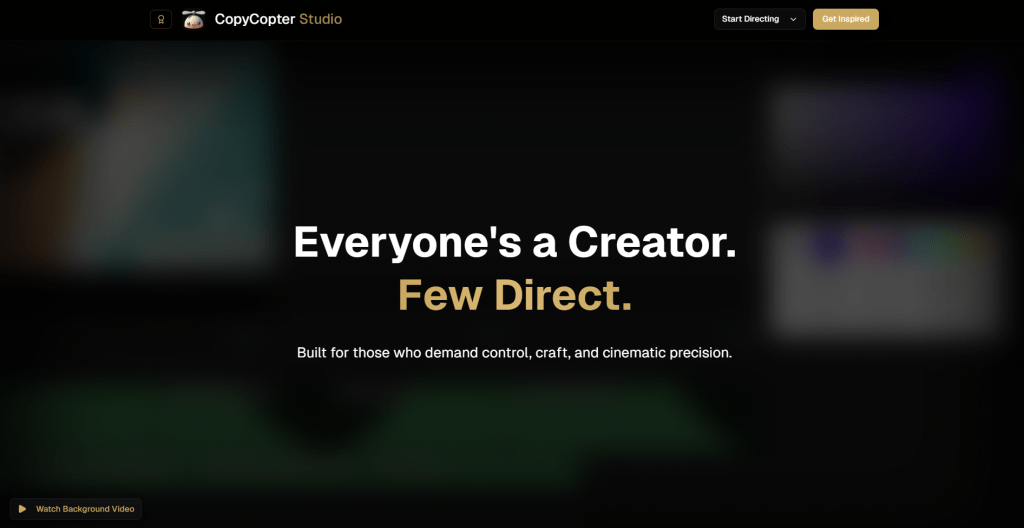
With this tool, users can quickly repurpose their content in different ways. Users upload and edit their media in the editor, adding custom voiceovers and visuals. CopyCopter doesn’t create videos from URLs automatically. You import your own images and clips, which makes it easy to customize every detail. CopyCopter AI can:
- Users write video scripts on their own or with AI-assisted guidance; blog posts are not automatically converted.
- Voice options are available and vary by plan.
- Users can add images and AI-generated visuals.
- Edit and tweak everything directly in the studio.
- Adjust the size so your videos fit any platform.
You control when to export videos. The tool comes with 45 voices, depending on your plan, and 5 different visual styles, so you can match your brand. You can also tweak the scripts and swap in your own images or clips. Users can also adjust the video length.
How to Start Using CopyCopter AI
The AI tool has its official dedicated platform, which you’ll have to visit to start using the full range of functionalities. From there, you can follow the instructions below:
- Register on the website or log in to an existing account.
- Add images from your computer to start your video project.
- Adjust the clip settings, motion prompts, and AI model options for your video in the editor; scripts are not auto-generated from text.
- Choose motion effects and AI models for your clips.
- Use the video editor to fine-tune your content and export the final video.
You can organize your clips with the Timeline Panel. Or you can try the Library. They also make it easy to keep track of all your files and the content you’ve created with the AI. Preview your video in the editing interface, then export the final file. You add content directly from your computer. Generating each video clip usually takes up to 3 minutes.
Who Can Use CopyCopter AI
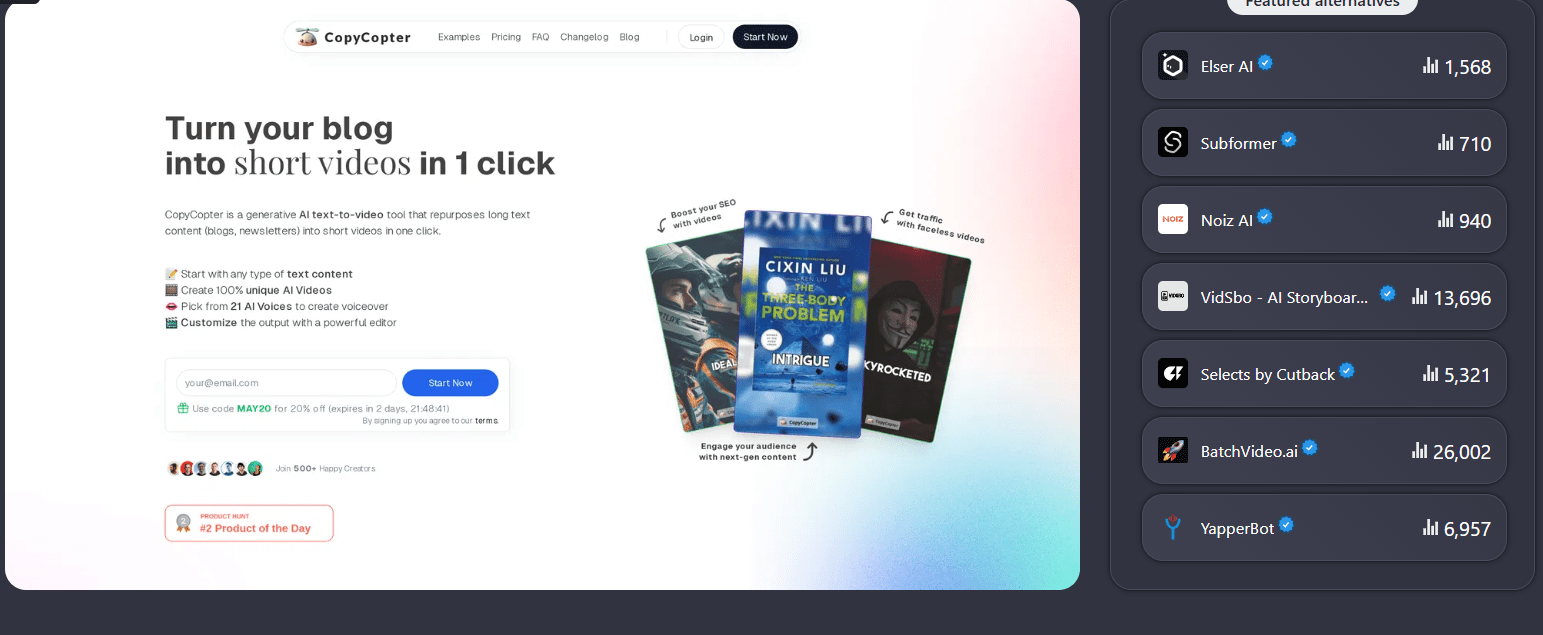
It is a widely used video creation tool that helps content producers, marketers, and small business owners create and edit videos efficiently. CopyCopter AI makes it easier to produce videos quickly and manage projects. You don’t need a full production team.
- Content makers & bloggers. Ideal for anyone creating online content. Users can add images and video assets and edit them through the platform to produce social media clips.
- Marketers & social media managers. Suitable for users who need to create video content regularly. It supports campaigns, product promotions, and brand-building efforts across multiple platforms.
- Educators & online teachers. Can be used to create educational videos from uploaded images or media. But lecture notes or text are not automatically converted into videos.
- Small business owners & entrepreneurs. With CopyCopter AI, users can produce promotional videos quickly. The platform makes video creation easier. It reduces the need for a production team or complex editing tools.
CopyCopter AI is a video-focused platform that helps users create and edit video content efficiently. Remember, it does not automatically convert text into video content.
- You can make videos pretty quickly.
- No need for advanced editing skills.
- There’s a free trial with some credits to try things out.
- Works with popular platforms like TikTok, YouTube Shorts, Instagram Reels, and Facebook.
- You have to export videos manually.
- The refund window is short.
- Using lots of credits can get expensive over time.
CopyCopter AI Pricing
CopyCypter uses a credit-based system (~$0.10 per credit) instead of fixed subscriptions. Costs vary by task. For example, image/video generation costs 1-130 credits. Pricing covers real model costs, rendering, salaries, and fees. Credits let you pay only for what you need, and any you don’t use can still be used later. Refunds follow their official policy.
CopyCopter AI is a practical tool for creating and editing video content from uploaded assets. Add your file, edit and arrange it in the studio, and export the completed video. It usually takes a short time to generate each clip. It’s a solid choice for content creators, marketers, educators, and small business owners looking for faster video production without a full production team.
❓ Frequently Asked Questions
Answers to relevant questions about this AI tool
Sources
-
CopyCopter AI — copycopter.ai
-
CopyCopter Pricing — copycopter.ai
-
CopyCopter Login — copycopter.ai
-
Read Customer Service Reviews of copycopter.ai - Trustpilot — trustpilot.com
-
CopyCopter AI Review - Is This AI Video Generator Any Good? — mspoweruser.com


The crop feature for vertical formats works perfectly. Makes posting to TikTok and Shorts a breeze.
It’s crazy how much time it saves on clipping and formatting.