AI Face Swap: Insert Face Into Photo Online
On this page
 You can add your face to a vacation photo from a trip you never took, or “try on” the look of a celebrity—nothing surprising there, everyone does it. Want to prank a friend? Swap their face onto a Renaissance painting. Or create a portrait of a person who doesn’t exist in real life, yet looks completely authentic. The key is: these AI tools don’t just copy pixels; they truly understand where the face is, its emotions, angle, and lighting. They can alter age, style, and more. Sometimes, you can’t even tell if it’s AI-generated art or a real person.
What amazes me isn’t just the simplicity, but the sheer magic of the process. Behind it all is a ton of code, math, and millions of images for training. But what matters to us is how straightforward the services are: log in, try it out, and get results with almost no effort.
Services vary widely: some produce blurry or odd images, while others deliver stunning results you’ll want to revisit. The trick is picking one that truly works.
Here’s what we’ll cover below:
You can add your face to a vacation photo from a trip you never took, or “try on” the look of a celebrity—nothing surprising there, everyone does it. Want to prank a friend? Swap their face onto a Renaissance painting. Or create a portrait of a person who doesn’t exist in real life, yet looks completely authentic. The key is: these AI tools don’t just copy pixels; they truly understand where the face is, its emotions, angle, and lighting. They can alter age, style, and more. Sometimes, you can’t even tell if it’s AI-generated art or a real person.
What amazes me isn’t just the simplicity, but the sheer magic of the process. Behind it all is a ton of code, math, and millions of images for training. But what matters to us is how straightforward the services are: log in, try it out, and get results with almost no effort.
Services vary widely: some produce blurry or odd images, while others deliver stunning results you’ll want to revisit. The trick is picking one that truly works.
Here’s what we’ll cover below:
- How these tools work under the hood.
- Why people use them—from fun pranks to serious creative projects.
- And most importantly, we’ll spotlight services worth your time so you don’t waste effort.
What Are Face Generators and Face Swapping in Photos?
A face generator runs on AI and trains on vast collections of real people’s photos. When you describe an appearance, the system doesn’t search for a matching image. It creates a new face from scratch, blending various features—resulting in a person who never existed. Everything, from lip shape to skin texture, is generated anew based on patterns the AI learned from real shots. Face swapping is a bit different. Here, you upload two photos: yours and the one where you want to replace the face. The algorithm compares both, identifies your unique features (lips, eyes, jawline), and “transplants” them onto the target photo. It adjusts the traits to match the angle, lighting, and colors for a seamless, natural look—like it was always there. It’s straightforward: one model creates a new face, the other swaps it onto an existing photo. Both tackle their tasks effectively.How AI Works for Creating Realistic Photos with Celebrities
Creating a photo with any celebrity is now easier than ever. All you need is a user-friendly online service. The best ones are simple, handle photo uploads effortlessly, and blend faces flawlessly. By the way, in this article, we dive deep into how to make a realistic photo with a celebrity. Next, prepare your photos. Nothing tricky here: just ensure they’re good quality with decent lighting—not too dim. If you have multiple angles, that’s great; it helps the AI grasp your face better, leading to more believable results. It’s not required, but it does help. The next step is crafting a prompt for the AI. The more precise your description, the better the generator performs. Don’t stick to a brief note—try specifying style, mood, poses, details, and even vibe. For example: “Make the people in these photos look like friends, as if shot on a Polaroid in a cozy home setting, keep faces undistorted, add a soft blur, background—a neutral curtain.”Where Online Face Swapping Comes in Handy
Face generators are genuinely useful tools anyone can use, not just tech experts. No need to settle for a plain selfie for your profile pic; these services let you create something eye-catching to stand out. Pick any style: classic today, fun and upbeat tomorrow, or full-on experimental the next—like a superhero portrait or channeling your favorite celebrity. It’s simple: upload your photo, dream up the look, and the service handles the details to craft a unique image. In business, these generators are lifesavers too. Sometimes you need fresh visuals for a presentation, website, or ad post ASAP, but there’s no time or budget for a photoshoot. A few clicks solve it: upload your materials, and the service whips up a usable image in moments. Plus, for team projects, you can generate matching avatars for everyone—consistent style, polished look, no endless debates over photos. Creative folks love them as well. If you’re an artist, designer, or storyteller, a generator helps visualize characters quickly. Often, you have the idea in your head but struggle to sketch or explain it from scratch. These tools let you test variations instantly: tweak expressions, styles, and wild concepts until something clicks. It’s like having an inspiration sidekick—you can cycle through dozens of looks to find the perfect fit for your vision. In short, face generators make creating unique, beautiful images a minutes-long task, minus the hassle. For fun, it’s playful and inventive. For work, it’s fast and practical. For ideas and creativity, it’s a game-changer—intuitive and open to everyone.Quick Guide to Popular AI Tools for Face Swapping and Photo Generation
Artbreeder
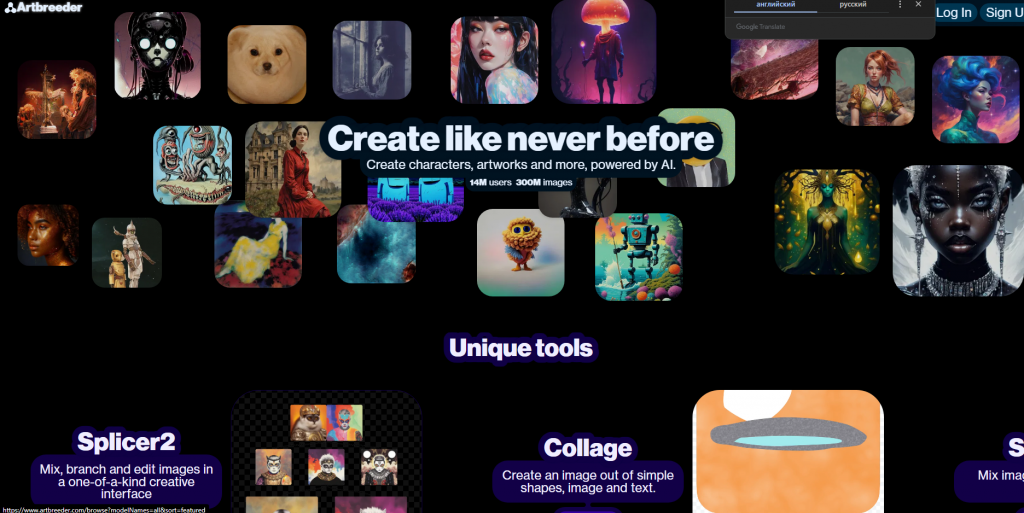 Purpose: Helps craft unique portraits or blend features from different people.
Features: Super easy to use, plenty of free options. But for fine-tuned control, results can vary in quality.
Artbreeder Official site
Purpose: Helps craft unique portraits or blend features from different people.
Features: Super easy to use, plenty of free options. But for fine-tuned control, results can vary in quality.
Artbreeder Official site
Nano Banana
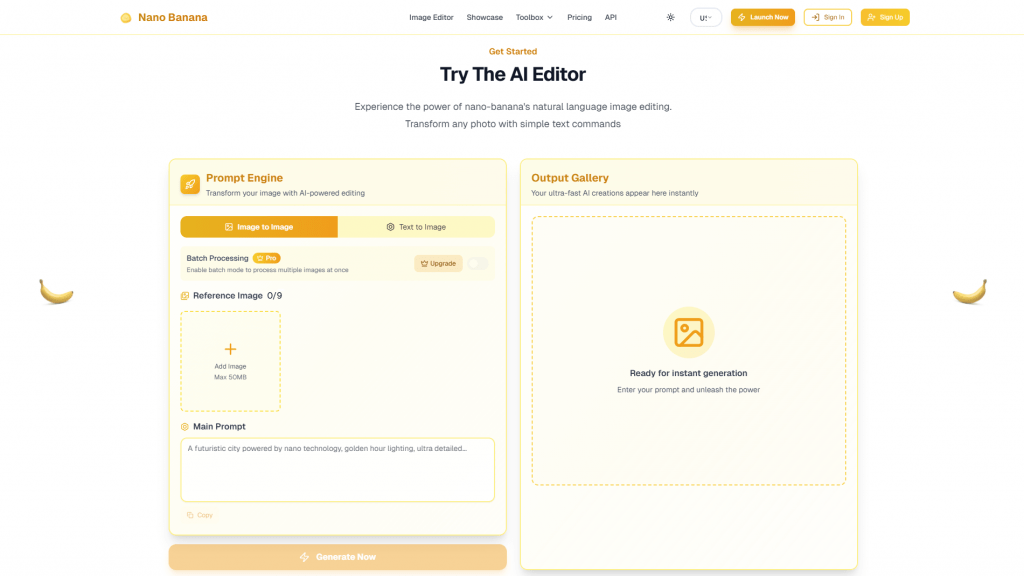 Purpose: For blending faces and generating realistic scenes, like you hanging out with a celebrity.
Features: Produces lively, believable outputs. Setup might feel tricky for beginners.
Nano Official site
Purpose: For blending faces and generating realistic scenes, like you hanging out with a celebrity.
Features: Produces lively, believable outputs. Setup might feel tricky for beginners.
Nano Official site
Midjourney
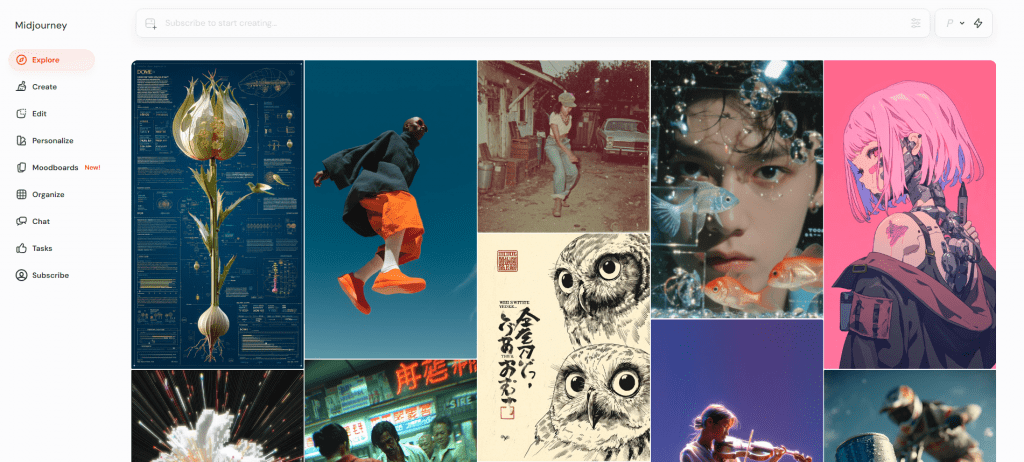 Purpose: Sparks inspiration with vibrant, stylized portraits and cool avatars.
Features: Top-notch quality, visually stunning, but requires Discord and a paid subscription.
Midjourney Review
Purpose: Sparks inspiration with vibrant, stylized portraits and cool avatars.
Features: Top-notch quality, visually stunning, but requires Discord and a paid subscription.
Midjourney Review
Stable Diffusion
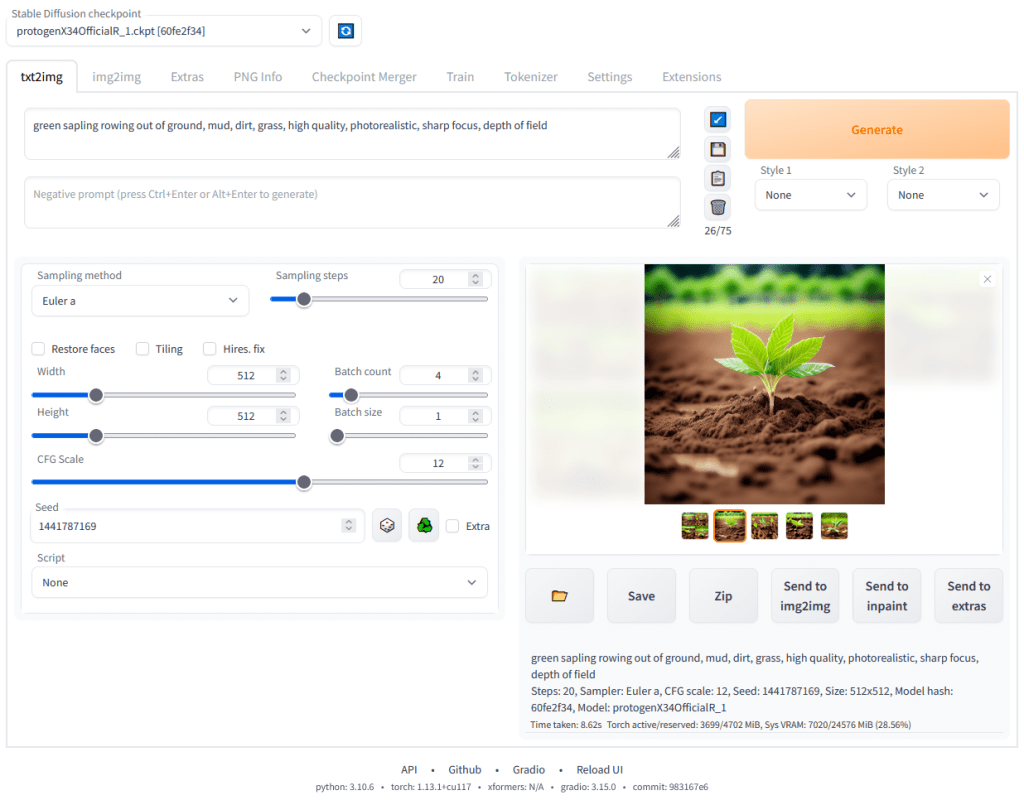 Purpose: Photo generation and refinement, ultra-flexible for experiments.
Features: Free and open-source, but running it on your own machine involves setup and tweaks.
Purpose: Photo generation and refinement, ultra-flexible for experiments.
Features: Free and open-source, but running it on your own machine involves setup and tweaks.
DALL-E
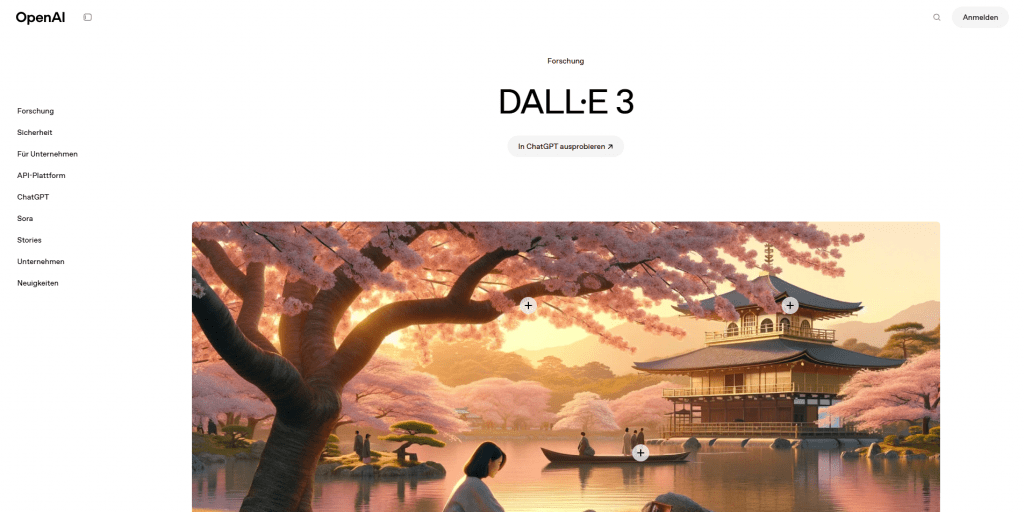 Purpose: Crafts complex scenes and one-of-a-kind images from descriptions.
Features: User-friendly with impressive quality, widely accessible for users worldwide.
DALL-E Review
Purpose: Crafts complex scenes and one-of-a-kind images from descriptions.
Features: User-friendly with impressive quality, widely accessible for users worldwide.
DALL-E Review
Sora
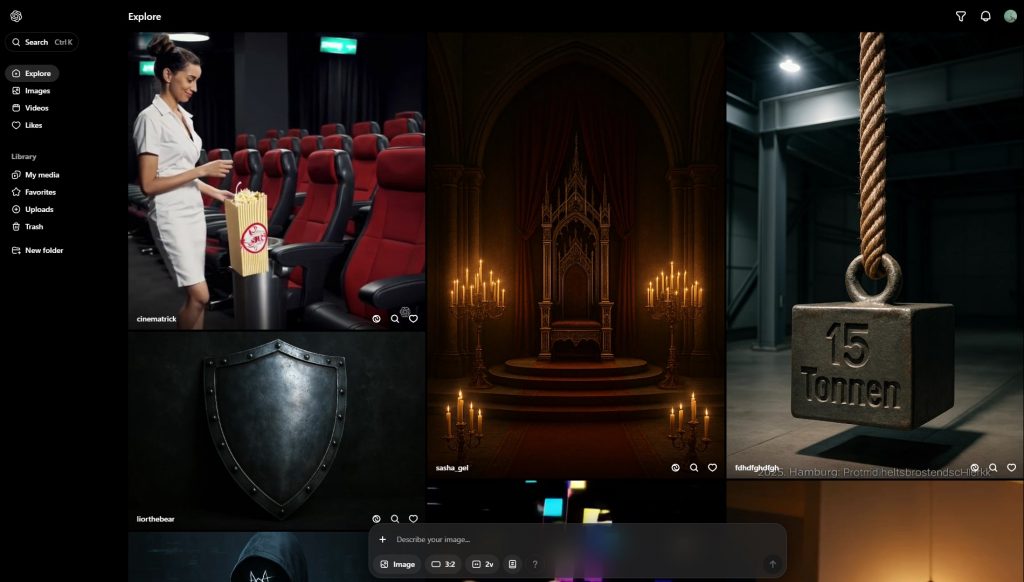 Purpose: Animate photos into short videos or clips based on your image.
Features: Cutting-edge tech, integrated with ChatGPT, but availability varies by region.
Sora Official site
Purpose: Animate photos into short videos or clips based on your image.
Features: Cutting-edge tech, integrated with ChatGPT, but availability varies by region.
Sora Official site