How to Get Free AI Instagram Comments
On this page
Comments are the engagement signal Instagram’s algorithm weighs most heavily, and the hardest to fake. The good news: earning them no longer means grinding for hours, since a set of free AI tools can help you write sharp comments, reply fast, and prompt your audience to talk back. This guide reviews the best free AI tools for Instagram comments and the strategies that make them work, plus the shortcut to avoid.
How AI Helps You Earn Comments
There are two legitimate ways AI grows your comment count, and neither involves buying fake ones:
-
Writing comments you leave on others’ posts, which drives profile visits and replies back to you, one of the fastest organic growth levers in 2026.
-
Replying to your own comments faster, which keeps conversations alive and signals value to the algorithm.
The tools below handle one or both jobs. The rule that keeps you safe: write genuine engagement you review and post yourself, not generic filler at scale.
The Best Free AI Tools for Instagram Comments
1. Inflowave Comment Generator
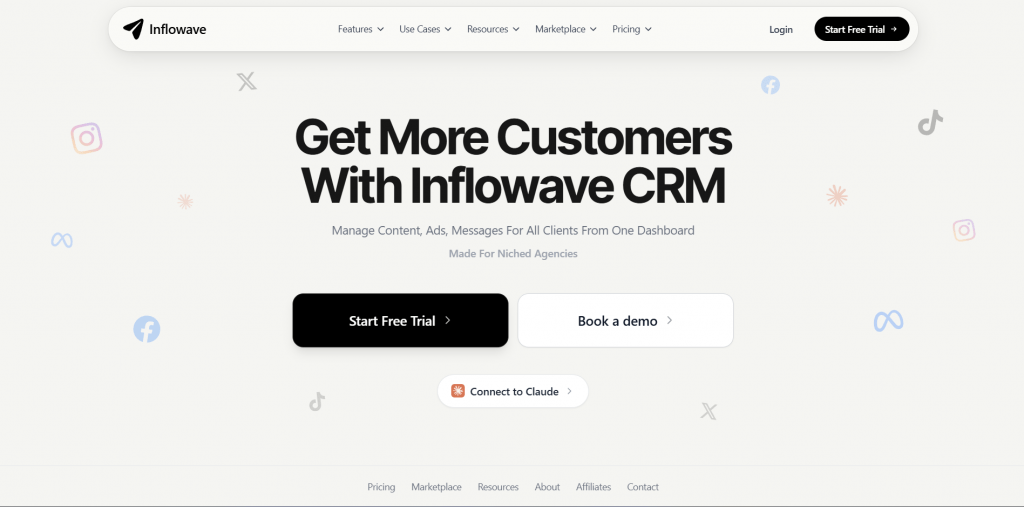
Official website: inflowave.io
Platform: Free web-based AI comment generator.
Features: Inflowave reads a post’s topic, the creator’s niche, and your stated goal, then writes six distinct comments across thoughtful, funny, contrarian, and value-add styles. The pitch is quality over filler: instead of “love this!”, it aims for the kind of sharp comment on a high-reach Reel that earns profile clicks and replies back, which it frames as one of 2026’s strongest growth levers.
Pricing:
|
Plan |
Price |
Key features |
|
Free |
$0 |
Full comment generation, multiple styles, no signup |
Public feedback: Users rate it highly for producing comments that read as genuine rather than spammy, though the output still needs a quick personal edit before posting.
-
Completely free with no signup required
-
Generates several distinct comment styles per post
-
Tuned to the creator’s niche and your goal
-
Built for earning profile clicks, not generic filler
-
Focused on comments to leave on others, not reply management
-
Output should be personalized before posting
2. Rybbit Instagram Comment Generator
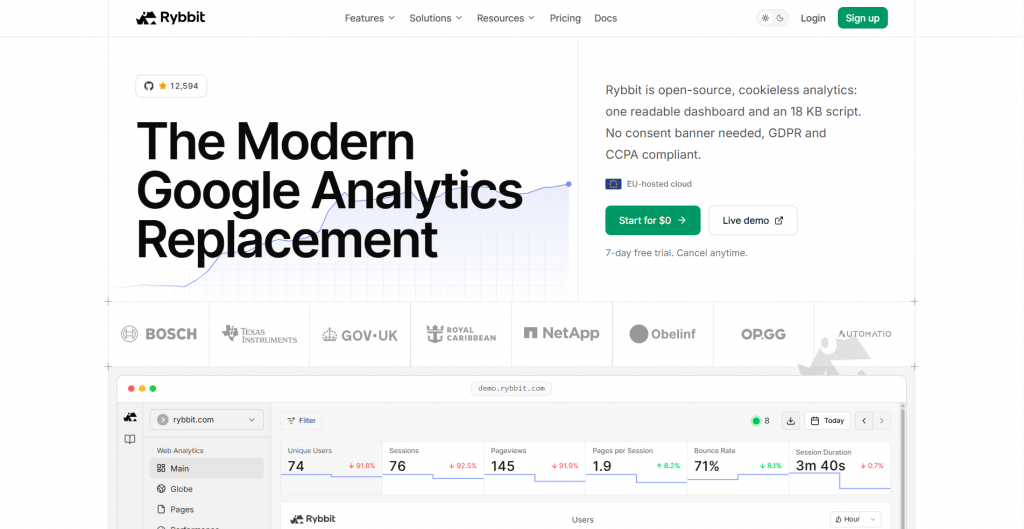
Official website: rybbit.com
Platform: Free web-based AI comment tool.
Features: Rybbit generates authentic comments for posts, reels, and stories, letting you paste the content, pick a tone (friendly, professional, humorous), and get responses that reference specifics of the post. It builds in a reminder to review and personalize before posting, leaning on authenticity as the goal rather than volume.
Pricing:
|
Plan |
Price |
Key features |
|
Free |
$0 |
Tone selection, post-specific comments, no signup |
Public feedback: Praised for on-tone, concise comments that feel human, with users noting the tone selector as the standout for matching different niches.
-
Free to use with adjustable tone
-
References specifics of the post for authenticity Works for posts, reels, and stories
-
Built-in prompt to personalize before posting
-
Single-purpose: writes comments, no analytics or scheduling
-
Generic if you skip the personalization step
3. ChatGPT or Claude
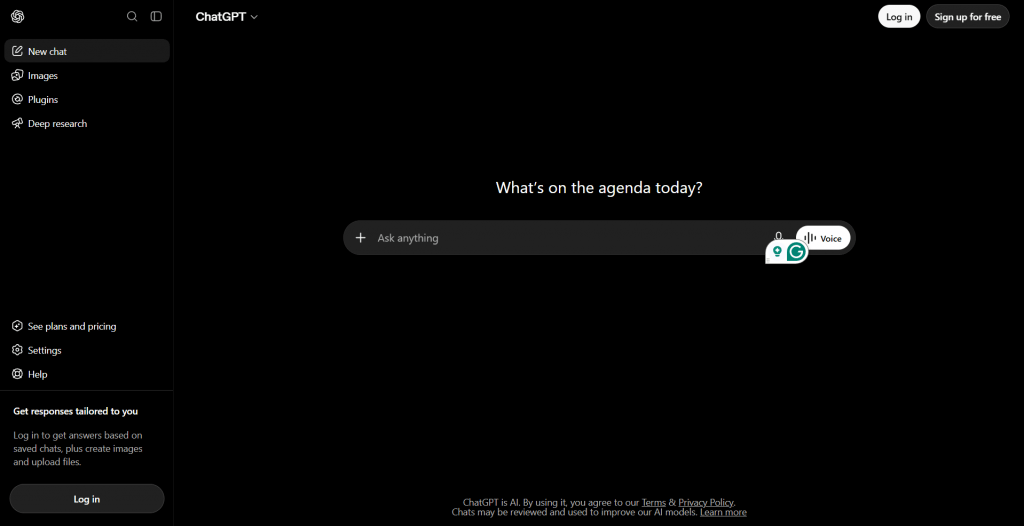
Official website: chatgpt.com / claude.ai
Platform: General AI assistants, web and mobile.
Features: Beyond dedicated generators, the major AI assistants are strong for the upstream half of engagement: writing captions with comment-driving hooks and questions, brainstorming reply angles, and refining your comment voice. They handle any niche and tone and are endlessly flexible, though they need a clear prompt to avoid generic output.
Pricing:
|
Plan |
Price |
Key features |
|
Free |
$0 |
Capable permanent free tiers on both |
|
Paid |
From $20/mo |
Higher limits, latest models |
Public feedback: Widely used for caption and hook writing; the common critique is that output sounds generic unless you feed it specifics about your audience and voice.

-
Permanent free tiers on both tools
-
Excellent for caption CTAs that prompt comments
-
Flexible across any topic, tone, or format
-
Doubles as a brainstorming and reply-drafting aid
-
Not Instagram-specific, so no automation or posting
-
Needs detailed prompts to avoid generic phrasing
4. Manychat

Official website: manychat.com
Platform: Comment-to-DM automation, official Meta Business Partner.
Features: Manychat turns comments into conversations: when someone comments a keyword on your post or Reel, it auto-replies and opens a DM, moving engagement into a direct channel. Its AI assistant helps build conversation flows from text prompts and refine messaging, and because it runs on Meta’s official API, it is safe to use within Instagram’s rules.
Pricing:
|
Plan |
Price |
Key features |
|
Free |
$0 |
Core comment-to-DM flows, limited contacts |
|
Pro |
From about $15/mo |
Unlimited automation, AI assistant, analytics |
Public feedback: Well regarded for reliable comment-to-DM funnels and easy setup, with the free plan seen as genuinely usable before upgrading.
-
Official Meta partner, safe within Instagram’s rules
-
Turns comment prompts into DMs and leads
-
AI assistant builds and refines flows
-
Usable free plan to start
-
Automation focus, not comment writing
-
Advanced flows and volume need the paid plan
5. Later

Official website: later.com
Platform: Social scheduling and analytics with AI features.
Features: Later cover the timing and management side of comments. AI features surface your best posting times, and a unified inbox collects comments, mentions, and messages so you can reply fast, which is what keeps threads alive. It is a tool for creators who want to post when their audience is active and never miss a comment worth answering.
Pricing:
|
Plan |
Price |
Key features |
|
Free |
$0 |
Workable permanent free tiers on both |
|
Paid |
From about $18/mo |
More profiles, deeper analytics, full inbox |
Public feedback: Users value the best-time insights and single-dashboard comment management, though the deepest analytics sit on paid tiers.
-
Permanent free tiers available
-
Best-time posting boosts comment reach
-
Unified inbox speeds up replies
-
Analytics show what earns engagement
-
Not comment-writing tools themselves
-
Advanced analytics require paid plans
Comparison Table
|
Tool |
Job |
Free tier |
Best for |
|
Inflowave |
Writes comments to leave |
Yes |
Niche engagement, profile clicks |
|
Rybbit |
Writes comments to leave |
Yes |
On-tone, authentic comments |
|
Caption hooks and CTAs |
Yes |
Prompting comments on your posts |
|
|
Manychat |
Comment-to-DM automation |
Free plan |
Converting comments to conversations |
|
Later |
Timing and management |
Yes |
Fast replies, best-time posting |
Organic Strategies That Actually Earn Comments
Tools help, but the habits matter more:
-
Ask a real question in the caption, something specific and easy to answer, not a generic “thoughts?”
-
Reply within the first hour, since early replies seed the thread and signal activity to the algorithm.
-
Comment on others daily, spending 20 to 30 minutes on creators whose audience matches yours; the recognition brings visits back.
-
Use Story stickers. Polls and questions lower the barrier to interaction.
-
Prioritize Reels, which carry the most reach, so a comment prompt reaches more people.
The Shortcut to Avoid
Search “free Instagram comments” and you will find apps promising to deliver comments straight to your posts through bots or engagement pods. Steer clear. They violate Instagram’s terms and can trigger shadowbans or suspension, the fake engagement often suppresses your reach rather than helping it, and many harvest your login or force you into pods that spam your feed. The tools above grow genuine conversation; a bot just puts your account at risk.
Conclusion
Getting free Instagram comments the right way is a system, not a hack: use Inflowave and Rybbit to write standout comments on others’ posts, ChatGPT or Claude for caption hooks that invite replies, and Manychat to turn replies into conversations, all on free tiers. Pair them with the habits that matter, real questions, fast replies, and daily genuine commenting, and engagement compounds. Skip the bot apps; they cost more in reach and risk than they deliver.
Sources
-
Inflowave – Free AI Comment Generator — inflowave.io
-
Rybbit – Instagram Comment Generator — rybbit.com
-
Manychat – Chat Marketing & Instagram Automation — manychat.com
-
Later – Best Time to Post on Instagram in 2026 — later.com
-
Instagram Help Center – Account Restrictions and Unauthorized Automation — help.instagram.com
❓ Frequently Asked Questions
Answers to relevant questions about this AI tool