
Room Genius AI: Smart Interior Design App
On this page
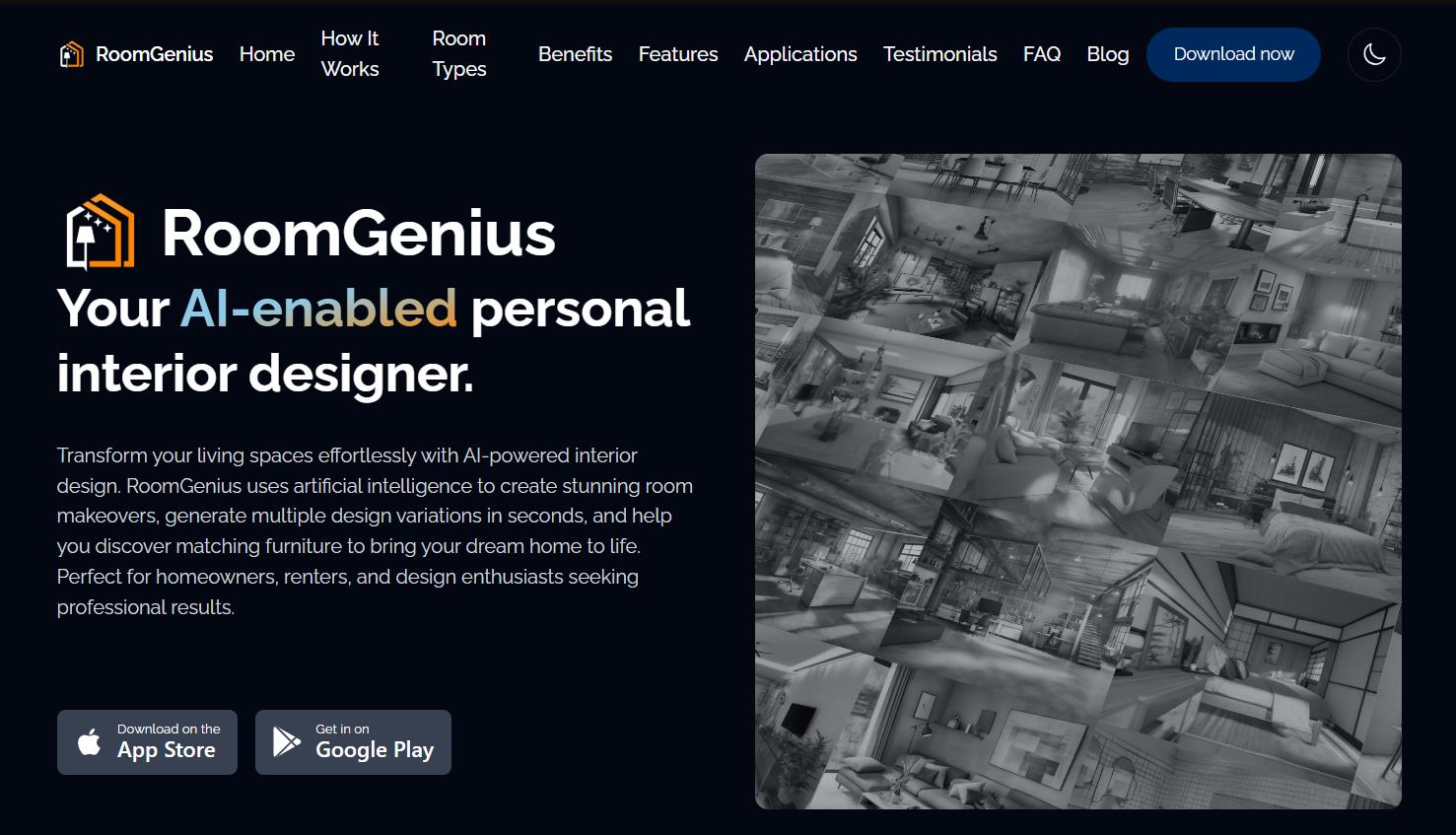
Imagine you want to refresh your living room, but hiring a designer is expensive and hunting for ideas on Pinterest takes hours. What if an AI could turn your photo into dozens of professional design options in seconds, and then show you exactly where to buy the furniture? That’s what Room Genius promises — a “personal AI designer” for your home.
What it is and what it’s for
Room Genius is a mobile app powered by artificial intelligence. Launched in 2023–2024 by the German company Bitfuse UG, it takes a single photo of a room and produces several professional redesign options in different styles within seconds.
The main goal of Room Genius is to make professional interior design fast, affordable, and accessible — no need to hire a designer. You can save thousands of dollars and weeks of time spent searching for concepts and picking out furniture.
Room Genius is primarily a mobile app for iOS and Android. There is a demo web interface — you can log in with a Google account, browse before/after examples, and try generating designs right in your browser. However, the main and most complete experience is on a smartphone or tablet.
How it works
Here’s how you use the service:
- Upload a photo. Take a picture of the room — ideally well-lit and shot from an angle so the AI can assess the layout, dimensions, and existing furniture.
- Pick a style. Choose one or more themes: modern minimalism, cozy rustic, chic contemporary, farmhouse, bohemian, industrial, and others.
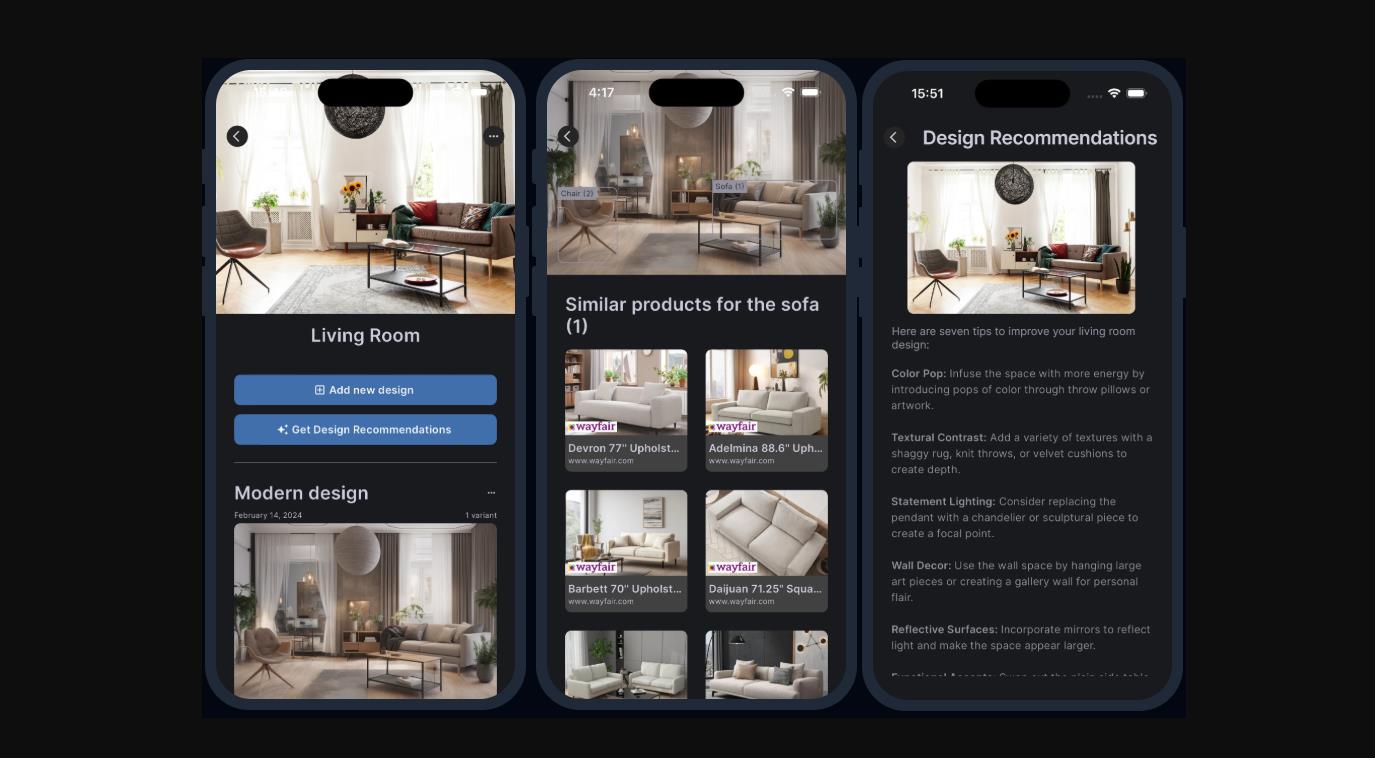
- Generate. The AI delivers photorealistic design options in a few seconds — new furniture arrangement, repainted walls, different lighting, and decor.
- Customize. Use text prompts like “remove the sofa,” “add plants,” or “make it mid-century modern.”
- Shop the look. Tap any item in a design you like, and the AI shows real products from stores that you can buy directly. This feature is available in the US, Canada, most EU countries, the UK, and India.
- Extra features. Before/after comparisons, sharing designs on social media, and personalized recommendations.
Quality varies. Many users note that it takes a few tries to get a good result. In 2025 updates, the developers improved how well generated furniture “sticks” to the original room layout — so the AI now moves walls and windows around less often.
Key features
The service runs on cloud-based AI models trained on millions of professional interior design examples.
- Pay-as-you-go monetization: a credit system with no mandatory subscription. You get a few free designs to start, then buy token packs. One design = one credit.
- Shoppable designs: integration with real furniture stores — tap any item in a generated design and go directly to buy it. Available in the US, Canada, the EU, the UK, and India.
- Custom prompts and iterative editing: refine the design with text (“remove the sofa,” “add plants”).
- Photorealistic renders: good enough to present ideas, though not always perfect.
- Full privacy: images are processed in the cloud, not saved or sold.
- Mobile-first: apps for iOS and Android plus a reduced browser version.
- Multi-language support: English, French, Spanish, and others.
- Photo quality matters: you need a good, well-lit shot from the right angle for best results.
Pricing
Room Genius uses a hybrid payment model that combines pay-as-you-go and monthly plans. The service emphasizes that it doesn’t lock you into a mandatory subscription — you can pay only for what you actually use.
Free start. Every new user gets a few free design generations to test the service.
Current pricing. After you use up your free credits, here are your options:
| Plan | Price per month |
Generations per month |
Best for |
Basic |
$9 |
30 |
Casual users with 1–2 rooms |
Update Your House |
$25 |
100 |
Active users with several rooms |
Professional |
$39 |
1000 |
Designers, realtors, frequent use |
Important details:
- One design (one photo + selected styles) usually costs 1 credit. Generating multiple options at once or using complex custom prompts uses credits accordingly.
- Credits reset every month. Unused generations do not roll over.
- You can cancel your subscription at any time. Refunds are handled case by case.
- The shoppable designs feature (buying real furniture) does not cost extra credits. Furniture purchases happen separately through partner stores and are not tied to Room Genius payments.
Who it’s for
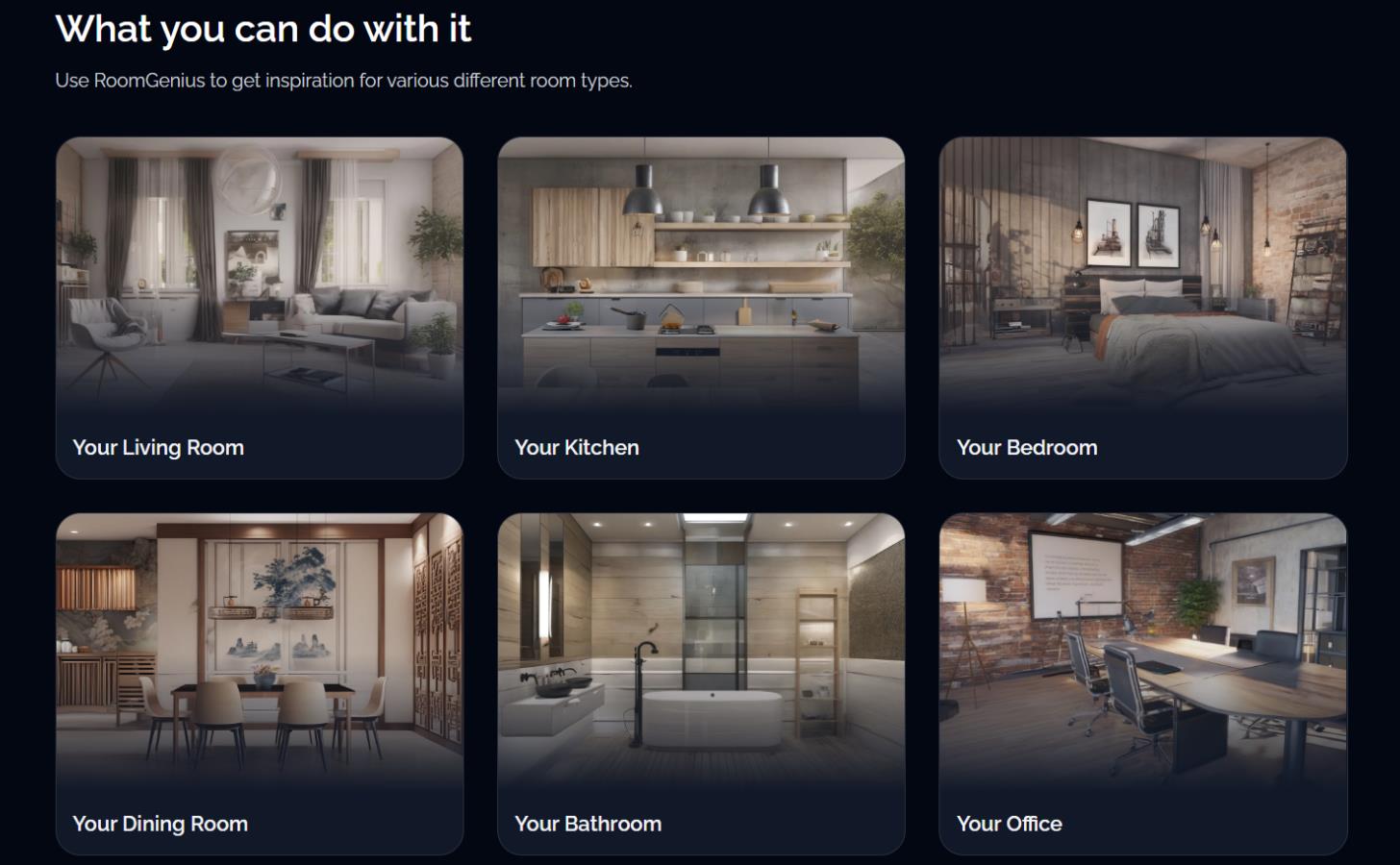
The service works with any room: living room, kitchen, bedroom, dining room, bathroom, home office, nursery, or even a hallway.
- Homeowners and renters — to quickly explore ideas before renovating.
- Realtors — for virtual staging of empty properties.
- Interior designers — to generate concepts and presentations for clients.
- Anyone who wants to save money on hiring a professional designer.
Use cases
Room Genius works for casual experiments and professional tasks alike. Here are a few typical scenarios where the service can come in handy.
For personal use:
- A homeowner tests 10–20 styles in one evening before a renovation and figures out what actually works for them.
- A renter who can’t do major renovations visualizes how to furnish a room without drilling into walls.
- Anyone who loves playing with interior ideas but doesn’t want to spend hours on Pinterest.
For business:
- A realtor virtually stages a property — empty rooms look furnished, which makes listings more appealing.
- An interior designer generates concepts for a client faster than sketching them manually.
- An event planner shows a client how a space will be temporarily transformed for an occasion.
- Generates a design instantly from a single photo
- Real products you can buy directly from the render
- No mandatory subscription — pay only for what you use
- Intuitive interface that beginners can figure out easily
- Great for quickly testing different styles
- Generation quality is inconsistent; the AI often makes mistakes
- After free credits, each design costs roughly $0.20
- You need a good quality source photo for decent results
- There is no full-fledged browser version for PC
Competitors
The AI interior design market is quite crowded by 2026. Main competitors to Room Genius:
| Tool | Key differentiator |
Pricing model |
RoomGPT |
Simple and fast, often cheaper |
Credits / subscription |
Spacely AI |
More accurate 3D models |
Subscription |
REimagineHome |
Conversational AI + exteriors |
Credits |
Interior AI |
Video fly-through, high quality |
From $32/month |
IKEA Kreativ |
Completely free, IKEA only |
Free |
Houzz Pro |
Full project workflow for pros |
From $65/month |
Room Genius’s unique advantages are the combination of fast AI, real furniture you can buy, and no mandatory subscription. That makes it especially handy for casual users and realtors, not just pros.
Conclusion
Room Genius is a convenient entry-level AI tool for anyone who wants to test interior ideas quickly and cheaply, then move straight to buying furniture. It’s not perfect — generation quality is hit or miss, and you have to pay after the free credits run out. But the lack of a mandatory subscription and the shoppable designs feature set it apart from dozens of competitors.
If you need to rough out how a room might look in three or four styles in one evening, and get a sense of what the furniture might cost, Room Genius does the job. If you need precise 3D models with accurate dimensions and CAD integration, you’re better off with professional tools like Houzz Pro or Planner 5D.
❓ Frequently Asked Questions
Answers to relevant questions about this AI tool
Sources
-
RoomGenius — room-genius.com
-
RoomGenius — room-genius.com
-
RoomGenius — room-genius.com
-
RoomGenius — room-genius.com
-
RoomGenius – Apps on Google Play — play.google.com