Neural networks not found
Not a single neural network has been published yet.
As the world shifts toward AI-native workflows, design is no longer just about manual pixel-pushing. It’s about managing systems and intent. The AI Design category on AI Market Cap showcases a suite of tools that automate the tedious parts of the creative process, allowing you to focus on high-level concepts and strategy.
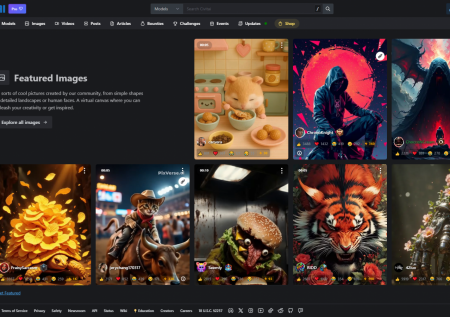
In this context, AI design refers to software that uses machine learning specifically generative models and computer vision to assist in creating visual assets. These tools range from generative image platforms that build art from text prompts to automated UI/UX builders that turn wireframes into interactive prototypes.
We’ve moved past simple filters. Today’s design AI understands spatial relationships, color theory, and user behavior. Whether you're trying to generate a logo in seconds or remove a complex background from a video frame, these tools provide the horsepower to do it without a decade of specialized training.
Modern AI design tools don’t replace the designer; they act as a force multiplier. I’ve seen these tools cut production times by 70% in professional environments. Here is what they actually do:
The user base for AI design tools is broader than you might think. We've seen a massive uptick in adoption across several sectors:
To find the right fit, you need to know how these tools are grouped. Not every "design AI" is built for the same purpose.
Generative Art vs. Layout Design. Generative art tools focus on the "what" the image itself. Layout tools focus on the "where" how elements sit on a page. If you're building a website, you need a layout tool. If you need a hero image for that website, you need a generative art tool.
Browser-Based vs. Software Plugins. Many of the tools listed here, like Canva or Adobe Express, run entirely in your browser. Others are plugins for professional software. For example, Adobe Firefly is integrated directly into Photoshop, allowing you to use AI within your existing professional workflow.
Consumer vs. Enterprise. Consumer tools are built for ease of use (one-click magic). Enterprise-grade tools focus on "brand safety" and "copyright compliance," ensuring the AI doesn't accidentally steal another company's IP or use data it shouldn't.
When you're browsing the list on this page, don't just look at the price. Look at these technical nuances:
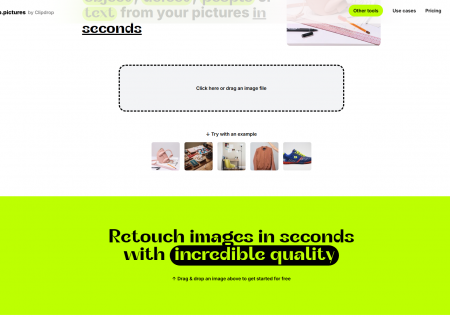
As you look through the tools on this page, you’ll notice a mix of established giants and lean startups. You’ll find Canva, which has pivoted hard into "Magic Studio" features to stay relevant. You’ll also see specialized tools like Looka for branding or Remove.bg for specific utility tasks.
I’ve found that the best approach is to use a "stack" of these tools. Use one tool for your initial brainstorming, another for high-resolution generation, and a third for final polishing. No single AI does everything perfectly yet.
Pro Tip: When using generative design tools, the "seed" or "negative prompt" is often more important than the main description. If your results look too "AI-ish," try adding "low quality, distorted, plastic" to your negative prompts to clean up the output.
Design is becoming more democratic. The technical barrier to entry knowing how to use a Pen Tool or manage Bezier curves is disappearing. The new barrier is creative direction. The people who succeed with these tools are those who can clearly articulate a vision and refine the AI's output until it matches that vision.
By exploring the options in this category, you aren't just looking for a shortcut. You're looking for a partner that handles the heavy lifting so you can focus on the big picture. Dive into the list, try a few free trials, and see which interface fits your brain's logic. The right tool is the one that gets out of your way.