Best AI Coloring Page Generators
On this page
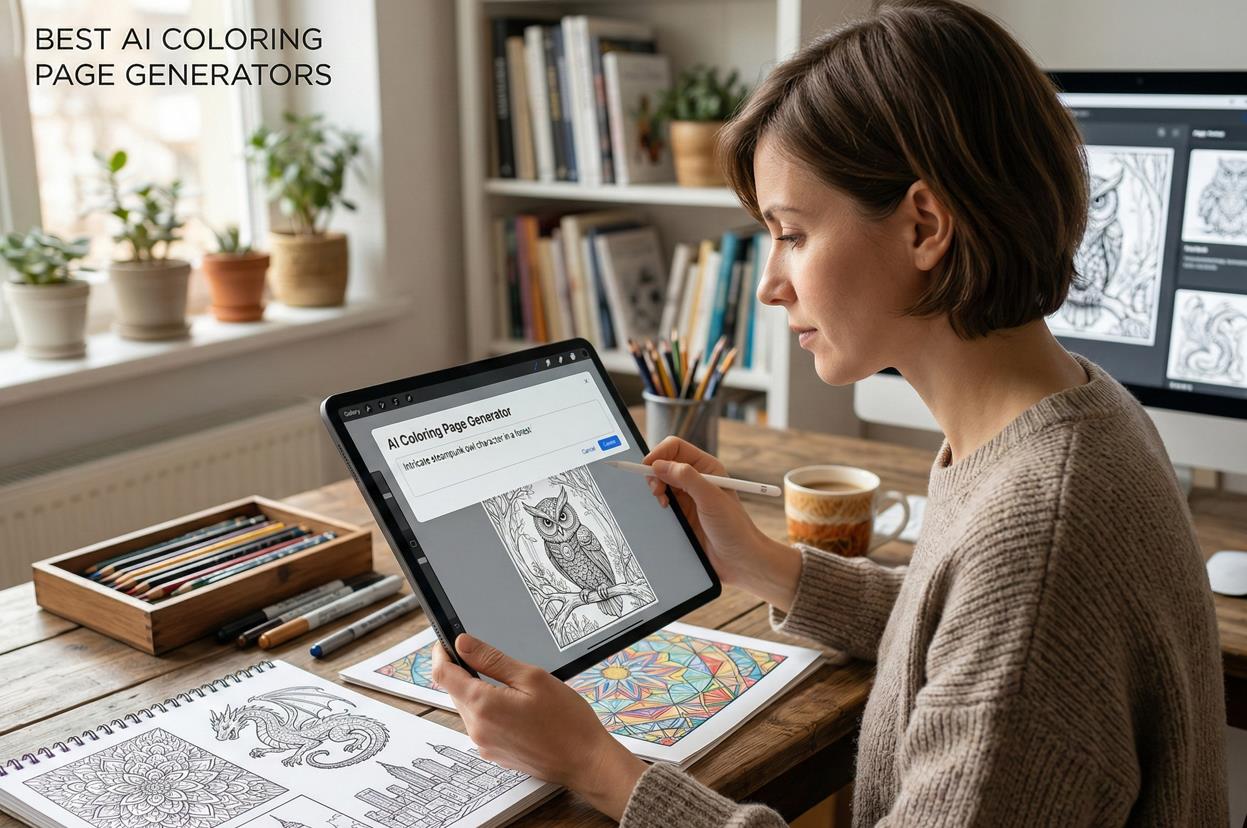
In 2024-2025, a new class of tools emerged at the intersection of generative neural networks and printing: specialized AI coloring page generators. Today, they are very popular, with many children (and even some adults) captivated by them. Let’s explore what new things neural networks have created for your relaxation and leisure.
What Are AI Coloring Page Generators and Who Needs Them?
You can’t really create a printable coloring page with Midjourney or DALL·E. The results usually include too many extra textures, mid-tones, and "messy" lines. You need a dedicated service to generate clean, print-ready black and white line art.
Demand for these tools comes from several user groups:
- Parents and Educators: For developing children’s fine motor skills, educational activities, and personalized leisure (coloring pages featuring a child’s favorite heroes or family members).
- Adults for Relaxation: Creating intricate patterns (mandalas, zentangles) for art therapy and mindfulness.
- Professionals: Teachers, educators, and therapists use these tools to quickly prepare materials for their sessions.
- Entrepreneurs: The most active segment-sellers on marketplaces like Amazon KDP (Kindle Direct Publishing) and Etsy. AI allows them to create dozens of pages for print-on-demand coloring books in minutes, ensuring character consistency.
Top 5 Specialized AI Services for Creating Coloring Pages
Unlike universal solutions, the best AI coloring page generators offer essential features "out of the box": batch generation, character consistency control, and print-ready formats. We’ve tested 5 platforms that gained the most popularity in 2025-2026 due to their functionality and quality results.
ColorBliss – Leader in Line Quality and Book Creation
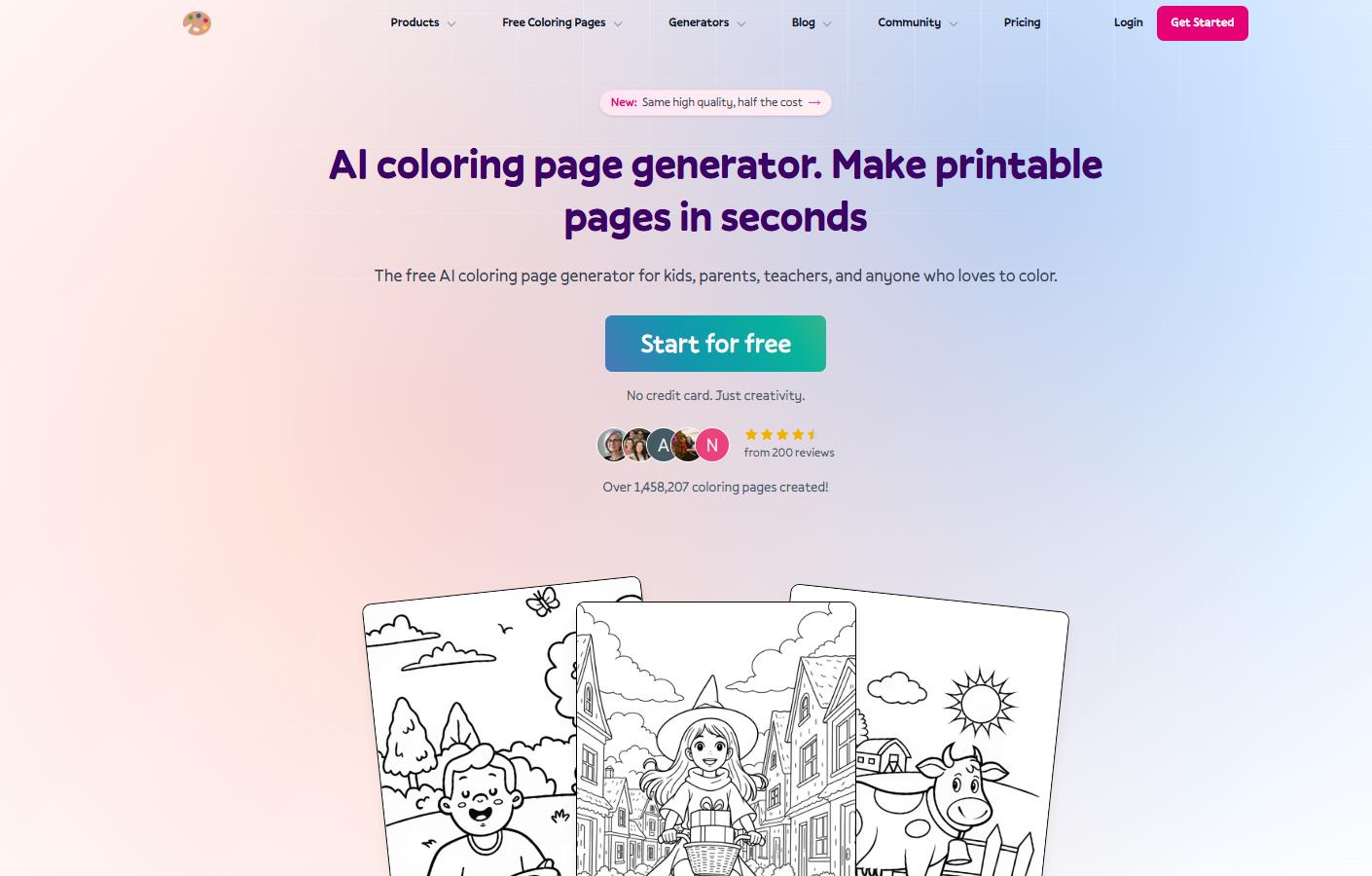
ColorBliss positions itself as a tool maximally tailored for commercial use and flawless line quality. The platform accepts text prompts (e.g., "Captain Marvel at the Death Star") and user-uploaded photos. It automatically removes the background and converts the image into clean line art.
18 styles are available, ranging from classic cartoons to manga, mandalas, and Zen art.
Key Advantage: The consistent characters feature. By uploading one reference, you can generate hundreds of pages featuring the same character in different scenes, which is critical for book creation. The bulk generation mode allows creating up to 50 pages at once.
Pricing:
- Free: 12 images after registration (personal use only).
- Paid Plans: Starter $7/month (250 credits), Hobby $12/month (500 credits), Artist $25/month (commercial use and bulk access available), Business $83/month (5000 credits). Annual subscription discounts are available.
Reviews
Rating 4.5 on Trustpilot. Users on Reddit praise the detail in photo conversion and the absence of "noise" in the lines. A downside mentioned is the policy of expiring unused credits in the lower-tier plans.
Coloring.app – Best Service for Community and Printed Gifts
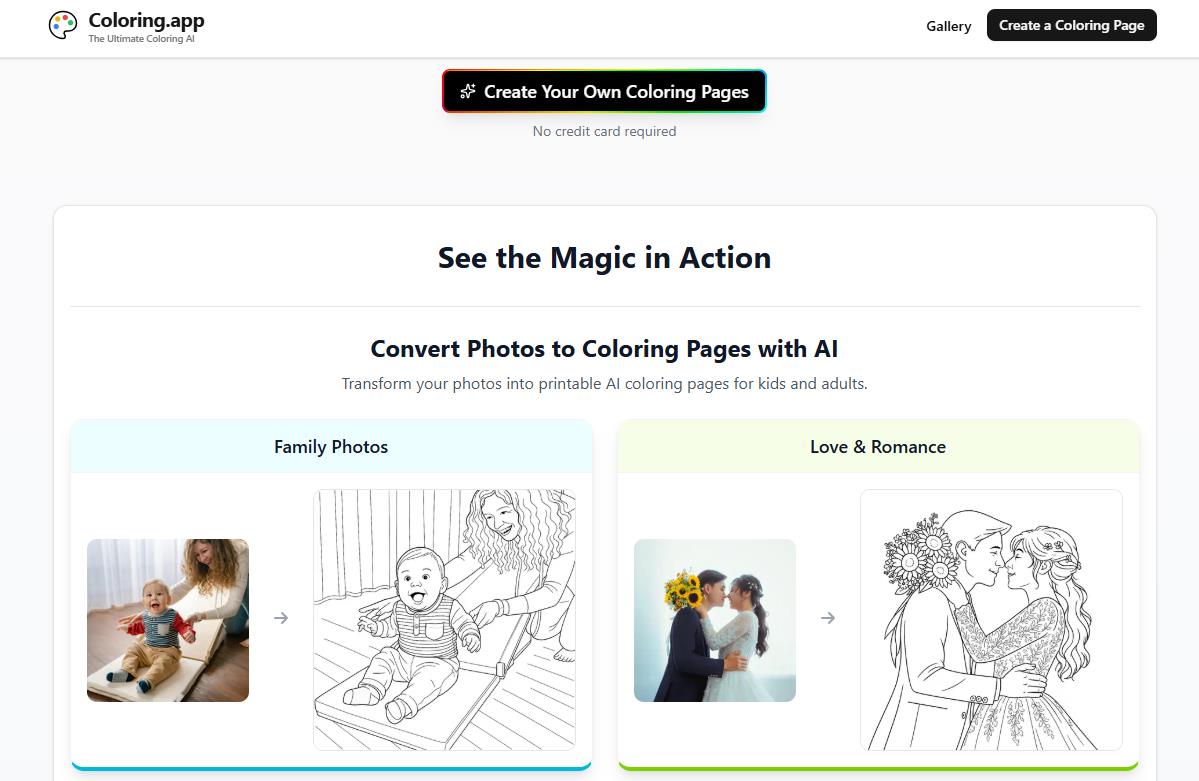
Coloring.app stands out for its focus on a broad audience and social features. Besides standard text or photo generation, it offers a "guided wizard," a huge free gallery (over 61,000 ready-made pages), and a remix function that allows editing existing works.
A unique feature is the built-in professional printing service. You can take a family photo album, convert the pictures into coloring pages, and order a physical copy as a gift. Privacy mode ensures uploaded photos are not stored on the servers.
Users note the high quality of photo-to-coloring page conversion and the service’s relevance for educational purposes. The user base exceeds 33,000 people.
Pricing:
- Free: 3 generations per week + full access to the gallery.
- Paid Plans: A flexible system of credits or subscriptions (prices are displayed in the personal account depending on the region). Commercial use is not emphasized.
iColoring AI – Completely Free Option, No Sign-up Required
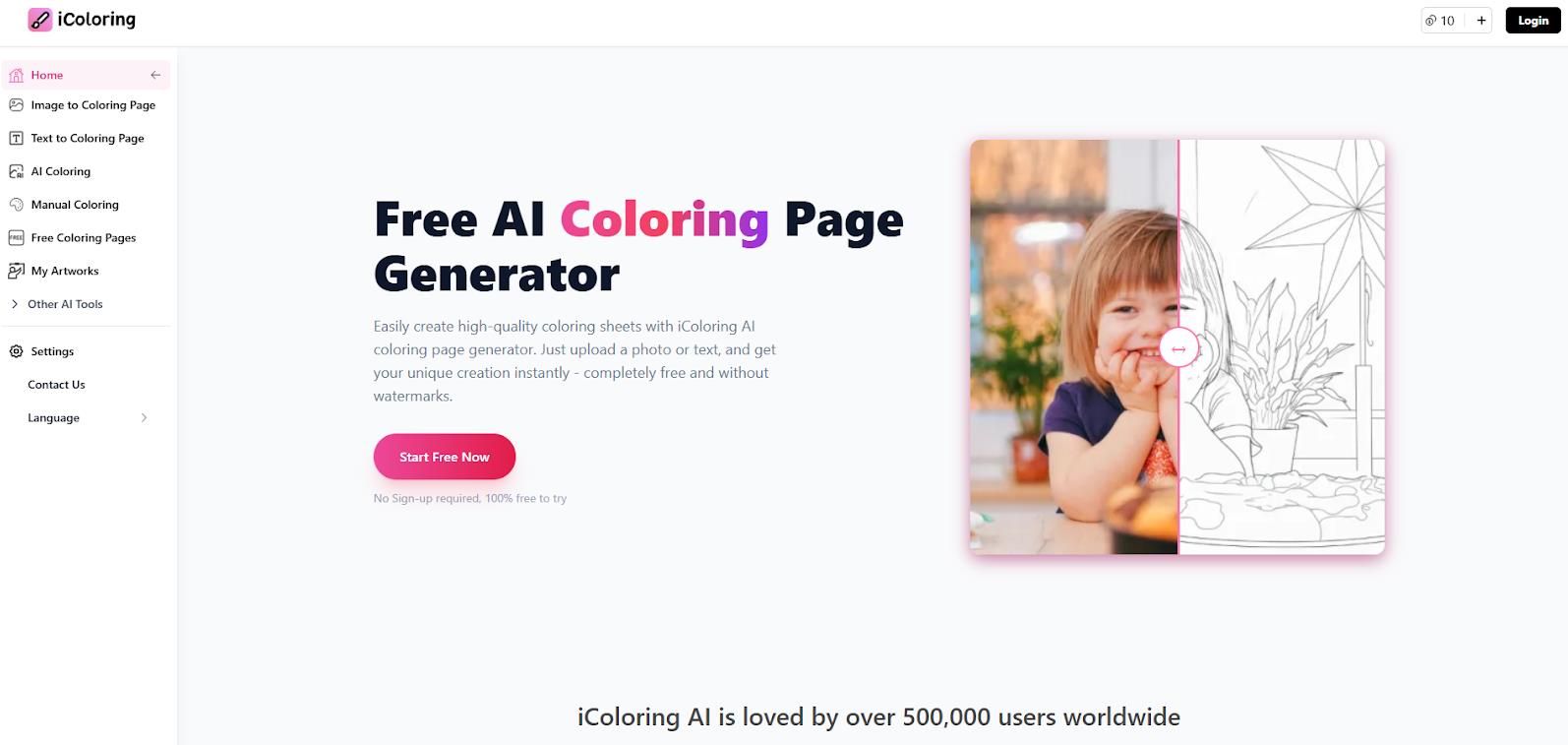
iColoring AI is one of the few services offering full functionality without requiring registration or payment. It supports photo upload with conversion into three styles (classic, cartoon, pencil sketch), text prompts, and even AI Colorizer, where the neural network colors your line art based on a text description. It also includes a Book Cover Generator.
The service is called a "game-changer" for Amazon sellers as it allows for quickly scaling up their product range. The user base exceeds 500,000 people. A downside mentioned is fewer settings compared to paid alternatives.
Pricing:
- Free: 100% free access. According to reviews, there are soft limits (~50 generations per day), but they are not critical for most users.
- Commercial Use: Allowed.
Colorify AI – The Fastest and Free Generator
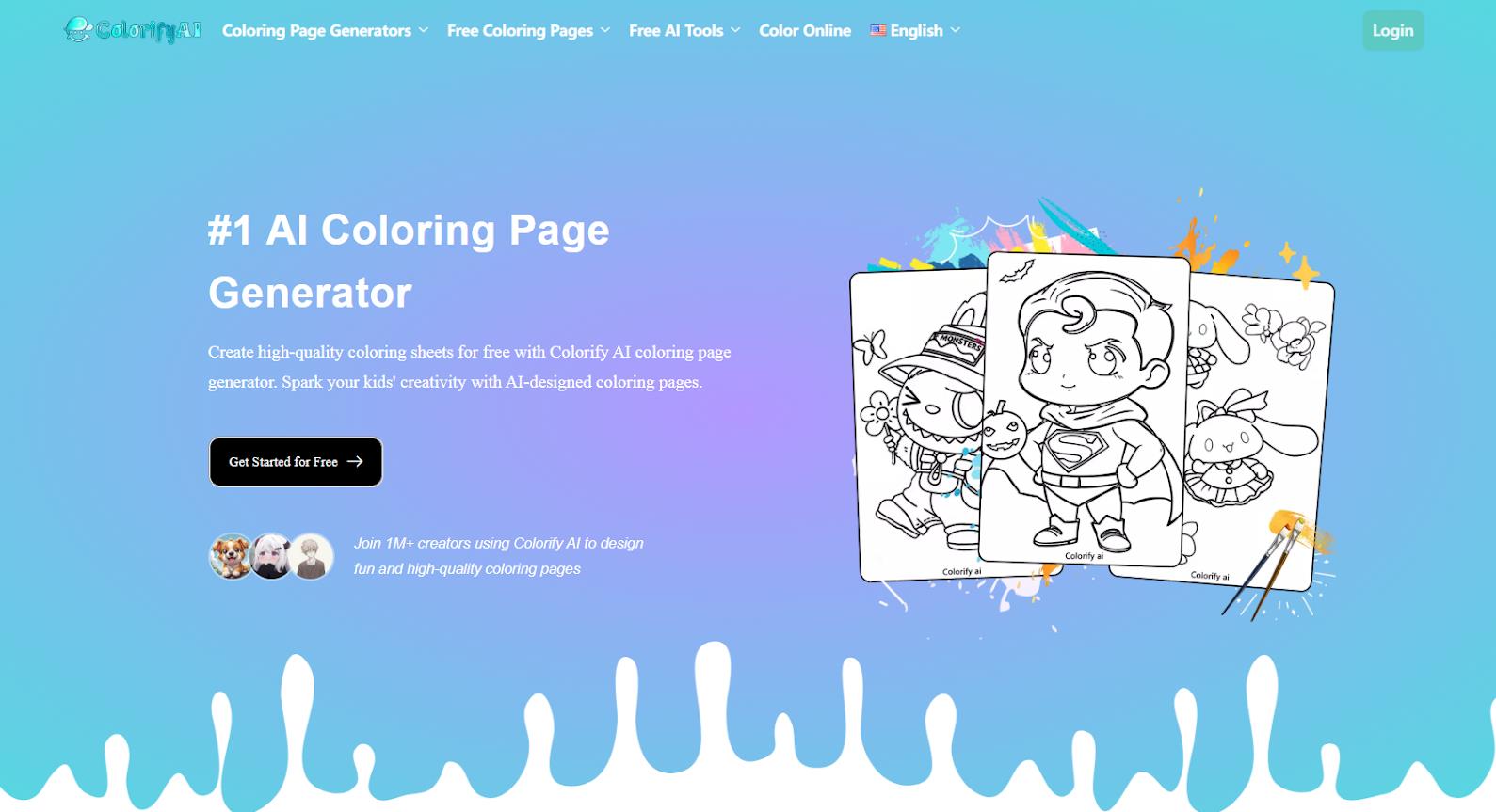
The main "feature" of Colorify AI is its generation speed (around 3 seconds), thanks to an optimized proprietary model. Colorify AI offers 7 styles for text prompts, 4 photo processing modes, over 1,000 thematic templates (Disney, animals, holidays), and a built-in online colorizer with a palette of 100+ colors.
The service’s audience is 500,000 active users per month, creating over 2.4 million art pieces. On Reddit, users note its ease of use for children and teachers. A downside is that the generation history is only saved for one day.
Pricing:
- Free: Basic functionality is available without registration. Commercial use is not prohibited by the rules.
- Paid: None.
ColoringBook.ai – Best Tool for KDP and Large Print Runs
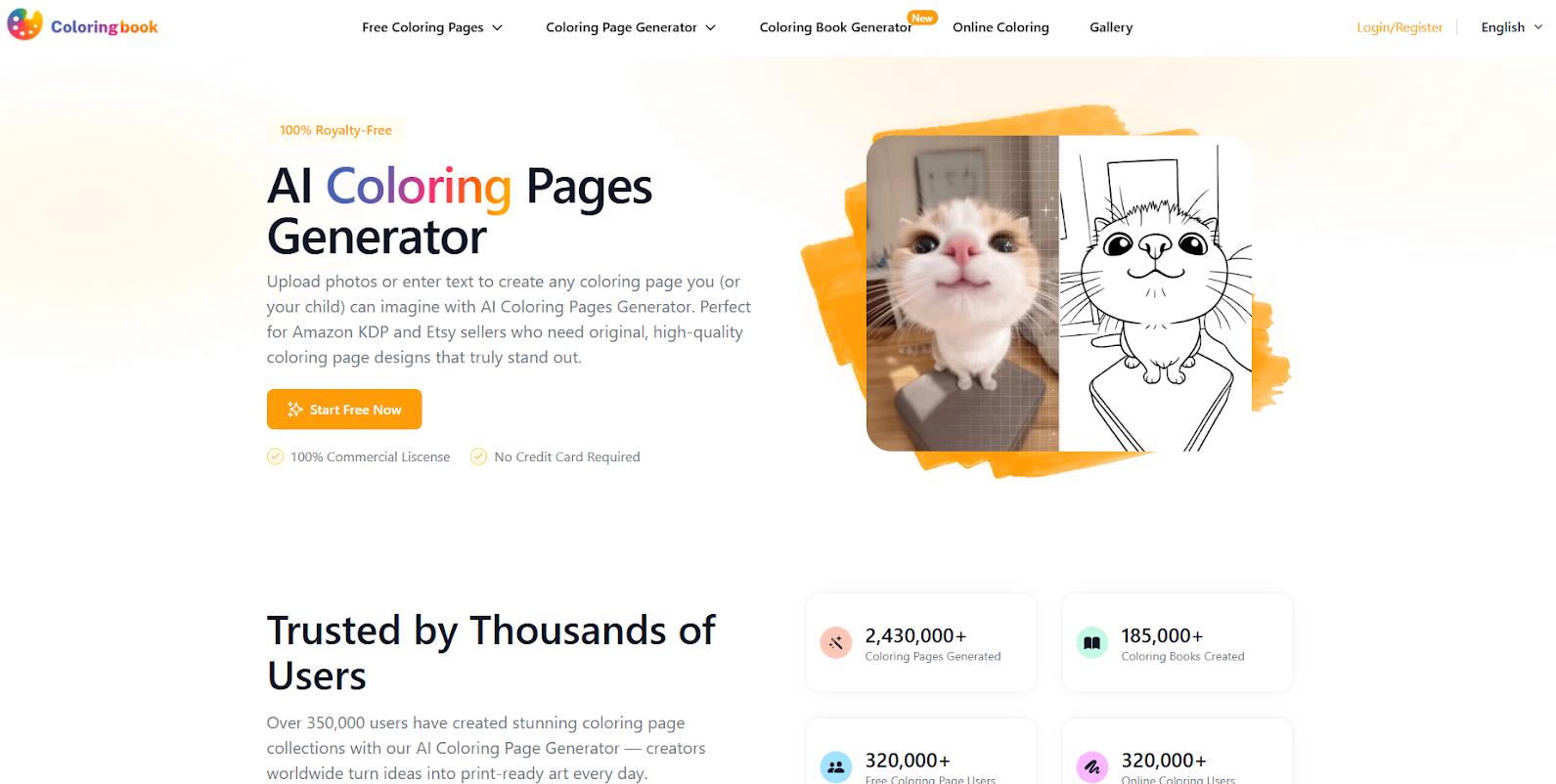
ColoringBook.ai is designed with publishers in mind. Its main function is creating multi-page books with a consistent story. You provide a character and a story description, and the neural network generates up to 200 pages in one click, maintaining a uniform style. It successfully solves the "drift" problem (changes in a character’s appearance) common with other AI tools.
Age-specific styles (from scribbles for toddlers to realistic portraits), color variations, and a KDP Builder for layout preparation are available.
There are many tutorials on YouTube dedicated specifically to this service for making money on Etsy and Amazon. Users confirm a dramatic acceleration of their workflow. Its rating on Trustpilot is 3.2, but this is likely due to a small number of reviews rather than service quality.
Pricing:
- Free: Limited starter access + 27,000 ready-made pages in the library.
- Paid Plans: Starter $6.99/month (100 pages), Hobby $13.99/month, Professional $27.99/month (1000 pages + commercial license), Business $69.99/month (5000 pages).
Comparison Table of AI Services
Service |
Free Tier |
Photo Generation |
Book Creation |
Commercial Use |
Key Advantage |
ColorBliss |
12 images |
Yes (w/ bg removal) |
Yes (consistent chars, bulk) |
Yes (with Artist plan) |
Line cleanliness and 18 styles |
Coloring.app |
3/week + gallery |
Yes |
Yes (print-on-demand) |
Not emphasized |
Large community and gift options |
iColoring AI |
100% (no signup) |
Yes (3 styles) |
Cover only |
Yes |
Completely free |
Colorify AI |
100% (no signup) |
Yes (4 styles) |
Manual mode |
Yes (not prohibited) |
Speed (3 sec) and templates |
ColoringBook.ai |
Starter access + gallery |
Yes |
Yes (up to 200 pg w/ story) |
Yes (with Pro plan) |
KDP optimization & consistency |
❓ Frequently Asked Questions
Answers to relevant questions about this AI tool